Does your office print A3?
Open the bypass tray on the copier you have now. If it is clean, and the A3 drawer has been empty since the day it was fitted, you have your answer. A modern A4 multifunction scans, copies and prints most of what a Gold Coast office pushes through it, takes up less of the corridor, and costs less to feed.
A3 starts to pay when a sheet that size is part of the working week. A building designer in Burleigh printing site plans. A strata management office in Southport folding agendas and balance sheets into meeting packs. A real estate agency in Robina running floor plans and open home sheets. A medical group printing patient information in booklet form. A school office doing newsletters. None of them are doing it for fun, and a print shop round the corner adds a trip and a day to every job.
One more reason: the frame. A3 machines are generally built heavier, with a bigger paper path and a longer rated life. Some offices buy one for that alone, even at A4 volumes. It is a reasonable call, and we will tell you if we think it is the right one for you.


What the work asks of the machine
| The job | What helps | Watch out for |
|---|---|---|
| Plans and drawings | Large paper trays, colour or mono scanning to A3, a bypass for heavier stock | Curl on tracing weight paper in humid weeks |
| Meeting packs and agendas | Duplex feeder, stapling finisher, hole punch | Finisher jams when the staple cartridge runs low |
| Marketing and proofs | Colour, good paper handling, booklet finisher | Colour drift if the machine sits in afternoon sun |
| Statements and notices in bulk | Speed, big trays, duplex, secure release | Running at the rated maximum every month |
| Mixed office use | Scan to email and folder, a card or code login | Paying for features nobody switches on |
Colour costs more per page than mono, because the toner and the imaging parts cost more and there are more of them. A colour machine set to print in black by default, with colour switched on at the screen when it is wanted, often suits an office better than a pure mono machine bought to save money. Staff have to agree to leave it on the default, and that is a people question more than a technical one.
Speed and volume, said plainly
Every copier carries two numbers that matter: a recommended monthly volume and a higher maximum. The maximum is a ceiling, and a machine that lives against it wears fixing parts, drums and feed rollers early. We pick a model whose recommended figure sits comfortably above what the office prints on its heaviest month, not its average one.
Pages a minute is the other number. A team printing a few thousand pages a month gets nothing from a very fast machine, so we do not sell one. A tax office at lodgment time or a school office on the first day of term works in bursts, and there speed pays for itself in staff not standing at the glass.
Salt, sun and the coast
Machines near the water get a different life. Salt in the air finds its way into paper trays and onto the exposed metal of the paper path, and a unit parked by an open sliding door at Broadbeach or Burleigh collects a fine film of dust on every roller. Afternoon sun through a west facing window heats the machine and the paper beside it.
Paper stored in a cupboard that is not air conditioned takes on moisture and feeds badly. That is the cause of more jams than most offices believe. Keep the ream sealed until the tray needs it, put the copier somewhere cool and out of the sun, and a good machine lasts a lot longer.
New, ex demo, refurbished or used
Four routes, each with its own place. A new machine carries the longest life ahead of it and the newest software. An ex demo machine has done very little work and sells for less. A refurbished machine has been rebuilt with fresh wear parts and, for many offices, lands in the sweet spot between outlay and reliability. A used machine suits a lighter load, such as a second copier for a back office.
Whichever one you choose, ask for the page count, the finisher that is fitted, the paper sizes the trays take and what is covered if something fails. The machines we sell are warranted, and we spell out what that covers on the phone before you agree to anything.
Two makes worth a closer look
Toshiba's e-STUDIO range and Kyocera's TASKalfa range are the A3 families we put in front of busy commercial offices most often. Both come in colour and mono, in speeds from a modest team machine to a fast shared one, and both take a wide set of finishers. Kyocera builds many TASKalfa models around long life drums and fixing parts, which suits an office that prints a lot and would like to see the technician rarely. Toshiba's e-STUDIO machines carry a good name for scanning and for the way the software handles departmental codes.
That is a general picture, not a promise about any one machine. Models within a range differ a great deal, and the one we recommend is the one that fits the pages, the finishing and the room. The other brands are good too, and if you already run a fleet of Canon or Ricoh, adding a matching A3 usually makes life simpler for whoever does the toner order.
What the front desk asks on the phone
Most calls start small. Somebody has a quote from another supplier and wants to know if the speed figure is sensible. Somebody has a lease that ends in three months and needs a machine lined up. Somebody has a copier that is only four years old and is jamming at every second sheet, and they would like to know whether it is the paper, the humidity or the machine.
We answer what we can on the call and say what we cannot know without looking. Paper, humidity and the machine are all possible, in that order, more often than anyone expects.
Counters, drums and what a used A3 should show
A used copier carries its life in its counters. The total page count is the headline, but the counts on the drum, the fixing unit, the transfer belt and the feed rollers say more. A machine with a high total but recently replaced wear parts can be a better buy than one with a lower total and everything original.
We read those counts before a used machine is offered, and we hand them to you. If a machine is at the end of its useful life we say so, and we do not offer it.
Five checks before you accept an A3 machine
First, print a test page from a computer on your network, not just a copy at the glass. That proves the driver, the tray and the duplex unit all talk to each other.
Second, make a copy from the feeder at A3 and look at the edges. Shadows or skew point to feeder wear.
Third, run the finisher: a stapled set, a punched set, a booklet if the machine claims to make them.
Fourth, scan to your email and to the folder staff will actually use. We set this up with you before we leave, and it is the step offices most often wish they had checked sooner.
Fifth, ask to see the meter and the counters for the parts that wear. A used machine with a high drum count is not always a bad buy, but you should know the number going in.
Getting it through the door
A floor standing A3 copier is heavy and it does not fit in every lift. Tell us whether the office is on the ground floor in Bundall, up two flights in a Southport building or on a high floor on the esplanade side of Surfers Paradise. Many strata buildings need the lift booked in advance, and the building manager is the person to ask. We plan the delivery around that, and if the machine ever has to move again, see photocopier relocation and removal.
Once it is in, we connect it to the network, set up printing from each computer, test scan to email and walk the front desk through the basics. See photocopier installation and setup for what that covers.
The brands we see in A3 here
Canon, Ricoh, Kyocera, Toshiba and Konica Minolta account for most of the A3 machines we meet in commercial offices on the coast, with Sharp and Fujifilm as well. We are an independent service business and not a dealer for any one of them, which is why we can recommend whichever suits the work. Toshiba and Kyocera are the two we know best, and they are often the answer for a busy office that wants a machine to run quietly for years.
After it is installed
The people who put the machine in are the people who service it. Technicians are trained, experienced and certified, and we send the one who suits the model. Repairs are done at your premises, they carry the common spare parts and 98% of repairs are fixed on the first visit. If the same fault comes back, we fix it again at no charge. Same day service is available when something stops mid job.
If the price of a repair looks high against the age of the machine, we say so, because we also buy and sell machines and can tell you what a sensible replacement looks like.
Spreading the cost
Not every office wants to pay for an A3 machine in one go. Hire and rental covers short needs, and the guide on lease, buy or refurbished sets the longer options side by side. Ring (07) 3096 0331 with the pages you print, whether colour matters and what finishing you use. The price is agreed on the phone and nothing is locked in.
The second callout
The cheap visit is the one that fixes it
The true cost of a bad repair is the Thursday it comes back. The machine fails again, the committee papers are due and the front desk is on the phone to someone new.
It is plain arithmetic. One visit done well costs less than two done quickly, and nobody has to explain the delay to a board.
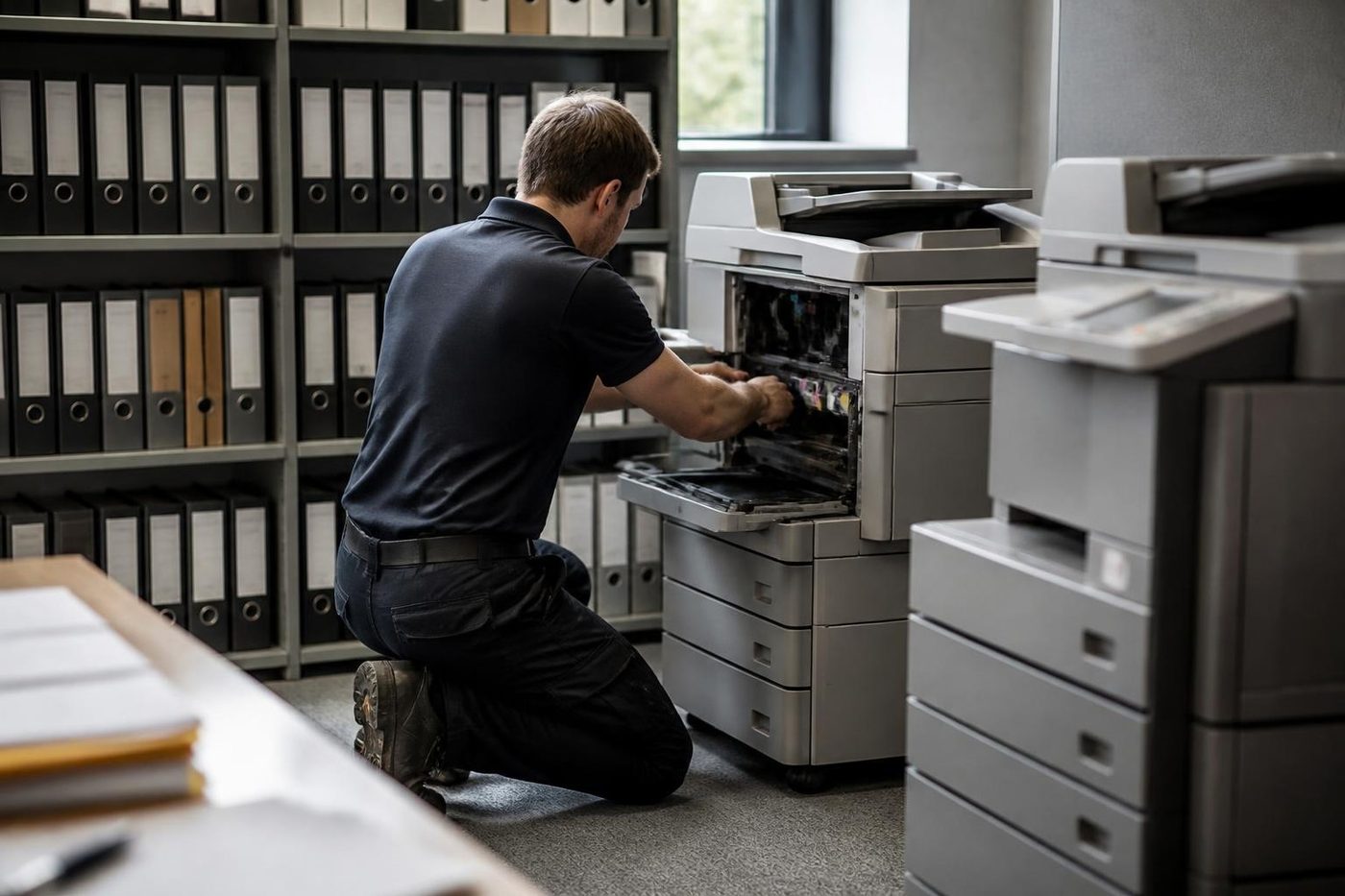
- History read first. Past faults on the machine shape what gets packed in the van.
- Finished means tested. Every tray, the scanner and the finisher get a run.
- Repeat fault, no bill. If it returns, so do we.
Keep reading
 Photocopier salesNew, rebuilt, ex demo and second hand commercial copiers, chosen around the work.
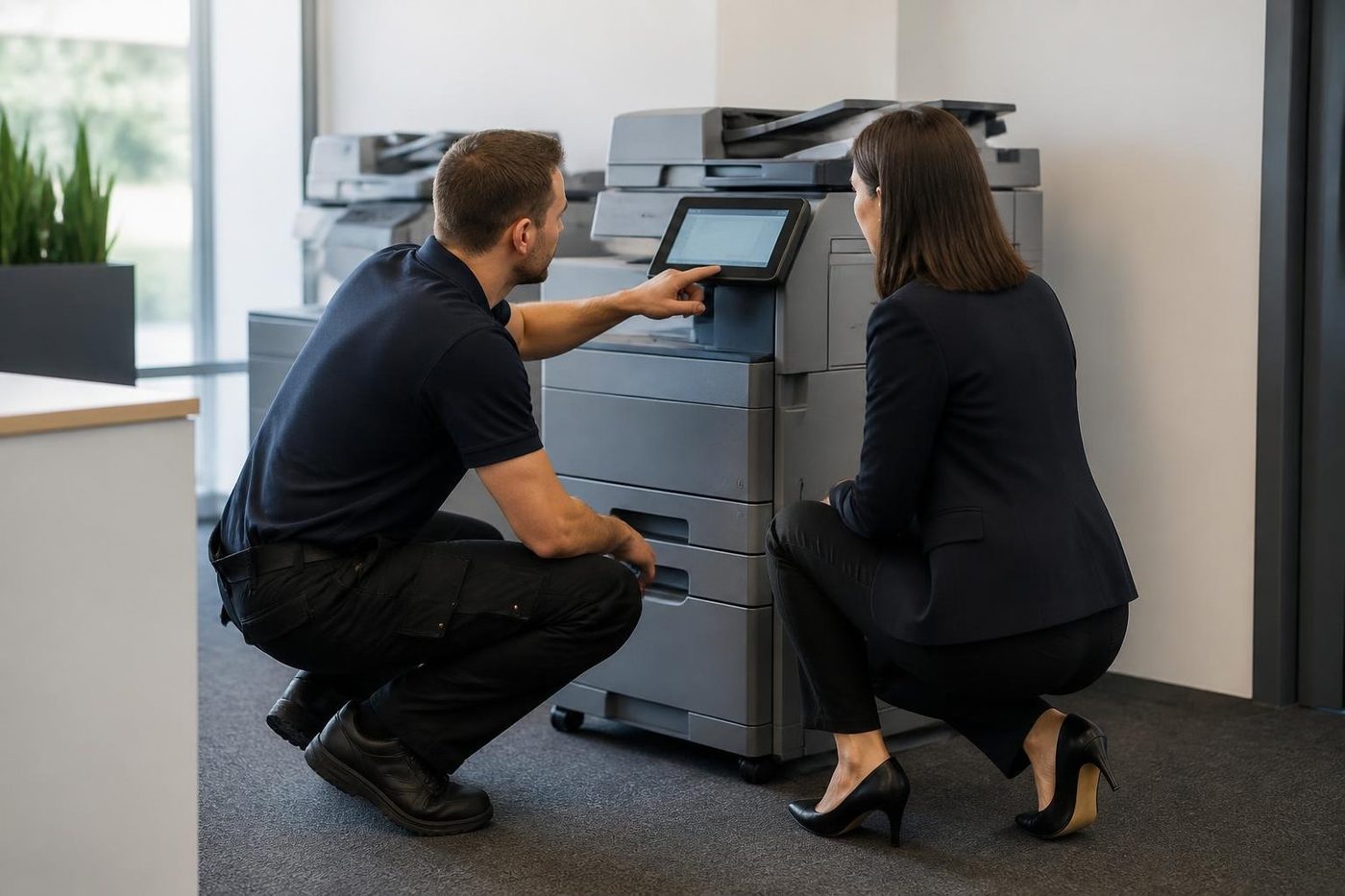 New photocopiersCurrent multifunction copiers, bought or leased, installed and serviced by one local team.Refurbished photocopiersCommercial copiers opened up, rebuilt, load tested and warranted, then installed on your network.
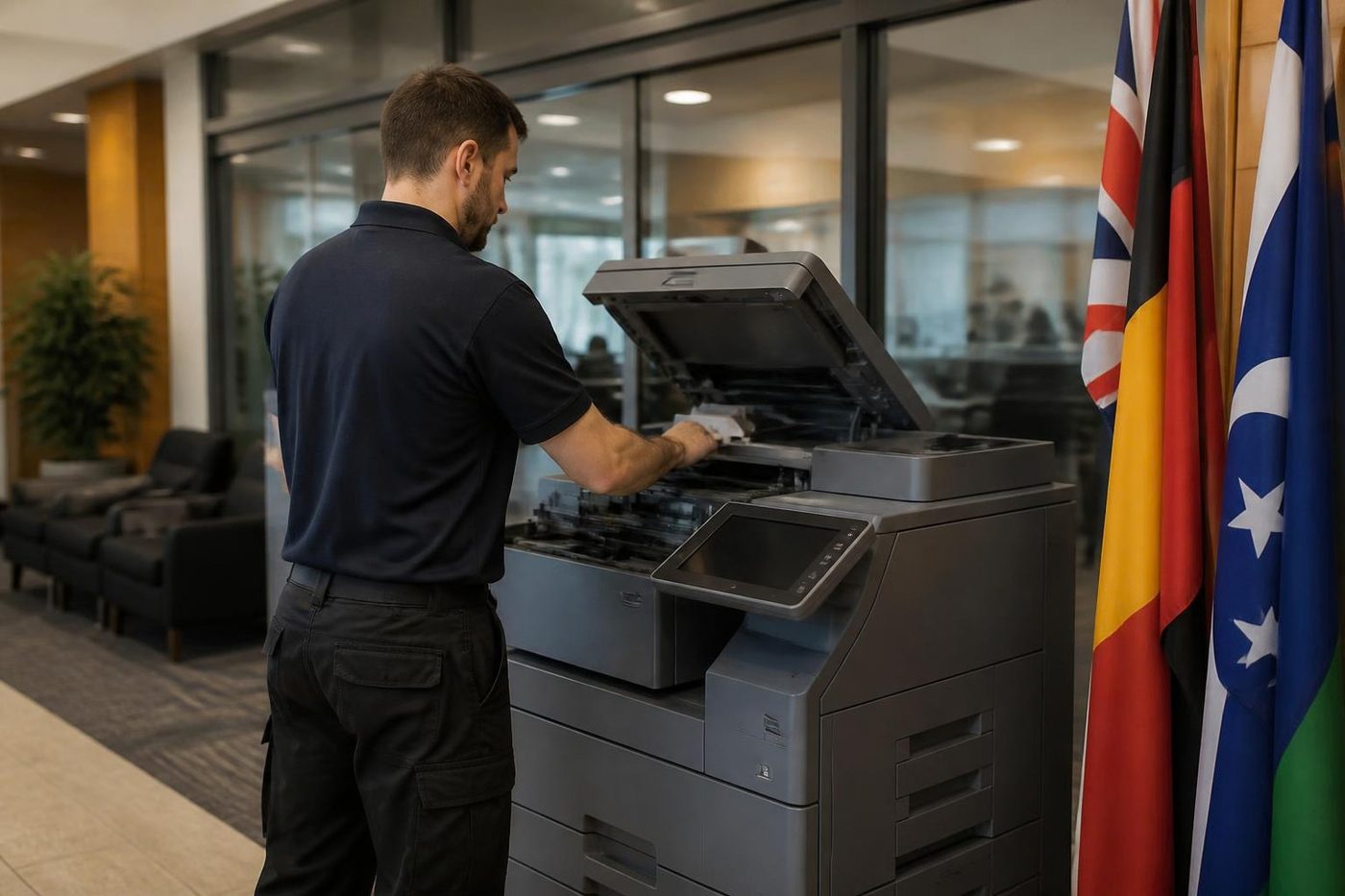 Used photocopiersTested, warranted commercial copiers, set up and serviced locally.Ex demo photocopiersDisplay and trial copiers with very light use, checked, reset and warranted.Installation and setupPlaced, connected, set up for scanning and tested from the desks that will use it.
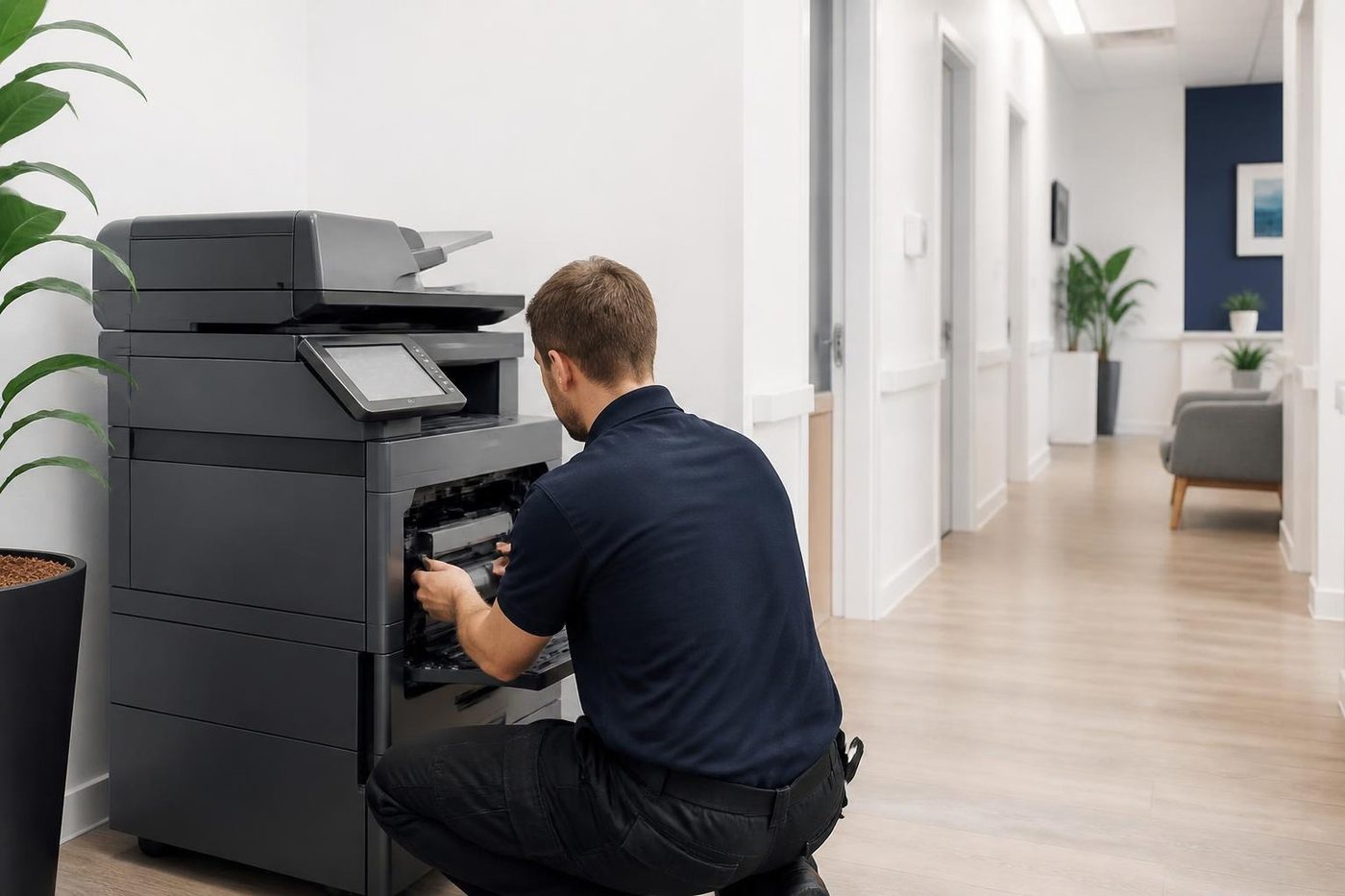 Photocopier hire and rentalCommercial copiers on hire or rental.
Buy, sell and lease
Buy, sell and lease commercial copiers on the Gold Coast
We also sell new and refurbished commercial copiers and buy used ones. Same team, same technicians.

On site on the Gold Coast

Common questions from Gold Coast offices
What actually makes a copier A3?
It can take paper up to A3 in its trays or bypass, and its scanner glass and feeder handle that width. Everything else, from speed to finishing, varies by model.
Is A4 enough for a small office?
Usually. If you rarely print anything bigger than A4, an A4 multifunction costs less to buy, feed and house. We ask what the office prints before suggesting anything.
Can you supply a colour A3 copier?
Yes, colour and mono. Phone with the page volume and whether the colour is for proofs, signage or occasional reports, because that decides which machine makes sense.
Do you sell used and refurbished A3 machines?
We do, along with new and ex demo. A used machine is tested before it goes out, and the machines we sell are warranted.
Will you service the A3 copier I already own?
Yes, whoever it came from. We look after every major commercial brand and we are an independent service business.
How do I know what speed to pick?
Look at your heaviest month rather than your average one. The recommended monthly volume of the machine should sit above it.
Can a heavy copier go into an upstairs office?
Often, with planning. Tell us about the stairs, lift and doorways, and ask the building manager about lift bookings first.
Do you buy A3 copiers as well?
Yes, we buy used commercial machines. Ring with the make, model and page count and we tell you what we can do.