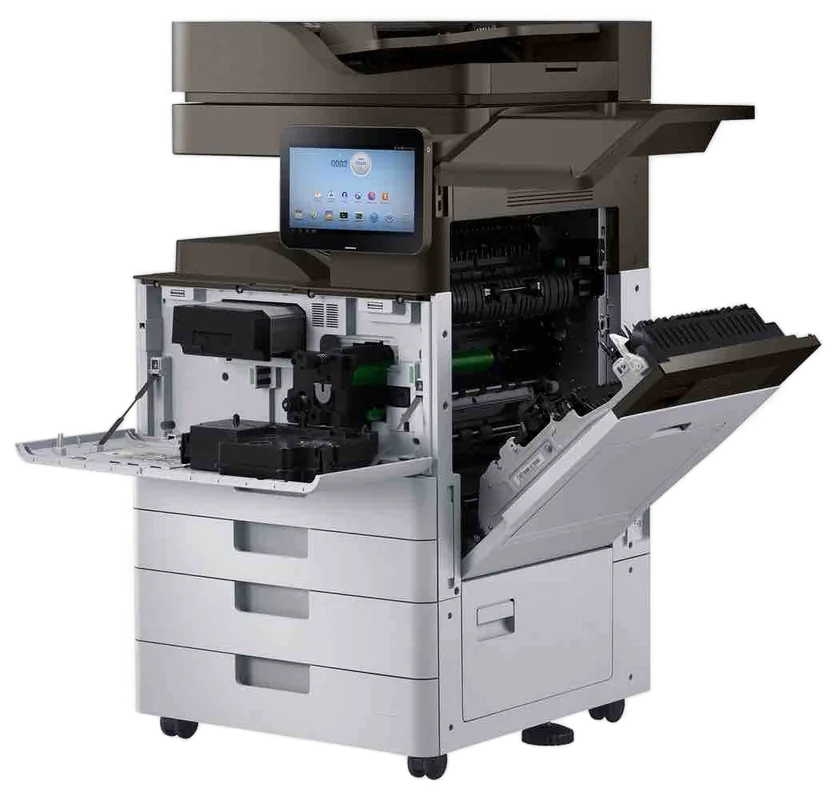
Ricoh service Gold Coast
Ricoh Photocopier Repairs and Service Gold Coast: IM C, IM and MP series
SC stands for Service Call, and when it appears on a Ricoh the machine will not go a step further until somebody deals with it. The number after it is useful to us and meaningless at the front desk. Ring with the number and the model and we will say what it tends to mean. We do Ricoh photocopier repairs and Ricoh copier service across the Gold Coast, at your premises, and same day service is available.
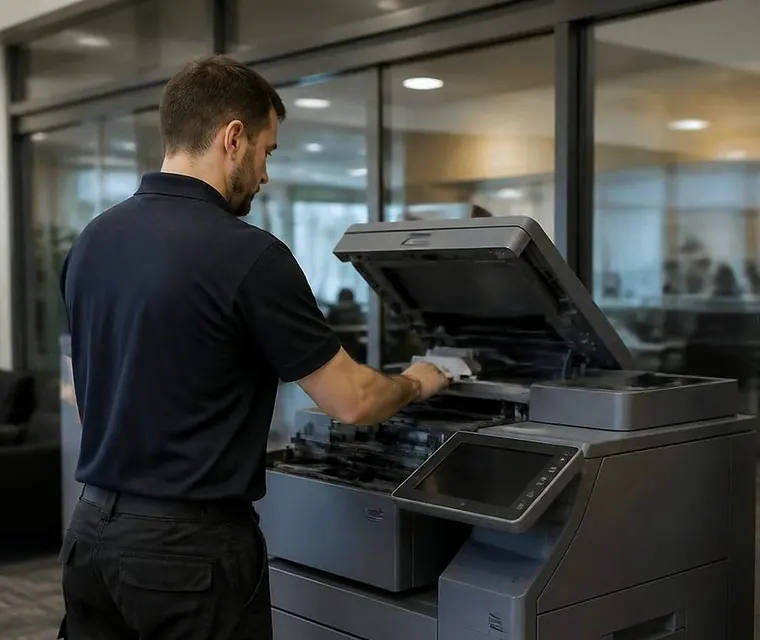
Printer service, copier repairs and machine sales on the Gold Coast
Ricoh copier repairs Gold Coast offices phone about, and the map behind an SC code
A Ricoh that has found a fault it cannot sort for itself shows SC and a number, then sits there. The message is blunt, it offers no advice and the phone rings.
The number is a pointer. On a lot of Ricoh machines the first digit gives the area. A code starting with 1 sits near scanning. A 2 sits near the laser and writing unit. The 3s and 4s lean toward imaging and transfer. The 5s cover paper feed, drives and the fusing unit. The 6s are communication, with the feeder, the finisher and the controller. The 8s and 9s sit around the system and the software. Take that as a rough map and not a rule, because model and generation change the detail, and a code is never the whole answer.
That is why we ask for the full number, the model name and what the machine was doing when it stopped. From those we say what the number tends to mean on that machine, whether the part is likely to be in the van, and what the visit would cost. You hear the price on the call. Nothing is booked until you say so.
Nobody here works for Ricoh, Lanier or Savin, and we do not sell ourselves as a dealer for any of them. The technician who comes is trained, experienced and certified, and has seen your model before.
| First digit after SC | Area it usually points toward | What an office tends to notice |
|---|---|---|
| 1 | Scanning and the exposure area | Dark bars on scans, a scanner that will not start |
| 2 | The laser and writing unit | Blank or banded pages, a long delay before printing |
| 3 and 4 | Imaging, charging, development and transfer | Tints, streaks, colours out of line |
| 5 | Paper feed, drives and the fusing unit | Jams, slow warm up, smudged toner |
| 6 | Communication with the feeder, finisher and controller | A finisher that disappears, a panel that freezes |
| 8 and 9 | System and software | Restarts that do not hold, a machine that will not finish start up |
A price in three steps
- Tell us about the machineThe make, the model and what it keeps doing.
- We ring with a priceYou have it before any visit is booked.
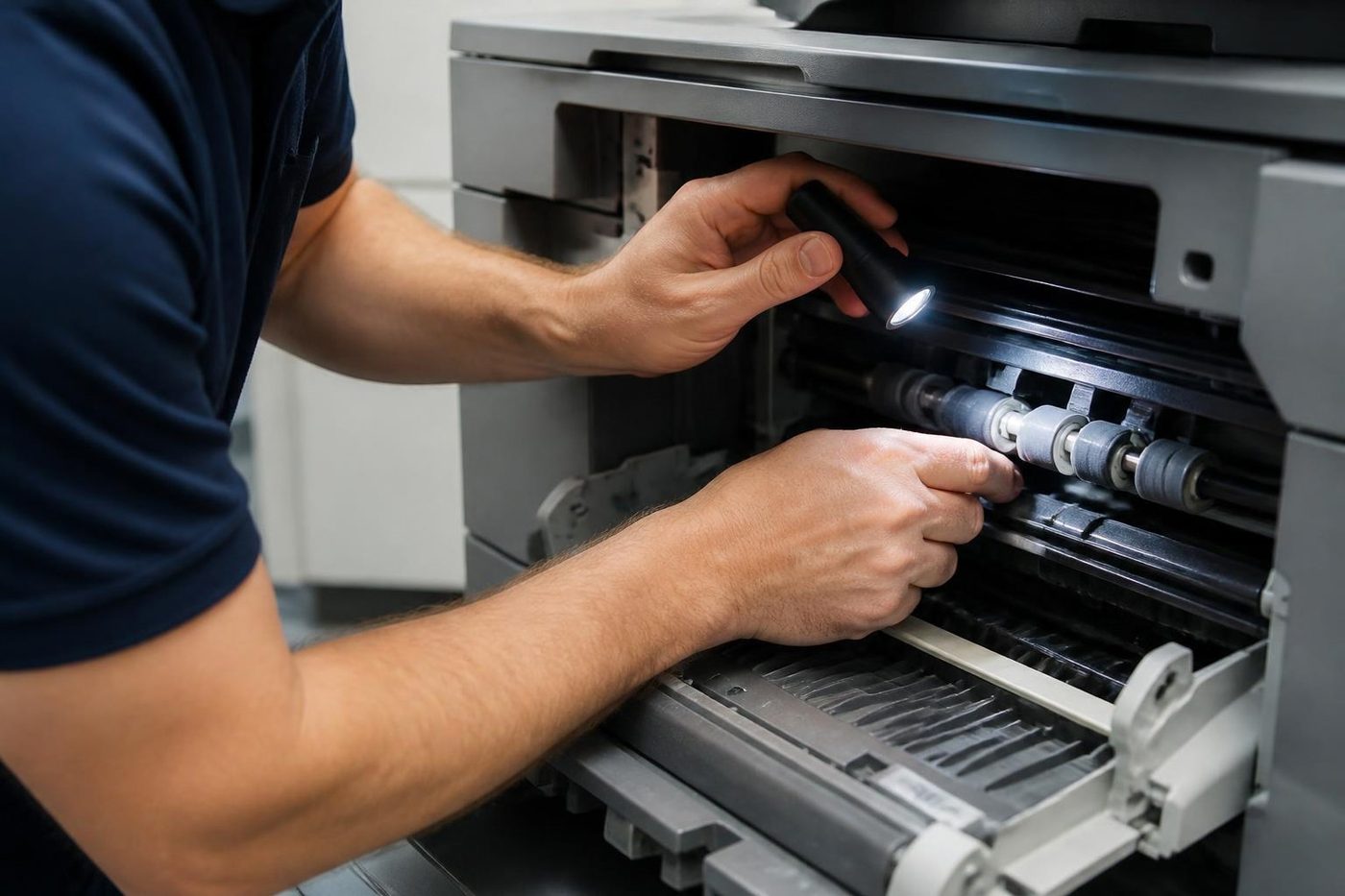
- A certified technician comes to youSame day when the diary has room.
Which Ricoh is it? IM C, IM, MP and the badges that confuse people
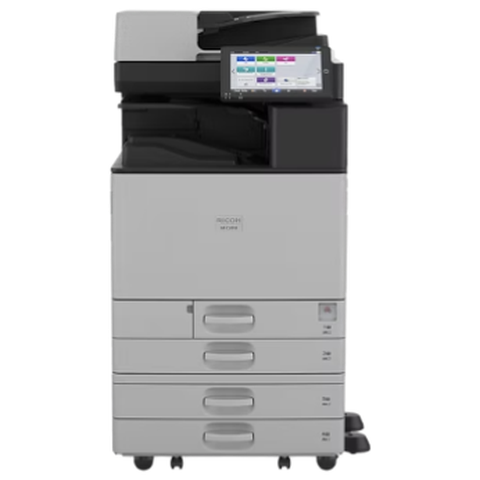
Ricoh's current A3 range carries the IM name, with a C for colour. The range before it was MP. A lot of offices have one of each, bought years apart, and some have machines with different badges that are Ricoh inside.
| Badge | What it is | What we find |
|---|---|---|
| IM C2000 to IM C6000 style | Current A3 colour multifunction | Smart Operation Panel, network and scan setup, fusing and transfer wear on the faster models |
| IM 2500 to IM 6000 style | Current A3 black and white multifunction | Feeder and finisher faults, drum life on busy machines |
| IM C300F, IM C400F and similar | A4 colour multifunction for small teams | Paper pick up, toner seating, network drops |
| MP C series and MP numbers | The earlier A3 range, still everywhere | Fusing unit wear, drive faults, an older panel |
| Lanier, Savin or Gestetner badge | Ricoh machines sold under another name | Handled as the Ricoh they are |
| Pro series | Production class | Alignment, curl, heavy stock |
Three Ricoh stories, told through their codes
Codes make more sense with a scene around them, so here are three we meet again and again.
The fusing story. A dentist's practice at Robina has an MP C machine in the back office. One morning it takes four minutes to warm up, then shows a code in the 540s and stops. The staff restart it twice. On the second restart it works for a day. A week later it fails for good, with a smell of warm plastic. A technician who is told about the slow warm up on the phone brings a fusing unit. A technician who is only told "it says SC" brings a general kit and has to come back.
The communication story. A real estate agency at Burleigh has an IM C with a finisher on the side. On a Monday the panel reports that the finisher is not responding, with a code in the 600s. The finisher is fine. A connector at the join between the two has worked loose after the machine was pushed back against a wall during a cleaning. Reseating it takes a minute, once someone looks.
The software story. A training provider at Southport sees a code in the 800s after a power cut. The machine shuts itself down mid start up and tries again. Often this is a corrupted setting and a technician with the right access clears it. People who try to clear it themselves tend to make it worse.
In each case the tell is what happened first. Write it down.
Fusing unit trouble on a Ricoh
The fusing unit melts toner into the paper. On many Ricoh models it is behind a set of codes in the 540 and 550 range. Heat is hard on parts, and a unit near the end of its life shows it: slow warm up, smudged toner, curled paper and sometimes a burst of noise.
Before a fusing unit is blamed, we look at the paper type setting, which tells the machine how hot to run, and at the paper. Heavy or coated stock set as plain paper smears. Damp paper curls. Both are cheap to rule out.
If the unit has to be replaced, we say so, give the price and replace it on site. A fusing unit costs real money, and we do not fit one that is not needed.
Ricoh printer repairs and Ricoh printer service Gold Coast practices rely on
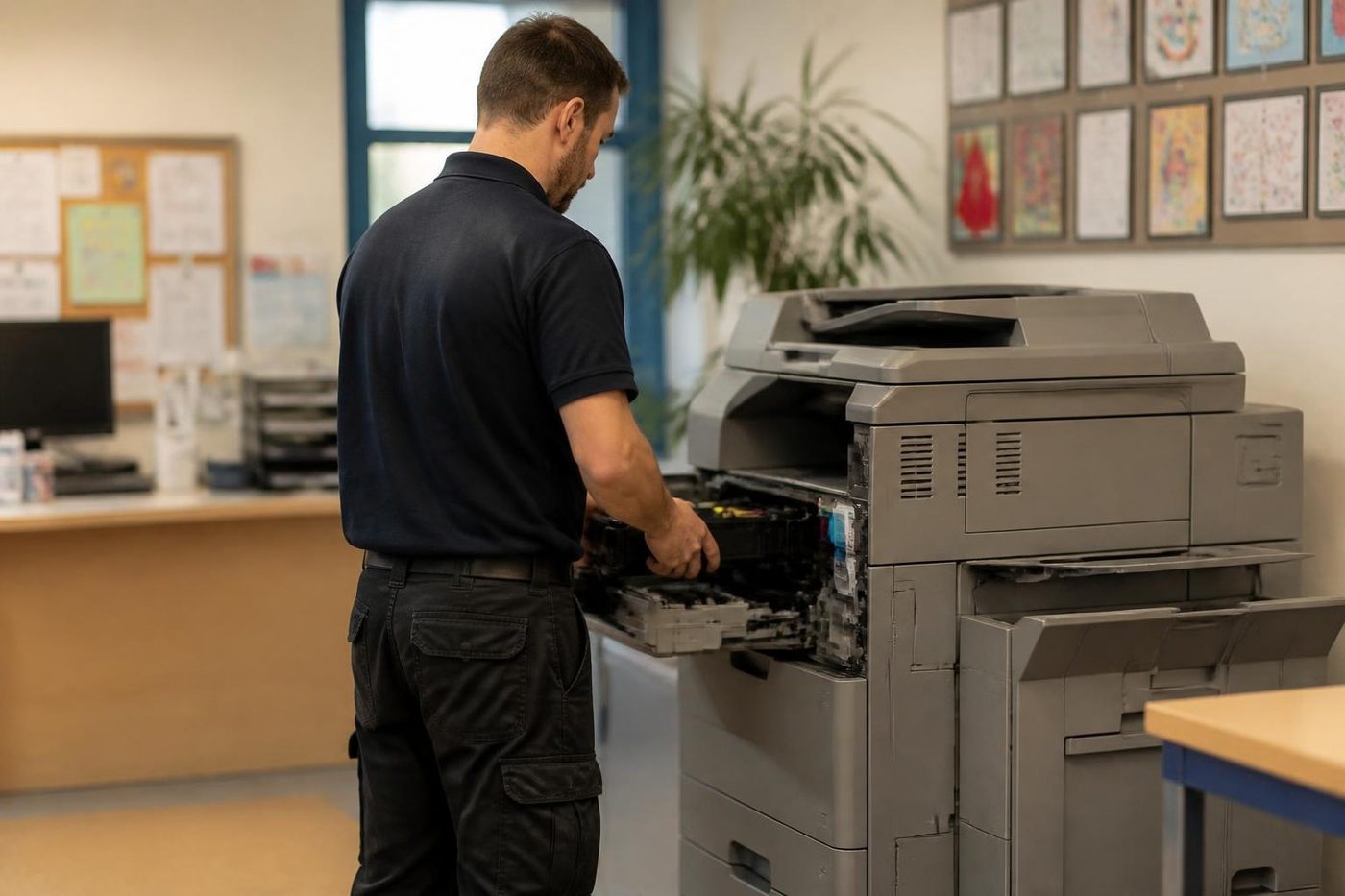
Ricoh also makes A4 laser printers and the small colour multifunction machines mentioned above, and plenty of Gold Coast practices run them on the front desk. The faults are the common ones: pickup rollers that have gone smooth, toner cartridges that are not fully seated, a fusing unit near the end and a network link that drops after a router swap.
Ricoh printer service visits follow the larger machines' method. Read the message, check the paper, look along the visible path, test from the panel and print some proper test pages. When the trouble is network and not hardware, we say so and give your IT contact a short list.
Our work is mostly commercial. A Ricoh in a clinic or a trade office is exactly the job. A small household printer is not what we aim at, though we will say honestly what we think if you ring.
Ricoh photocopier repairs Gold Coast offices book cover the A3 fleet, Ricoh photocopier service Gold Coast and Ricoh copier service Gold Coast visits are the planned work on those machines, and Ricoh printer repairs Gold Coast practices ask for sit with the A4 units described here.
Toner, drums and the parts an office never sees
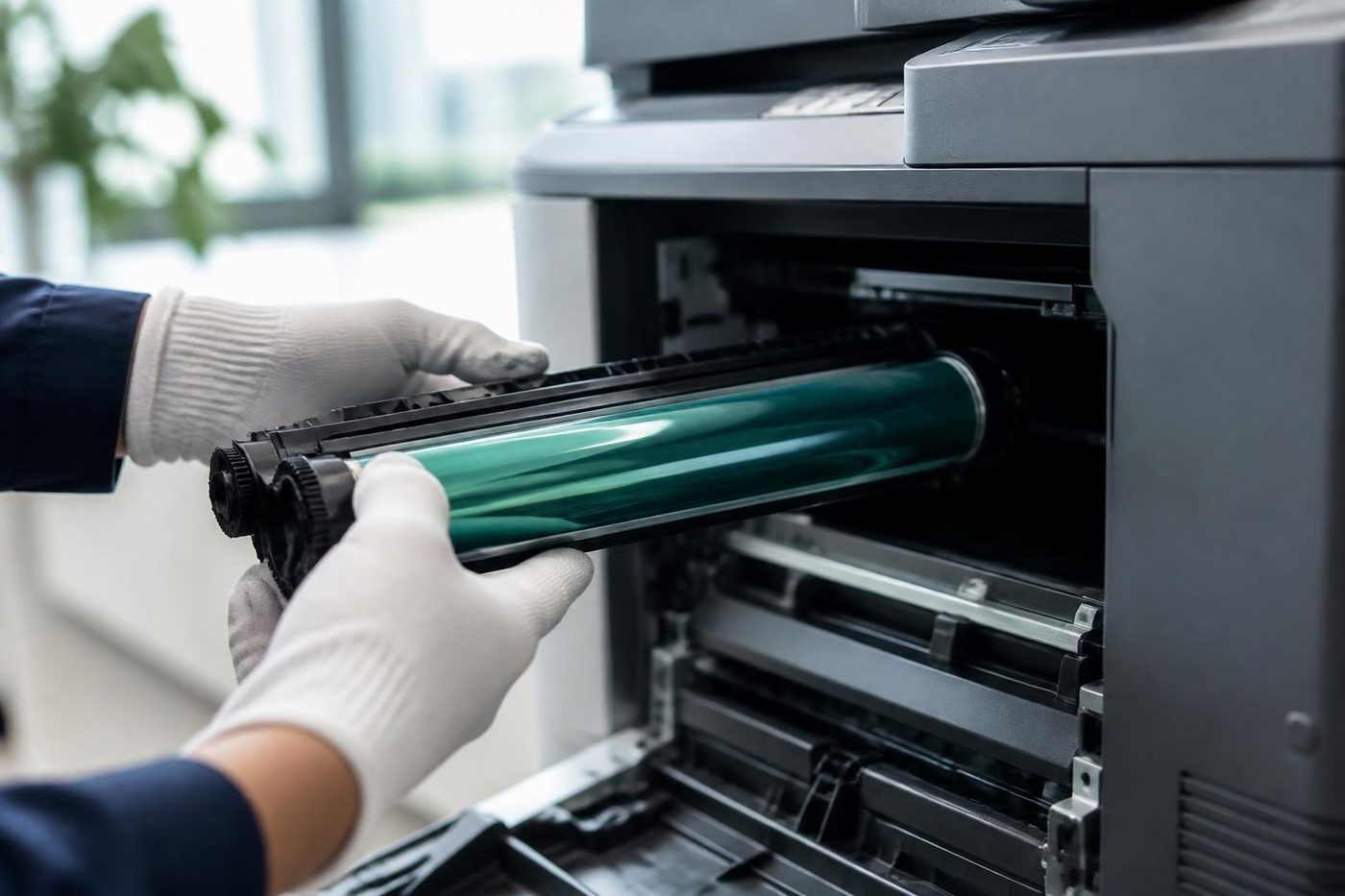
Ricoh machines carry toner cartridges that an office can change, and behind them a set of parts that only a technician touches. On colour machines there is a photoconductor unit for each colour, a developer, a transfer belt and the fusing unit. Waste toner collects in a bottle that has to be changed at intervals.
The photoconductor unit is the Ricoh word for the drum assembly. It is light sensitive and sensitive to handling. A technician wraps it, holds it by its ends and does not rest it on a bench. If your pages show a repeating mark, measure the gap between marks and tell us. That distance identifies the roller or drum.
Developer is a fine mix that tires. When it does, colours go pale or blotchy and new toner does not help. The cure is a new developer, and it is a quick job when the part is in the van.
Waste toner bottles fill, and a machine that says the bottle is full straight after a change may have a bottle that is not seated or a sensor that is misreading it. A second bottle fixes neither.
The transfer belt and the stripe that only shows in one colour
On colour machines the colours are laid onto a belt before they reach the paper. A crease, a scratch or a smear of skin oil on the belt prints on every page. A stripe in one colour only is more often a drum or developer issue, while a mark in all colours at the same place points at the belt.
We handle the belt by the edges and slide it out flat. It takes a few minutes longer than a rough lift. It also saves a belt, which is not a cheap part.
The Smart Operation Panel and Web Image Monitor
The panel on current IM machines is a touch screen with apps, much like a tablet, running on top of the machine's own software. When something goes wrong it can look like a computer fault. A frozen panel, an app that will not open, an address book that has emptied.
Web Image Monitor is the machine's own web page. Type its address into a browser and you can see status, check counters and, for an administrator, change settings. Many scan and email faults are visible there before anyone walks to the machine.
Some offices have a remote monitoring service on their Ricoh machines that reports counters and sometimes faults. If yours does, tell us. It can mean somebody else already has a record of the problem. It does not change how we repair it.
A panel that has frozen often recovers after a proper restart. One that freezes repeatedly after a software change is another matter, and we tell your IT contact what we saw.
Scan to folder and the old protocol problem
A scan to folder that has worked for years and suddenly stops after a server change has one favourite cause. The server has switched off an older version of the file sharing protocol, and an older Ricoh is still trying to speak it. The copier is fine and the server is working as intended, and the two no longer understand one another.
The fix is a setting on the machine, a firmware update or a different method, depending on the age of the machine. We read the error, test from the panel and tell your IT contact what the problem is. If a machine is too old to speak the newer protocol, we say that too and talk about whether a workaround or a newer machine makes more sense.
Scan to email fails in a different way. A mail service that tightens its sign in rules can stop a machine that has worked for years, and the answer is a change to how the machine signs in.
Paper, humidity and the Gold Coast ream
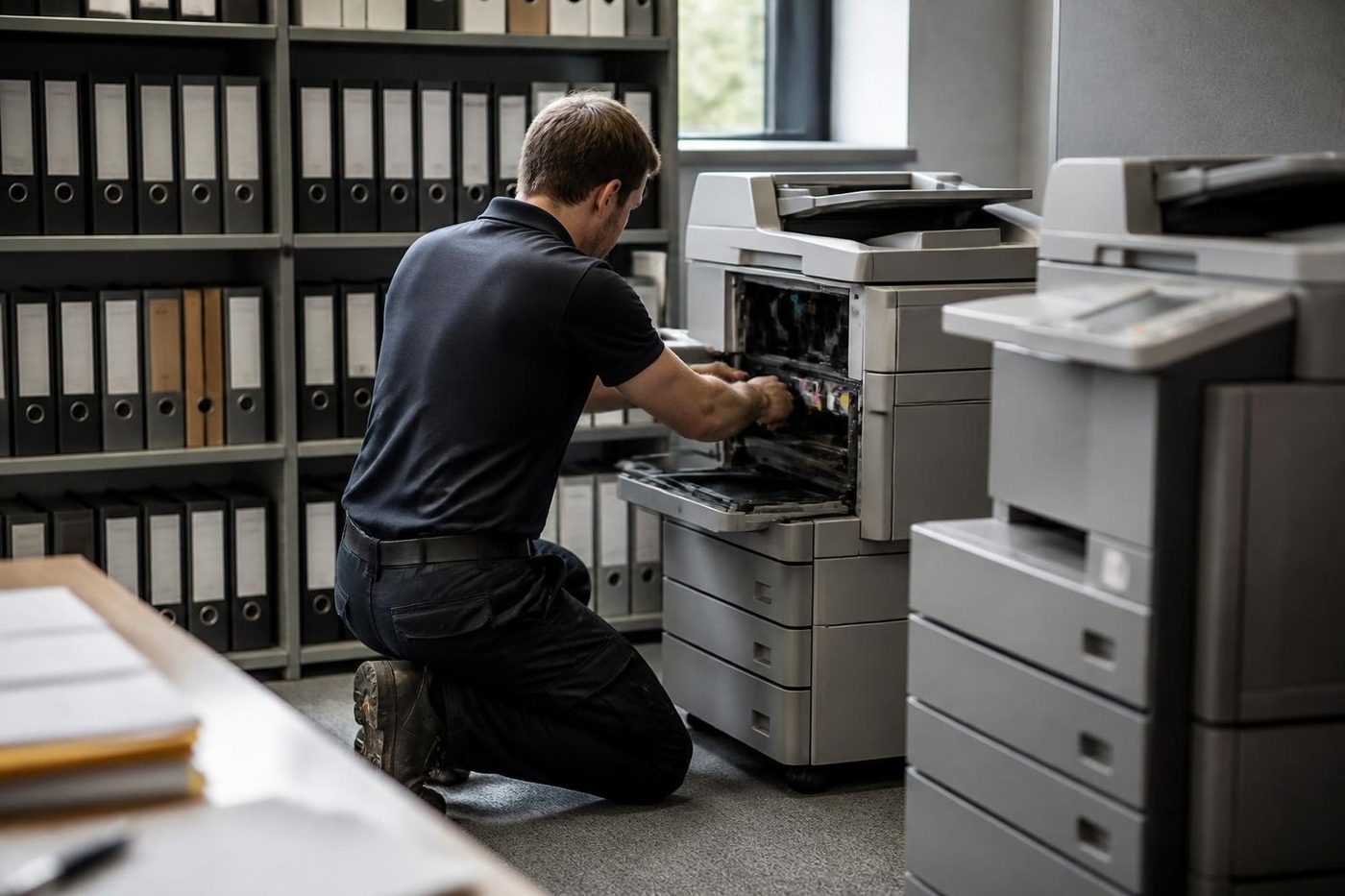
Humid air is the Gold Coast's unfair advantage over the copier. Paper kept in an open box by a window takes on moisture, curls and clings to its neighbour. A Ricoh that jams every ten pages in summer and not in winter has a paper problem. Fan the stack, turn it over, load a fresh ream from its wrapper.
If the jam persists on fresh paper, the feed rollers or the separation pad are worn. Both are cheap and quick. A jam in the same place on every page points to a guide, a sensor flag or a scrap of paper that cannot be seen from the front.
When you clear a jam, pull the paper the way the machine wants it to go and check nothing is left behind. Torn scraps cause the next jam, and the one after.
Ricohs on the Gold Coast schools, training rooms and the health precinct
Schools, TAFE campuses and training providers tend to run leased Ricoh fleets, with the machine placed by whoever supplied the lease. Staff rooms print worksheets in volume, and the first week of term is the heaviest. Bond University's neighbours at Varsity Lakes and Robina keep the same pattern, with printing that follows teaching weeks.
The Southport health precinct around the hospital brings allied health rooms, specialist suites and administration offices. They scan more than they print and they care a great deal about which documents go where. A scan to folder that fails there is a delay to somebody's care.
Council counters and community groups use Ricoh for everything from front counter copies to long runs. Helensvale and Coomera offices, many in new premises, often inherit a Ricoh with the fit out.
Fax, address books and the housekeeping nobody does
Ricoh address books grow. Years of scan destinations, email contacts and fax numbers pile up, many pointing at people who left and folders that no longer exist. An address book with hundreds of stale entries slows the panel and makes scanning a game of hunt the right name.
A clear out once a year, done by an administrator from Web Image Monitor, is a gentle job. Export the current book first. Delete what is dead and keep a copy. Do it before a machine swap, never after.
Fax is the other relic. Many practices still keep a fax line, and on voice over internet phone services faxes fail in ways that look like machine faults. Slowing the fax speed and turning error correction on or off in the machine often settles it, and the phone provider has the rest of the answer.
The slow week: why a Ricoh warms up slowly after a holiday
Offices that close over Christmas come back to machines that behave oddly. Paper that sat in the tray for three weeks in a hot, humid room has curled. Toner that rested has settled. The fusing unit is cold and the machine takes a long time to be ready.
A fresh ream, a restart and a short wait fix most of it. If the machine still takes minutes to warm up in January, or prints with pale or blotchy colour, the fusing unit or the developer is tiring and we would like to look. The quiet first week back is the best time for it, before the volume returns.
Heat, fans and the closet copier
Some Ricohs live in cupboards or small rooms with no airflow. A copier produces a lot of heat, and a closet at thirty five degrees in a Gold Coast February pushes it close to its limit. The symptoms are faults that appear in the afternoon and vanish overnight: jams, pale prints, slow warm up and sometimes a fan that screams.
Open the door, add a vent or move the machine into a cooler room. The vents on the back and sides need a hand's width of space. We have fixed more than one recurring fault by moving a machine two metres.
Paper for a Ricoh: weights, types and what the tray setting does
A Ricoh tray carries a setting for the type of paper and its weight, and the machine adjusts heat and speed to match. Plain paper at the standard weight is the default. Heavier stock, recycled paper, letterhead and coloured paper each have a setting of their own.
If the setting does not match what is loaded, the toner does not fuse properly or the paper wrinkles. Recycled paper that is slightly damp from storage is a regular offender. Check the setting, check the paper, and if you change brands, run a test.
A Southport practice and the folder that vanished
An allied health practice at Southport scans patient forms to a folder on its server. One Monday the scans stop. The copier reports it could not reach the destination. The practice's IT provider replaced the server over the weekend, with a new name and a stricter set of permissions, and nobody told the Ricoh.
The cure takes minutes once the cause is clear: a new destination, a new account for the copier to sign in with, a test from the panel. Finding the cause is what takes time, and the usual problem is that the office thinks it is a copier fault and the IT provider thinks it is a printer fault.
We try to bridge that. We test from the machine, write down the exact error and give both parties what they need. A clear message to the IT provider saves a morning.
Leased fleets and who to ring
If a lease or maintenance agreement covers your machine, tell us when you ring, so we do not tread on the arrangement. If it has ended, or the service has gone quiet, we are happy to look after the machines call by call.
Plenty of offices do not know who has the contract. A sticker inside the front door, a number on the invoice or a quick look at the lease paperwork usually answers it. If we cannot tell, we ask nothing more than the model and the symptom and get on with the job.
Keep, kit or replace a Ricoh
Ricoh machines keep their value and Ricoh parts are common, so older machines often make sense to repair. The test is the pattern. A single worn roller on an otherwise steady machine is a good repair. A fusing unit, a drive and a scanner fault in the same year is a warning.
We trade in machines as well, so we can set a repair against a replacement fairly. The price is agreed on the phone before anyone is booked. Our work is warranted. If the same fault returns we do not charge to come back, and a call that lands while the lines are busy is logged and returned.
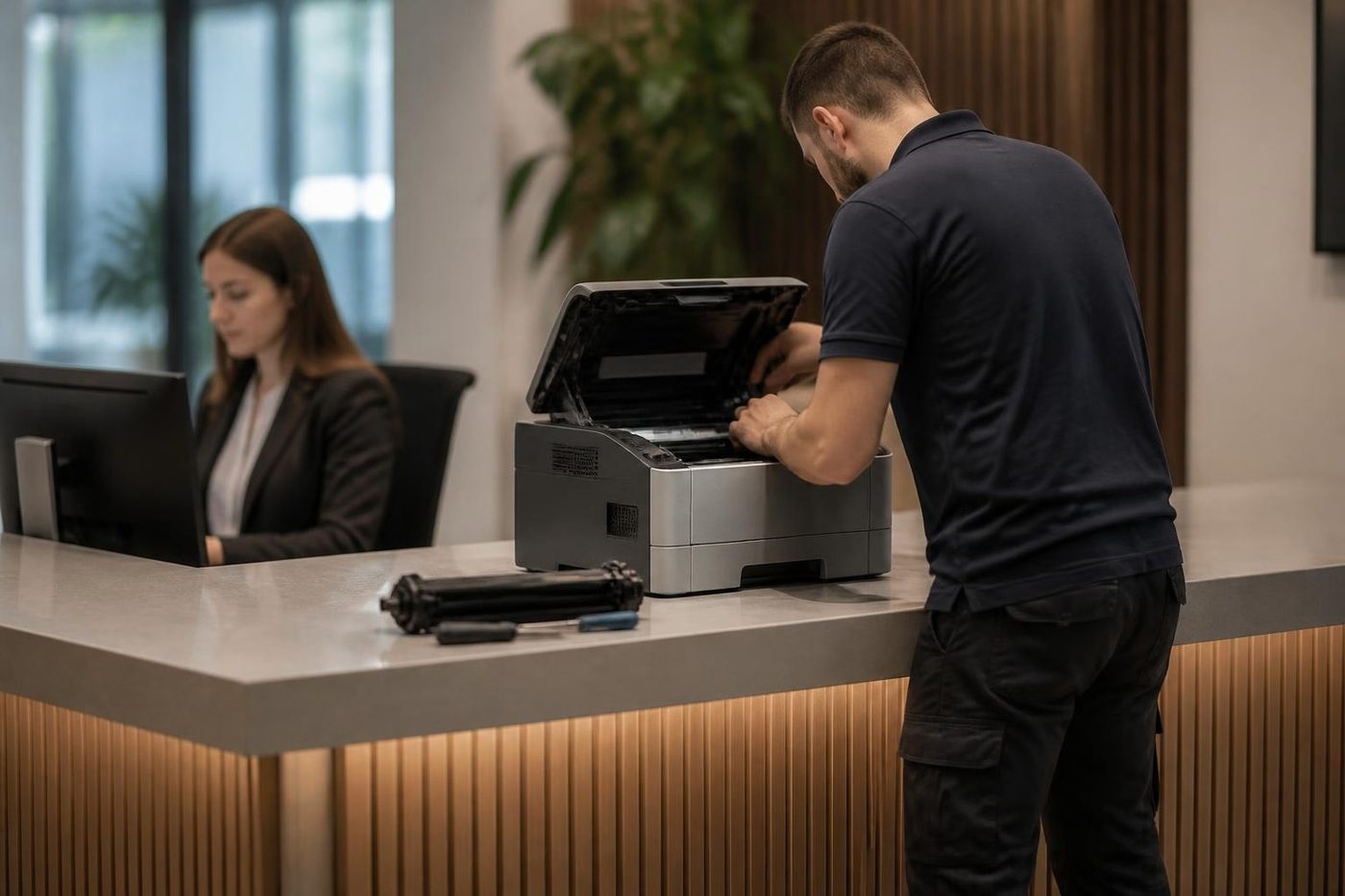
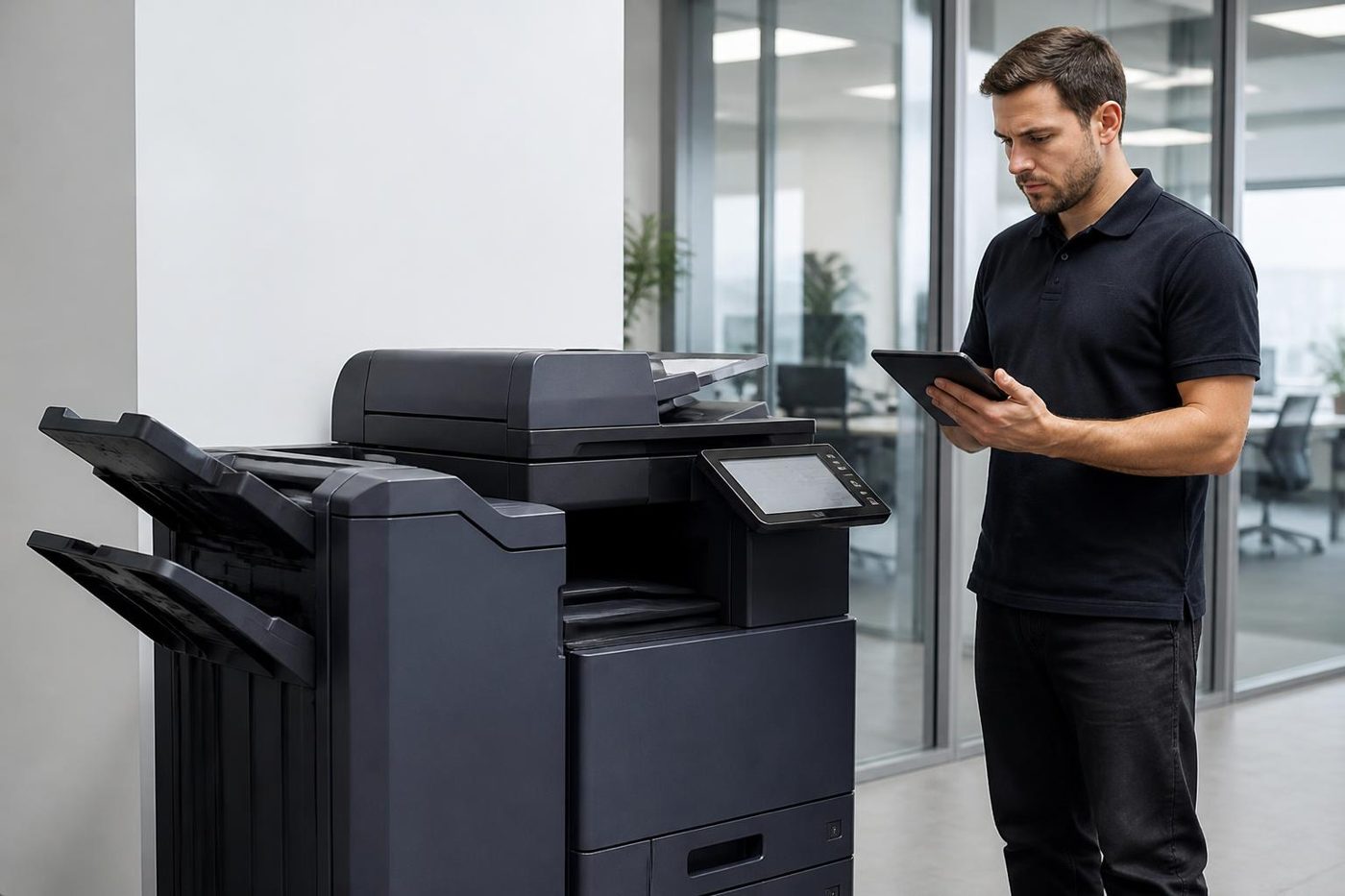
Your Ricoh visit, from van to handover

Salt in the air
The sea gets into the machine
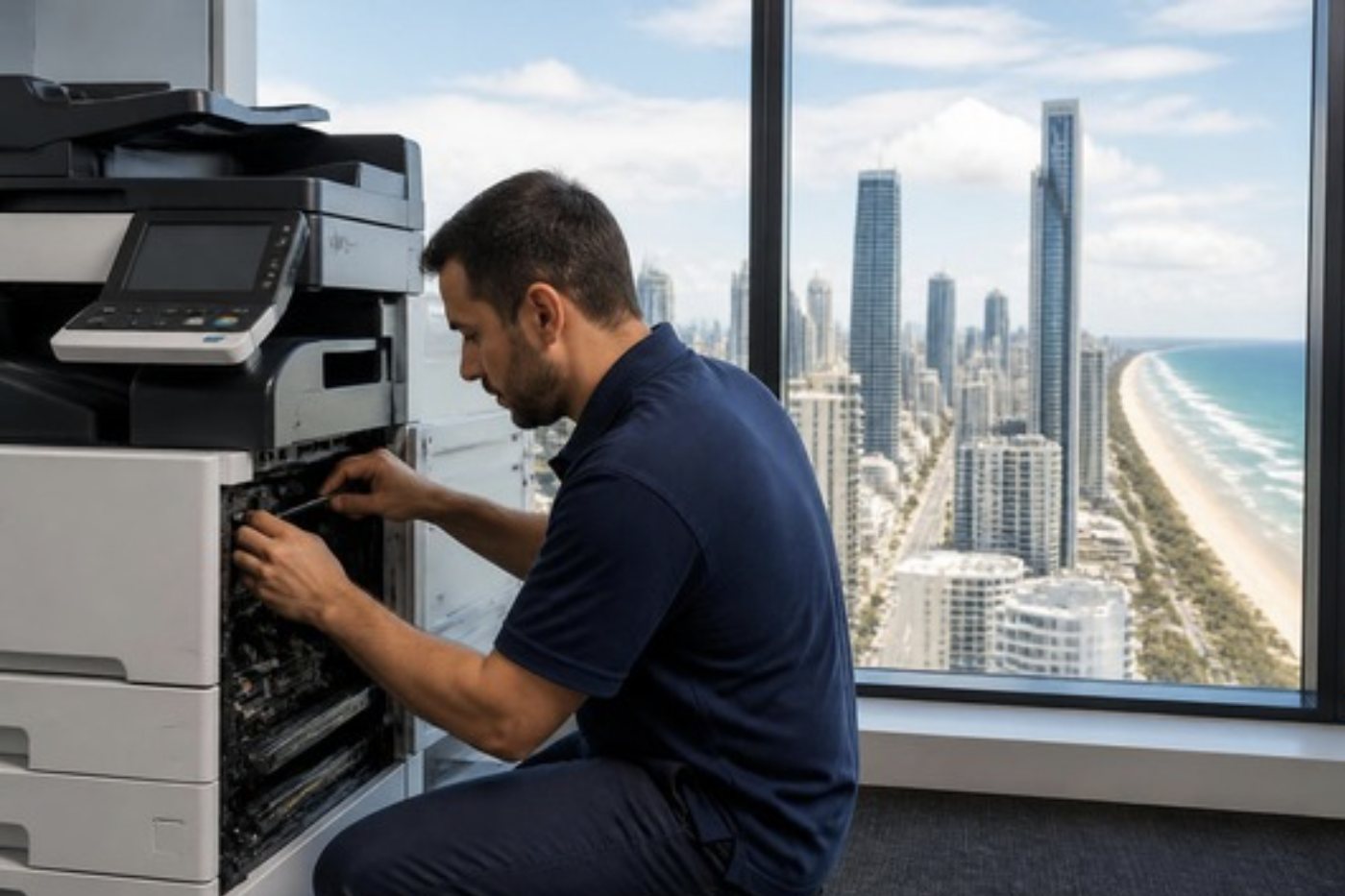
Salt air does quiet damage. It coats contacts, dulls sensors and clogs cooling fans, and a copier in a ground floor shop or a tower with the windows open to the breeze feels it more than most.
Ask us about positioning, filters and where paper should live. Small habits like those stretch the working life of a machine, and cost very little.
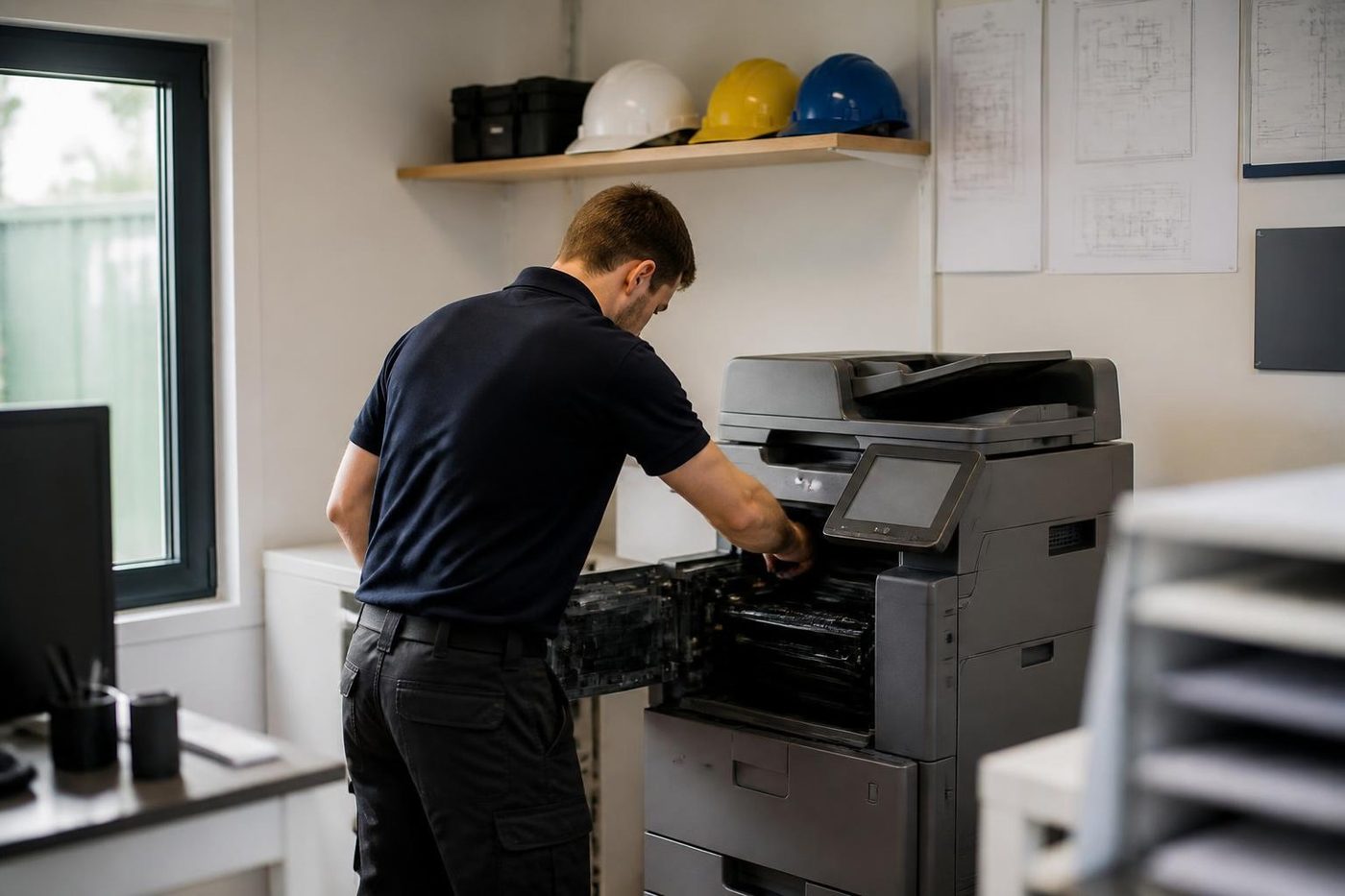
- Contacts cleaned. Salt is wiped off before parts are blamed.
- Fans and filters checked. Dust and salt build up where you cannot see.
- Paper storage advice. A dry shelf cuts feed faults.
Keep reading
 Photocopier repairsAny make of office copier, repaired where it stands.
 Photocopier servicePlanned visits, one off calls and meter reads for office copiers from Coomera to Coolangatta.Copier error codesReading a panel code, and what to note down.
 Scan to email not workingA scan that leaves the glass and never arrives.Photocopier paper jamsWhy sheets stop, crease or double feed.
 Commercial printer repairsWorkgroup lasers and fleets, repaired where they sit.
Buy, sell and lease
Buy, sell and lease commercial copiers on the Gold Coast
We also sell new and refurbished commercial copiers and buy used ones. Same team, same technicians.
Work we have done on the Gold Coast
Common questions from Gold Coast offices
Who does Ricoh photocopier repairs on the Gold Coast, and Ricoh copier service?
We do, on site. IM C, IM and MP machines are repaired at your premises, and planned Ricoh printer service visits can be booked for a quiet time.
What does SC stand for on a Ricoh?
Service Call. The machine has found a fault it cannot clear itself. The number after SC points to an area such as scanning, the laser unit, imaging, paper feed and fusing, communication with a finisher or the system software.
Can I clear an SC code by switching the machine off and on?
Sometimes once. If the code returns, stop. Repeated restarts do not cure a fusing or drive fault and can make it worse.
Our machine says Lanier. Do you still repair it?
Yes. Lanier, Savin and Gestetner machines are Ricoh underneath and are repaired in the same way.
How do I tell an IM from an MP?
IM is the current range and MP the earlier one. The IM machines have the newer panel and software. The badge tells us which you have.
Scan to folder died after a server upgrade. Is the Ricoh too old?
Quite possibly the server stopped accepting an older version of the file sharing protocol. We read the error and tell your IT contact what to change.
The touch panel froze. Is the machine finished?
Often a proper restart clears it. If it keeps freezing, tell us what changed before it started.
Where do I find Web Image Monitor?
Type the machine's network address into a browser. The address is on a configuration page you can print from the panel.
Do you repair the A4 Ricoh printers too?
Yes. A4 laser printers and the small colour multifunction machines are repaired on site.
Who do I ring if the Ricoh is on a lease?
Check your lease paperwork for a maintenance arrangement. If there is none, or it has lapsed, ring us.
Is an older Ricoh worth the repair?
Often, because parts are common. If the history says otherwise, we say so.

Strata office or clinic
Call (07) 3096 0331 and we will line someone up.
Technicians are trained, experienced and certified, and picked for your machine. The call is logged and returned if we are busy.
Book a call back
Everything we look after on the Gold Coast
Copier and printer service
Fault guides
- Copier and printer faults Gold Coast
- Photocopier paper jams Gold Coast
- Copier black lines and streaks Gold Coast
- Copier error codes Gold Coast
- Copier not printing Gold Coast
- Scan to email not working Gold Coast
- Toner smearing and fuser faults Gold Coast
- Printer offline and network faults Gold Coast
- Copier noise, grinding and squealing Gold Coast
- Is my copier worth repairing Gold Coast
- Toshiba e-STUDIO error codes Gold Coast
- HP LaserJet error messages Gold Coast
- Kyocera TASKalfa error codes Gold Coast
Makes we repair
- Toshiba copier repairs Gold Coast
- HP printer repairs Gold Coast
- Kyocera copier repairs Gold Coast
- Fujifilm copier repairs Gold Coast
- Xerox copier repairs Gold Coast
- Canon copier repairs Gold Coast
- Lexmark printer repairs Gold Coast
- Brother printer repairs Gold Coast
- Epson printer repairs Gold Coast
- OKI printer repairs Gold Coast
- Zebra printer repairs Gold Coast
- Konica Minolta copier repairs Gold Coast
- Sharp copier repairs Gold Coast
- Samsung printer repairs Gold Coast
- Fuji Xerox copier repairs Gold Coast
Suburbs we work in
- Printer service Southport
- Printer service Bundall
- Printer service Robina
- Printer service Varsity Lakes
- Printer service Nerang
- Printer service Burleigh Heads
- Printer service Helensvale and Coomera
- Printer service Surfers Paradise
- Printer service Broadbeach
- Printer service Coolangatta and Tweed Heads
- Printer service Labrador and Biggera Waters
- Printer service Mudgeeraba and Reedy Creek
- Printer service Molendinar, Ashmore and Carrara
- Printer service Currumbin, Palm Beach and Tallebudgera
- Printer service Byron Bay, Ballina and Lennox Head
- Printer service Lismore and the Northern Rivers
- Printer service Murwillumbah and the Tweed Valley
- Printer service Kingscliff, Tweed Heads South and Pottsville
- Printer service Arundel and Yatala
- Printer service Pacific Pines and Oxenford
- Printer service Tugun, Bilinga and the Gold Coast Airport side
- Printer service Miami, Mermaid Waters and Mermaid Beach
- Printer service Currumbin Waters and Elanora
- Printer service Paradise Point, Runaway Bay and Hope Island
- Printer service Mullumbimby, Brunswick Heads and Ocean Shores
- Every suburb we cover
Know the make and what it is doing? That is enough for a price.
Ask for a printer service price on the Gold Coast
No obligation. We read each request, work out who should look at it and ring you with a price. You can also ring (07) 3096 0331.