Reading the sheet that came out wrong
The paper reveals a plotter fault sooner than the screen does. Pale bands over a sky. A line sharp on one edge of an A1 sheet and soft on the other. Colour that does not match the monitor. A plot that ends up shorter than the file promised. Each points in a different direction, and one fault can pass for three.
Hold the plot up when you phone and describe it to us. A line a little heavy could be a head out of alignment. Colour drifting could be a nozzle or it could be a profile. A roll that skews might be a loading slip, not a dead roller. We begin with the output and work back to the cause.
We work on wide format machines as an independent company, not as the manufacturer.
The machines behind Gold Coast drawing offices
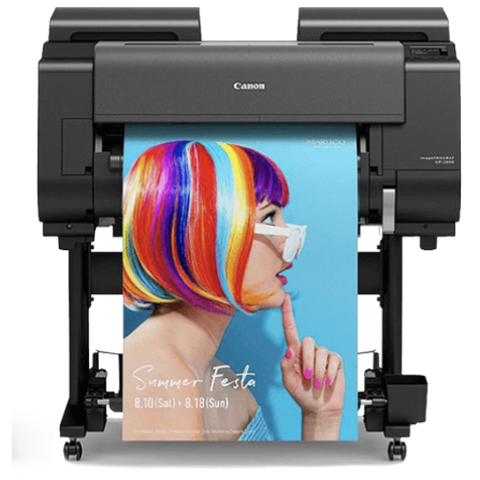
Most calls involve one of three families: HP DesignJet, Canon imagePROGRAF or Epson SureColor. Size ranges from a small unit beside a desk in a practice of four to a big roll fed plotter in an engineering firm running drawing sets every afternoon.
What we need from you is the exact model, the roll width, and whether jobs come from one desktop or a shared server. For more on the HP and Epson families, see their own brand pages.
Who relies on one, and where
A large share of the coast lives off building and development, and the surveyors, engineers, architects and town planners around it are clustered near Southport, Bundall and Burleigh Heads. Further out at Molendinar, Arundel, Nerang and Yatala, builders, civil contractors and trade suppliers park a plotter next to the estimator, because a tender or site pack is waiting on it.
One plotter in one week might turn out a council submission set, a roll of site plans, a client presentation board and now and then a banner. Line work needs sharp edges and exact scale. A presentation board needs smooth colour. A long plot needs the paper to feed straight all the way along.
Stripes and banding
Of all plotter complaints, banding reaches us most, and nearly always the blame lies with the heads or with ink failing to reach them. One weak nozzle leaves a pale line through a solid fill. Ink that has thickened in a feed tube, or a clogged head, gives the same look. A head clean and a nozzle test are the first move and are inexpensive. Stripes that come back mean the head, the ink path or the paper advance needs real attention.
Heat makes it worse. A plotter in a hot room, or one left alone over a long weekend or a closedown, will clog sooner. One test sheet a week costs far less than a new head.
Behind the heads are the ink cartridges or tanks and a part that collects waste ink. A partly blocked head leaves faint lines, a full waste part stops the machine with a message, and low ink can tint a colour before any warning shows. We check head, ink path and waste part as one job, since fixing one and ignoring the others tends to bring the call back.
Roll paper in a humid climate
Roll media soaks up moisture. In the humid months a roll that has been out of its wrapping can cockle, wander or feed unevenly, and the drawing is already distorted by the time anyone notices. Rolls kept in a hot room or a site shed are the usual culprits. Tell us where yours are stored and we know where to look.
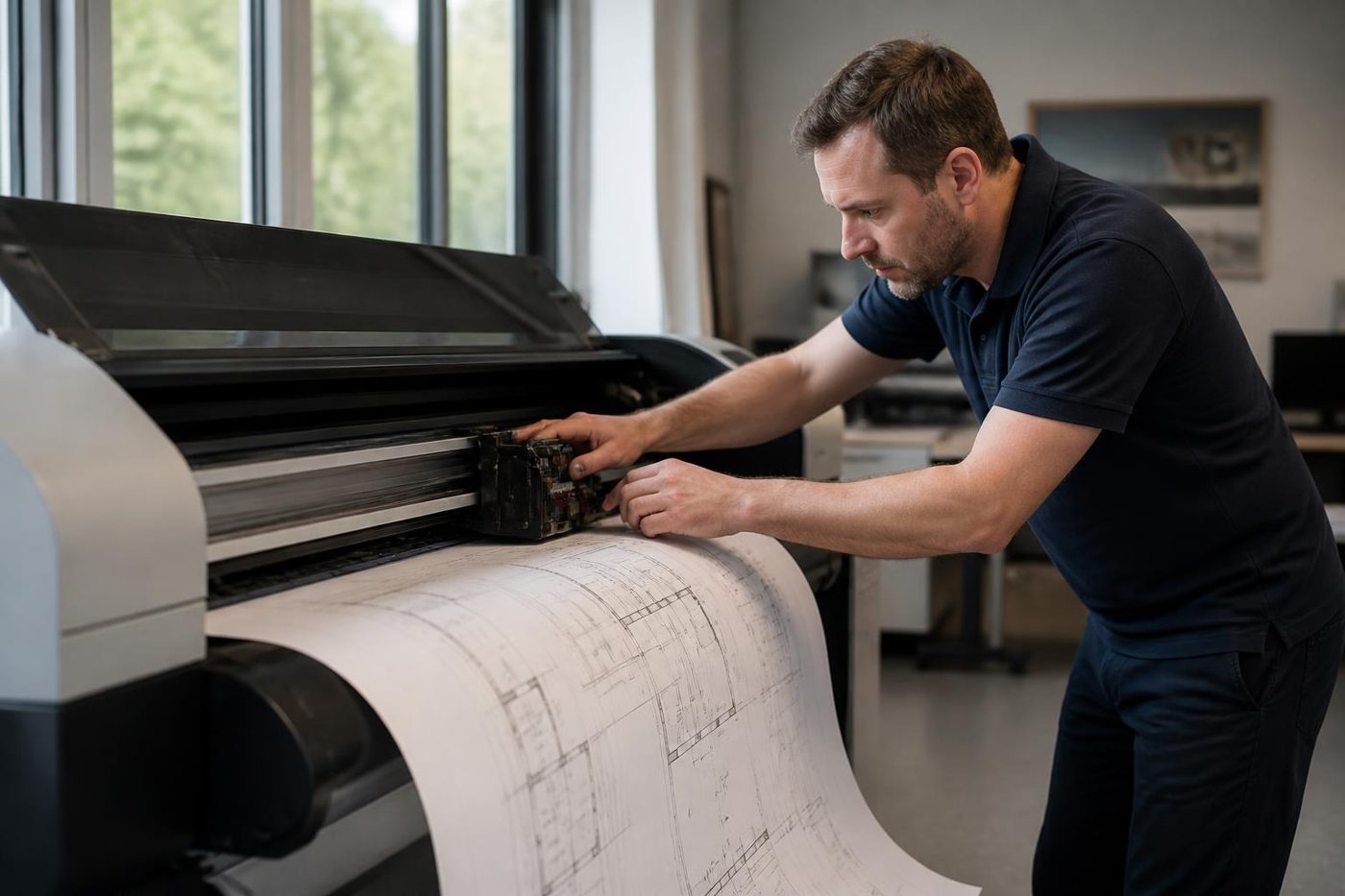
A roll is big, heavy and curved, and it has to run through the machine dead straight. Fitted slightly off, with the core not fully seated, with a damaged edge or a damp curl, it sends the plot sideways. The cutter at the end of the run wears too, and a dull blade tears paper it should slice.
Where a cutter cuts short or in the wrong spot, the media sensor may be misreading the edge, the blade may be worn, or the driver may think the roll is a different width from what is fitted. We go through all three, plus the roll path and pinch rollers, and we show the staff who load rolls how to seat them. Ten minutes on loading technique often cures a problem that looked like hardware.
When the plot is the wrong size
Not every plotter fault is mechanical. A drawing off scale, a job stuck in the queue or a colour unlike the screen can each begin in a driver, a PDF setting or a print server. We follow the route from the file to the head, and when the trouble is in the software we tell you straight.
Once a head, belt or feed roller has been swapped, the machine has to be aligned and the paper advance calibrated, or lines fail to meet. Our technicians who know the family do both during the visit and prove it with a scaled test drawing, so a one metre line measures one metre on the sheet. A plotter that works and one that merely prints differ in just this.
Posters, signage and presentation boards
Some offices push posters and display boards through the same machine. A streak in a block of solid colour jumps out on a poster and disappears on a line drawing. Say what you print and how it looks when it goes wrong, and we start with the likeliest part.
A rough hand does more damage than a worn part
Printheads, carriage belts and encoder strips are fragile. Clumsy handling can scratch an encoder strip, kink an ink line or push a head out of true, leaving the plotter worse than we found it. Our technicians are trained, experienced and certified. Ninety eight percent of repairs are finished on the first visit, and if the same fault comes back we repair it again free.
A visit from start to finish
- You phone with the model, the roll width and a description of the plot, and we go through pricing there and then.
- The technician comes to your office. Plotters are heavy and awkward, so nothing is posted anywhere.
- Heads, ink path, media and rollers are examined, and we explain the findings in ordinary words.
- After the repair we calibrate and run a scaled drawing on your own paper.
- A fault that reappears is fixed again at no cost.
Sometimes a plotter with a dead head is worth fixing and sometimes it is not, depending on its age and the price of the head. We give you a straight answer once we have looked at it. When replacement is the better course, we buy and sell machines too, and the sales pages are where to go next.
Have these to hand
- The make and the full model name.
- Roll width and the paper you use.
- A faulty plot or a phone photo of one, with a note of what it ought to look like.
- Any panel message, exactly as written.
- Which building and floor, and how the technician reaches it, lift included.
Price depends on the likely parts, the labour and any access issues at the building. You hear it on the phone and nothing is committed until you say yes. If the lines are busy the call is logged and returned. The process is identical whether the plotter is a small desk unit or an A0 roll fed machine.
Roll widths and what they say about the machine
People describe wide format machines by the roll they take. DesignJet and comparable technical plotters usually come in 24, 36 and 44 inch widths, which fit A1 and A0 drawings and the long rolls a site office uses for elevations. A 24 inch machine suits a small practice, while a 36 or 44 inch machine is more often in a firm printing sets daily.
Width counts for repairs because the wider machines have longer carriages, heavier rolls and more places for a plot to go sideways. A fault that is only annoying on a 24 inch unit can ruin a 44 inch plot before anyone looks. When you ring, we ask for the width.
Bond, film, coated and matt: what the media does in humid weather
Plain bond does most line drawing work and also absorbs the most damp. Coated paper resists moisture, lays colour smoother and costs more. Film is dimensionally stable, which matters when drawings are scaled or overlaid, though it shows fingerprints and scuffs.
On the roll each one acts differently. A glossy coated sheet can drag on a slightly dirty roller. Film can slip. Bond curls in a damp store. We ask what you print on because the pattern of a fault often depends on it. If a plot skews on bond yet not on coated paper, the roll is telling us something that the machine is not.
Submission day
Council and certifier deadlines never shift, and plotters tend to pick that same morning to play up. Some habits help. Run a test sheet the day before, not on the day. Make sure the roll is not near its end, because a short roll that runs out mid plot wastes the drawing. Keep a spare set of ink somewhere you can find it.
Should the plotter fail on the morning, ring early, describe the plot and give us the deadline. We cannot promise a time, but same day attendance is often possible, and we say honestly what the diary allows. A technician who knows what the drawing is for plans the visit differently.
Scanning and copying on wide format
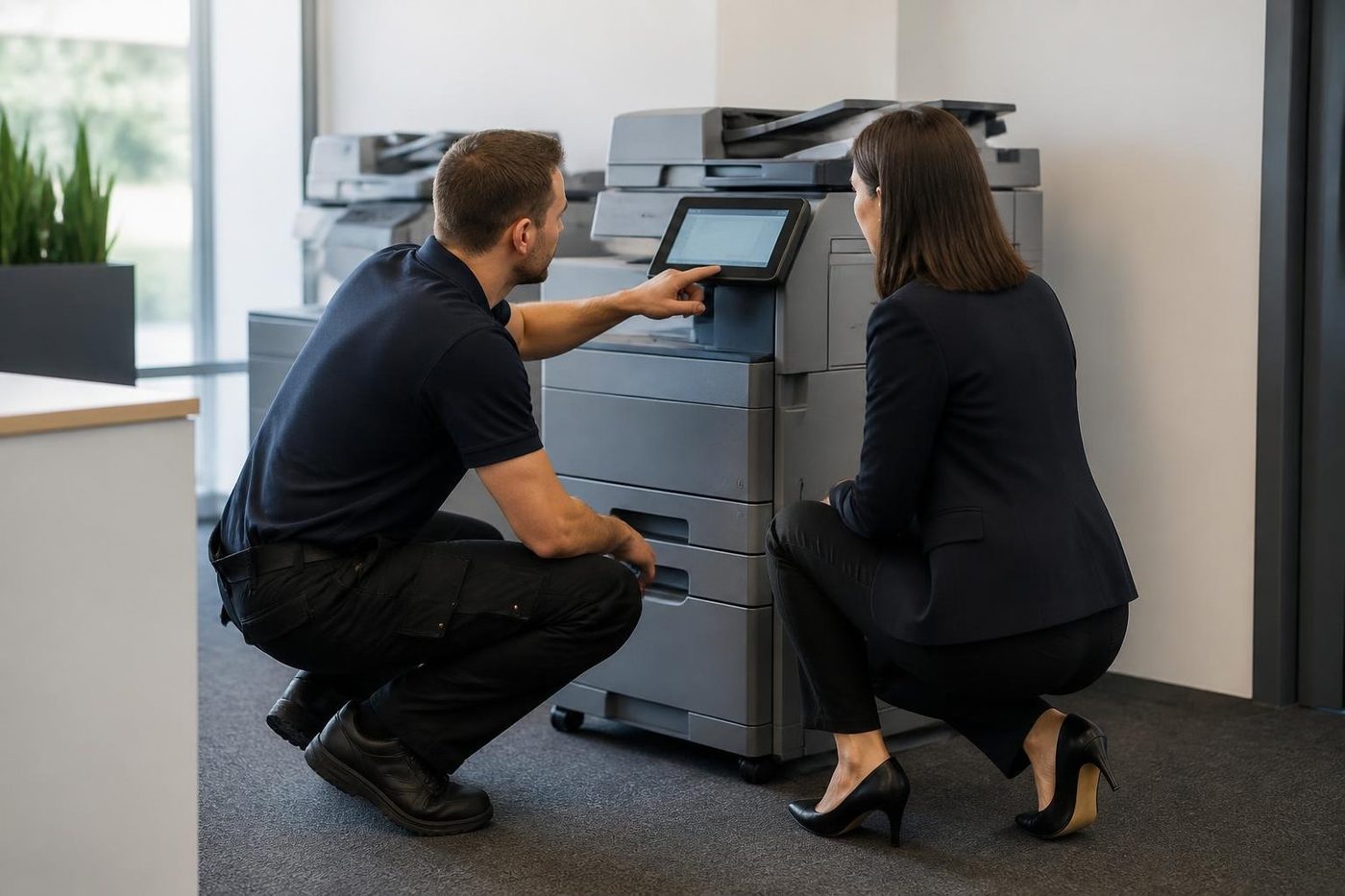
Some offices have a wide format scanner or a multifunction plotter that scans and copies as well as prints. They add a glass or a feed path, and new faults with it. Streaks on every scan, a copy slightly skewed or an original that grabs and tears all suggest the scanner side: dirty glass, a worn feed roller or a misaligned sensor.
Surveyors and architects digitising old plans depend on this gear, and a scanner fault turns up as a wavy line in a drawing that is meant to be exact. We check the scanner and calibrate it against a known original.
Site sheds, dust and a plotter by the door
In a demountable or a shed office the plotter lives with grit. Fine dust lands on the encoder strip, the carriage rails and the media path, and works into the ink system. A dirty strip can make the carriage lose its position, so lines come out doubled or misplaced.
Where it stands matters. A shelf a metre above the floor, a cover while idle and a shut door during sweeping cost nothing. We have also met plotters set up right under an air conditioning vent, where condensation and chilled air change how paper behaves. Where the position is part of the fault, we say so.
A five minute routine that saves a head
- Print the machine's own nozzle check each week, even if nobody needs a plot.
- Leave rolls in their wrappers, standing upright or in a rack clear of the floor.
- Shut the cover and the roll door whenever the plotter is idle.
- Dust the outside with a dry cloth. Leave the inside to us and never spray cleaner into the machine.
- Make a note of any new noise, however faint, and mention it when you ring.
There is nothing clever in that list. It still separates a plotter needing a clean once a year from one needing a new head every second year.
Why the same fault looks different on different makes
An HP DesignJet gives a system error with a code and a message, which may point at the carriage or ink supply. A Canon imagePROGRAF has its own error numbers and a different style of maintenance prompt. An Epson SureColor throws a Maintenance Request that stays until the named part is replaced. On the sheet the symptoms can look the same while cause and repair are quite different.
So we ask for make and exact model, not just the word plotter. The right technician has met that family before and has the likely parts on the van. It also explains why a call with a photo of the bad plot and the screen message is the most useful one we get.
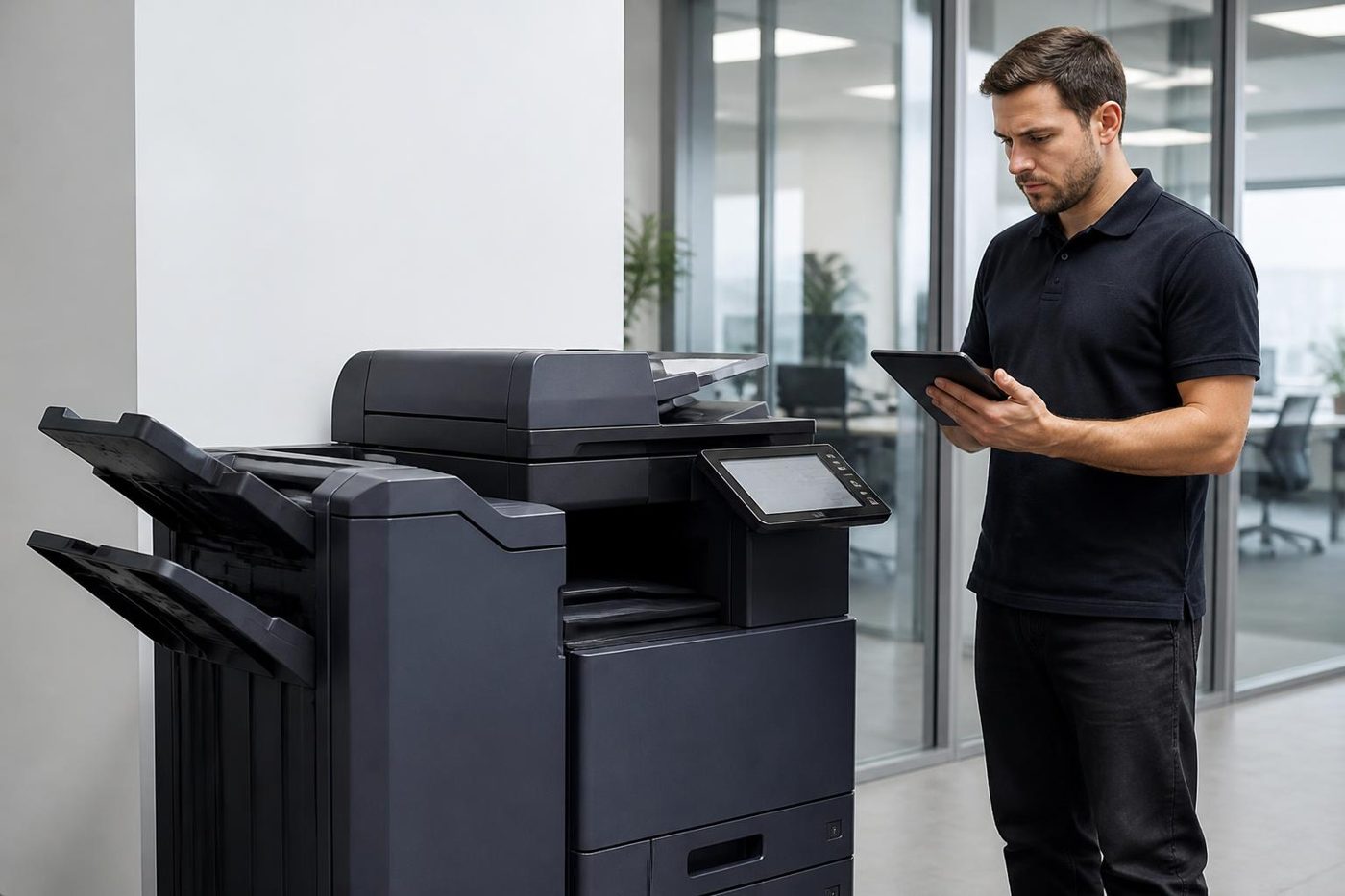
Here is how your plotter gets fixed


The second callout
The cheap visit is the one that fixes it
The true cost of a bad repair is the Thursday it comes back. The machine fails again, the committee papers are due and the front desk is on the phone to someone new.
It is plain arithmetic. One visit done well costs less than two done quickly, and nobody has to explain the delay to a board.

- History read first. Past faults on the machine shape what gets packed in the van.
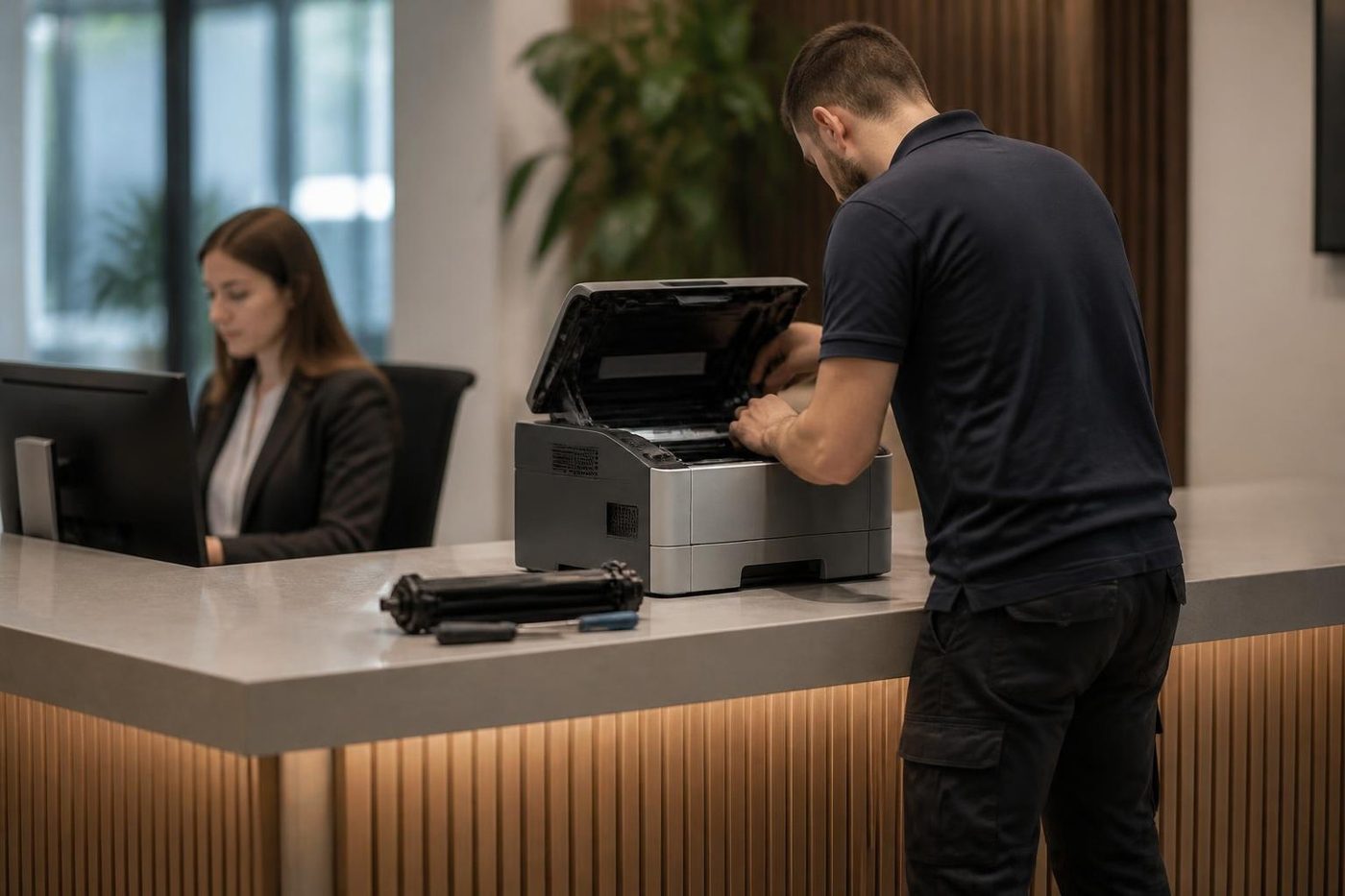
- Finished means tested. Every tray, the scanner and the finisher get a run.
- Repeat fault, no bill. If it returns, so do we.
Keep reading
 HP printer repairsLaserJet codes read like a sentence. We read them aloud.
 Epson repairsHeat free inkjets and SureColor plotters, repaired on site.Commercial printer repairsWorkgroup lasers and fleets, repaired where they sit.
 Brands we repairPick your make for models, codes and how we work.
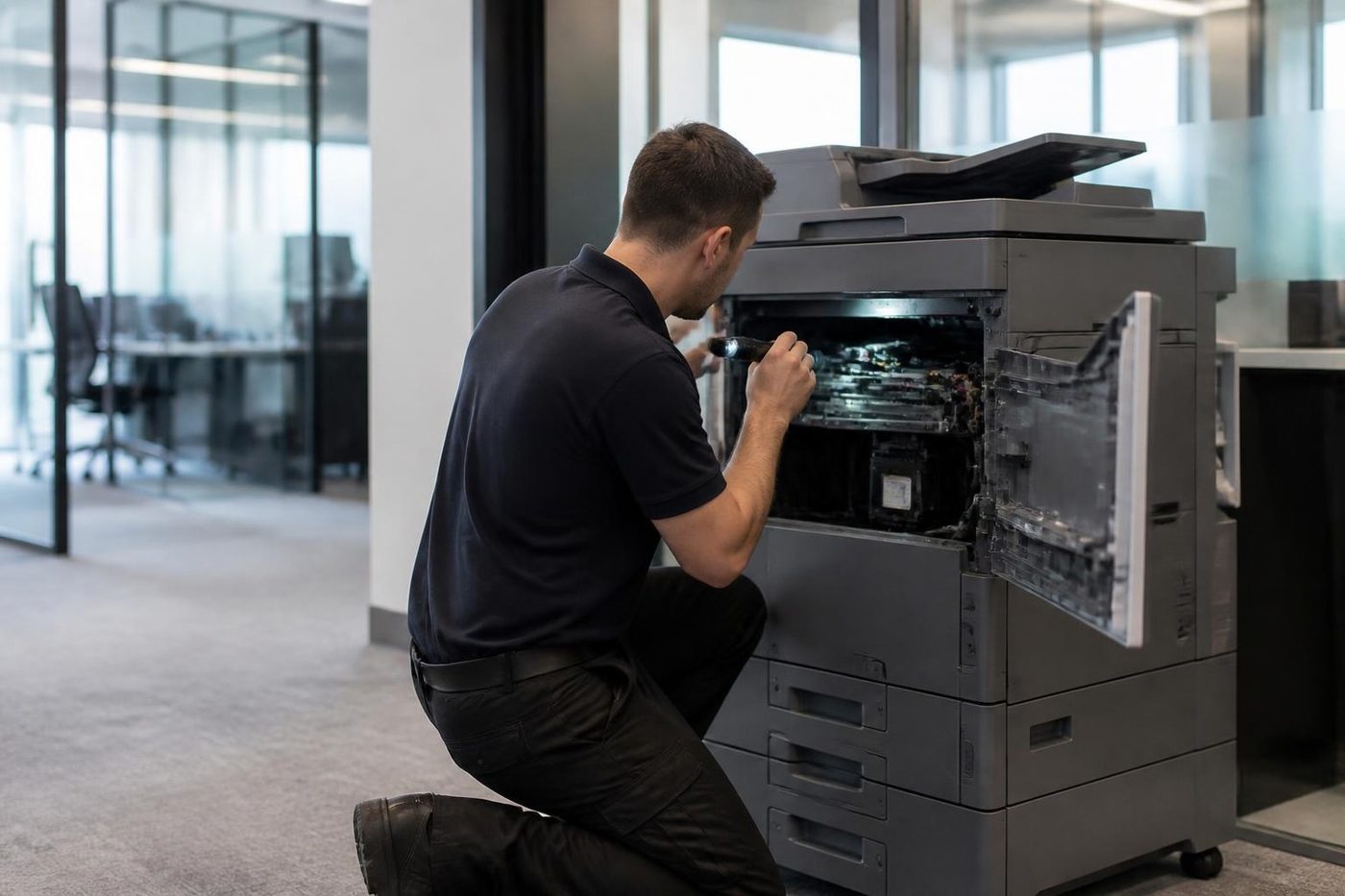 Photocopier repairsAny make of office copier, repaired where it stands.
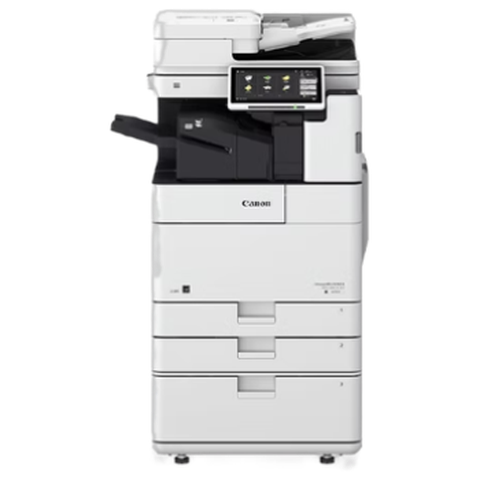 Canon repairsimageRUNNER ADVANCE, DX and i-SENSYS, repaired on site.
Buy, sell and lease
Buy, sell and lease commercial copiers on the Gold Coast
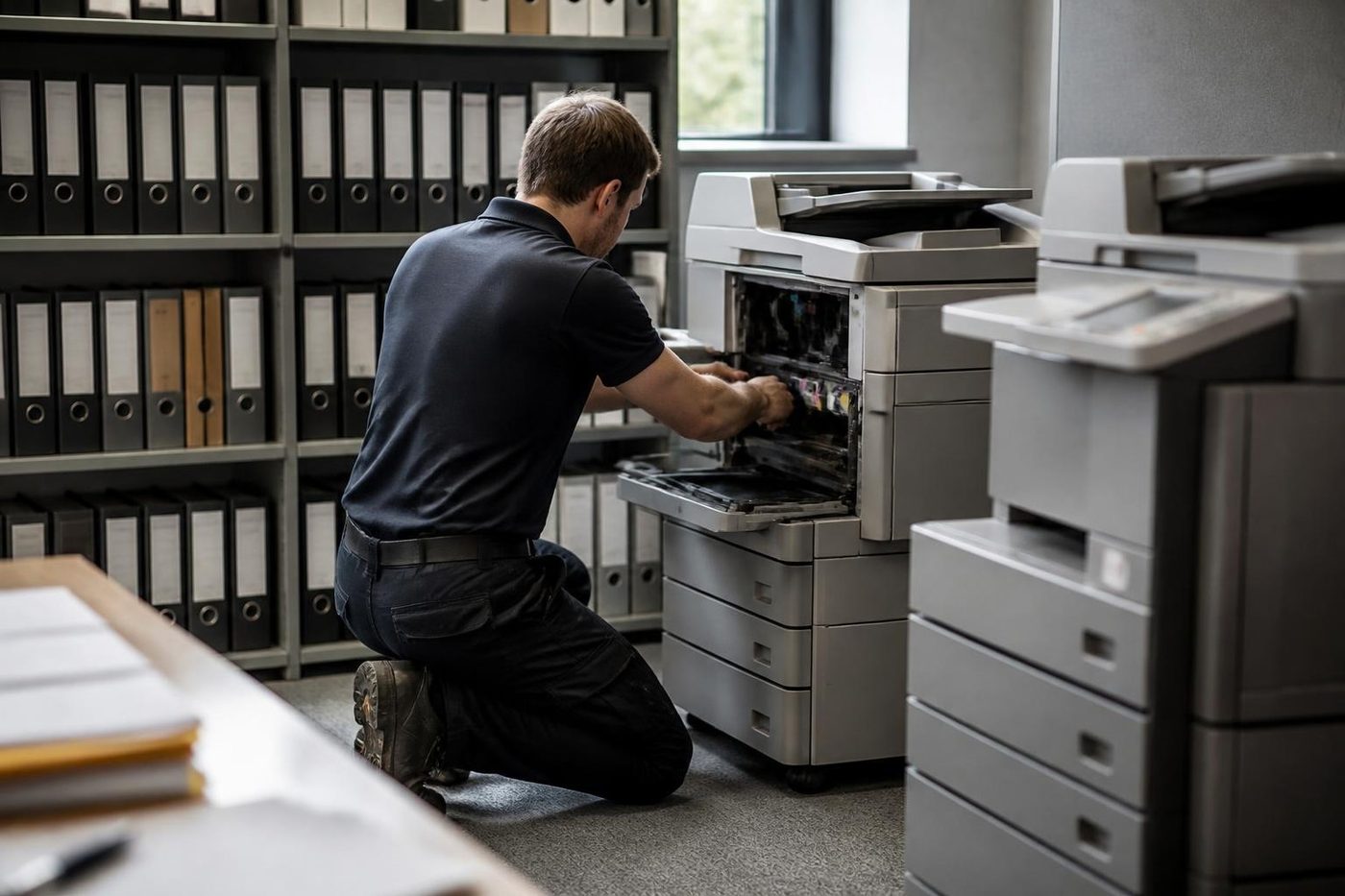
We also sell new and refurbished commercial copiers and buy used ones. Same team, same technicians.
Around Southport, Burleigh and Robina


Common questions from Gold Coast offices
Our plotter shows pale stripes across solid areas. What is that?
Mostly a weak or blocked nozzle, or ink that is not reaching the head. We begin with a head clean and nozzle test. If the stripes come back, the head or ink path needs a closer look.
Why does the paper wander to one side?
Possible causes are a roll fitted slightly off, a core not seated, a damaged edge or damp paper. We check the roll path, pinch rollers and sensors, and show your staff how to seat a roll.
The drawing prints at the wrong scale. Is the plotter faulty?
Frequently it is a driver, PDF or scale setting. We follow the file to the head before blaming the machine.
Do you repair HP DesignJet, Canon imagePROGRAF and Epson SureColor?
All three families, yes, at your office.
Should we leave the plotter idle over the break?
If you can, print a test sheet each week. An idle machine clogs its nozzles more easily, particularly in a warm room.
Will you recalibrate after a repair?
Yes. The heads are aligned and the paper advance calibrated, then a scaled test drawing confirms it.
What do you need from us on the phone?
Model, roll width, paper type, a photo of a bad plot and any screen message in its exact words.
What if the plotter is not worth repairing?
We say so and give the reasons. The decision stays with you.