Brands serviced Gold Coast
Printer & Photocopier Brands We Repair on the Gold Coast
The usual trouble with office equipment is finding someone who actually knows your machine. Our Gold Coast technicians are trained across the major printer and photocopier brands, so one call covers whatever is sitting in your office. Pick your make below for the models we service and the faults we meet most, or ring with the badge and the symptom.
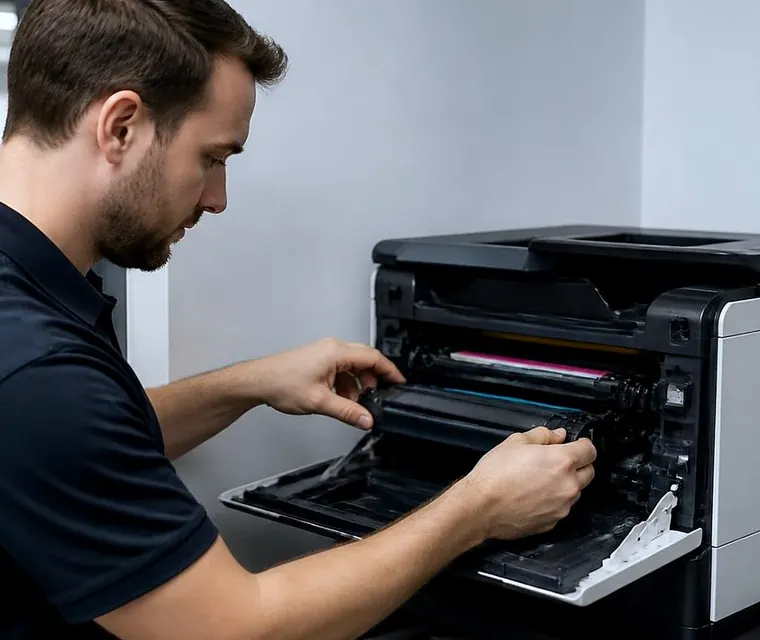
Printer service, copier repairs and machine sales on the Gold Coast
Pick your make
- Toshiba: e-STUDIO copiers and printers, from compact colour units to floor standing systems.
- HP: LaserJet, OfficeJet and PageWide printer repairs, and DesignJet plotters.
- Kyocera: ECOSYS printers and TASKalfa copiers.
- Fujifilm: current Apeos machines, and the former Xerox office machines.
- Canon: imageRUNNER and imageCLASS repairs and servicing.
- Ricoh: repairs and scheduled servicing for Ricoh multifunction devices.
- Konica Minolta: bizhub servicing and repairs.
- Sharp: Sharp multifunction copiers.
- Xerox: VersaLink, AltaLink and WorkCentre support on site.
- Brother: laser printers and multifunction centres.
- Epson: EcoTank and WorkForce repairs, including printhead issues.
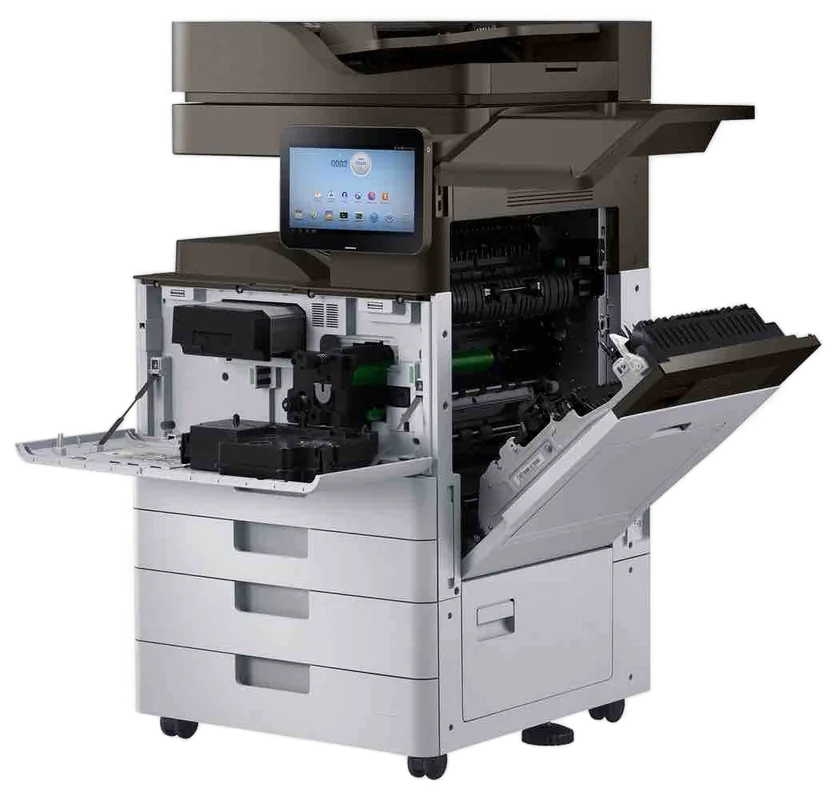
- Samsung: ongoing support for Samsung laser printers and multifunction printers.
- Lexmark, OKI and Zebra: label and workgroup printers.
Not on the list, or not sure what you have? The make and model sit on a badge on the front or a label inside the side door. Ring and describe it. If it prints, copies or scans, we can almost certainly fix it.
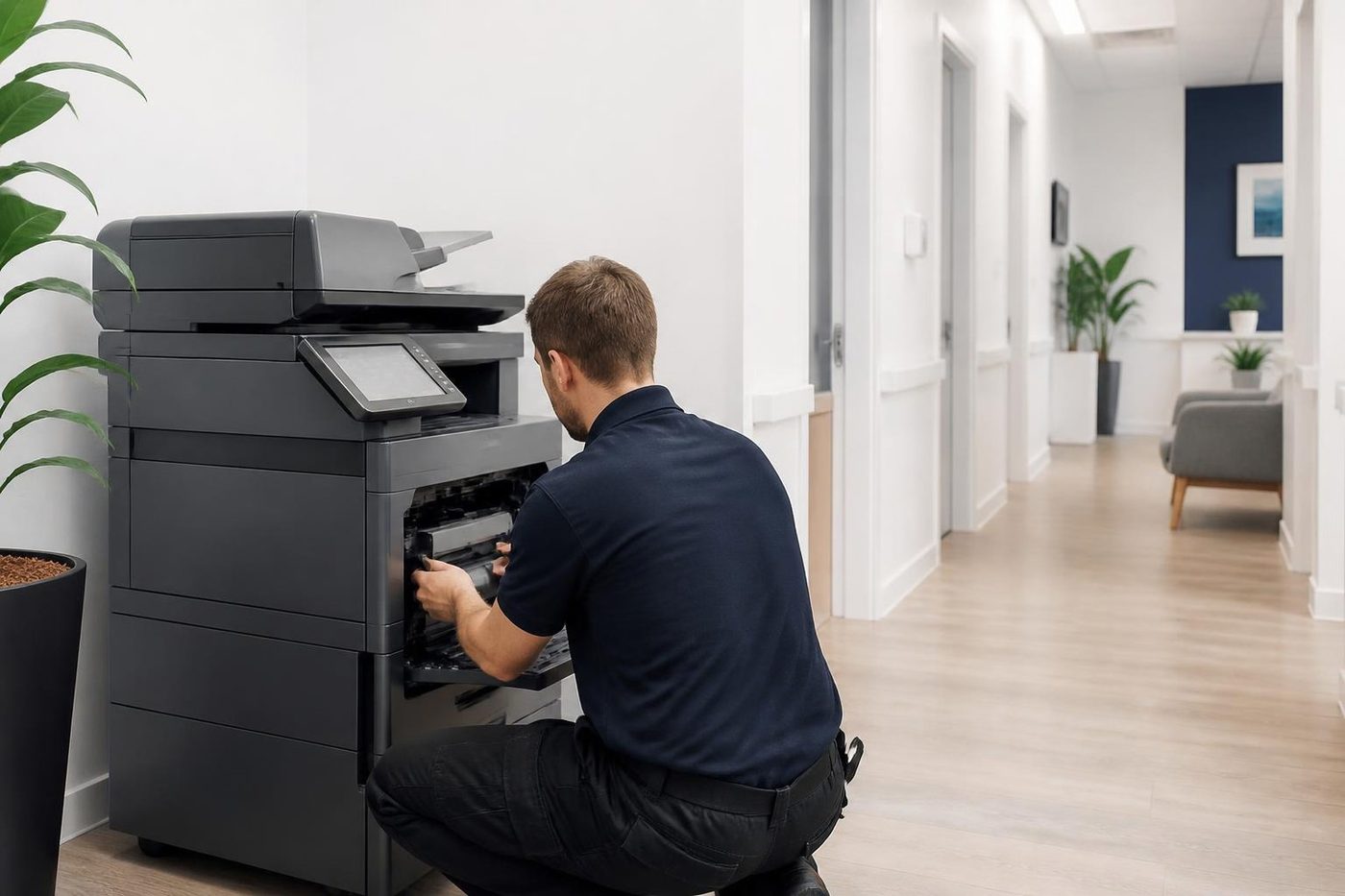
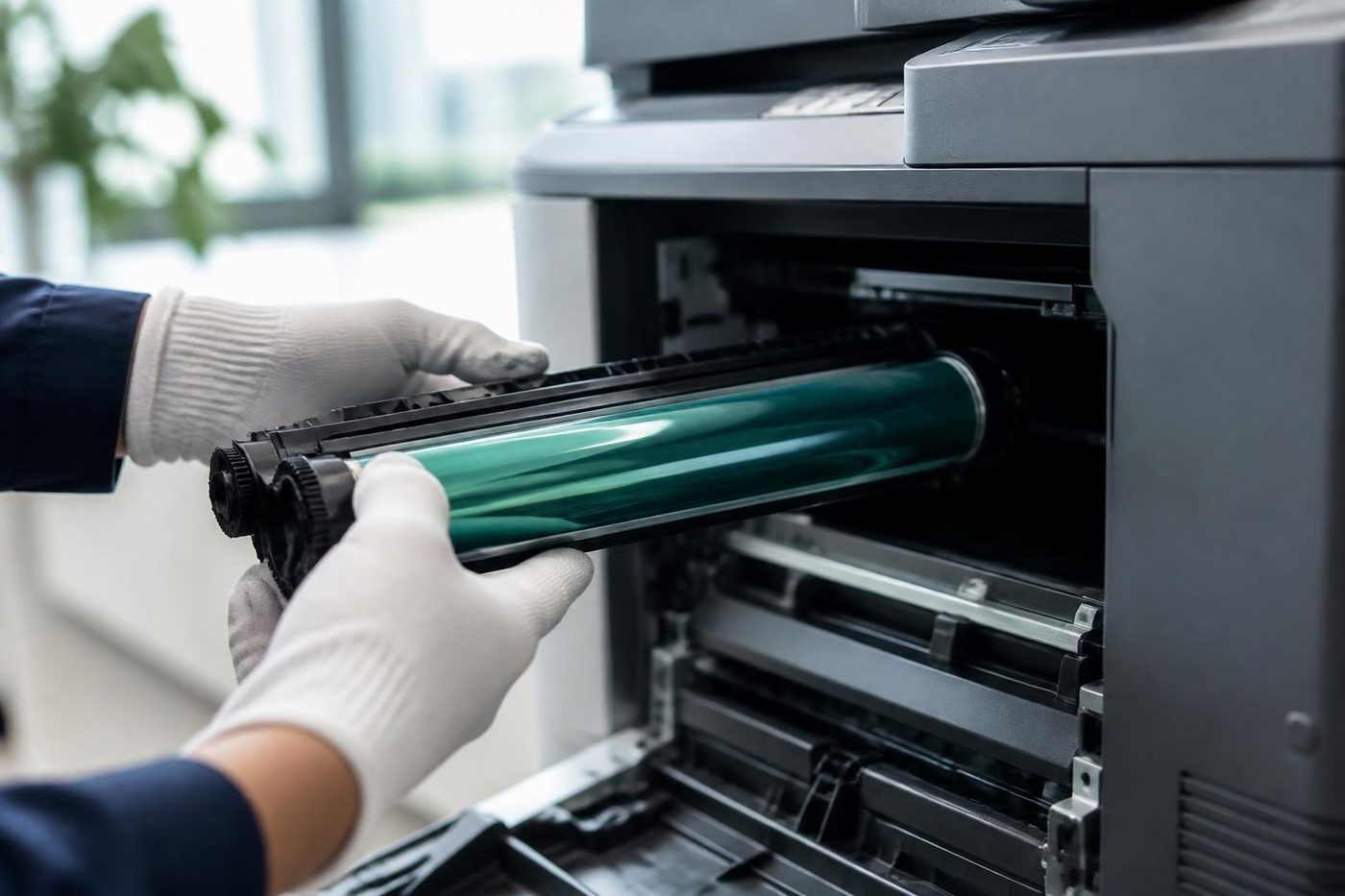
A price in three steps
- Tell us about the machineThe make, the model and what it keeps doing.
- We ring with a priceYou have it before any visit is booked.
- A certified technician comes to youSame day when the diary has room.
Why the badge changes the repair
Every maker builds differently. Error codes, consumables, firmware and the order in which parts wear are particular to the make and often to the model. Someone who has worked on your brand reads a fault faster, brings the right parts and does not experiment on your machine. Ours are trained, experienced and certified, and 98% of repairs are fixed on the first visit.
If the same fault returns, we fix it again at no charge. The price is agreed on the phone before anyone is booked, and repairs happen at your premises, so nothing is posted off. We are an independent service business and not the maker or dealer of any of these brands.
Three machines, three different jobs
A Toshiba e-STUDIO with a fuser code, an HP LaserJet with a 79 error and a Kyocera TASKalfa showing Call service are three separate repairs, even though every one of them is just a repair to the person at the front desk. When you ring, we ask for the make and model and send the technician with the most experience on that range. That person arrives with the likely parts and a clear idea of where to start, which is how the first visit gets it done.
The point matters most on the busy machines, the floor standing multifunction copiers that a whole office shares. A mistake on one of those stops dozens of people. Small desktop printers matter too, and we repair those on site as well.
Who runs what, by kind of business
| Kind of business | What we usually find |
|---|---|
| Practices and small offices | HP, Brother or Kyocera laser printers and one mid range copier |
| Schools, councils and larger offices | Leased fleets on Ricoh, Toshiba or Canon |
| Design and marketing offices | Colour machines from Canon, Konica Minolta and Fujifilm |
| Engineers, surveyors and builders | A plotter, and a Kyocera or Toshiba in the office |
| Trade desks, depots and docks | Zebra label printers and OKI dot matrix or colour LED machines |
| Body corporate managers and letting agents | A busy mono workgroup machine, often HP or Lexmark, and a colour unit near the meeting room |
Offices tend to pick a brand through whoever sold them the first machine. The brand matters less than who looks after it.
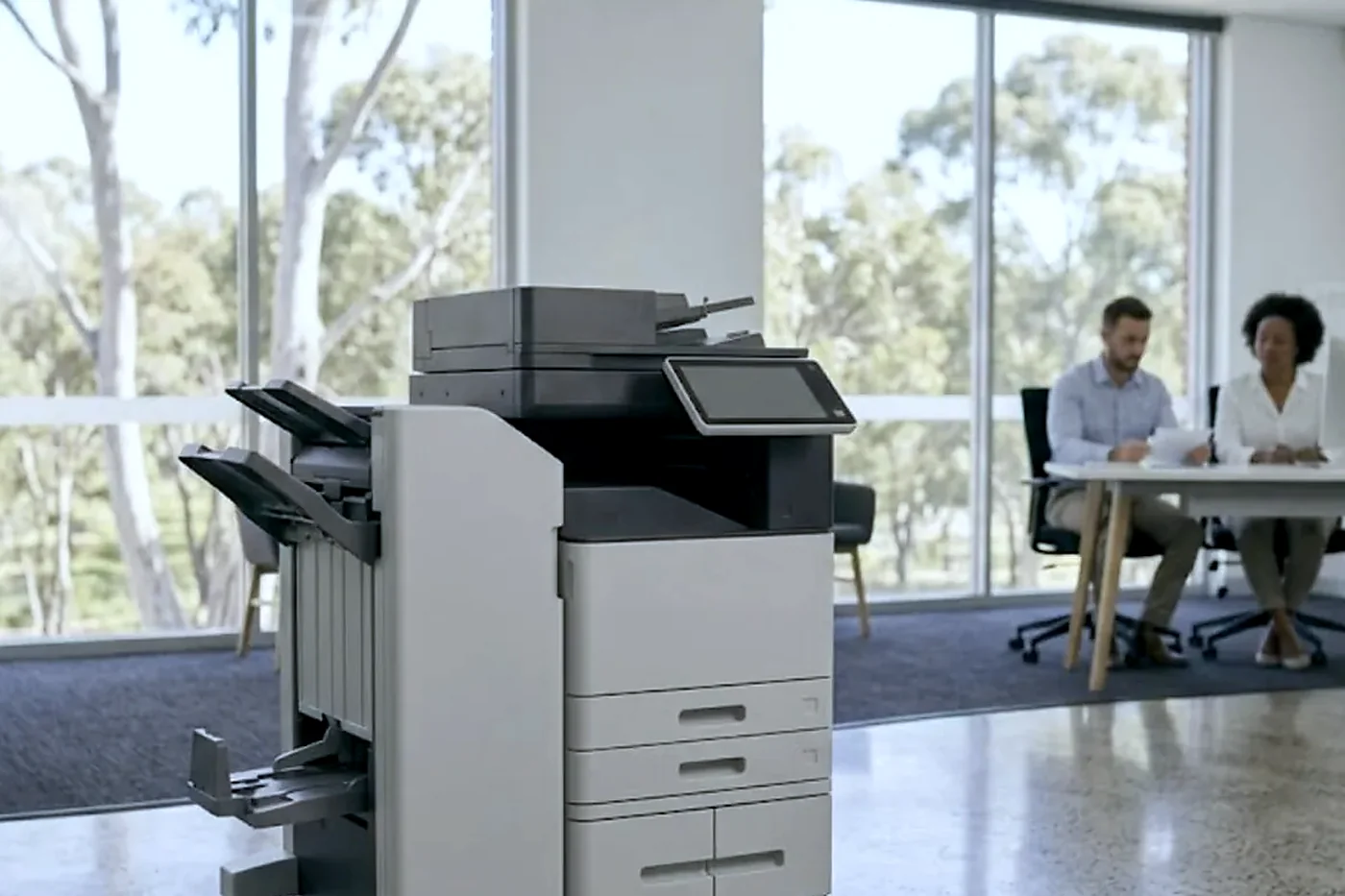
Colour, mono and wide format
We repair colour and black and white machines, A3 and A4 copiers, workgroup laser printers and wide format plotters. Colour machines carry extra imaging units and a transfer belt that need careful handling, and wide format machines have their own ink or toner systems and media paths. The plotter service page covers the wide format side. For copiers there is the photocopier repairs page, and for workgroup printers the commercial printer repairs page.
Start from the symptom instead
Sometimes you do not know the make or you want to start from what you can see or hear. Our fault guides cover copier and printer faults on the Gold Coast by symptom, including error codes, paper jams and printers that go offline, and each one tells you what is safe to check and when to ring.
Buy photocopier Gold Coast: start from a brand you already use
If you want to buy a photocopier on the Gold Coast, it makes sense to look at the brands our technicians already repair every day. We know how Toshiba, Canon, Ricoh, Kyocera, Konica Minolta and Sharp machines age, which parts wear and which models are a pleasure to keep going. That experience goes into our advice when you buy, hire or lease.
The machines we sell are warranted, and we explain what is covered on the phone. The photocopier sales, printer sales and lease, and used photocopier pages go into the detail. Machines we repair are not limited to ones we sell.
Ex demo, reconditioned and A3, in the makes above
Most of the machines we place come from the brands listed here. If you are weighing a near new machine, a rebuilt one or a bigger A3 unit, the ex demo, reconditioned and A3 pages explain how we choose.
Not sure it is worth repairing?
We also buy and sell machines, so we can tell you honestly where the line sits. A short call with the make, the model, the symptom and roughly how old the machine is gets you a straight answer. If lines are busy, the call is logged and returned.
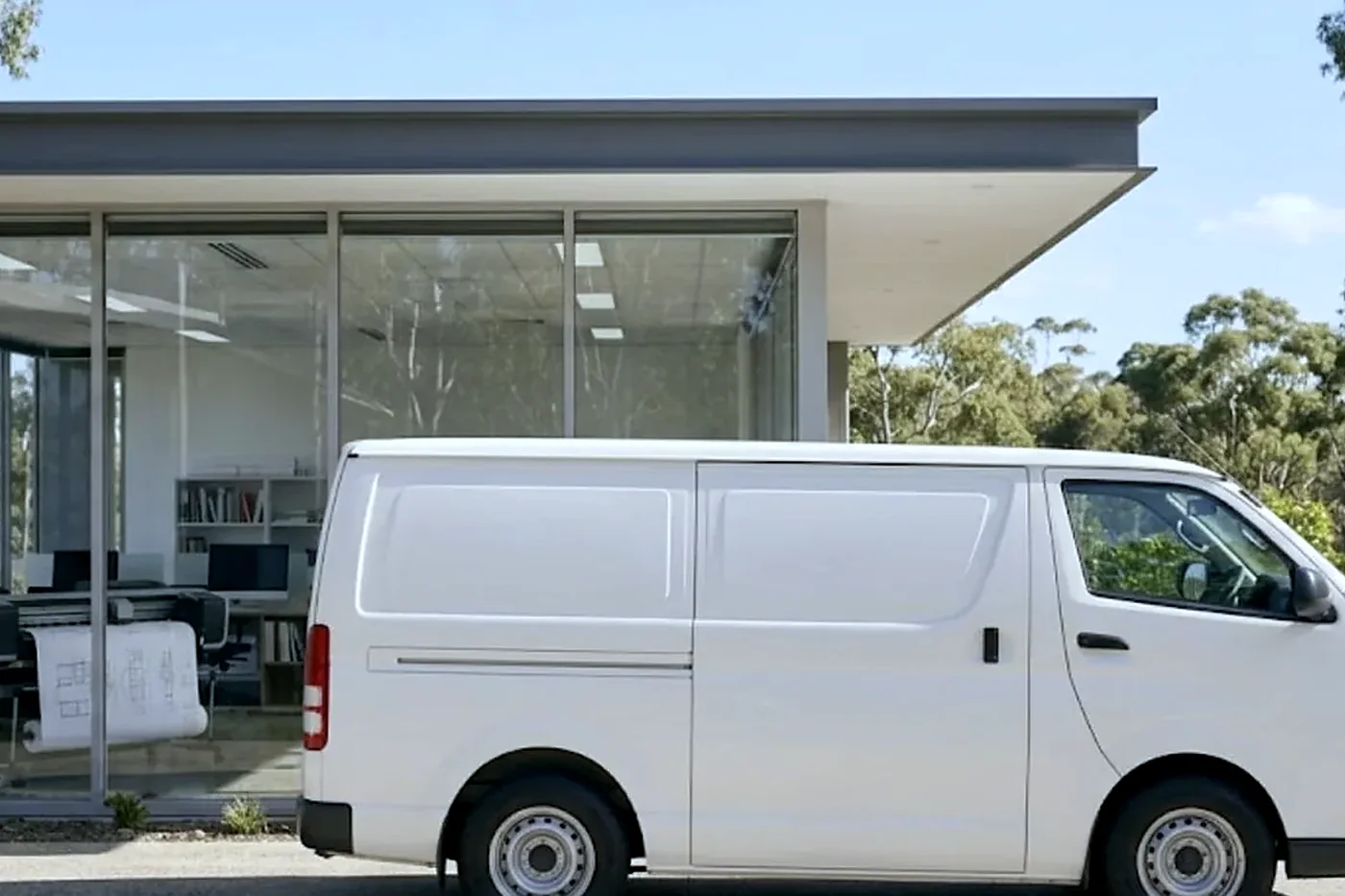
A line on each make, from the people who repair them
The brand pages go deep. This is the short version of what we notice, so you can tell at a glance which page to open.
| Make | What we notice |
|---|---|
| Toshiba | e-STUDIO machines announce trouble with Call for Service and a code. Fusers, drives and finishers lead the list. Strong in accounting practices, schools and trade offices. |
| Kyocera | Long lived, and built so that a visit means replacing what is due. Maintenance kit messages are the machine counting, not complaining. |
| HP | Rich in features and in numbered codes. Firmware and network settings cause as many calls as hardware. |
| Canon | imageRUNNER ADVANCE machines show E codes. The fixing assembly range is a pointer and not a verdict. |
| Ricoh | SC codes, and a habit of running an older MP beside a newer IM in the same office. |
| Konica Minolta | bizhub machines turn up in design and marketing teams. Colour handling is the thing to watch. |
| Fujifilm and Fuji Xerox | Apeos, ApeosPort and DocuCentre, with dashed numeric codes. The old name is still on plenty of fronts. |
| Sharp | A letter and number follow a Call for service message on these. |
| Xerox | WorkCentre, VersaLink and AltaLink. Different from Fuji Xerox, and we repair both. |
| Brother | Speaks in plain English on the display, and the plain words can have three causes. |
| Epson | Business inkjets and plotters. No fuser, and a maintenance box and heads instead. |
| Samsung | Older laser printers and multifunction machines that still work hard in small offices. |
| Lexmark | Numbered messages, with 31, 32, 42 and 920 the ones people ring about. |
| OKI | LED machines and dot matrix impact printers for forms. |
| Zebra | Label and wristband printers, where a light pattern is the fault report. |
If you run more than one make
Most offices do. The front desk has a Brother, the accounts team has an HP, the print room has a Kyocera and the boardroom has a colour Canon someone bought three years ago. We take it as one job, send a technician for each, and where it makes sense we put several machines into a single visit.
For a mixed fleet there is a bonus: we see the whole picture. A firm whose printers all fail in the second summer, or all drop off the network after the same router change, has a pattern worth fixing at its source. We note it and say so.
Hospitality, strata and clinics: where the badge matters most
Holiday letting agents and body corporate managers print at certain times: statements, notices, key receipts, guest registrations. A fault at the wrong time costs more than the repair. Clinics print referrals and results and cannot wait. Accountants have a calendar that does not bend.
In each case, we ask when the machine matters most and plan around it. The brand tells us what to bring. The business tells us when to come.
What we do not repair, and what we say about it
We are a commercial service business. A home inkjet, a hobby printer or a photo machine is outside what we chase, although if someone rings we will look and give an honest view on whether a repair is worth the money. We do not claim to be the maker or an authorised agent for any make on this page.
For anything that prints, copies or scans in an office, a clinic, a school or a workshop, the answer is usually yes.
How each make reports a fault
The first thing we learn about a make is how it complains. It decides what you can tell us on the phone, and it is why the make and model come before anything else.
| How the machine speaks | Makes | What helps us most |
|---|---|---|
| Plain words on the display | Brother | The exact wording, plus whether a part was replaced recently |
| A code with a prefix letter | Canon with E, Ricoh with SC, Toshiba with C after Call for Service | The whole code, and what the machine was doing |
| Dotted numbers in groups | HP Enterprise, such as 13.B2.D2 or 50.WX.YZ | Every character, since the later pairs narrow the location |
| Numbers with a sub code | Lexmark and OKI | The number, the sub code and the model |
| Digits joined by a dash | Fujifilm and Fuji Xerox | The full code from the screen |
| A light | Zebra | The colour and whether it flashes |
| A request that cannot be cleared | Epson SureColor, with Maintenance Request | The message and the model |
A photo of the screen beats a description every time. If you can send one, do.
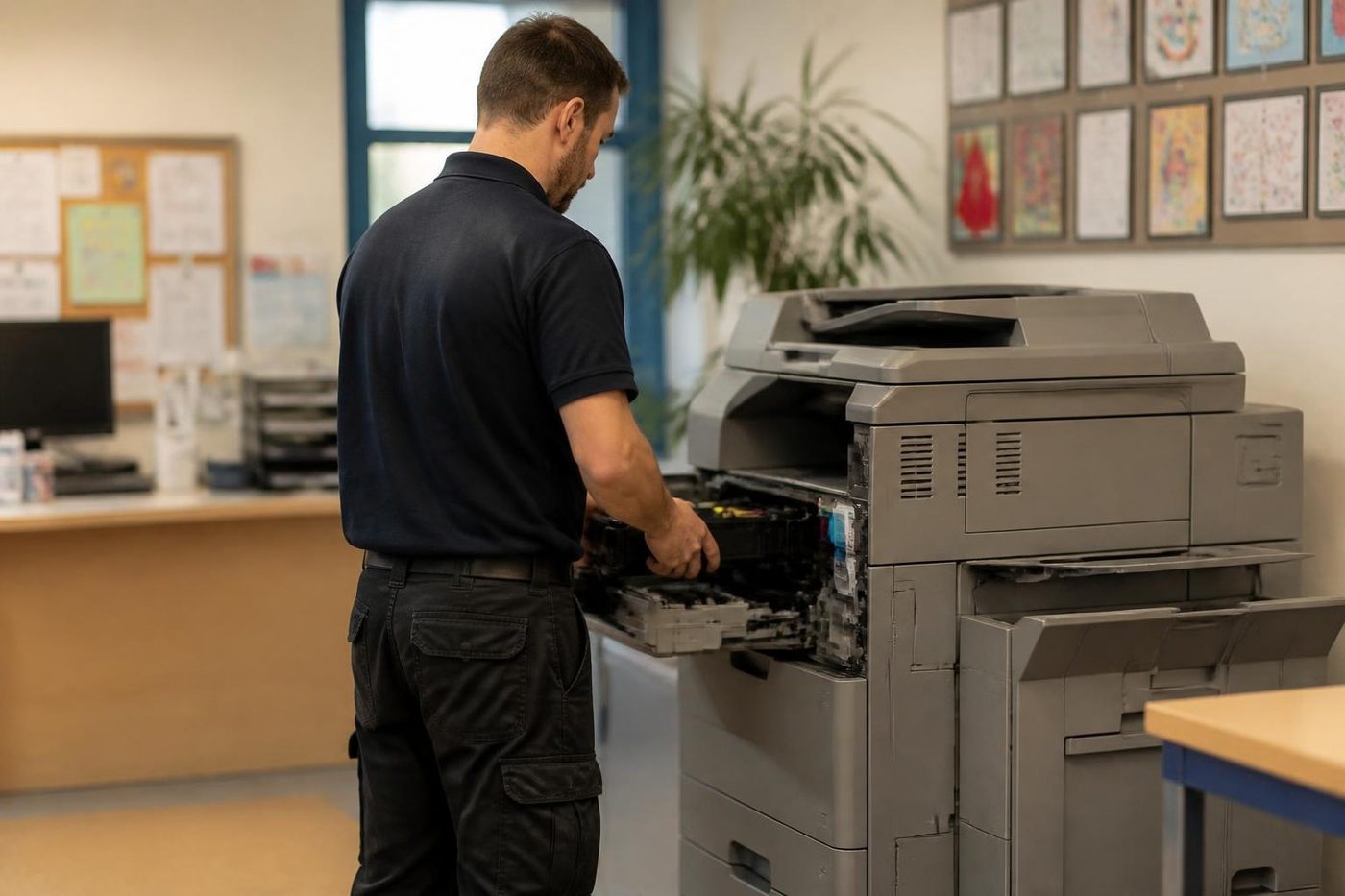
Parts, supply and the age of a machine
Part supply depends on the age of the model more than the badge. A machine a few years old is straightforward. One that has been discontinued for a decade may need parts that are hard to find, and that changes the repair or replace decision. We tell you early, because it is better to know before the visit than after it.
Technicians carry the common spare parts for the makes they attend, and for anything unusual we say so on the phone so the visit is not wasted. That is part of why 98% of repairs finish on the first visit, and why a fault that returns is repaired again at no charge.
The people at the keyboard
The front desk usually knows first
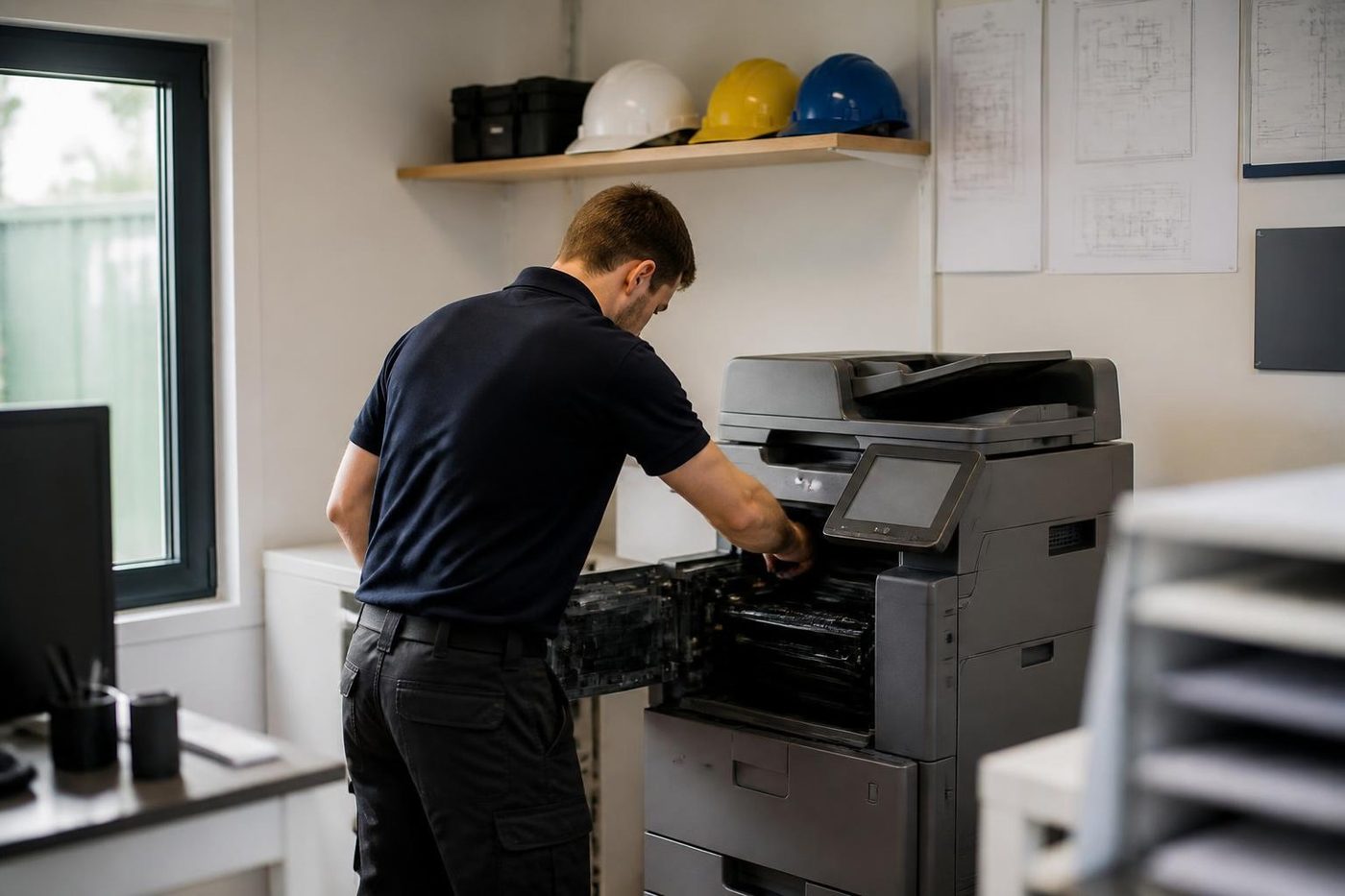
So we ask before we open anything. Ten honest minutes of what the machine has been doing saves an hour of poking around.
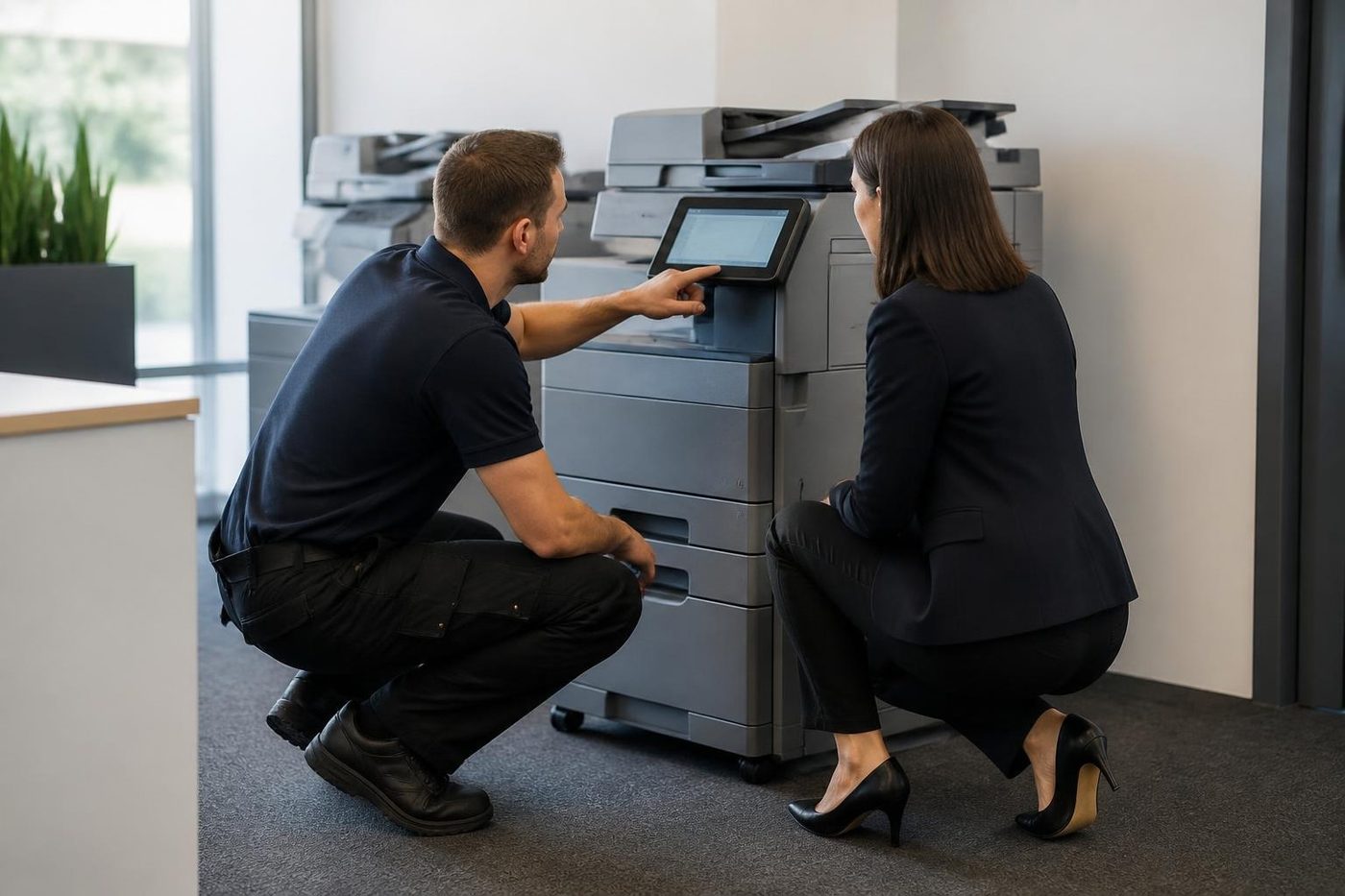
Our technicians are trained, experienced and certified, and they are also expected to listen. The best diagnosis tool in the building is the person who prints from it every day.
- Ask first. The people who use it supply the best clues.
- Notes from the call. What you told us on the phone goes with the technician.
- Plain words back. You hear what we found without a lecture.
Keep reading
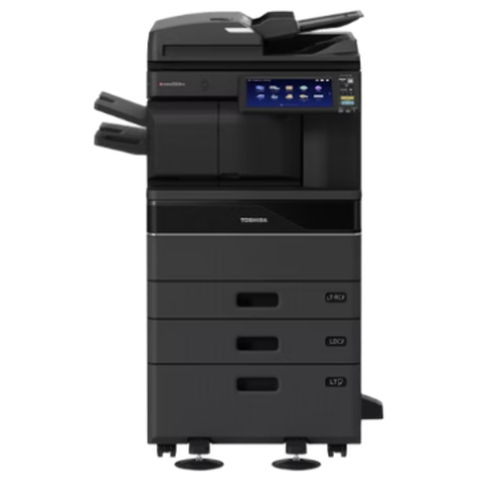 Toshiba repairse-STUDIO AC and A series, fixed where they stand.
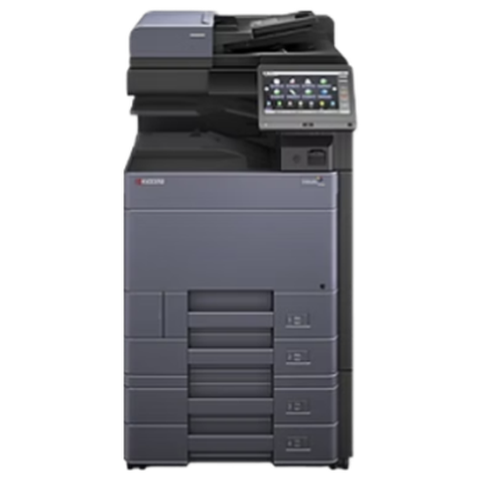 Kyocera repairsTASKalfa copiers and ECOSYS printers, serviced on site.
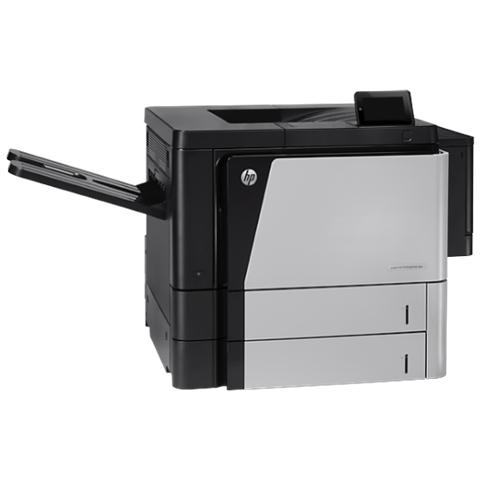 HP printer repairsLaserJet codes read like a sentence. We read them aloud.
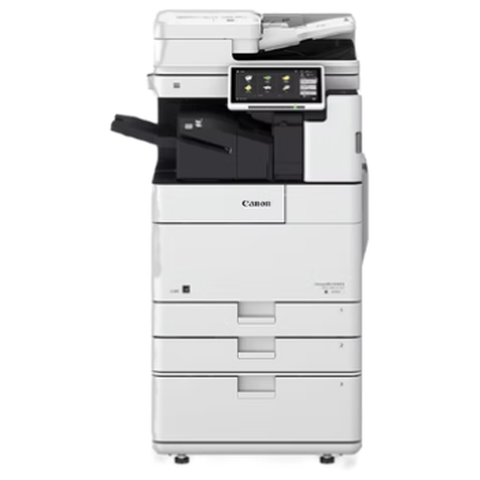 Canon repairsimageRUNNER ADVANCE, DX and i-SENSYS, repaired on site.
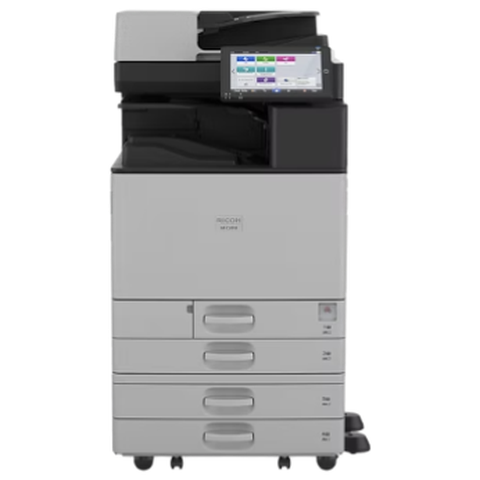 Ricoh repairsIM C, IM and MP series, plus Lanier and Savin badged machines.
 Photocopier repairsAny make of office copier, repaired where it stands.
 Commercial printer repairsWorkgroup lasers and fleets, repaired where they sit.
 Plotter serviceBanding, skew and blocked heads on A1 and A0 plotters, fixed on site.
Buy, sell and lease
Buy, sell and lease commercial copiers on the Gold Coast
We also sell new and refurbished commercial copiers and buy used ones. Same team, same technicians.
Real service calls, no staging
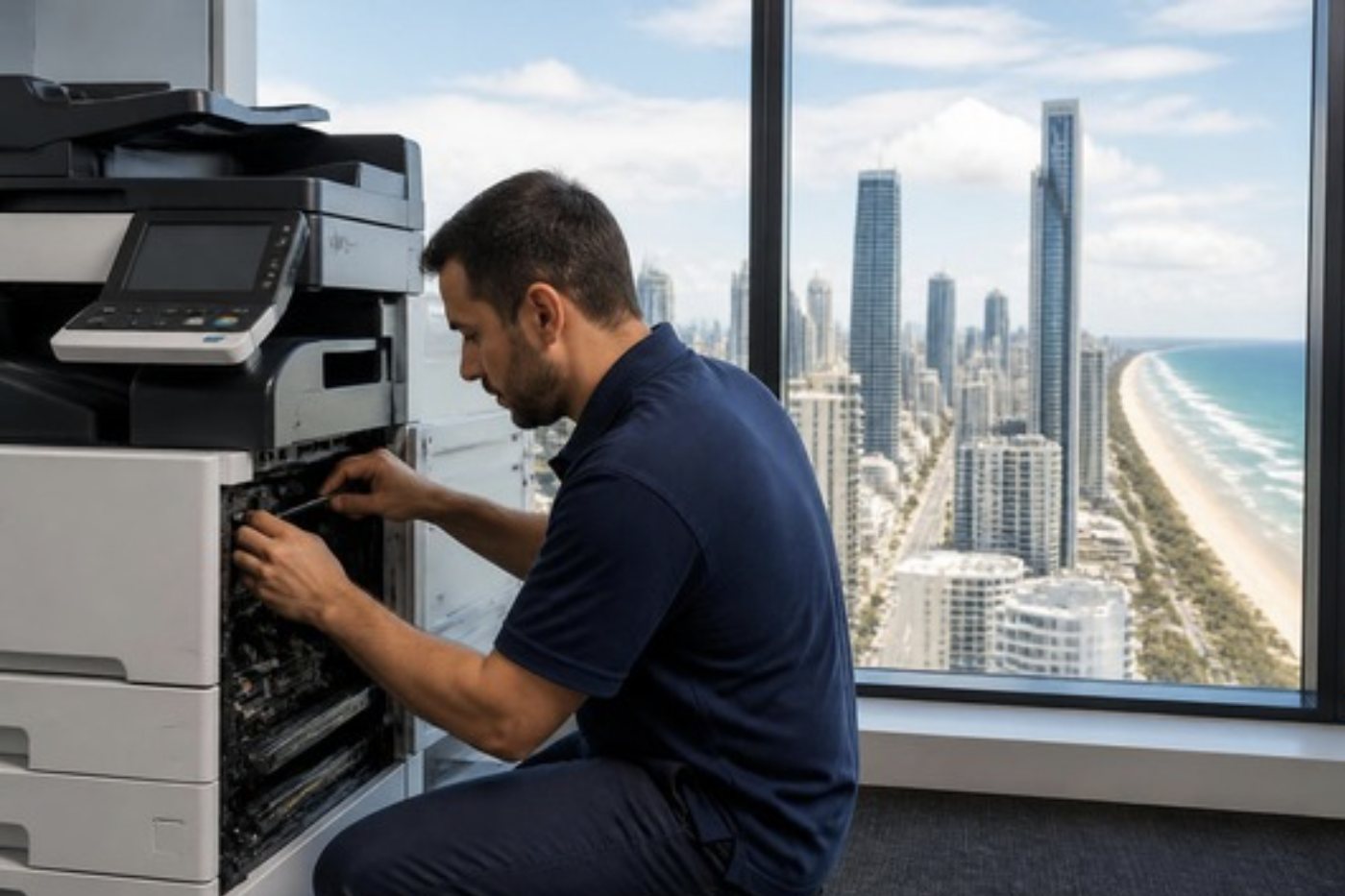
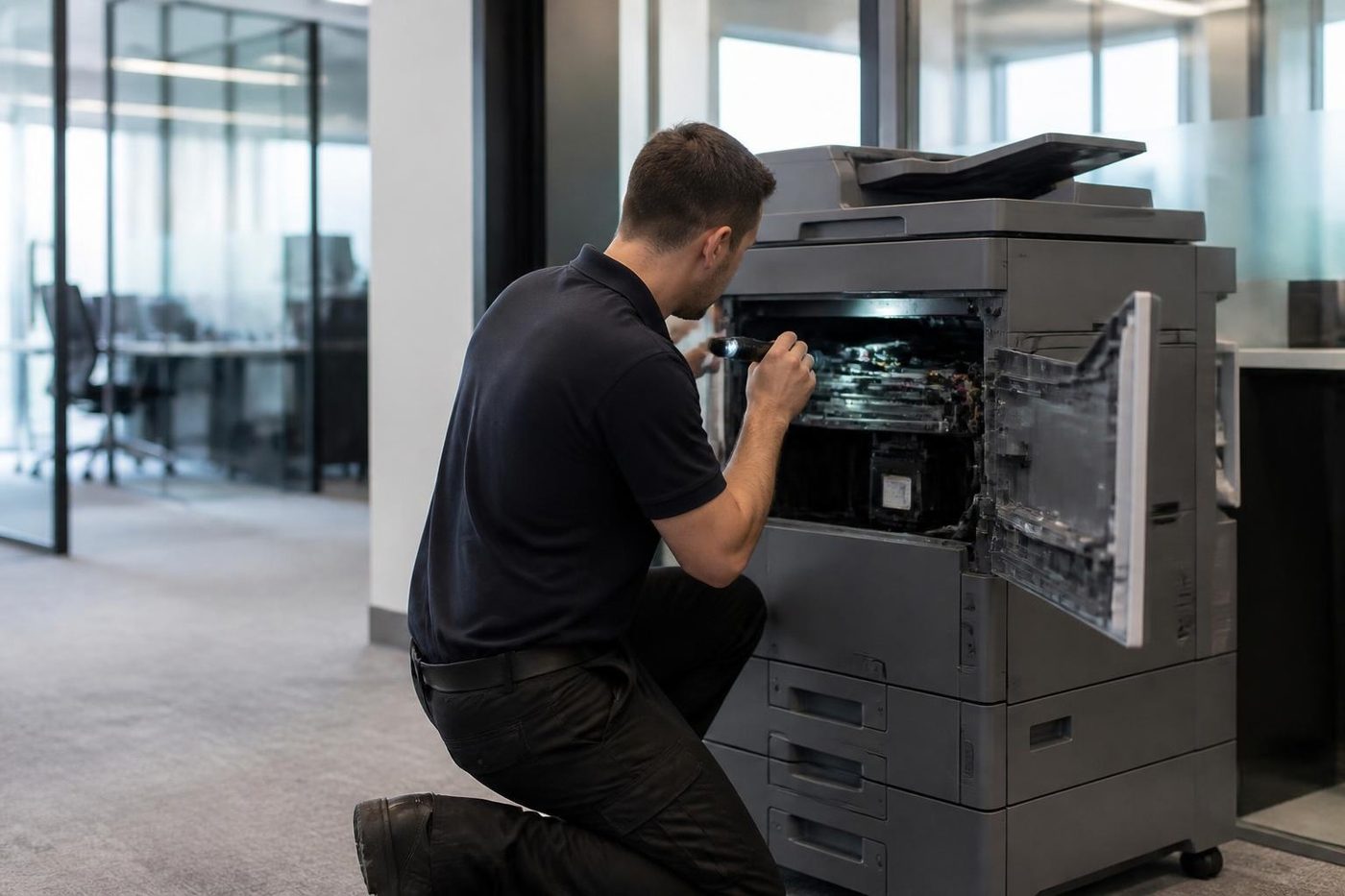
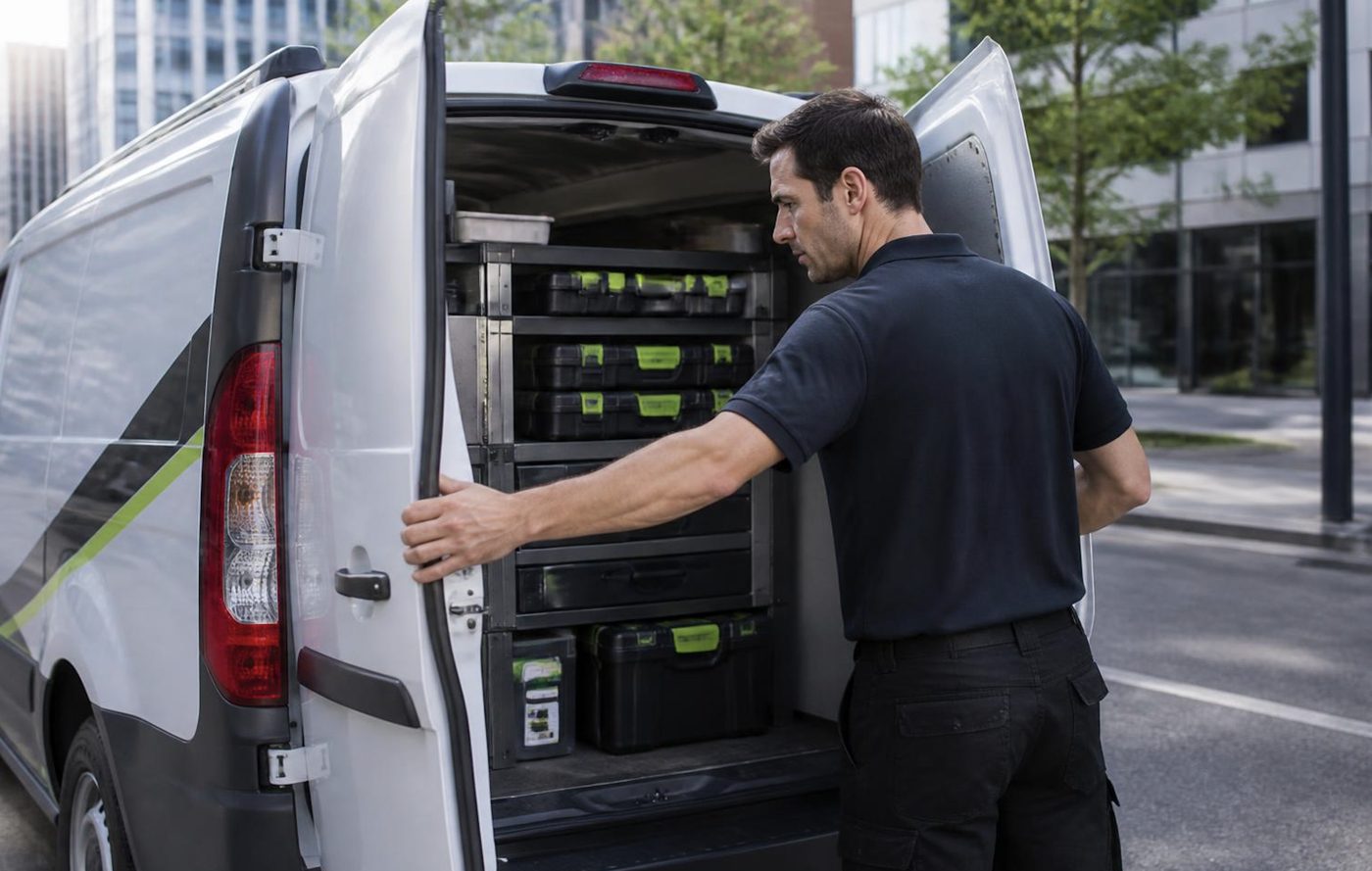
Common questions from Gold Coast offices
Which brands do you repair on the Gold Coast?
Toshiba, HP, Kyocera, Fujifilm, Canon, Ricoh, Konica Minolta, Sharp, Xerox, Brother, Epson, Samsung, Lexmark, OKI and Zebra, and others on request.
My brand is not on the list. Can you still help?
Ring with the make and model. If it prints, copies or scans, we can almost certainly fix it.
Do you repair at my premises?
Yes, at your office, depot or site. Nothing is posted off.
Can I buy a machine from you as well?
Yes. The sales pages cover new, refurbished and used commercial machines, and the machines we sell are warranted.
Can I buy a photocopier from you in the brand I already use?
Often yes. Ring with the make and what you print and we say what can be arranged.
How do you choose the technician?
By the make and model. We send the person with the most experience on that range.
Do you service plotters?
Yes. See the plotter service page for wide format machines.
Quick question, plain answer
Ring (07) 3096 0331 or fill in the form.
Make, model and a line about the symptom is enough. We ring back with a price, and the work is done at your premises.
Ring me back
Everything we look after on the Gold Coast
Copier and printer service
Fault guides
- Copier and printer faults Gold Coast
- Photocopier paper jams Gold Coast
- Copier black lines and streaks Gold Coast
- Copier error codes Gold Coast
- Copier not printing Gold Coast
- Scan to email not working Gold Coast
- Toner smearing and fuser faults Gold Coast
- Printer offline and network faults Gold Coast
- Copier noise, grinding and squealing Gold Coast
- Is my copier worth repairing Gold Coast
- Toshiba e-STUDIO error codes Gold Coast
- HP LaserJet error messages Gold Coast
- Kyocera TASKalfa error codes Gold Coast
Makes we repair
- Toshiba copier repairs Gold Coast
- HP printer repairs Gold Coast
- Kyocera copier repairs Gold Coast
- Fujifilm copier repairs Gold Coast
- Xerox copier repairs Gold Coast
- Canon copier repairs Gold Coast
- Ricoh copier repairs Gold Coast
- Lexmark printer repairs Gold Coast
- Brother printer repairs Gold Coast
- Epson printer repairs Gold Coast
- OKI printer repairs Gold Coast
- Zebra printer repairs Gold Coast
- Konica Minolta copier repairs Gold Coast
- Sharp copier repairs Gold Coast
- Samsung printer repairs Gold Coast
- Fuji Xerox copier repairs Gold Coast
Suburbs we work in
- Printer service Southport
- Printer service Bundall
- Printer service Robina
- Printer service Varsity Lakes
- Printer service Nerang
- Printer service Burleigh Heads
- Printer service Helensvale and Coomera
- Printer service Surfers Paradise
- Printer service Broadbeach
- Printer service Coolangatta and Tweed Heads
- Printer service Labrador and Biggera Waters
- Printer service Mudgeeraba and Reedy Creek
- Printer service Molendinar, Ashmore and Carrara
- Printer service Currumbin, Palm Beach and Tallebudgera
- Printer service Byron Bay, Ballina and Lennox Head
- Printer service Lismore and the Northern Rivers
- Printer service Murwillumbah and the Tweed Valley
- Printer service Kingscliff, Tweed Heads South and Pottsville
- Printer service Arundel and Yatala
- Printer service Pacific Pines and Oxenford
- Printer service Tugun, Bilinga and the Gold Coast Airport side
- Printer service Miami, Mermaid Waters and Mermaid Beach
- Printer service Currumbin Waters and Elanora
- Printer service Paradise Point, Runaway Bay and Hope Island
- Printer service Mullumbimby, Brunswick Heads and Ocean Shores
- Every suburb we cover
Know the make and what it is doing? That is enough for a price.
Start with a few details
Make, model and a line on the symptom is plenty. We ring back with a price. Rather talk it through? (07) 3096 0331.