Copier error codes on the Gold Coast, and what a code can and cannot tell you
Every maker keeps its own table. C6000 on one make is not C6000 on another, and within a make the meaning can change between generations. Search a code on the internet and you will find a confident answer for a different machine.
What a code does give you is an area. Feeding, scanning, the laser, the drum, the fuser, a motor, the controller. Together with the model name and the exact moment it appeared, that is often enough for a technician to know what to pack.


Three kinds of message on one screen
Prompts are polite requests: add paper, change toner, empty the waste box, close the side door. You clear them by doing what they ask.
Warnings say something needs attention soon. A maintenance reminder is the common one. It rests on a page count, not on a failure.
Service codes stop the machine and ask for a technician. They are often marked with words like Call for service, followed by a letter and some digits. Those are the ones this guide is for.
What to write down
A photo of the panel does the first three jobs in one go.
- The model name from the front, not the brand alone.
- The whole code, every letter and digit.
- When it appeared: at switch on, during warm up, mid job, after a door was opened.
- What the machine was doing, and whether a particular tray or finisher was in use.
- Whether anything changed that week, including a power cut, a move or a new cartridge.
The one restart
Switch off with the machine's own power key, wait a full minute, and switch back on. One time. A code caused by a brief upset, such as a power flicker in an afternoon storm, may not return.
If it comes back, leave it off. Repeating restarts on a fuser or motor code asks the machine to try again at something it has already decided is unsafe, and some of those faults get worse. Plug the machine straight into a wall socket as well, bypassing a power board or surge protector, which is a surprisingly common contributor on the coast where those boards fill up with other equipment.
Families we see most often
| Area | What it covers | Who deals with it |
|---|---|---|
| Paper path and feeders | Sensors, trays, document feeder, duplex unit | You first, then us |
| Scanner | Lamp, carriage, cabling | Us |
| Laser and drum | Scanning unit, drum, charging | Us |
| Fuser | Heater, thermistor, thermostat, connectors | Us, with the code and model |
| Motors and drives | Main motor, tray lift, gears | Us |
| Controller and network | Board, memory, firmware | Us, possibly with your IT contact |
The fuser group is by far the one that stops the most copiers, because it works at high temperature all day.
Makes and the pages that go deeper
We keep separate pages for the three families we are asked about most. They name real codes from real manuals, with the model they apply to, and say honestly where a meaning is not confirmed.
Toshiba e-STUDIO machines announce Call for Service with a code starting with C. HP LaserJets give a two digit family, such as 49, 50 or 79, and a longer string on newer models. Kyocera TASKalfa shows Call service with a C and four digits. Canon, Ricoh, Konica Minolta, Sharp and Fujifilm all have their own, and we are glad to talk through any of them on the phone.
Why we do not publish how to reset them
Service modes exist, and some are even documented in manuals. We do not describe them here, and we ask offices not to go looking. A code cleared without the cause fixed comes back, often with a bigger bill attached, and a few of those resets wipe settings an IT provider set up.
Heat, voltage and a drum that dislikes light are good reasons for a technician to handle it. If the code is one you were told to restart through, the panel says so.
The message that returns after you did what it asked
Staff get caught by messages that look like prompts and are not. Add paper to tray three, and the message stays after the tray is full. Remove a staple jam, and the finisher message returns. Close the door, and the door message will not go.
Behind those is usually a sensor, a switch or a connector. A tray that reports empty when it is full may have a bent actuator flag. A door that reports open may have a latch worn at the corner. These are small faults with a loud message, and they come up more in machines that have been moved around an office or shifted between floors.
If a prompt returns, write down what you did and ring. It is a real fault, even if it looks like a routine message.
Counters, maintenance and the message you ignored
Maintenance reminders are tied to page counts. Ignore one for a month and nothing happens. Ignore it for a year and a drive part that should have been replaced as routine starts damaging its neighbours.
The same applies to the quiet warnings that come before a code: a fuser temperature note, a slow warm up, a log entry marked as a warning. A technician reads the history and sees the build up. If you have seen the same odd message three times this month, say so when you ring.
Codes that are really about the building
Some of what shows up on a panel is not the machine's fault at all. A drawer that will not close because someone stacked boxes on it. A cover left ajar after a cleaner moved the copier. A tray that reports empty because a sheet of backing paper is stuck at the sensor. Look around the machine, as well as inside the messages.
The cleaner is a good source, too. Cleaning crews move machines, unplug them for the vacuum and plug them back into a different socket. A machine that begins to misbehave on the day the cleaning contract changed is a machine worth plugging back into the original socket.
A word on the Gold Coast power supply
Plenty of the codes we are called to are the morning after a storm. Brownouts and quick flickers rattle a copier more than a full outage, because the machine half notices them. Boards that are meant to start clean find themselves in a muddle, and a fuser mid warm up gets a confusing signal. If the code appeared the morning after bad weather, say so on the phone.
A surge protector bought years ago and never replaced is often a stale protector, and a machine on a long extension lead sharing a board with a kettle is asking for trouble. A plain wall socket on its own circuit is the kind arrangement.
How a visit usually goes
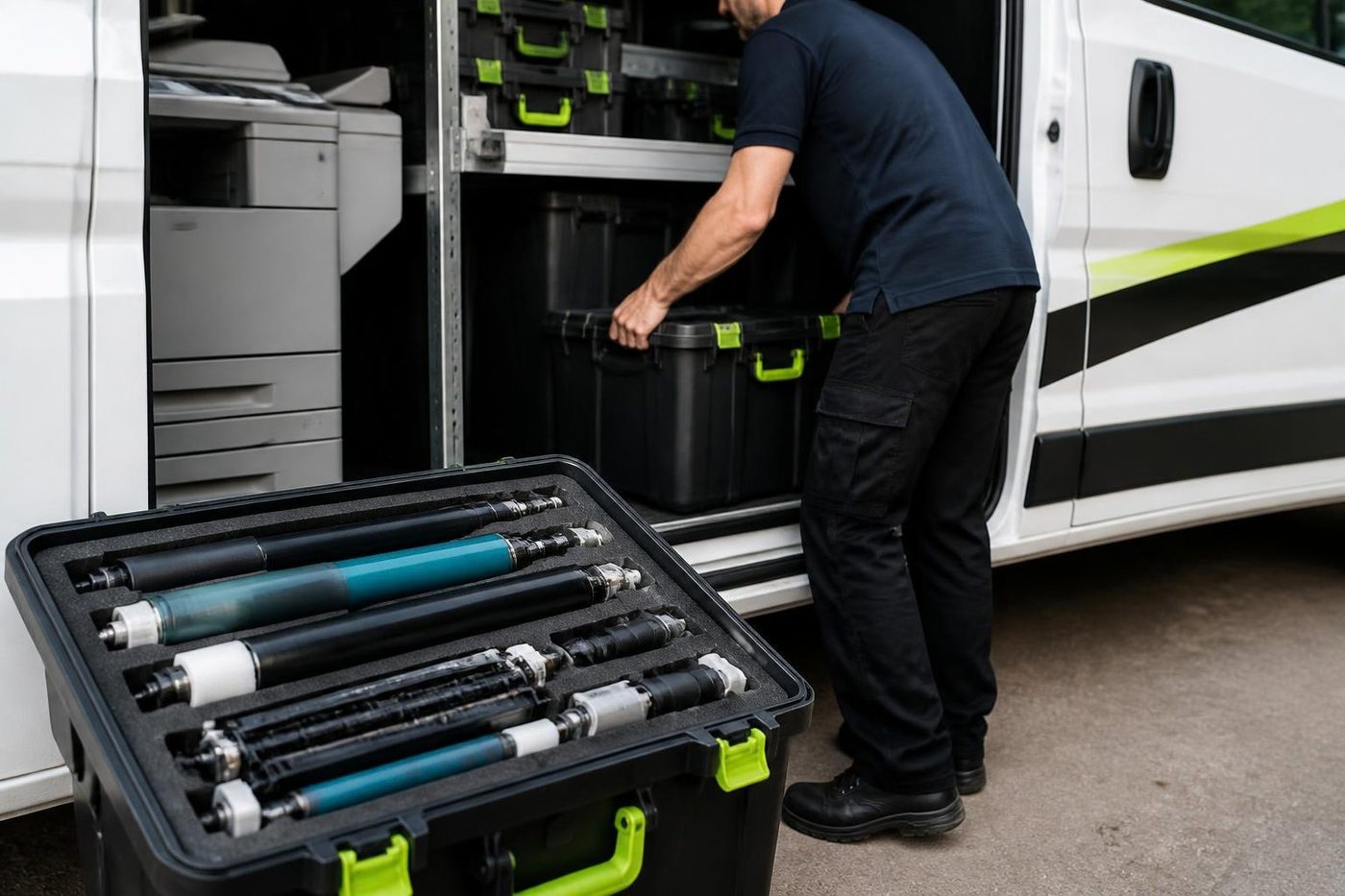
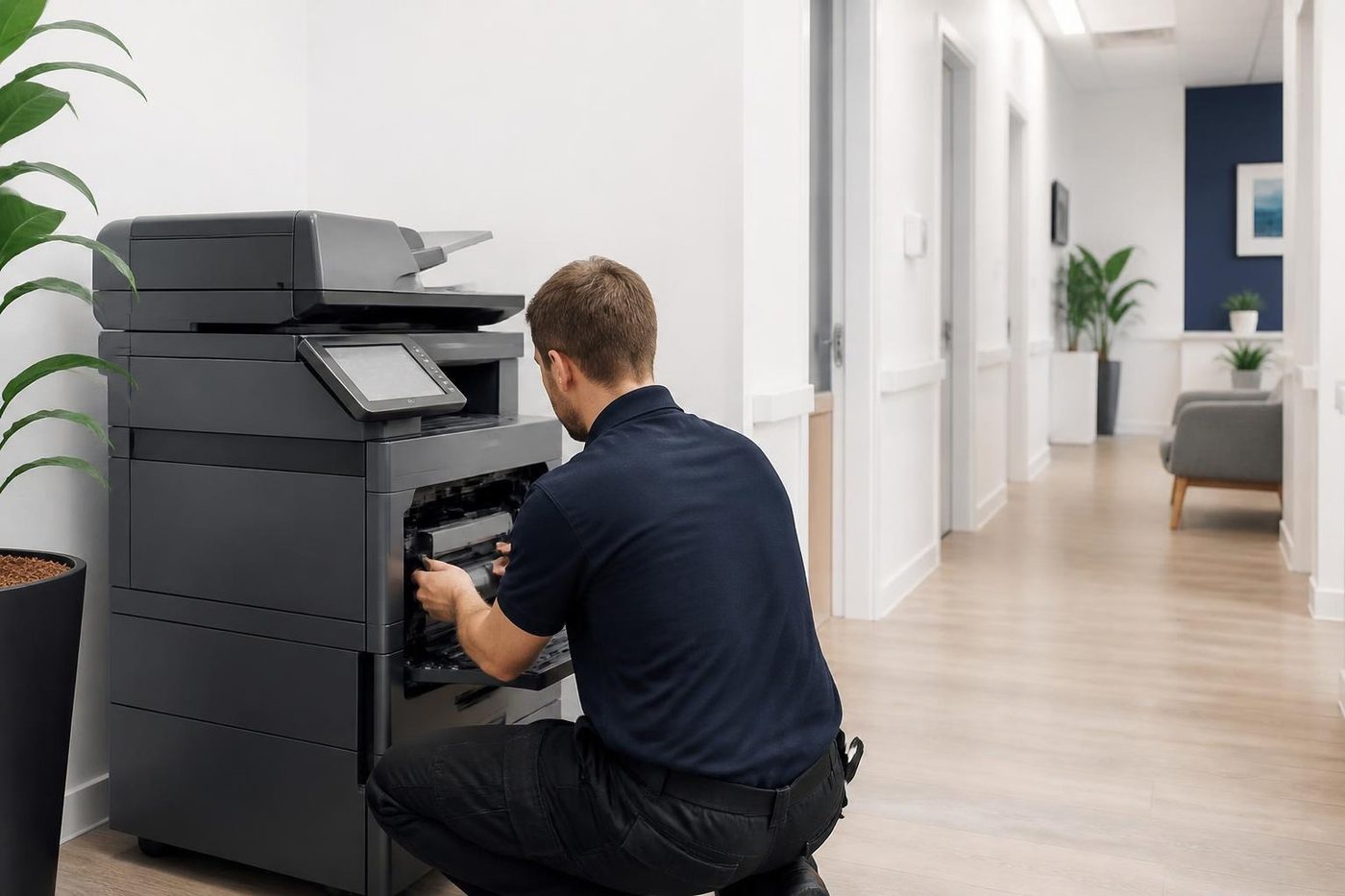
We read the event history on the machine first, to see whether this is the first time or the fourth. Then we follow the area the code names, testing before fitting. After the repair we run copy, print and scan tests, finisher included, because a machine that fixes one thing sometimes shows the next.
Technicians are trained, experienced and certified, and the price has been discussed with you on the phone before anyone is booked.
The second callout
The cheap visit is the one that fixes it
So we try to make the first visit the only one. The technician reads the history, brings the likely parts and tests the finished job properly. If the same fault does return, we fix it at no charge.
It is plain arithmetic. One visit done well costs less than two done quickly, and nobody has to explain the delay to a board.

- History read first. Past faults on the machine shape what gets packed in the van.
- Finished means tested. Every tray, the scanner and the finisher get a run.
- Repeat fault, no bill. If it returns, so do we.
Keep reading
Copier and printer faultsPick the symptom, get the next step. Toshiba e-STUDIO error codesCall for Service, the C code and what to read out.HP LaserJet error messagesMessages 49, 50, 59 and 79, and the order to try things.
 Kyocera TASKalfa error codesCall service, C6000 and what to do about it.
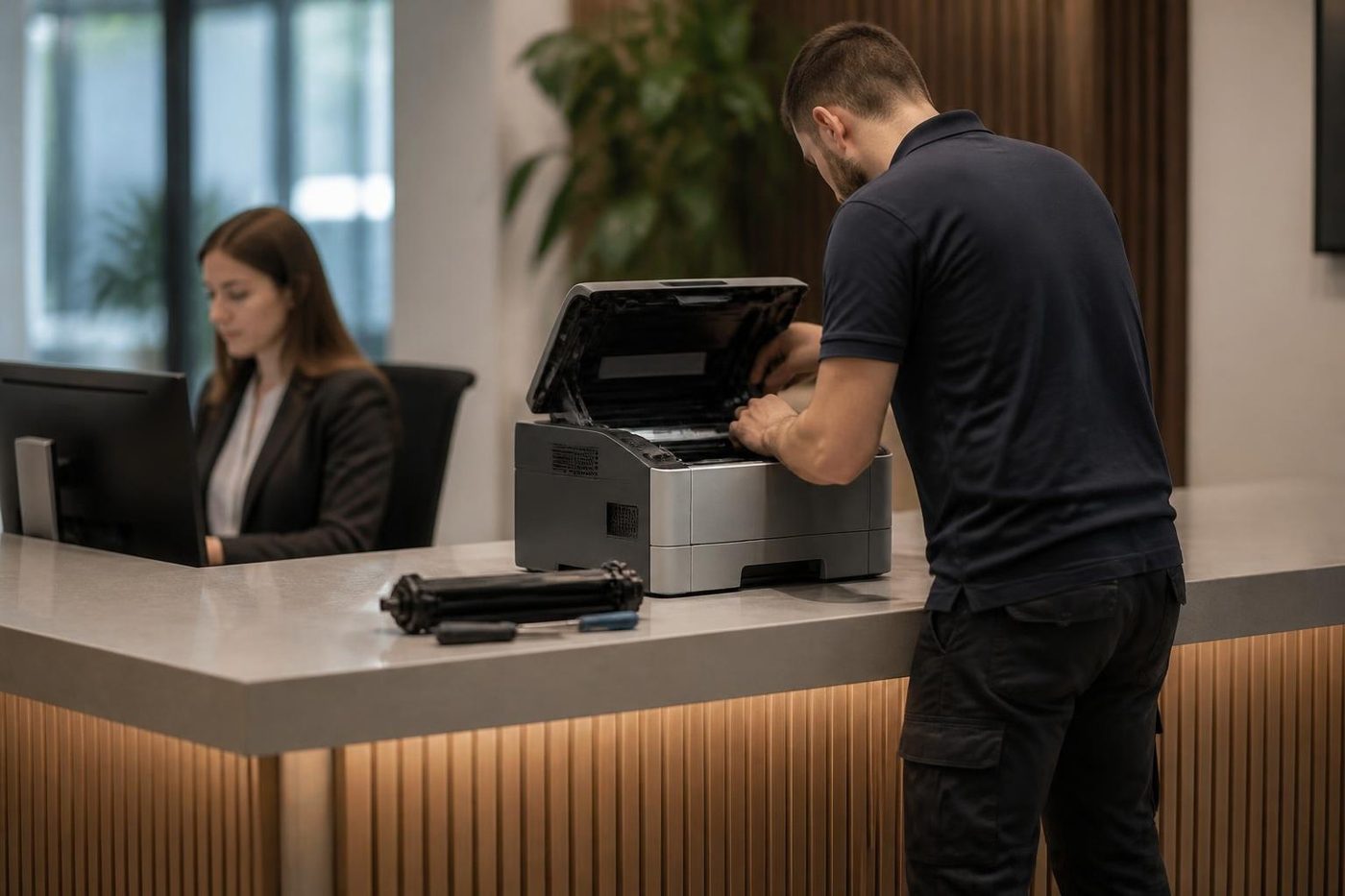 Commercial printer repairsWorkgroup lasers and fleets, repaired where they sit.
Buy, sell and lease
Buy, sell and lease commercial copiers on the Gold Coast
We also sell new and refurbished commercial copiers and buy used ones. Same team, same technicians.
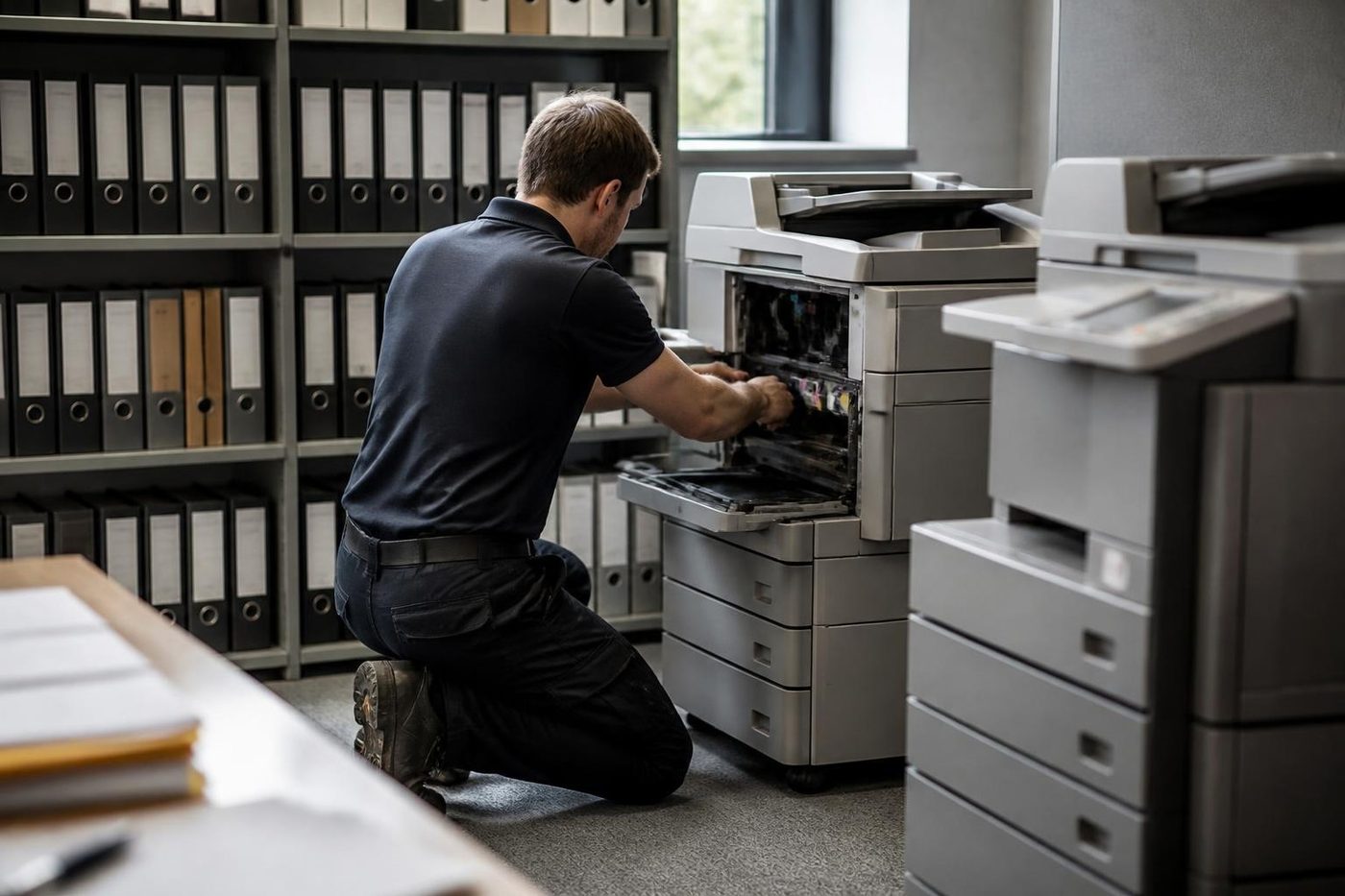
A few recent visits

Common questions from Gold Coast offices
What does a copier error code mean?
It points to an area of the machine that detected a fault. The exact meaning depends on the make and model, so the code on its own is not enough.
Can I look up my code online?
You can, but be careful. The same number means different things on different models and makes, so a web answer may describe someone else's machine.
Will restarting clear it?
One restart can clear a code caused by a brief upset. If it returns, the cause is still there and a technician needs to find it.
Is a code the same as a fault?
Not exactly. A code is where the machine noticed trouble. The cause may be a worn part, a connector, a sensor or a setting.
What should I tell you when I ring?
The model, the full code, when it appeared and what the machine was doing. A photo of the panel through the contact form works well.
Do you repair every make?
We service the common commercial brands on the Gold Coast, including Toshiba, Kyocera, HP, Canon, Ricoh, Konica Minolta, Sharp and Fujifilm.
Can I run the machine with a code showing?
Usually it will not let you. Where it does, running it can damage the part the code is about.
Is same day service possible?
It is available. Ring early, tell us the code and model, and we will say what we can arrange.