Toner smearing and fuser faults: the thumb test
Take a page that came out wrong and rub the printed area firmly with a clean thumb. If the toner lifts or smudges, the fusing has failed on that sheet. If it holds and the mark is still there, you are looking at a different fault and this page is the wrong one.
Test on a few types of paper too. If plain stock fuses and heavy stock smears, the machine may be fine and the setting is wrong.


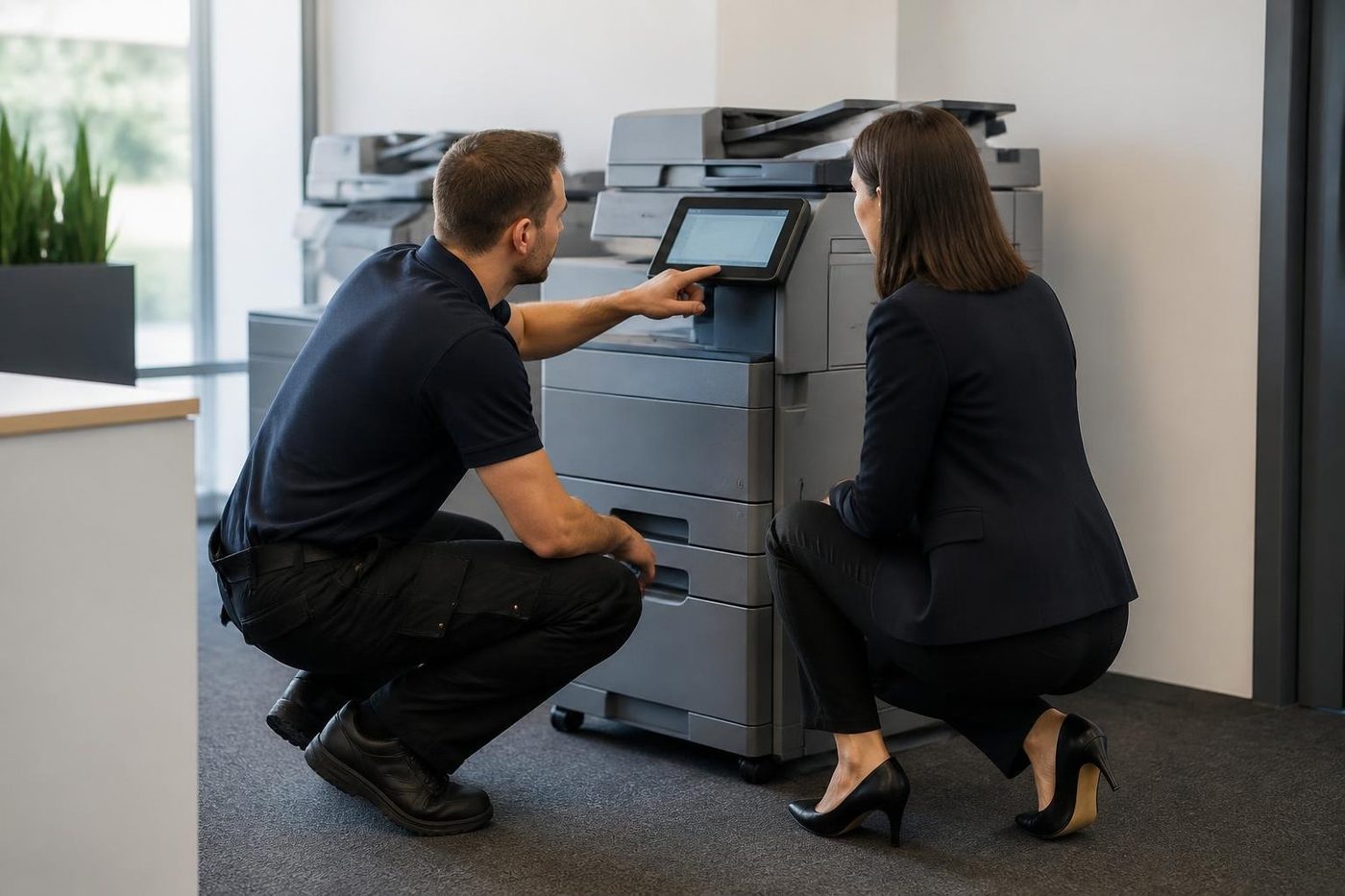
What the fuser does
The fuser is the last stop in the paper path. Two rollers, or a roller and a belt, squeeze the sheet while a heat source melts the toner into the fibres. It runs hot enough to scorch a sleeve, and it stays hot after the machine goes quiet. It also has the hardest working life in the machine, which is why it appears in so many error codes.
The fuser has a heat source, a sensor that reads temperature, a thermostat that cuts the power if it overheats, and connectors in between. Any one of them can fail. A new fuser unit is not always the answer.
Causes that have nothing to do with the fuser
Damp paper first. Toner does not fuse cleanly into a sheet that holds moisture, and the Gold Coast has plenty of moisture to offer. A cupboard of reams through a wet summer, a delivery that sat in a van, a tray that has been open for a month. Try a fresh ream.
Wrong paper type setting second. A tray set to plain paper that holds heavy card tells the fuser to run at too low a temperature for the load, and the toner smears.
A tired transfer roller or belt third. It lays the toner down unevenly, the fuser cannot recover it, and the page looks smudged even though the fuser works fine.
And then the glossy or coated stock that real estate brochures and hospitality menus tend to use. Run on a setting meant for plain paper, those sheets will smudge, and some stocks simply do not suit a laser machine.
What the symptom says
| What you see | What it tends to point at |
|---|---|
| Toner rubs off the whole page | Fuser not hot enough, wrong paper type, damp stock |
| Smear only along one edge | Fuser roller wear, pressure uneven |
| Ghost of the image lower on the sheet, repeating | Roller contamination, fuser cleaning, drum or transfer fault |
| Shiny patches, glossy streaks | Fuser roller damage, or a coating on the paper |
| Wrinkled or curled sheets | Pressure rollers worn, damp paper, heavy ink coverage |
| Hot smell, then a code | Heater or thermostat area. Switch off and ring |
| Takes a long time to warm up | Heater or thermistor ageing |
Fuser error codes and what they are
Most makes have a family of codes for the fuser. On Toshiba e-STUDIO machines we are asked about the C41 and C44 neighbourhood. HP LaserJets use the 50 family. Kyocera TASKalfa and ECOSYS machines show C6000 and its relatives on many models. Each family points at the heater, the sensor or the supply, with timing clues. If the error appears at switch on, the cause is often a sensor or a connector. If it appears a minute into warm up, the heater is more likely not heating.
Those meanings differ between models, so we ask for the model name along with the code. The guides for each make go deeper.
What you can safely do
If the thumb test still fails on fresh paper, ring us.
- Try fresh paper from a sealed ream, in the right tray, with the right paper type set on the panel.
- Run a few plain pages to clear loose toner.
- Plug the machine straight into a wall socket. A weak supply through a long extension lead slows warm up.
- Switch off, wait a minute and switch on, once.
- Leave the fuser alone. It stays hot and it sits near live parts.
What a technician checks
We begin with the history of the machine and its page count, then run test pages and read where on the sheet the smear sits. The fuser's heat source, sensor, thermostat and connectors are tested before a part is fitted. If the fuser rollers are worn or the coating is damaged, replacement is the repair, and we say so. If the fault is upstream, in the transfer roller or the stock, we fix that instead.
A fuser fitted on a guess is a costly mistake. We would rather test twice.
Cold mornings, humid afternoons
The same machine can smear on a Monday and behave on a Thursday. Machines that sit idle over a weekend in an air conditioned suite start the week with cool, slightly damp paper in the path, and the first few pages of the day are the ones that smudge. If it clears after ten or fifteen copies, the cause is almost certainly warm up and paper, and not a failing part. If it does not clear, it is time to ring.
Ghosting, explained
A ghost is a faint copy of part of the image that appears again lower on the same page, at a regular distance. It is the sort of thing a receptionist notices after the first hundred pages and a client notices after the first one.
The distance matters. Roller circumferences differ, so a ghost that repeats every few centimetres belongs to a smaller roller than one that repeats every few tens of centimetres. A technician measures it with a ruler. Ghosts follow dark, heavy images, which is why a page with a black logo or a solid table border shows it first.
Causes include a fuser roller with a dirty or damaged coating, a charge problem, an ageing drum and low humidity in the machine's own environment. A fresh toner cartridge from a source the machine does not like can do it too.
The paper types that catch offices out
Real estate brochures, hospitality menus, a clinic's laminated cards, sticky label sheets for a mailout. All of those use stock that is not plain copy paper, and every one of them is asking the fuser to do something different. Coated paper reflects heat and needs a different setting. Heavy card needs more heat and a slower pass. Labels need a particular type of adhesive that does not creep.
Set the paper type on the panel every time you switch stock, and keep the specification sheet from the supplier. A ream of unusual paper with no information about its weight and coating is a gamble.
Duplex and the second side
Smearing that appears only on the second side of a double sided page has a particular cause: the sheet has already been through the fuser once, and its second pass is on paper that has dried out and curled. Fresh reams help, and a lower coverage on the first side helps more. If the second side smears with fresh paper, ask the technician to look at the duplex path and the fuser together.
Coast conditions that load the fuser
Warm, humid workplaces ask more of every heat related part. A machine in a shed at Yatala or Arundel, a print room with the air conditioning off at weekends, or a copier next to a sunny window at Surfers Paradise runs hotter. When the air conditioning drops out in a storm, the fuser may be asked to restart from a cold, damp state, and that is when a marginal one gives up.
Heat inside the box
A fuser punishes a rushed hand
The fuser runs hot enough to scorch a sleeve and it stays hot long after the machine goes quiet. A tech who does not wait, or who skips the cool down, burns a thumb and sometimes cracks a roller.
We test before we replace, and we tell you what we found. Fusers are not cheap and we would rather not fit one you did not need.
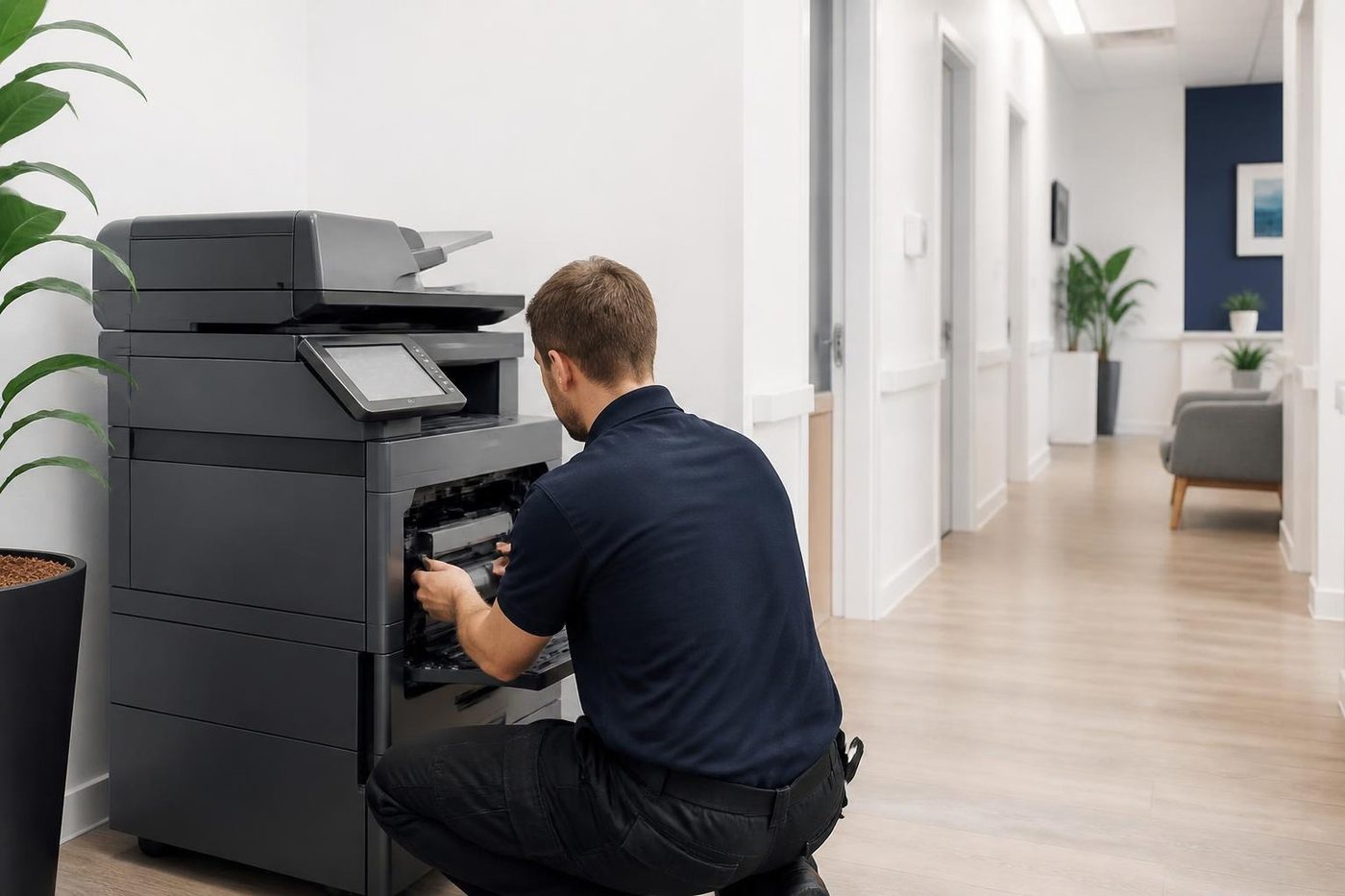
- Cool before touched. We wait, because the fuser does not hurry.
- Stock checked first. Damp paper from a humid week is ruled in or out early.
- Parts earn their place. A new part goes in once the old one is proven faulty.
Keep reading
 Copier and printer faultsPick the symptom, get the next step.
 Photocopier paper jamsWhy sheets stop, crease or double feed.Copier black lines and streaksA mark on every page, traced to its source.Copier error codesReading a panel code, and what to note down.
 Photocopier repairsAny make of office copier, repaired where it stands.
Buy, sell and lease
Buy, sell and lease commercial copiers on the Gold Coast
We also sell new and refurbished commercial copiers and buy used ones. Same team, same technicians.
Pictures from the job


Common questions from Gold Coast offices
Why does toner rub off my pages?
The toner has not been fused properly. Damp paper, the wrong paper type setting, a worn transfer roller or a failing fuser can all do it.
Do I need a new fuser?
Not necessarily. We test the heater, sensor and connectors and rule out paper and settings first.
Can I open the fuser to look?
No. It stays very hot after use and sits next to live parts.
Does humid weather really cause smearing?
Yes, through damp paper. A fresh sealed ream is a quick test.
What about glossy paper?
Use stock rated for laser machines and set the paper type on the panel. Some coated stocks never fuse well.
My fuser code came back after a restart. What next?
Leave the machine off, note the code and model, and ring.
How long is a fuser repair?
It depends on the machine and the cause. We say on the phone what the visit involves.
If the fault returns?
We fix it again at no charge.