Printer offline on the Gold Coast: who can still print
Ask that question first. If nobody can print, the printer or the network is down. If only you cannot, the trouble is on your computer. If some people can and some cannot, the suspects are a whole part of the network, a group of computers, or a driver update that reached half the office.
That one question saves half an hour of walking between desks.

Does the printer itself look alive
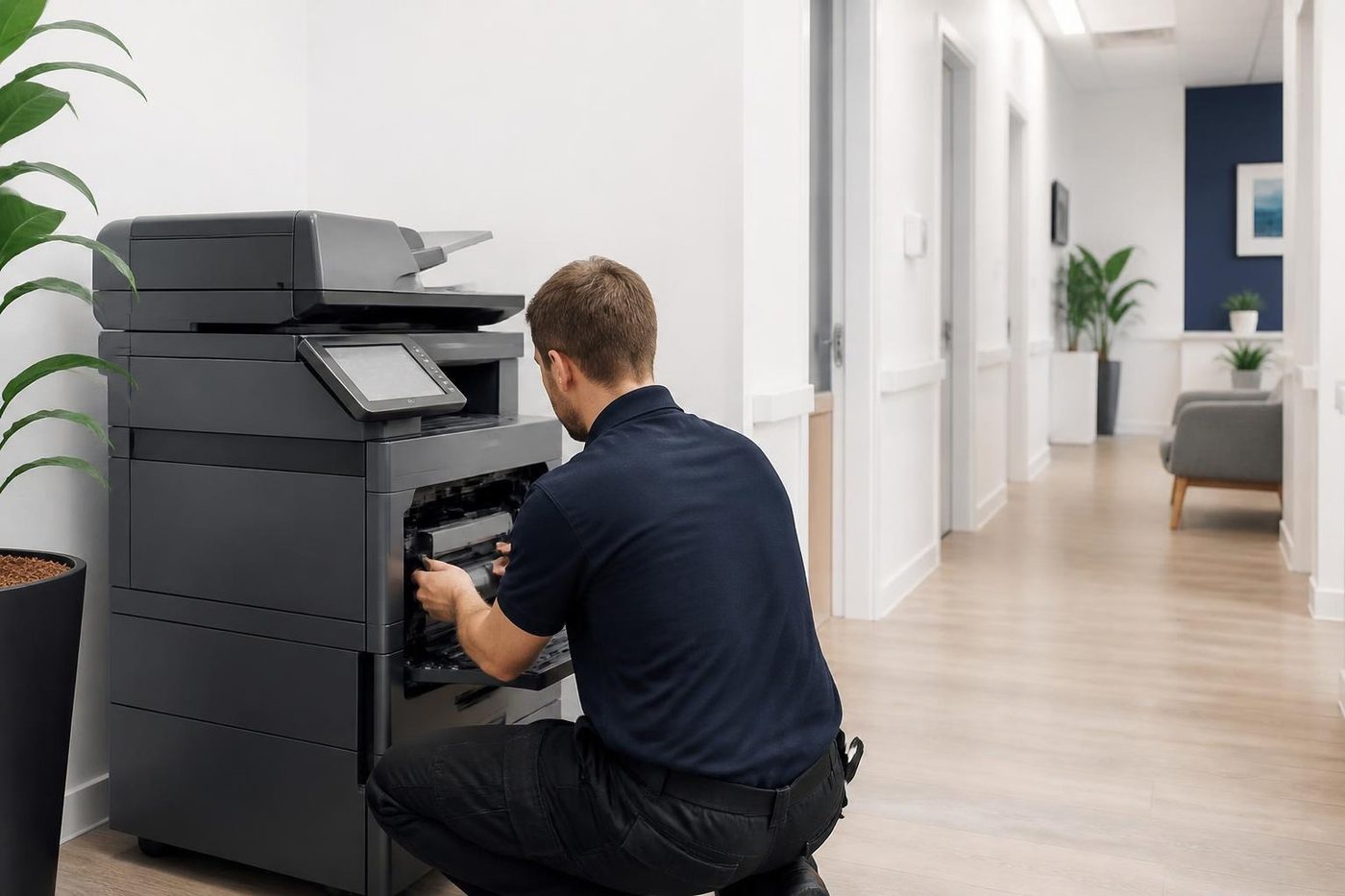
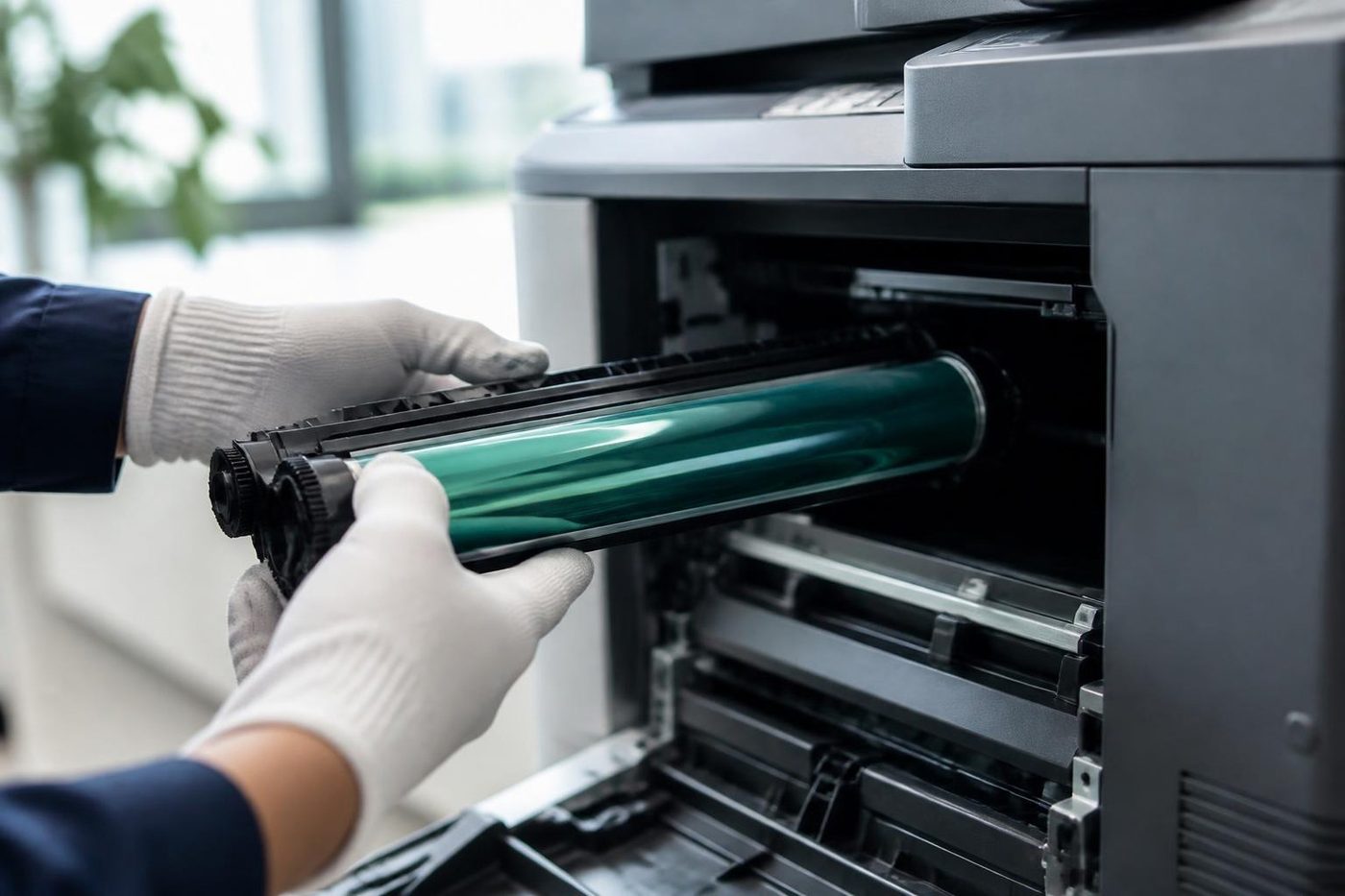
Go and look. Is it powered on, screen awake, no error on the display? Can you print a configuration page from the panel? That page usually lists the network address, and that address matters more than anything else on this page.
If the printer will not wake, the issue is power: a loose lead, a tripped board, a storm that took out a power supply. If it shows an error, follow the message, and see our guide on error codes.
The address that moved
Most printers take an address from the network when they start. If the router reassigns addresses, the printer may come back with a different one. The computers still try the old address and report the printer offline.
The fix in the office is a fixed address for the printer, set up with whoever manages the network. A printer left to pick an address at random is a printer waiting to disappear. It happens most after a power cut or a router restart, which on the coast follows a storm often enough that offices that never had a problem suddenly have one.
Print the configuration page. Compare the address on it with the address the computer is trying. If they differ, that is the entire problem.
Causes, in the order that pays off
| Cause | Clue | Fix lives with |
|---|---|---|
| Printer address changed | Test page prints, nobody can reach it | Whoever runs the network, plus us |
| Cable or wall port | Link light off or flashing oddly at the printer | You: swap the cable |
| Wireless dropout | Printer shows no signal, worse near the end of the day | Move to a cable if possible |
| Computer using the wrong port or an old driver | One computer only | IT provider |
| Printer set to sleep deeply | Offline first thing, fine after a wake | Settings at the machine |
| Router or switch restarted | Everything offline after a storm | Whoever runs the network |
| New security rule | Worked yesterday, nothing changed on the printer | IT provider |
Print servers, shared printers and who owns the queue
If your office prints through a server, the printer may be offline from the server's point of view, which makes every computer see it as offline at once. Fixing it on a single computer achieves nothing. Ask whoever runs the server whether the printer port is still pointed at the right address and whether the print service is running.
Printers that were added by name rather than by address are especially likely to break after a move or a rename. A printer called Reception on the first floor may have been renamed during a clean up, and the computers are still looking for its old name.
Addresses, reservations and why we nag about them
There are two ways to give a printer a fixed address. One is to set it at the printer, which is simple but can clash with something else if nobody keeps a list. The other is a reservation on the router, which gives the printer the same address every time without the printer needing to know. Both work. The failure is having neither.
We find a good many copiers across the coast on automatic addresses, installed years ago when the office had five computers and now sitting in a network of fifty. The fault arrives at an inconvenient hour and takes a morning to find. Fix the address and the fault goes away.
Scanning, faxing and the other jobs that share the connection
A printer that is offline for printing may still be reachable for scanning, or the other way round, because those jobs take different routes. If scan to folder fails at the same time as printing, think network. If only printing fails, think driver, queue or port. If only scanning fails, think the settings stored in the machine. Telling us which jobs work saves a lot of back and forth.
The one computer problem
When one person is offline and everyone else is fine, delete the printer from their computer and add it again, using the printer's address rather than searching for it. Cancel any queued jobs first. Windows sometimes marks a printer offline when it sees an intermittent failure, and it stays that way until someone clears the flag.
If a Windows update changed things overnight, your IT provider will know the pattern, and so do our technicians.
Wi-Fi printers in the office
Plenty of printers still run on wireless in offices where cabling was never run, particularly in older strata buildings and converted shopfronts. They work, until they do not. Walls, lifts, microwaves and a neighbour's network all add noise, and a printer far from the access point drops in and out.
If a printer has to stay on wireless, give it a fixed address and check the signal at its spot. If you can run a cable, that is the cure for a surprising number of complaints. A commercial copier is built for a wired network and is better on one.
Copiers that went wireless to save a cable
We meet this one in converted houses and older strata buildings, where running a data cable means opening a ceiling nobody wants to open. The copier gets a wireless adapter instead. It works for a year, then somebody moves a filing cabinet, or the neighbouring tenancy installs a new access point on the same channel, and the signal gets patchy.
A cheap and useful test is to stand beside the machine with a phone and check the signal strength at that exact spot. If it is weak there, the copier will drop out under load. Moving the access point or running a cable usually costs less than the hours lost to dropouts.
What to check before you ring
Give us that list on the call and we will know what we are walking into.
- Whether the printer is on, awake and free of errors.
- Whether it prints a configuration page and what address it shows.
- Whether everyone is affected or just one computer.
- Whether the network equipment was restarted, moved or replaced recently.
- Whether the cable has a steady link light at the printer end.
The offline flag that will not clear
Windows has a setting called use printer offline, and it can be switched on by accident, or by the system after a failed attempt. The printer is perfectly reachable and the computer insists otherwise. Open the printer queue, look in the menu for that option and make sure it is not ticked.
If it keeps coming back, the underlying cause is an unreliable link that triggers it, so the real fix is the cable, the address or the wireless signal, not the tick box.
When it is our job
We set a fixed address on the printer, check its network settings, test the cable, check the print path from a computer and tidy anything we find. Where the cause is in the router or the server, we tell your IT provider what to look at. The visit is at your premises and the price is discussed on the phone first.
The people at the keyboard
The front desk usually knows first
So we ask before we open anything. Ten honest minutes of what the machine has been doing saves an hour of poking around.
Our technicians are trained, experienced and certified, and they are also expected to listen. The best diagnosis tool in the building is the person who prints from it every day.
- Ask first. The people who use it supply the best clues.
- Notes from the call. What you told us on the phone goes with the technician.
- Plain words back. You hear what we found without a lecture.
Keep reading
 Copier and printer faultsPick the symptom, get the next step.
 Copier not printingThe job goes in, nothing comes out.
 Scan to email not workingA scan that leaves the glass and never arrives.
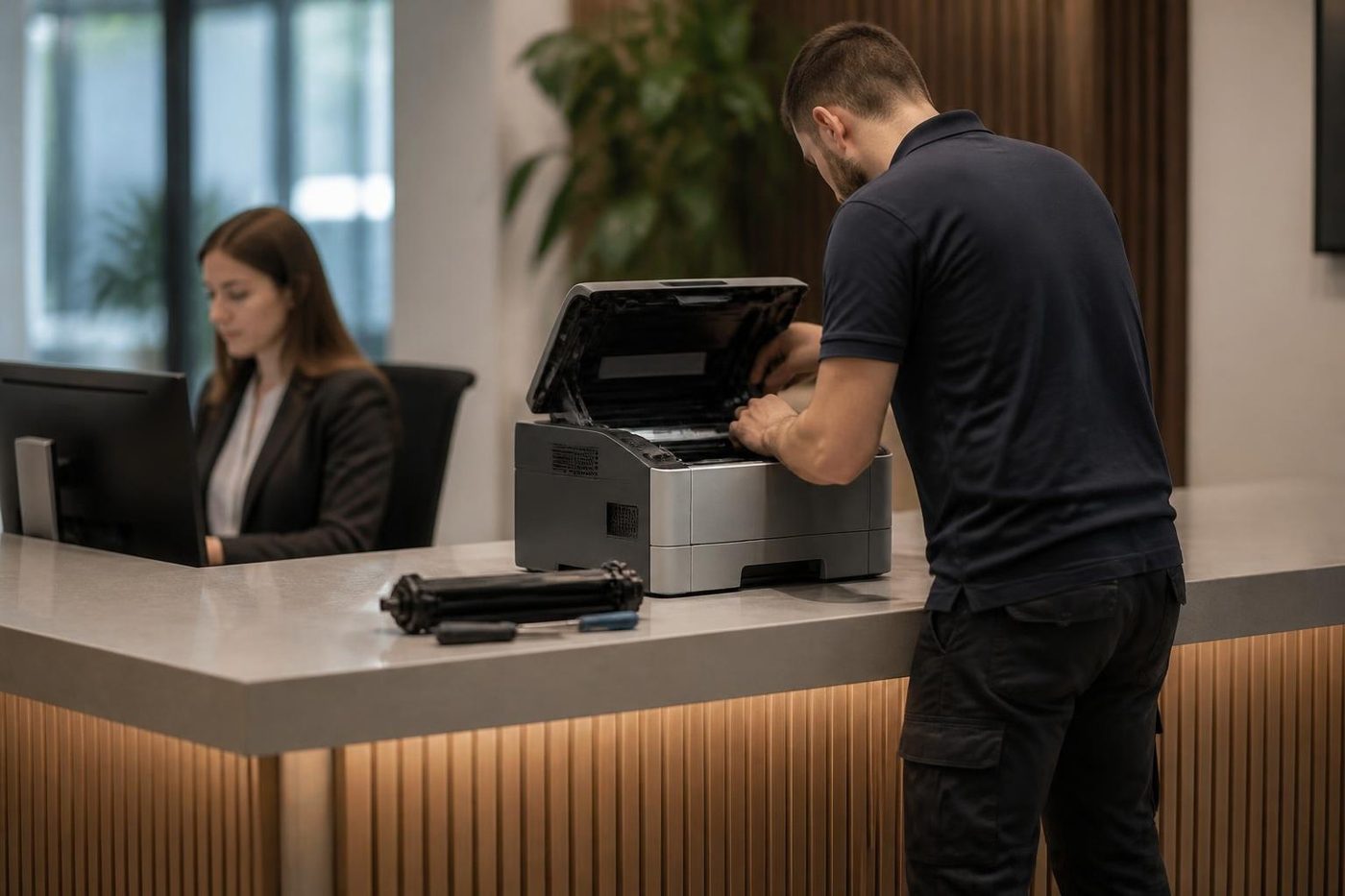 Commercial printer repairsWorkgroup lasers and fleets, repaired where they sit.
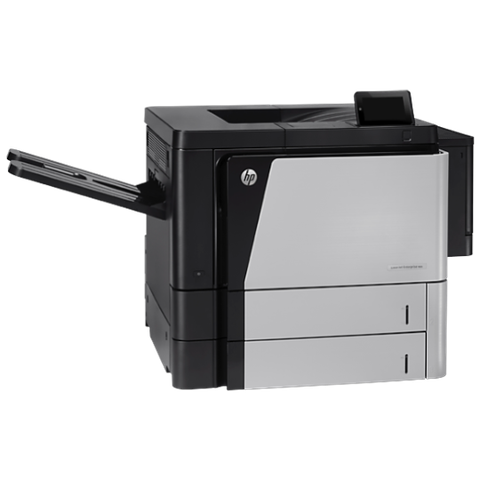 HP printer repairsLaserJet codes read like a sentence. We read them aloud.
Buy, sell and lease
Buy, sell and lease commercial copiers on the Gold Coast
We also sell new and refurbished commercial copiers and buy used ones. Same team, same technicians.

Jobs from around the Gold Coast

Common questions from Gold Coast offices
Why does my printer say offline when it is switched on?
Usually the computer has lost the connection, often because the printer's address changed or the network was restarted.
What does a fixed address do?
It stops the printer's address changing, so computers always find it in the same place.
Only my computer shows it offline. What now?
Remove the printer from your computer and add it again by its address. Clear any stuck jobs first.
Is Wi-Fi a bad idea for printers?
It works in plenty of offices, but wired is steadier, especially for a busy commercial machine.
Does a storm cause this?
Power cuts and flickers can restart the router and change the printer's address, so yes, it happens often on the coast.
Can you fix network settings on the printer?
Yes. We work with your IT provider on the rest of the network.
Will it stay fixed?
With a fixed address and a good cable it normally does.
What does it cost?
We talk through the price on the phone before anyone is booked.