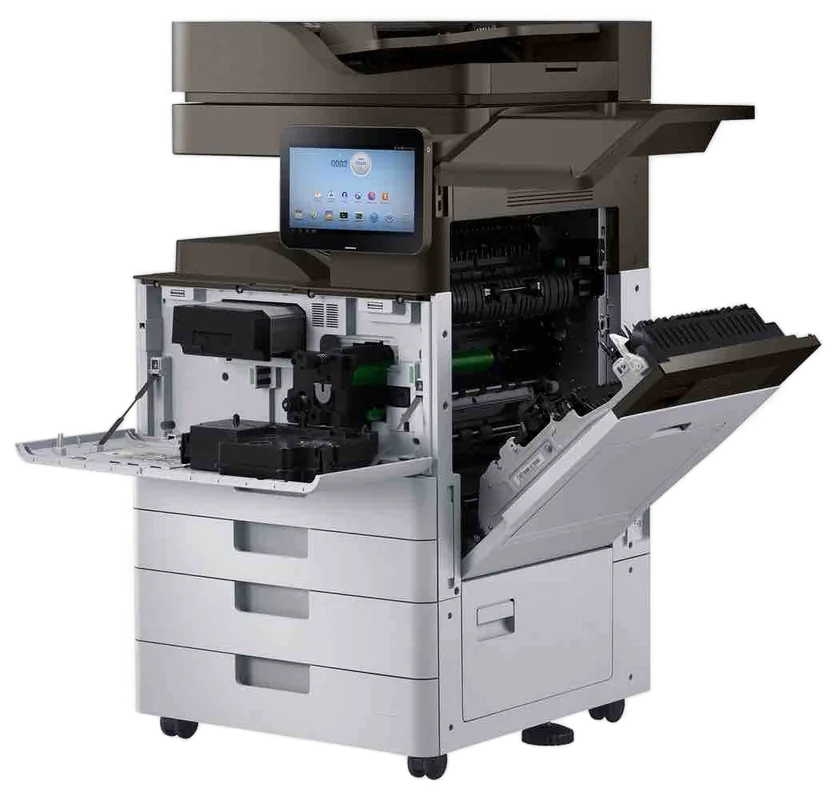
Toshiba service Gold Coast
Toshiba Photocopier Repairs and Service Gold Coast: e-STUDIO AC and A series
The letters on the end of an e-STUDIO name do half the diagnosing before anybody opens a panel. Ring with the full name off the front and the message on the screen, and we will say what that machine tends to do when it behaves like that. We handle Toshiba photocopier repairs and Toshiba copier service across the Gold Coast, on site, and same day service is available.
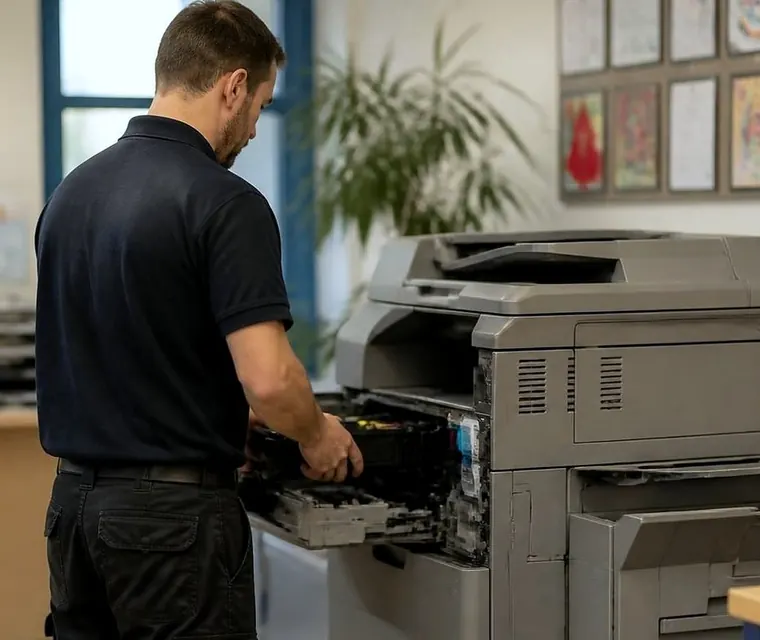
Printer service, copier repairs and machine sales on the Gold Coast
Toshiba photocopier repairs Gold Coast offices ring about, starting with the badge
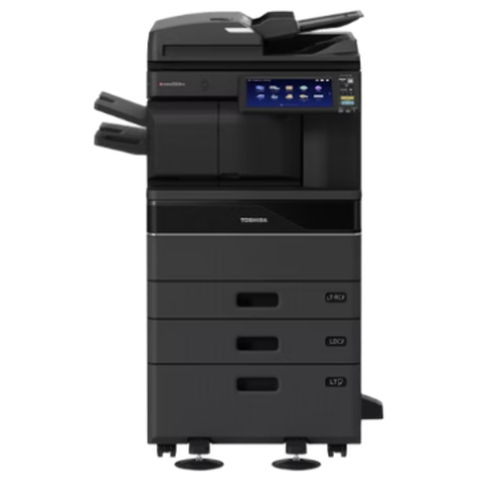
Take a body corporate manager's office at Southport, a physio clinic at Robina or a surveyor's suite at Bundall. The Toshiba in the corner is nearly always an e-STUDIO, and the badge will show the word, some digits and, most of the time, an A or an AC after them. That tag is the first thing we ask for on the phone. It places the machine in a generation, and the generation decides which fault list we read on the way and which parts go in the van.
AC is colour. A alone is black and white. The difference is bigger than it sounds, because a colour machine carries four toner stations and a transfer stage where the colours meet, so a fault can show up in one colour only and the technician starts in a different place.
We are an independent business, nothing to do with Toshiba or Toshiba Tec, and we do not dress it up as more. What we do is repair e-STUDIO machines at the desk where they sit, using technicians who are trained, experienced and certified, with a price settled on the phone before anyone is booked.
| On the badge | Usually | What we keep in mind |
|---|---|---|
| e-STUDIO2000AC to 5000AC style | A3 colour multifunction machines, the workhorse range for offices of ten to eighty people | Colour drift, a faint tint in one colour, fusing wear on the faster models |
| e-STUDIO2500AC to 6500AC style | The wider A3 colour range, reaching production style speeds at the top | Heavy duty cycles lean on the fuser, the drum and the transfer belt |
| e-STUDIO with an A suffix, such as 2508A or 5008A | A3 black and white multifunction machines | Fewer parts to hide in, so diagnosis is often shorter |
| e-STUDIO330AC and 400AC style | A4 colour multifunction machines for small teams | Small paper path, so damp or curled paper shows up fast |
| e-STUDIO255, 256, 2505 and similar | Earlier black and white ranges still working in plenty of offices | Parts supply and page count decide whether to repair |
If yours is not in that list, give us the name anyway. Toshiba has used a lot of numbers over the years and we would rather check than guess.
A price in three steps
- Tell us about the machineThe make, the model and what it keeps doing.
- We ring with a priceYou have it before any visit is booked.
- A certified technician comes to youSame day when the diary has room.
Toshiba copier repairs Gold Coast businesses can plan around: what happens after you ring
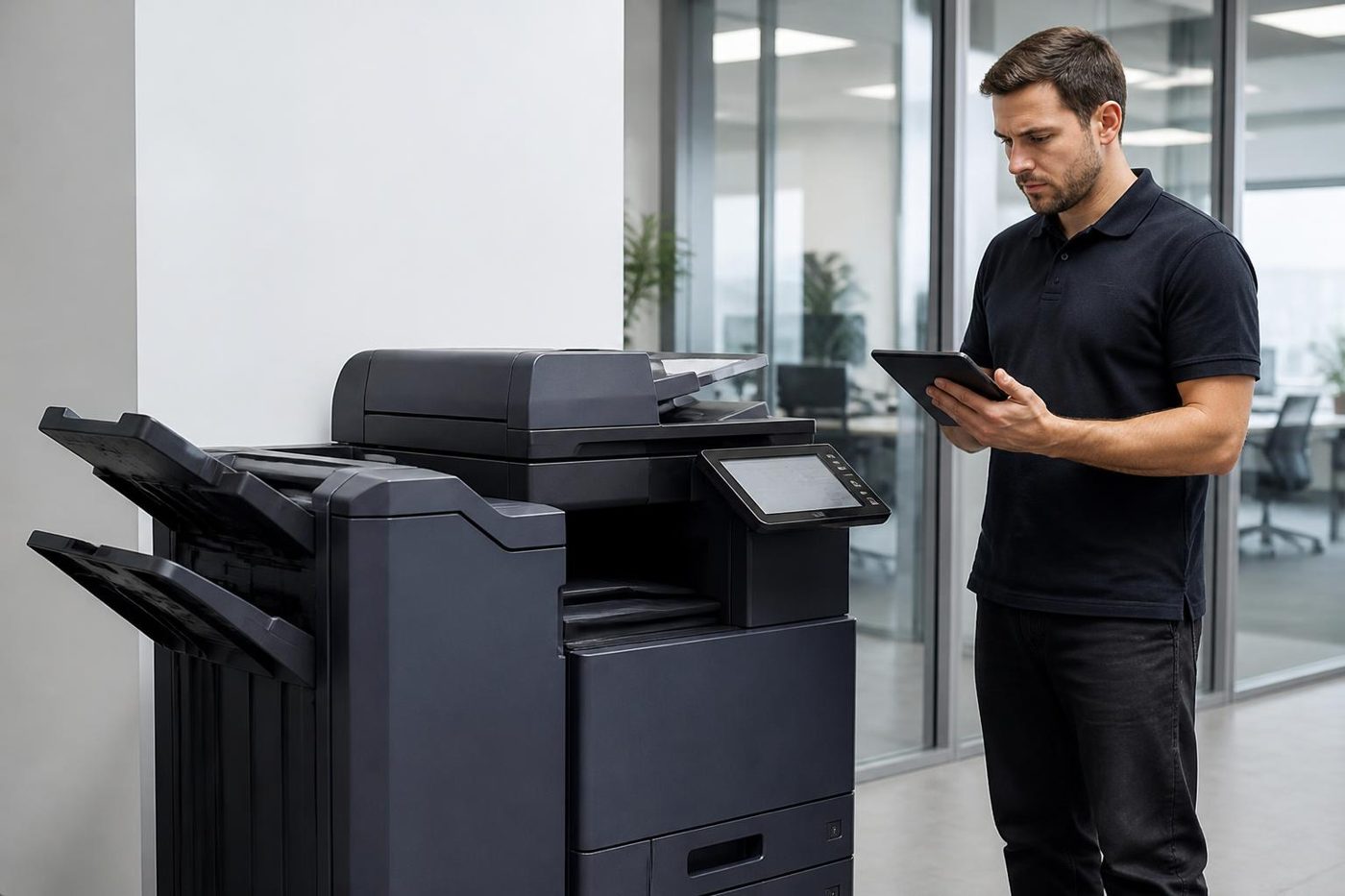
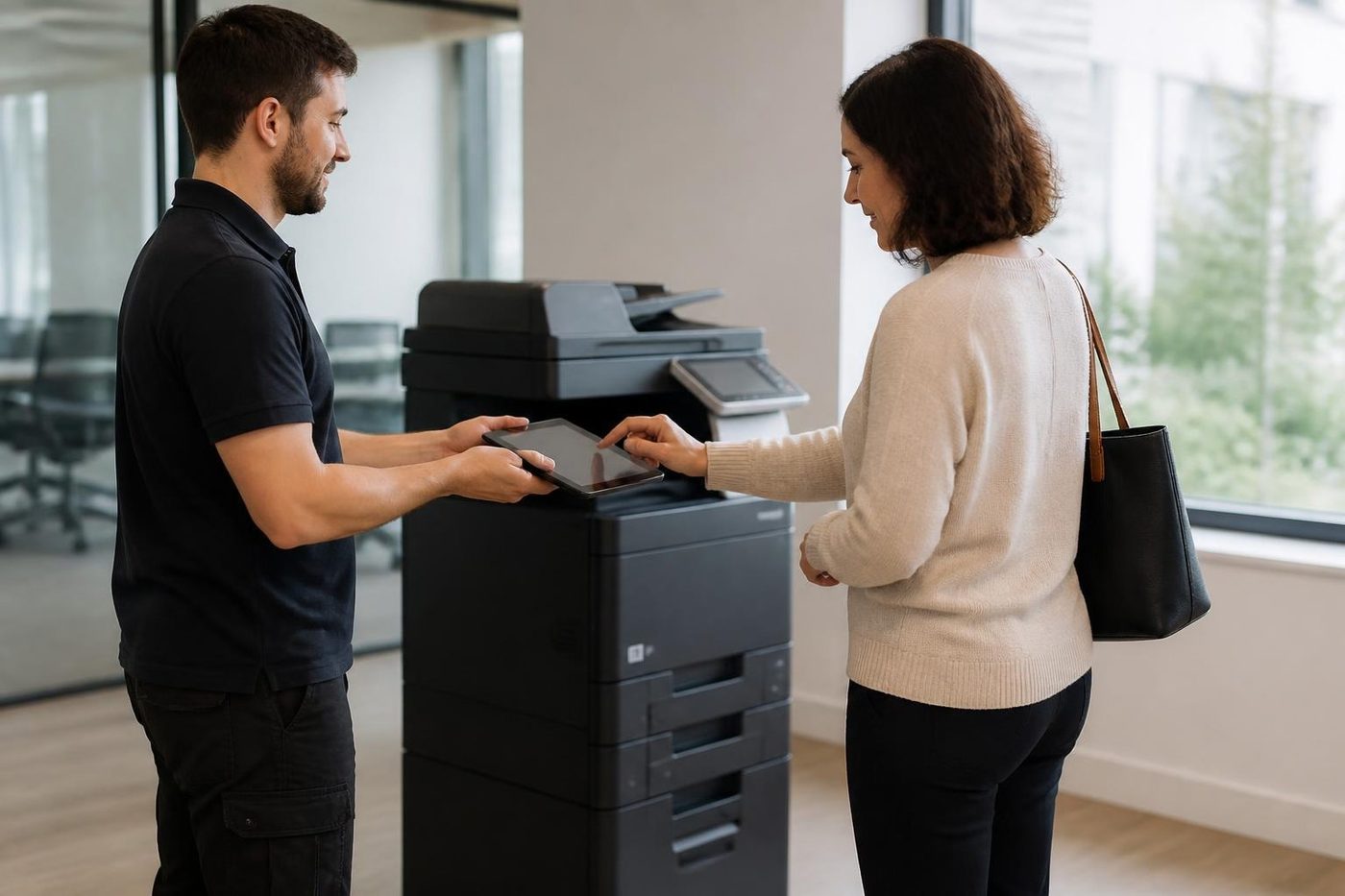
The phone call is short. You read us the model and the message, say what the machine was doing and answer three or four questions. We tell you what that model does when it behaves this way, what the fix involves and what it costs. You decide.
Once a visit is booked, the technician reads the machine's history before leaving the van. At the machine the order is nearly always the same, whether it is a floor standing e-STUDIO or a tabletop unit.
- Read the panel message word for word, including any C code and the digits that follow it.
- Look at the paper: right size, guides snug, and a ream that has not soaked up a humid week.
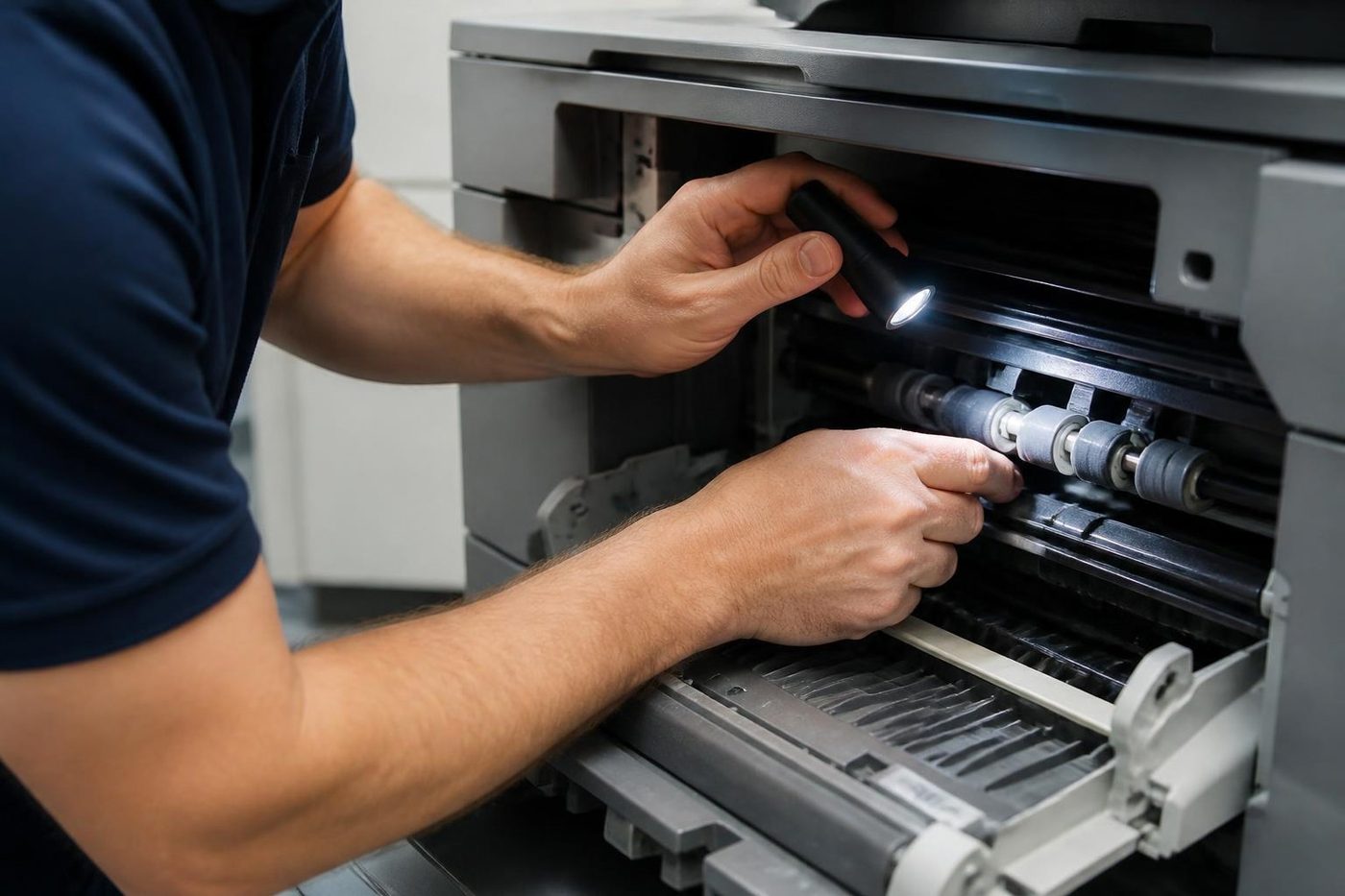
- Shine a torch along the visible path: pickup rollers, the duplex unit, the exit by the fuser, and any scrap of paper hiding where a sensor cannot see it.
- Confirm the consumables are in and seated, including toner, the waste toner container and the drum area.
- Print test pages from the tray the office really uses, so the fault has a chance to show itself.
- Only then open the parts that need opening, and replace what has been shown to be faulty.
If a restart cleared the message once and it has returned, say so. A restart that works for an hour is a pause, and a list of pauses is useful to us. Across our repairs 98% are finished on the first visit, and a fault that comes back is fixed again at no charge.
Call for Service on an e-STUDIO: reading the code that comes with it
The message that sends people to the phone is Call for Service. It does not mean the machine is finished. It means the machine has found something it cannot clear on its own and has stopped to protect itself. A code accompanies it, a letter C and some digits.
A code points. It does not diagnose. On many e-STUDIO families a code in the C4 range tends to sit around the fusing unit, and others lead toward the paper feed drives, the scanner carriage or the link to a finisher, but the family decides the meaning, and the same digits can land in a different corner of a different machine. We match the code to the badge before we say anything firm.
While you wait, note the code and the model, turn the machine off at the front, count to sixty and turn it on once. If the message returns, leave it alone. Repeated restarts against a fusing fault stress the heater, and against a drive fault they grind a worn gear a little further. Tell us what happened just before: a bang, a smell like warm plastic, a jam that someone cleared in a hurry.
Service mode procedures are not something we publish, and we would ask you not to hunt for them. A drum surface or a belt can be damaged by someone who opens a Toshiba without training, and then a modest repair becomes a large one.
Toshiba printer service Gold Coast: the e-STUDIO that lives on a desk
Not every Toshiba is a floor standing copier. Plenty of Gold Coast practices and trade offices run an A4 colour e-STUDIO beside a desk and treat it as a printer. It has a drum, a fuser and pickup rollers that wear at the same pace as the bigger machine's, and since no one in particular is responsible for it, trouble builds quietly until the afternoon the quotes will not print.
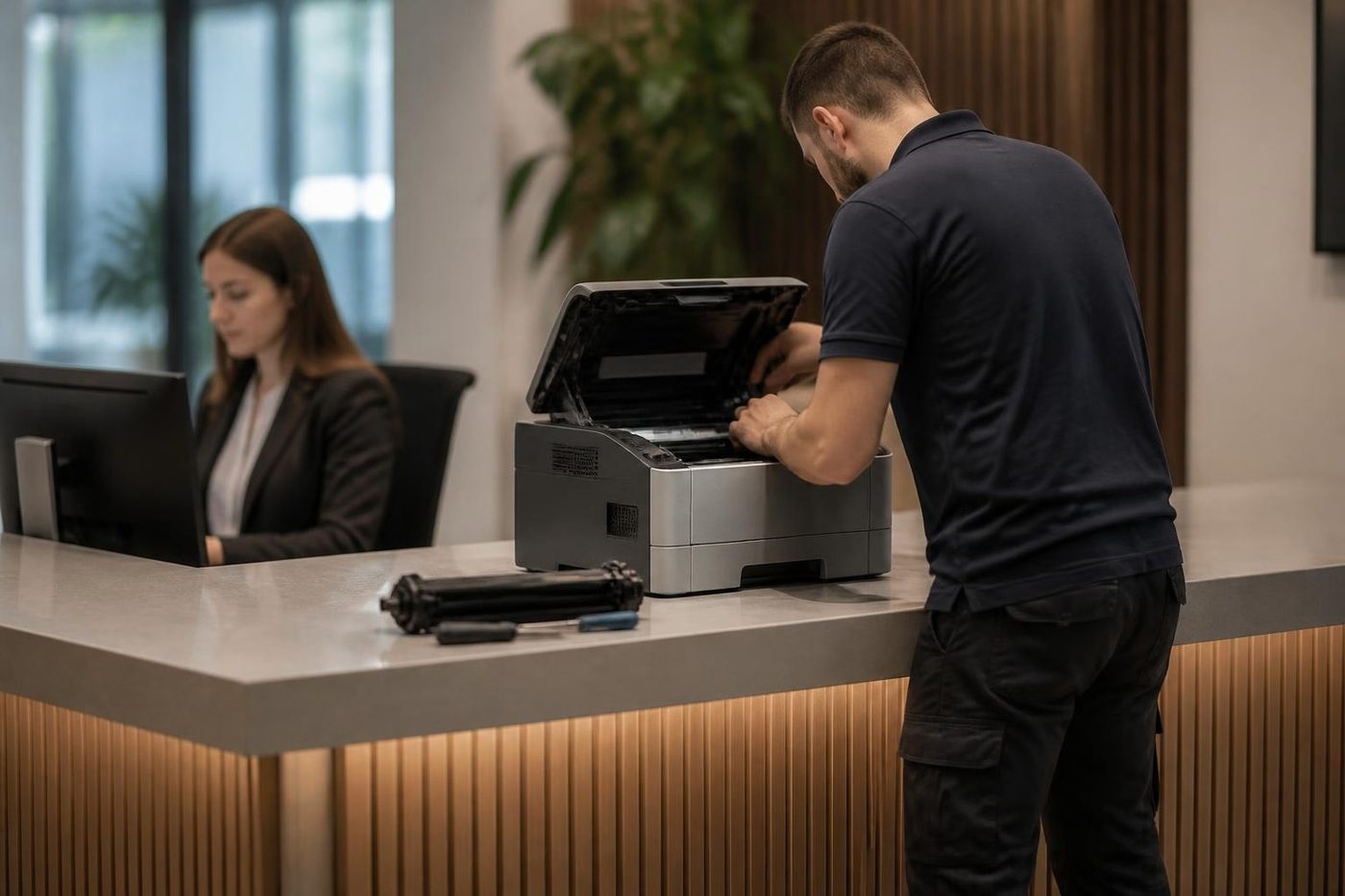
Toshiba printer repairs follow the same method as the big machines, only smaller: paper path, fuser, imaging parts, and the network and scan settings. If you have a Toshiba printer service question about a tabletop model, ring with the name on the front and we will say whether a visit is worth the money.
A look once a year makes sense for any shared e-STUDIO. We clear the dust from the paper path, see what is wearing and say what is coming. A copier that gets a look before it fails costs less than one that gets a call after.
Toner that rubs off, and the fuser that is not always guilty
Toner that smudges under a thumbnail is the print quality complaint we hear most on an e-STUDIO. The toner is rarely at fault. The fuser melts it onto the page, and if the fuser is not holding heat or pressure evenly, or the paper type setting does not match what is loaded, the toner sits on top and wipes off.
The Gold Coast makes it worse. A copier in a corridor at thirty degrees all afternoon, with damp air in the paper, runs closer to its limits than the same machine in a cool room. Creased pages and a smell like warm plastic point the same direction. We check the setting and the paper before blaming the part, because a fuser costs real money and we will not fit one that was not needed.
A mark that returns every few centimetres is a different animal. It is a surface problem: one roller or the drum has a nick, a dent or a line of dried toner. Hold a ruler to two marks and read us the distance. That single number often tells the technician which part to bring.
The drum reacts to light, which is why it should be handled by someone trained. Left exposed by a bright window, it can pick up damage that prints on every page afterwards. Ours wrap it and work quickly.
Waste toner messages that come back too soon
An office swaps a full waste toner container, and the next morning the machine reports it full again. The container is new, so how? Usually it is not seated, the sensor is misreading it, or toner is escaping into the waste path faster than it should. A second container fixes none of those.
We look at the path, the seal around the neck of the container and the sensor. If toner is getting where it should not, the cause is upstream, often a worn seal in a drum or developer area, and that is the repair, not the container.
Scan to folder, e-BRIDGE and TopAccess: the network side of a Toshiba
A fair share of our Toshiba calls are not mechanical. e-STUDIO machines on the e-BRIDGE platform behave like small computers, with address books, login settings, memory and storage. A scan that worked on Friday and fails on Monday usually means someone changed a server name, a password expired, or the IT provider moved a share.
Scan to email goes wrong in its own ways. A big attachment is refused by the mail server, a mailbox policy changes, the machine's clock drifts. File size matters: lowering the resolution, scanning in black and white or splitting a long document are the quick answers. The limits are set in TopAccess, the machine's own web page, and your IT contact can review them.
Scan to USB needs a stick with a single partition formatted FAT16 or FAT32, and an administrator who has switched on Save to USB Media. If either is missing the stick is ignored and people decide the port is dead.
We test the destination from the machine and tell your IT contact exactly what to confirm. If the answer lives in the network, we say so, and we do not bill you for hunting a fault the copier does not have.
Finishers, staplers and the booklet that came out wrong
A finisher that has stopped stapling is a daily irritation in offices that print contracts, board packs and body corporate meeting notices. The usual suspects: a staple cartridge loaded slightly crooked, a jam in the stapler head that left a bent staple behind, a paper size setting that does not match the stack.
Hole punch units fill their chip trays and then punch crooked or not at all. Booklet makers fold off centre when the paper has curled in damp air. A finisher that reports it cannot communicate with the machine is seldom dead, whatever people fear. The cause is more often a connection or a board link, and we check seating, cable and connector first.
The document feeder: where scans go wrong before they begin
Ask a clinic receptionist what annoys her about the copier and the feeder comes up before the printer does. Referral letters, consent forms, supplier invoices: all of it runs through the feeder, and all of it is a mix of stapled corners, folded edges, thin carbonless pages and the odd sticky note nobody noticed. The feeder pulls each sheet through a short twisty path and reads it as it passes.
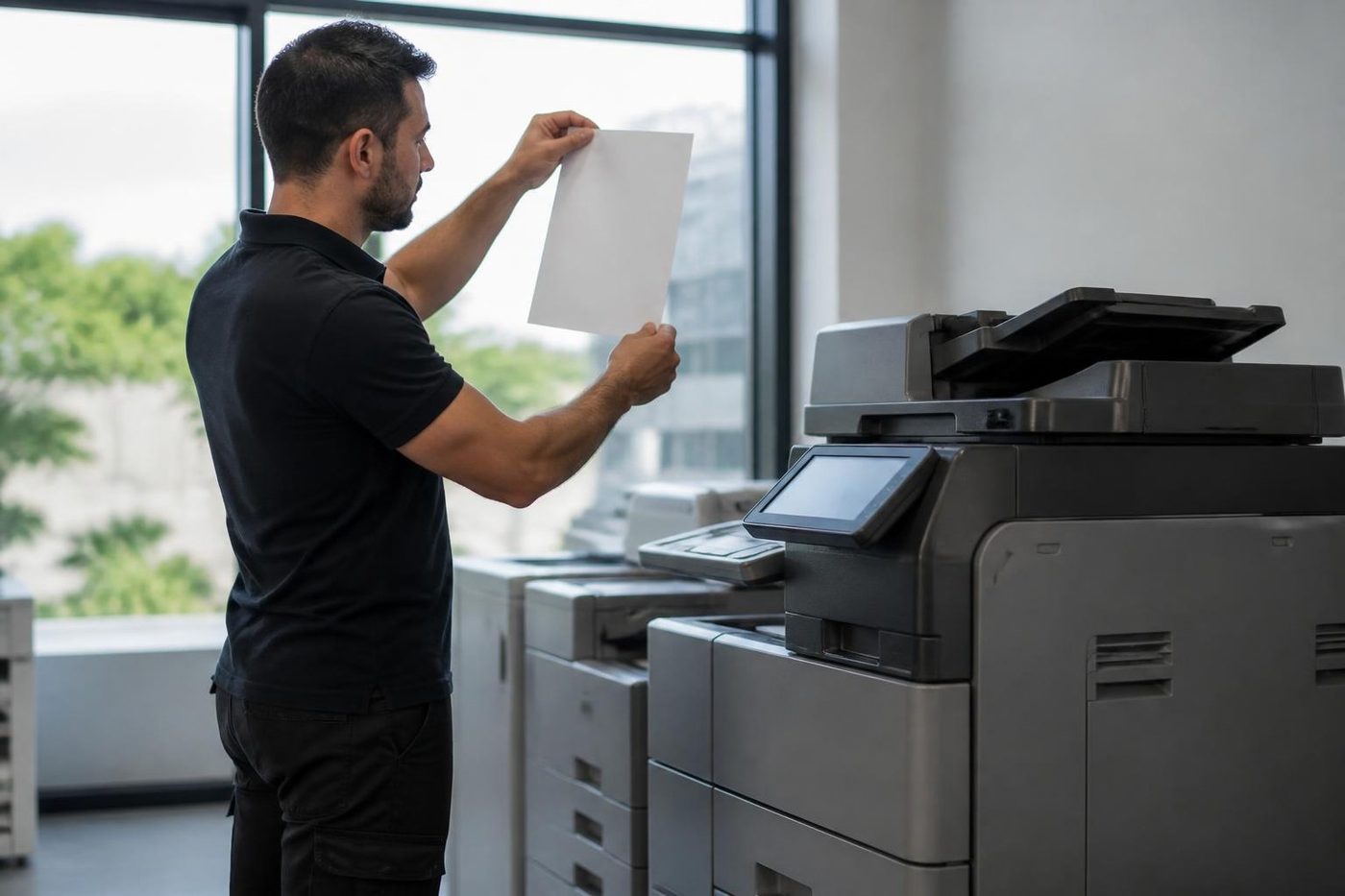
Complaints come in a few shapes. Two sheets taken at once. A sheet that skews and is clipped in the scan. A thin black line down every scanned page. A jam message when the path looks empty. The black line is nearly always dirt on the narrow glass strip, a speck of correction fluid or a smear of adhesive, and it repeats on every page until the strip is cleaned. A soft cloth does it. Window cleaner takes the coating off.
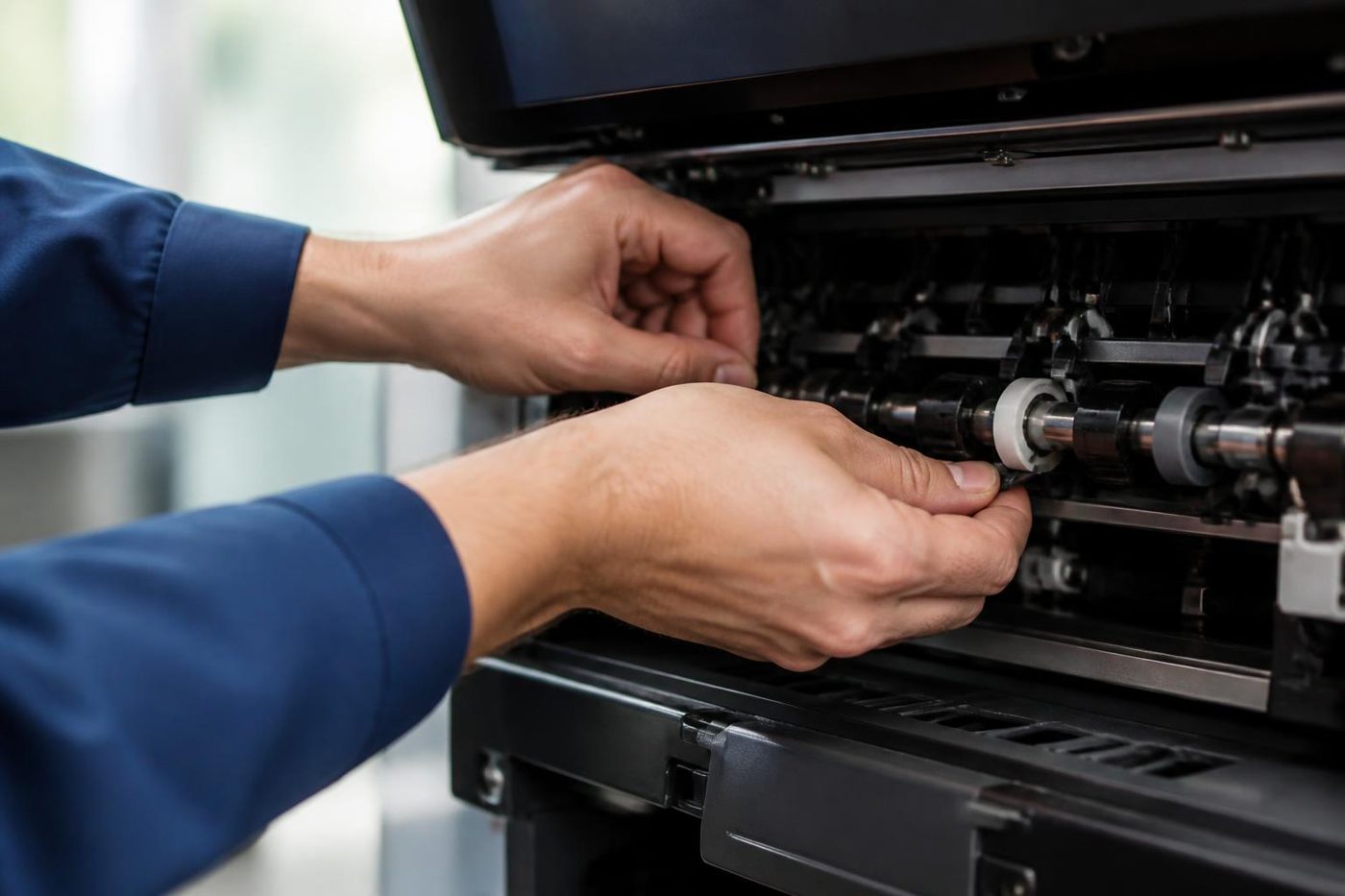
The pickup and separation rollers go glossy with use and slip, so the feeder takes two pages together or none. They are cheap and quick to change, and a good job to do before the quarter end bundle goes through.
Drums, developer and what wears in a colour e-STUDIO
A colour e-STUDIO has a drum and a developer unit for each of the four colours, plus the transfer belt, the fuser and the waste toner path. Toner is the part the office replaces. Everything else belongs to the technician.
The drum is a coated cylinder that wears gently over a long run. A tired one shows as a grey background, light patches or a faint repeating mark. Developer tires too, and the symptom is pale or blotchy colour that new toner does not cure. These are the normal ageing of a busy copier. The question is how late the office notices.
The transfer belt carries the colours before they reach the paper. A crease or a nick in it shows on every page, and skin oil from a careless fingertip is enough to mark it. We handle it by the edges and slide it out flat. If your colour copies show a faint stripe in one colour only, ring and describe it. Belts and drums leave different signatures.
On the black and white A series machines the story is plainer: one drum, one developer, a fuser and a few belts. That is why a mono e-STUDIO looks tougher than a colour one. It is not tougher. It has less to go wrong.
Why we ask for the page count
Early in the call we ask for the counters. We are not curious about your business. The count says where the machine is in its life. A copier at two hundred thousand pages on its first fuser is a different animal from one at eighty thousand on its second.
The counters sit under the counter or meter screen and you can read them to us over the phone. Total pages, colour pages, black pages, sometimes a split between copies, prints and scans. They do not need to be tidy. They need to be real. If another firm looks after the machine under an agreement, say so. We will not ask for the details, but we need to know who looks after what, so we do not stand on each other's toes.
For people with a fleet of three or four e-STUDIO machines across a clinic group or a set of agency branches, the counts show something else: which machine is doing the lion's share of the work, and why one fails twice as often as its twin. Often the busy one sits at the front desk and the other gathers dust in a back room.
How different Gold Coast offices use a Toshiba
A body corporate manager prints notices of meeting, levy notices and minutes, usually in big batches around the end of a quarter. The jobs are mostly black and white, many pages, stapled or folded. The finisher and the paper feed take the strain. Letters go into windowed envelopes, and a misfeed in the middle of a mailing of three hundred is a bad morning.
A medical or allied health clinic scans more than it prints. Referrals, results and consent forms go through the feeder, and speed matters because patients are waiting. Reliable scan to email and scan to folder count for more than colour accuracy, and secure print release keeps patient pages out of the output tray.
Accountants and solicitors lean on duplex printing, colour for the odd report and fast, clean scanning of signed documents. The pattern is quiet for weeks and then loud for one. If a machine is going to fail, it picks the week it is needed.
Hotels, resorts and tour operators produce rosters, bookings, invoices and printed itineraries. Quiet weeks and sudden rushes follow the school holiday calendar, and a machine that was fine in June may not cope with January.
Builders and trades print plans on A3, quotes on A4 and compliance paperwork in bulk. The copier sits by the door and the dust arrives on the boots. For those offices we clean the paper path and the drum area on every visit.
A Toshiba run along the coast
The Gold Coast is a long thin city and the Toshibas along it do different jobs. In the north, around Helensvale and Coomera, they sit in new offices that moved into fresh fit outs and inherited whatever machine came with the lease. Southport, Bundall and Surfers Paradise bring property management, legal and medical suites, many on upper floors, so we ask about lift bookings and the loading dock before we arrive.
Further down, at Broadbeach and Burleigh Heads, seasonal staff come and go and every new face needs a login and a lesson. Robina and Varsity Lakes offices tell us they would rather have one call that sorts the whole job than three visits. Inland at Molendinar, Arundel and Nerang, workshops and trade offices fill the corridor with dust, and at Yatala and Stapylton distribution offices print dockets all day.
We also look after Toshiba machines over the border at Tweed Heads, Kingscliff and Murwillumbah, and as far south as Byron Bay and Lismore when the job is worth planning around. Longer runs are folded into a day alongside other calls.
Salt air, humidity and the summer storm
Machines on the coast have a harder life than the same model inland. Humid air gets into paper, and damp paper curls, jams and drags double sheets. Salt in apartment tower offices eats fans, contacts and sensors a bit more each season. A storm outage can leave a copier mid job with a drum half charged.
When a code is vague on a coastal machine, we look at those first. Is the paper kept in its wrapper? Is the vent clear of dust? Is the machine on a surge board? Little checks save expensive parts. If your Toshiba lives near a window or a balcony door, tell us, and keep the ream in a cupboard rather than on top of the machine.
Toshiba and the first week of January
The Gold Coast has a rhythm that office machines feel. Schools break up, tourists arrive, hotels fill, and in the middle of it the staff who print the rosters, the invoices and the booking confirmations are short handed. A Toshiba that has coasted through autumn is suddenly asked for twice the pages in a room that is thirty degrees by ten in the morning.
If a machine is going to fail, this is when. Paper that has sat in a humid cupboard curls, the fuser runs hot all day and a feeder that was slightly worn in March is plainly worn in January. We suggest a visit in November for any e-STUDIO that matters to the business. It is quiet then, and the parts are easy to order.
Seasonal staff add a different strain. New faces arrive without the know how of the old ones. They load the wrong paper, they pull jammed sheets the wrong way, they hit the stop key in the middle of a job. A laminated card on the machine saying what to do when it jams has saved more than one afternoon.
A tidy way to clear a jam on an e-STUDIO
People are afraid of the inside of a copier, and the machine helps by showing a picture on the panel of where the jam is. Follow it. Open the door it shows, turn the levers it marks, and pull the paper slowly in the direction it was moving. Tearing is the enemy. A torn corner left behind is the cause of the next jam.
Look again with a torch before you close up. If the paper path is clear and the message remains, a sensor flag may be stuck, and that is a call to us. Do not poke at anything with a screwdriver. Parts near the fuser stay hot long after the machine goes quiet.
A planned service before the breakdown
A planned visit is a different job from a breakdown call. We book it for a time that suits the office: a quiet Tuesday, or the first hour before staff arrive. The technician clears the dust from the paper path, checks rollers, drum, fuser and waste path, runs a set of test pages and leaves a short note of what is wearing and what is next.
That note is the useful part. It gives an office manager something to put in a budget in place of a surprise on an invoice. A fuser two thirds through its life can be planned for. A fuser that fails on settlement morning cannot.
For several machines, say so on the phone and we will group the work. The price is agreed on the call, nothing is locked in, and we do not ask for a long commitment.
Toshiba photocopier service Gold Coast offices order is mostly this planned kind of visit, and the same goes for Toshiba copier service Gold Coast wide on a machine that prints thousands of pages a month. Toshiba printer repairs Gold Coast businesses ask for, on the smaller e-STUDIO units, are folded into the same visit when the machines share a building.
Old e-STUDIO, new decision
Age on its own settles nothing. Page count, parts and the pattern of faults settle it. An older e-STUDIO with a steady record and one worn roller is generally worth the repair. One that has needed a fuser, a drum, a drive and a finisher inside a single year is asking a different question.
Because we also buy and sell machines, our advice is not shaded by a need to sell you something new. If a repair makes sense, we say what it involves and costs before we start. If it does not, we say so, and the new and second hand copier pages on this site are the next step.
Ready for the call
Two minutes of preparation saves a visit.
- The model from the badge, or the serial number if the name has worn off.
- The exact message on the panel, and the C code if there is one.
- What the machine was doing: printing, copying, scanning or stapling.
- Whether one person is affected or the whole office.
- Anything that changed in the last day: toner, a move, a network change, a power cut.
- Where visitors park, which floor you are on and who will meet the technician at the front desk.
Ring with those and we talk the price through there and then. Nobody is booked until you agree. When the lines are busy the call is logged and returned, and our work is warranted, which we explain before you say yes.
The way we handle a Toshiba call

Parts on the van
The right part, in the van, on the day
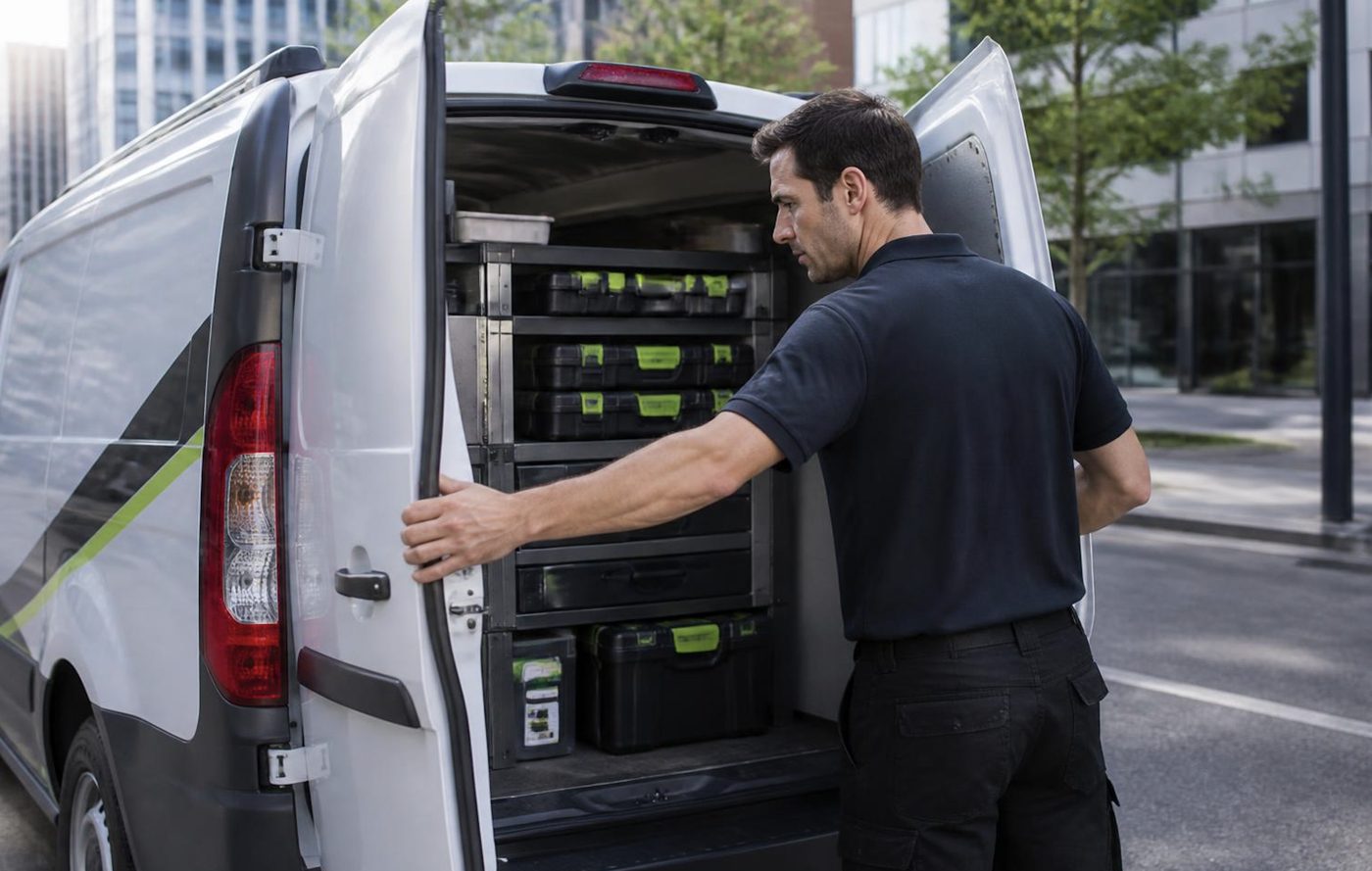
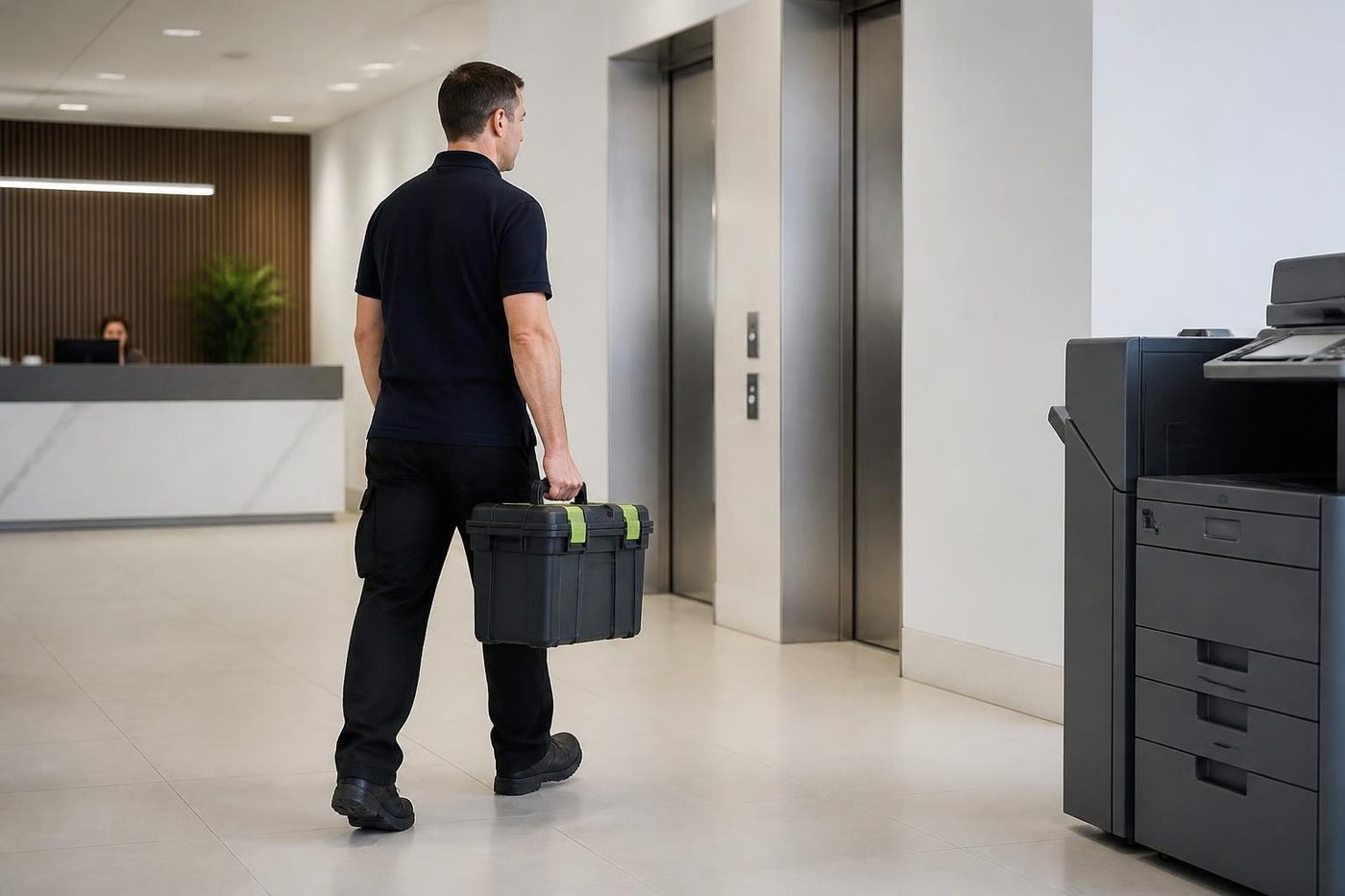
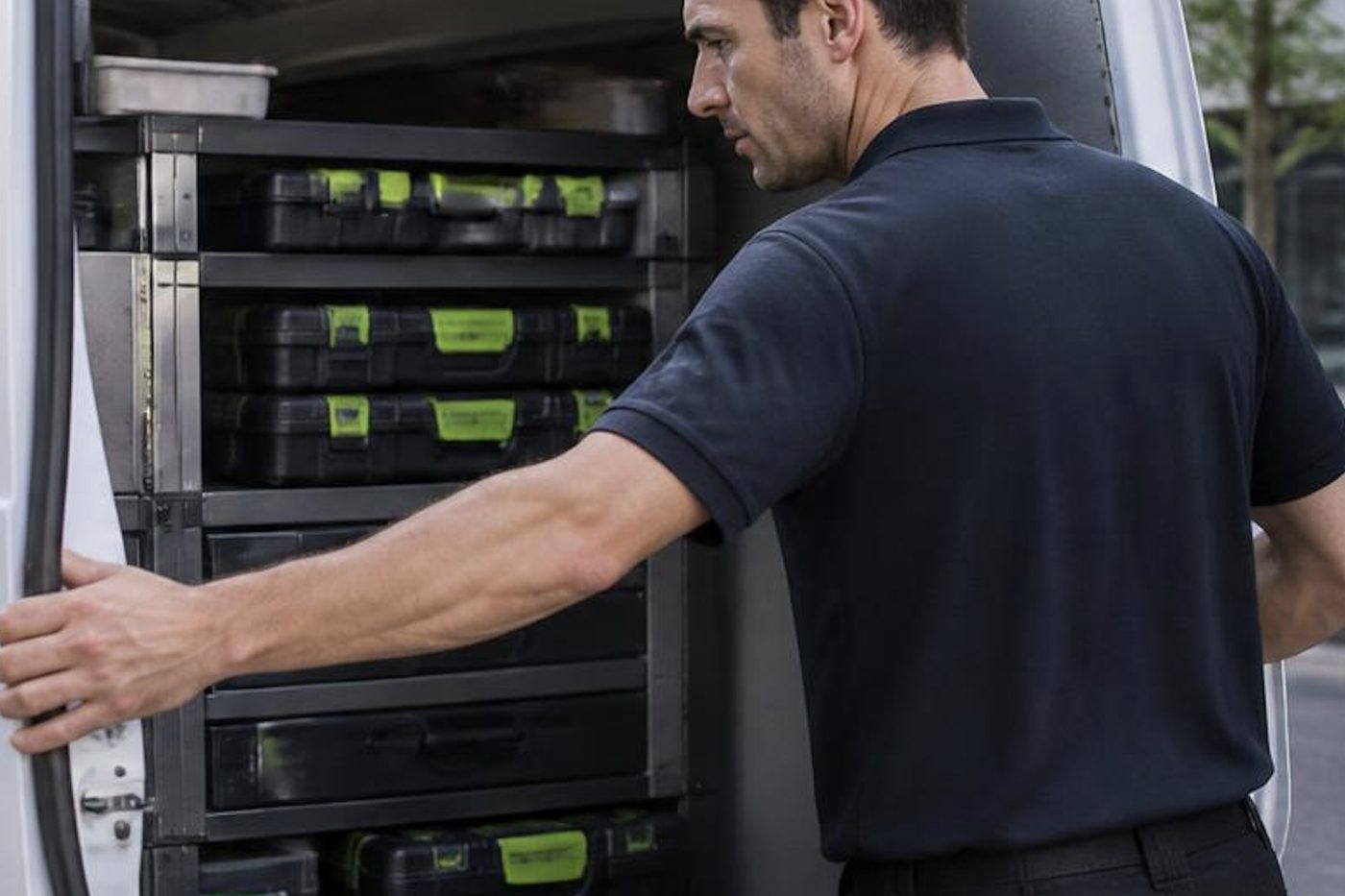
A technician who has to leave to chase a roller turns a short call into a long one, and your staff stand around wondering whether it will be done by lunch. We stock the common spares for the makes we see most, and we plan the load from what you told us on the phone.
No technician carries everything, and we will not pretend otherwise. What we do is arrive with a good chance of finishing, and 98% of our repairs are fixed on the first visit.
- Common spares carried. Drums, rollers, fusers and belts for the popular makes.
- Load planned. The call notes decide what goes in the van.
- Honest about gaps. If a part must be ordered we say so before we leave.
Keep reading
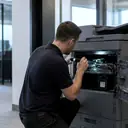 Photocopier repairsAny make of office copier, repaired where it stands.
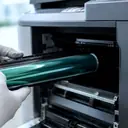 Toshiba e-STUDIO error codesCall for Service, the C code and what to read out.
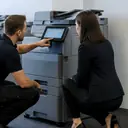 Photocopier servicePlanned visits, one off calls and meter reads for office copiers from Coomera to Coolangatta.
 Scan to email not workingA scan that leaves the glass and never arrives.
 Toner smearing and fuser faultsToner rubbing off, ghosting and heat faults.
 Kyocera repairsTASKalfa copiers and ECOSYS printers, serviced on site.
Buy, sell and lease
Buy, sell and lease commercial copiers on the Gold Coast
We also sell new and refurbished commercial copiers and buy used ones. Same team, same technicians.
Around Southport, Burleigh and Robina
Common questions from Gold Coast offices
Do you carry out Toshiba photocopier repairs and Toshiba copier service across the Gold Coast?
Yes, at your premises, from Coomera and Helensvale down to Coolangatta, and across the border at Tweed Heads. Toshiba printer service on the smaller A4 units is the same call.
The panel says Call for Service. Is there anything worth doing before you arrive?
Write down the code and the model, switch off at the front, wait a minute and start it once. If the message comes back, leave it be and tell us what happened just before it appeared. Please do not open panels to look around.
How can I tell from the name whether my Toshiba is colour?
Look at the end of the e-STUDIO name. AC is colour. A on its own is black and white. We use that letter to decide which fault list to read before we leave.
Scan to email handles a one page letter but chokes on a long contract. Why?
The finished attachment is bigger than the mail server will take. Drop the resolution, scan in black and white or split the job, then ask your IT contact to look at the limit set in TopAccess.
I put a USB stick in the front and nothing happens. Is the port dead?
Probably not. The stick needs one partition formatted FAT16 or FAT32, and an administrator has to have switched on Save to USB Media.
The finisher stopped stapling halfway through a mailing. What should we try first?
Open the staple door, look for a bent staple, and refit the cartridge firmly. If it still refuses, or the staple lands crooked every time, the head needs a technician.
We still have an e-STUDIO255 from years back. Can it be repaired?
Often, as long as parts can be found. We tell you straight if a repair is not worth the money.
Toner wipes off with my thumb. Is it the toner or the fuser?
Seldom the toner. Check the paper type setting and the dampness of the stock first, then the fuser. We will not fit a new one until we have shown it is needed.
Will you come to a tower where the lift has to be booked?
Yes. Tell us the building and the floor when you ring and we plan the visit around whatever the building asks for.
Can we book a look at the machine once a year, before it breaks?
Yes. We clean the paper path, check what is wearing, run test pages and leave a short note. The price is agreed on the call.
The waste toner message returned the day after we replaced the bottle. What is going on?
The bottle may not be seated, the sensor may be misreading it or toner may be getting into the waste path too fast. We look at the path and the seal.
Is it worth repairing a Toshiba that is ten years old?
Often it is. Page count, parts and the history of faults decide, and because we also sell machines we can talk about a replacement if the numbers say so.
Do we need to sign up to anything long term?
No. We agree the price on the phone for each job, nothing is locked in, and the work is warranted.

Season is busy, machine is down
We keep the call moving.
Tell us what stopped and we say what we can arrange. Same day service is available, and every call is logged.
Tell us the fault
Everything we look after on the Gold Coast
Copier and printer service
Fault guides
- Copier and printer faults Gold Coast
- Photocopier paper jams Gold Coast
- Copier black lines and streaks Gold Coast
- Copier error codes Gold Coast
- Copier not printing Gold Coast
- Scan to email not working Gold Coast
- Toner smearing and fuser faults Gold Coast
- Printer offline and network faults Gold Coast
- Copier noise, grinding and squealing Gold Coast
- Is my copier worth repairing Gold Coast
- Toshiba e-STUDIO error codes Gold Coast
- HP LaserJet error messages Gold Coast
- Kyocera TASKalfa error codes Gold Coast
Makes we repair
- HP printer repairs Gold Coast
- Kyocera copier repairs Gold Coast
- Fujifilm copier repairs Gold Coast
- Xerox copier repairs Gold Coast
- Canon copier repairs Gold Coast
- Ricoh copier repairs Gold Coast
- Lexmark printer repairs Gold Coast
- Brother printer repairs Gold Coast
- Epson printer repairs Gold Coast
- OKI printer repairs Gold Coast
- Zebra printer repairs Gold Coast
- Konica Minolta copier repairs Gold Coast
- Sharp copier repairs Gold Coast
- Samsung printer repairs Gold Coast
- Fuji Xerox copier repairs Gold Coast
Suburbs we work in
- Printer service Southport
- Printer service Bundall
- Printer service Robina
- Printer service Varsity Lakes
- Printer service Nerang
- Printer service Burleigh Heads
- Printer service Helensvale and Coomera
- Printer service Surfers Paradise
- Printer service Broadbeach
- Printer service Coolangatta and Tweed Heads
- Printer service Labrador and Biggera Waters
- Printer service Mudgeeraba and Reedy Creek
- Printer service Molendinar, Ashmore and Carrara
- Printer service Currumbin, Palm Beach and Tallebudgera
- Printer service Byron Bay, Ballina and Lennox Head
- Printer service Lismore and the Northern Rivers
- Printer service Murwillumbah and the Tweed Valley
- Printer service Kingscliff, Tweed Heads South and Pottsville
- Printer service Arundel and Yatala
- Printer service Pacific Pines and Oxenford
- Printer service Tugun, Bilinga and the Gold Coast Airport side
- Printer service Miami, Mermaid Waters and Mermaid Beach
- Printer service Currumbin Waters and Elanora
- Printer service Paradise Point, Runaway Bay and Hope Island
- Printer service Mullumbimby, Brunswick Heads and Ocean Shores
- Every suburb we cover
Know the make and what it is doing? That is enough for a price.
Describe it and we will ring back
Fill this in and someone rings you back with a price, usually after a few questions about the machine. Or call (07) 3096 0331.