Commercial lasers with life left in them
Used Office Printers Gold Coast
Think of the printer at the end of the corridor in a Southport medical suite. It has printed scripts, referral letters and appointment cards for years, and when the practice moved up a floor it was replaced with a new machine. That old printer was built for thousands of pages a month and was serviced regularly. A used office printer Gold Coast businesses buy from a source like that can serve another office for a long time. Home inkjets are another matter, and we do not sell them.
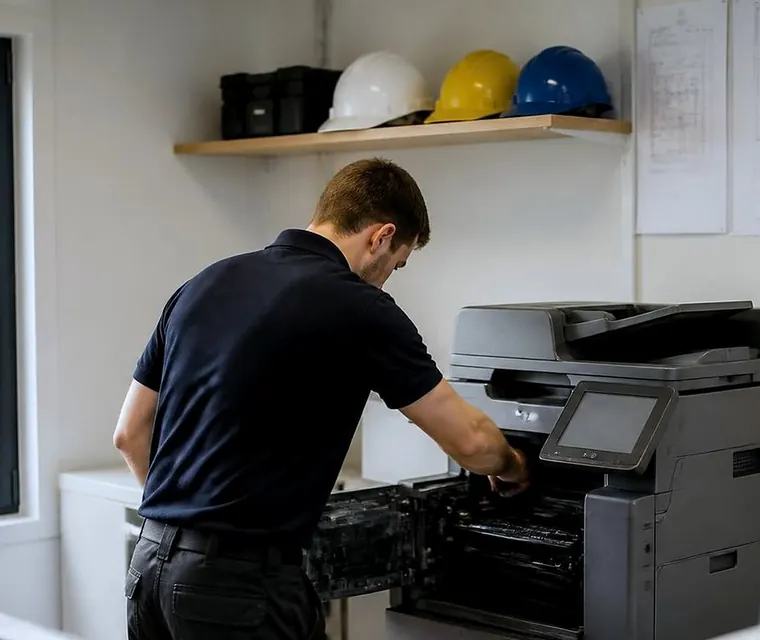
Used office printers for Gold Coast offices
What a used office printer should be
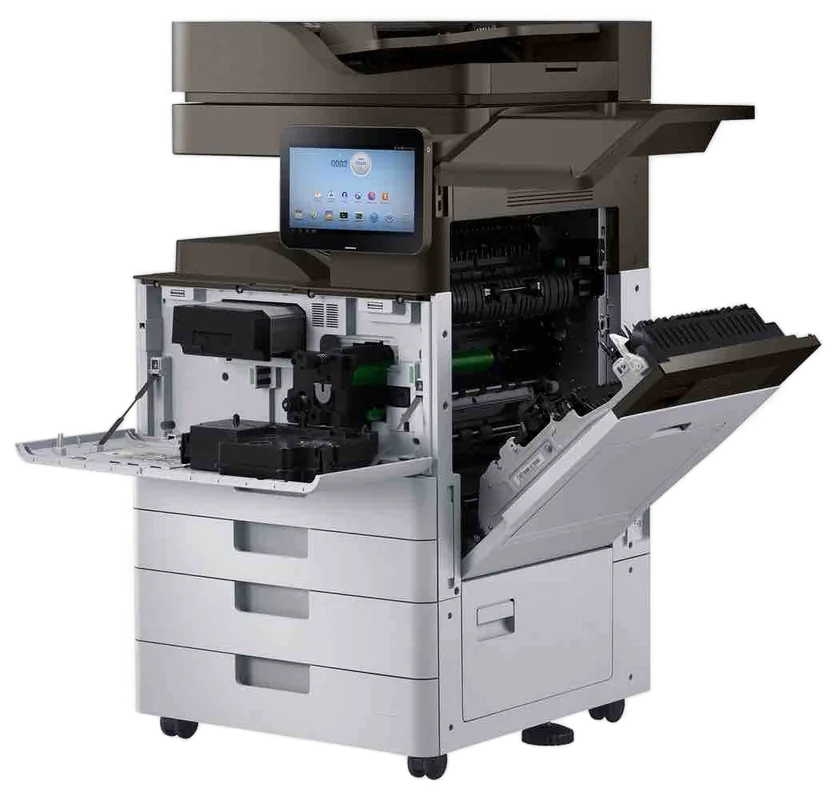
A commercial laser printer built for office duty and a home printer that has been sitting in a garage are not the same thing. We deal in the first kind: workgroup lasers and multifunction machines from the commercial ranges of HP, Kyocera, Brother, Canon, Ricoh and others, built for large monthly page counts and for repair and parts support.
We do not supply a machine whose consumables are hard to get or whose parts are no longer made. A used printer is only a good buy if you can keep it going, and we check that before selling one.
Where they come from
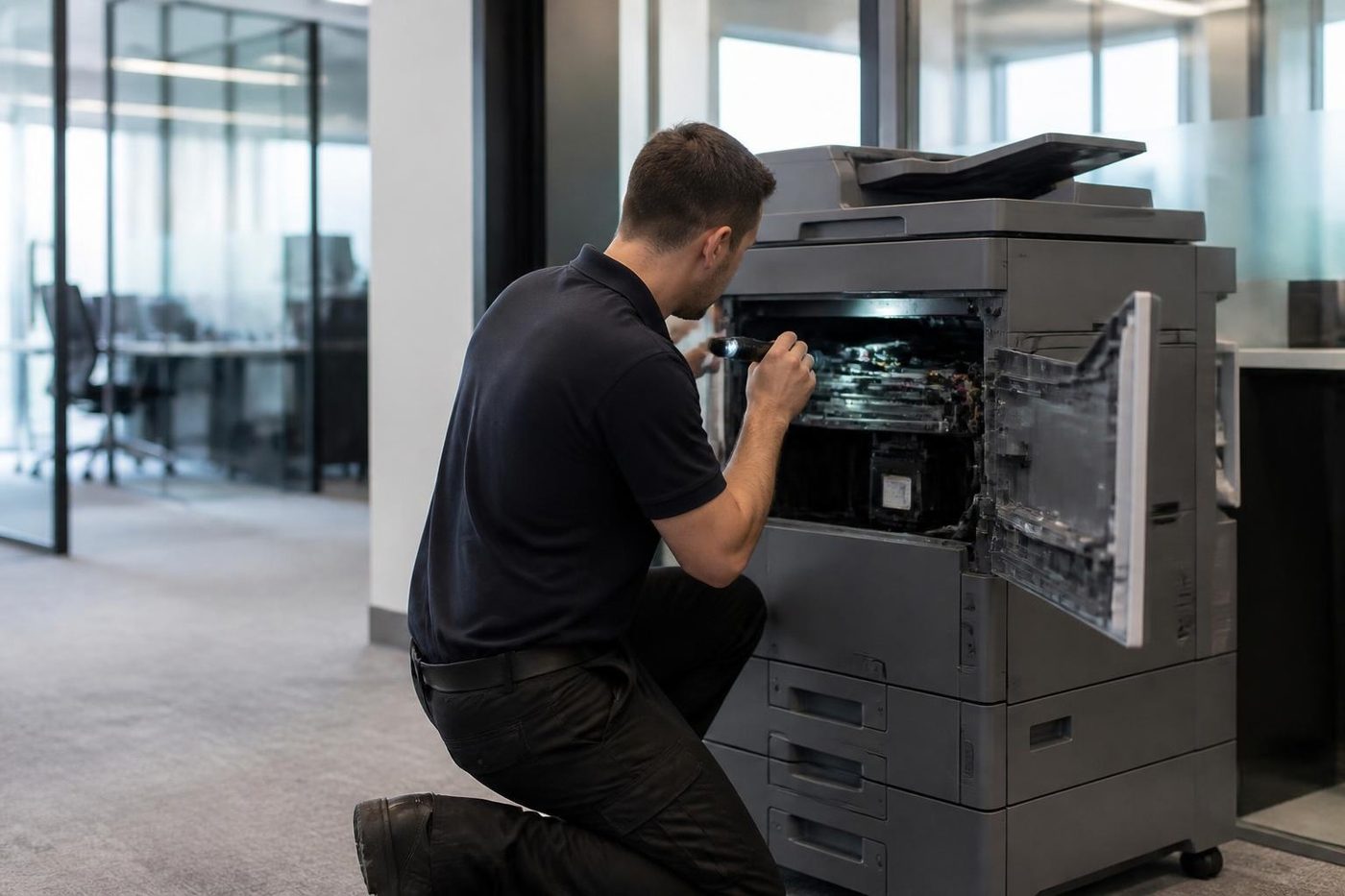
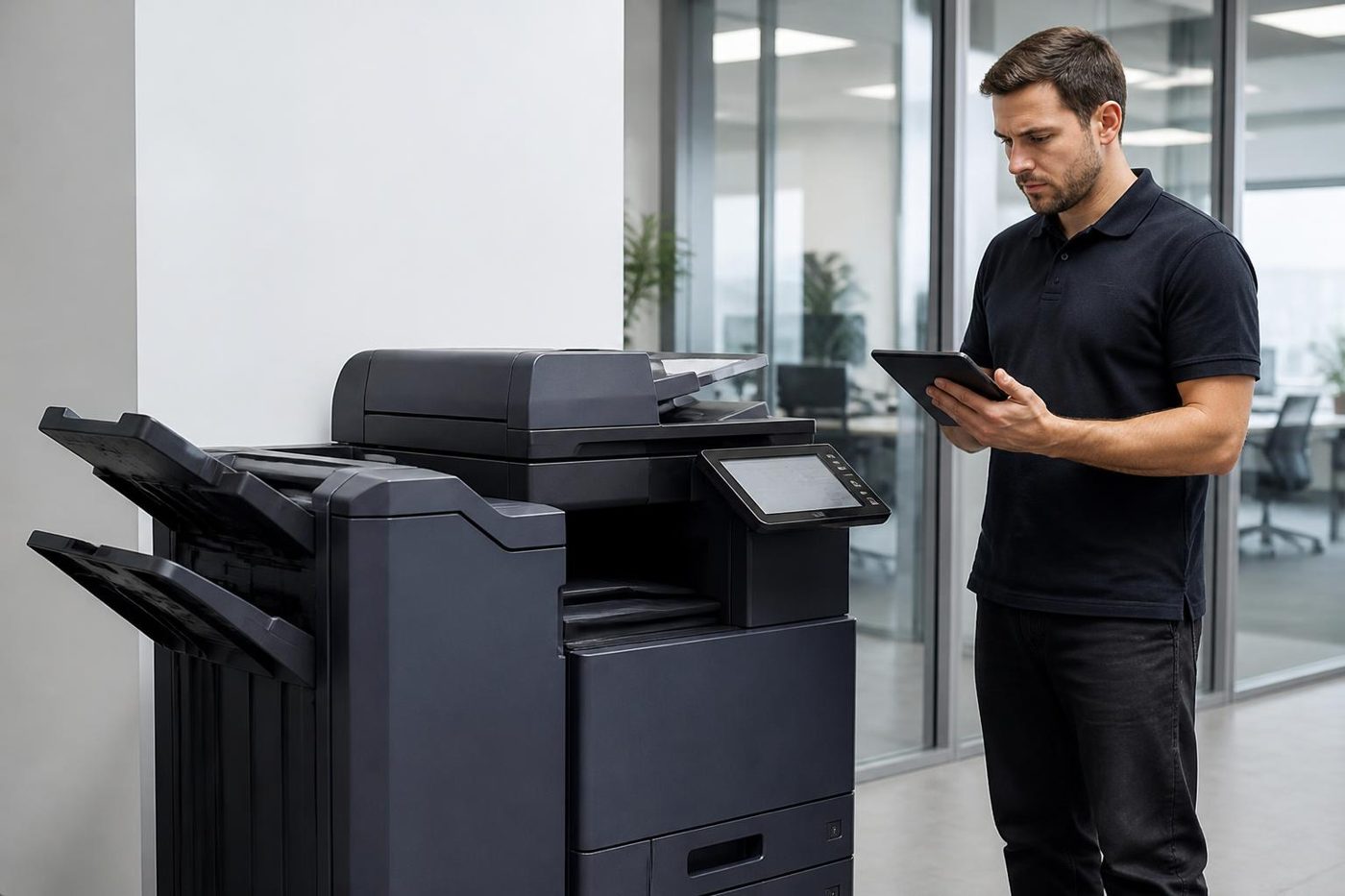
Most come from offices that upgraded, moved or closed. They are usually well kept, because a business that relies on a printer keeps it serviced. We prefer machines that have lived in a clean office with a sensible page count and a good history, and we decline ones that look tired inside.
A service business has an advantage here. A technician who has serviced the same model on customers' sites knows what a good example looks like and what a bad one looks like. The decision to take a machine in is made by the people who will have to repair it later.
The kinds we supply
Different jobs want different machines.
- Compact mono laser printers for a front desk or a small team.
- Colour laser printers for proofs, reports and branded forms.
- Multifunction printers that print, copy and scan to email.
- Workgroup printers with large trays and duplex for a busy team.
- A3 capable printers and copiers where larger pages are needed.
Which ones are worth buying second hand
Workgroup laser printers from the main commercial ranges are usually the best used buy. They are built for hard use, parts and toner are easy to find and they age well. Multifunction machines are a good buy if the scanner and feeder have been tested. Small desktop machines, and anything whose toner has become scarce, are not usually worth it second hand.
We tell you which side of the line a model falls on. That is part of the service.
The test before one goes out
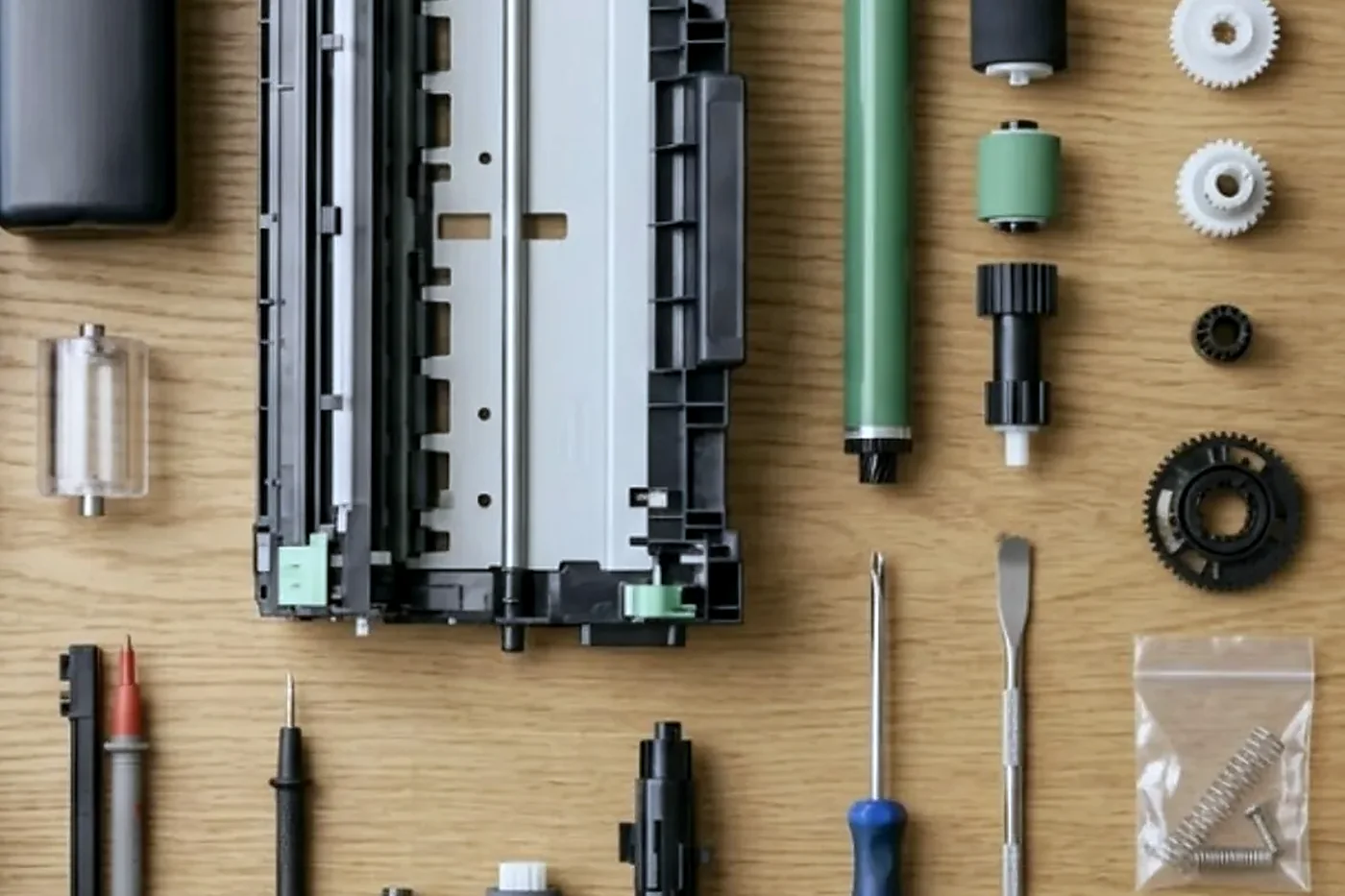
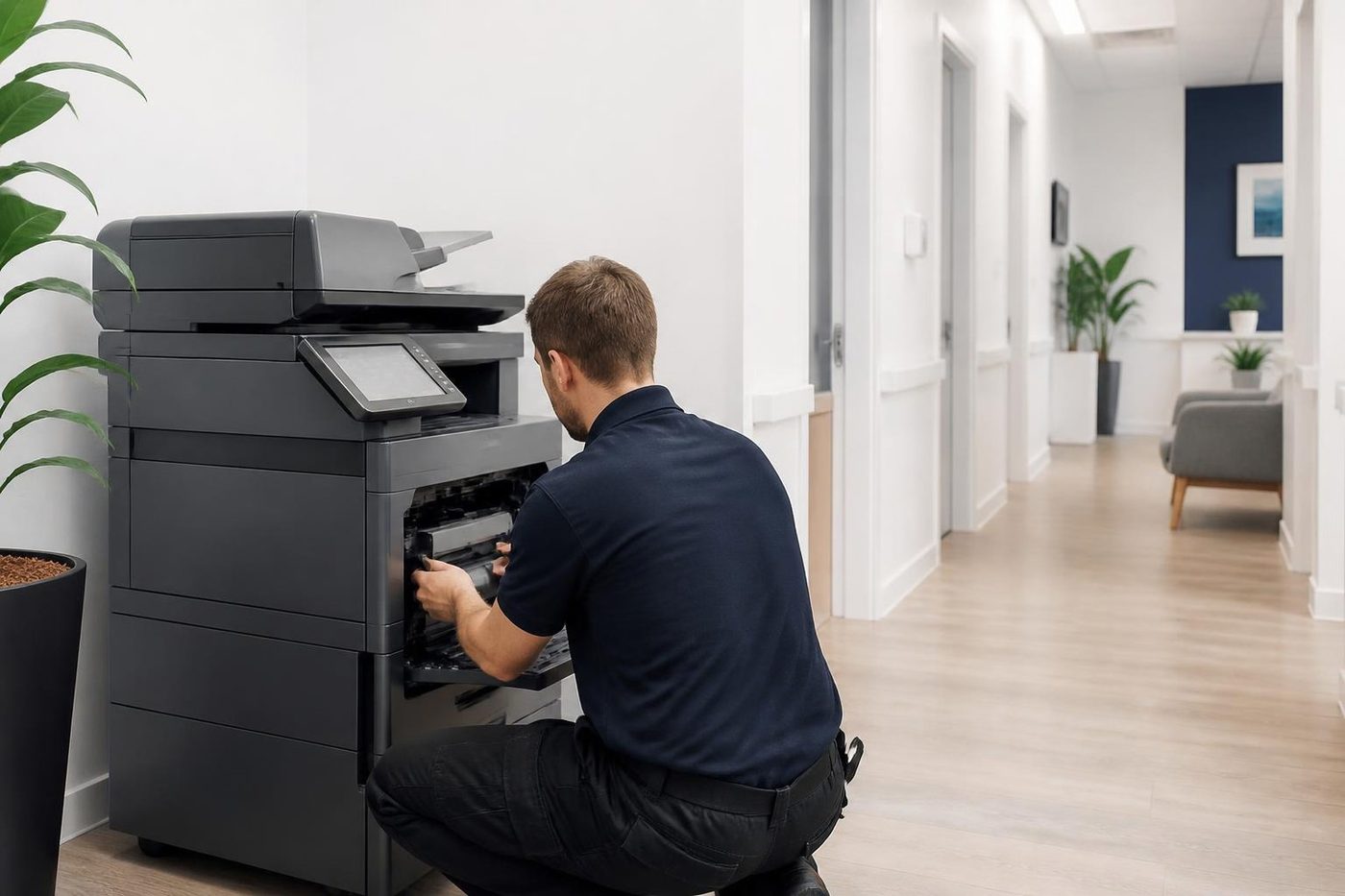
A used printer is read for its page count and then tested the ways it will be used: printing from each tray, duplex, scanning if it has a scanner, and network printing. The fuser, rollers and imaging unit are inspected, and worn parts are replaced. We also check that toner and parts are still available for the model, because that decides whether it is a good buy.
A machine that has handled sensitive documents has its storage wiped. Settings are reset and the firmware updated where that helps, and a test page is printed from each tray.
Is it worth it?
Sometimes it is and sometimes it is not. A commercial laser printer made for office duty that has had light use can be an excellent buy for a front desk or a small team. One with a nearly spent imaging unit and fuser, or cartridges that have become hard to find, is not.
The honest test is running cost. A cheap machine that eats toner or needs a repair every few months is no saving. We talk about toner capacity, parts availability and what it takes to keep the machine alive before you decide.
Used or new
A new commercial printer comes with the latest features and the longest life ahead. A used one costs less to start and suits an office with moderate printing. If you print heavily, need the latest security or want the longest runway, new is worth a look, and our office printers for sale page covers that. If you would rather not buy at all, our pages on HP printer hire and Canon printer lease and rental explain those routes.
Fleets and sets of printers
Sometimes the need is not one printer but several: a practice opening a second site, a school adding a printer to each admin area, a builder with an office in each yard. Buying matching used machines makes sense, because the same toner fits all of them, the same technician knows them and one set of settings can be copied across.
If you need more than one, tell us how many and where they will sit. We say whether we can supply a matched set, and if not, how close we can get.
Delivery and setup
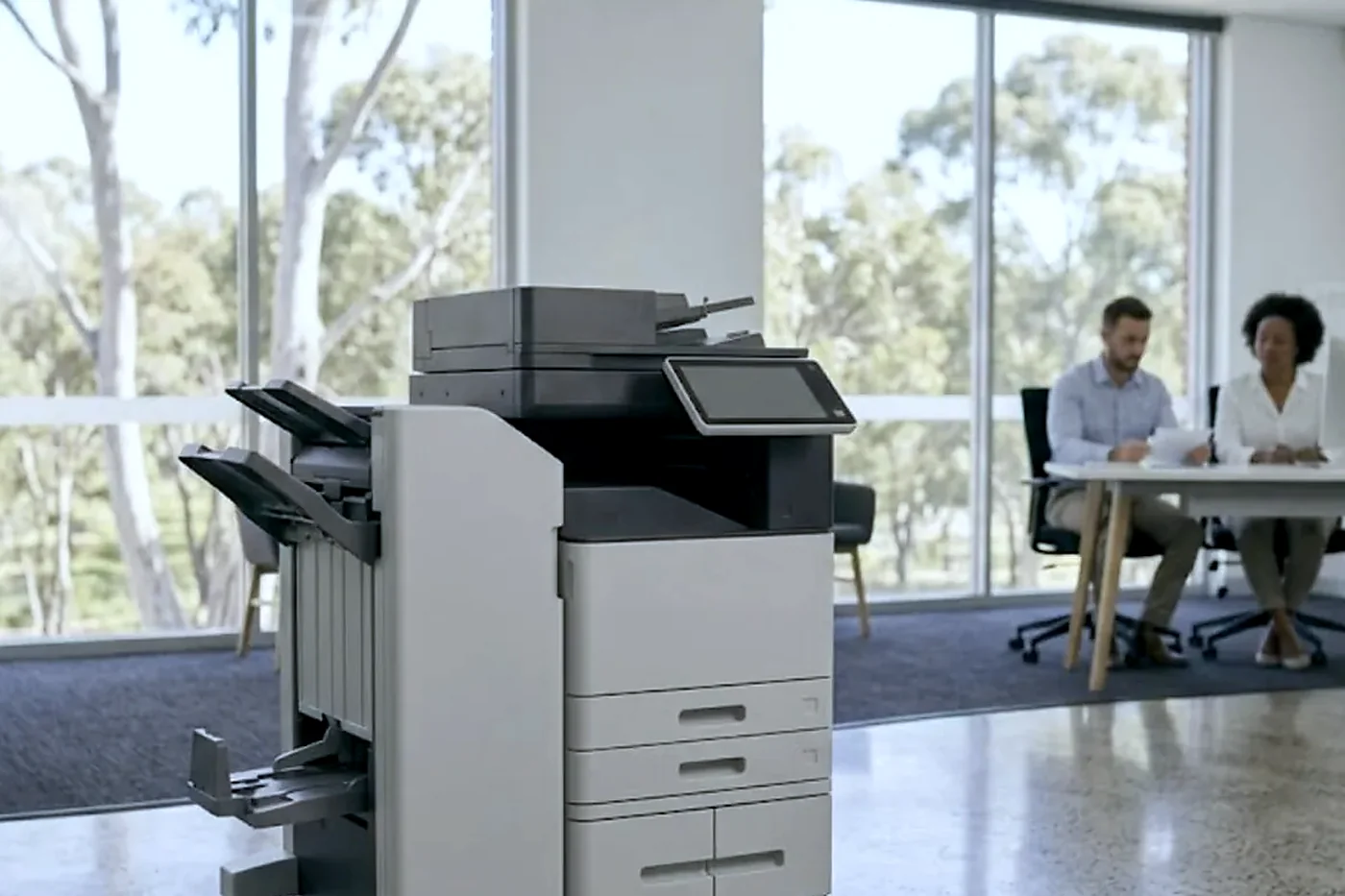
The printer is carried in, joined to your network, given drivers on the computers that need them and tried from those desks, with scan to email checked if it has a scanner. Our installation page describes the day in more detail.
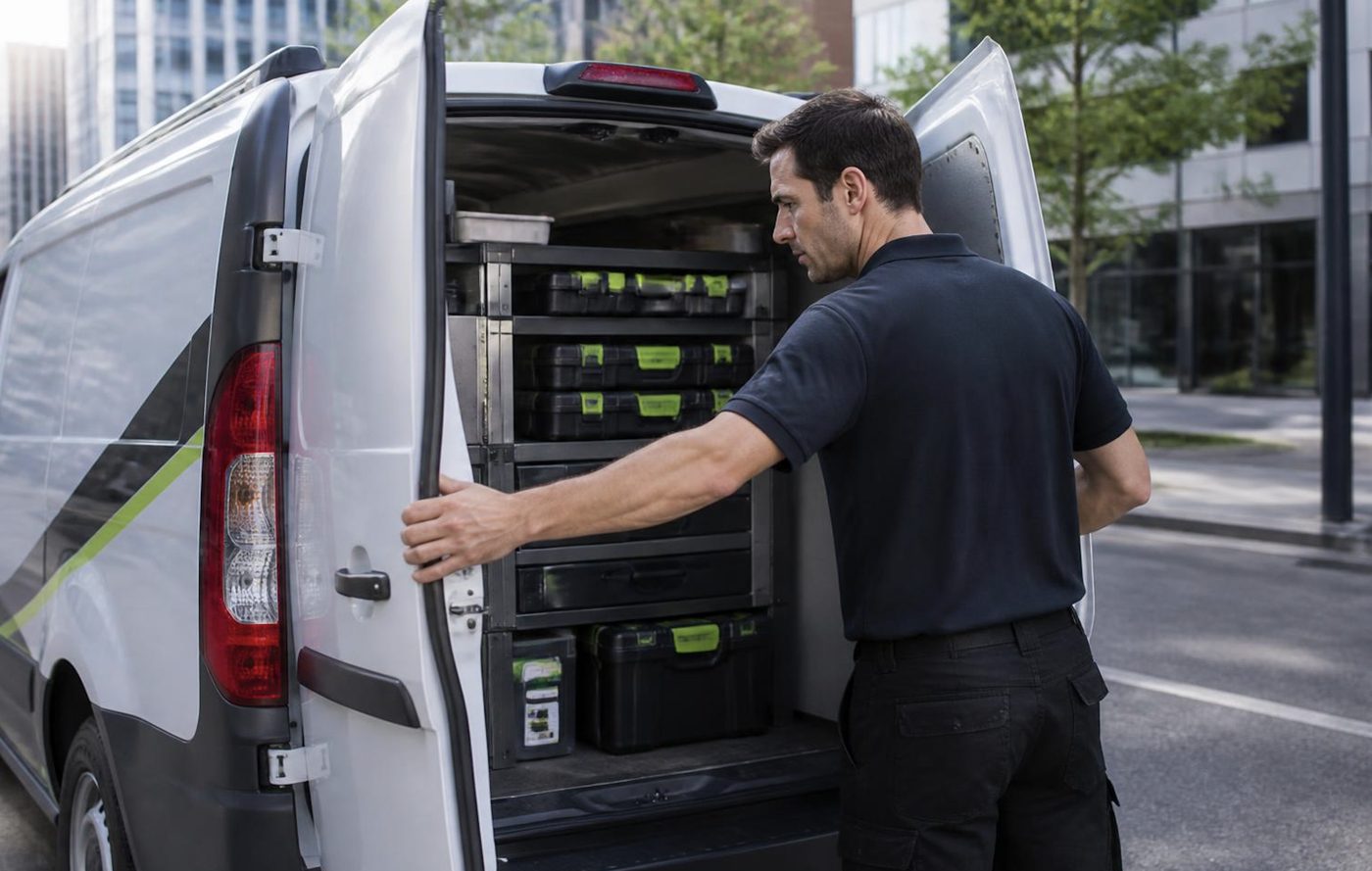
The same people who tested the machine look after it later. They are trained and certified, the van carries common spares, and a fault that comes back is fixed again without charge. What we sell is warranted, and we explain the terms when you call. Repairs are covered on our commercial printer repairs page.
Ring (07) 3096 0331 and tell us the monthly pages, whether colour or a scanner matters, and where the printer will live. The price is settled on the call and nothing binds you. If you have a printer to move on, see our page on selling a photocopier or office printer.
Behind the side panel
Light is the enemy of a drum
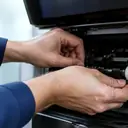
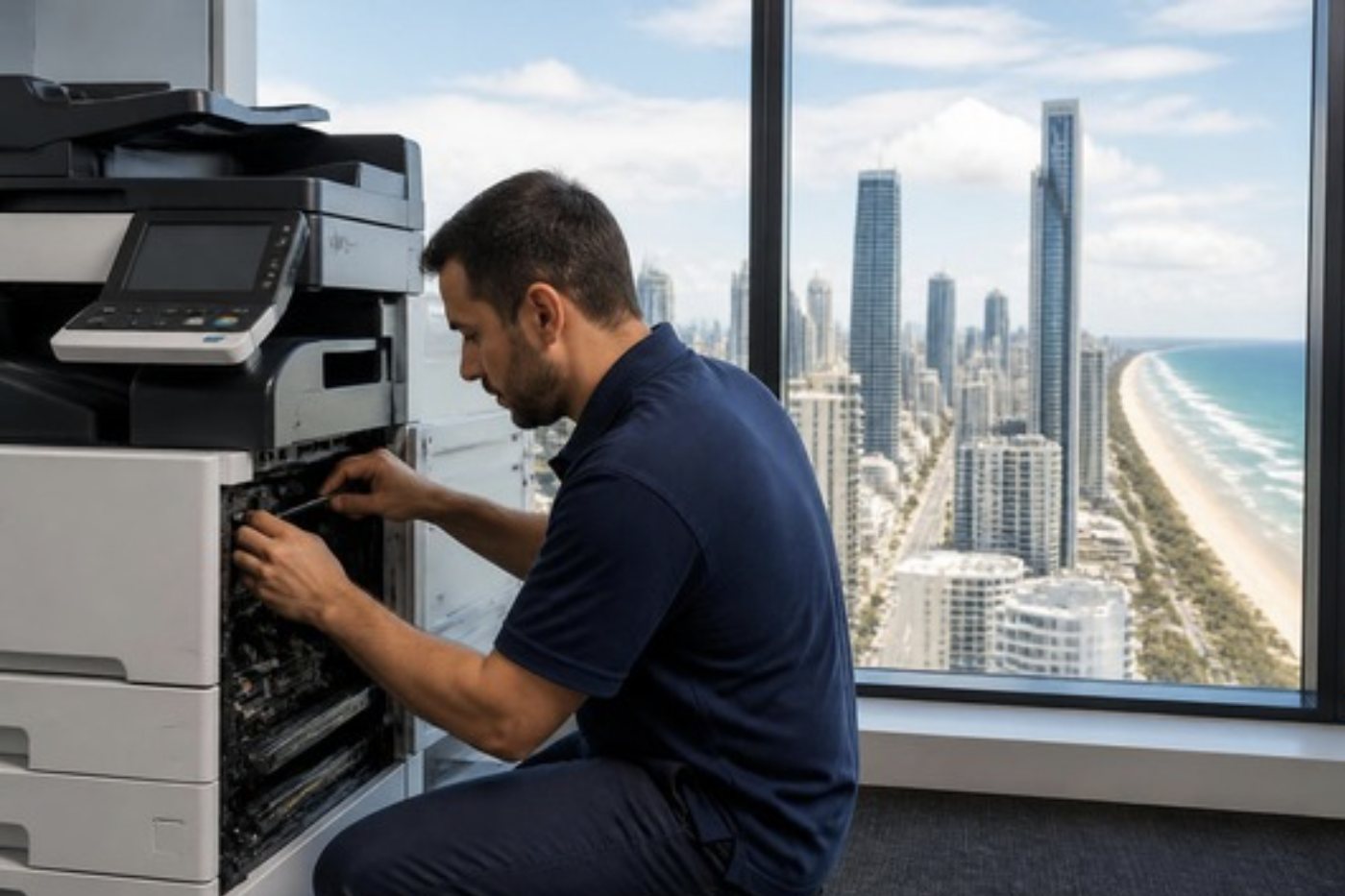
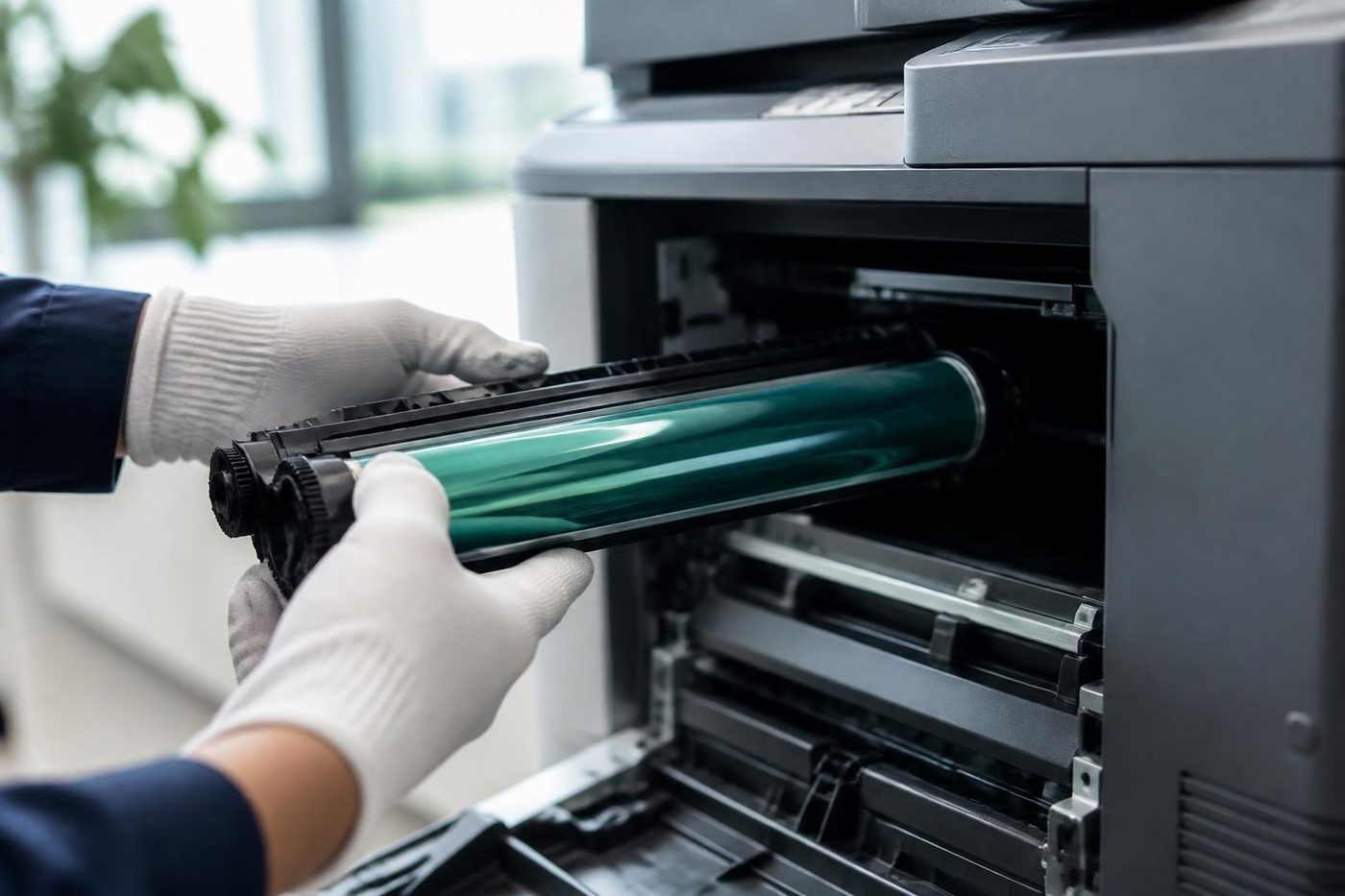
The drum is the part nobody sees and the part that matters most. It is a coated cylinder that reacts to light, so a technician who props the panel open beside a bright window is quietly spoiling it. Gold Coast offices are mostly glass and sunshine, which makes covering the drum a habit worth having.
We send people who wrap it, work quickly and put it back as the maker intended. If a mark repeats down your pages at the same spacing, describe it on the phone. That spacing is a clue.
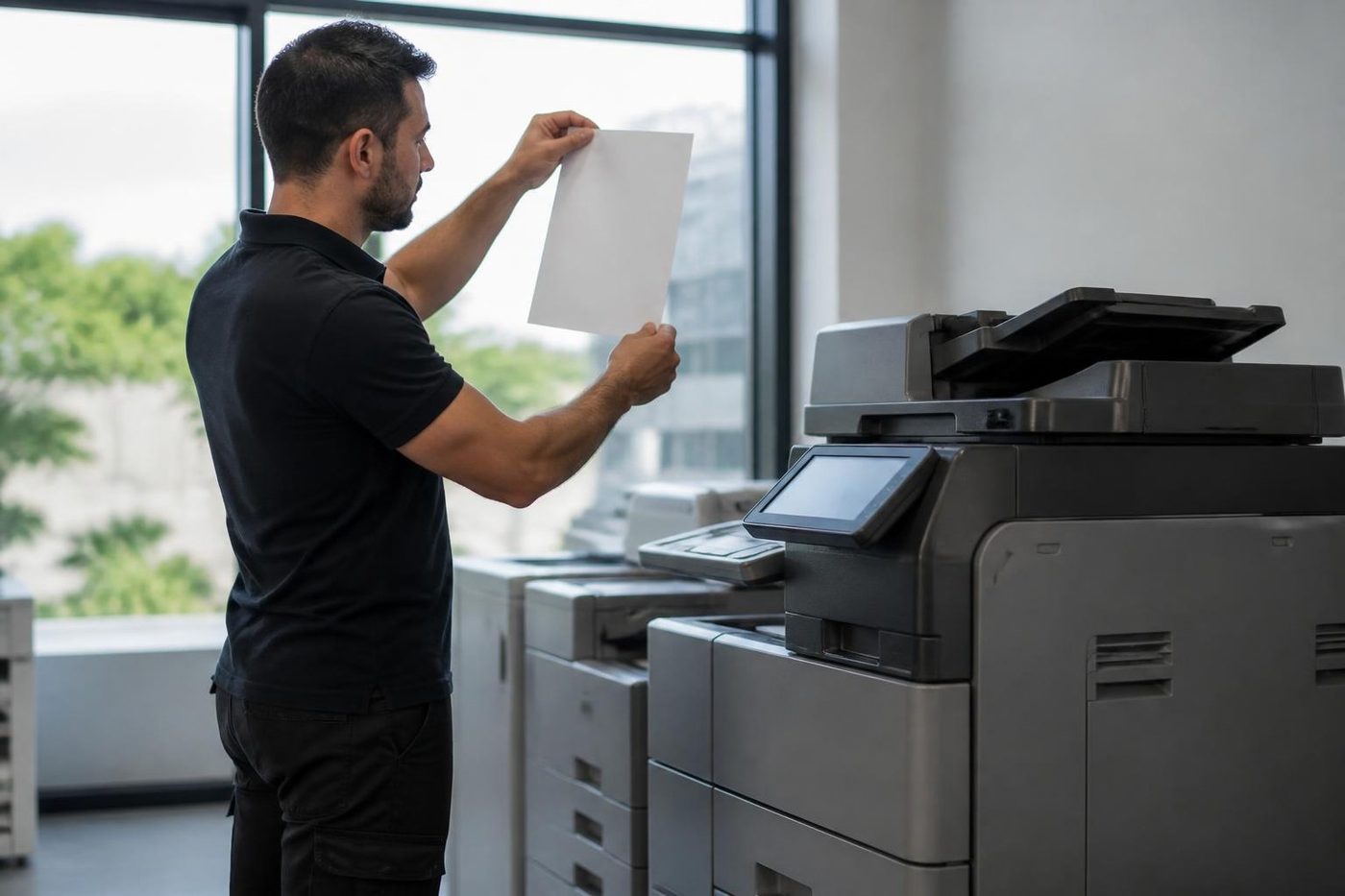
- Covered at all times. The drum goes in a light proof sleeve the moment it leaves the machine.
- Marks read properly. The distance between repeating marks points to the roller or drum at fault.
- No fingerprints. Gloves on, every time.
Keep reading
 Office printers for saleCommercial laser and multifunction printers, new and second hand.
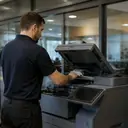 Used photocopiersTested, warranted commercial copiers, set up and serviced locally.
 Printer sales and leaseCommercial printers, multifunctions, A3 copiers and plotters, bought, rented, leased or financed.
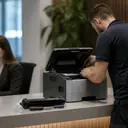 Commercial printer repairsWorkgroup lasers and fleets, repaired where they sit.
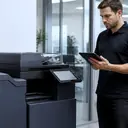 We buy your copierUsed commercial copiers and office printers bought, collected and wiped, one machine or a whole office.Installation and setupPlaced, connected, set up for scanning and tested from the desks that will use it.
 HP printer hireCommercial HP LaserJet and multifunction printers on hire.
 A3 photocopiersColour and mono A3 copiers, matched to the work.
Buy, sell and lease
Buy, sell and lease commercial copiers on the Gold Coast
We also sell new and refurbished commercial copiers and buy used ones. Same team, same technicians.
Around Southport, Burleigh and Robina
Common questions from Gold Coast offices
Do you sell used office printers?
Yes, tested commercial laser printers and multifunction machines. We do not sell home inkjets.
Are your used printers warranted?
Yes. Our machines are warranted, and the terms are explained over the phone.
Which brands do you supply?
Commercial ranges from HP, Kyocera, Brother, Canon, Ricoh and others. Phone with what you need.
Will a used printer be hard to keep supplied with toner?
We check that toner and parts are available for a model before we sell it.
Can you set it up on our network?
Yes. We install it, connect it, put drivers on your computers and test it.
Do you buy used office printers?
Yes. See our page on selling a photocopier or office printer.
What should I check on a used office printer?
Start with the page count and whether toner for that model is still easy to buy. Then ask what was replaced and who will repair it. We give straight answers on all four.
Is a used printer worth it for a front desk?
Often, if it is a commercial laser from a main range with light use and toner that is easy to buy. We say plainly when a model is not.
Season is busy, machine is down
We keep the call moving.
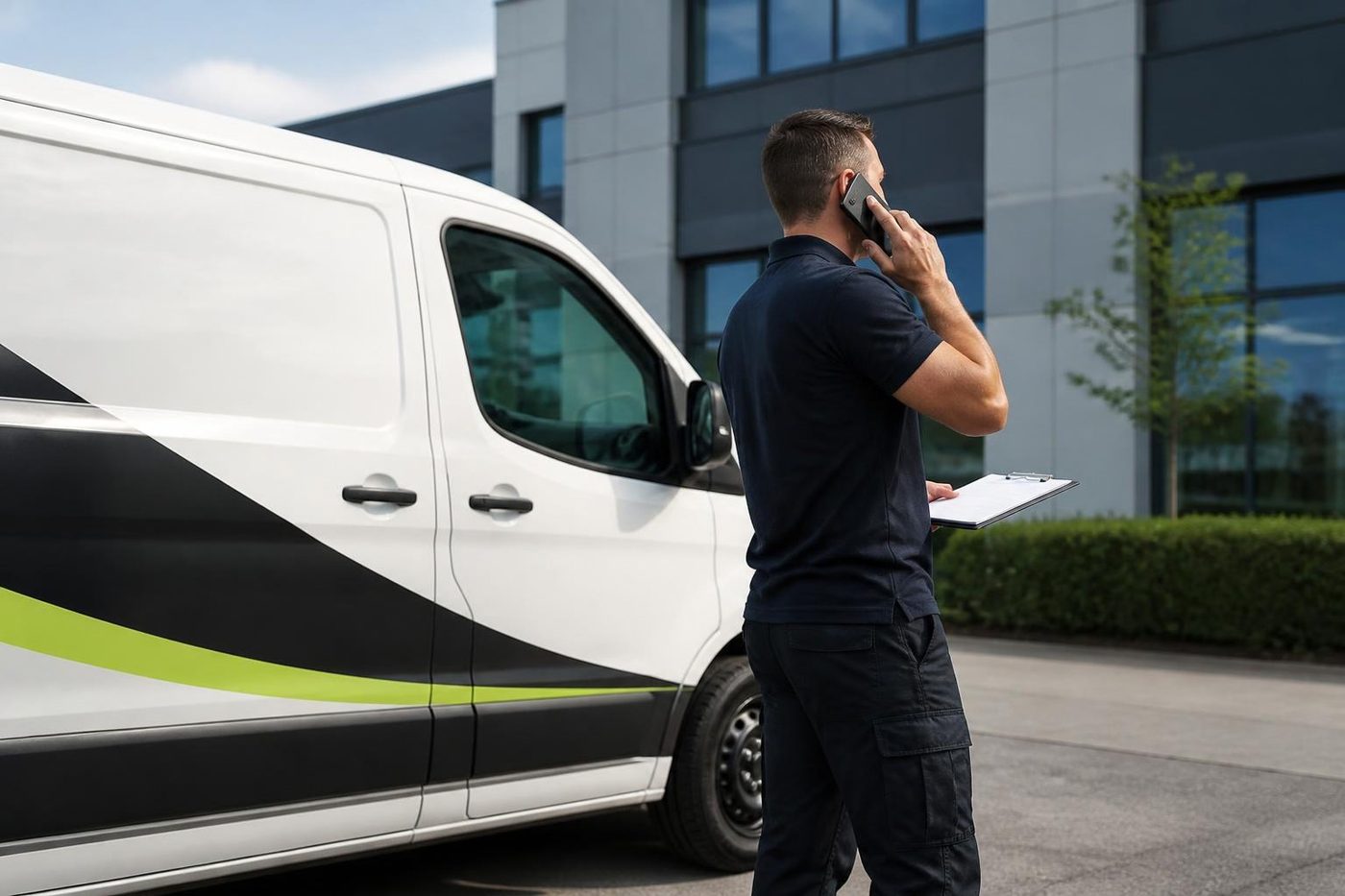
Tell us what stopped and we say what we can arrange. Same day service is available, and every call is logged.
Tell us the fault
Everything we look after on the Gold Coast
Copier and printer service
Fault guides
- Copier and printer faults Gold Coast
- Photocopier paper jams Gold Coast
- Copier black lines and streaks Gold Coast
- Copier error codes Gold Coast
- Copier not printing Gold Coast
- Scan to email not working Gold Coast
- Toner smearing and fuser faults Gold Coast
- Printer offline and network faults Gold Coast
- Copier noise, grinding and squealing Gold Coast
- Is my copier worth repairing Gold Coast
- Toshiba e-STUDIO error codes Gold Coast
- HP LaserJet error messages Gold Coast
- Kyocera TASKalfa error codes Gold Coast
Makes we repair
- Toshiba copier repairs Gold Coast
- HP printer repairs Gold Coast
- Kyocera copier repairs Gold Coast
- Fujifilm copier repairs Gold Coast
- Xerox copier repairs Gold Coast
- Canon copier repairs Gold Coast
- Ricoh copier repairs Gold Coast
- Lexmark printer repairs Gold Coast
- Brother printer repairs Gold Coast
- Epson printer repairs Gold Coast
- OKI printer repairs Gold Coast
- Zebra printer repairs Gold Coast
- Konica Minolta copier repairs Gold Coast
- Sharp copier repairs Gold Coast
- Samsung printer repairs Gold Coast
- Fuji Xerox copier repairs Gold Coast
Suburbs we work in
- Printer service Southport
- Printer service Bundall
- Printer service Robina
- Printer service Varsity Lakes
- Printer service Nerang
- Printer service Burleigh Heads
- Printer service Helensvale and Coomera
- Printer service Surfers Paradise
- Printer service Broadbeach
- Printer service Coolangatta and Tweed Heads
- Printer service Labrador and Biggera Waters
- Printer service Mudgeeraba and Reedy Creek
- Printer service Molendinar, Ashmore and Carrara
- Printer service Currumbin, Palm Beach and Tallebudgera
- Printer service Byron Bay, Ballina and Lennox Head
- Printer service Lismore and the Northern Rivers
- Printer service Murwillumbah and the Tweed Valley
- Printer service Kingscliff, Tweed Heads South and Pottsville
- Printer service Arundel and Yatala
- Printer service Pacific Pines and Oxenford
- Printer service Tugun, Bilinga and the Gold Coast Airport side
- Printer service Miami, Mermaid Waters and Mermaid Beach
- Printer service Currumbin Waters and Elanora
- Printer service Paradise Point, Runaway Bay and Hope Island
- Printer service Mullumbimby, Brunswick Heads and Ocean Shores
- Every suburb we cover
Ask about a machine on the Gold Coast
Tell us what the office prints, how many people share the machine and whether you are weighing new, refurbished or second hand. We ring back and talk it through. Prefer to call? (07) 3096 0331.