Copier and printer faults on the Gold Coast, sorted by what you notice
Pick the line that sounds like your morning. Behind each one is a guide covering what that symptom tends to mean, what a staff member can safely try, and where a technician should take over.
| You notice | Often the cause | Guide to open |
|---|---|---|
| Sheets stall, crumple or feed in pairs | Paper condition, pickup rollers, a tray set wrongly | Photocopier paper jams |
| A dark stripe down every copy | Glass, feeder, drum or toner | Copier black lines and streaks |
| Toner smudges under a thumb, or a pale ghost sits lower on the sheet | Heat, paper stock, transfer | Toner smearing and fuser faults |
| The job goes in and nothing emerges | A held job, a stuck queue, an empty tray, a network change | Copier not printing |
| The scan leaves the glass and never reaches the inbox | Mail settings, sign in details, size limits | Scan to email not working |
| The printer has disappeared from every computer | A new address, the network, power | Printer offline and network faults |
| The machine has started to sound different | Rollers, gears, a fan, something loose | Copier noise, grinding and squealing |
| A code on the panel | A hint at an area, never a final verdict | Copier error codes, plus Toshiba, HP and Kyocera guides |
If your fault is on none of those lines, ring all the same. The odd ones are often the interesting ones.

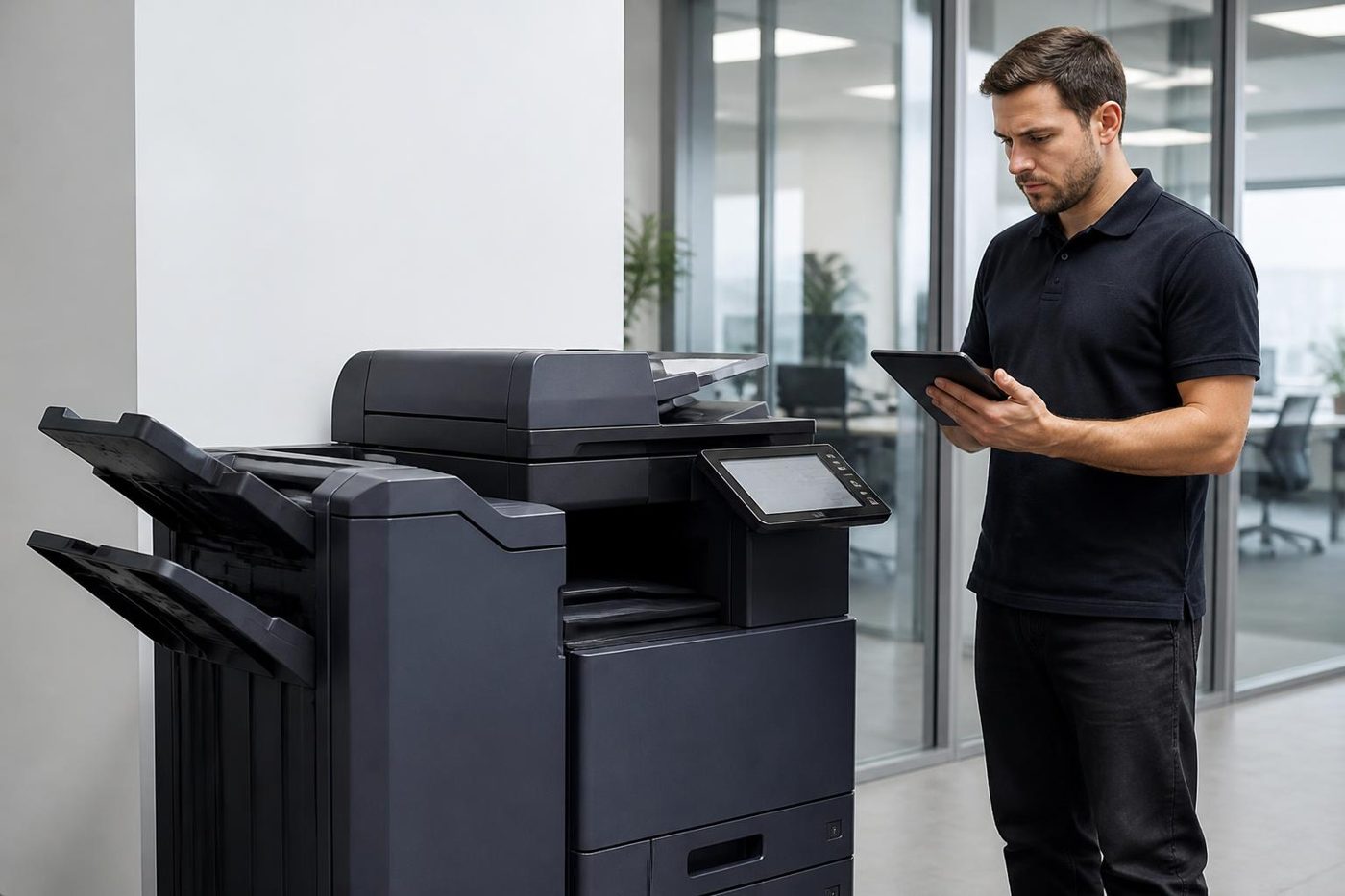
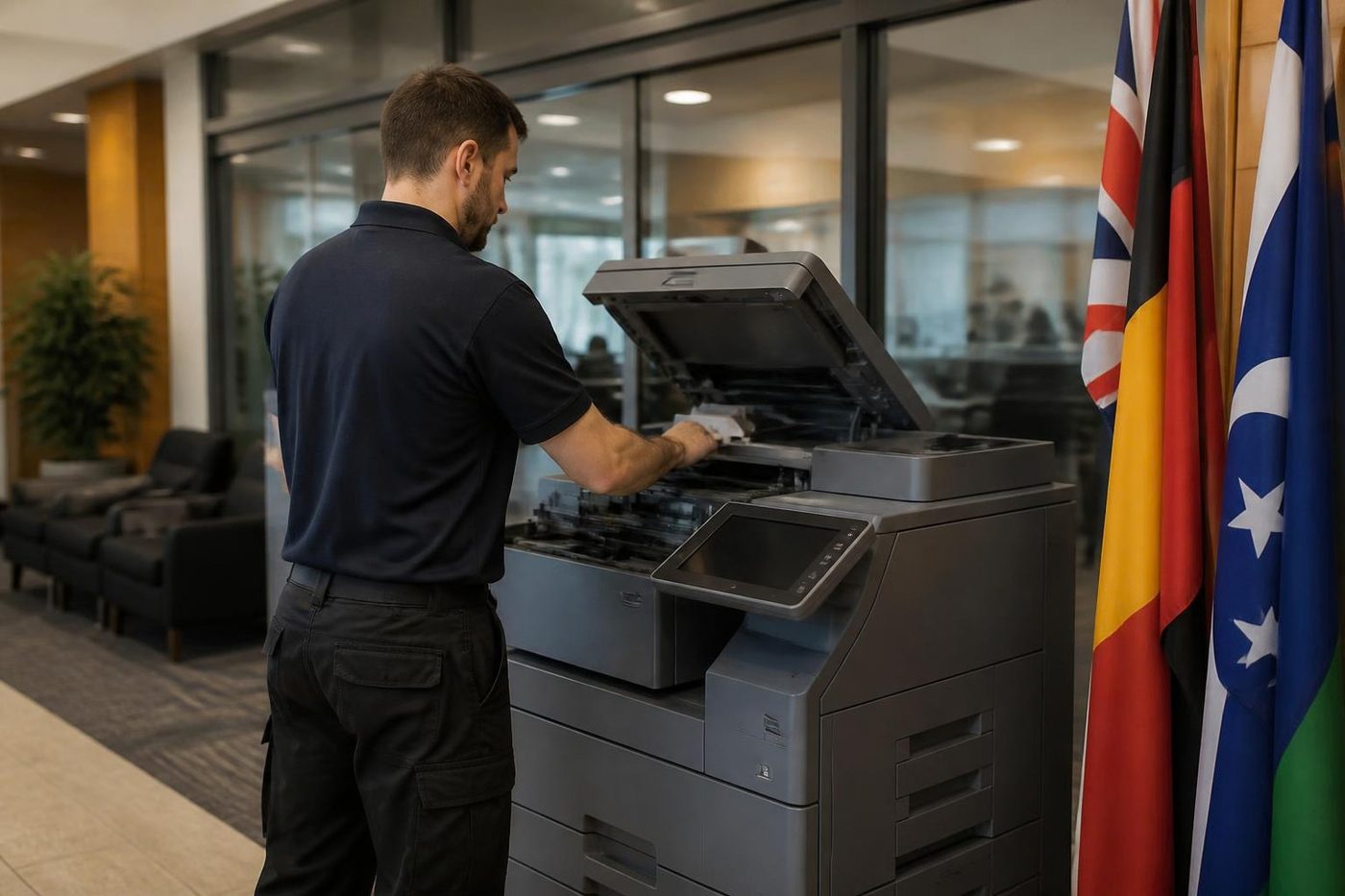
Before anyone opens a side door
A copier looks like furniture and acts like machinery. The fuser stays hot for ages after the power is cut. The drum is a coated cylinder that a few minutes of window light can mark. Behind the covers sit parts that carry real voltage.
Which is why every check in these guides needs no tools and no panels removed: paper, trays, queues, plugs, settings. Where the next step would take you inside the machine, the guide tells you to stop and phone. A drum touched by someone with good intentions turns a minor fault into a parts bill.
Four things worth knowing before you ring
That is enough. The answers let us guess the likely causes and decide what rides in the van. We will talk cost through with you on the call, ahead of any booking, and asking commits you to nothing.
- The make and model, taken from the badge on the front or the sticker inside the door.
- The message on the display, word for word, with any letters in the code.
- The pattern: every page, every tenth page, only from the bottom tray, only after lunch.
- What changed lately, such as a new ream, a desk move, a new IT provider, a Windows update, or a storm that cut the power at two in the morning.
Why the Gold Coast features in so many of these faults
Humidity is the quiet one. Through a wet summer paper takes up moisture, softens at the edges and feeds crooked, and the machine is blamed first. A ream left in an unsealed cupboard in a Varsity Lakes suite since January is a regular offender.
Salt follows. Offices facing the beach at Surfers Paradise, Broadbeach and Burleigh run the air conditioning hard and open the odd window, and what blows in is rough on fans, contacts and sensors.
Then there is the calendar. Strata managers send levy notices and meeting packs in waves, clinics fill when the school holidays start, and agencies surge at month end. A copier that coasts through a quiet fortnight shows every weakness in a busy one, so the phone rings loudest exactly when nobody can spare the machine.
Messages that are not faults
A good deal of what the panel displays is only a request. Add paper to tray two. Toner is low. Empty the waste box. Close the door. Do as it asks and the message goes, and you can handle all of these yourself.
Pay attention to a message that returns straight away. A cartridge warning right after a new cartridge went in, or a jam notice over an empty paper path, can be a sensor or connector and not a user error. A prompt that refuses to clear is a real fault.
Three pages for the codes people search by name
Codes look more exact than they are. Identical digits can mean something else on another model, so the model comes before the code. The general guide shows how to read any panel message, and separate pages go further on Toshiba e-STUDIO, HP LaserJet and Kyocera TASKalfa, since those three are what Gold Coast offices ask about most.
We work independently and claim no link to those makers. What we do have is a great deal of time spent inside their machines.
Who rings us, and what they say first
Strata managers open with a deadline: the AGM pack goes out Friday, the levy notices are late, and the copier has just begun to streak. Medical and allied health practices open with a patient, a waiting room of people and referral letters that will not print. Agents and brokers say the machine has gone offline, with a settlement date somewhere behind them.
Hospitality is its own beast. A hotel or resort back office may rely on one big copier for the whole property, and it takes a hammering at check in peaks, after a function and in the weeks before a season. When it stops, the people who feel it are the ones with a queue at the desk.
Underneath, the questions never change. What is it, can it be fixed today, and what will it cost. These guides aim to get you a straight answer to the first, which speeds up the other two.
What happens after you ring
We take the model, the message and the pattern, then talk through likely causes. If it sounds like a part, we name it and say what a visit would involve. If it sounds like a setting or the network, we say so, and now and then it is solved on the call.
When a visit is needed, the technician is chosen for your machine, reads its history, brings the common spares and tests every function before leaving. We are independent and our work is warranted. About 98% of repairs finish on the first visit, and the remainder need a part ordered, which we tell you before leaving and not afterwards.
If the lines are busy your call is logged and we ring back. The contact form takes a model and a description if you would sooner write.
How to describe a problem so it gets solved faster
People describe what they think is broken. The most useful reports describe what they saw: a page that came out with a dark band on the left, a machine that grunted three times before showing a code, a scan that arrived with half a page. Leave the theory out and give us the picture.
A short note kept beside the machine helps. Record when it happens, what it was doing and what the panel said. After a week you have a pattern, and a pattern is half of any diagnosis. A good office manager already does this, and it costs nothing.
Fix it or move on
Some machines reach an age where each repair is just the next link in a chain. We would sooner tell you that than fit another part. The worth repairing guide sets out what we weigh, and as we also buy and sell machines we can speak plainly about what a sensible replacement would look like.
The choice is yours either way. A Gold Coast repair carries the same promise as any other: if the identical fault returns, we fix it again free.
Salt in the air
The sea gets into the machine
Salt air does quiet damage. It coats contacts, dulls sensors and clogs cooling fans, and a copier in a ground floor shop or a tower with the windows open to the breeze feels it more than most.
Ask us about positioning, filters and where paper should live. Small habits like those stretch the working life of a machine, and cost very little.
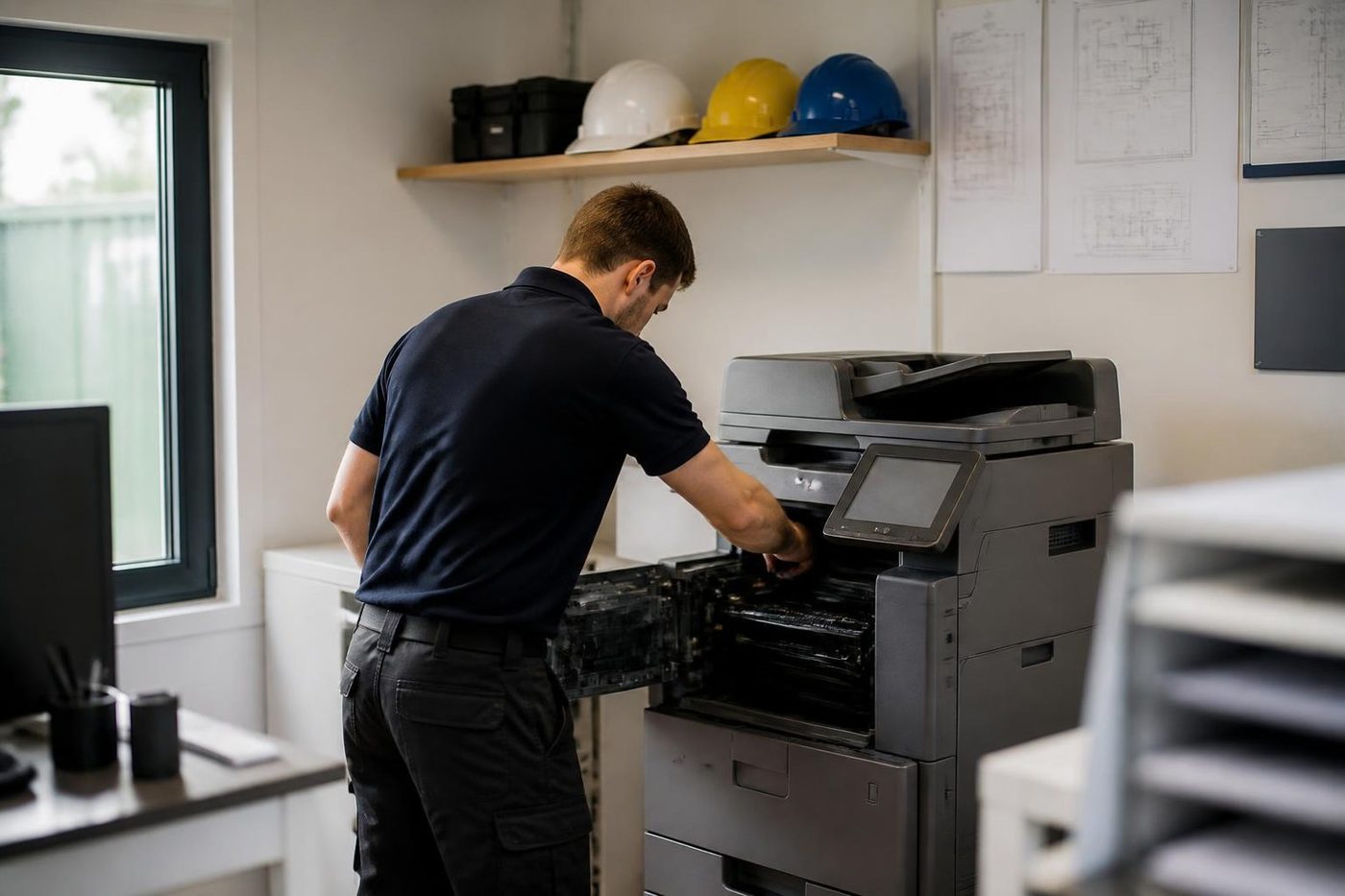
- Contacts cleaned. Salt is wiped off before parts are blamed.
- Fans and filters checked. Dust and salt build up where you cannot see.
- Paper storage advice. A dry shelf cuts feed faults.
Keep reading
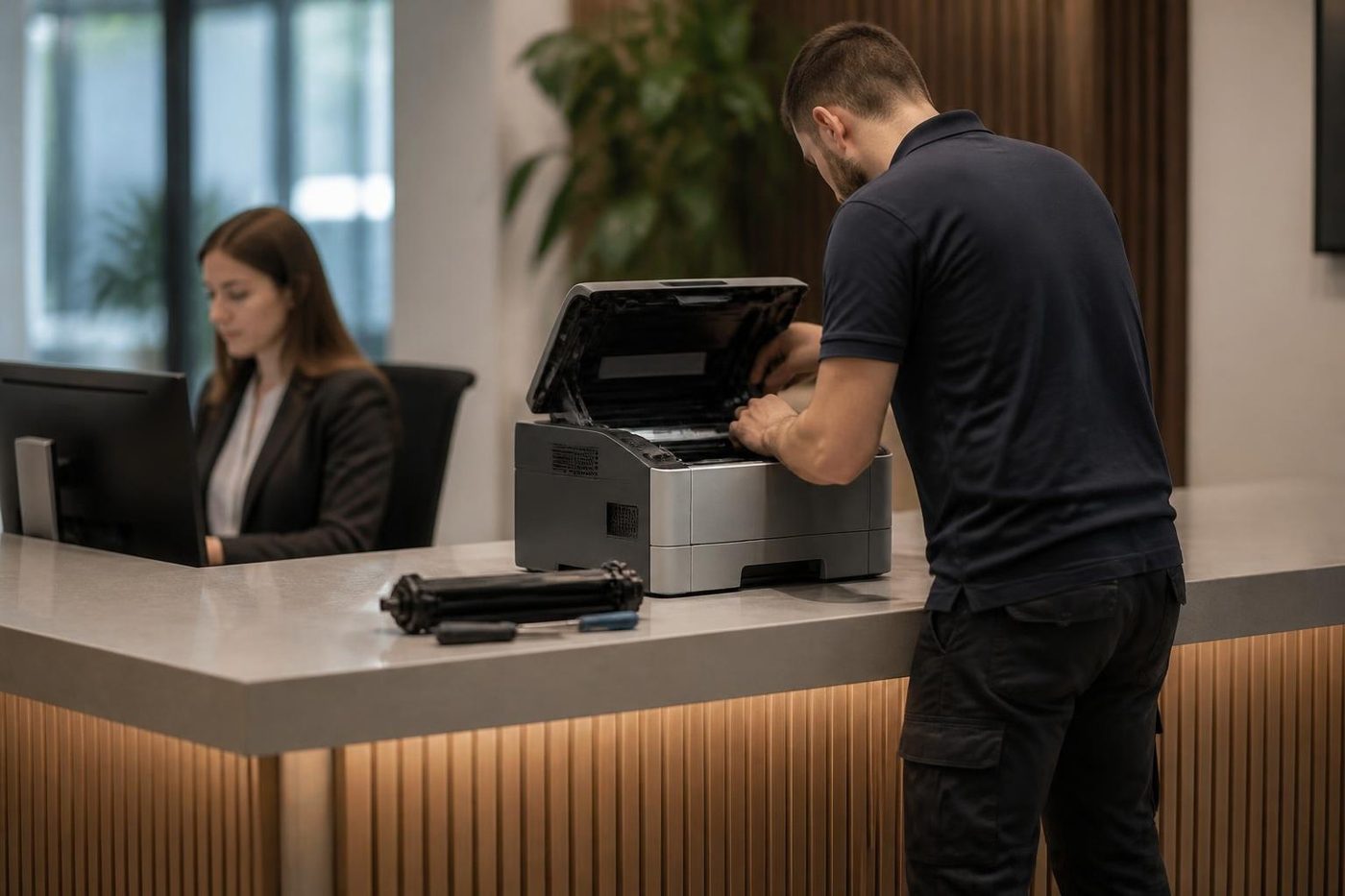
 Photocopier repairsAny make of office copier, repaired where it stands.
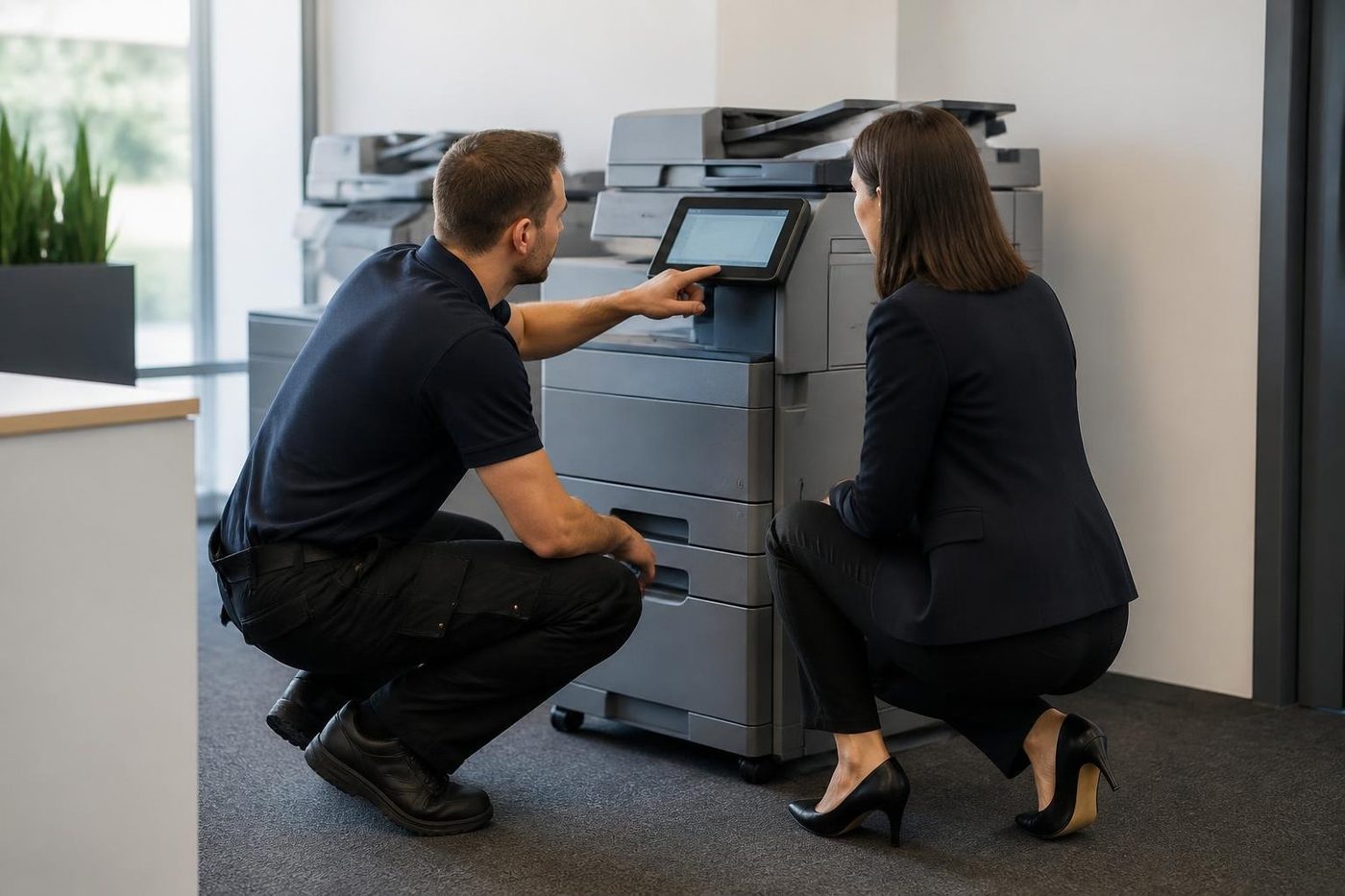
 Commercial printer repairsWorkgroup lasers and fleets, repaired where they sit.Photocopier paper jamsWhy sheets stop, crease or double feed.
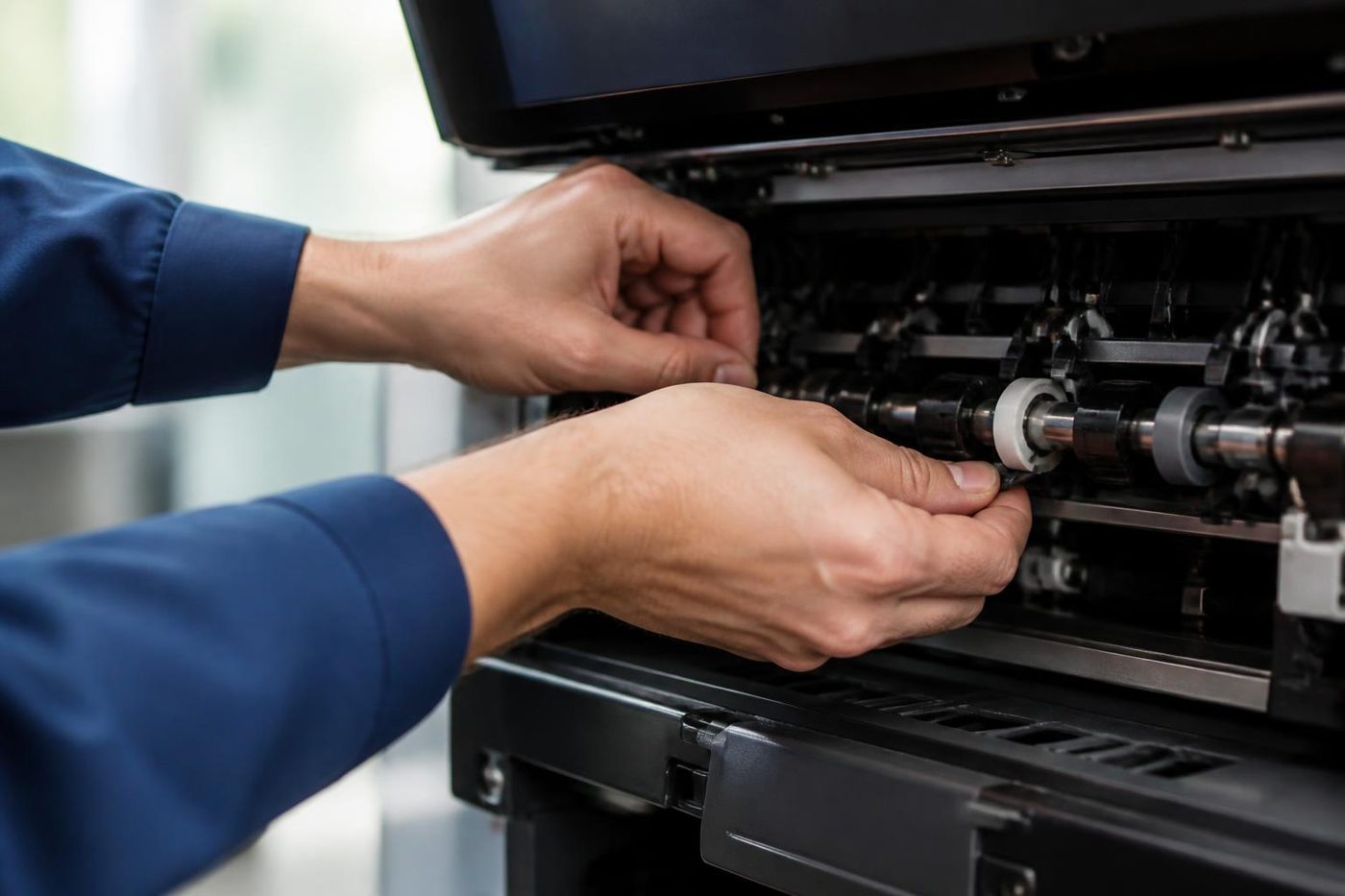
 Copier error codesReading a panel code, and what to note down.
 Is my copier worth repairing?Repair or replace, and how we decide.
Buy, sell and lease
Buy, sell and lease commercial copiers on the Gold Coast
We also sell new and refurbished commercial copiers and buy used ones. Same team, same technicians.



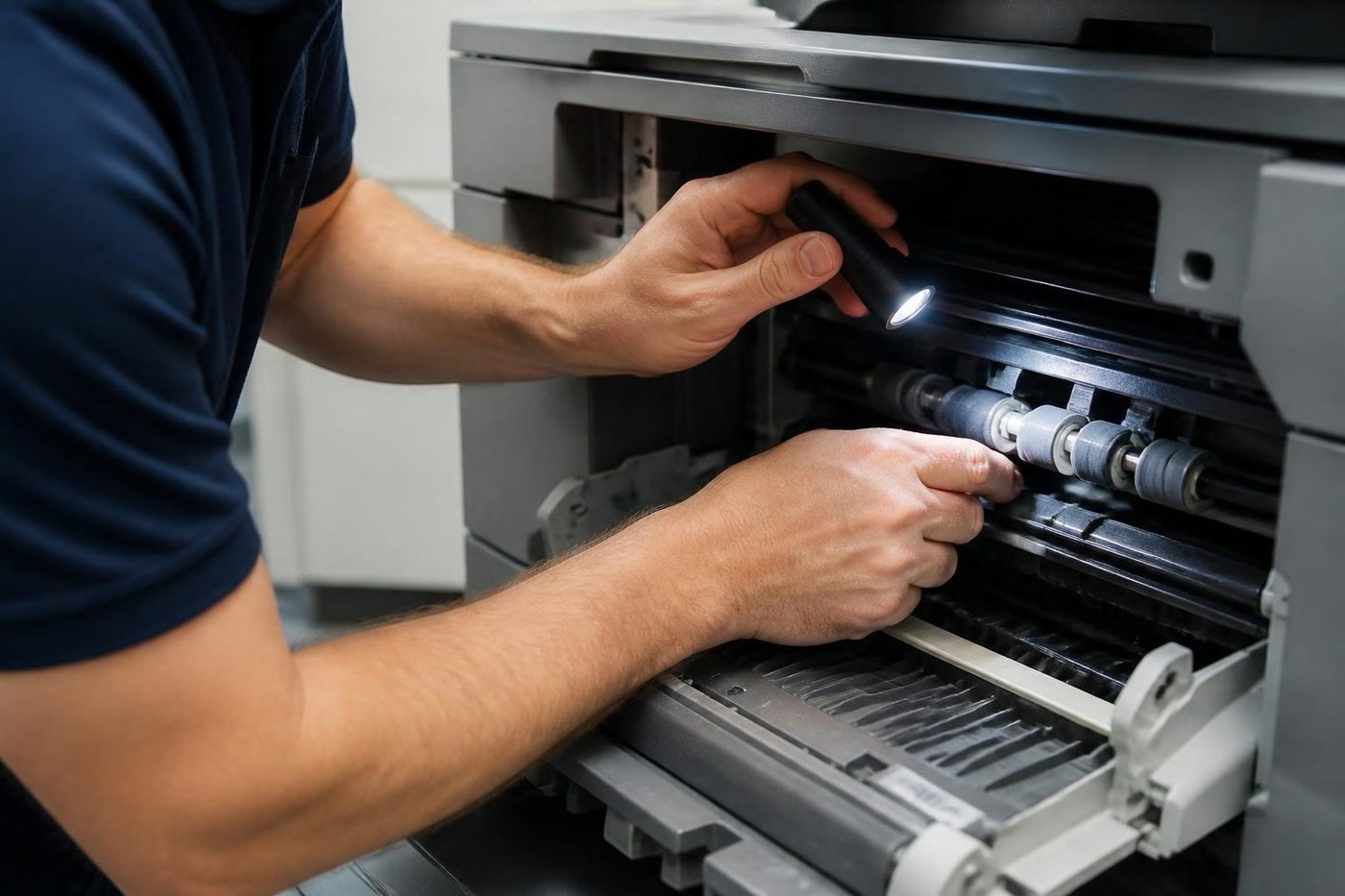
Work we have done on the Gold Coast

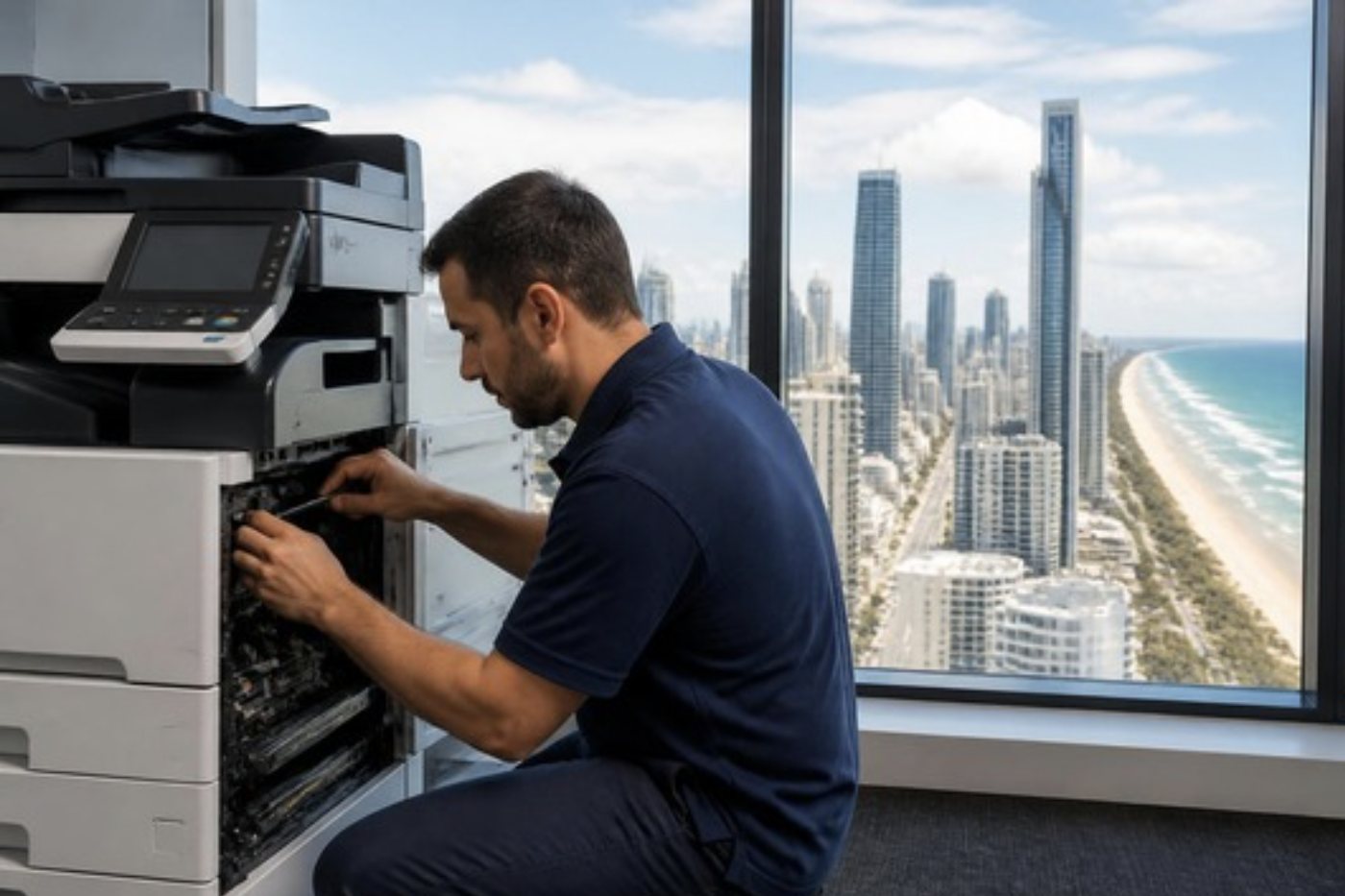
Common questions from Gold Coast offices
I do not know what is wrong. Where do I begin?
Choose the symptom above that sounds nearest. If none fits, ring with the make, the model and a plain account of what the machine is doing, and we will work out likely causes on the call.
Can you diagnose over the phone?
We can often cut it to two or three causes and tell you which are minor. We will also be honest about what we cannot judge without seeing the machine.
Should I be at the copier when I ring?
It helps a lot, since you can read the panel to us. A photo of the display sent through the contact form is the next best thing.
Do you come to the office?
Yes. We repair at your premises, whether a strata office, a clinic or a depot, so nothing is posted away.
What if the same fault returns?
We fix it a second time free of charge.
Why so many questions at the start?
Because the answers decide what the technician brings. A model, a message and a pattern make it far likelier that the right part is in the van.
Which of these can our office manager handle?
Mostly paper habits, a dirty glass, a held job in the queue and a tray set to the wrong size. Each guide marks the point where it stops being a staff job.
Will you say if the machine is not worth fixing?
Yes, though repairs earn us money. Our guide on whether a copier is worth repairing shows the method so you can test our thinking.