Fuji Xerox photocopier repairs Gold Coast offices still need, years after the name changed
Ask the office manager at a Southport accounting firm what make the copier is and you will hear Xerox. Ask her to read the badge and you will hear Fuji Xerox, with ApeosPort or DocuCentre underneath. The machine has been there since before she started, nobody has opened it except to change toner, and it has never really failed. Then one morning it does.
Machines sold under the Fuji Xerox name were everywhere in Australian offices for decades, which is why we still see so many. They sit in council counters, school staff rooms, solicitors' corridors and the back offices of hotels. They are solid, and their age shows in particular ways that we know well.
Nothing ties us to Fujifilm or to Xerox, and we are not a dealer for either. The technicians are trained, experienced and certified, and they have worked on these machines before. You describe the fault, we put a price to you on the phone, and nobody is booked until you agree.
Reading the age of a Fuji Xerox from its name
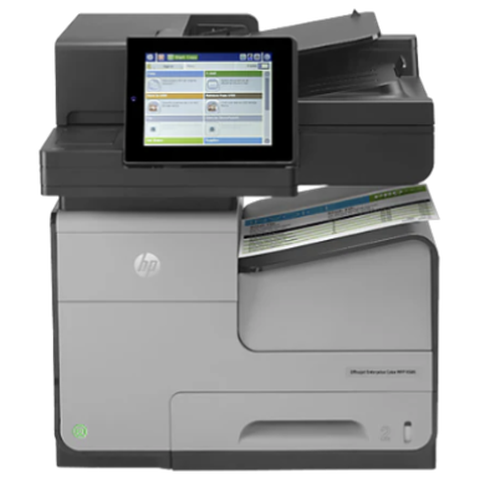
The badge carries more history than most people notice. Fuji Xerox machines are named by line and generation. The line is ApeosPort for multifunction machines, DocuCentre for the sister range and DocuPrint for printers. After it comes a Roman numeral that marks the generation, and then a letter and digits that give the model.
A higher numeral means a newer machine. The letter C in the model usually means colour, and the digits give a rough idea of speed and size. We do not guess dates from the numeral, because the generations overlapped and different models changed at different times, but the numeral tells us which control panel, which scan settings and which parts to expect.
If you cannot read the badge, look for the serial number plate. Photograph it with the badge and send or read it to us when you ring. It saves us a round of guessing.
| What you see on the machine | What it tells us | Why it matters to a repair |
|---|---|---|
| ApeosPort | A multifunction machine that copies, prints, scans and often faxes | Network and scan faults are possible as well as mechanical ones |
| DocuCentre | A copier first, often floor standing | Heavier duty paper path, bigger parts, finisher options |
| DocuPrint | A printer, A4 or A3 | No scanner, so faults sit in the paper path, the imaging parts and the network |
| A Roman numeral after the name | The generation | Decides the panel, the settings and which parts are still easy to find |
| C before the digits | Colour | Four toner stations and a transfer stage to check |
Fuji Xerox copier repairs Gold Coast offices book, part by part
Most calls come down to one of six places in the machine. This is how we think about them, and what we check at each.
- Paper pick up and feed. Rollers go smooth after years of use. Double feeds, no feeds and a tray that drags are cured with new rollers and a proper clean. Check the paper first, because damp stock does the same thing.
- The paper path. Jams at the same place each time point to a worn guide, a stray scrap of paper or a sensor flag that is not moving freely.
- The fuser. Smudged toner, creases and a smell of warm plastic. We check the paper type setting, then the fuser rollers and temperature sensing.
- The drum and imaging parts. Repeating marks, lines and a grey background. The spacing of a repeating mark tells us which part.
- The scanner and the document feeder. Dark lines, skewed pages, two sheets taken together. A clean of the glass strip and the feed rollers usually settles it.
- The controller and the network. Codes that arrive after an update, scan settings that lost their destination, a machine that goes offline.
The reason 98% of our repairs finish on the first visit is homework: the technician has the model and the code before leaving, and loads the likely parts. A fault that returns is fixed again without a charge.
Status codes on an older Fuji Xerox
On these machines a fault arrives as a status code made of two groups of three digits. Read the first group as the part of the machine at issue, the second as the detail. Mechanical codes involve feeding, fusing or a drive. Controller and network codes show up after a power cut or an update.
A code is a pointer, not a diagnosis. On an older machine the same code can come from a failed part or from a loose connector, and the technician tells them apart by looking. Write down the whole code including both groups, the time and what the machine was doing. Photographing the screen is better than remembering it.
Switch the machine off at the front, wait a minute and switch it on once. If it clears and stays clear, mention it anyway when you next ring us. If it returns, stop. Repeated restarts do not mend a fuser or a drive fault. We do not publish service mode procedures. People who go looking for them on an older machine often end up with a bigger repair.
Fuji Xerox printer service Gold Coast: DocuPrint and the workgroup laser
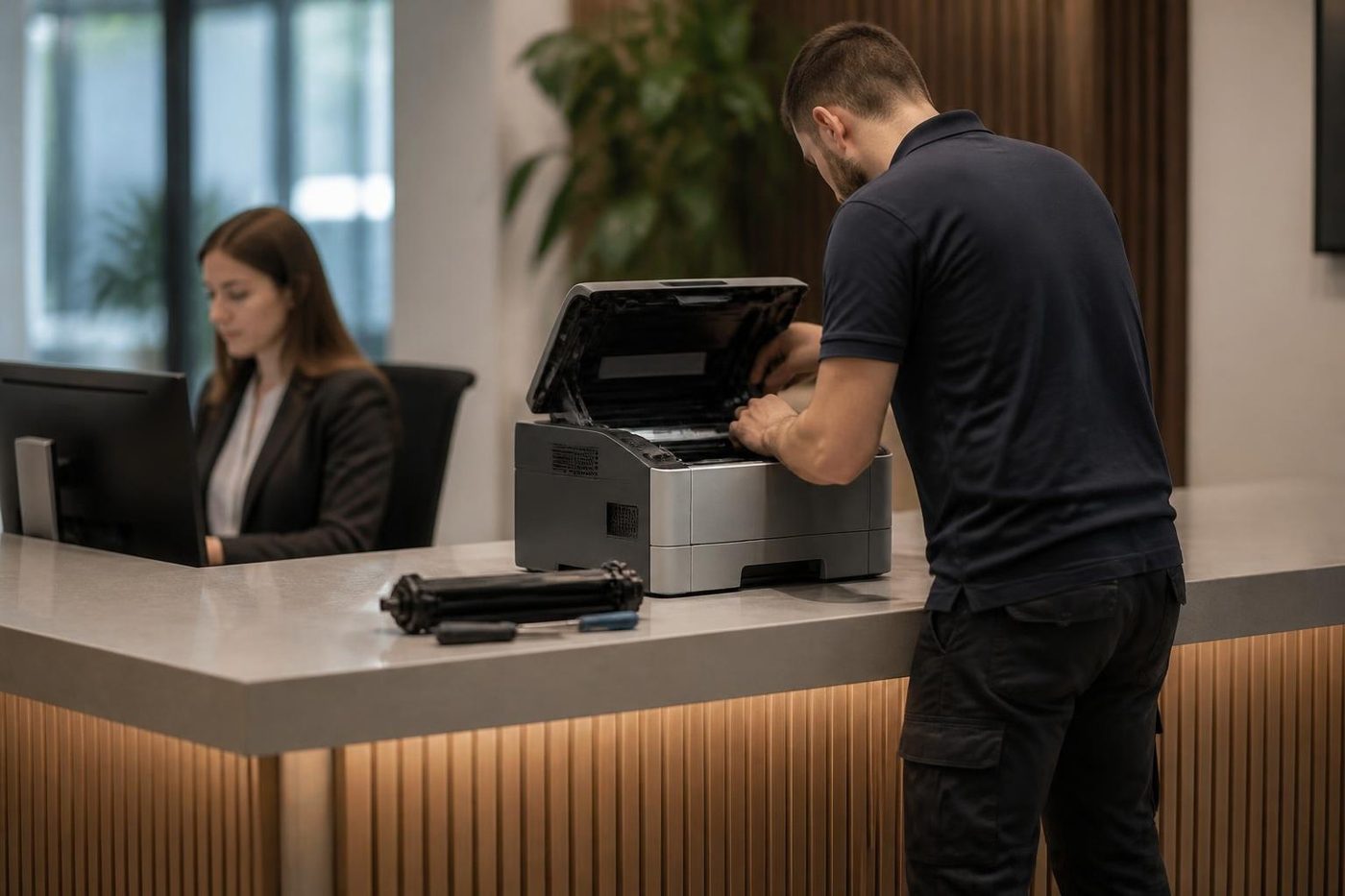
Fuji Xerox printer repairs are mostly DocuPrint machines in practices, trade offices and back rooms. They have no scanner, which makes them simpler, and a longer life, which makes them easy to forget.
The common faults are a worn pickup roller, toner that is not recognised because the cartridge is not seated, a fuser that has had enough and a printer that falls off the network after a router swap. Fuji Xerox printer service visits follow the same sequence as the copiers: paper, visible path, consumables, then the parts that wear.
If you have a DocuPrint that is cheap to run and still works, keep it. If it has started to cost more in visits than a new one would cost to buy, we will tell you that too. We also buy and sell machines, so we can talk about what a replacement looks like.
Fuji Xerox printer repairs Gold Coast offices need are mostly these machines, and the planned side of the work, Fuji Xerox photocopier service Gold Coast visits and Fuji Xerox copier service Gold Coast calls, is the same short routine of cleaning, checking and writing a note.
Who we find with a Fuji Xerox on the Gold Coast
Councils and community organisations were big buyers, and a counter machine in a council office may be fifteen years old and still on its first fuser. Schools bought them for staff rooms and front offices, and they still carry a quiet load of worksheets and newsletters.
Accounting and legal firms around Southport, Bundall and Surfers Paradise often have a DocuCentre in the corridor that nobody dares retire. Hospitality offices, from hotel back rooms to tour operators, run theirs to the limit of the roster and the invoice run, with spikes at holiday time.
Trade and distribution offices at Molendinar, Arundel and Yatala use an ApeosPort for dockets, delivery notes and the odd large plan. In every case the machine has become part of the furniture, and the staff know its moods.
If your machine was on a service agreement that has lapsed, or the person who looked after it has left, tell us. We do not ask for a long commitment. We look at the machine, say what we find and agree a price on the phone.
Parts for older machines: what we tell you straight
The honest limit with an older machine is parts. The common wearing parts, such as rollers, fusers, drums and belts, are generally available for the more popular models. Rarer boards and unusual assemblies can be harder, and for the oldest machines some parts may be unavailable altogether.
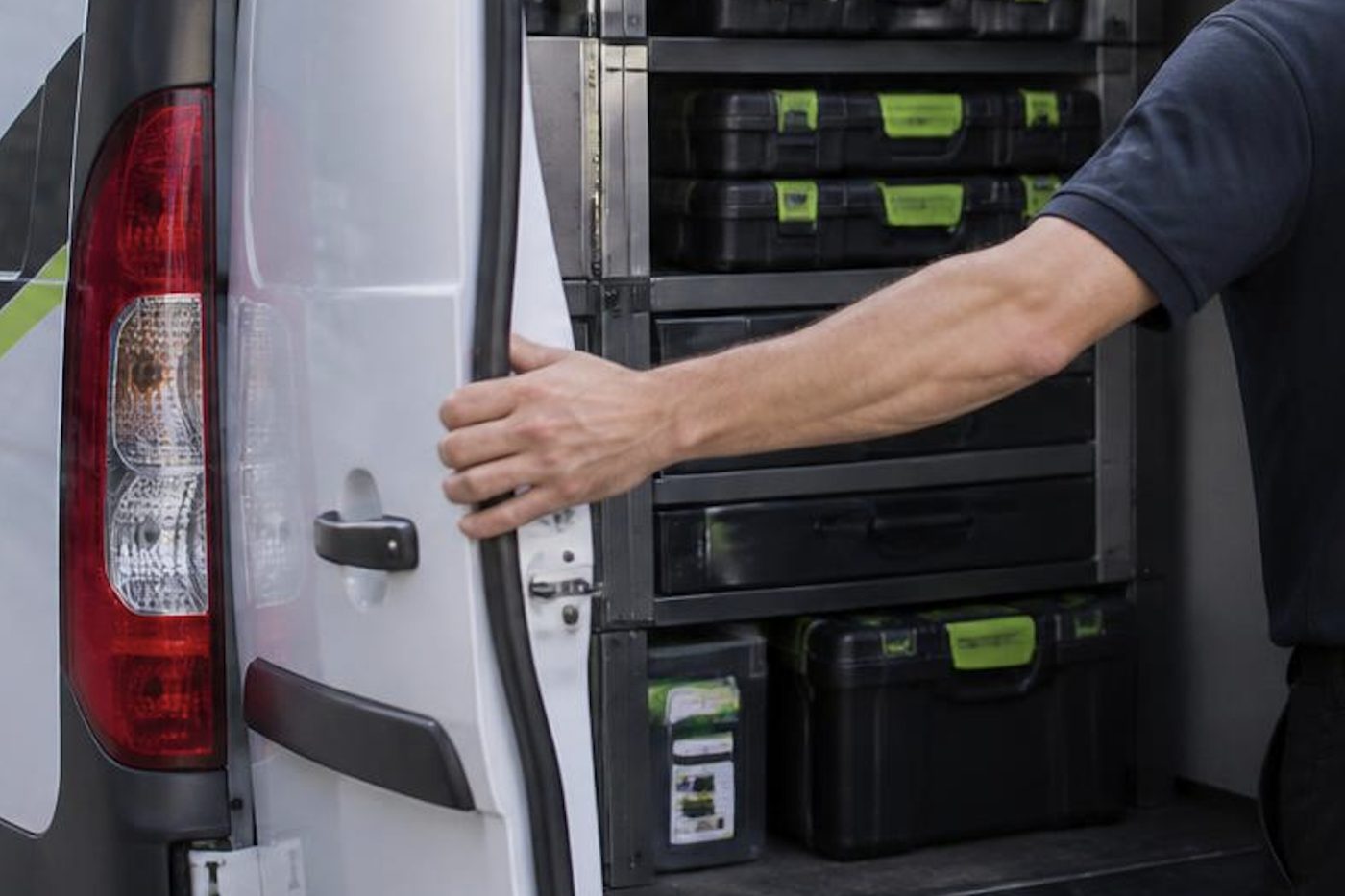
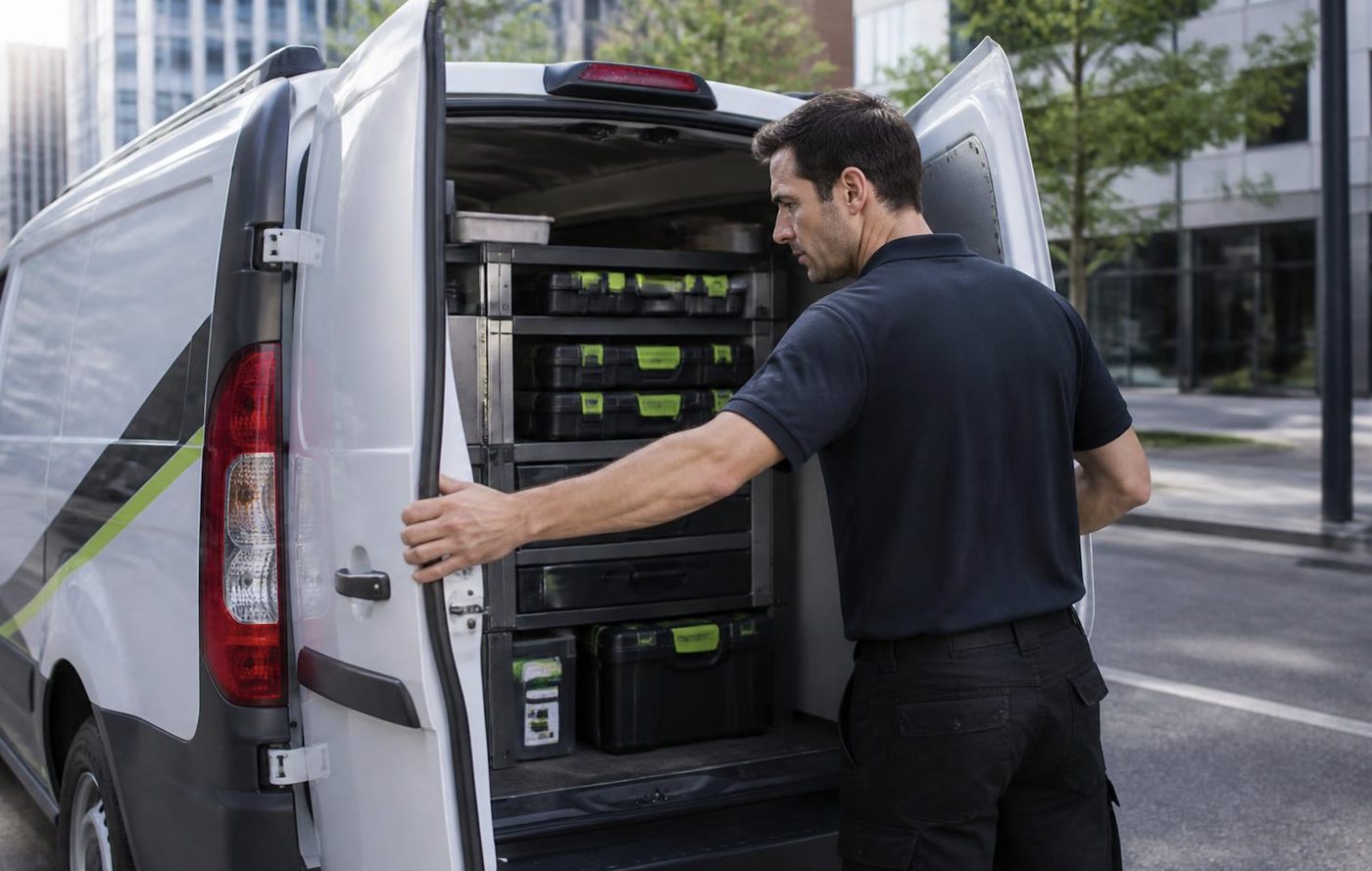
We carry the common spares on the van and we plan the load from what you tell us. Where a part has to be ordered, we say so before we leave, give you a sense of the wait and book the return visit. Where a part cannot be found, we say that too, and talk about the options, which may include a replacement.
We would rather give you a clear answer on a machine that is not worth repairing than take your money for a repair that only buys a month.
Save the address book before anyone touches the settings
One small habit that saves offices a lot of grief. Before a repair, a move or a network change, export the machine's address book and its scan destinations. On Fuji Xerox machines these live in the machine's settings, and on some of them they can be exported through the machine's web page.
We have met offices who lost the scan destinations for fifteen staff in a single afternoon and had to rebuild them one by one. A saved file would have put it right in minutes. We take a copy on our visits when we are going to change anything that touches those settings, and we say so.
Scan faults on these machines are almost always about something that changed elsewhere: a mail service, a server name, a password. We test from the machine and tell your IT contact what to check.
Where Fuji Xerox sits next to Fujifilm and Xerox
Start in 1962, when Fuji Photo Film and Rank Xerox set up a company together and owned half each. Skip forward to November 2019, when Fujifilm announced it would take over the share Xerox still held. The agreement on technology between the two came to an end on 31 March 2021, and the company took a new name, Fujifilm Business Innovation, in April of that year.
So there are three names on office machines. Fuji Xerox is the older badge, over ApeosPort and DocuCentre, and it is what this page deals with. Fujifilm is the newer badge, with Apeos, on current machines from the same maker. Xerox is a different, American company that makes WorkCentre, VersaLink and AltaLink. All three are serviced by us, and the pages for the other two are linked below.
A Tuesday at a council counter with a DocuCentre
Picture the front counter of a small council office. Ratepayers queue with forms. Staff scan the forms, print receipts, copy IDs and hand back the originals. At the back of the room a floor standing DocuCentre does most of it, and it has done so for longer than anybody wants to count.
On a day like that the machine meets every kind of paper it dislikes. Old receipts with sticky tape. Forms folded in a wallet for a month. Cardstock permits. Plastic sleeves that melt if they go through the fuser. The feeder is asked to take it all, the glass collects fingerprints, and the paper in the drawer sits beside an open window.
So the faults are practical ones. A feeder that skews. A grey smudge from a dirty glass. A jam that appears at three in the afternoon and not in the morning, because the room has warmed up and the paper has changed. A technician who has seen this counter many times, in other offices, knows what to look at first. Cleaning the glass, checking the feed rollers and setting the paper type to match the stock solves more than people expect.
Colour on a DocuCentre or ApeosPort: when the pink creeps in
Colour models run their own balancing routine. They print a small pattern, read it with a sensor and shift the density of each colour back into line. When the machine is healthy you never notice. When a part is tiring, the routine can no longer hide it.
A pink or magenta tint across the whole page, easiest to see in the white margins, usually means one colour's density is running away. A stripe in one colour only points at that colour's drum or developer. Coloured fringes on black text point at registration, the way the colours line up.
Run the machine's own calibration once and see. If the problem is back within a day, it is a part. Please do not run it repeatedly. It spends toner and tells us nothing. Mark the fault on a printed page with a pencil, note the colour and whether it is the same on every page, and read that to us on the phone.
Offered a second hand Fuji Xerox? What to check first
We trade in machines as well as repair them, so we are often shown a used ApeosPort or DocuCentre that someone is thinking of buying or has been offered cheaply. A few checks save regret.
- Ask for the page counters, printed from the machine itself, and compare them with what the seller says.
- Print a full colour test page and a page of small black text, and look closely for streaks, tints and softness.
- Open every drawer and the feeder and run each one. Slow or noisy pickup is a sign of tired rollers.
- Make sure the finisher you are being sold actually belongs to that model and works with it.
- Check the generation numeral, because the panel, settings and parts differ between generations.
- Ask who looked after it, and whether anything was replaced in the last year.
If you would like a second opinion on a particular machine before you buy, ring us. We will tell you what we would want to see.
Mixed fleets since the name changed
Plenty of Gold Coast offices now have a mix: an older Fuji Xerox in one room and a newer Fujifilm machine in another, bought after the rename. They look similar and they are cousins, but they are not twins. Toner, drum units and other consumables are matched to a model or a generation, and a cartridge that fits one machine will not necessarily fit its neighbour.
Check the exact model before ordering any supply. Write the models on a card and keep it near the machines. If you share one print driver across the fleet, ask your IT contact whether it covers both generations, because an old driver can mishandle a new machine's settings.
When we visit, we note the model and generation of every machine in the office and leave the list. It takes a minute and it ends a surprising number of wrong parts orders.
A DocuCentre in an accountant's corridor
The corridor machine in an accounting practice has an unusual life. It is quiet for weeks, then, in the run up to a lodgement deadline, it prints from morning to night. Everyone in the office uses it and nobody owns it. It sits next to a window that catches the afternoon sun, and a ream of paper rests on top of it, absorbing whatever the air holds.
The faults that arrive are the ones you would predict: jams in the rush, a stapler that refuses a thick pack, a fuser that complains in the heat. A small habit of keeping paper in its wrapper in a cupboard and a pre season check in the quiet weeks has saved offices more than any repair.
Reading the noises an older Fuji Xerox makes
Machines that have run for years develop a vocabulary. Staff learn it, and then stop hearing it until a new sound arrives. A few that we are asked about, with what they usually point at.
- A squeal as paper is pulled from a drawer: a pickup roller or a clutch beginning to drag.
- A ticking or grinding while the machine warms up: a bearing or gear in the fuser drive.
- A rattle when a drawer is opened or closed: the lift mechanism that raises the paper stack.
- A clunk that comes with every stapled set: the stapler head or its carriage.
- A rising whine from the back panel: a cooling fan clogged with dust.
None of these means the machine is about to die, but each is a hint to ring before the noise becomes a stoppage. Describe it as if to someone who cannot hear it: where it comes from, when it starts, whether it changes with the job.
Tray sizes, custom paper and the jam that is really a setting
Fuji Xerox machines let an office store custom paper sizes and types, and that flexibility causes trouble. A drawer loaded with A4 while the machine believes it holds A3 will jam on its first page, or print in the wrong place, or refuse the job with a message that blames the paper. People clear the jam and the next job does it again.
Check what the drawer is set to, and that the guides are snug against the stack. If an office changes stock often, the paper type setting matters as much as the size, because it tells the fuser how hot to run. Heavy or coated stock set as plain paper smears.
We find a good share of so called jams are mismatches between what is loaded and what the machine has been told. A few minutes at the panel settles them, and we leave a short note of the settings so the next person does not have to guess.
Ringing us about a Fuji Xerox
This short list gets the visit right.
- The full name on the front, with any Roman numeral and the letter before the digits.
- The whole status code, both groups of digits.
- Whether it is one tray, one function or the whole machine.
- The page counters, if you can reach them.
- What happened last: a power cut, a move, a network change, new toner.
- Where visitors park and who meets the technician at the front desk.
The price is settled on the phone and nothing is locked in. A busy line means the call is logged and returned. Our work is warranted.
What happens on a Fuji Xerox job

Settings as well as springs
Firmware and menus cause plenty of faults
Technicians who only know the hardware miss them. Ours are comfortable on both sides, and will tell you which side your problem sits on before they start.
We also write down what we changed, so the next person is not guessing at a setting someone altered last year.
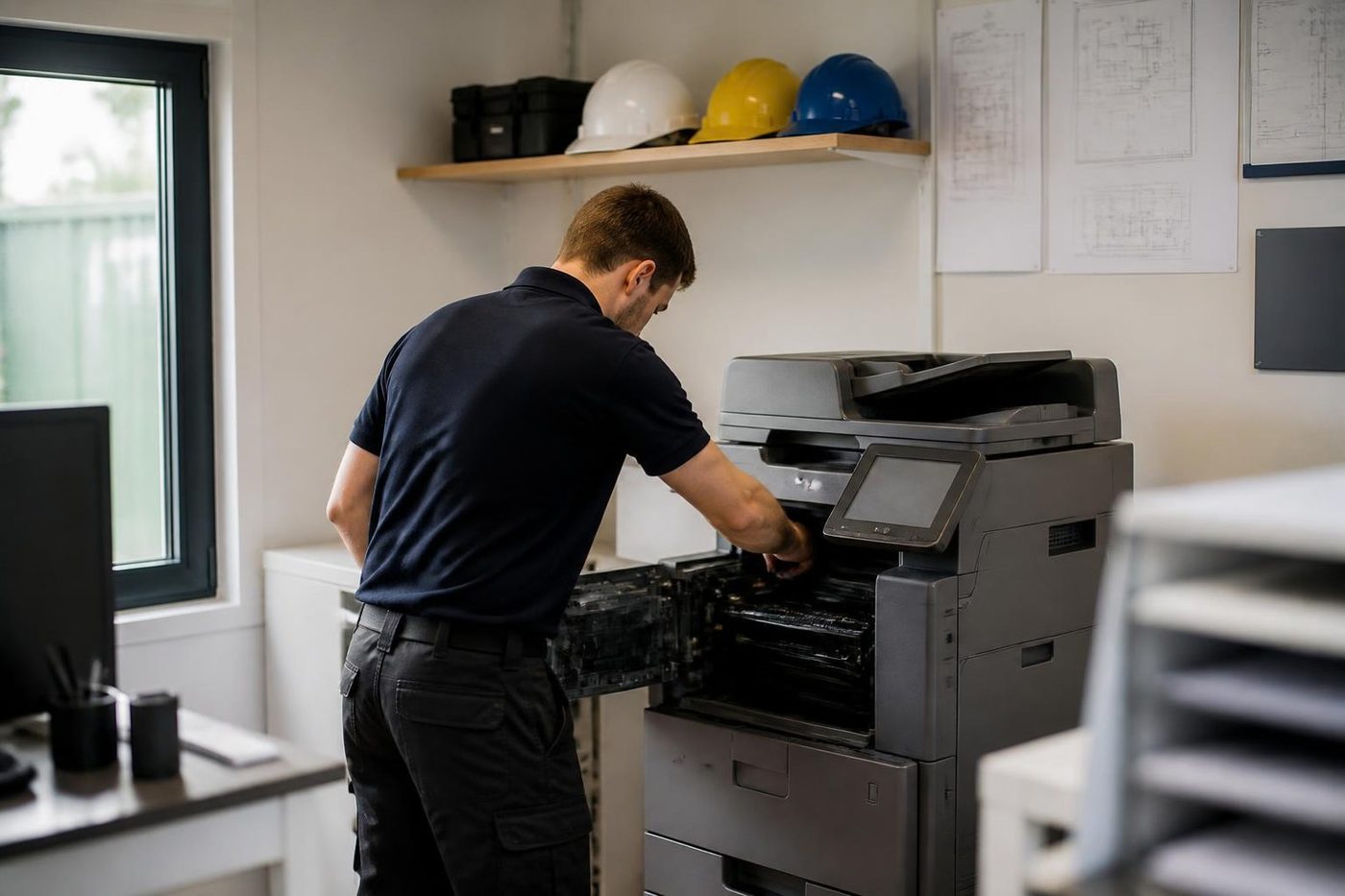
- Both sides of the machine. Mechanical and network faults get the same attention.
- Changes noted. Settings we touch are recorded for the next visit.
- Updates when needed. Firmware is updated for a reason, not on a whim.
Keep reading
 Fujifilm repairsFujifilm Apeos and ApeosPort, and the Fuji Xerox machines before them.Xerox repairsWorkCentre, VersaLink, AltaLink and PrimeLink machines.
 Photocopier repairsAny make of office copier, repaired where it stands.
 Photocopier servicePlanned visits, one off calls and meter reads for office copiers from Coomera to Coolangatta.
 Relocation and removalWe move copiers and office printers between suburbs and floors, reconnect them and test them, and remove the ones you no longer need.Scan to email not workingA scan that leaves the glass and never arrives.
Buy, sell and lease
Buy, sell and lease commercial copiers on the Gold Coast
We also sell new and refurbished commercial copiers and buy used ones. Same team, same technicians.



Work we have done on the Gold Coast

Common questions from Gold Coast offices
Who does Fuji Xerox photocopier repairs on the Gold Coast now the name has gone?
We do, at your premises. The badge changed in 2021 but the machines carry on, and Fuji Xerox copier service and printer repairs are part of the same work.
Are Fuji Xerox and Xerox one company?
No. They are separate. Xerox Corporation is an American company. Fuji Xerox began as the 1962 venture between Fuji Photo Film and Rank Xerox, and its machines came from the Fuji side.
What became of the Fuji Xerox name?
The technology agreement ended on 31 March 2021 and the company became Fujifilm Business Innovation the next month. Locally it is Fujifilm Business Innovation Australia.
Is a machine with the Fuji Xerox badge still serviceable?
Yes. ApeosPort, DocuCentre and DocuPrint machines are repaired at your premises on the Gold Coast.
What does the Roman numeral after ApeosPort mean?
The generation. A higher numeral is newer. It tells us the panel, the settings and the parts to expect.
The screen shows two groups of three digits. What should I do?
Copy down both groups and the model. The first group names the part of the machine concerned and the second adds detail. Treat it as a hint.
Are parts still available for an old DocuCentre?
The common wearing parts generally are. Rarer parts can be hard. We say before we leave if something must be ordered or cannot be found.
Our scan destinations vanished. Can they come back?
If a copy of the address book was saved, usually quickly. If not, they have to be rebuilt by hand, which is why we suggest exporting before any change.
My copier keeps jamming on the first sheet from tray two. Why?
Often the tray size or paper type is set wrongly for what is loaded. We check that before we look at rollers.
Do you also do DocuPrint printers?
Yes, with the same method as the copiers.