What a Lexmark printer repair looks like on the Gold Coast
Front desk staff never ring to say the fuser is cold. They say the tray is full yet the screen claims otherwise. A page dribbles out half printed with a 200 on the panel. Scan to email dies the week after someone moved the mail system. A cartridge warning refuses to clear.
Each of those carries a different bill. A worn pick tire is cheap, a fuser is not, and a firmware fault costs least of all if it is read correctly at the first attempt. So we ask for the exact message, plus the model name printed on the front or on the sticker inside the door.
One point of honesty. We are independent. Lexmark did not appoint us and we do not claim it did.
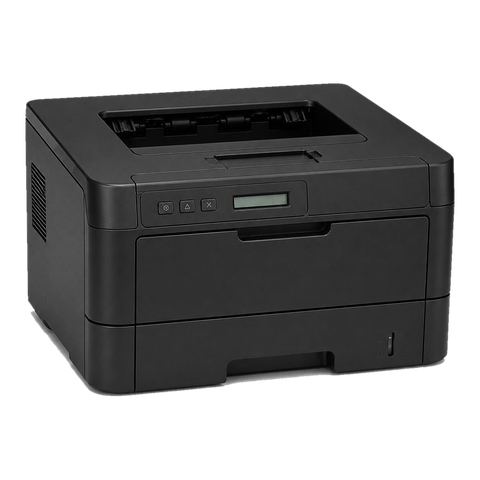
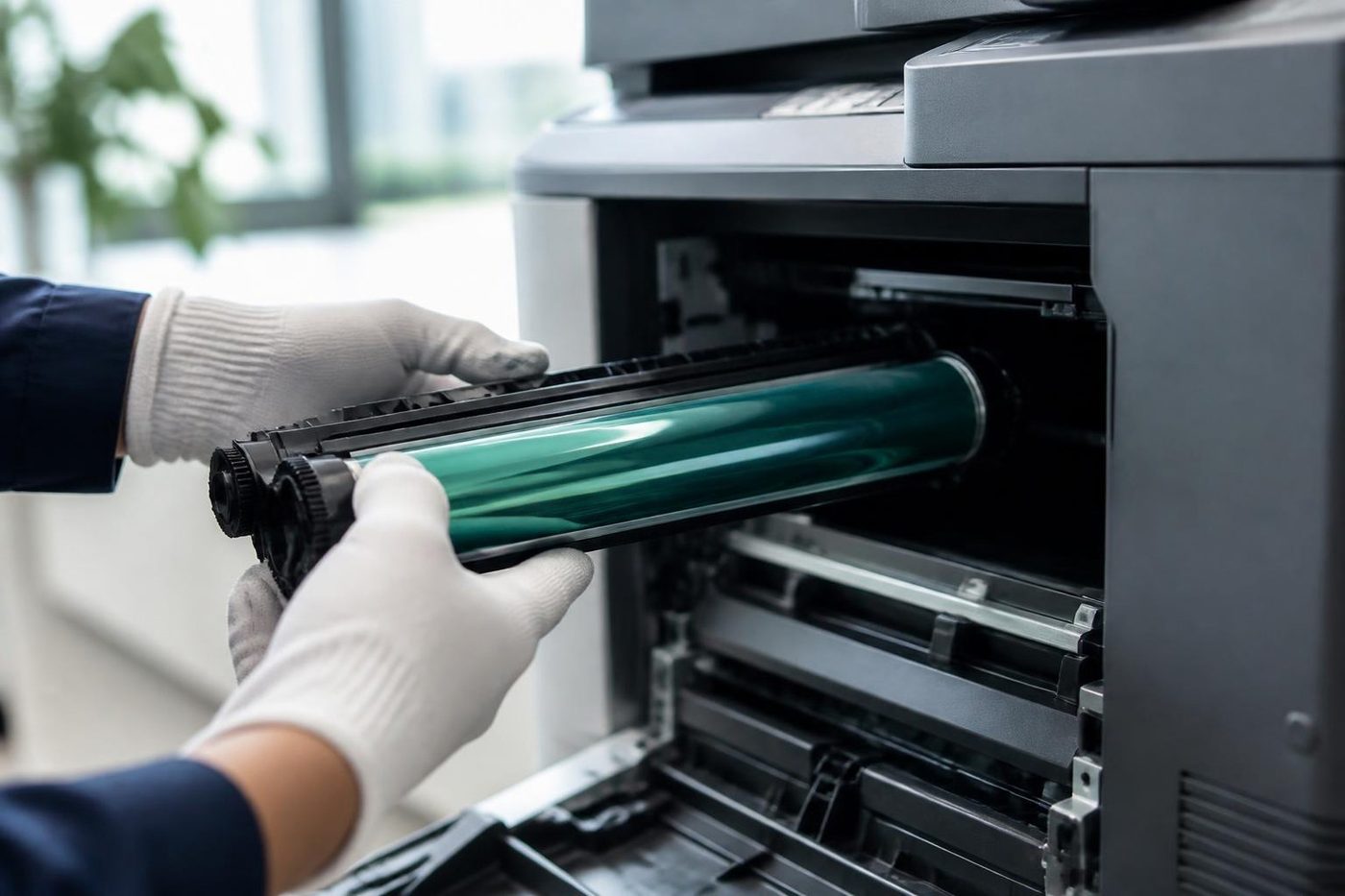
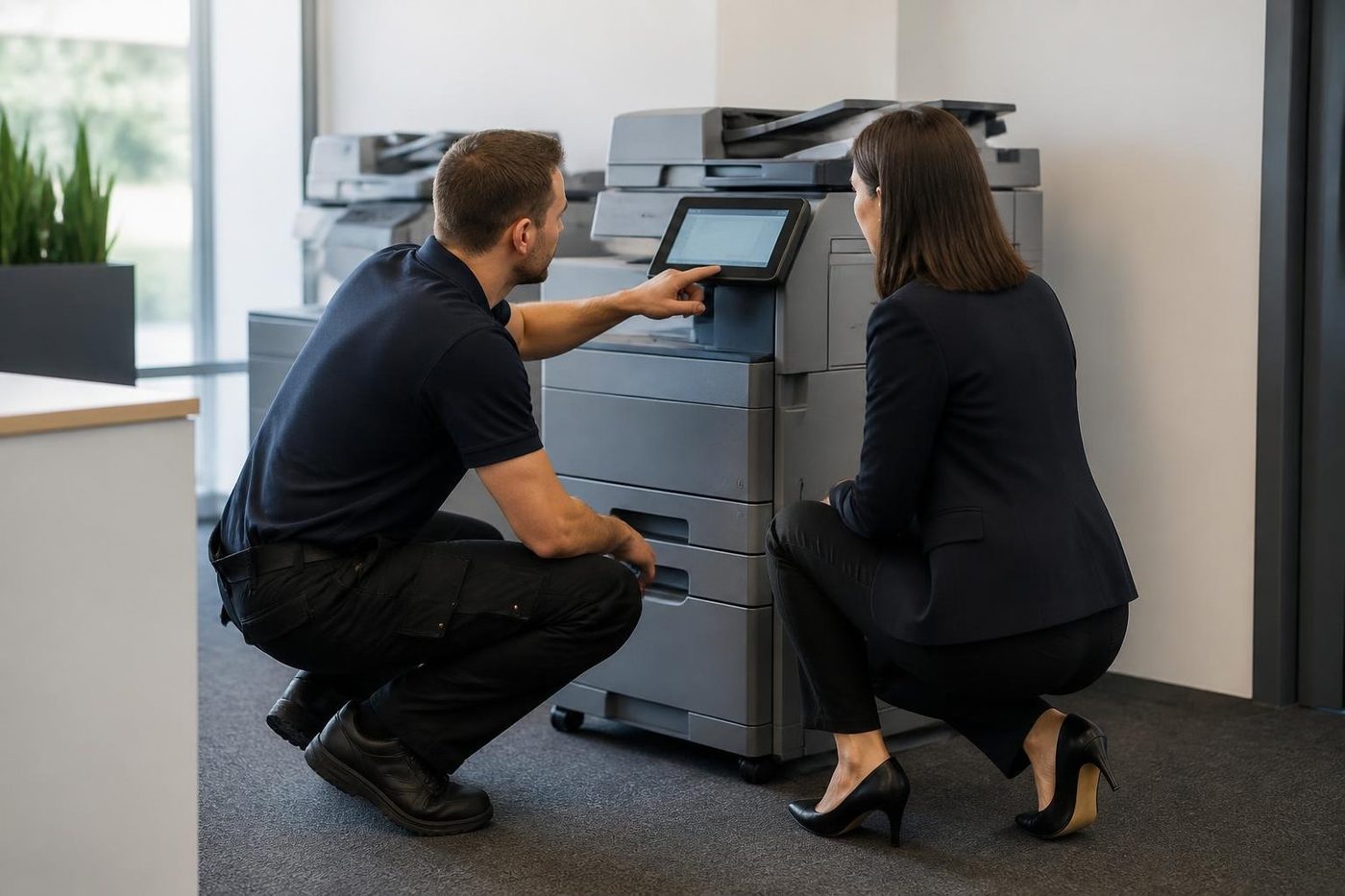
The messages we meet, in plain words
Lexmark shows a number and sometimes a sub code in square brackets, like [88.xy], where the xy varies with the situation. To us each number points at an area of the machine. It is never an order to change one named part.
| Message | What the machine is saying | What we check |
|---|---|---|
| 200, 201, 202 | Paper stuck in the centre or front. Lexmark's own checklist runs under the tray, behind the front door, below the green guide tab and at the rear door | A torn corner left inside, and a tray loaded over the line |
| 241.06 | A jam that on older units is often put down to tired pick tires | Pick tires and the tray lift |
| 31.xy | The cartridge cannot be found or does not respond. Lexmark's first step is to pull it out and push it back | Seating, contacts, whether the chip reads |
| 32.xy | The cartridge is not supported | What the machine reports. Cartridges are not something we supply |
| 42.xy | Machine and cartridge come from different regions, and the two digits name the printer region and the cartridge region | Whether the cartridge was made for this model and region |
| 84.xy | Imaging unit nearly spent | The unit's count, and how the page looks |
| 88.xy | The cartridge is nearing the end. Pressing Continue clears the warning | That the machine still reads the cartridge in place |
| 80.xy | The maintenance kit will soon need replacing | The fuser, pick and transfer parts inside the kit |
| 38 | Memory full. Carrying on and accepting data loss means missing pages | The job that caused it |
| 54 | A fault in the standard network software | Network card firmware, and what changed on the network |
| 900.xx | A service RIP or firmware fault, which a single job the machine cannot interpret can bring on | The queue first, then the firmware |
| 920.xx | The fuser has not reached working temperature, and 921 to 925 carry similar explanations | The power supply first, then the fuser |
Lexmark has a habit of saying press Continue and carry on. For a low supply warning that is harmless. For a 38 it is not, because carrying on loses data.
The letters on the front tell you what you own
Start with the first letter, where M means mono and C means colour. In the models we have read about, the second letter splits printers (S) from multifunctions (X). That gives MS for a mono printer, MX for a mono multifunction, CS for a colour printer and CX for a colour multifunction. The digits climb with the class of machine and the trailing letters flag options. Duplex and wireless are standard on the CX431adw, the CX635adwe and the MS631dw.
Those three show the spread. Smallest is the CX431adw, a colour multifunction at 26 pages a minute with a 2.8 inch touchscreen, whose 250 sheet tray can be extended to 750 and for which Lexmark suggests 750 to 5,000 pages a month. The CX635adwe steps up to 42 pages a minute with a 7 inch colour touchscreen, 251 sheets as standard and as many as 2,001, and a suggested 1,500 to 10,000 pages a month. At the mono end the MS631dw prints 50 pages a minute from 650 sheets, expandable to 2,300, and Lexmark's monthly guide for it is 2,000 to 20,000 pages.
Treat the monthly figures as Lexmark's own guide. When a machine is pushed far beyond the top of its range, that is generally why pick rollers and fusers go early.
Families we repair
A rough map of what we meet around the coast and what tends to wear in each, from the smallest up.
- Reception desks and branch offices have the A4 mono B2236, MB2338 and MB2442. Pick tires and the separator pad go first, and the fuser follows on older units.
- Shared workgroup printing and copying runs on the A4 mono MS321, MS421, MS521 and MS621, with the MX321, MX421, MX521, MX522 and MX622 as multifunctions. Pick and separation rollers, then the fuser and imaging unit, are what we replace.
- Small workgroups that want a touchscreen and duplex scanning choose the MS431 and MX431, and the same three parts apply.
- The busier workgroups use the MS531, MS631, MS632, MX532 and MX632. There the fuser, pick rollers, imaging unit and feed sensors take the wear.
- Admin teams wanting small scale colour use the CS431 and CX431. Fuser, imaging unit and transfer parts are the usual list.
- Mid sized offices with meeting rooms to feed run the colour CS531, CX532, CS632 and CX635, where fuser, transfer parts and pick rollers are the regulars.
- Print rooms and departments run the larger A4 mono MS71x and MS81x printers and the MX71x and MX81x multifunctions. Fuser, transfer roller, and the pick and separator rollers are what go.
Older machines built on the same naming lines still work around the coast, and we service them as they stand.
Wear parts in the order they fail
We follow the paper through a Lexmark and then the toner, and the list below is more or less the order in which things give up.
- Worn pick tires and rollers show up as double feeds, a tray that reads empty when it is not, and 241 jams.
- Tired separation rollers and pads pass sheets in pairs.
- A failing fuser gives creased pages, toner that wipes off, and 920 messages.
- An ageing imaging unit means streaks, a grey background and spots.
- Transfer parts on colour machines cause banding and ghosting.
The MS81x and MX81x family has a Lexmark maintenance kit that bundles the fuser, the transfer roller, the pick roller assembly and the separator roller assembly. A kit message is a prompt and not a breakdown. We use it as a reason to look at what the kit contains, and work out what suits your machine before anything is fitted. Nothing goes in until you have agreed the work on the phone.
Salt, storms and an extension lead behind the filing cabinet
Through a Queensland summer a printer in a back corridor, a site office or a storeroom sits in warm, damp, dusty air. Dust arrives on the paper and settles around rollers and sensors. Every visit therefore includes cleaning the paper path, and we tell you what we found.
Power is the thing people forget. On 920 fuser errors Lexmark itself says to use the wall socket directly and not a board, as low supply voltage can trigger a fuser fault that is not real. Storms and brownouts only add to it. We look at what the machine is plugged into on every job, and an odd number of 920s finish at a double adaptor.
The business decides the machine. Property managers, law offices and accountants around Southport and Bundall use mono MFPs for contracts. The towers at Surfers Paradise and Broadbeach tend to have colour units beside the meeting rooms. In the Molendinar, Arundel and Yatala warehouses the Lexmark is more likely to be on a desk up a mezzanine, where carton dust does the damage.
For a tower job, tell us which lift needs booking and where the loading dock is, so we can arrive when we say.
Sign in, secure print and the touch panel
Current machines run small apps on Lexmark's Embedded Solutions Framework, known as eSF. Lexmark says each app is packaged and signed by Lexmark before it will install. Sign in, a card reader and print release can all sit on the panel as apps.
A confidential job can wait at the machine until its owner keys in a PIN. Lexmark's security paper describes a cap on PIN tries and an expiry set by the administrator, and says that where a machine has a hard disk, encryption is switched on from the factory.
Most settings sit on the embedded web server, which you open by typing the machine's address into a browser. Lexmark documents an option to limit that access to HTTPS. If an administrator is locked out, the documented cure is a reset jumper for security on the controller board, and that needs the machine opened. We do that at your office when it comes to it.
Several current models offer wireless, including the CX431 and the 5 and 6 series. When Wi-Fi misbehaves, the machine is seldom the cause. A password changed, an access point swapped, a guest network that blocks printing are more likely. We sort the machine side and talk your IT contact through the remainder. Lexmark digitally signs its firmware and a machine will refuse anything unsigned, so if a 900 follows an interrupted update, the firmware level is our starting point.
How a Lexmark visit unfolds
First comes the phone call, with the model and the message. We tell you what that number usually means on that family, what a visit involves and the price, and the decision is yours then and there. Nobody gets booked before you agree.
The technician opens with the machine's own record: the page count, the last few messages, the maintenance kit counter. Next the paper path from each tray, the fuser, the imaging unit and on a colour machine the transfer parts, with test pages from the tray your office actually uses.
If the fault sits in firmware or the network, we look beyond the box. That means the address the machine holds, the mail settings it sends with, and the driver on the computers that print to it. A repair that leaves the scan button dead has not finished.
At the end the machine prints, copies and scans from the spots where your staff really stand. Should the same fault return, we repair it again without charge.
Streaks, spots and a grey wash: reading the page
Print quality complaints are where Lexmark diagnosis pays off, since the page itself gives clues. A thin line down every sheet, running the way the paper moves, normally means something dirty or damaged in the imaging path touching the drum or the transfer roller. A grey tone over the full sheet says the imaging unit is tired. Scattered spots point to contamination.
Marks that repeat at an even spacing mean a roller or drum with a flaw in its surface. Take a ruler to the gap between two marks and give us the figure, which cuts down the likely parts before anyone arrives.
On colour machines, banding and ghosting lean toward the transfer parts, while one colour missing leans toward that colour's imaging unit or toner supply. We test first, then say what the test showed.
Drivers, print servers and the Lexmark that prints from every desk but one
If a single computer cannot reach a Lexmark the rest of the office uses, the cause is nearly always a driver or a port. The queue may point at an old address, the driver may be another version, or a Windows update may have swapped something. Lexmark has a Universal Print Driver, and offices with a mix of models often find one driver easier to keep consistent than six.
When the whole office loses the printer after a router or switch change, the machine has typically not moved at all. It picked up a new address while the computers go on sending to the old one. We read the address from the panel and set it against the port the computers use. Fixing the printer's address stops it recurring.
Hospitality and accommodation offices meet this when a managed IT provider pushes a change to several sites at once. A hotel back office and a body corporate manager's desk may hold the same Lexmark model on quite different networks, so we ask which of the two we are about to walk into.
Cartridge or imaging unit? Two parts, one warning
On many models Lexmark treats the cartridge and the imaging unit as two parts, so a single supply message can mean either. The larger families add a maintenance kit as well, and the machine counts its own use of that.
Nearly every call lands in one of three groups. Paper handling covers jam numbers and false empty messages. Supplies covers cartridge warnings. Network covers the 54, sign in and scan faults. Each group has its own first check, and a technician who knows that will not bill you for a fuser when the pick tires were guilty.
Two printers can show an identical 900 for unrelated reasons, one choking on a single bad print job and the other with a true firmware fault. The sub code and the history get read before any cover is removed.
Lexmark printer service Gold Coast and Lexmark photocopier service Gold Coast
Lexmark printer service on the Gold Coast means a planned visit for a workgroup laser: pickup rollers, fuser and maintenance kit looked over, settings reviewed. Lexmark photocopier service covers the bigger MX and CX multifunctions that copy as well as print, handled at your office.
A jammed tray, a smeared page and a maintenance kit message are one kind of call. Give us the model, the message and a line on how the page looks. The price is given on the call, and with busy lines the call is logged and returned. If a machine is past repair we say so, and because we buy and sell machines too, we can show where the sensible cut off sits. Our work is warranted.
Duty cycles, and the machine in the wrong job
Lexmark gives each model a monthly page range. Run a machine far over the top and it wears early, with pick rollers and the fuser first to complain. The same model in a quiet office can last twice as long. When a Lexmark is being asked for more than it was built for, we point it out, because the answer may be to move some work to a second machine or to buy a bigger model.
Low end or workgroup: when to repair
The small B and MS machines are priced to be cheap, so a repair has to make sense against replacement. A pick tire or a separator pad almost always does. A fuser on an entry level unit is closer. On the workgroup MS and MX models in the 6 and 8 series, built for hard use, repair nearly always makes sense, since the parts are meant to be swapped.
We give you our view and the figures behind it, and you decide.
The way we handle a Lexmark call
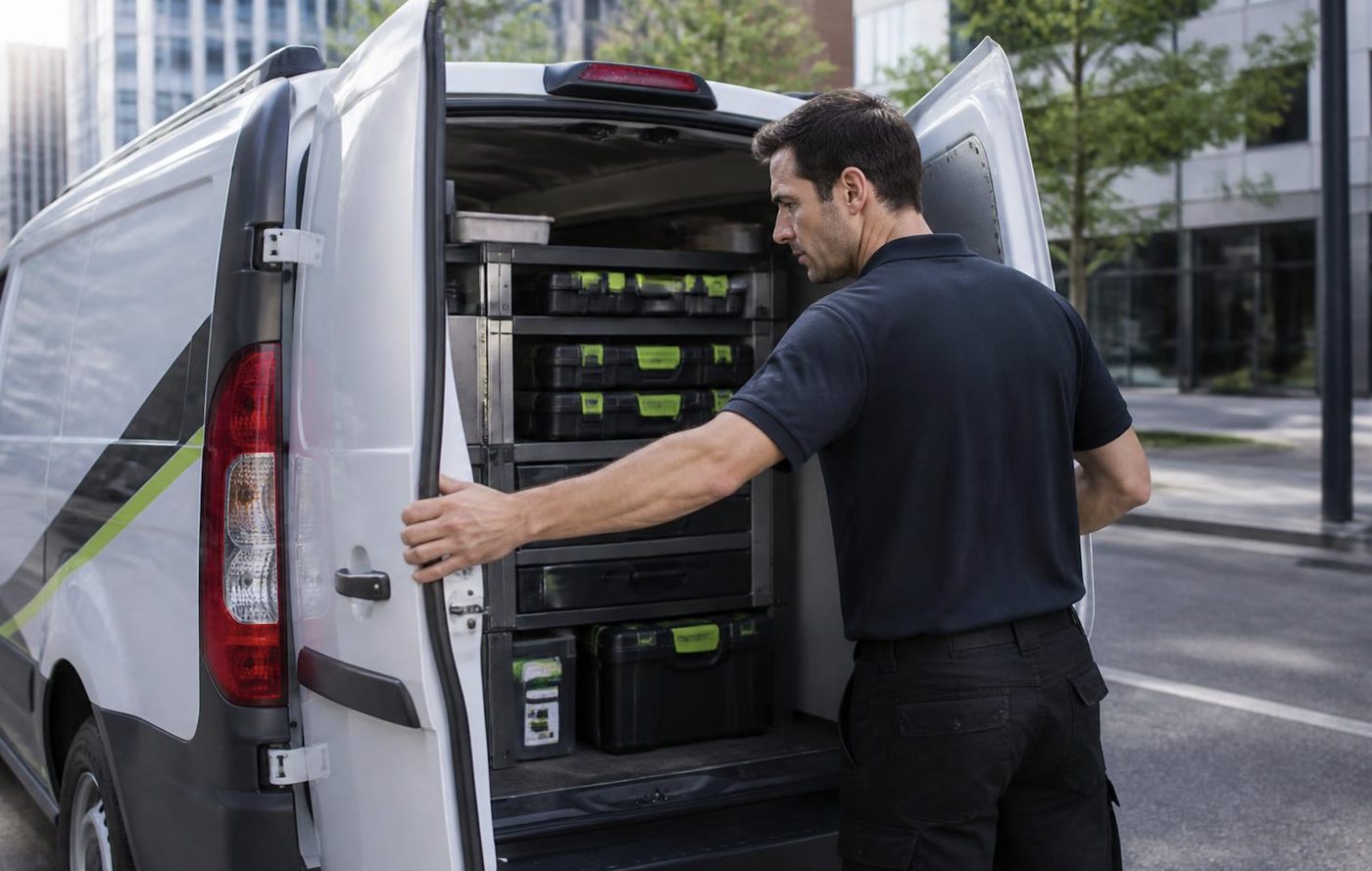
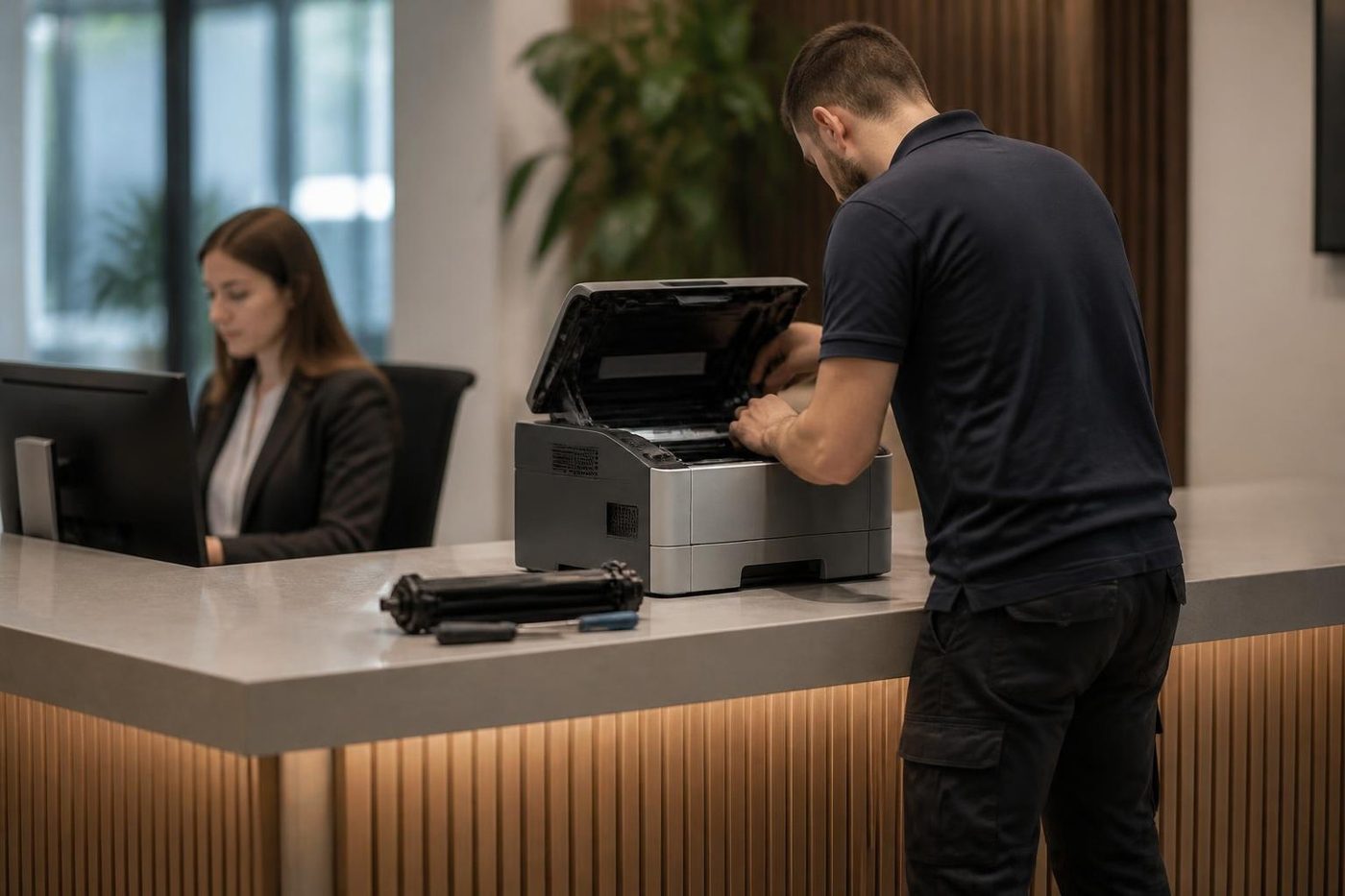
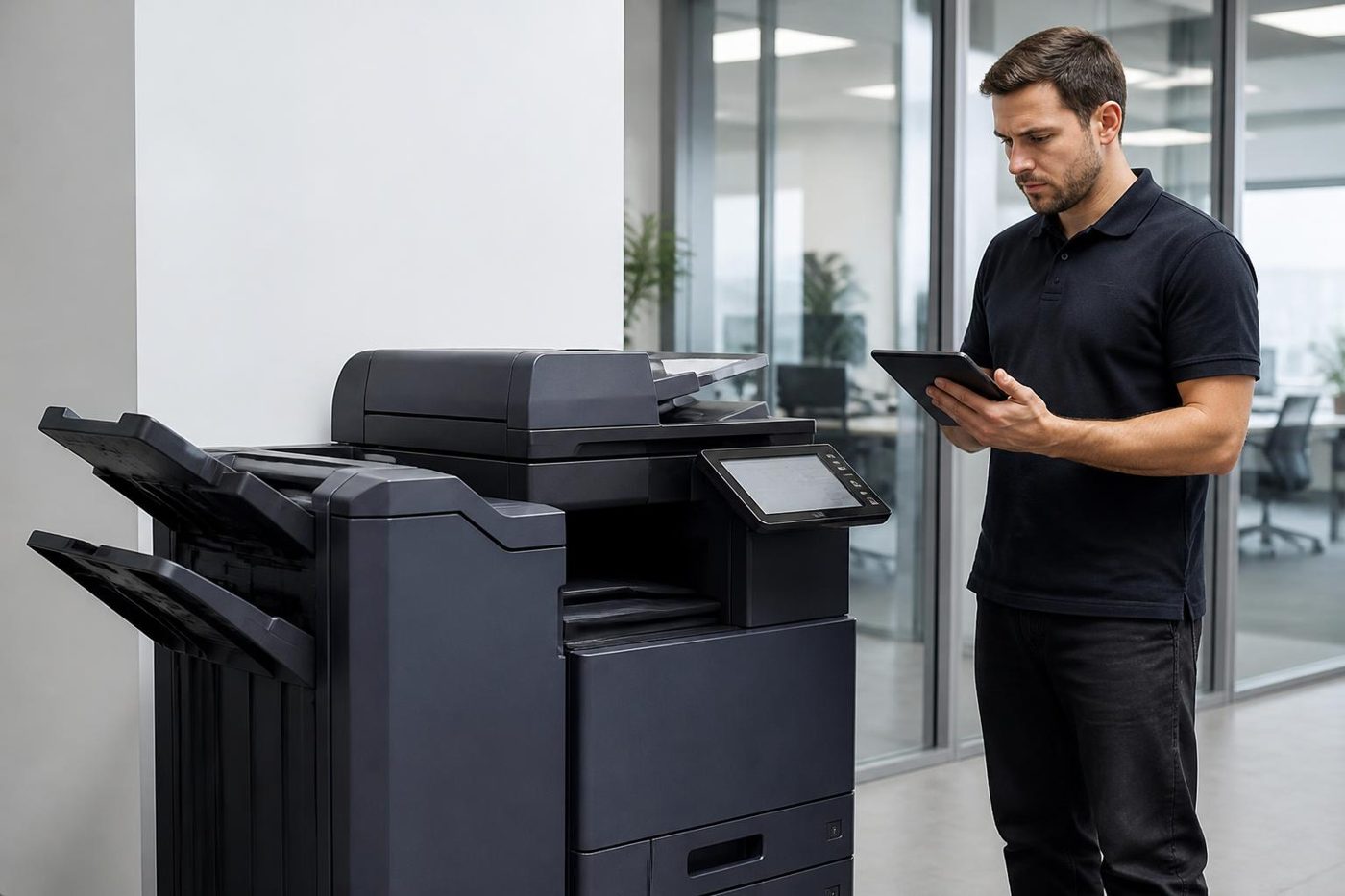

Parts on the van
The right part, in the van, on the day
A technician who has to leave to chase a roller turns a short call into a long one, and your staff stand around wondering whether it will be done by lunch. We stock the common spares for the makes we see most, and we plan the load from what you told us on the phone.
No technician carries everything, and we will not pretend otherwise. What we do is arrive with a good chance of finishing, and 98% of our repairs are fixed on the first visit.
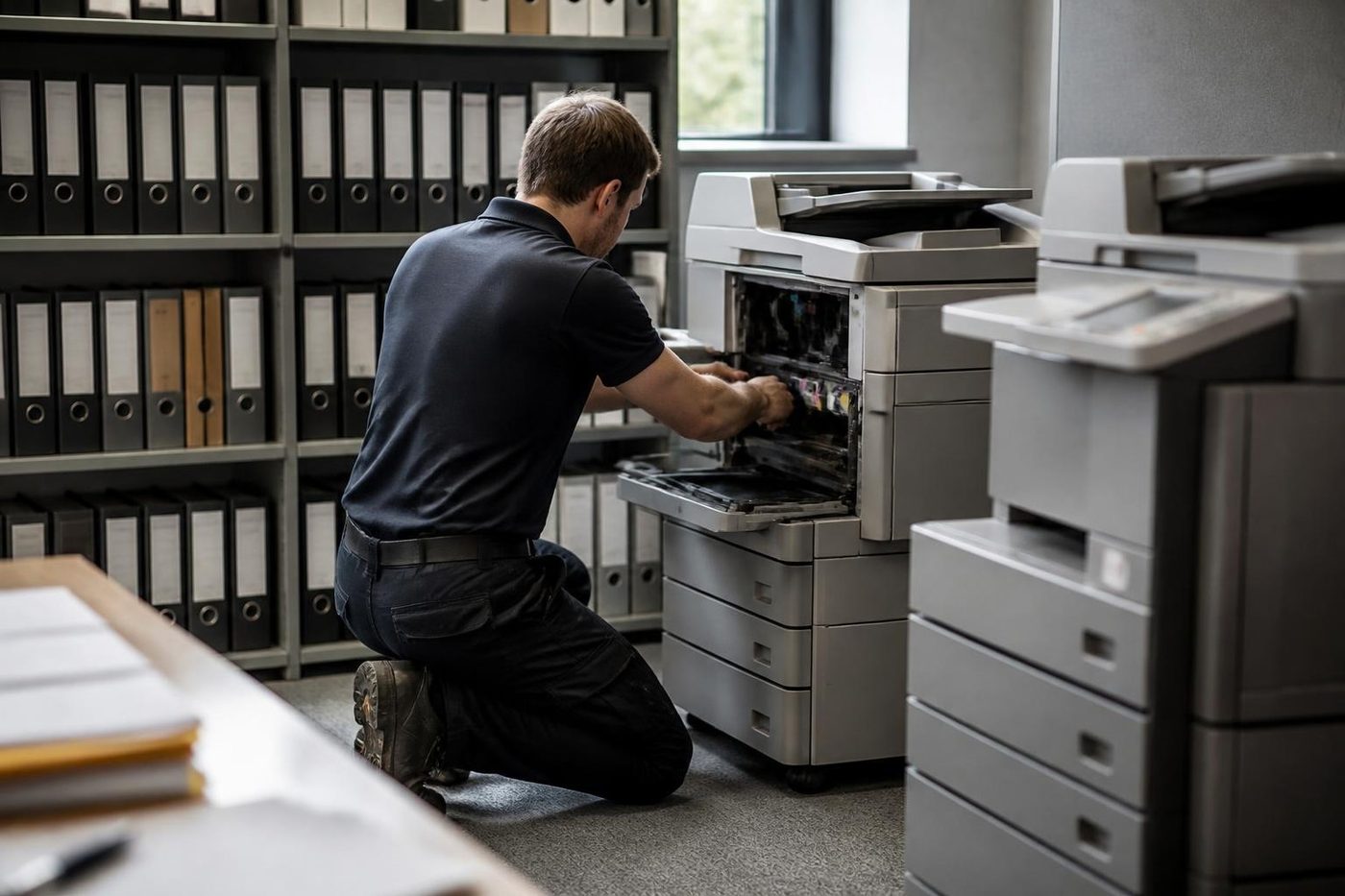
- Common spares carried. Drums, rollers, fusers and belts for the popular makes.
- Load planned. The call notes decide what goes in the van.
- Honest about gaps. If a part must be ordered we say so before we leave.
Keep reading
 Photocopier repairsAny make of office copier, repaired where it stands.Commercial printer repairsWorkgroup lasers and fleets, repaired where they sit.
 Brands we repairPick your make for models, codes and how we work.
 HP printer repairsLaserJet codes read like a sentence. We read them aloud.
 OKI repairsLED colour machines and Microline impact printers, fixed on site.
 Brother repairsReplace Drum, Print Unable, TS-02: what each one means.
Buy, sell and lease
Buy, sell and lease commercial copiers on the Gold Coast
We also sell new and refurbished commercial copiers and buy used ones. Same team, same technicians.


On site on the Gold Coast


Common questions from Gold Coast offices
A Lexmark says 31.xy and the cartridge is new. Why?
The machine cannot see the cartridge. Take it out, look for packing material and dirt on the chip contacts, then push it home firmly. If the message stays, the reader inside the machine needs attention.
What do 200, 201 and 202 mean?
A paper jam in the centre or front. Look under the tray, behind the front door, below the green guide tab and at the rear door for a torn scrap, and check the paper is not above the fill line.
The panel shows 920 after a storm. Is the fuser dead?
Not necessarily. Put the plug straight into a wall socket, not a power board, because a weak supply can raise a false fuser fault. If the 920 returns, a technician checks the fuser itself.
Can you reset a locked administrator account?
The documented fix is a reset jumper on the controller board. As that means opening the machine, we do it at your office.
What does 42.xy mean?
The printer and the cartridge are from different regions. The two digits give the printer region and the cartridge region, which usually means the cartridge was bought for another market.
Is a maintenance kit message an emergency?
No. It warns that fuser, transfer, pick or separator parts are due for a look. We examine what the kit covers before replacing anything.
Does a 38 Memory full message matter?
Yes. Pressing Continue with data loss means pages vanish. Cancel the job, lower the resolution or add memory.
Do you repair the CX431 colour multifunction?
Yes, as well as the CX635 and the MS and MX ranges. If a small machine would cost more to chase than it is worth, we say that too.
Will you come into a building where the lift has to be booked?
Yes. Tell us the building and the floor when you ring and we work to whatever the building requires.