Kyocera TASKalfa error codes: reading the panel
A TASKalfa that meets a fault it cannot get round stops and puts Call service on the screen with a code. The service codes are a C and four digits. F codes lean towards the controller. Jams arrive as a number or a drawing, and the maintenance reminder is about worn parts, so it belongs in the diary and is not a breakdown.
Think of the code as a signpost and not a verdict. Kyocera's service manual lists causes against each one, but the list is written for a model family, so on the phone we ask for the model name before the number.

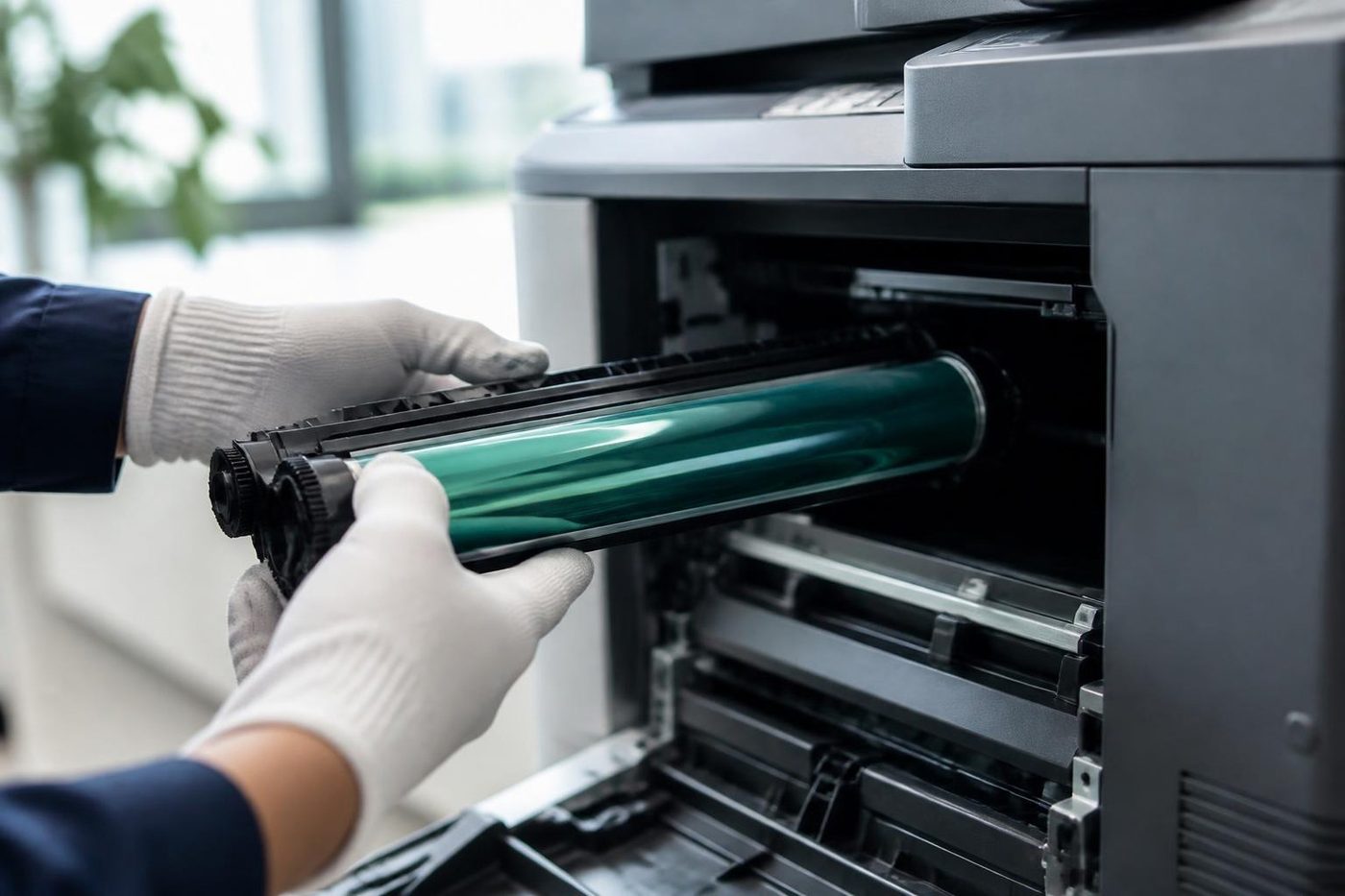

C6000: the one most callers read out
The reference for the TASKalfa 181 logs C6000 as a broken fuser heater. Picture a race against the clock: the fuser has to be past 70 degrees Celsius within 15 seconds, or rise by a set amount over a set time in certain phases, and if it misses, the machine halts. Possible causes: poor contact at a thermistor connector, a thermistor in wrongly, a tripped thermostat, a heater in wrongly, or a broken heater wire.
On newer induction heated TASKalfas the same number can mean something different, and the list of suspects grows to include the fuser, a heating board, an engine board and wiring. Kyocera's 420i service data has a separate chapter on handling codes that detect fuser trouble, which says the company sees these as one family. So do we. When a TASKalfa dies we start with heat.
What each message usually means
| You see | Usual territory | Your move |
|---|---|---|
| C6000 | The heating side of the fuser on the models listed above: element, thermistor, thermostat, wiring | Ring with code and model |
| Another C6xxx | Mostly the fuser area, though the model decides | Give us the model |
| Any other C code | It varies by machine | Tell us the model name |
| An F code | The controller boards | Ring |
| A jam number | Paper stuck at the spot on the display | Clear it yourself |
| Maintenance due | Wear parts reaching their count, not a fault | Book a visit |
If a code is new to us on your particular model, we admit it and test the machine. A check beats quoting a meaning that belongs to another TASKalfa.
Safe things to try first
Keep it short and in this order.
- Write down the whole code, the model name on the front and what the machine was up to when it stopped.
- Turn it off at the main switch, count out a full minute, turn it on again. One attempt, no more.
- Code back immediately? Leave the machine switched off.
- Plug it straight into a wall socket, bypassing any power board or surge unit.
- Feeder or finisher message: check every cover is closed and nothing has lodged inside.
- Jam: follow the diagrams to the points they mark and stop there.
- Keep out of the fuser area. It holds heat well after the fans fall silent.
When it is time to phone
Phone us when the same C code reappears after a restart, when you notice a hot smell, when the machine never warms up, or when the message names the laser unit or a motor. A drum or developer unit built for another model can trip a code as well, and carrying on risks damaging it.
Make, model and symptom let us start talking about cost. A busy line means the call is logged and returned, and the contact form will take the code and model so that parts are ready when the technician arrives. Same day service is available.
The maintenance reminder
A page count triggers it. Wear parts are due, nothing more. Leave it long enough, though, and a planned visit turns into a repair, since a tired part takes its neighbours with it. Phone when the message appears and we slot a visit around your working day, instead of letting a C code pick the day for you.
Kits are not interchangeable between models, so we confirm yours before fitting. And a jam that keeps returning at one spot is a hardware complaint: there is a roller or a sensor there asking for attention.
How a part swap can set off a code
Kyocera builds drum and developer units for specific model groups. Fit one meant for a different model and the machine may misread it or refuse it. Anyone replacing a toner container or a unit should compare the compatibility line on the box with the model name. If a code first appeared the day a part went in, that is a strong lead and we like to hear it.
Time of day tells us something
Offices often say it stops mid morning, or first thing, or late in the afternoon after a big run. We use that. A stop on the first job after a weekend points at a heater or sensor that cannot start from cold. A stop after a long run points at heat building up, so fans, filters and vents go on the list. It goes in the job notes and spares a visit that finds the machine behaving perfectly.
Colour against black and white
Colour TASKalfas add four toner and drum stations and a transfer belt, which gives faults more places to start. The black and white models have a shorter list. In both cases the code names the area and the model tells us what to put in the van. A TASKalfa that has run in a council or school office for years usually deserves a heater repair, as long as the rest of it is sound.
TASKalfas on the Coast
They are bought by councils, schools, builders, engineers and professional practices that print a lot and hold on to a machine for years. After years of that, fuser and drive parts reach their limit, and the C code is where it shows first.
In the Southport and Surfers Paradise towers we ask about lifts, access and loading at the booking stage. Helensvale, Coomera and Currumbin jobs get a bit of planning for parts beforehand. A TASKalfa in a site office at Yatala or Molendinar lives with dust and summer heat, so the paper path gets a clean at the same visit.
On the day
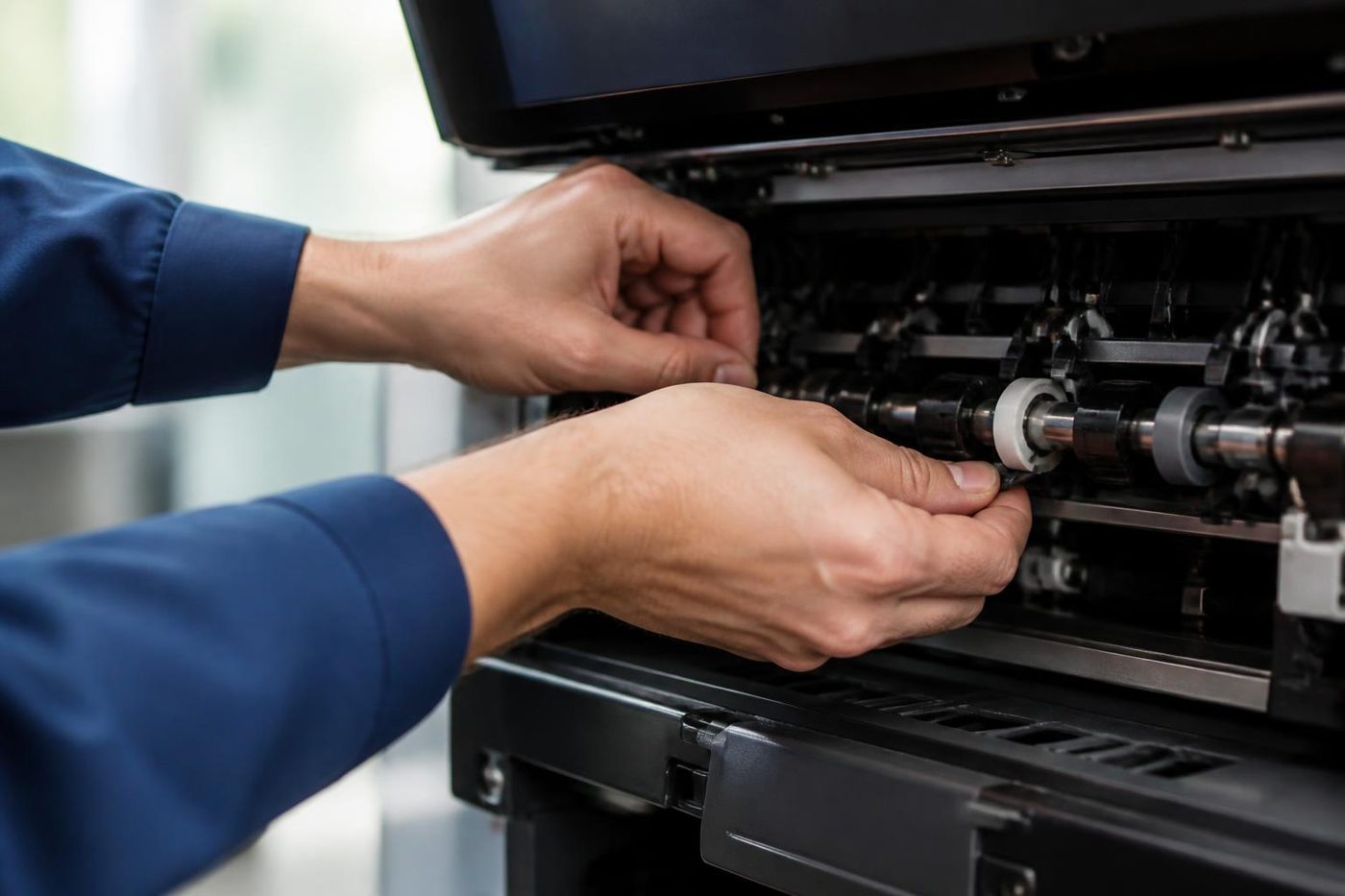
The code and the machine's history set the route, and we follow the area the code names. A heater fault means testing the thermistor, heater, connectors, supply and heating board before a new fuser is even suggested. A motor or laser code means connectors first, then the unit.
To finish, the code is cleared and any counter linked to a changed part is reset. Then come copy, print and scan tests, and a run through the finisher. The technicians are certified and experienced. About 98% of our repairs are done in one visit, and a fault that returns is fixed again at no cost. We are independent of Kyocera and have no authorisation from them.
Behind the side panel
Light is the enemy of a drum
The drum is the part nobody sees and the part that matters most. It is a coated cylinder that reacts to light, so a technician who props the panel open beside a bright window is quietly spoiling it. Gold Coast offices are mostly glass and sunshine, which makes covering the drum a habit worth having.
We send people who wrap it, work quickly and put it back as the maker intended. If a mark repeats down your pages at the same spacing, describe it on the phone. That spacing is a clue.
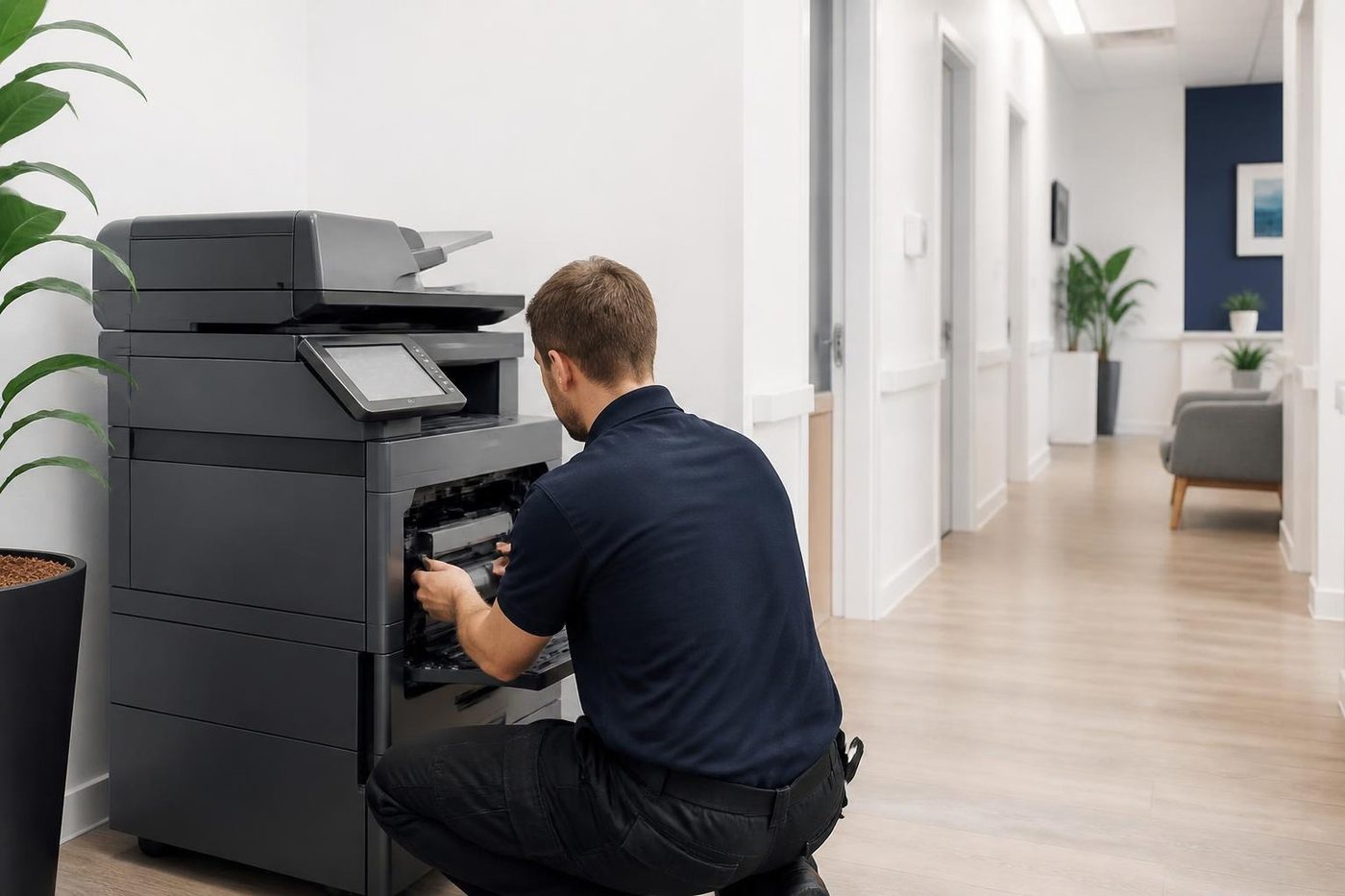
- Covered at all times. The drum goes in a light proof sleeve the moment it leaves the machine.
- Marks read properly. The distance between repeating marks points to the roller or drum at fault.
- No fingerprints. Gloves on, every time.
Keep reading
 Kyocera repairsTASKalfa copiers and ECOSYS printers, serviced on site.
 Photocopier repairsAny make of office copier, repaired where it stands.
 Copier and printer faultsPick the symptom, get the next step.Toner smearing and fuser faultsToner rubbing off, ghosting and heat faults.
 Is my copier worth repairing?Repair or replace, and how we decide.
Buy, sell and lease
Buy, sell and lease commercial copiers on the Gold Coast
We also sell new and refurbished commercial copiers and buy used ones. Same team, same technicians.
Around Southport, Burleigh and Robina

Common questions from Gold Coast offices
What does Call service mean on a TASKalfa?
The machine hit a fault it refuses to work around, and the code tells a technician where to begin. Note it and phone us.
What does C6000 mean?
In the TASKalfa 181 reference it is a fuser heater fault, with the fuser failing to pass 70 degrees Celsius in 15 seconds. Other models can read it differently.
Will restarting clear a C code?
Once is worth a go. A code that returns at once means the cause is still inside.
What is an F code?
Normally something on the controller side. Phone with the code and the model.
What is the maintenance message?
Wear parts are due. It is a reminder and not a fault, and kits differ from model to model.
Do all models use the same codes?
No. Quote the model name when you call.
Can you repair ECOSYS machines as well as TASKalfa?
Yes, with the make, model and symptom to hand.
Are you part of Kyocera?
No. We work independently and repair Kyocera machines without any tie to the company.