Xerox service Gold Coast
Xerox Photocopier Repairs and Service Gold Coast: AltaLink and VersaLink
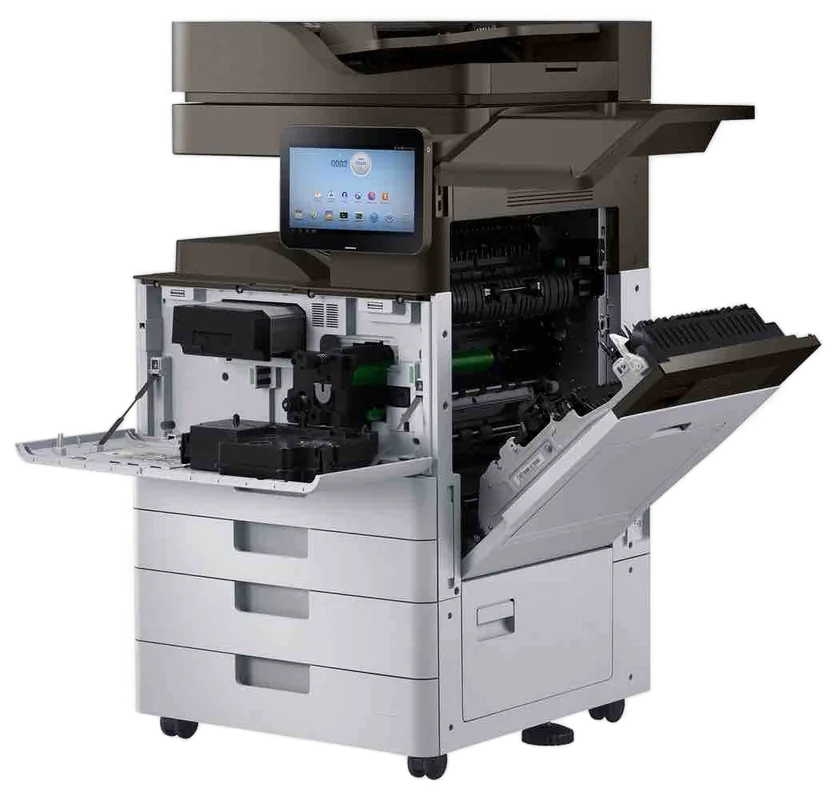
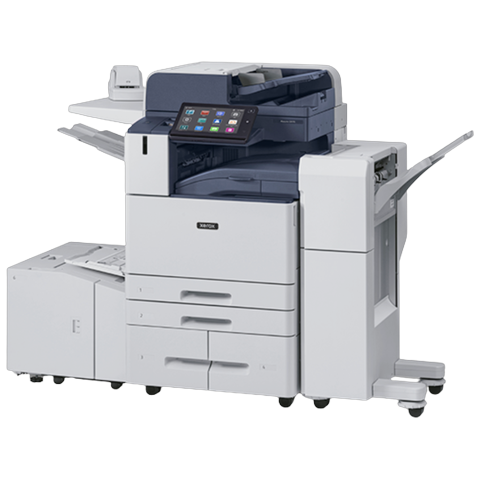
Half the offices we visit call every copier a Xerox, whatever the badge says. When the badge really does say Xerox, the machine is usually a WorkCentre, a VersaLink or an AltaLink, and each of those has its own habits. We handle Xerox photocopier repairs and Xerox copier service across the Gold Coast, at your premises, and same day service is available.
Printer service, copier repairs and machine sales on the Gold Coast
Xerox photocopier repairs Gold Coast offices ring about, sorted by family
Xerox the word and Xerox the company are two things. The word has become what people say for any photocopier, and a surprising share of calls about a Xerox turn out to be a Ricoh or a Canon. Xerox the company is American, and the machines it puts its own name on fall into a few families.
Telling them apart takes ten seconds. Look at the badge on the front, or the plate on the side. It will name the family, and then a letter and some digits. From that we know the age, the size and which parts sit in the van.
Our link to Xerox is zero, and nobody here claims otherwise. What we offer is a trained, experienced and certified technician who fixes the machine where it stands.
| Family | What it is | Where it turns up |
|---|---|---|
| WorkCentre | The long running multifunction line, black and white and colour, A3 and A4 | Older offices, schools, councils. Many still going strong |
| VersaLink | Newer A4 and A3 multifunction machines and printers with a touch panel | Practices, small firms, agency front offices |
| AltaLink | Higher volume A3 multifunction machines, built for fleets and security conscious sites | Larger offices, print rooms, head offices |
| PrimeLink and Versant | Production class machines for print rooms and bulk work | In house print rooms, short run commercial printing |
| Phaser and ColorQube | Workgroup printers, some using solid ink | Back rooms, design offices, older installs |
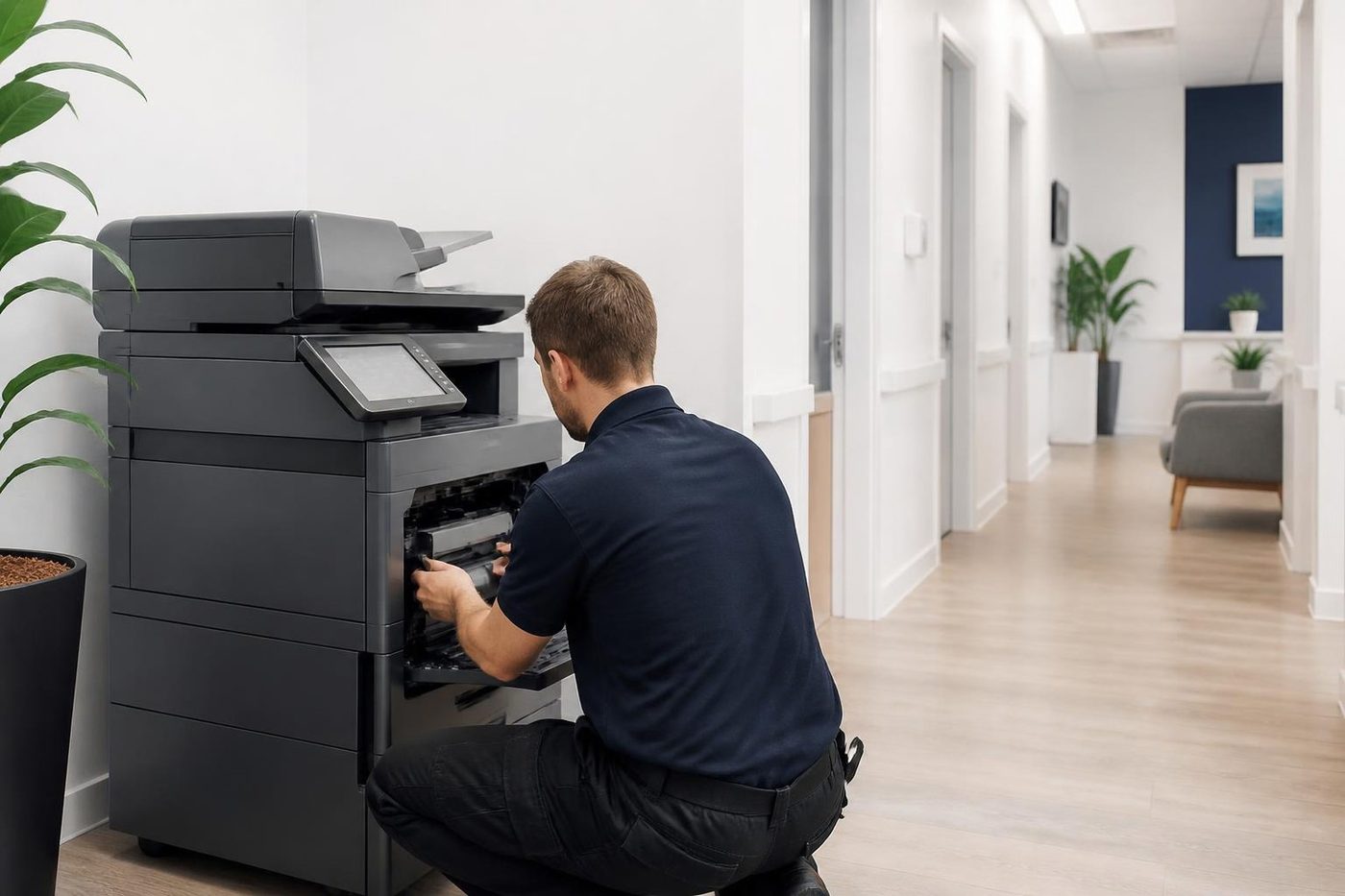
A price in three steps
- Tell us about the machineThe make, the model and what it keeps doing.
- We ring with a priceYou have it before any visit is booked.
- A certified technician comes to youSame day when the diary has room.
How the three names fit together
People often bring up Fuji Xerox in the same breath, so here is the plain version. Fuji Xerox was a separate company, a joint venture between Fuji Photo Film and Rank Xerox from 1962. In 2019 Fujifilm announced it would buy out the remaining quarter held by Xerox, and from April 2021 the company became Fujifilm Business Innovation. The machines it made carry names like ApeosPort and DocuCentre.
Xerox Corporation carries on with its own lines. So an ApeosPort is a Fuji machine and a WorkCentre is a Xerox one, even if both get called a Xerox in the kitchen. We service both, and each has its own page, which you can reach from this one.
Xerox copier repairs Gold Coast businesses call for: the usual suspects
Most Xerox calls land in a handful of boxes. We list them in the order we meet them.
- A status code on the panel that comes straight back after a restart.
- The fuser: smudged toner, a smell like warm plastic, creases down the page.
- A paper path complaint: jams at the same spot, double feeds, skewed pages.
- Streaks and spots on the page after a drum or imaging unit has had a long run.
- Scan to email or scan to folder that stopped after an IT change.
- A driver problem: the machine is fine, but one computer cannot print to it after an update.
- A finisher that will not staple or a hole punch tray that is full.
All of it is handled on site. The first visit finishes the job 98% of the time, and if the same fault turns up again we go back without charging.
Reading a Xerox status code
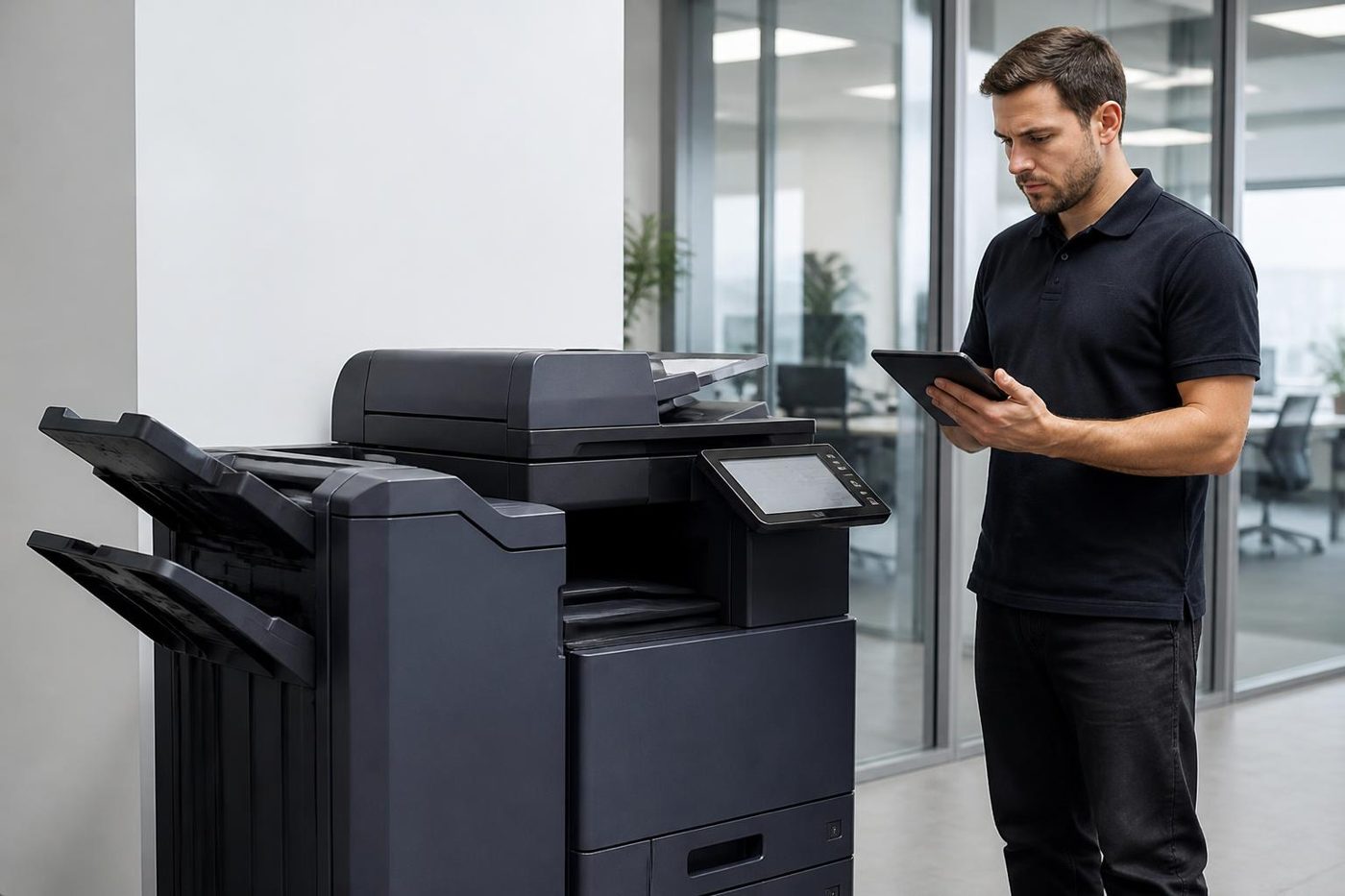
Xerox machines show faults as status codes made of two or three groups of digits. The first group usually points at an area of the machine and the later groups narrow it. They are written with dashes on the manufacturer's lists, and on the screen they look like a short string of numbers.
A code is a pointer, not a diagnosis. The same code on a WorkCentre and a VersaLink can mean different things, and the same fault can raise a different code depending on the model. So we ask for the family, the full model and the exact code before we say anything firm.
Some codes belong to the engine, such as the fuser, a drive or a sensor in the paper path. Others belong to the controller or the network. Controller faults often arrive after a software update or a power cut, and a restart sometimes clears them. If the code returns after one restart, stop restarting and ring us. We do not publish service mode procedures, and we would suggest you do not go looking for them.
Note the code, the time and what the machine was doing. A fault that appears only when printing from one tray, or only on the third page of a duplex job, tells the technician a lot.
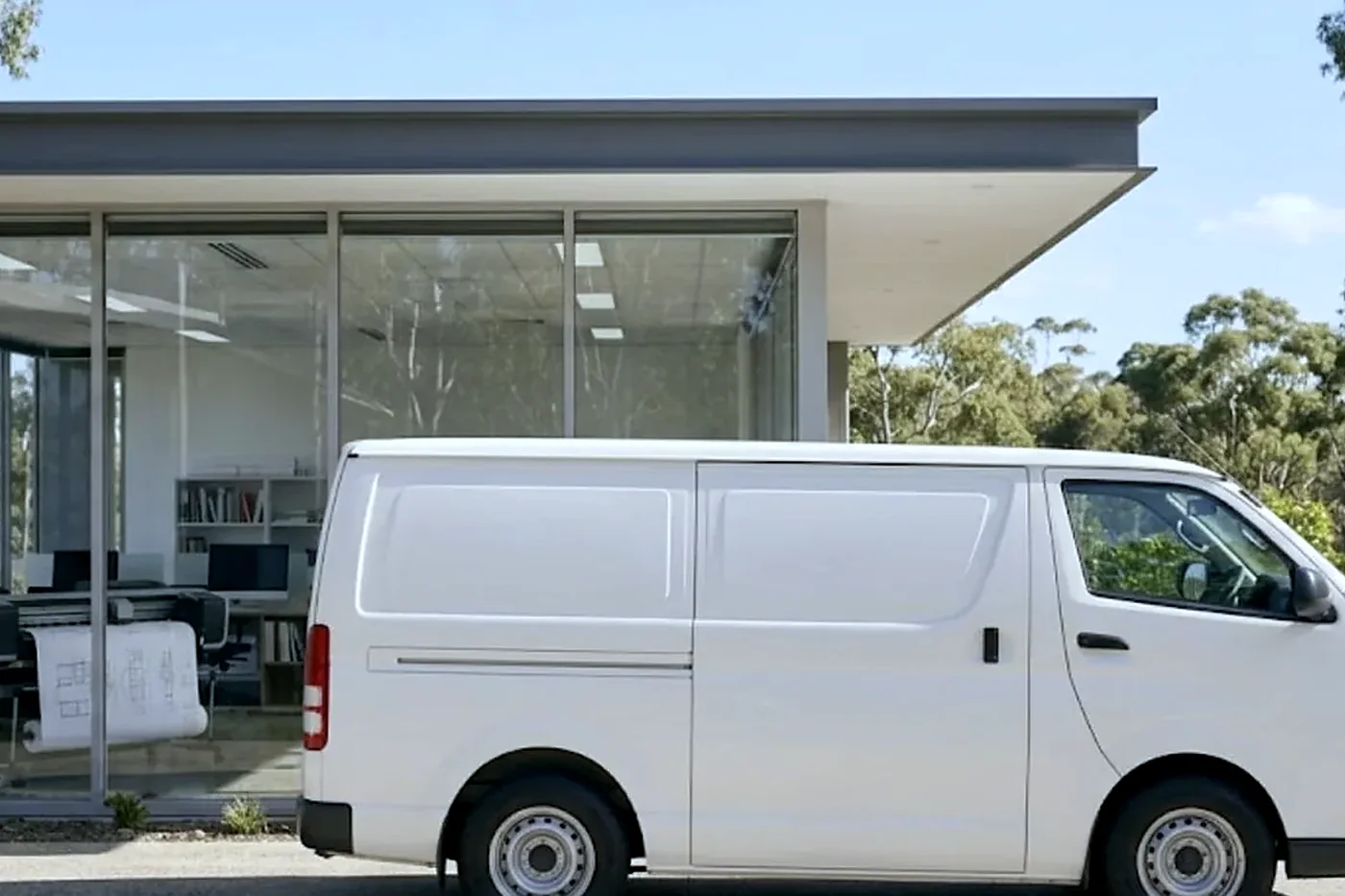
Xerox printer service Gold Coast offices need: VersaLink, Phaser and the back room printer
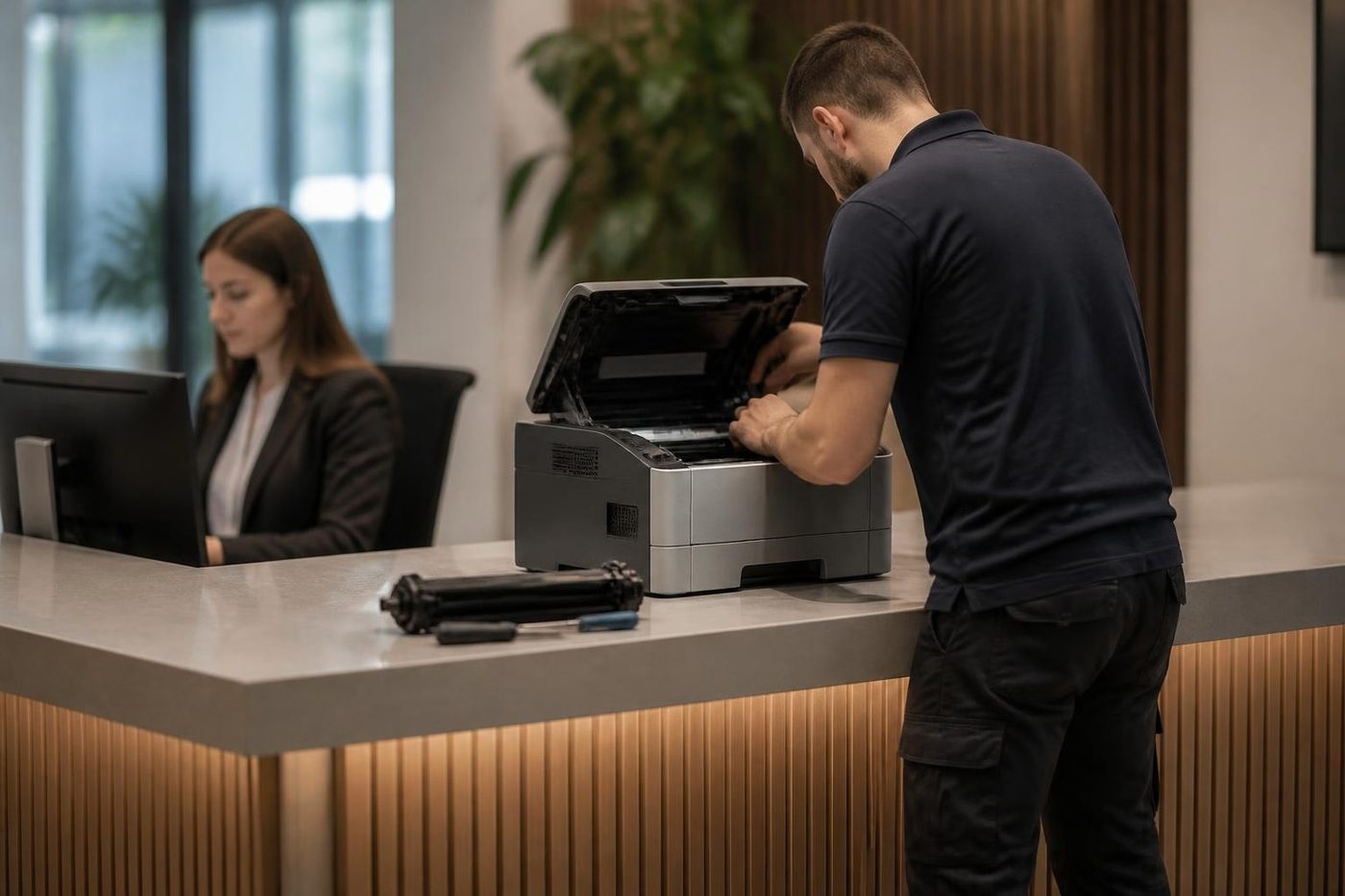
Not every Xerox is a big copier. VersaLink printers and A4 multifunction machines are common in practices and small firms, and Phaser printers still sit in back rooms in offices that bought them years ago and have barely thought about them since.
The faults on these smaller machines are mostly paper and consumables. Pickup rollers wear, trays sit loose, and cartridges that are almost seated are not recognised. A VersaLink is built around replaceable units that the office can change, which is convenient, and which means a wrongly fitted unit is the first thing we check.
If you have a Xerox printer service Gold Coast question, such as a printer that keeps dropping off the network or a colour printer printing pale, ring with the model and the symptom. Many of these are sorted on one visit.
Xerox printer repairs Gold Coast offices ring about are mostly VersaLink and Phaser jobs, and Xerox photocopier service Gold Coast and Xerox copier service Gold Coast visits cover the planned work on the bigger machines.
Drum cartridges, customer replaceable units and what the office can change
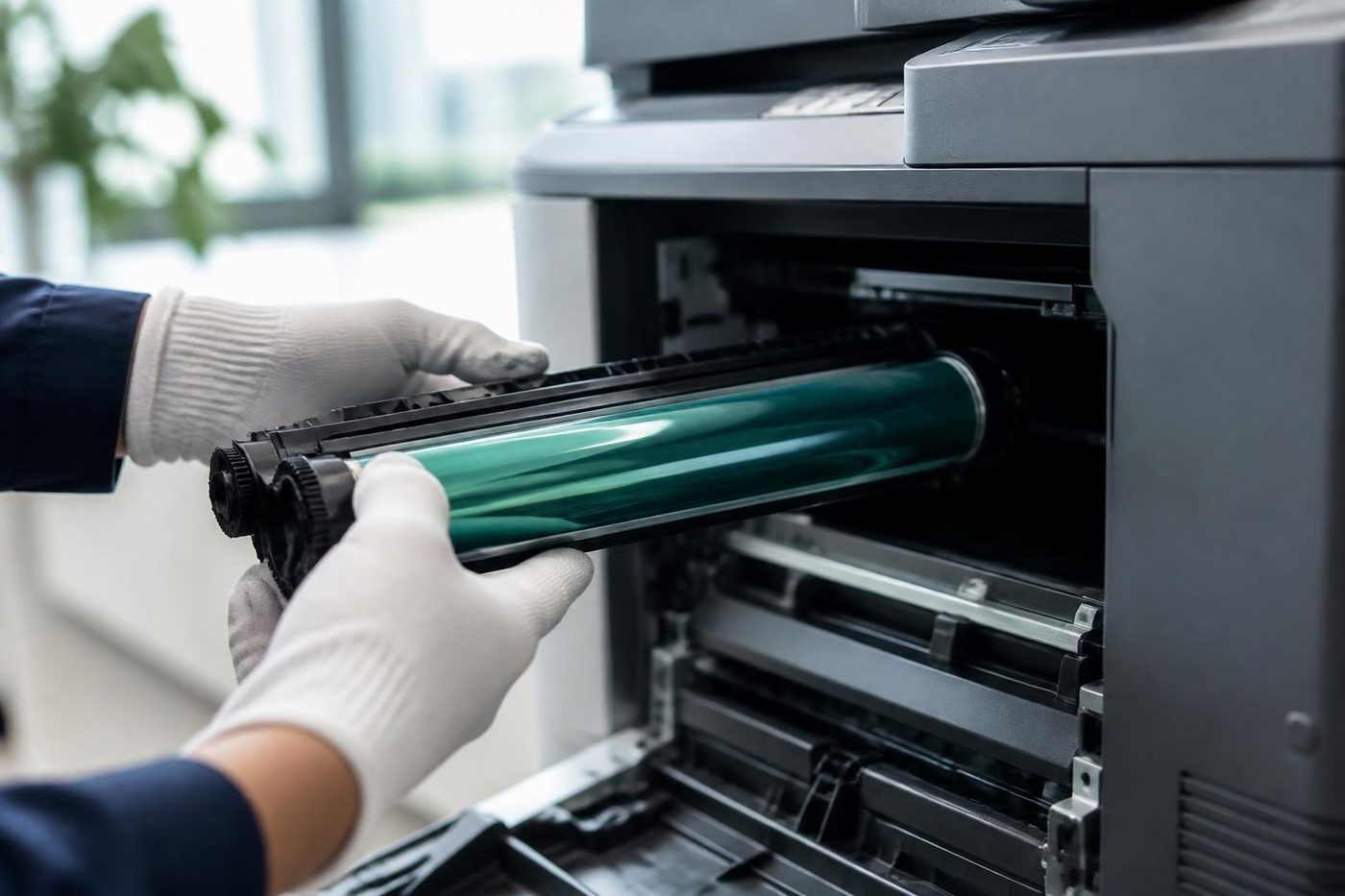
Xerox leans on the idea of customer replaceable units. Toner, the waste container, the drum cartridge on many machines and sometimes the fuser can be swapped by an office with no tools. It saves a call out and it is a good idea, with one catch.
If a unit is not seated fully, or the wrong one has been fitted, the machine does not announce it plainly. It throws a message, or a code, and the office assumes the machine is broken. Open it, look, reseat and shut the cover firmly. If the message stays, the unit may be at fault, or the contact in the machine is. We carry the common units and test them in the machine.
Faults that repeat on every page at the same spacing, a streak that does not move when you change the paper, a mark in one colour only: these are drum or imaging faults, and they are not cured by changing toner. Measure the gap between marks with a ruler and give us the distance. It narrows the parts list before we arrive.
When the printer works but one computer cannot reach it
This one confuses offices. The copier prints fine from three computers and not from the fourth. Nothing is wrong with the machine. The driver on the fourth computer was replaced by an update, or an old driver is clashing with the new one, or the computer has been moved to another network.
We check from the machine first, to be sure it is healthy, then from the computer. Removing the printer and adding it again with the current driver cures most of these, and we do it on the visit. If your IT contact looks after the computers, we tell them what we found.
Machines that print through a print server are a variation. The queue on the server may be stuck, or the server's driver may have changed. Again, the copier is innocent, and we say so.
Scan to email, SMB and the settings behind them
Xerox machines carry a web page called CentreWare Internet Services, where scan destinations, email settings and device information live. Scanning faults are mostly settings, and mostly caused by something that changed on the network side.
Usual suspects: a password that expired on the account the machine signs in with, a mail service that now insists on a different way of signing in, a server that was renamed, a share that was moved. An attachment above the mail server's size limit is also refused, and that is why a three page scan sends and a thirty page one does not.
We test from the machine, read the exact error and give your IT contact a short list of what to confirm. If the problem is in the network and not the copier, we say so plainly and do not charge you to hunt for a fault the machine does not have.
Boat builders, film crews and body corporate desks: Xerox around the Gold Coast
The Gold Coast's odder trades turn up on our Xerox calls. Around Coomera and Southport it is boat builders and marine trades printing drawings, parts lists and compliance sheets. Near Oxenford, production offices attached to the film studios churn out call sheets, scripts and schedules in colour, in a hurry, and often on borrowed machines.
Southport and Bundall keep the more familiar mix of professional suites and body corporate managers, where a WorkCentre has sat in the corridor so long it has its own seat on the staff roster. Upper floors mean a lift booking, and we ask before we come. Surfers Paradise and Broadbeach hospitality and property offices run Xerox for volume, with surges that follow the school holidays.
At Molendinar, Arundel and Nerang the Xerox is a Phaser or a WorkCentre beside a stack of plans. Robina and Varsity Lakes practices run VersaLink machines at the front desk, and Yatala and Stapylton distribution offices use theirs for dockets and labels.
Some offices inherit a Xerox from a landlord or the tenant before them. If you do not know the history, or who last looked after it, say so. We read the counters, check the parts and tell you what we find.
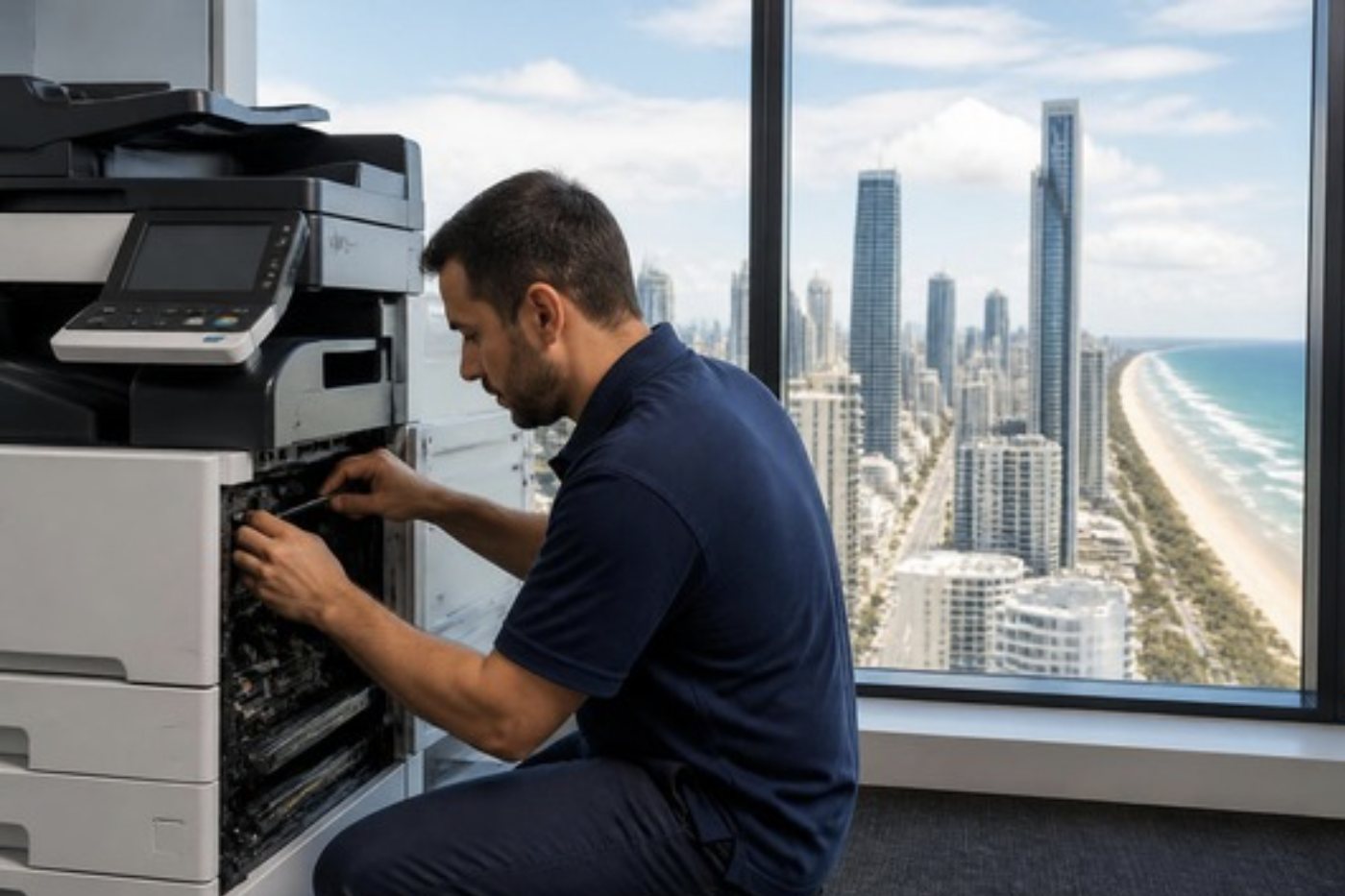
ColorQube and solid ink: an older oddity
A few offices still run Xerox ColorQube printers, which melt solid blocks of ink in place of toner. The blocks are colour keyed and shaped so that each fits only its own slot, and the machine takes a while to warm up because the ink has to liquefy before it can print.
Faults are their own set. A block pushed into the wrong slot, a waste tray that has filled, a long warm up that people mistake for a stall, and prints with fine lines from a clogged head. Parts for an older ColorQube are thinner on the ground than for a WorkCentre, and we say so before starting a repair that may not be worth it.
Fusers, warm up noise and the smell of warm plastic
The fuser is the part that melts toner onto the page, and on any copier it is a hot, hard worked assembly. Xerox fusers are no exception. They are rated for a long life, and the most useful thing an office can know is what a failing one sounds and smells like.
Ticking or grinding as the machine warms up can be a bearing or a gear in the fuser drive. A smell like warm plastic, especially with creased paper, suggests the fuser is running hotter than it should or the paper is wrapping around a roller. Toner that rubs off under a thumbnail means the fusing is not complete, which can be the fuser, but it can also be the wrong paper type setting for what is in the tray, so check that first.
A fuser that is at the end of its life gives warnings. Pages start to come out slightly curled, toner smears at the edges and the machine takes a little longer to be ready. If you notice those, ring before it fails. A planned change on a quiet morning is a smaller event than a breakdown during the week of month end.
Print rooms and the PrimeLink and Versant class
A few Gold Coast businesses run proper production machines: a print room in a larger office, a school's in house press or a firm that does short run printing for others. These are PrimeLink and Versant class machines, and they ask for a different kind of service. Heavier stock, coated paper, long runs and tight alignment between the front and the back of a sheet.
Common faults are image quality drifting after a long run, front to back misregistration, paper that curls in the tray in damp air, and a finisher or inserter that mis feeds booklets. Humidity is a bigger player than people expect. Paper that has soaked up a Gold Coast afternoon does not behave the same as paper from a sealed carton, so storage matters.
A production machine needs a technician who can read the image and not just the code. We send someone who has worked on this class of machine, and we tell you honestly if a particular repair needs a part to be ordered.
Network drops, new routers and the Xerox that vanished
A Xerox that was printing fine and is suddenly offline is, nine times in ten, a network event. The router was replaced, an access point was moved, a switch rebooted after a storm and the machine came back on a different address. Everyone who printed to the old address now sees an offline printer.
The cure is to give the machine a fixed address, so that it keeps the same one forever. We set that on the visit and note it down for your IT contact. If your IT person prefers a reservation on the router, we give them the machine's hardware address and leave the rest to them.
Wireless connections on a copier are less reliable than a cable. If the machine is in range of a wall socket, a cable is worth having. A copier is a heavy, fixed object, and it does not need to be wireless.
Moving offices, and taking the Xerox with you
The Gold Coast is a city of fit outs and moves. Practices expand, agencies change tenancies, and trade businesses move to bigger units at Molendinar or Yatala. A copier in the middle of that tends to get the least thought and the roughest treatment.
Moving a Xerox is a job for people who have done it. The scanner carriage is secured, loose units are removed or protected as the maker requires, and the machine stays upright on the truck. The settings, such as scan addresses and user lists, are saved before the move and restored after it.
We plan these with you, and we test scanning from the new desks before we leave. If you are also thinking of replacing the machine in the move, tell us. It is much easier to talk about it before the van is loaded.
AltaLink, security settings and the update that changed things
AltaLink machines sit in offices that care what happens to a document: head offices, law firms, finance and health. They ship with a heavier set of security features, and those features are there to stop things happening, which means a change can stop things that used to work.
After a software update, or after someone tightens a security setting, a scan destination may be refused, a card login may stop or a certificate may be rejected. The machine is behaving as instructed. The fix is a matter of settings and of what your IT contact has decided to permit. We find which setting is responsible, and say so plainly, so that nobody loosens something they should not.
If your AltaLink is managed by a head office elsewhere, tell us. Some settings are pushed from afar, and changing them locally will not hold.
Month end, colour and the all night print
A familiar Gold Coast pattern: at the end of the month, an agency or a body corporate manager sends a very large colour job and goes home. The machine runs through the evening at its limit. By morning, either everything is stacked neatly or it stopped at job four hundred with a fuser message and a tray of half warm pages.
Long runs punish the fuser, the drum and the paper path, and they make a humid room worse. If you know a big job is coming, ask us for a quick look the week before. We clean the path, check the rollers and the toner and make sure the machine is in the best state to take the load.
Splitting the job into two or three runs, with a break between, is kinder to the machine than one marathon. So is feeding fresh paper in smaller loads.
An old WorkCentre and a newer VersaLink: which to keep
A WorkCentre that has run for a decade is not finished just because it is old. A well kept one with a steady page count and one tired roller deserves the repair. One with a long list of faults and a thinning supply of parts does not.
Since we trade machines as well, we can put a repair next to a replacement without pushing either. Sometimes the better answer is a VersaLink or an AltaLink, and sometimes it is a different make that suits the office better. If the repair makes sense, we say so.
You hear the price on the phone and nobody is booked until you agree. Our work is warranted. When the lines are busy the call is logged and returned.
The way we handle a Xerox call

Parts on the van
The right part, in the van, on the day
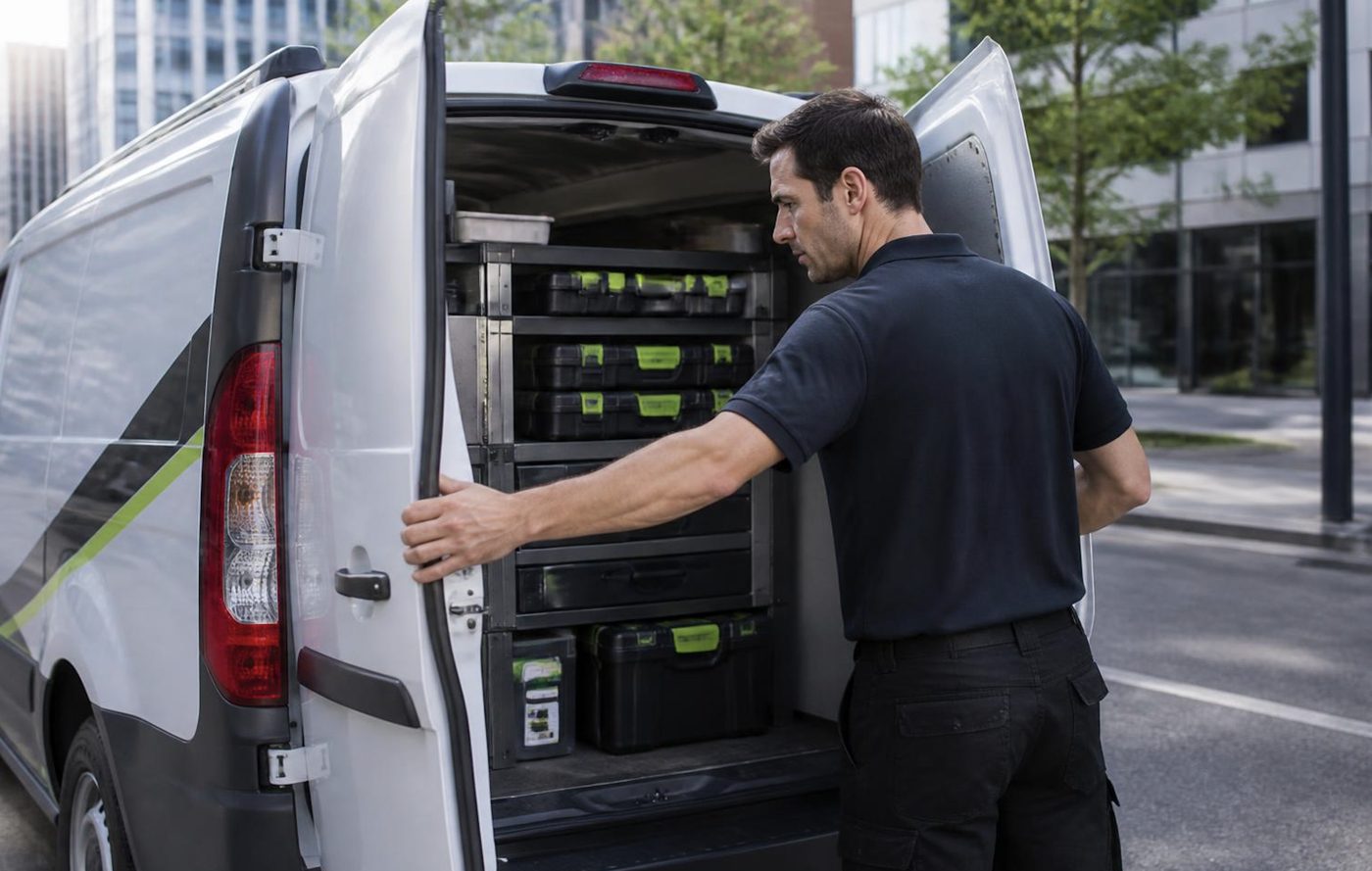
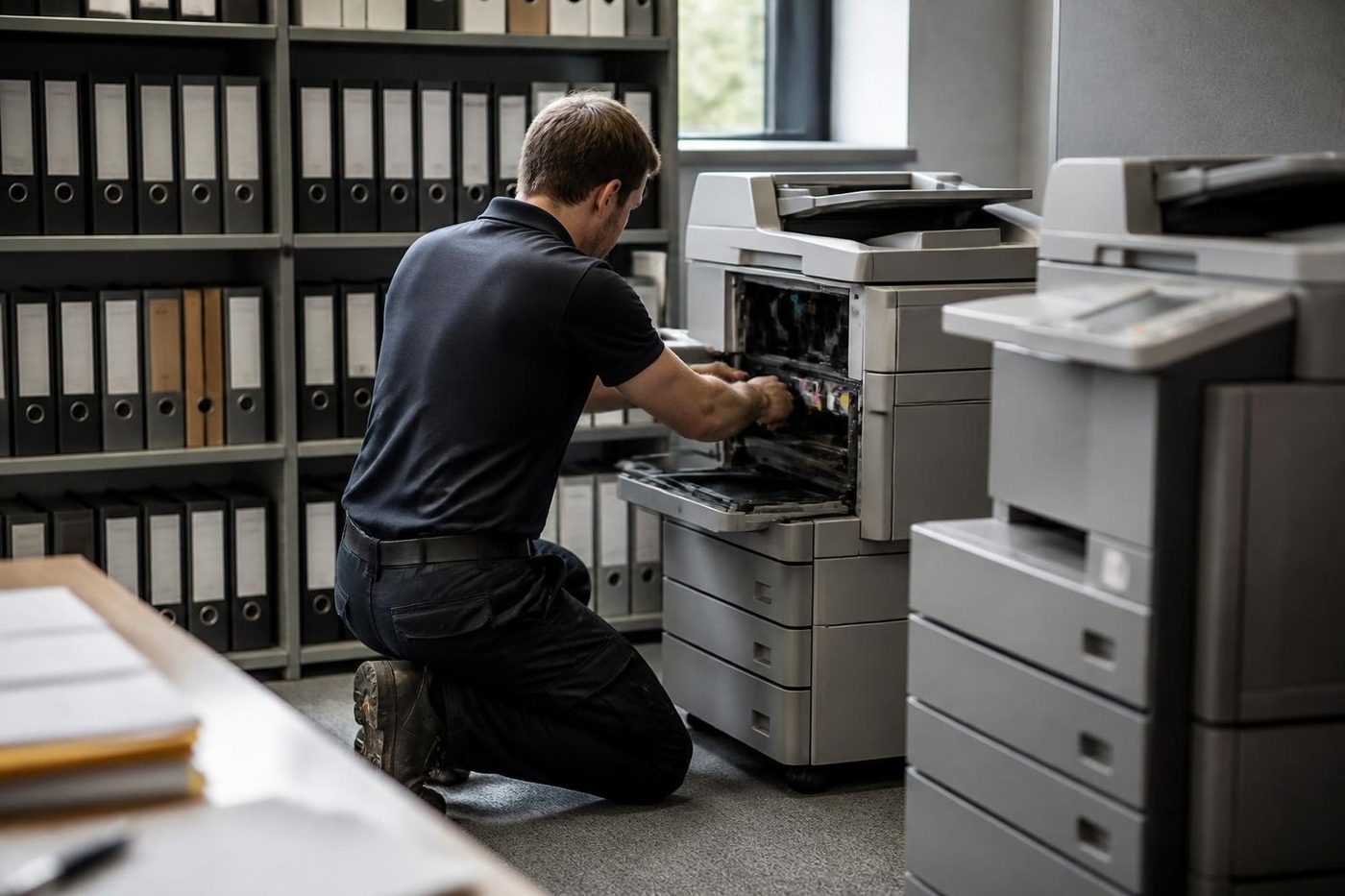
A technician who has to leave to chase a roller turns a short call into a long one, and your staff stand around wondering whether it will be done by lunch. We stock the common spares for the makes we see most, and we plan the load from what you told us on the phone.
No technician carries everything, and we will not pretend otherwise. What we do is arrive with a good chance of finishing, and 98% of our repairs are fixed on the first visit.
- Common spares carried. Drums, rollers, fusers and belts for the popular makes.
- Load planned. The call notes decide what goes in the van.
- Honest about gaps. If a part must be ordered we say so before we leave.
Keep reading
 Fuji Xerox repairsApeosPort and DocuCentre machines sold under the Fuji Xerox name.
 Fujifilm repairsFujifilm Apeos and ApeosPort, and the Fuji Xerox machines before them.
 Photocopier repairsAny make of office copier, repaired where it stands.
 Photocopier servicePlanned visits, one off calls and meter reads for office copiers from Coomera to Coolangatta.
 Commercial printer repairsWorkgroup lasers and fleets, repaired where they sit.Copier error codesReading a panel code, and what to note down.
Buy, sell and lease
Buy, sell and lease commercial copiers on the Gold Coast
We also sell new and refurbished commercial copiers and buy used ones. Same team, same technicians.
Machines we have looked after
Common questions from Gold Coast offices
Who can do Xerox printer repairs and Xerox photocopier repairs on the Gold Coast?
We can, at your premises. WorkCentre, VersaLink, AltaLink and Phaser machines are repaired on site, and planned Xerox copier service visits are available too.
How does Xerox differ from Fuji Xerox?
Xerox is an American company with its own lines: WorkCentre, VersaLink, AltaLink, PrimeLink and Versant. Fuji Xerox was a separate Japanese company, a joint venture from 1962, that became Fujifilm Business Innovation in April 2021. Its machines carry names such as ApeosPort and DocuCentre.
Can you repair a WorkCentre?
Yes. WorkCentre copiers are repaired on site, together with VersaLink, AltaLink and PrimeLink machines.
The Xerox is showing a string of numbers. What is it telling me?
It is a status code. The first group of digits names an area of the machine and the later groups narrow it. Give us the full code and the model and we will say what it usually means.
Why can one PC not print to the Xerox when everyone else can?
That PC's driver, most often after an update or a move to another network. The copier is fine. Removing the printer and adding it again with the right driver cures most cases.
Why does the Xerox smudge toner?
The fuser is the first suspect, but we check the paper type setting and the dampness of the stock before replacing anything.
We fitted a new unit and the machine still complains. What now?
The unit may not be fully seated, or it may be the wrong one for the machine. Reseat it and close the cover firmly. If the message stays, we test the unit and the contact inside the machine.
Do you still look after Phaser printers?
Yes, while parts are available.
Do you touch ColorQube solid ink machines?
Yes, though parts for older ones are harder to find, and we tell you before we start if a repair may not be worth it.
Is it worth repairing an older WorkCentre?
Often. Page count, parts and the pattern of faults decide, and we say so plainly when the answer is no.
Old machine, new question
Repair it or replace it?
We repair, and we also buy and sell machines, so we can talk about both honestly. Ring and we will go through it.
Talk to us
Everything we look after on the Gold Coast
Copier and printer service
Fault guides
- Copier and printer faults Gold Coast
- Photocopier paper jams Gold Coast
- Copier black lines and streaks Gold Coast
- Copier error codes Gold Coast
- Copier not printing Gold Coast
- Scan to email not working Gold Coast
- Toner smearing and fuser faults Gold Coast
- Printer offline and network faults Gold Coast
- Copier noise, grinding and squealing Gold Coast
- Is my copier worth repairing Gold Coast
- Toshiba e-STUDIO error codes Gold Coast
- HP LaserJet error messages Gold Coast
- Kyocera TASKalfa error codes Gold Coast
Makes we repair
- Toshiba copier repairs Gold Coast
- HP printer repairs Gold Coast
- Kyocera copier repairs Gold Coast
- Fujifilm copier repairs Gold Coast
- Canon copier repairs Gold Coast
- Ricoh copier repairs Gold Coast
- Lexmark printer repairs Gold Coast
- Brother printer repairs Gold Coast
- Epson printer repairs Gold Coast
- OKI printer repairs Gold Coast
- Zebra printer repairs Gold Coast
- Konica Minolta copier repairs Gold Coast
- Sharp copier repairs Gold Coast
- Samsung printer repairs Gold Coast
- Fuji Xerox copier repairs Gold Coast
Suburbs we work in
- Printer service Southport
- Printer service Bundall
- Printer service Robina
- Printer service Varsity Lakes
- Printer service Nerang
- Printer service Burleigh Heads
- Printer service Helensvale and Coomera
- Printer service Surfers Paradise
- Printer service Broadbeach
- Printer service Coolangatta and Tweed Heads
- Printer service Labrador and Biggera Waters
- Printer service Mudgeeraba and Reedy Creek
- Printer service Molendinar, Ashmore and Carrara
- Printer service Currumbin, Palm Beach and Tallebudgera
- Printer service Byron Bay, Ballina and Lennox Head
- Printer service Lismore and the Northern Rivers
- Printer service Murwillumbah and the Tweed Valley
- Printer service Kingscliff, Tweed Heads South and Pottsville
- Printer service Arundel and Yatala
- Printer service Pacific Pines and Oxenford
- Printer service Tugun, Bilinga and the Gold Coast Airport side
- Printer service Miami, Mermaid Waters and Mermaid Beach
- Printer service Currumbin Waters and Elanora
- Printer service Paradise Point, Runaway Bay and Hope Island
- Printer service Mullumbimby, Brunswick Heads and Ocean Shores
- Every suburb we cover
Know the make and what it is doing? That is enough for a price.
Printer or copier trouble on the Gold Coast
Tell us what it is doing, even if you are not sure what is wrong. We ring back and talk it through. Call (07) 3096 0331 if that suits better.