Fujifilm photocopier repairs Gold Coast: which machines this page covers
Walk around the offices of Southport and Bundall and you will find a surprising number of copiers with a red and white badge that says Fuji Xerox. Those machines were sold in big numbers across Australia, and many are still earning their keep in councils, schools, accounting offices and agencies. Newer machines from the same manufacturer carry the Fujifilm name and the word Apeos.
We repair both. If the badge says Fujifilm, Apeos or ApeosPort, the machine is a current or recent model. If it says Fuji Xerox, ApeosPort, DocuCentre or DocuPrint, it was sold before the name change. The parts and the faults overlap a great deal, and that is why the two names share a page. The Fuji Xerox name also has a page of its own, and the Xerox brand, which is a different company, has another.
We have no connection to Fujifilm, to Fujifilm Business Innovation or to Xerox, and we say so plainly because the names get tangled. The technician who comes is trained, experienced and certified, and has stood in front of one of these machines before.
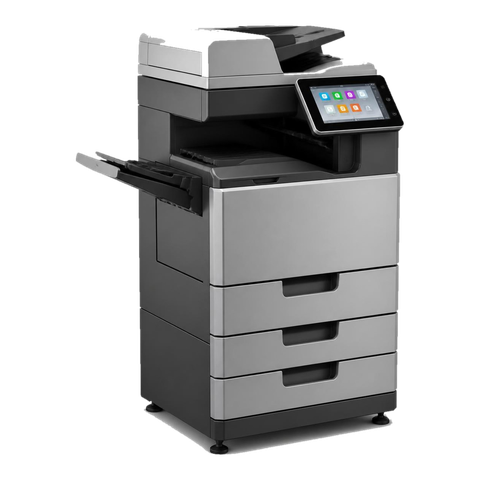
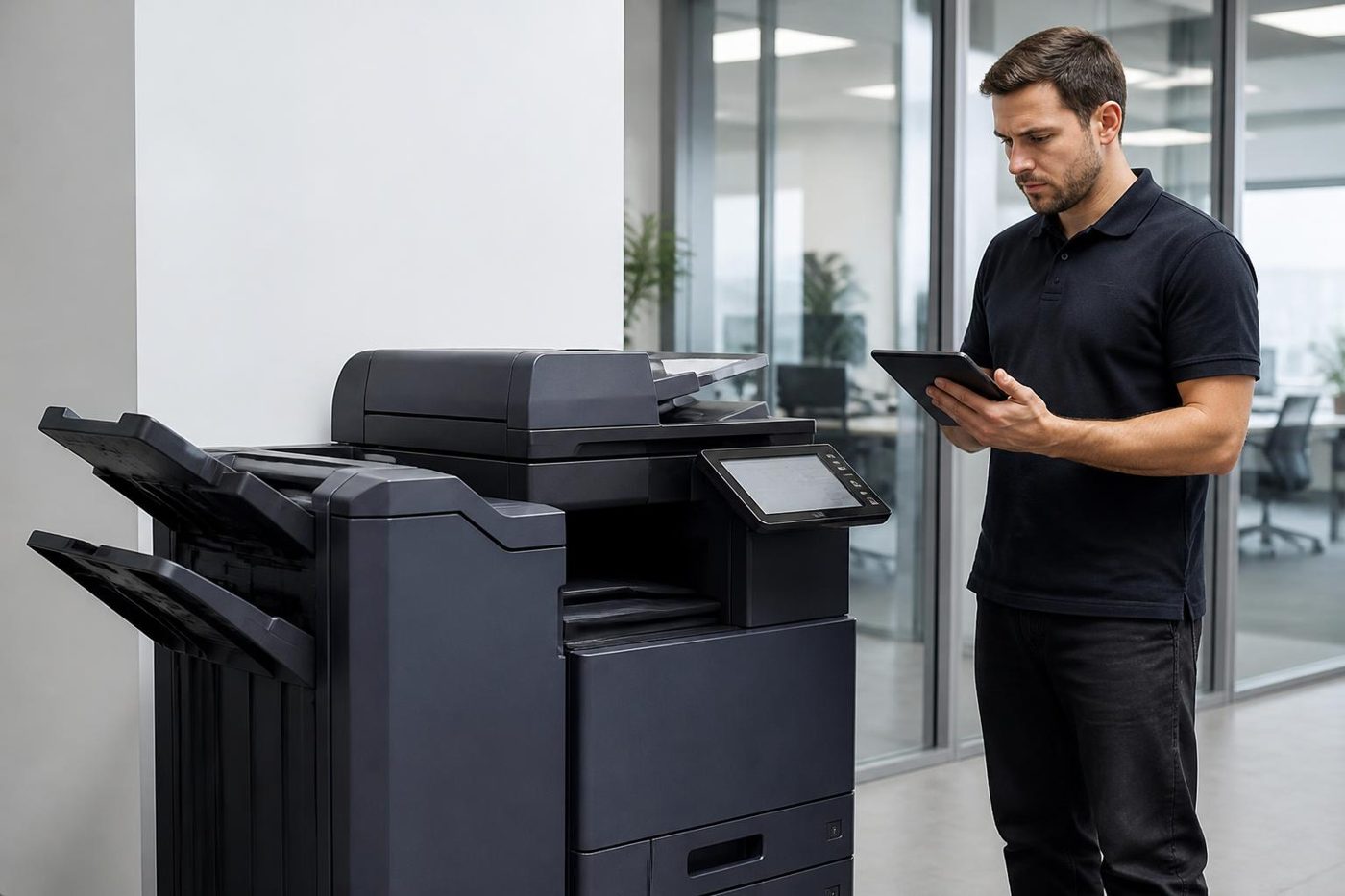

Three names, one tangle: Fuji Xerox, Fujifilm and Xerox
Here is the short, honest version of how the names fit together, because people ask us this every week.
- Fuji Xerox started in 1962 as a joint venture between Fuji Photo Film and Rank Xerox, owned half each.
- In November 2019 Fujifilm announced it would buy the remaining 25 percent held by Xerox, and the technology agreement between the two ended on 31 March 2021.
- In April 2021 the company changed its name to Fujifilm Business Innovation. In Australia it became Fujifilm Business Innovation Australia.
- Xerox Corporation is a separate American company, with its own machines called WorkCentre, VersaLink, AltaLink, PrimeLink and Versant.
So a machine built by the Fuji side is a Fujifilm or a Fuji Xerox, depending on when it was sold, and the American Xerox machines are another thing altogether. Plenty of people call all three Xerox, and that is fine on the phone. We sort it out from the badge and the model.
Reading the badge on a Fujifilm or Fuji Xerox machine
The model name usually tells you the family and the generation. ApeosPort is the multifunction line, and the Roman numeral that follows on older machines is the generation: you will see ApeosPort IV, V and VI on Fuji Xerox machines. DocuCentre is the sister line, often the copier first and printer second. DocuPrint is mostly the printer side. Apeos on its own is the newer Fujifilm branding.
| Name on the machine | Usually | What we ask on the phone |
|---|---|---|
| Apeos, ApeosPort with the Fujifilm name | Current or recent A3 and A4 multifunction machines | The full model, the panel message, and whether the fault is in printing, copying or scanning |
| ApeosPort with a Roman numeral, Fuji Xerox name | Earlier A3 multifunction machines still common in offices and schools | The generation numeral and the letter before the digits, C for colour |
| DocuCentre | Floor standing or desk copiers, often colour | Same, plus the page counters |
| DocuPrint | Workgroup printers, A4 and A3 | The tray the fault shows up on |
If the machine is old enough that the front panel is a small grey screen, that tells us something as well. The control software and the way scan settings are entered changed between generations, and a technician who has used both has an advantage.
Fujifilm copier repairs Gold Coast offices book most often
The calls we get for Fujifilm and Fuji Xerox machines are the same calls every other copier produces, with a few quirks.
- Paper jams that keep returning at the same spot, usually a worn roller or a damp ream.
- A status code on the panel that will not clear after a restart.
- Streaks, marks or a tint on colour pages after a long idle spell.
- Scan to email or scan to a shared folder that has stopped after an IT change.
- A finisher or a hole punch that has lost the plot.
- A fuser that smears toner or makes a noise on warm up.
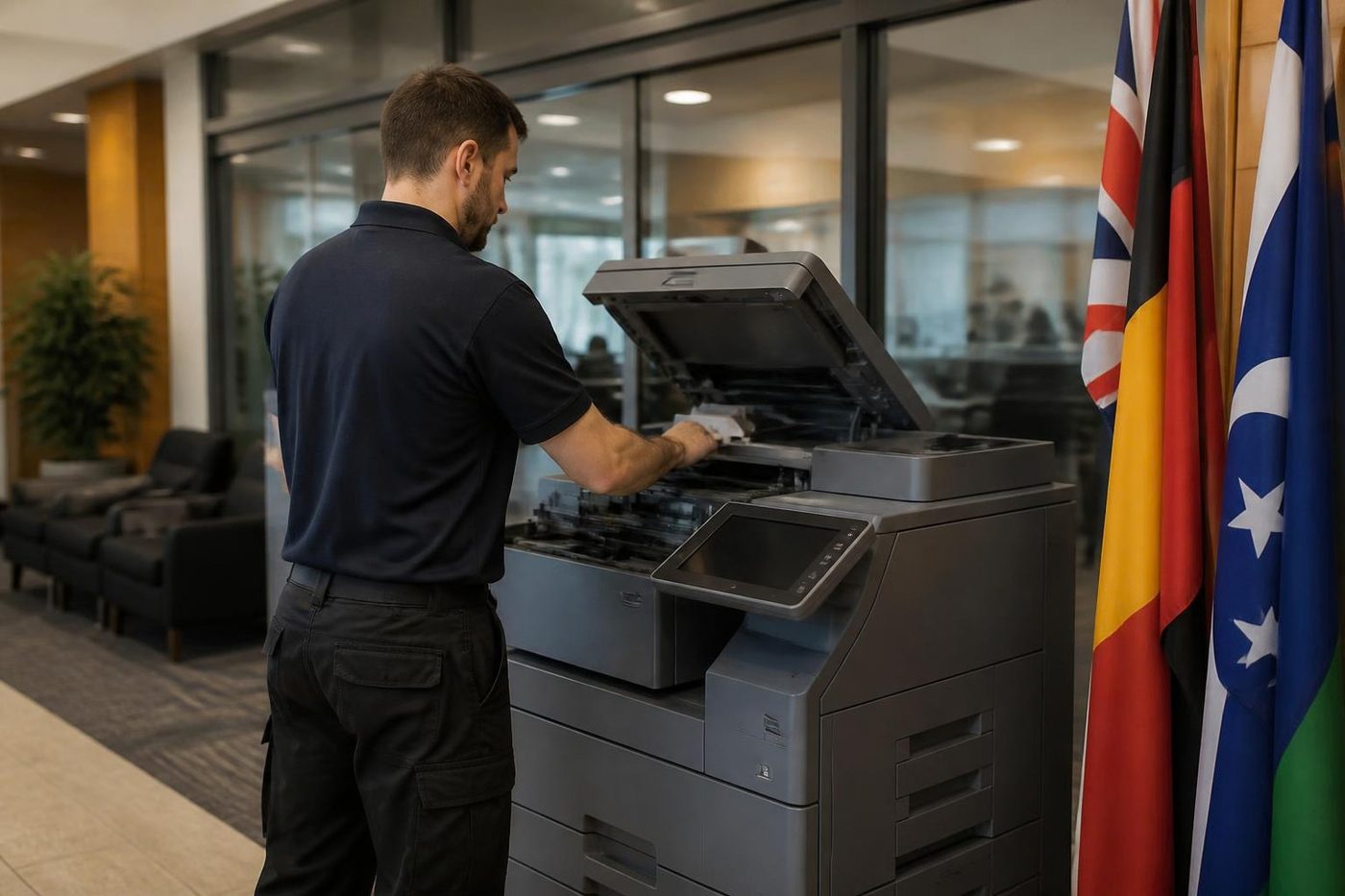
All of those are done where the machine stands. The technician reads the history, brings the common spares and runs a proper job before leaving. About 98% of our repairs are finished on the first visit, and if the same fault returns we do not charge to come back.
Fujifilm printer repairs and Fuji Xerox status codes
Fuji Xerox and Fujifilm machines show their faults as status codes made of two groups of three digits. The first group points at an area of the machine, and the second narrows it down. We never rely on the code alone, because the same code can be raised by more than one failure, but it tells the technician where to start looking.
Some codes belong to the machine's mechanics, such as a paper feed, a fuser or a drive. Others belong to the network and the controller, and arrive after an update, a new address or a changed password. Photograph the screen, or write down the whole code including both groups. A code remembered from last week is rarely right.
What you can do while waiting: switch the machine off at the front, wait a minute, switch it on once. If the code returns, leave it. Repeated restarts do not fix a fuser or a drive fault and can make the problem bigger. We do not publish service mode procedures. The machine can be damaged by someone who goes looking for them.
For Fujifilm printer repairs on the smaller DocuPrint and Apeos printers, the method is the same: read the message, check the paper, look at the visible path, then the parts that wear. Fujifilm printer service for a workgroup laser is quick when we have the name and the symptom.
Why a Fuji Xerox machine is worth keeping, and when it is not
Fuji Xerox machines have a reputation for being tough, and plenty of them have earned it. The mechanical design of the ApeosPort and DocuCentre lines is solid and the paper path is forgiving. That is the reason we still see machines from ten or more years ago in offices that would hardly notice if they stopped.
The question is parts and pattern. A machine with a history of one worn roller every two years is cheap to run. One that has had a fuser, a drum and a drive fault in a year, with a page count that is climbing, is a different story. Parts supply for older models narrows, and we say so plainly when a repair is no longer sensible.
We trade in machines as well, so when the honest answer is replace, we can talk about what a sensible replacement looks like. It might be a newer Apeos. It might be a different make that suits the office better. We have no stake in selling you the same badge twice.
Fujifilm printer repairs Gold Coast offices ask about are usually the smaller Apeos and DocuPrint machines. Fujifilm printer service Gold Coast visits use the same method at a smaller scale, and Fujifilm photocopier service Gold Coast and Fujifilm copier service Gold Coast calls are the planned side of the work on the bigger ApeosPort machines.
Scan settings, CentreWare and the network side
Fuji Xerox and Fujifilm machines carry a built in web page, called CentreWare Internet Services on many of them, where addresses, scan destinations and email settings live. Most scanning faults are settings. A destination moved, a password expired, a mail server changed its rules.
Typical scenario: an office moves to a new mail platform over a weekend. On Monday scan to email stops, and the copier gets the blame. The machine is fine, it is the way the machine signs in to the mail service that has to change. We check the settings, test from the panel and give your IT contact a short list of what to confirm.
Scan to a shared folder fails in a different way. The machine reports it could not connect, and the cause is usually a changed server name, a lost permission or an old protocol the server has switched off. Again we test from the machine so we know where the break is.
Some offices use the machine's address book as a shared contact list for the whole practice. If it is emptied or imported wrongly, people lose their saved scan destinations. We take a copy before changing anything, and say so.
Colour work and the supplies that wear
The colour machines run four toner colours, a drum or imaging unit for each, a transfer stage and a fuser. Fujifilm and Fuji Xerox call the parts the office can change customer replaceable units, and a cartridge that is the wrong way round or not pushed home is a very common reason for a warning.
Pale or banded colour, a coloured edge on black text and a faint tint across the white of a page are the signs we are most often asked about. The machine's own colour adjustment can help with density, and running it once is harmless. If the fault returns within a day, the cause is a part, and we bring the part.
Waste toner is the one that surprises people. The container fills over time and the machine will stop until it is changed. If it says full straight after a change, the container may not be seated, and we check the path for leaks.
What Fujifilm machines do on the Gold Coast workplaces
Around Surfers Paradise and Broadbeach, tourism and hospitality offices push out rosters, itineraries and invoices on tight deadlines, and the copier is rarely the star of the show until it stops. At Southport, accountants, solicitors and body corporate managers use the colour for reports and the black and white for volume. At Robina and Varsity Lakes, schools and training providers print worksheets, certificates and course booklets.
Helensvale and Coomera bring a mix of trade, retail and growing professional offices, with machines that were often supplied by whoever was around when the office opened. Yatala distribution offices print dockets and labels in volume. In every case the first question is the same: what changed since it last worked?
If your Fujifilm or Fuji Xerox was set up under a service agreement that has since ended, or whoever looked after it has moved on, ring us. We will look at the machine, tell you what we find and agree a price on the phone before anyone is booked. There is no lock in.
The feeder, the glass and the thin line that follows every scan
Offices that scan a lot, referral letters in a clinic, signed contracts in a real estate agency, supplier invoices in an accounts department, push thousands of originals a month through the feeder on top of the machine. It is a small, busy piece of engineering. It separates one sheet from the stack, pulls it round a curve, reads it as it passes a narrow strip of glass and drops it out the other side.
Faults arrive in a few recognisable shapes. Two sheets taken together means the separation roller has gone smooth. A sheet that skews and is clipped in the scan points at the guides or the feed rollers. A thin dark line down every page that does not appear when you copy from the main glass is nearly always dirt on that narrow strip, a fleck of correction fluid or a smear of glue, and a soft cloth clears it. Skip window cleaner. It takes the coating off.
If scanned pages come out with a grey bar, or a crease in the same place each time, tell us when you ring. Those patterns point at different parts, and we pack for what you describe.
Ghost images, grey backgrounds and other print quality oddities
A ghost is a faint copy of the previous image, repeated further down the page. It tends to appear after a page with a big block of solid colour, and it is one of the odder things a copier does. Often it comes from the fuser or the transfer stage struggling with a heavy page, and sometimes from a paper type setting that does not suit the stock. Changing the paper type to match what is loaded is the first thing to try.
A grey or tinted background across the white of the page is another favourite. It can be a drum that has worn, developer that has tired, or a dirty charging part. If the tint is the same colour on every page, the colour tells us which station to look at.
Banding, which is regular light and dark stripes across the page, points at something that turns unevenly: a drive gear, a roller or the belt. A repeating stripe at an even spacing gives the technician the size of the part responsible, so measure it and tell us.
We run proper test pages after every repair, with a flat tint, a block of black and some small text, because the real faults hide in what a single plain page does not show.
The machine that will not wake up
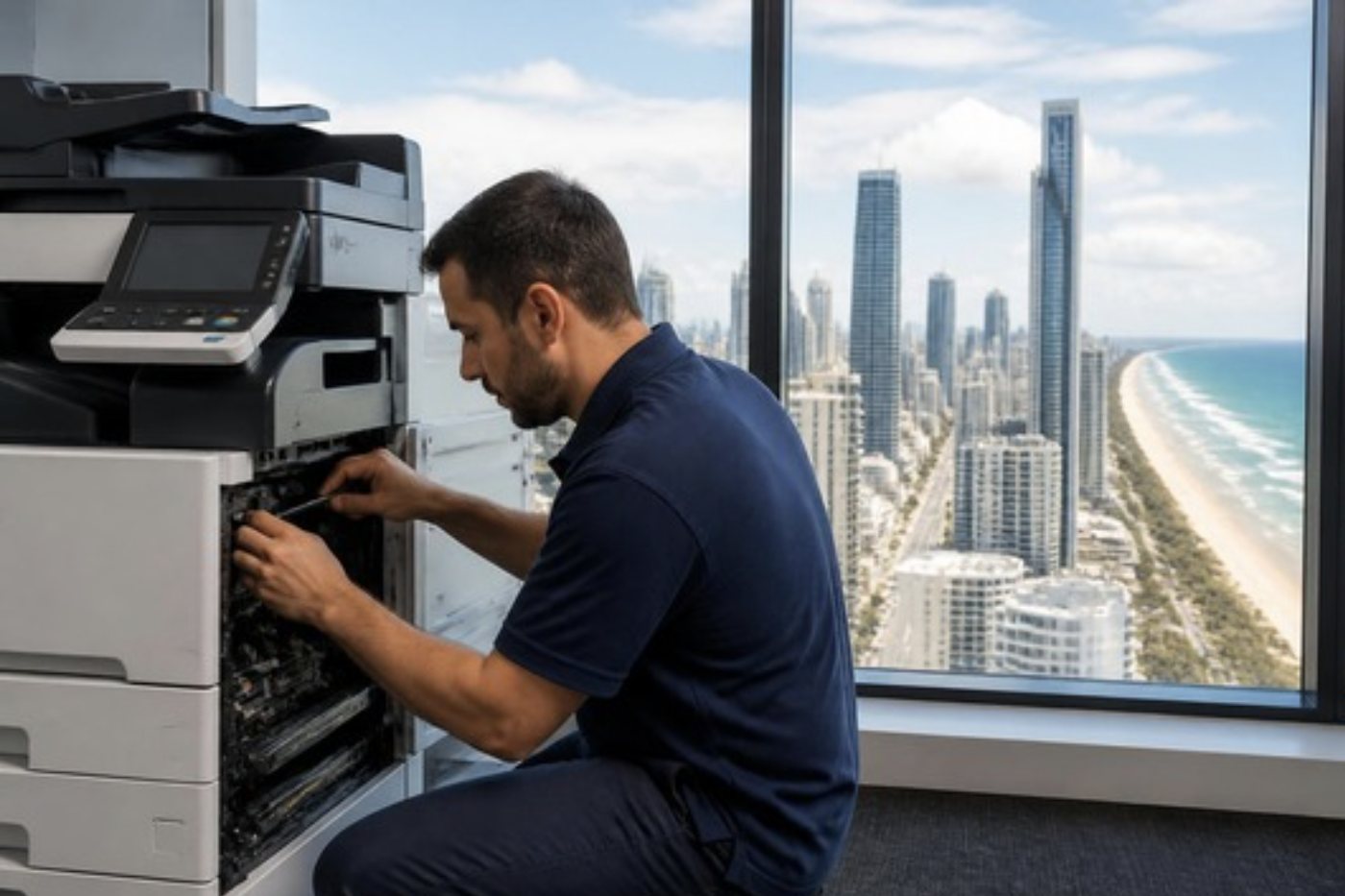
A Monday morning complaint: the copier was fine on Friday and now sits dark or takes ages to warm up. Check the obvious first. The power lead, the switch at the wall, the main switch on the machine, and the circuit breaker. A weekend storm can trip a breaker and nobody notices until staff arrive.
Energy saving modes on Fujifilm and Fuji Xerox machines put the engine to sleep after a set time, and a machine in deep sleep takes longer to come back. The panel gives some message while it does. If the screen is blank and the machine is silent, press the power button on the front once and wait. If it has not come back after a few minutes, ring us.
A fuser that warms slowly or a power board that is failing can both show as a slow start. We check the supply to the machine, the time it takes to reach temperature and whatever the history says. A surge board is cheap protection for a machine that lives in a storm prone city.
Moving a Fujifilm or Fuji Xerox machine across town
Offices move a lot on the Gold Coast. A practice outgrows its rooms at Southport, an agency takes new space at Bundall, a tradie's office goes from a unit to a bigger unit. The copier goes with them, and a copier that was moved without care is a regular source of calls a week later.
Large machines should be moved by people who know to secure the scanner carriage, remove or pad the toner and drum assemblies where the maker requires it, and keep the machine upright. The settings on the machine, including addresses, scan destinations and user lists, need to be saved before the move and put back after. If the network is different at the new site, the machine's address has to change too.
We handle relocation of commercial machines on the Gold Coast, including setting the machine up on the new network and testing scanning from the new desks. Mention it when you ring and we will plan it in.
Fujifilm in the hospitality and events trade
Hotels, resorts, tour operators and event companies work to a clock that nobody else shares. A conference at Broadbeach, a wedding weekend at a hotel on the Spit, a convention in the exhibition centre district: each needs printed run sheets, name lists, room allocations and invoices, produced at the last minute and corrected several times.
The office behind that work usually has one good colour machine, and everyone knows its habits. When it fails on the morning of an event, the cost is not the repair, it is the hour lost. That is why we ask about upcoming events when we book a visit, and why same day service matters to these customers more than to most.
Fax, and why it fails on the NBN
A surprising number of Gold Coast offices still send faxes. Conveyancers, medical practices and some government forms refuse to die, and the ApeosPort in the corner has a fax board that has been quietly doing the job for years. Then the office moves to the NBN, or to a voice over internet phone service, and the fax starts failing: half pages, garbled lines, calls that connect and then drop.
The machine is rarely at fault. Fax tones were designed for old copper lines, and internet phone services squash and reshape them. Slowing the fax speed in the machine's settings, switching off error correction mode or the other way round, and checking that the phone adapter has a fax friendly setting are the usual fixes. We try the machine's side on the visit and tell you what the phone provider needs to change.
If the fax is hardly used, many offices decide to retire it and scan to email instead. We will say plainly whether the machine is worth the effort of keeping a fax line alive.
Ringing us about a Fujifilm or Fuji Xerox
The shortest route to a good first visit is a short list.
- The name on the front, including any Roman numeral and the letter before the digits.
- The whole status code, both groups of digits, if one is showing.
- Whether the trouble is on every job or only one tray or one function.
- The page counters, if you can find the screen.
- The last thing that changed: a move, new toner, an IT job, a storm.
Ask for same day when you ring. It is available, and we will tell you on the call whether today is realistic. A busy line only means your call is logged and returned. Our work is warranted, and what that covers is explained before you agree to anything.
Four steps on a Fujifilm repair
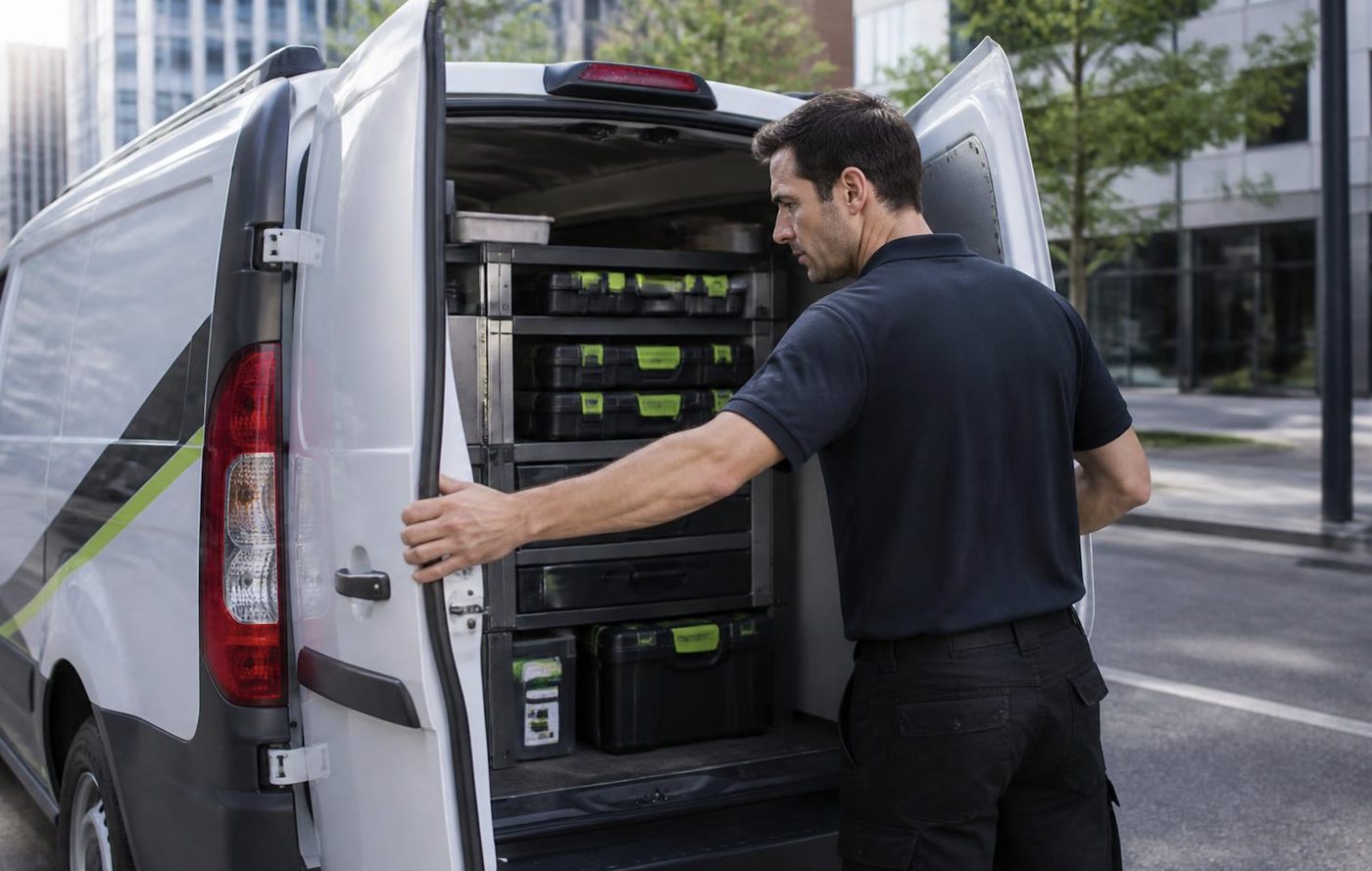
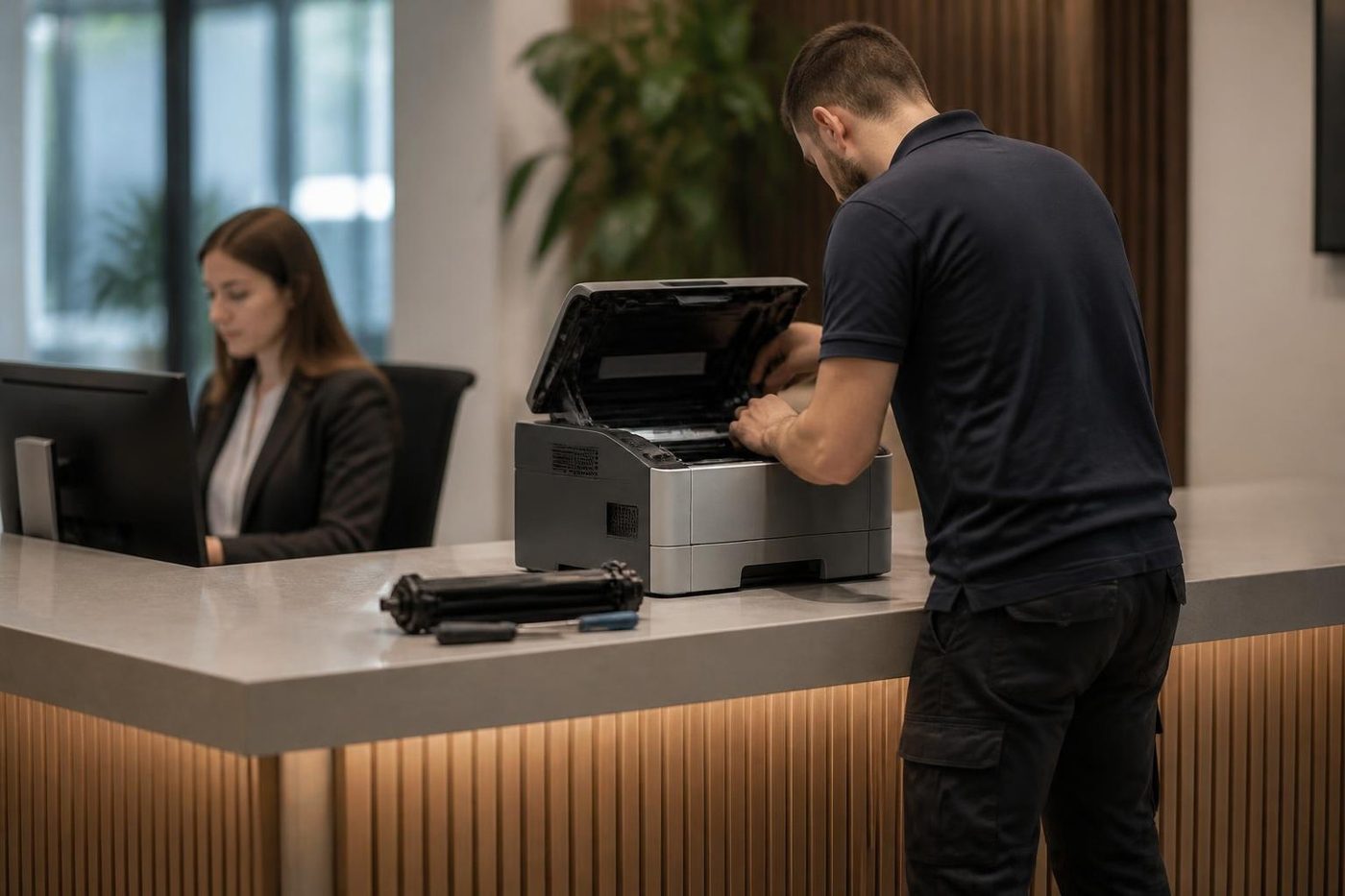

Behind the side panel
Light is the enemy of a drum
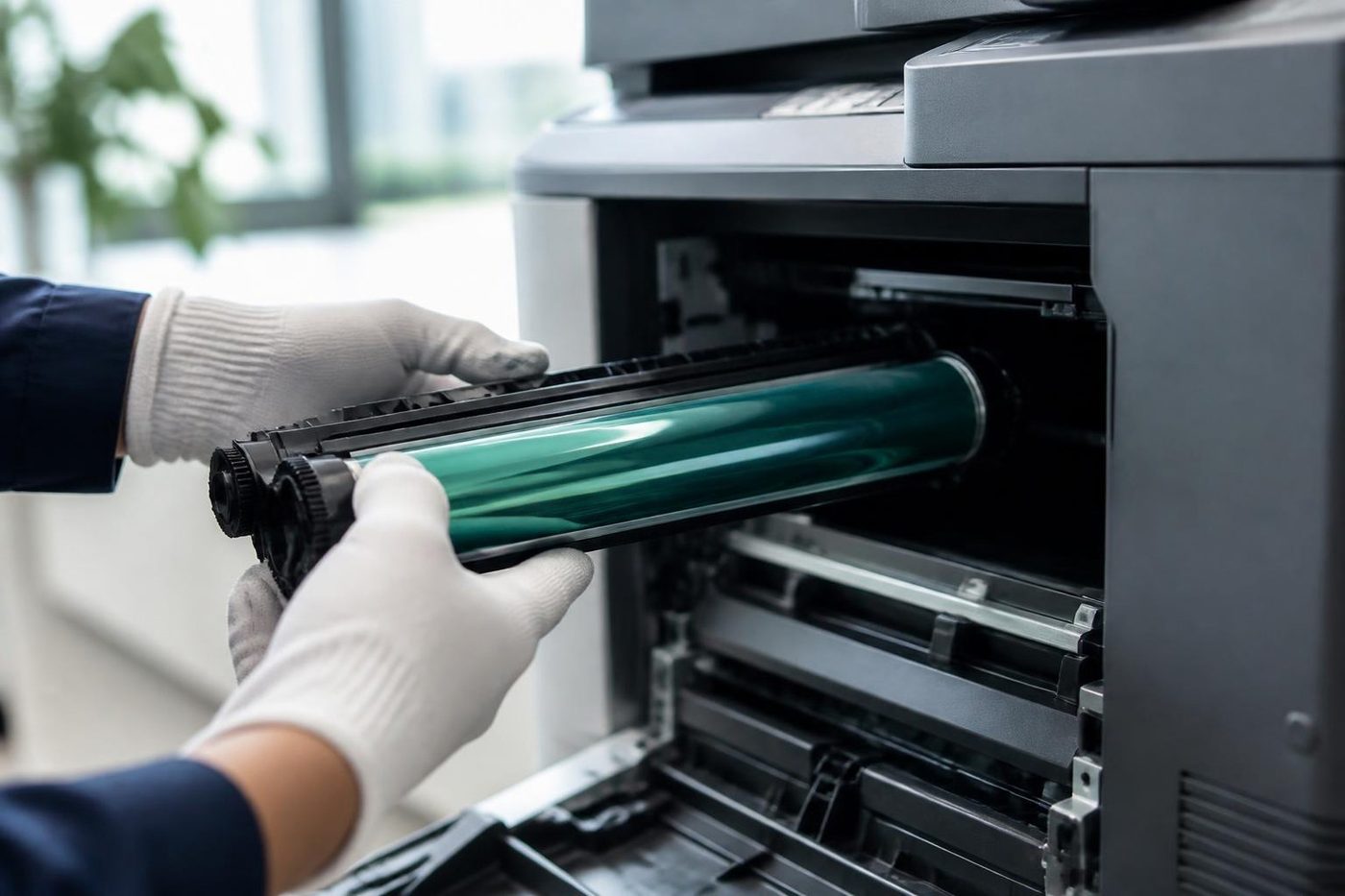
The drum is the part nobody sees and the part that matters most. It is a coated cylinder that reacts to light, so a technician who props the panel open beside a bright window is quietly spoiling it. Gold Coast offices are mostly glass and sunshine, which makes covering the drum a habit worth having.
We send people who wrap it, work quickly and put it back as the maker intended. If a mark repeats down your pages at the same spacing, describe it on the phone. That spacing is a clue.
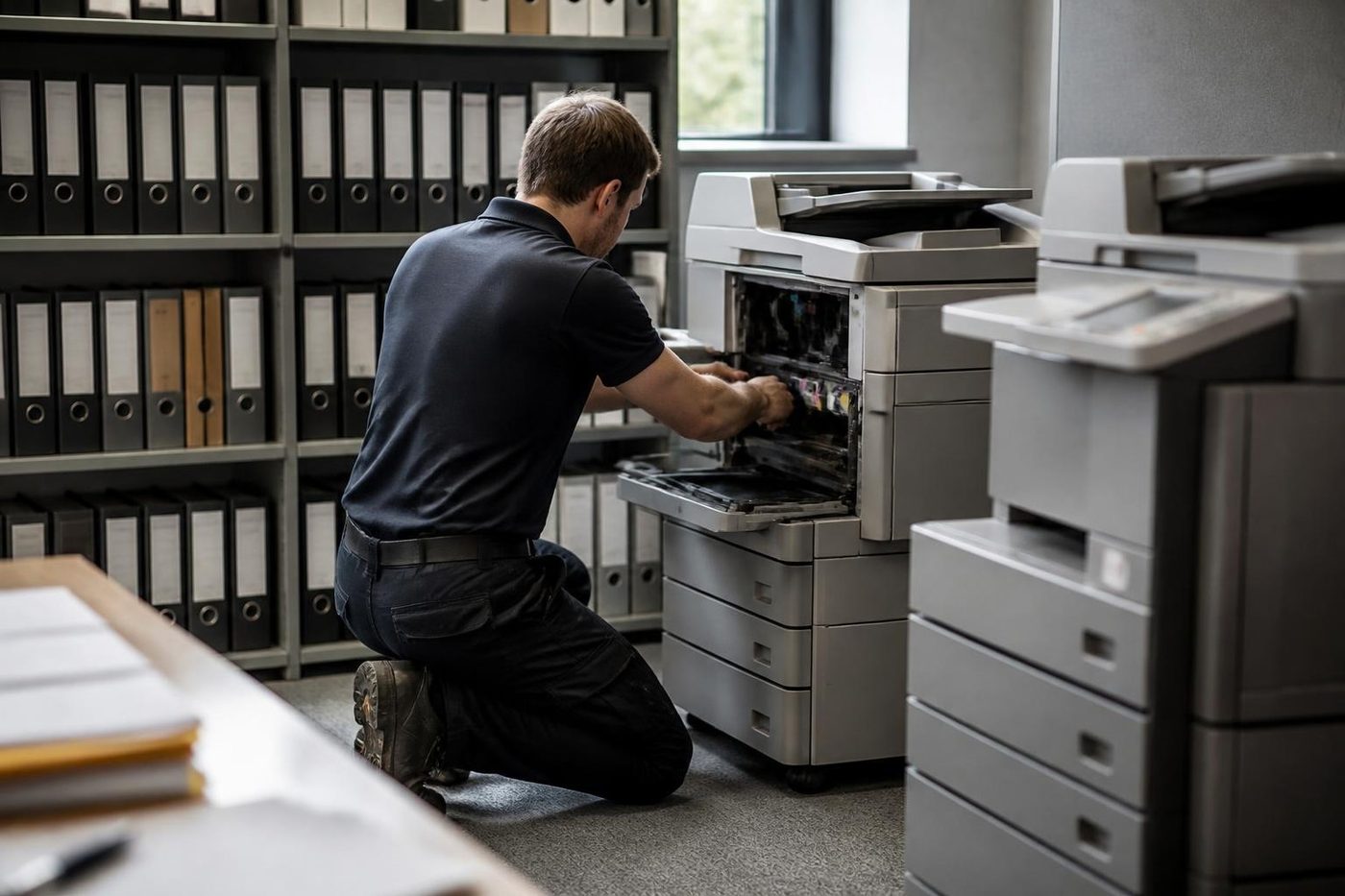
- Covered at all times. The drum goes in a light proof sleeve the moment it leaves the machine.
- Marks read properly. The distance between repeating marks points to the roller or drum at fault.
- No fingerprints. Gloves on, every time.
Keep reading
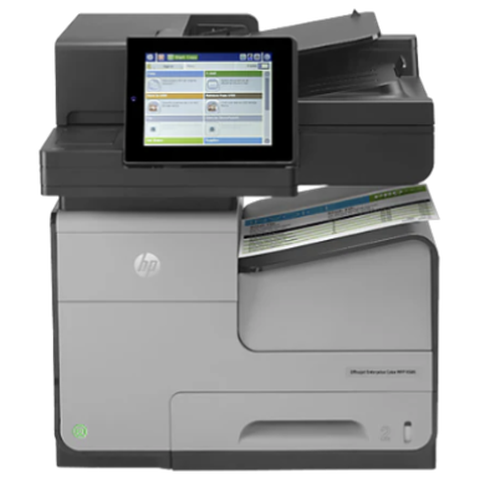 Fuji Xerox repairsApeosPort and DocuCentre machines sold under the Fuji Xerox name.Xerox repairsWorkCentre, VersaLink, AltaLink and PrimeLink machines.
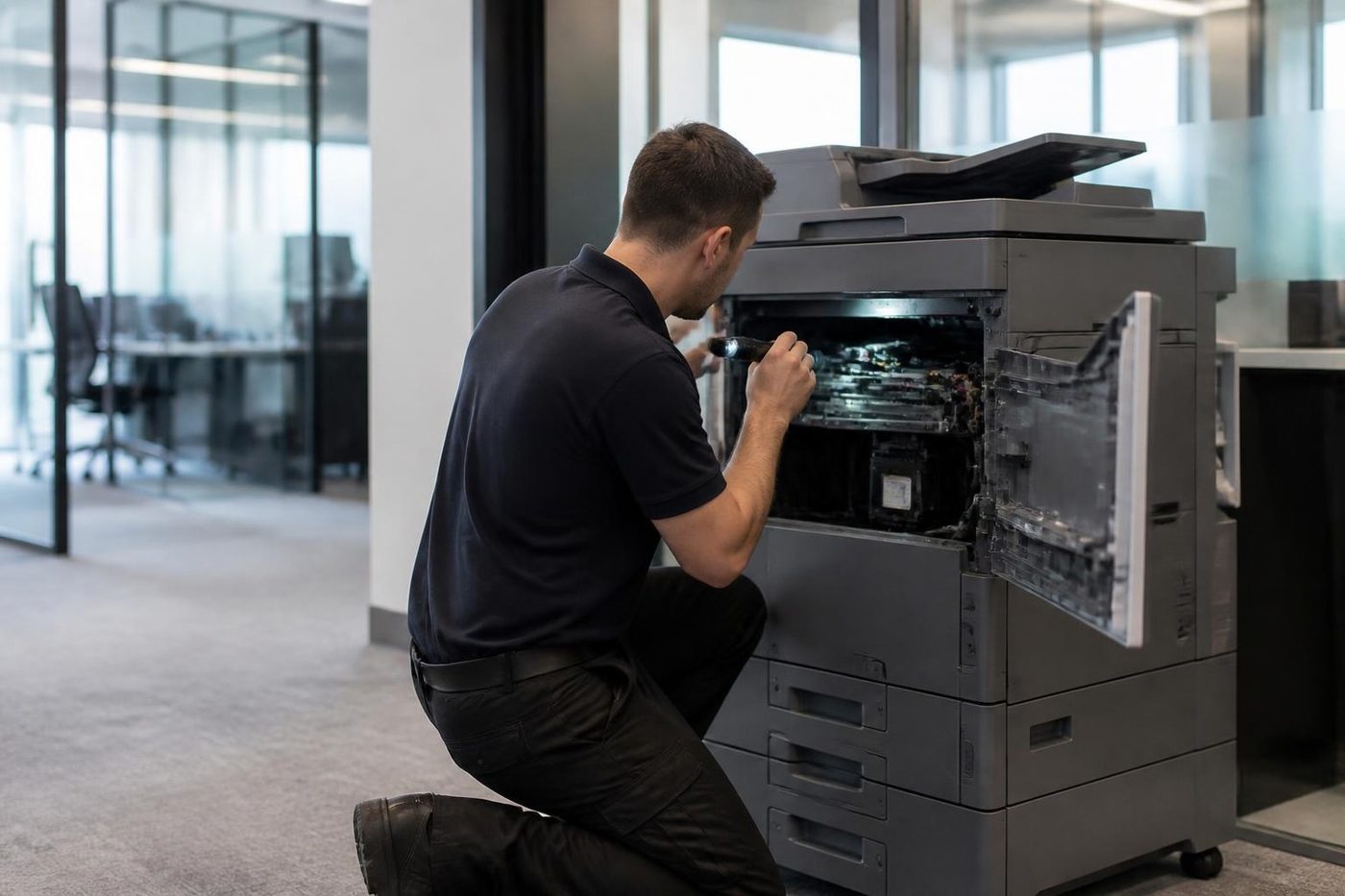 Photocopier repairsAny make of office copier, repaired where it stands.
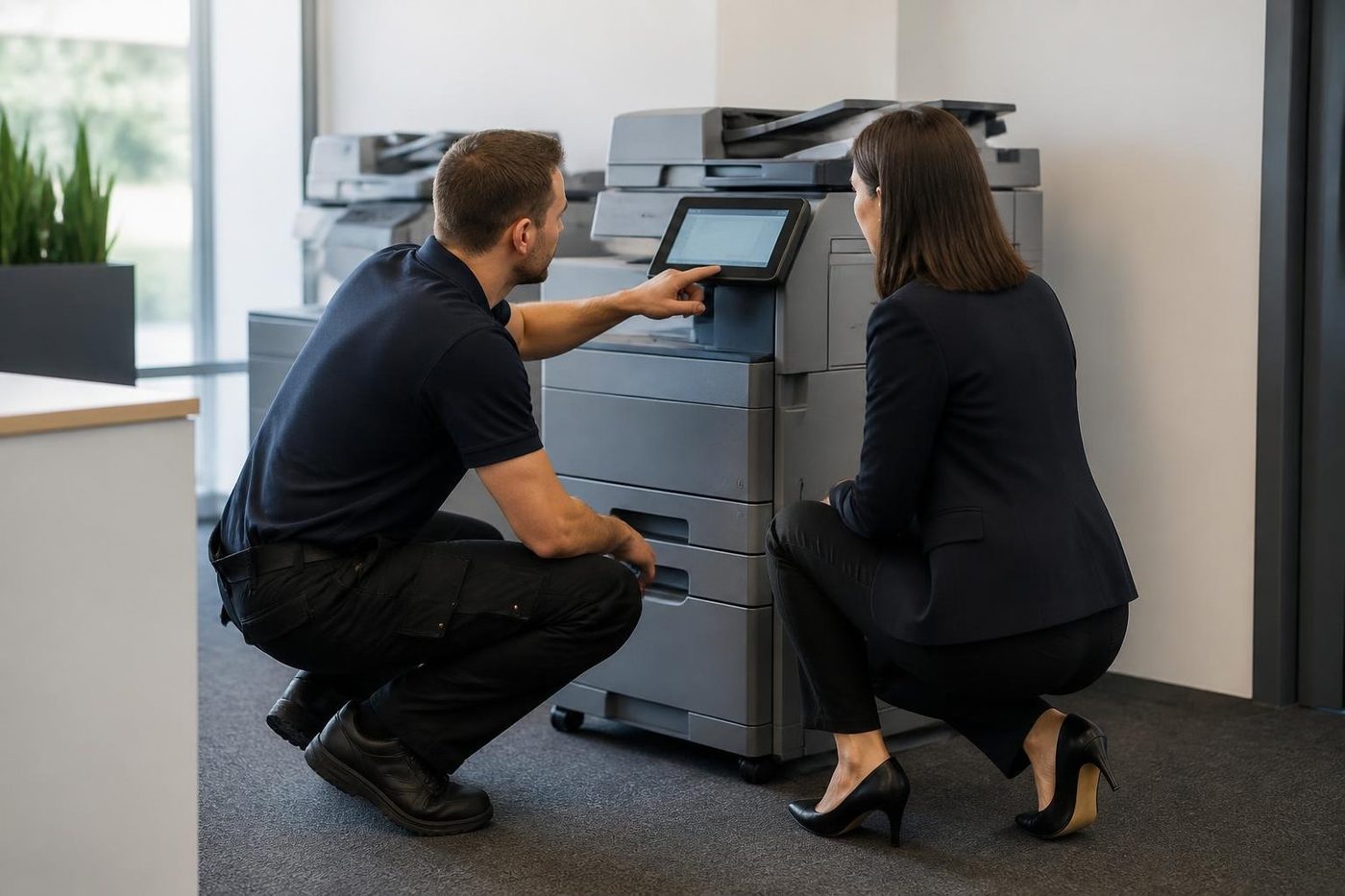 Photocopier servicePlanned visits, one off calls and meter reads for office copiers from Coomera to Coolangatta.
 Scan to email not workingA scan that leaves the glass and never arrives.Commercial printer repairsWorkgroup lasers and fleets, repaired where they sit.
Buy, sell and lease
Buy, sell and lease commercial copiers on the Gold Coast
We also sell new and refurbished commercial copiers and buy used ones. Same team, same technicians.


Machines we have looked after
Common questions from Gold Coast offices
Where can I get Fujifilm photocopier repairs on the Gold Coast?
From us, at your premises. Apeos and ApeosPort machines are repaired on site, along with the older Fuji Xerox badged machines, and Fujifilm printer repairs follow the same method.
Is Fuji Xerox just another name for Xerox?
No. Fuji Xerox started in 1962 as a joint venture between Fuji Photo Film and Rank Xerox. Xerox Corporation is a separate American company, and the machines sold as Fuji Xerox came from the Fuji side.
Why do some machines say Fujifilm and others Fuji Xerox?
Fujifilm announced in November 2019 that it would buy the quarter of the company it did not own, the technology agreement with Xerox ended on 31 March 2021, and the company was renamed Fujifilm Business Innovation that April. Machines sold before the change carry the older name.
Do you repair a copier that still has the Fuji Xerox badge?
Yes. ApeosPort, DocuCentre and DocuPrint machines are repaired at your premises, alongside the newer Apeos machines.
The screen shows two groups of three digits. What are they?
A status code. The first group points at a section of the machine and the second narrows it. It is a lead, not a verdict, so give us the whole code and the model.
Scan to email stopped on Monday. Did the copier break over the weekend?
More likely something changed behind it, such as the mail service, a password or a setting. We check the sign in details and test from the panel, then tell your IT contact what to confirm.
Can a DocuCentre of more than ten years still be fixed?
Often, while parts can be found. When a repair is not worth it we say that, and talk about a replacement.
Do you cover DocuPrint and Apeos printers?
Yes, with the same method as the larger machines.
Our fax stopped working after the NBN went in. Is the machine at fault?
Usually the phone service is the cause, since internet phone lines distort fax tones. We check the machine's fax settings and tell you what your provider needs to adjust.
Does a Fujifilm copier need a service contract with you?
No. Each job is priced on the phone and nothing is locked in.