Varsity Lakes copier service
Photocopier Service and Repairs Varsity Lakes
The train line ends here, and so does a lot of the Gold Coast's newer office stock. Varsity Lakes has recent buildings, recent tenants and, as a result, recent machines. That changes the work. Our photocopier service Varsity Lakes calls are less about worn out old copiers and more about newer ones that have been set up badly, run hard or left on a managed arrangement nobody is reading. Same day service is available. You hear the price on the phone, and the work happens where the machine stands.
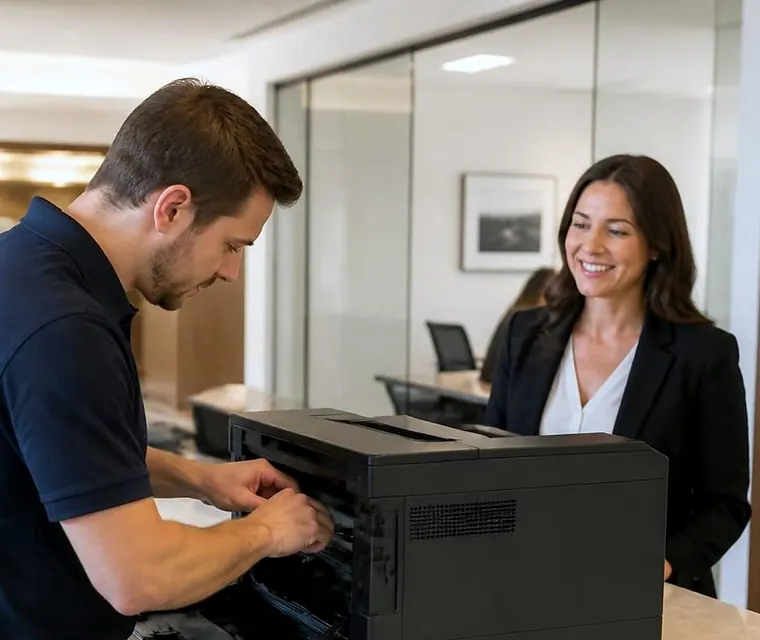
Photocopier service and repairs for Varsity Lakes
A suburb built in one go
Most of Varsity Lakes was planned, not accreted. Streets curve around Lake Orr, Varsity Parade carries the traffic, the railway station sits at the end of the line, and Bond University is a short drive up the road. Offices here are in purpose built suites, with proper cabling and an IT person or provider somewhere in the background.
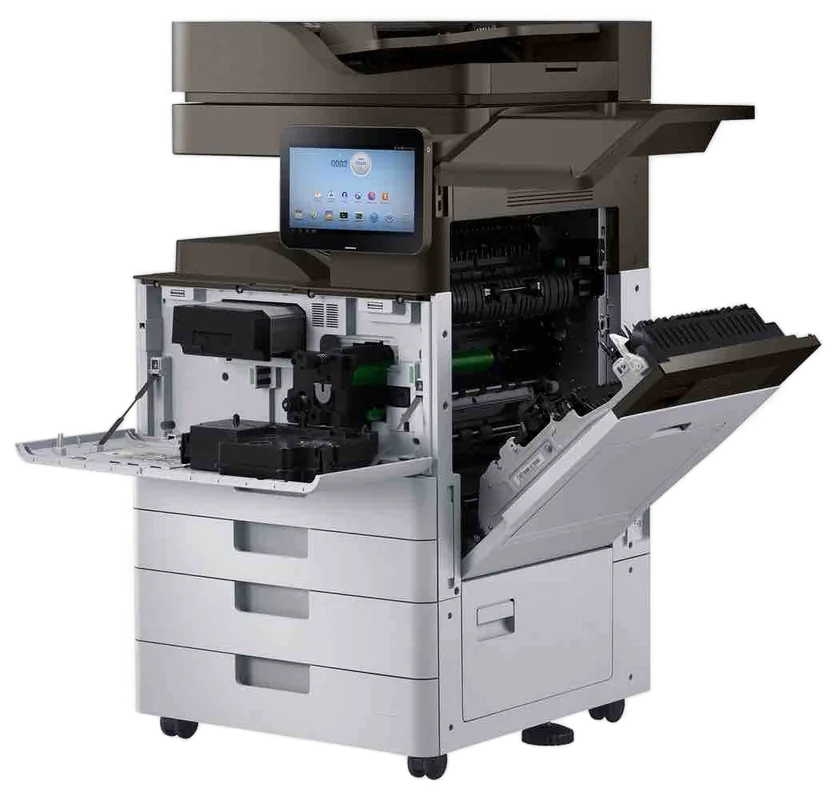
So the machines are mostly newer multifunction copiers, often leased, often with a business of twenty to a hundred people behind them. Kyocera TASKalfa and ECOSYS, Canon imageRUNNER ADVANCE, Toshiba e-STUDIO, Ricoh IM and Fujifilm Apeos all turn up. Printing here is rarely a daily crisis. It is a shared tool that has to work whenever someone needs it.

A price in three steps
- Tell us about the machineThe make, the model and what it keeps doing.
- We ring with a priceYou have it before any visit is booked.
- A certified technician comes to youSame day when the diary has room.
Newer machines, different problems
What goes wrong in the first few years
A new copier does not wear out, but it does fail in other ways. A feed roller can glaze early if the paper stored beside it is damp. A scanner glass collects fingerprints. A network setting changes when the building's IT provider rotates a password. A user code gets removed and nobody can print in colour.
When a Varsity Lakes caller says the copier has stopped, we ask whether anything changed in the last week. A new employee, a new router, a software update on the PC that sends the jobs: any of these will produce a symptom that looks like a hardware fault.
What goes wrong later
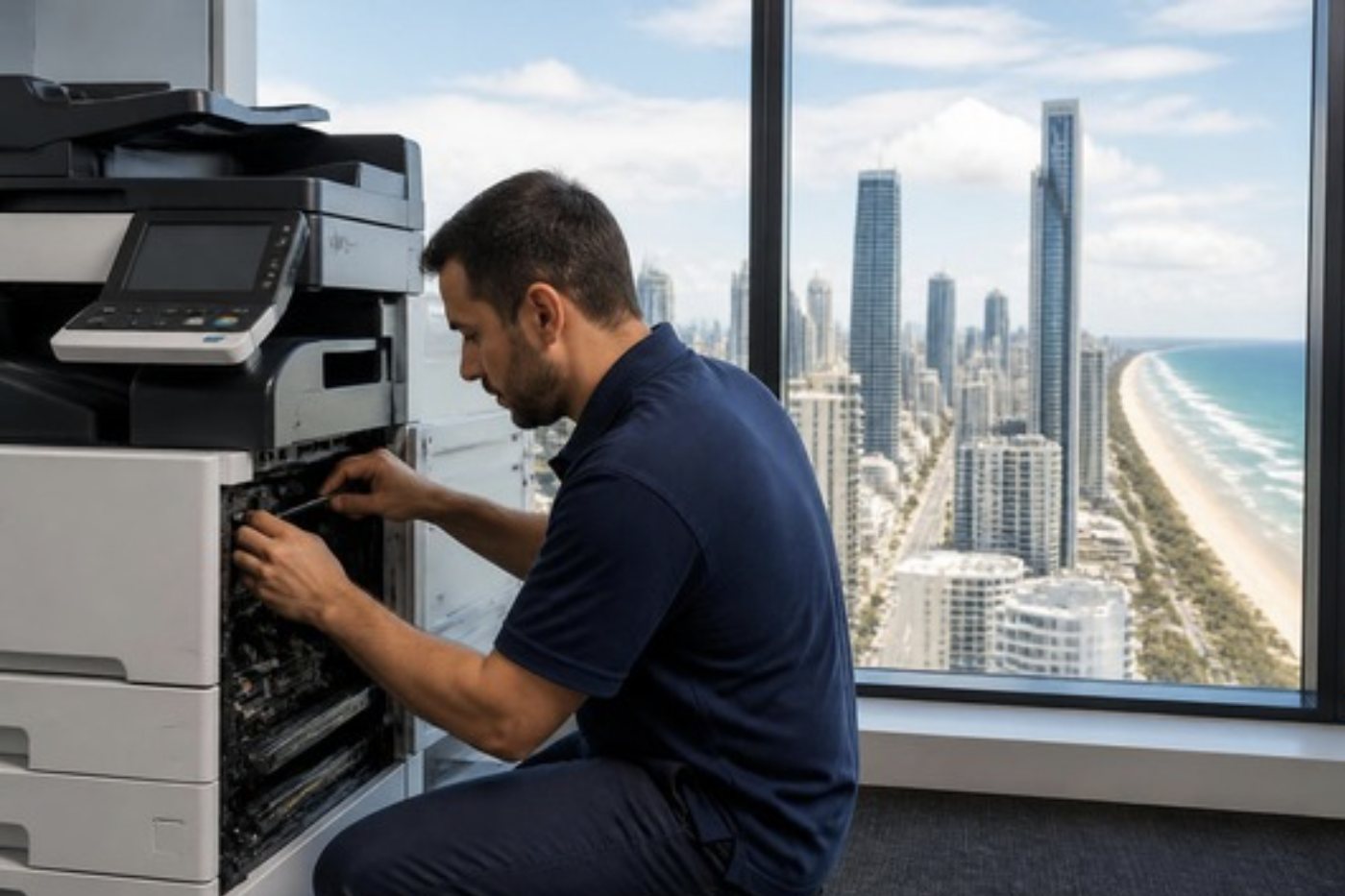
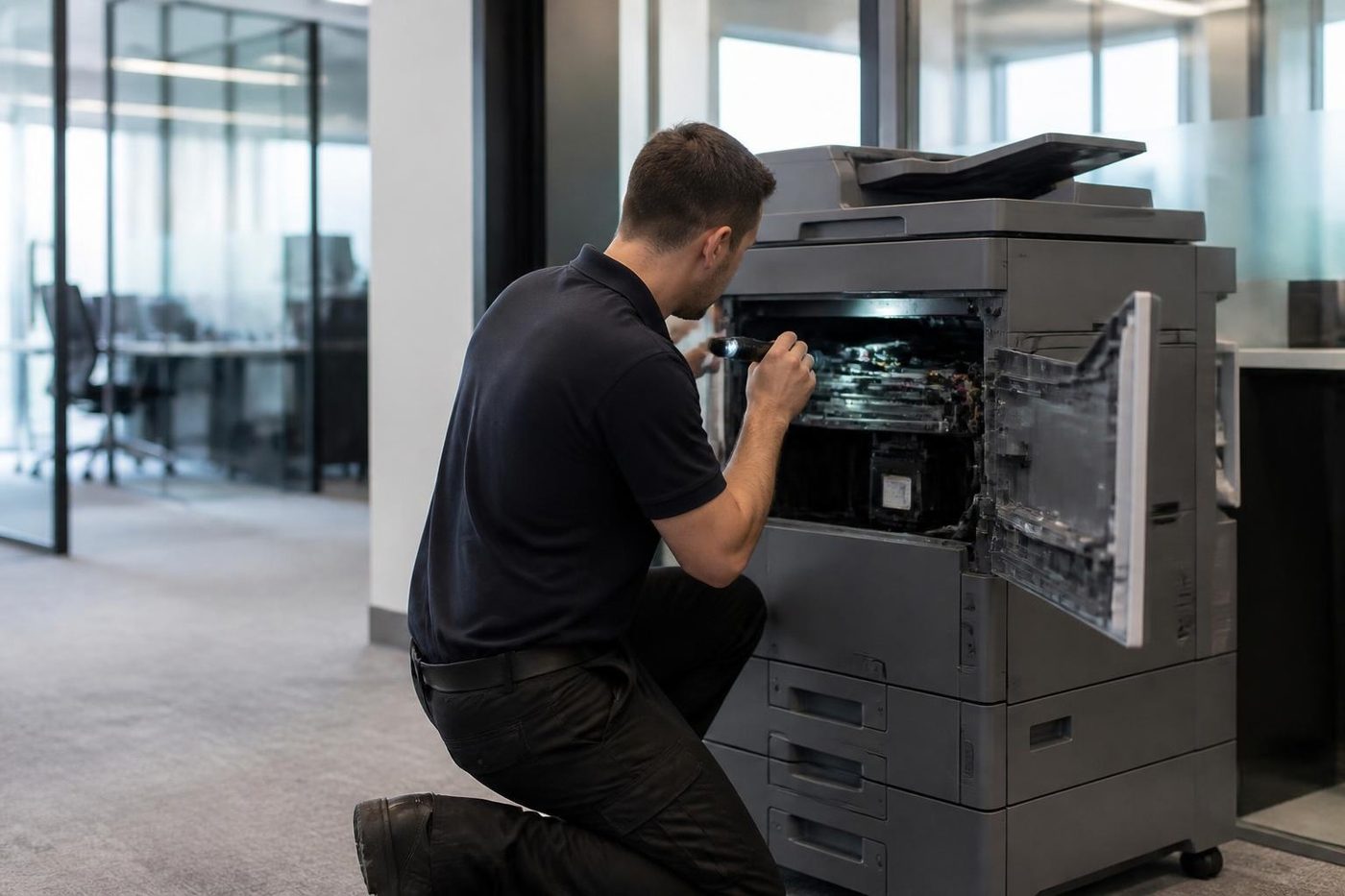
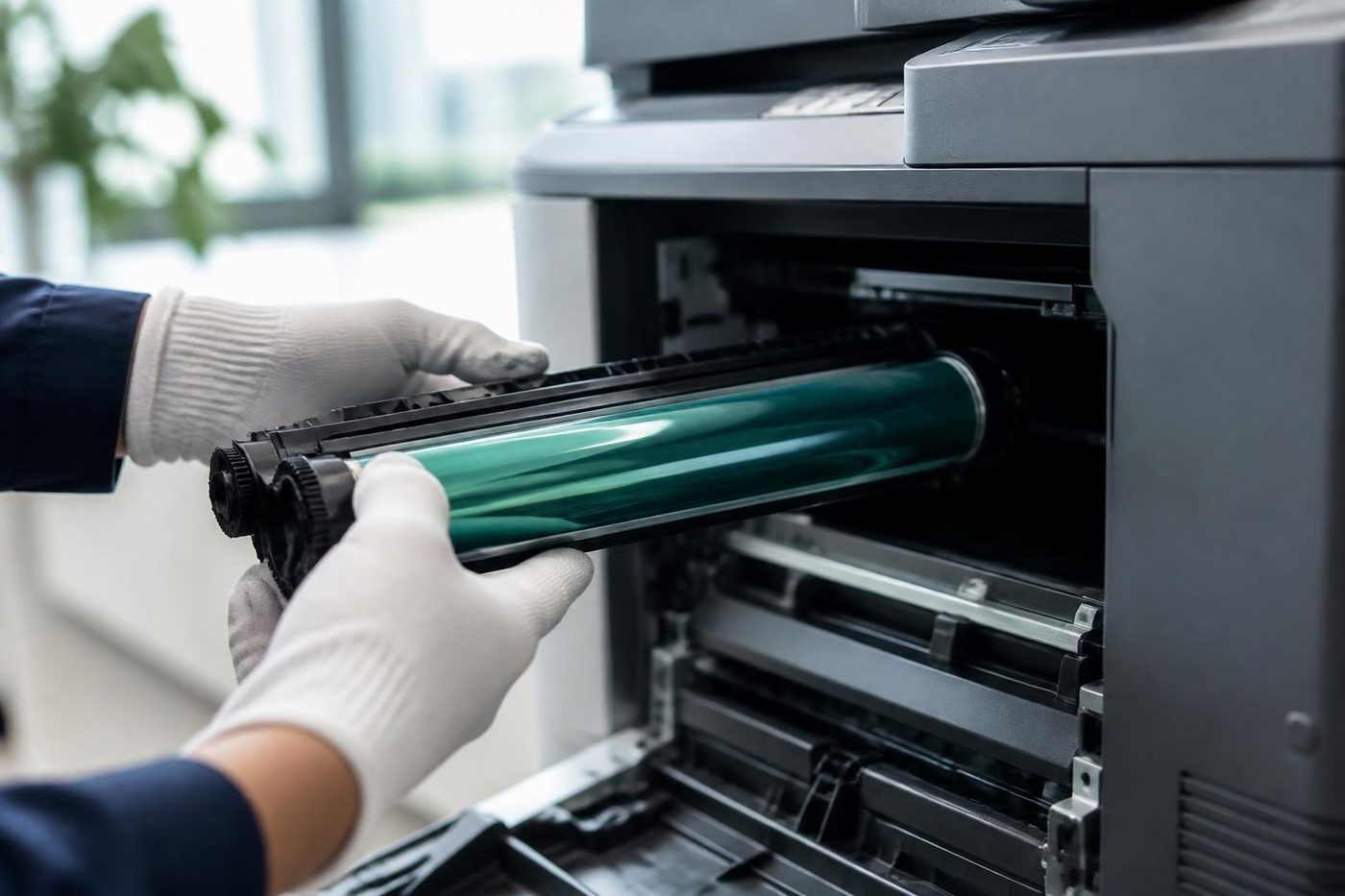
By year four or five the paper path starts to show its age. Pickup rollers need replacing. Fusers lose some grip. Developer units age on colour machines, so a tint appears in one colour. We carry the usual parts for these and fit them at the machine.
Machines running at high volumes between services, with no one watching, are the ones that surprise offices. We suggest a quick look at roller and fuser condition at a visit even when the call was for something else, and you decide whether it is worth doing.
Managed print and who calls whom
Plenty of Varsity Lakes businesses are on a managed print agreement, where a provider supplies the machine and includes toner and some service. If you are on one, read it. The agreement tells you who must attend and in what time. If servicing is included, that provider is responsible and we will say so on the phone rather than quote for it.
If the agreement covers supplies but not repairs, or the lease is finished and the machine stayed, then the repair is yours and we are the people to ring. We agree the price on the call and nobody is booked until you say yes.
We stand apart from the brands: independent, not a dealer, not the manufacturer. We are not the maker or a dealer of Kyocera, Canon or any other brand, so we do not have a preferred story about whose machine is best.
Technology firms and the quiet fleet
Software and technology businesses print less than lawyers do, but when they print it matters: contracts, board packs, a stack of onboarding forms for a new hire. The copier is often in a corner nobody looks at, and it fails on the one day it is needed.
A cheap habit helps. Print a test page on Monday. If it comes out with a stripe or a faint shadow, the fix is a ten minute call, not a Friday emergency. We will tell you which streaks point to the glass, which to the drum and which to the fuser.
| The mark on the page | Where it usually comes from |
|---|---|
| A thin line in the same place on copies only | Dirt or a scratch on the scanner glass or the feeder strip |
| A thin line in the same place on prints and copies | The drum, the charge area or the developer for that colour |
| Repeating spots down the page at even gaps | A roller or drum with damage, where the gap matches its circumference |
| Toner that rubs off | The fuser, or paper that is too heavy or damp for the setting |
| Pages that come out wrinkled | Paper stored badly, or the fuser pressure roller worn |
Use the table as a guide only. We confirm at the machine.
Scan workflows in a newer office
Newer offices lean on scanning. Documents go to email, to a shared folder, to a cloud drive, sometimes to a document system that files them by barcode. Each of those is a chain of settings, and any link can break. The copier holds an address, a login and a path. The receiving end holds a permission. The network sits in the middle.
We test from the panel with a real page, watch whether it leaves the machine and say where it stops. If it leaves the copier and never arrives, the machine is fine and the question goes to whoever manages your email or your files. If it never leaves, we look at the machine settings and the network address together.
One habit saves trouble: write down who set the scan destinations, and what login they use. When that person leaves, the scans stop a few weeks later and nobody remembers why.
Colour on the bigger machines
Offices in these buildings often have a colour multifunction for reports and marketing. The colour engine has four toner stations and a transfer belt, and faults can be isolated to one colour. A single colour that has faded, shifted or started to band is a developer or drum matter in that station, and the other three can be perfectly healthy.
Tell us which colour is off. It sounds small and it makes a real difference to what we bring.
Schools, colleges and the student year
Schools and training colleges around the Varsity Lakes end have their own rhythm. Term starts, report cards, exam periods and enrolment weeks create peaks, and a machine that was sluggish in the quiet weeks will fail in the busy ones.
If you manage a school office, tell us when the heavy weeks are. A pre term service visit on a feeder or a fuser is a good deal cheaper than a breakdown on report week. We will tell you what we find and what we think can wait.
A realistic word on lakeside humidity
Varsity Lakes sits beside water and the air is damp for much of the year. Paper stored in a stationery cupboard soaks it up, and a damp ream jams more than a dry one. Keep paper in its wrapper until it is loaded, and rotate stock so the oldest goes first.
It is not drama, just one of those small habits that cuts the calls we get. Offices that follow it have fewer feed problems.
Getting to you
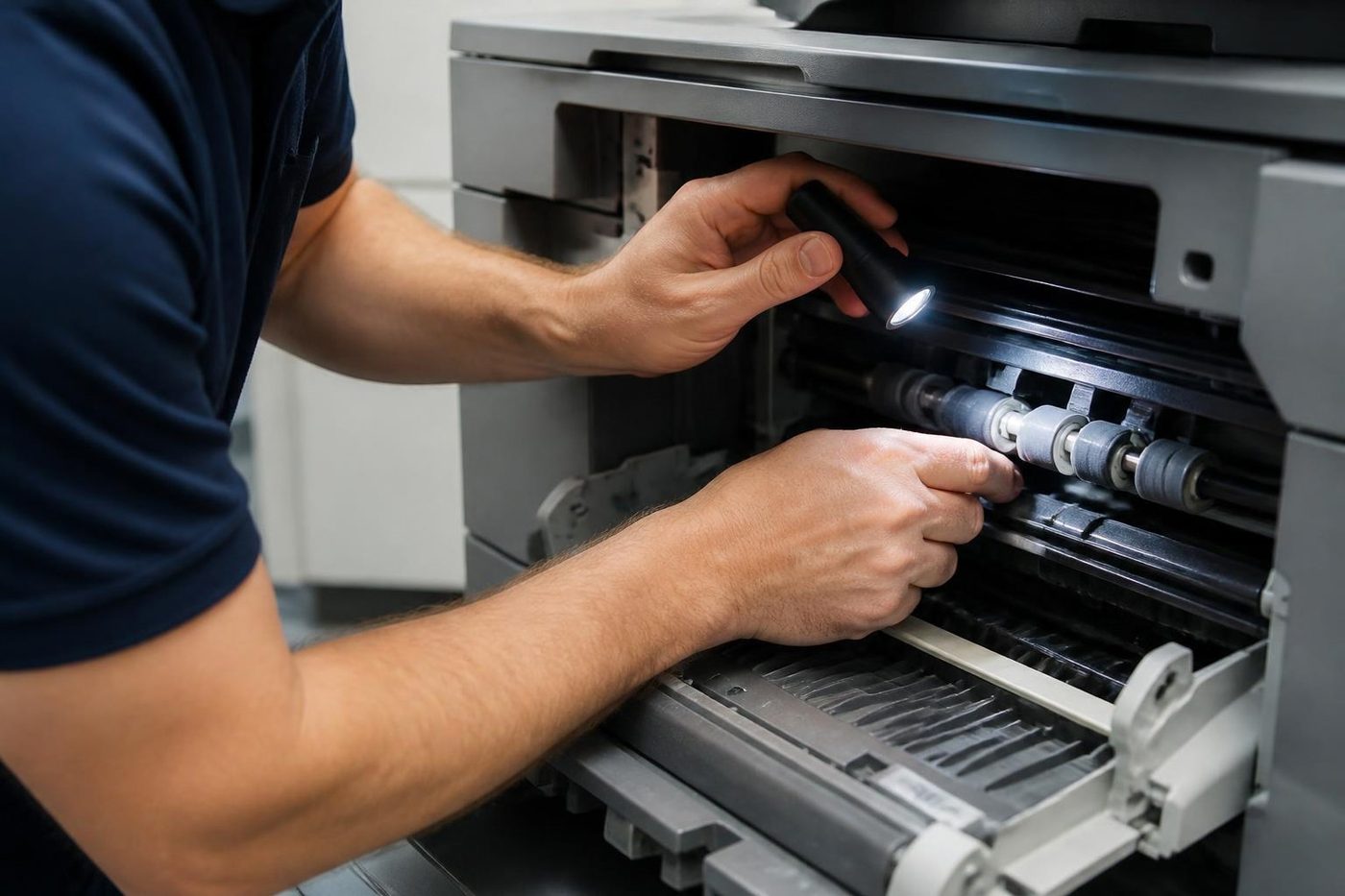
Give us the street, the suite and the access arrangements. Many Varsity Lakes buildings have basement or undercroft parking with a height limit, and a service van is taller than a car. Tell us if there is a restriction and we plan around it.
Whoever attends is certified and has done this work before, and 98% of jobs are sorted first go. The same symptom a second time means another visit from us, free of charge. Leave a message if the line is engaged, because every call is logged and returned.
The second callout
The cheap visit is the one that fixes it
So we try to make the first visit the only one. The technician reads the history, brings the likely parts and tests the finished job properly. If the same fault does return, we fix it at no charge.
It is plain arithmetic. One visit done well costs less than two done quickly, and nobody has to explain the delay to a board.
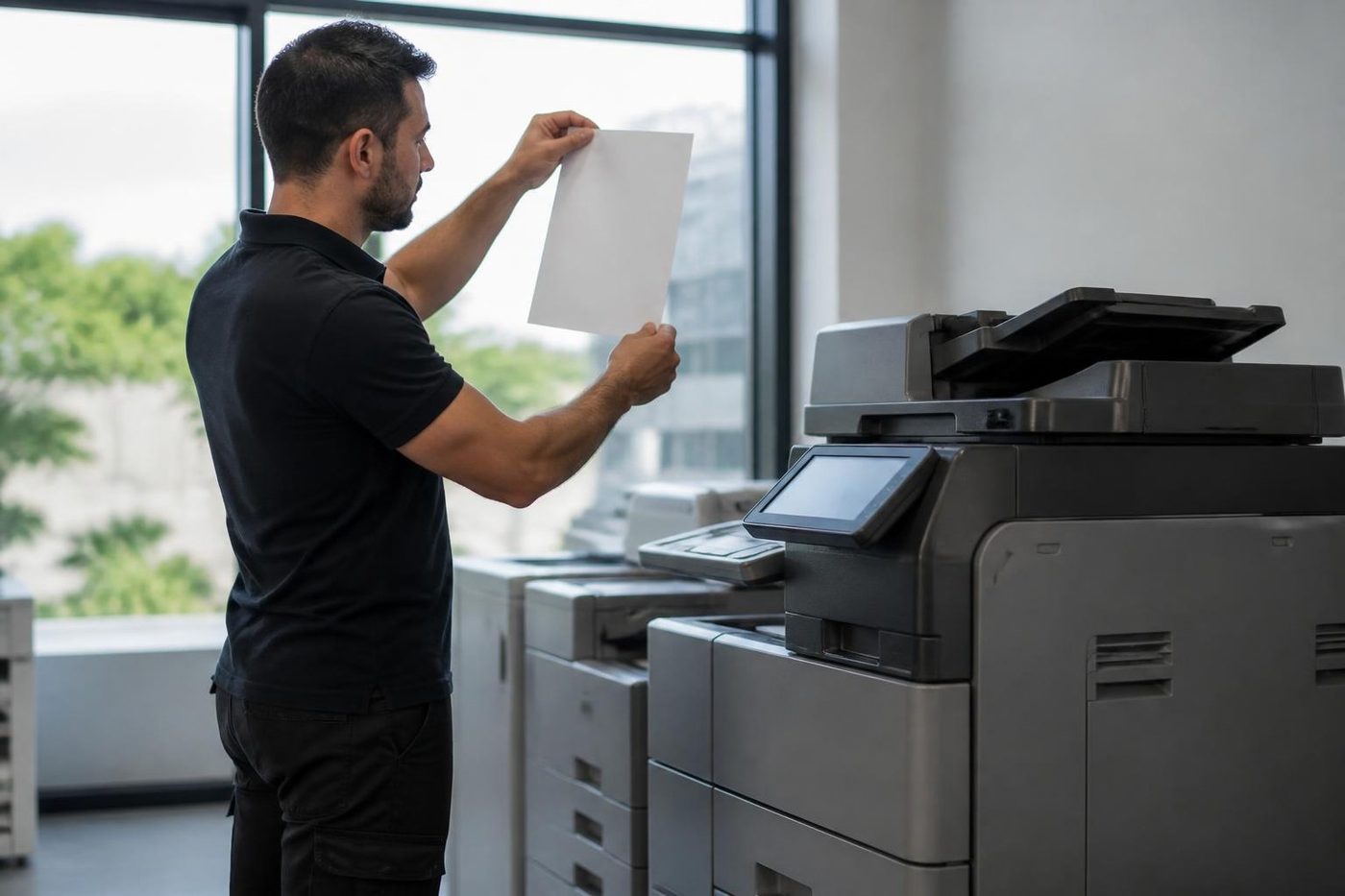
- History read first. Past faults on the machine shape what gets packed in the van.
- Finished means tested. Every tray, the scanner and the finisher get a run.
- Repeat fault, no bill. If it returns, so do we.
Keep reading
 Photocopier repairsAny make of office copier, repaired where it stands.
 Commercial printer repairsWorkgroup lasers and fleets, repaired where they sit.
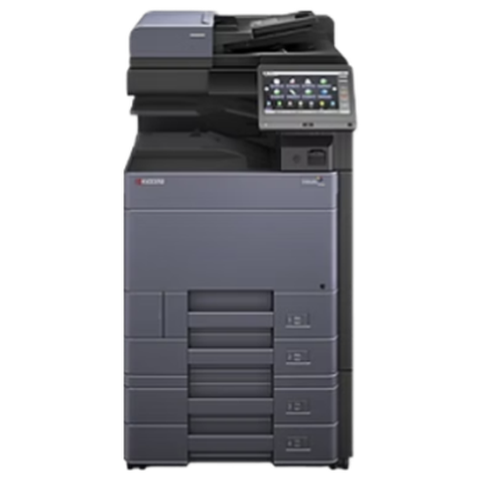 Kyocera repairsTASKalfa copiers and ECOSYS printers, serviced on site.
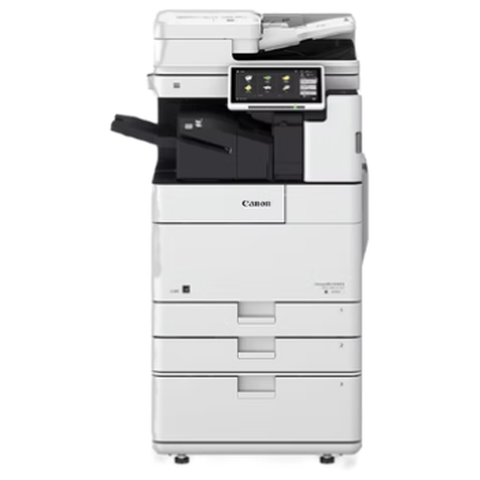 Canon repairsimageRUNNER ADVANCE, DX and i-SENSYS, repaired on site.
 RobinaProfessional and medical offices around Robina Town Centre and Bond University
 Mudgeeraba and Reedy CreekHinterland village offices, colleges and home businesses
 Burleigh HeadsProfessional practices, design studios and growing firms by the beach
Buy, sell and lease
Buy, sell and lease commercial copiers on the Gold Coast
We also sell new and refurbished commercial copiers and buy used ones. Same team, same technicians.
A few recent visits
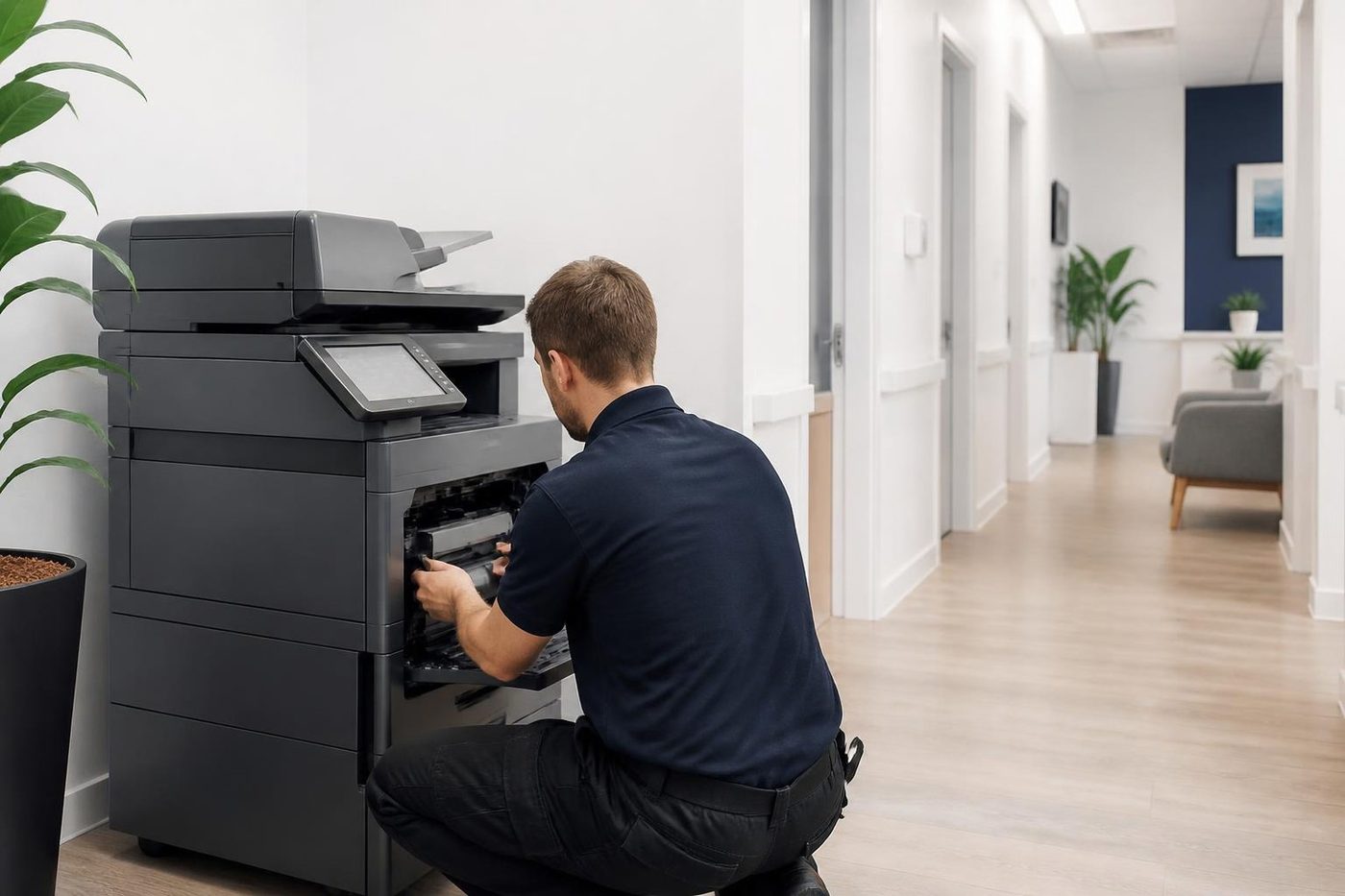

Common questions from Gold Coast offices
Do you service Varsity Lakes offices on managed print agreements?
If servicing is included with the agreement, the provider should attend and we say so rather than quote. If only supplies are included, or the agreement has ended, ring us.
How quickly can a technician reach a Varsity Lakes suite?
Same day service is available. The earlier you ring, the more of the day we have to work with, and the price is settled on that call.
Our new copier is already giving trouble. Is that normal?
It is often a setup or network matter rather than a hardware fault. We check the machine first and tell you where the problem really sits.
There is a line down every copy. Is it the drum?
If it appears on copies only, suspect the scanner glass. If it also appears on prints, the drum or developer is more likely. We tell you after a look.
Do you service the school offices near Varsity Lakes?
Yes. Tell us the term dates and we plan a service before the busy weeks where we can.
The undercroft car park has a height limit. Does that matter?
It can. Tell us the clearance and where to park and the technician arrives with a plan.
Should we service a machine before it fails?
If it is busy and several years old, a look at the feed rollers and fuser is cheap compared with a breakdown in a deadline week. Say so on the call and we agree what to check and what it costs.
Is our colour copier worth repairing if one colour has faded?
Often yes, because the fault is usually confined to that colour station. Tell us which colour and we say what it points to.
Scans to the shared folder stopped after a staff member left. Why?
The copier may be using that person's login. Change it to a shared account and the scans return. We test from the machine to confirm.
Nobody picked up. What happens to our call?
Every call is logged and returned. Leave the address, model and fault.
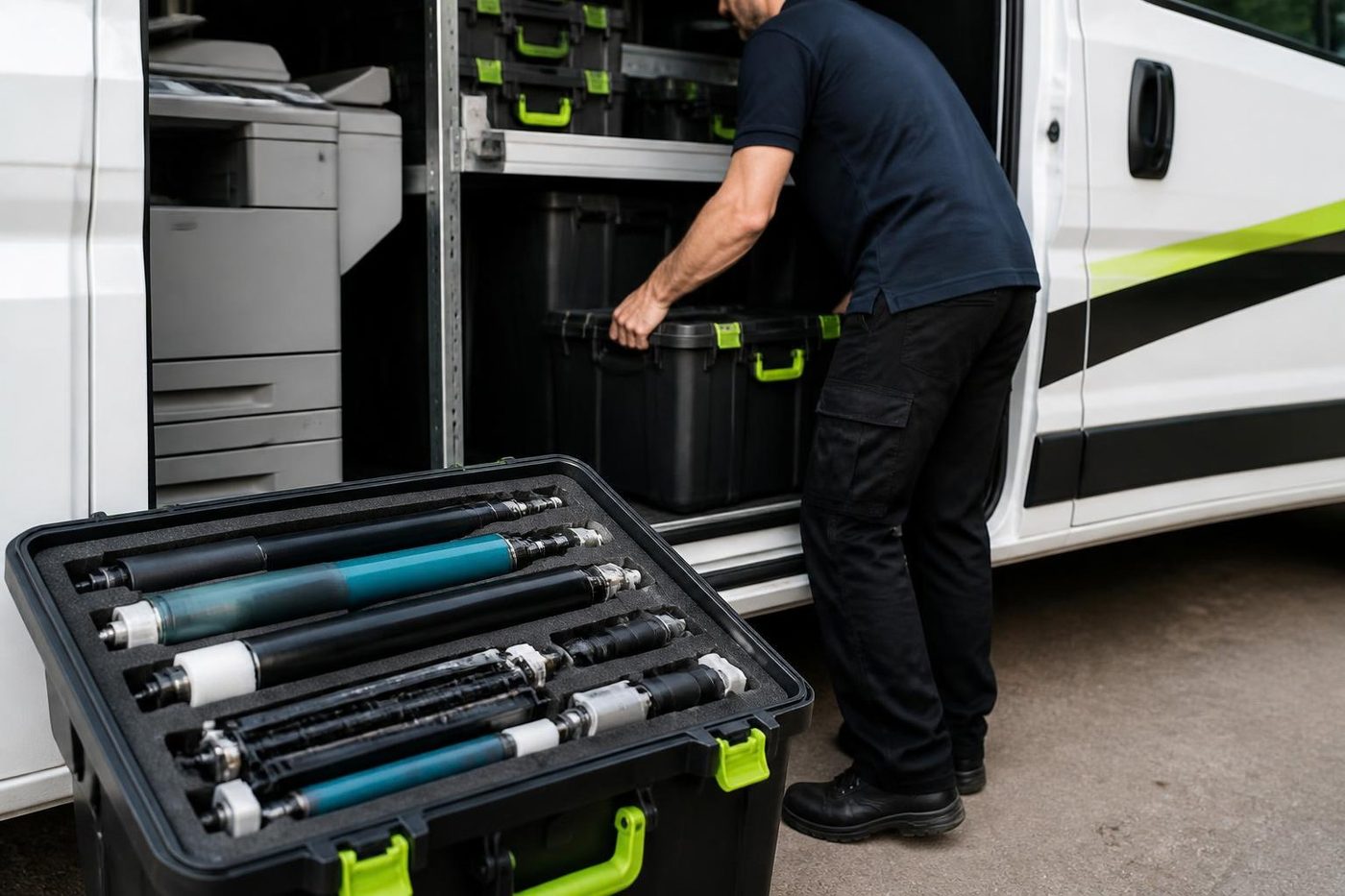
Tired of the paper jams
Tell us, and we will sort it.
Ring or send the details. We talk through the fault and give you a price, with nothing locked in.
Get a price
Everything we look after on the Gold Coast
Copier and printer service
Fault guides
- Copier and printer faults Gold Coast
- Photocopier paper jams Gold Coast
- Copier black lines and streaks Gold Coast
- Copier error codes Gold Coast
- Copier not printing Gold Coast
- Scan to email not working Gold Coast
- Toner smearing and fuser faults Gold Coast
- Printer offline and network faults Gold Coast
- Copier noise, grinding and squealing Gold Coast
- Is my copier worth repairing Gold Coast
- Toshiba e-STUDIO error codes Gold Coast
- HP LaserJet error messages Gold Coast
- Kyocera TASKalfa error codes Gold Coast
Makes we repair
- Toshiba copier repairs Gold Coast
- HP printer repairs Gold Coast
- Kyocera copier repairs Gold Coast
- Fujifilm copier repairs Gold Coast
- Xerox copier repairs Gold Coast
- Canon copier repairs Gold Coast
- Ricoh copier repairs Gold Coast
- Lexmark printer repairs Gold Coast
- Brother printer repairs Gold Coast
- Epson printer repairs Gold Coast
- OKI printer repairs Gold Coast
- Zebra printer repairs Gold Coast
- Konica Minolta copier repairs Gold Coast
- Sharp copier repairs Gold Coast
- Samsung printer repairs Gold Coast
- Fuji Xerox copier repairs Gold Coast
Suburbs we work in
- Printer service Southport
- Printer service Bundall
- Printer service Robina
- Printer service Nerang
- Printer service Burleigh Heads
- Printer service Helensvale and Coomera
- Printer service Surfers Paradise
- Printer service Broadbeach
- Printer service Coolangatta and Tweed Heads
- Printer service Labrador and Biggera Waters
- Printer service Mudgeeraba and Reedy Creek
- Printer service Molendinar, Ashmore and Carrara
- Printer service Currumbin, Palm Beach and Tallebudgera
- Printer service Byron Bay, Ballina and Lennox Head
- Printer service Lismore and the Northern Rivers
- Printer service Murwillumbah and the Tweed Valley
- Printer service Kingscliff, Tweed Heads South and Pottsville
- Printer service Arundel and Yatala
- Printer service Pacific Pines and Oxenford
- Printer service Tugun, Bilinga and the Gold Coast Airport side
- Printer service Miami, Mermaid Waters and Mermaid Beach
- Printer service Currumbin Waters and Elanora
- Printer service Paradise Point, Runaway Bay and Hope Island
- Printer service Mullumbimby, Brunswick Heads and Ocean Shores
- Every suburb we cover
Know the make and what it is doing? That is enough for a price.
Send us the fault and the make
Give us the make, the model and when it started playing up. We come back to you with a price before anyone is booked. (07) 3096 0331 if you prefer.