Is my copier worth repairing? The honest starting point
A salesperson has a reason to say replace. A repairer has a reason to say fix. We do both, which helps, because we gain nothing from tilting the answer either way. What we do gain is a customer who rings again in three years.
So the method comes first. After that the right answer for your machine usually becomes obvious.

Seven things we weigh
| Factor | What we look at | Which way it pushes |
|---|---|---|
| Age of the model | Years since it left production | Older models risk losing parts |
| Page count | The meter against what the model is built for | A very high count means many parts near the end |
| Parts support | Whether the parts can still be had | No parts, no repair |
| The fault itself | One failed part or general wear | One clear fault favours repair |
| Recent history | Visits in the last year and what they were | A run of different faults favours replacing |
| Overall condition | Drum, fuser, feed rollers, scanner, finisher | Several worn assemblies at once favour replacing |
| Fit for the job | Volume, colour, finishing, scanning, security | A machine too small for the load keeps breaking |
None of those decides it alone. They add up.
Where repair wins
A tidy machine with one clear fault is almost always a repair. The fuser that has reached the end of a normal life on a copier that is otherwise in good shape. A pickup roller on a machine that has jammed weekly. A scanner lamp on an engine that prints beautifully.
These are ordinary wear parts. Fit one, and the machine runs for years. A fair test is that the repair should buy you at least a year of trouble free work. If the technician cannot say so, ask why.
Where we say replace
There are a few clear signs. The parts are gone, which happens when a model has been out of production for a long time. The visits keep changing subject: a feed fault in March, a drum in June, a scanner in August. The repair now would cost a large share of what the machine is worth, with more assemblies close behind. Or the machine has stopped suiting the office: too slow, too small for the paper, no scanning to the places staff want, nothing that satisfies the security rules your IT provider has set.
When we see that, we say so on the day and we do not fit a part into a machine we expect back in a month. If you decide to replace, our pages on buying, selling and leasing explain new and second hand machines, and our advice about the old one is unaffected by the choice.
What the Gold Coast adds
Climate and use patterns matter here. Salt air and humidity age the electrical parts and the paper path on machines near the beach. A medical practice at Robina that runs one machine for eight staff all day will wear one out faster than the same machine in a quiet accountant's office. Hospitality and property offices have seasonal peaks that overload a machine sized for the quiet months.
A machine that has coped with ten years of that is not a machine to be embarrassed about. It may still have decent years left. Another that has been serviced rarely and sits next to a window might be done at six.
How to test our advice
A technician who answers all five clearly is one you can trust with the decision.
- Ask what the repair costs, and what else is likely to need attention in the next year.
- Ask whether parts for this model are available, and for how long, as far as the technician knows.
- Ask how many pages the machine has done, and what it was built for.
- Ask what the technician would do if it were their machine.
- Compare the repair cost with the cost of a sensible replacement, not the most expensive one.
Cost per page and the toner angle
The repair is not the only number. A machine that is expensive to feed, with a toner cartridge that costs a fortune per page or a drum that is replaced often, eats the saving over a few years. Compare what you spend on consumables now with what a newer machine would use, using the real page count and the real colour mix.
Newer machines tend to be cheaper to run. They also tend to be quicker to warm up, easier to scan from and more useful for the security conscious office. Those are legitimate reasons to replace. They are separate from the question of whether a fault is worth repairing, and we try to keep them separate.
Colour machines are a special case
A colour copier carries four drums or four developer units, a transfer belt and a more complicated fuser. That means more parts to wear, more that can drift out of alignment and a repair bill with more zeros. A colour machine that mostly prints black and white for a small office may be cheaper to replace with a mono model, and a good technician will say so.
The opposite also holds. A colour machine in a design or real estate office that earns its keep should be kept while it can be. A belt or a drum is a fair repair on a machine with years left.
What a straight answer sounds like
Here are some of the things we have said on site, and would say again. This one is fine, fit the roller and leave it alone. This one has a drum on its last legs and a fuser close behind, so you will be paying twice in six months. This one is a good machine in the wrong office, it is too small for the volume and you are punishing it. None of those is a sales line. They are the three outcomes of the same conversation, and you are free to ignore all three.
Repair now, replace later
There is a middle path. Some offices repair the machine now, because it is cheap and they are mid project, and plan to replace it at the end of the financial year. That is a sensible approach, and we are glad to talk about it. Just say so, so we do not over invest in parts with a long horizon.
The other direction is leasing, for an office that needs reliability without a capital purchase. We cover that on our lease pages.
What happens on the visit
The technician reads the machine's history, checks the counters, looks at the parts that matter and tells you what they found. You get the repair price, a view on the condition and a straight opinion on the sensible choice. The price is discussed on the phone before the visit, nothing is locked in, and our work is warranted. If the same fault returns we fix it again at no charge.
Settings as well as springs
Firmware and menus cause plenty of faults
Technicians who only know the hardware miss them. Ours are comfortable on both sides, and will tell you which side your problem sits on before they start.
We also write down what we changed, so the next person is not guessing at a setting someone altered last year.
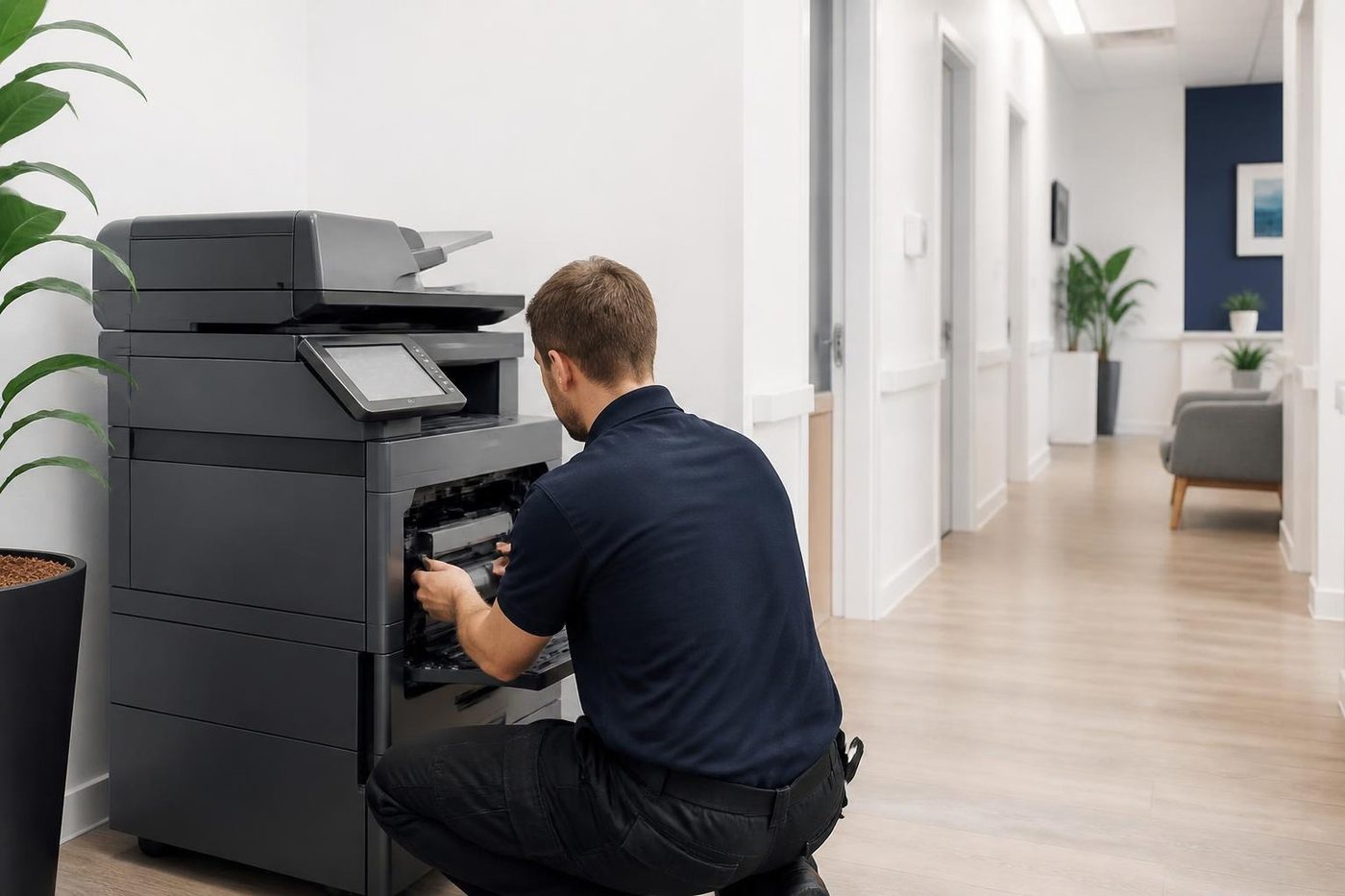
- Both sides of the machine. Mechanical and network faults get the same attention.
- Changes noted. Settings we touch are recorded for the next visit.
- Updates when needed. Firmware is updated for a reason, not on a whim.
Keep reading
 Copier and printer faultsPick the symptom, get the next step.Photocopier repairsAny make of office copier, repaired where it stands.
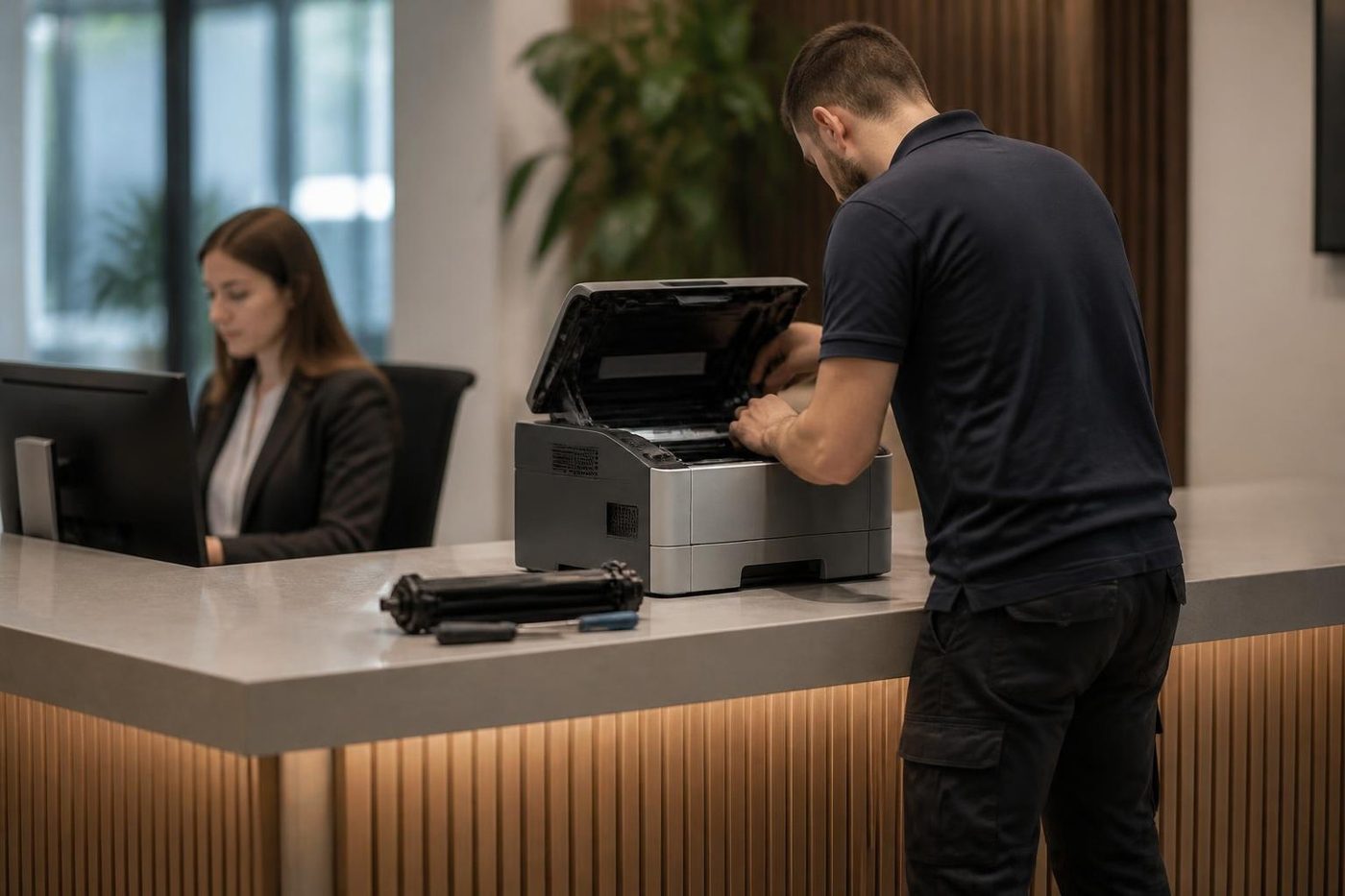 Commercial printer repairsWorkgroup lasers and fleets, repaired where they sit.
 Copier noise, grinding and squealingWhat each new sound is trying to say.
 Toner smearing and fuser faultsToner rubbing off, ghosting and heat faults.
Buy, sell and lease
Buy, sell and lease commercial copiers on the Gold Coast
We also sell new and refurbished commercial copiers and buy used ones. Same team, same technicians.
Pictures from the job


Common questions from Gold Coast offices
How old is too old for a copier?
Age matters less than parts support, page count and condition. A well kept machine of ten years can be worth fixing, and a badly treated one at five may not be.
What page count is too high?
It depends on what the model is built for. A technician compares your count with the machine's rated life and the condition of its main parts.
Will you recommend replacement just to sell me a machine?
We say replace only when the numbers support it, and we say it on the visit with the reasons. The decision stays yours.
What if parts are discontinued?
Then repair may not be possible, or only with second hand parts of uncertain life. We tell you which it is.
Is it worth repairing a machine that is long past any maker's cover?
Often yes, if the fault is clear and the rest of the machine is sound.
Can you give a repair price over the phone?
We can talk through the likely cause and the price range for the work, then agree the price before anyone is booked.
What if it fails again soon after repair?
If it is the same fault, we fix it again at no charge.
Should I lease a replacement?
It depends on how you prefer to pay and how long you plan to keep it. Our lease pages set out the choices.