Printers for working offices
Office Printers For Sale Gold Coast
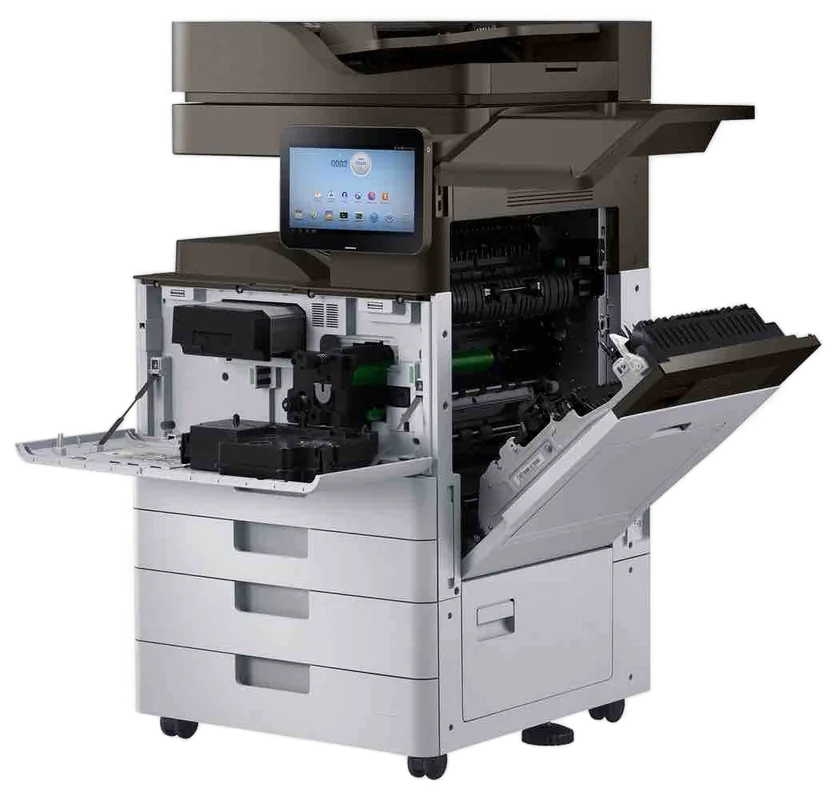
A strata manager, a physio clinic and a real estate agency can all say they want an office printer and mean three different machines. The strata office wants a workhorse that does fat meeting packs. The clinic wants something quiet at the front desk that handles forms and referrals. The agency wants colour that makes a listing look good. We sell commercial laser printers and multifunction devices, new and second hand, and we are the ones who repair them. If you are weighing up office printers Gold Coast businesses use every day, start with what has to come out of the tray. The machines we sell are warranted.
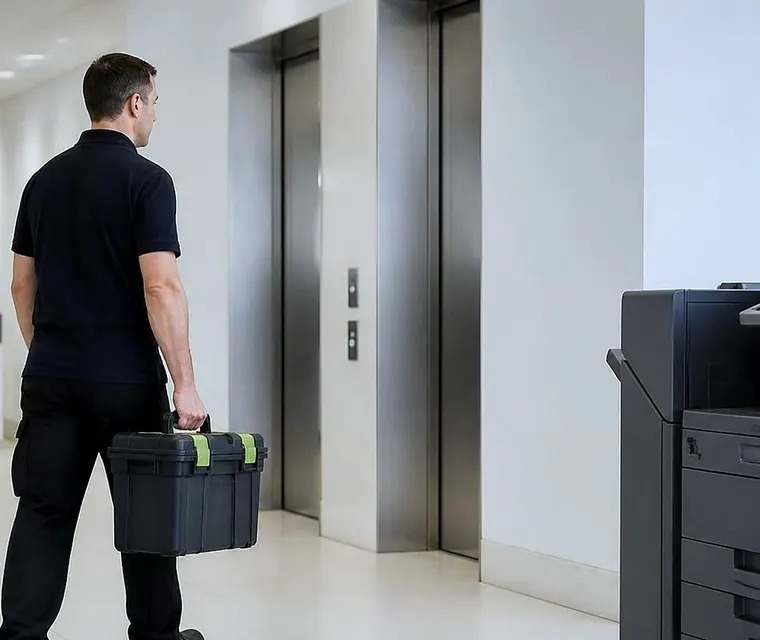
Printer service, copier repairs and machine sales on the Gold Coast
Which machine, for which office
| Who is printing | Usual choice | Why |
|---|---|---|
| Front desk or counter | Compact mono laser | Cheap to feed, fast to first page, small footprint |
| Clinic or practice | Mono or colour laser with a locked tray | Forms, letters, referrals, and a tray for letterhead |
| Property and strata offices | Workgroup mono or a mono multifunction | Large packs, duplex, high volume near meeting dates |
| Agencies and marketing | Colour laser or colour multifunction | Listings, flyers, proposals |
| Mixed team of ten or more | Multifunction with scan to email and secure release | One machine copies, prints and scans |
| Plans and posters | A3 machine or a wide format plotter | See A3 copiers and plotters |
Sizing it so it lasts
A printer rated for a few hundred pages a month will not survive an office that prints thousands. The fuser and the pickup rollers go first, and then the machine spends its life waiting for a visit. Go the other way, a large copier in a two person office, and you pay for capacity nobody uses while the toner ages in the cartridge.
So we ask for numbers. Pages in an ordinary month and in the worst one. How many people share the machine. Whether anyone prints on envelopes, labels or heavy stock. The answers cut the field down to two or three models, usually in under ten minutes on the phone.
The cost that arrives later
The shelf price is the smaller number. Toner that holds few pages, an imaging unit that wears at a fixed count and a slow first page when four people are waiting all cost real money over a year. We talk through cartridge yield, the price and life of the parts that wear, and how long staff stand around before we mention a model.
Because we also supply toner and parts, supplies come from the same place as the machine, and nobody has to hunt for a cartridge the afternoon before a board meeting. If a different printer would cost you less across its life, we say that too.
Makes we know well
HP, Kyocera, Brother, Canon and Ricoh make most of the commercial printers we see on the coast, and Toshiba, Konica Minolta and Sharp are common in the multifunction class. We repair all of them every week, which means we have seen how they behave at four years old, not just on a showroom floor. Some models are cheap to keep running. Others cost more to own than they ever looked. We tell you which is which.
We are independent. We are not the maker and not an appointed dealer for any of these brands, so the advice follows the job.
Buying new, buying second hand
A new printer comes with a full life ahead of it and current software. A second hand printer, tested and warranted, comes at a lower price and suits an office that prints at a steady, modest rate. For the second hand range see used office printers. If you would rather not buy at all, there is hire and rental, and the pages on printer sales and lease cover longer arrangements.
What happens on delivery day
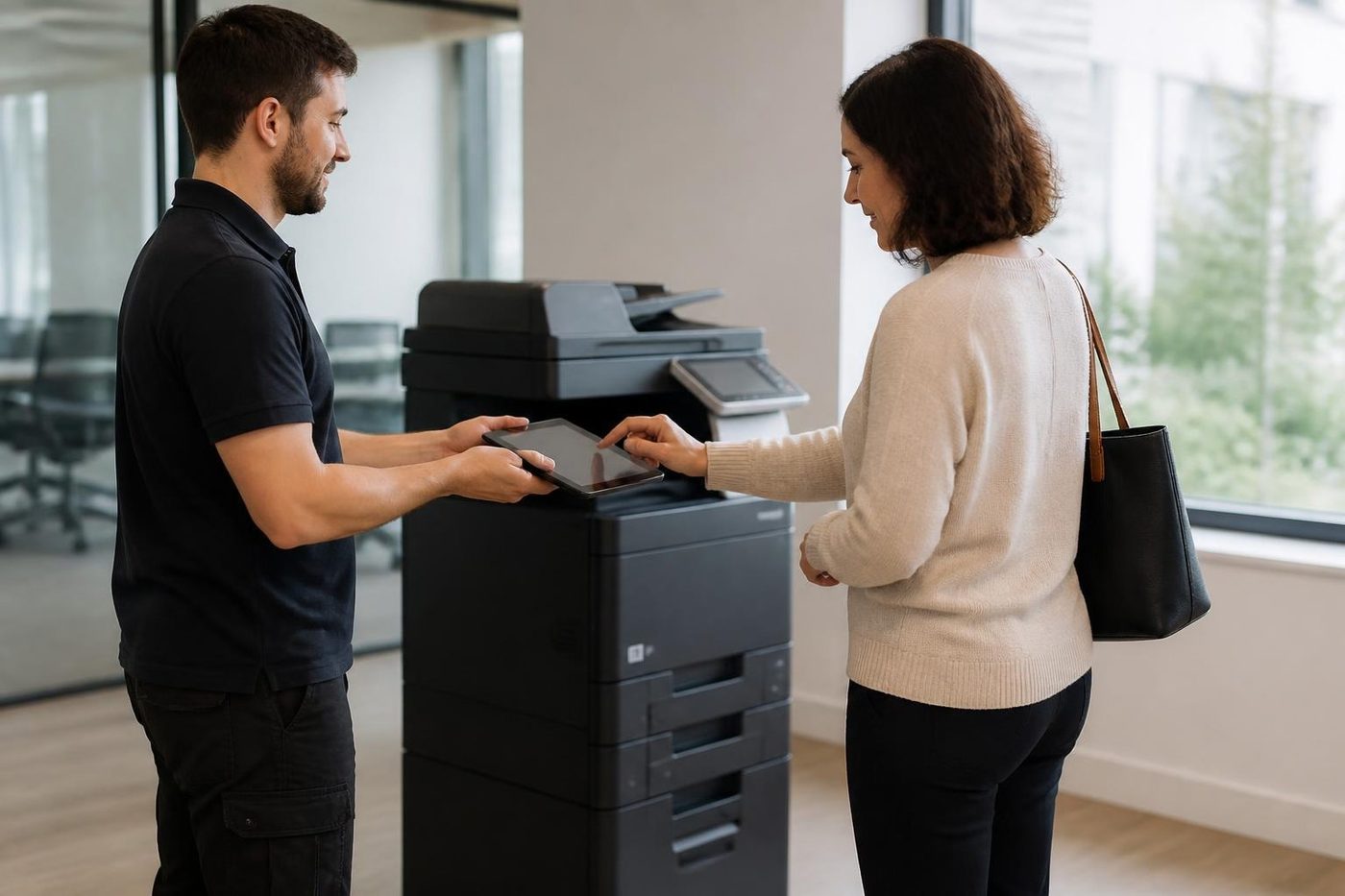
The printer arrives, and a technician connects it to the network and gives it a fixed address if you want one. Drivers go onto each computer that will use it. Scan to email and scan to folder are set up and tested. Then a test page is printed from the desk that is furthest away, because that is the one that fails.
We write down the counters at handover, so the first service has something to compare with. For the longer version see installation and setup.
Trays, letterhead and the clinic front desk
A medical or allied health practice usually wants two things the generic office does not. A locked or dedicated tray for letterhead and prescription stock, and a way to stop a referral sitting in the output tray where a waiting patient can read it. Both are easy on a commercial machine and awkward on a cheap one.
Secure release is the answer to the second. The job waits in the machine until the person who sent it enters a code or taps a card, and prints then. It costs little to switch on, and a strata manager handling levy arrears or a solicitor's front office will want it as much as the clinic does.
Supplies without the scramble
Toner runs out on the worst possible day, which is usually the day before a committee meeting or a settlement. We can supply toner and parts, and on a busy machine we can tell you roughly how often a cartridge should be ordered so that a spare sits in the cupboard. Genuine and compatible cartridges both exist, and which one belongs in your machine depends on the model and how you use it. We say what we would do on the same machine.
Trading in the old one
If you have an older commercial printer or copier that still works, ask us about it when you ring. We buy used commercial machines, and a tested unit sometimes pays for part of the replacement. A machine at the end of its life is not worth much to anyone, and we say so, but the answer costs you nothing to find out. See selling your photocopier for how that works.
Looking after it
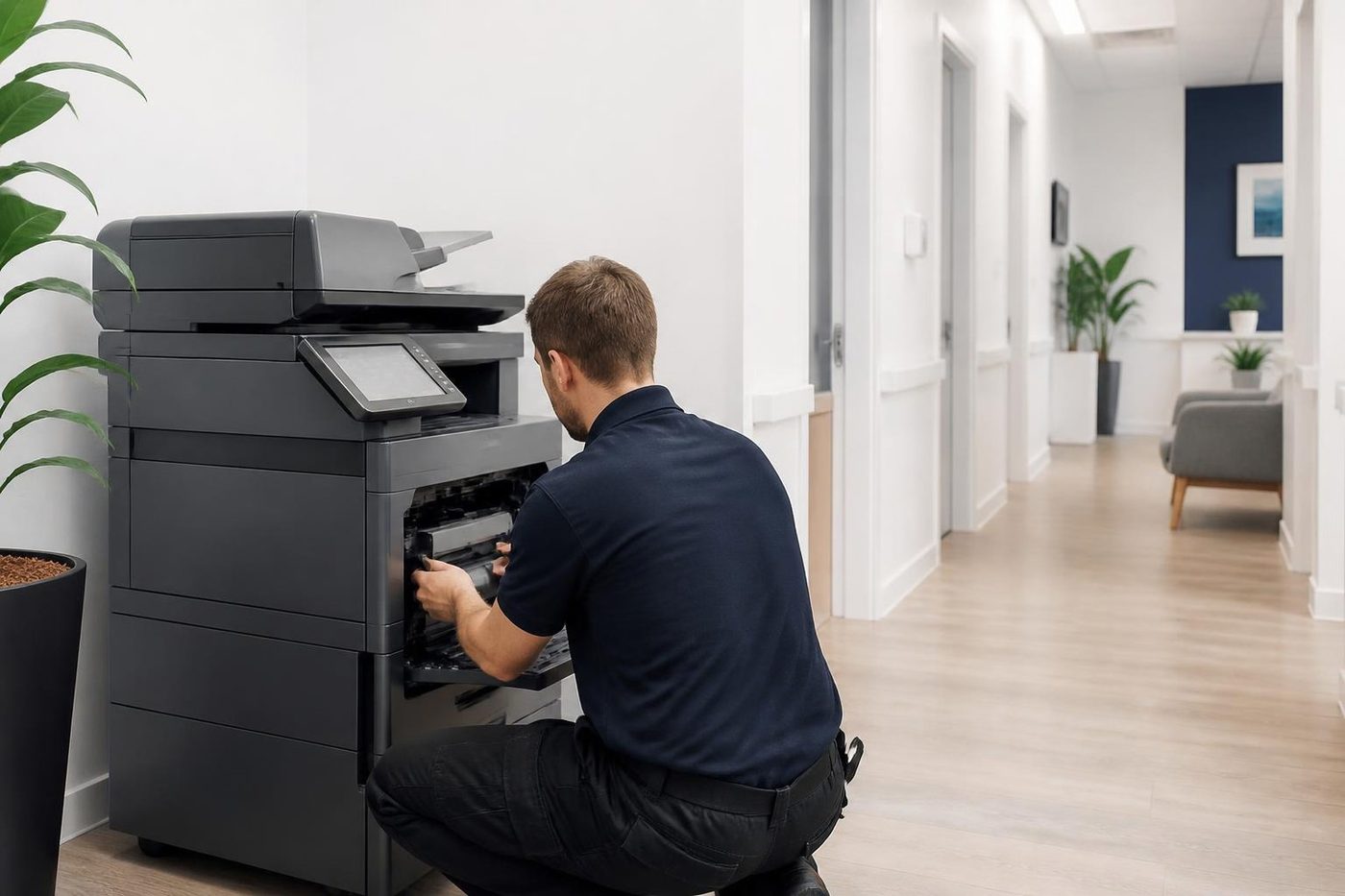
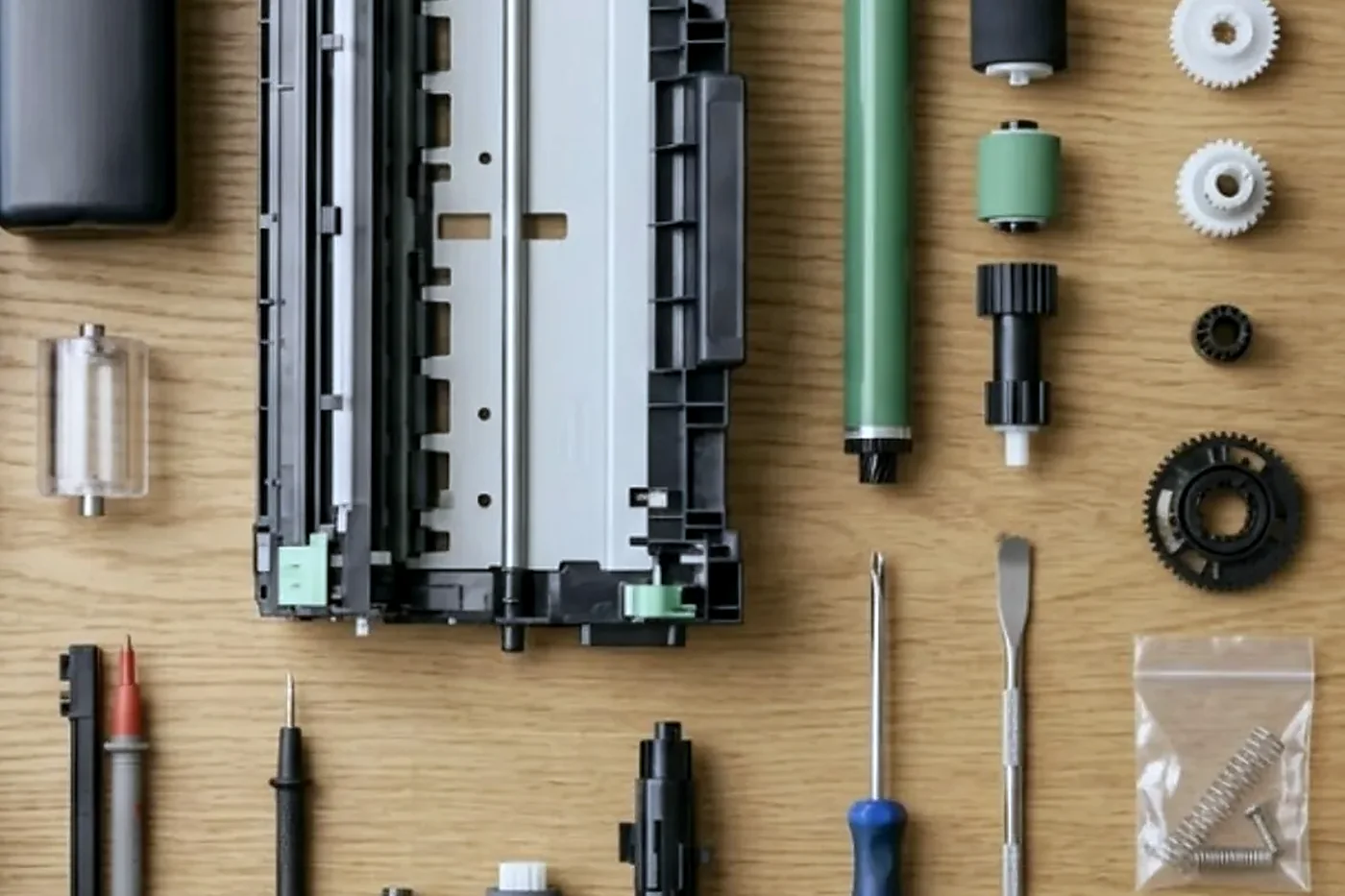
A printer is not finished when it is delivered. The team that supplied it looks after it. Technicians are trained, experienced and certified. Repairs are done at your premises, they carry the common spare parts, and 98% of repairs are fixed on the first visit. A repeat of the same fault is fixed again at no charge, and same day service is available when something has stopped. If the lines are busy when you ring, the call is logged and returned.
Things the office should settle first
- Pages in a normal month, and in the biggest one
- Who sits near it, and who sits furthest away
- Black and white, or colour sometimes, or colour all the time
- Scan to email, scan to a shared folder, or neither
- Envelopes, labels, letterhead trays or heavy stock
- Whether confidential pages must wait for a card or a code
Three offices, three answers
A property management office in Southport sends out levy notices and meeting papers in bursts. Its printer needs big trays, duplex and a finisher that staples without complaint. Mono is fine, and speed matters for about four days a quarter.
A medical practice near the hospital precinct prints in a steady trickle all day. Forms, letters, scripts. It wants quiet, a locked tray and a printer that does not go offline when someone updates the network. Reliability counts for more than speed.
A trades business in an industrial unit at Nerang prints job sheets and invoices on a machine in a shed that gets hot and dusty. It wants something plain and sturdy that tolerates the room. A cheap inkjet will not last a summer in there, and we say so without making a drama of it.
What warranted means here
The machines we sell are warranted. We would rather explain what that covers than leave it as a word on a quote, so we do it on the phone. Our own repair work is warranted too, and the same fault returning means another visit at no charge.
The Coast factor
Offices on the Gold Coast tend to run in seasons. Hospitality and tourism desks get hammered in school holidays, property offices around quarter ends and settlement dates, clinics around the start of the year. A printer that is fine in a quiet month can choke in the busy one, so size for the busy one.
Humidity matters as well. Paper that has sat in a damp room curls and jams, and a printer beside a window that is regularly open picks up grit. None of this stops a good printer from working. It just argues for a sensible position and a sealed ream.
Ask us
Ring (07) 3096 0331 or use the contact form with what you print and how many people use it. We talk through the options and agree the price on the phone, with nothing locked in. We do not sell home inkjets, though if one lands on our bench we will look at it.
A long strip of coast
Several offices, one steady standard
We work around that. The technician knows the model and also asks how this particular machine lives. A copier near the sea breeze has a different life to one in an air conditioned suite at Robina.
If your business has more than one site we are glad to keep the records for each machine together, so the second branch benefits from what we learned at the first.
- Each machine on its own. Location and use shape what we look at.
- Sites kept together. One set of notes across your offices.
- Same standard everywhere. The same careful job whichever branch rings.
Keep reading
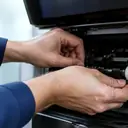 Photocopier salesNew, rebuilt, ex demo and second hand commercial copiers, chosen around the work.Printer sales and leaseCommercial printers, multifunctions, A3 copiers and plotters, bought, rented, leased or financed.Used office printersTested commercial laser printers and multifunctions, set up, warranted and looked after locally.
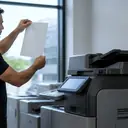 A3 photocopiersColour and mono A3 copiers, matched to the work.
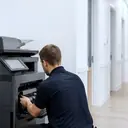 Photocopier hire and rentalCommercial copiers on hire or rental.
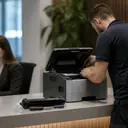 Commercial printer repairsWorkgroup lasers and fleets, repaired where they sit.
 Plotter serviceBanding, skew and blocked heads on A1 and A0 plotters, fixed on site.
Buy, sell and lease
Buy, sell and lease commercial copiers on the Gold Coast
We also sell new and refurbished commercial copiers and buy used ones. Same team, same technicians.
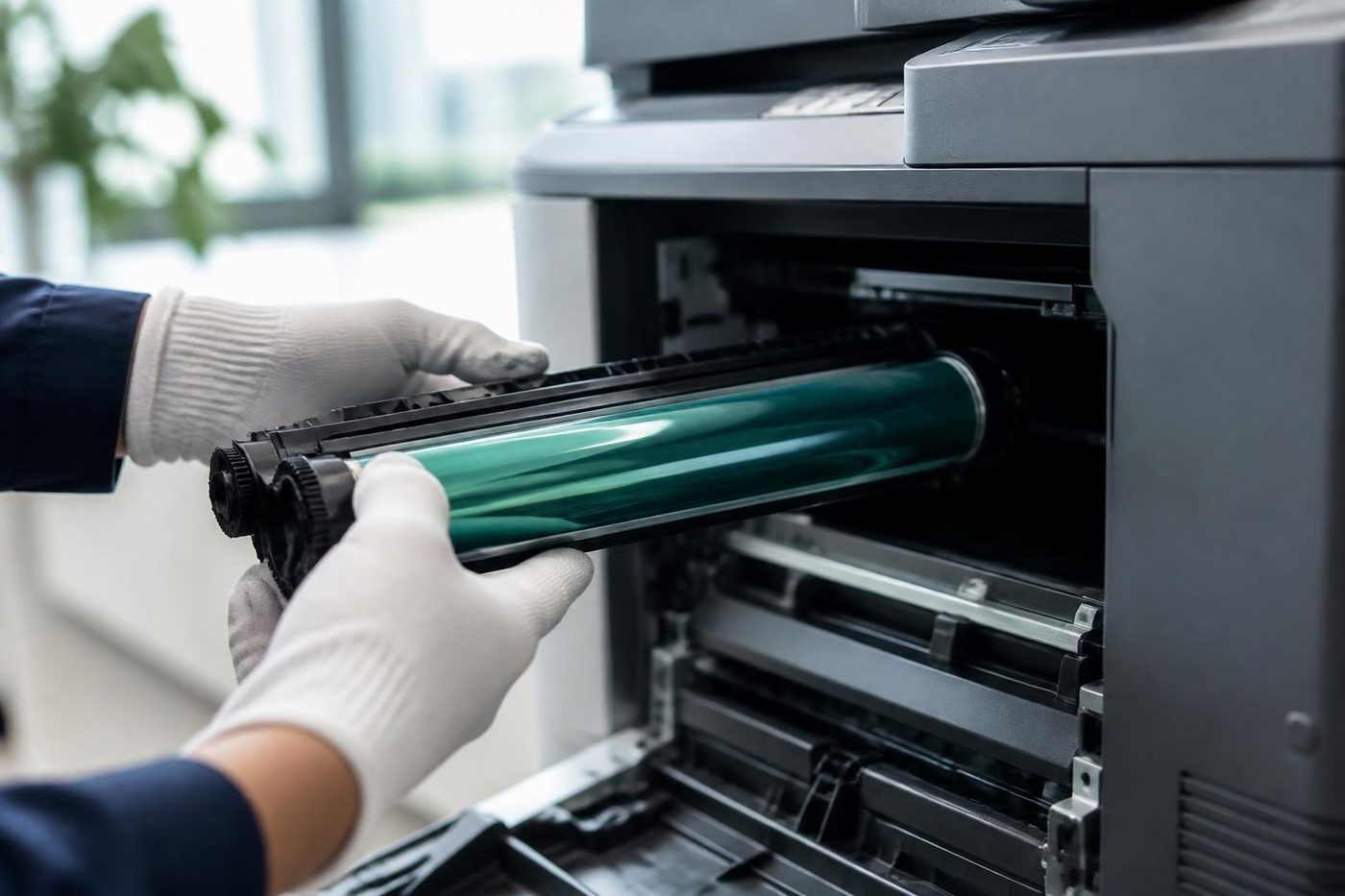
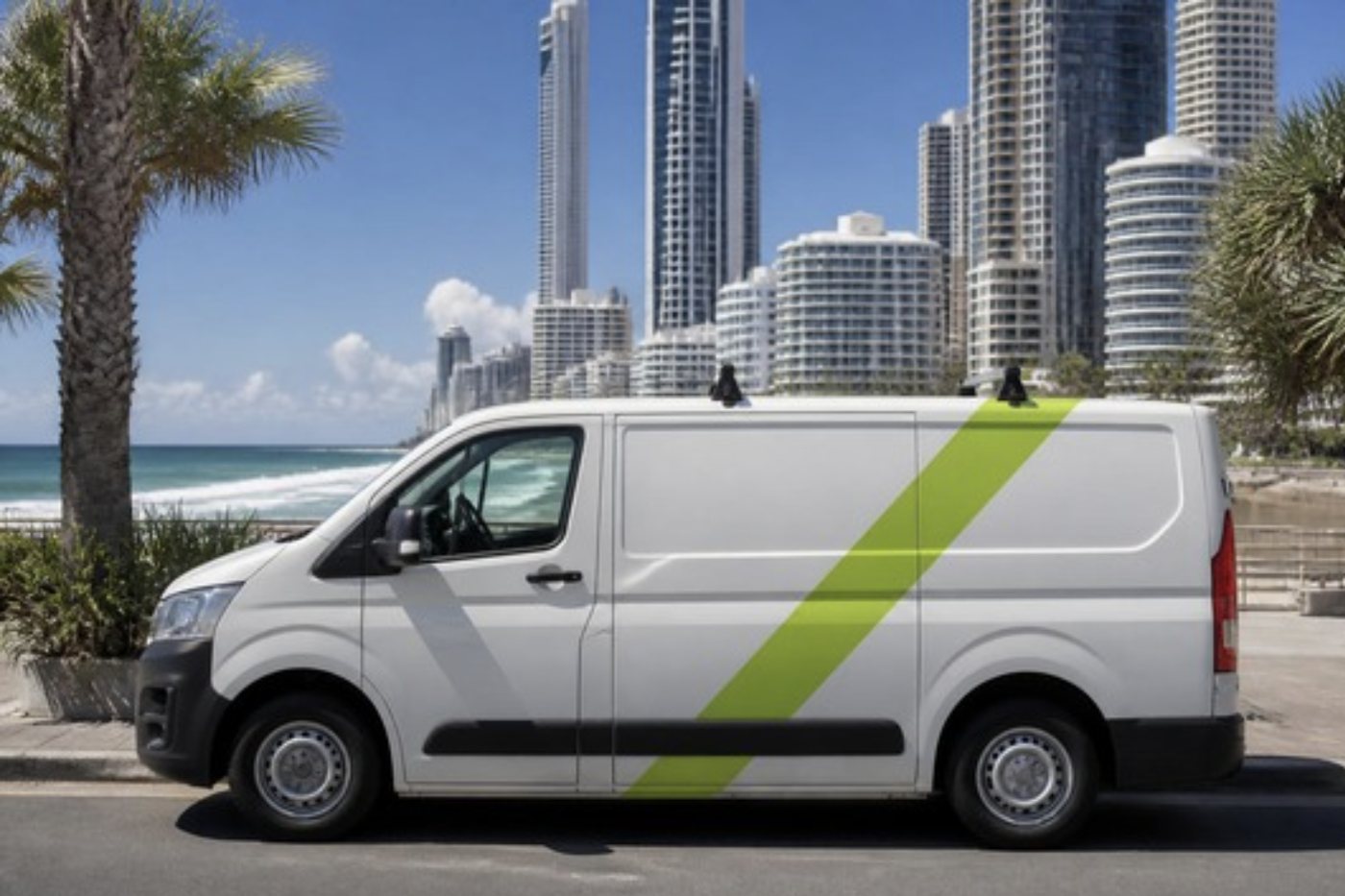
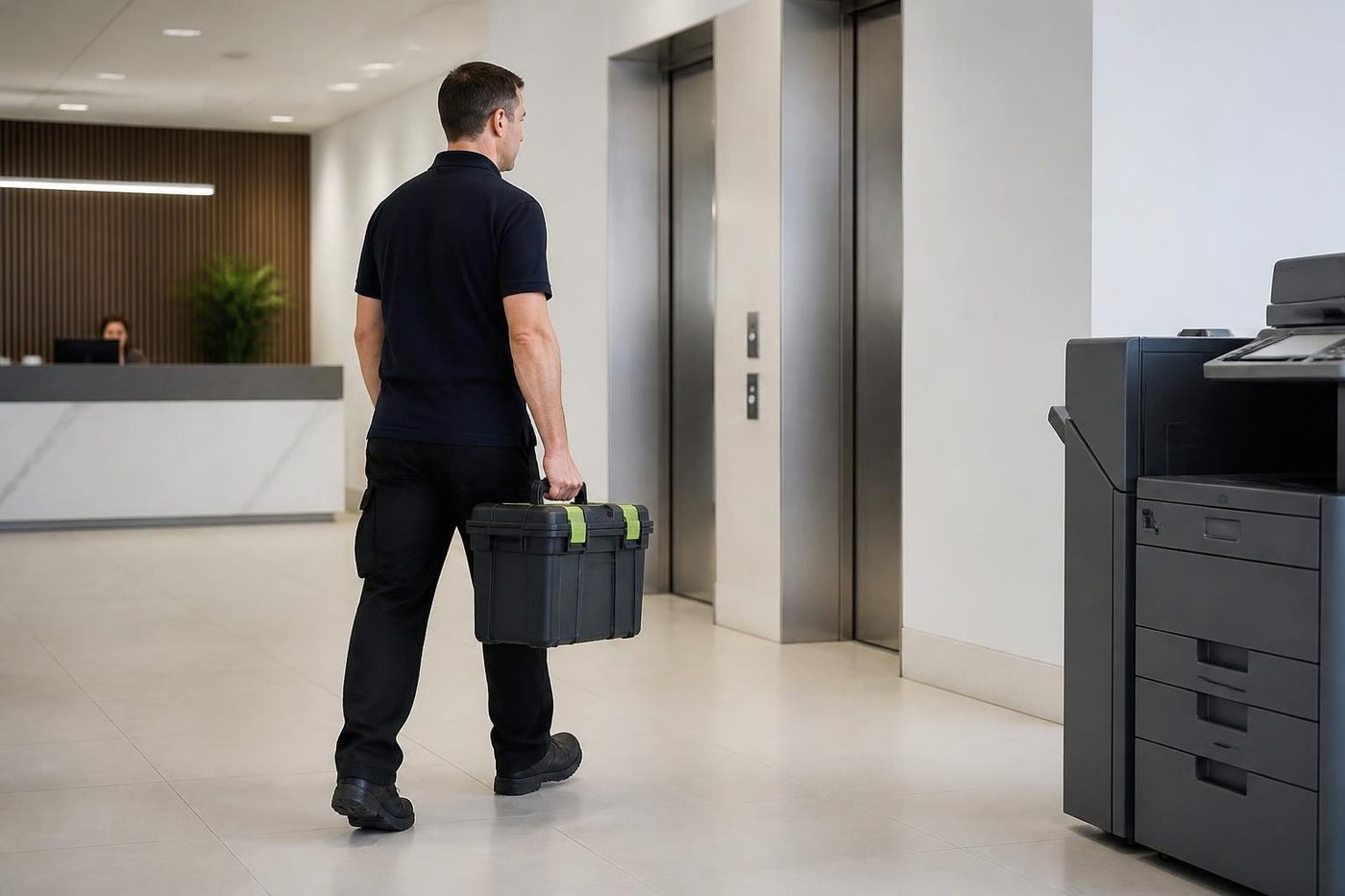
A few recent visits
Common questions from Gold Coast offices
Do you sell office printers on the Gold Coast?
Yes, commercial laser printers and multifunction machines for offices, clinics and trade businesses, new and second hand. We install them and service them afterwards.
Can I buy a second hand office printer from you?
Yes. Second hand machines are tested before they go out, and the machines we sell are warranted. We explain exactly what is covered when you ring.
Do you sell inkjet printers for home?
No. Our business is commercial lasers and multifunction machines. We will still look at a home machine that needs repair if you ring about it.
Will you connect it to our network?
Yes. Network connection, drivers on each computer, scan to email and a test print from the desks that will use it are part of the job.
Which printer suits a small team?
That depends on volume and whether anyone scans. A compact mono laser with duplex is plenty for a few people doing letters and invoices. Ring with your numbers and we give a straight answer.
Can I get toner from you as well?
Yes. We can supply toner and parts, so supplies come from the same place as the machine.
Can I hire or lease instead of buying?
Yes. See hire and rental, and the printer sales and lease page. We lay each out against your own figures.
What if my old printer is cheaper to fix than replace?
Then we say so. We repair printers every day and we would rather give you an honest figure than sell you a machine you do not need.
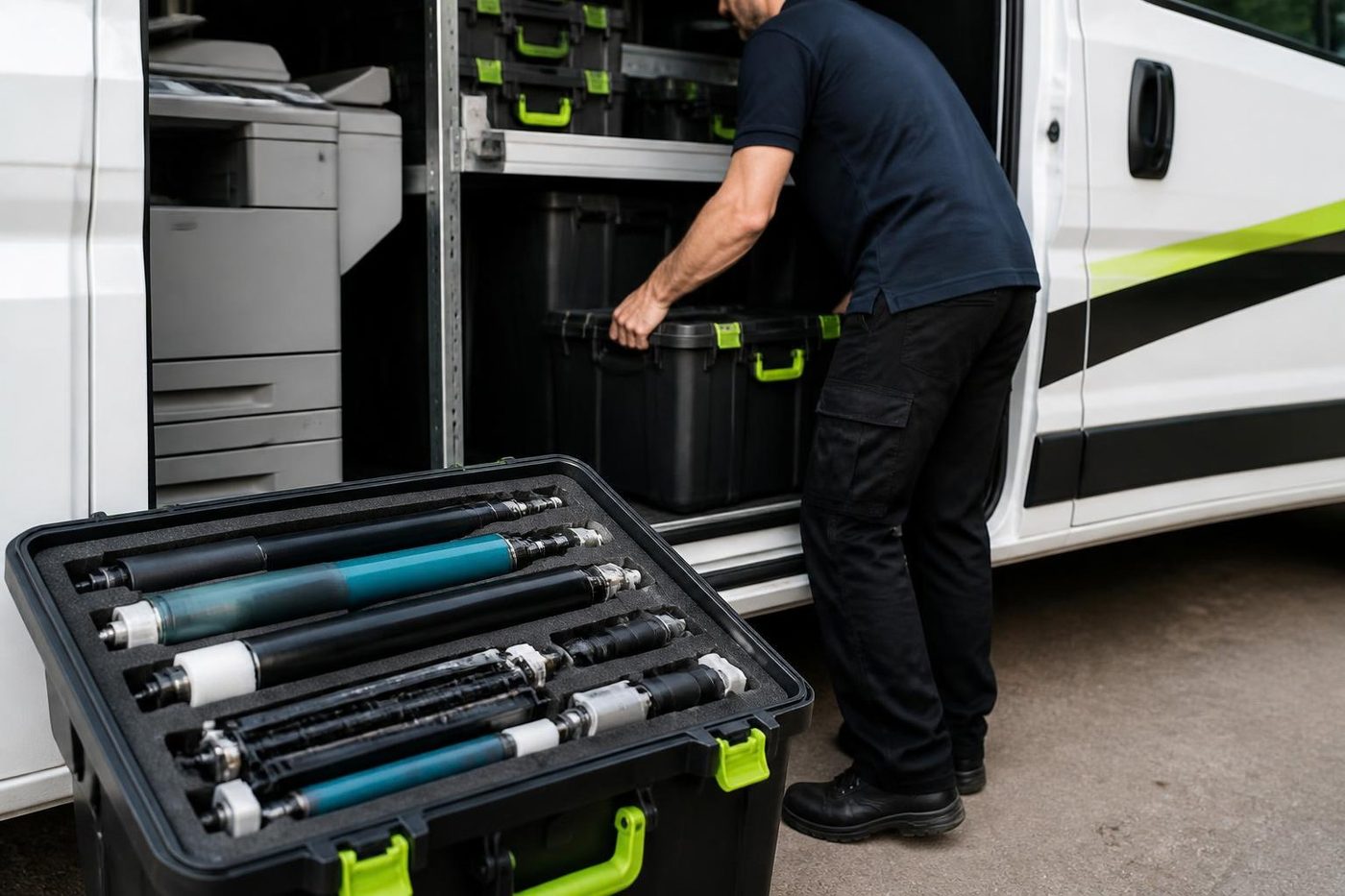
Tired of the paper jams
Tell us, and we will sort it.
Ring or send the details. We talk through the fault and give you a price, with nothing locked in.
Get a price
Everything we look after on the Gold Coast
Copier and printer service
Fault guides
- Copier and printer faults Gold Coast
- Photocopier paper jams Gold Coast
- Copier black lines and streaks Gold Coast
- Copier error codes Gold Coast
- Copier not printing Gold Coast
- Scan to email not working Gold Coast
- Toner smearing and fuser faults Gold Coast
- Printer offline and network faults Gold Coast
- Copier noise, grinding and squealing Gold Coast
- Is my copier worth repairing Gold Coast
- Toshiba e-STUDIO error codes Gold Coast
- HP LaserJet error messages Gold Coast
- Kyocera TASKalfa error codes Gold Coast
Makes we repair
- Toshiba copier repairs Gold Coast
- HP printer repairs Gold Coast
- Kyocera copier repairs Gold Coast
- Fujifilm copier repairs Gold Coast
- Xerox copier repairs Gold Coast
- Canon copier repairs Gold Coast
- Ricoh copier repairs Gold Coast
- Lexmark printer repairs Gold Coast
- Brother printer repairs Gold Coast
- Epson printer repairs Gold Coast
- OKI printer repairs Gold Coast
- Zebra printer repairs Gold Coast
- Konica Minolta copier repairs Gold Coast
- Sharp copier repairs Gold Coast
- Samsung printer repairs Gold Coast
- Fuji Xerox copier repairs Gold Coast
Suburbs we work in
- Printer service Southport
- Printer service Bundall
- Printer service Robina
- Printer service Varsity Lakes
- Printer service Nerang
- Printer service Burleigh Heads
- Printer service Helensvale and Coomera
- Printer service Surfers Paradise
- Printer service Broadbeach
- Printer service Coolangatta and Tweed Heads
- Printer service Labrador and Biggera Waters
- Printer service Mudgeeraba and Reedy Creek
- Printer service Molendinar, Ashmore and Carrara
- Printer service Currumbin, Palm Beach and Tallebudgera
- Printer service Byron Bay, Ballina and Lennox Head
- Printer service Lismore and the Northern Rivers
- Printer service Murwillumbah and the Tweed Valley
- Printer service Kingscliff, Tweed Heads South and Pottsville
- Printer service Arundel and Yatala
- Printer service Pacific Pines and Oxenford
- Printer service Tugun, Bilinga and the Gold Coast Airport side
- Printer service Miami, Mermaid Waters and Mermaid Beach
- Printer service Currumbin Waters and Elanora
- Printer service Paradise Point, Runaway Bay and Hope Island
- Printer service Mullumbimby, Brunswick Heads and Ocean Shores
- Every suburb we cover
Ask about a machine on the Gold Coast
Tell us what the office prints, how many people share the machine and whether you are weighing new, refurbished or second hand. We ring back and talk it through. Prefer to call? (07) 3096 0331.