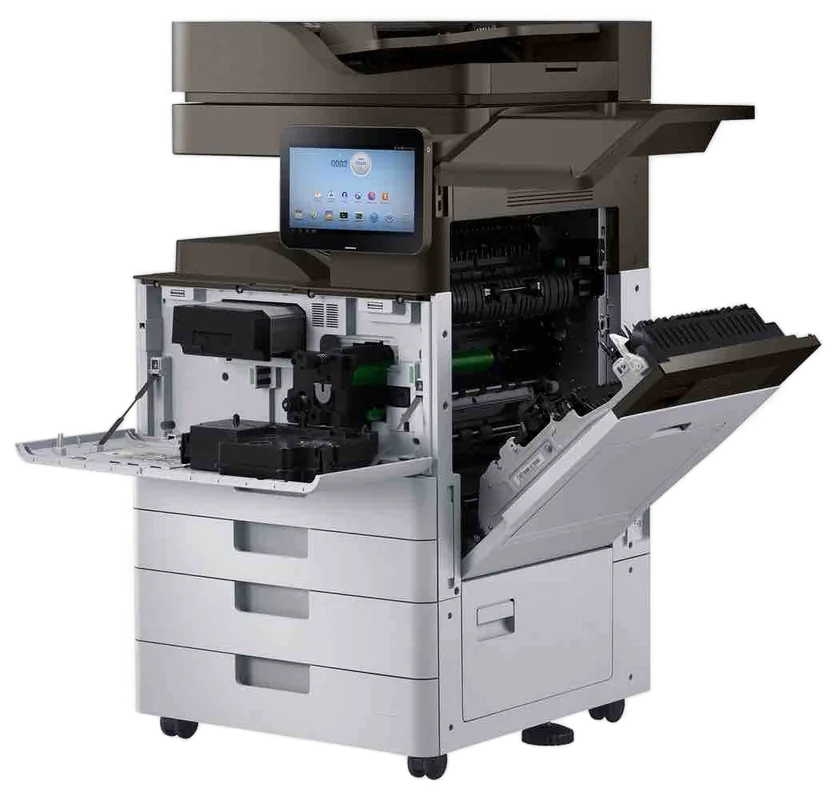
Samsung service Gold Coast
Samsung Printer Repairs and Service Gold Coast: Laser and MFP Support
HP bought Samsung's printer business, announced in 2016 and completed in 2017, and Samsung printers have been quietly ageing on the Gold Coast offices ever since. Nobody sells new ones, and the support pages moved house. We do Samsung printer repairs and Samsung printer service across the Gold Coast, at your premises, and same day service is available.
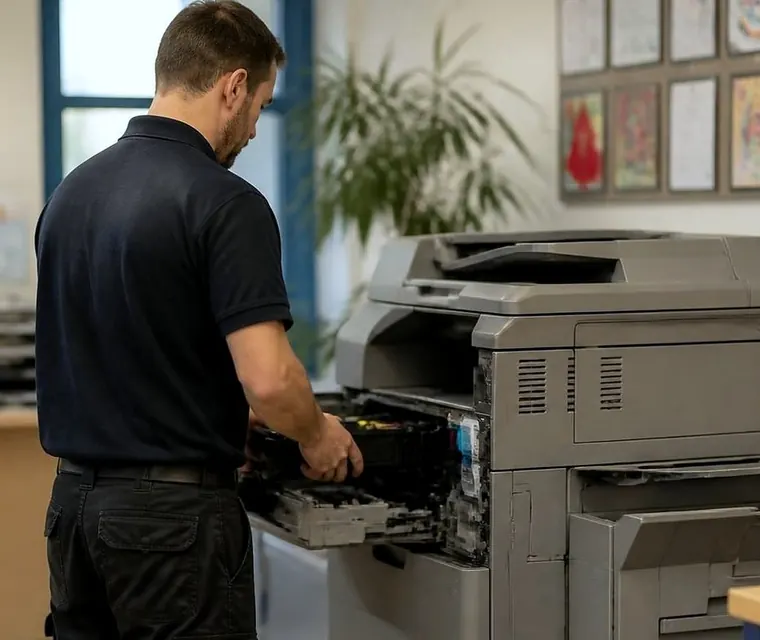
Printer service, copier repairs and machine sales on the Gold Coast
Samsung printer repairs Gold Coast offices still need, years after the sale to HP
The odd thing about a Samsung laser printer is how long it lasts. They were sold cheaply and in huge numbers, they went into practices, agencies, small trade offices and school admin rooms, and a surprising number are still on the job. The company that built them no longer sells them, and the support site that used to answer questions now belongs to someone else.
That produces a particular kind of caller. The office manager who finds the driver has vanished from the vendor's site. The accountant whose toner no longer matches anything on the shelf. The clinic whose printer has displayed a fuser error for three days. We take those calls, and repair the machine where it stands.
We have no tie to Samsung or to HP. A trained, experienced and certified technician looks at the machine, you hear a price on the phone before anyone is booked, and nothing is locked in.
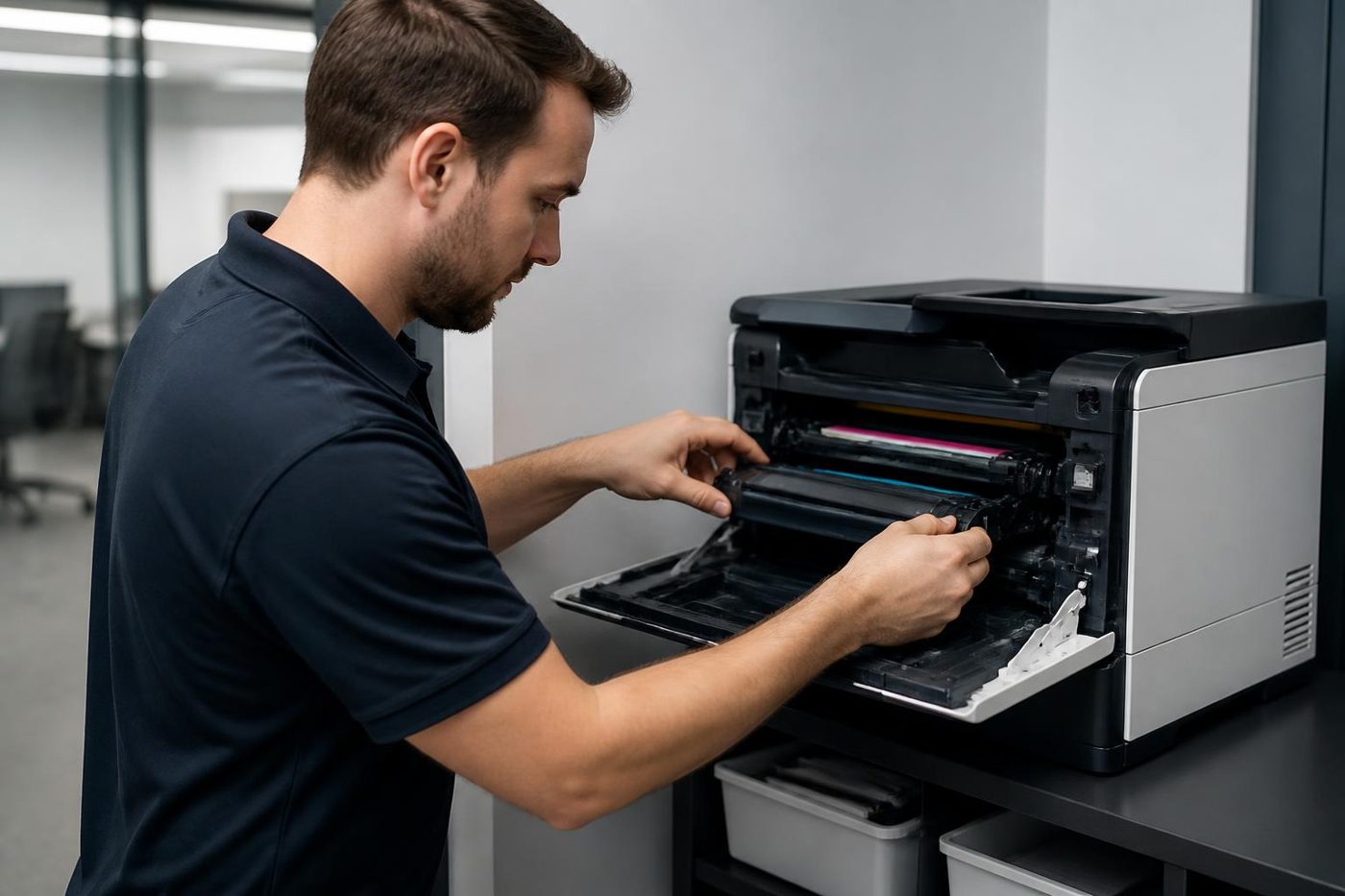
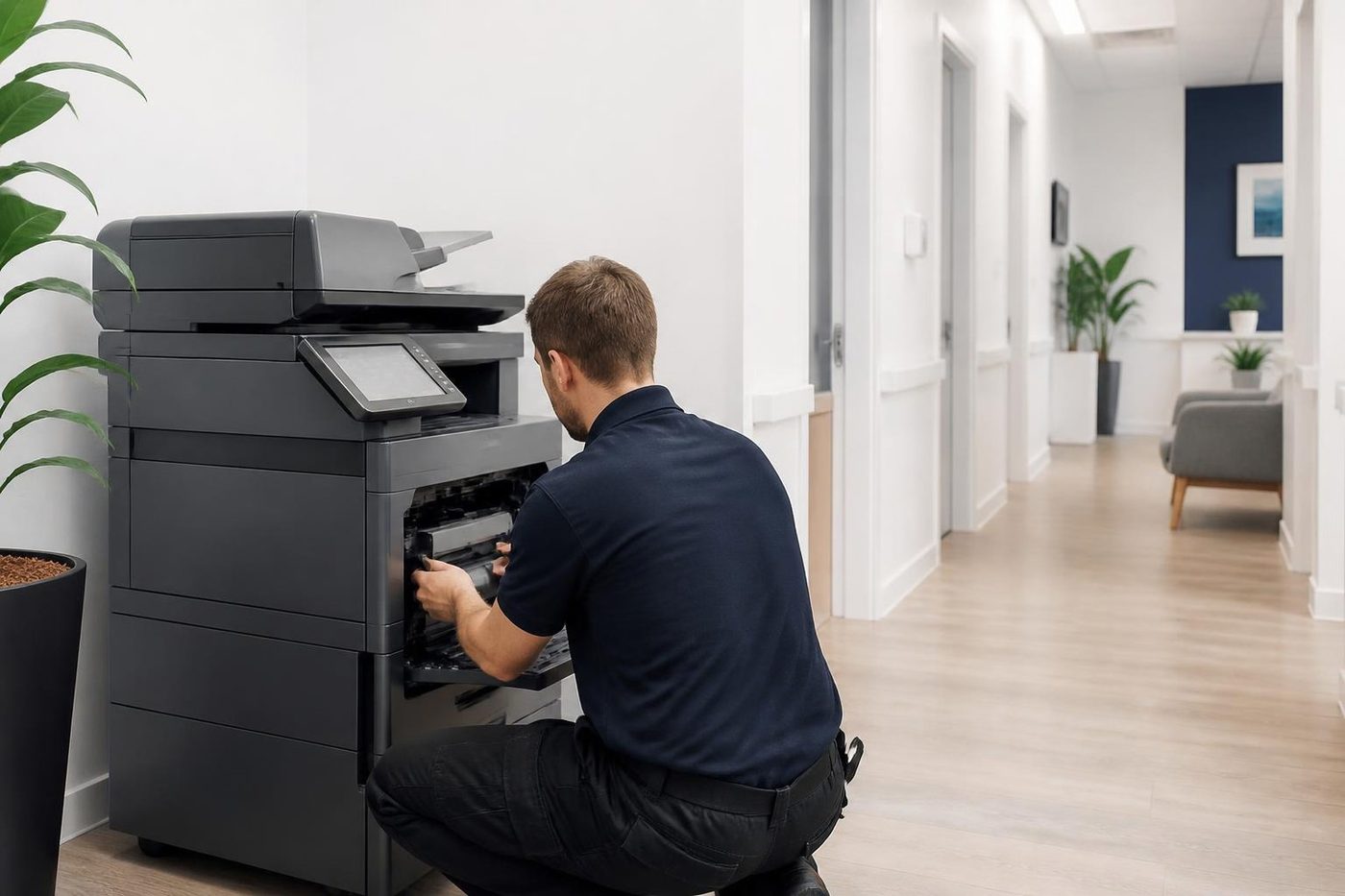
A price in three steps
- Tell us about the machineThe make, the model and what it keeps doing.
- We ring with a priceYou have it before any visit is booked.
- A certified technician comes to youSame day when the diary has room.
Decoding the name on a Samsung
Samsung printers carry a run of letters and digits that look arbitrary but are not. The SL prefix covers the later machines, with M for monochrome and C for colour, and a number for speed and class. Older machines carry ML, SCX, CLP or CLX. The family name on the front tells us the age.
| Name on the machine | What it is | What we find |
|---|---|---|
| Xpress, SL then M and a number | A4 mono laser printers and multifunction machines | Pickup rollers, fuser wear, toner and imaging unit seating |
| Xpress, SL then C and a number | A4 colour laser machines | Colour drift, imaging units, transfer parts |
| ProXpress | Heavier duty A4 mono machines for workgroups | Fusers and pickup after high volume |
| MultiXpress | A3 multifunction machines | Feeder wear, finisher faults, bigger fusers |
| ML, SCX, CLP, CLX | The earlier machines | Parts supply and page count decide whether to repair |
The faults that bring a Samsung to us
A short list covers most calls.
- A fuser error that returns after a restart, often with a smell of hot plastic or toner that rubs off.
- Paper that will not pick up, or picks two sheets, from the main tray or the multipurpose tray.
- A message that the imaging unit or drum needs replacing, on models that have a separate one.
- Streaks, spots or a grey background after a long run.
- A multifunction scanner that shows a lock message or scans with a dark line.
- A printer that falls off the network after a router swap.
About 98% of our repairs are finished on the first visit, because the technician has the model and the symptom before leaving and loads the likely parts. A fault that returns gets another visit without a charge.
Fuser errors on a Samsung laser
The fuser error is the one we meet most. The fuser melts toner onto the page, and on these machines it heats and cools through thousands of cycles. When it fails the machine posts a message, usually mentioning the fuser or a heating fault, and stops.
Switch off at the front, wait a minute and try once. If it clears and comes back later, the fuser is on its way out. If it does not clear, stop restarting, because repeated tries at a heating fault do nothing useful.
On many Samsung models the fuser is a unit that can be replaced on site. Whether it is worth replacing depends on the age of the machine. A fuser costs a real share of what the printer is worth, so we tell you the price on the phone and say if we think a replacement printer makes more sense.
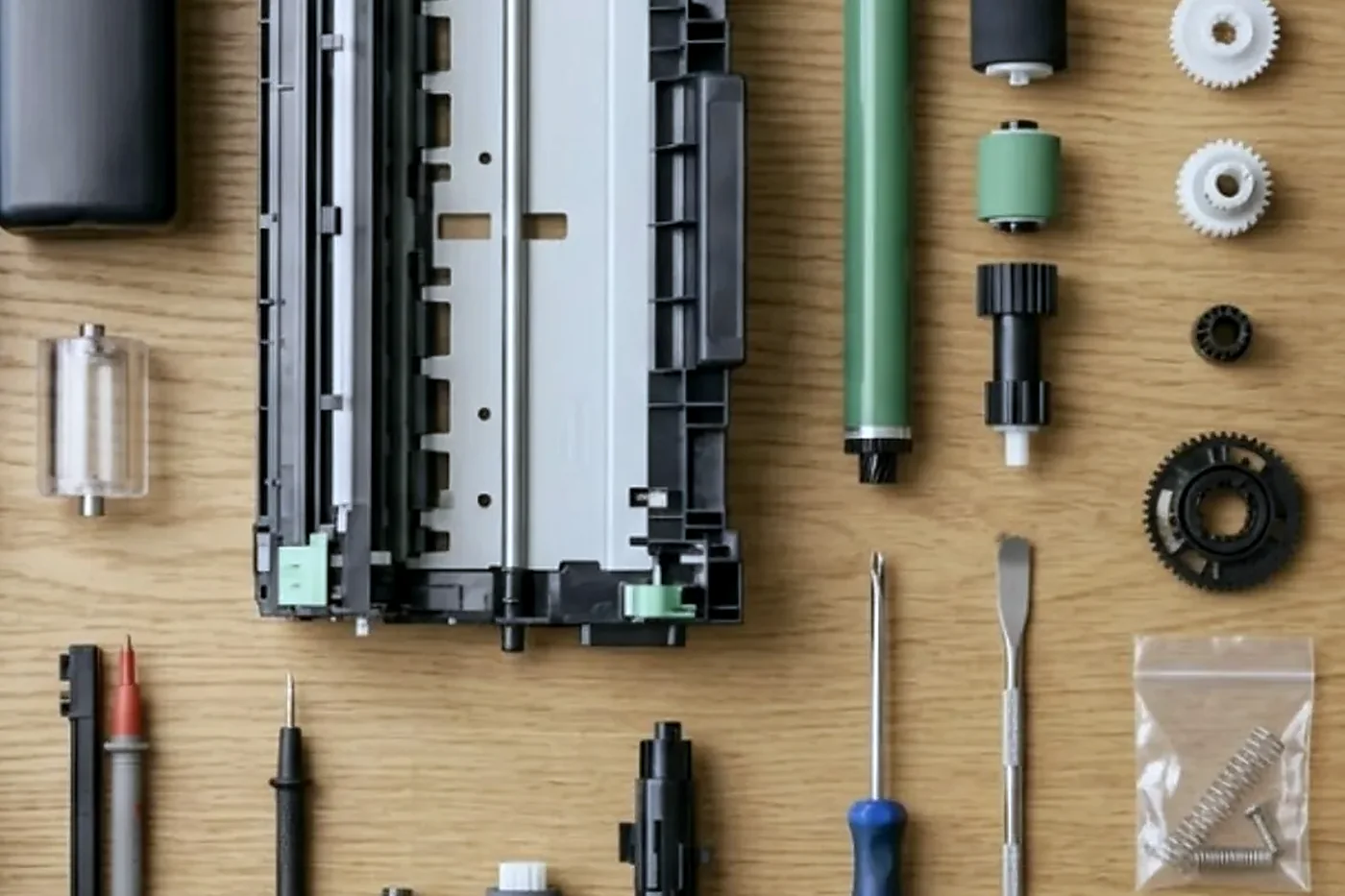
Samsung printer service Gold Coast: toner, imaging units and what to buy
Samsung printers are supported through HP now, so supplies can be a puzzle. Cartridges carry Samsung and HP marks, and the same machine can accept more than one. Check the exact model name before ordering. A cartridge for a near identical model may not fit, or may fit and not be recognised.
On models with a separate imaging unit, the drum lives in that unit. A message asking for it to be replaced is not a fault, it is the machine counting pages. Replace the unit, and if the message stays, tell us, because the counter may need resetting.
A leaking toner cartridge, powder in the machine and spots on the page, is a mess we meet more often than we would like. It nearly always follows a cartridge that was fitted wrongly or dropped. We clean the machine, check the parts and tell you what is damaged.
Compatible toner is not off limits in our book. If a machine misbehaves after a change of supplier, tell us. It is a quick thing to rule in or out.
What the status light is trying to say
Many Samsung machines carry a small status light near the panel. Its colour and blinking pattern vary by model, so the manual for your exact machine is the authority, but the general language is consistent. A steady green means ready. A blinking green means busy. Orange or red points to a problem: out of paper, a door open, a jam, or something deeper.
Offices often miss the message on the screen and see only the light. When it turns red, look at the display first. Open doors and an empty tray cause more red lights than faults do.
If the light stays red after the obvious checks, tell us how it behaves: steady or blinking, whether it started after a jam or a power cut, and whether the machine will print at all. That story is worth more than a guess at the cause.
Wi-Fi, SyncThru and finding a driver
Samsung multifunction machines have a built in web page, called SyncThru on many models, where an administrator sets up scanning and email. Software on the computer, such as Easy Printer Manager, handles printing and scanning from the desk.
The common faults are the usual ones. A scan destination that moved, a password that expired, a mail service that tightened its rules. Another is a computer that lost its driver after an update. The vendor's driver pages have moved, and an old driver can be hard to find. Tell us the model and we find and install the right one.
Wi-Fi models deserve a note. A wireless printer that disappears from the list after a router replacement has usually lost the connection details. Reconnecting it takes a few minutes. A cable in the wall is more reliable than wireless for a printer that never moves, and we suggest one where the room allows.
A printer that lost its network address after a power cut, a common event after a Gold Coast summer storm, may return on a new one. Everyone who printed to the old address sees it offline. A fixed address, set once, ends that for good.
Scanner trouble on a Samsung multifunction
A multifunction Samsung that shows a scanner lock message has a latch on the scanner carriage that was engaged, usually for transport, or has stuck. Check that the lock lever, often near the glass or beside the document feeder, is in the unlocked position. A machine that was moved recently often arrives locked.
A dark line down every scan from the feeder is dirt on the narrow glass strip, and a soft dry cloth cleans it. A smeared copy from the main glass means the glass is dirty. Do not use harsh cleaner.
If neither works, the scanner unit itself may need attention. On older SCX machines the cost of a scanner repair can approach the cost of replacing the machine, and we say so before anything is booked.
Envelopes, labels and the duplex unit
Small laser printers are fussy about paper. An envelope through the wrong path creases and can jam inside the fuser. A label sheet that curls in the heat can peel in the machine and leave adhesive where it should not be. Feed these through the multipurpose tray, set the type correctly and use sheets made for laser printers.
Automatic duplex printing, where the machine prints both sides, adds a second path for the paper to follow. Jams on the second side are usually down to curled paper or a worn roller in that path. A fresh ream cures many of them.
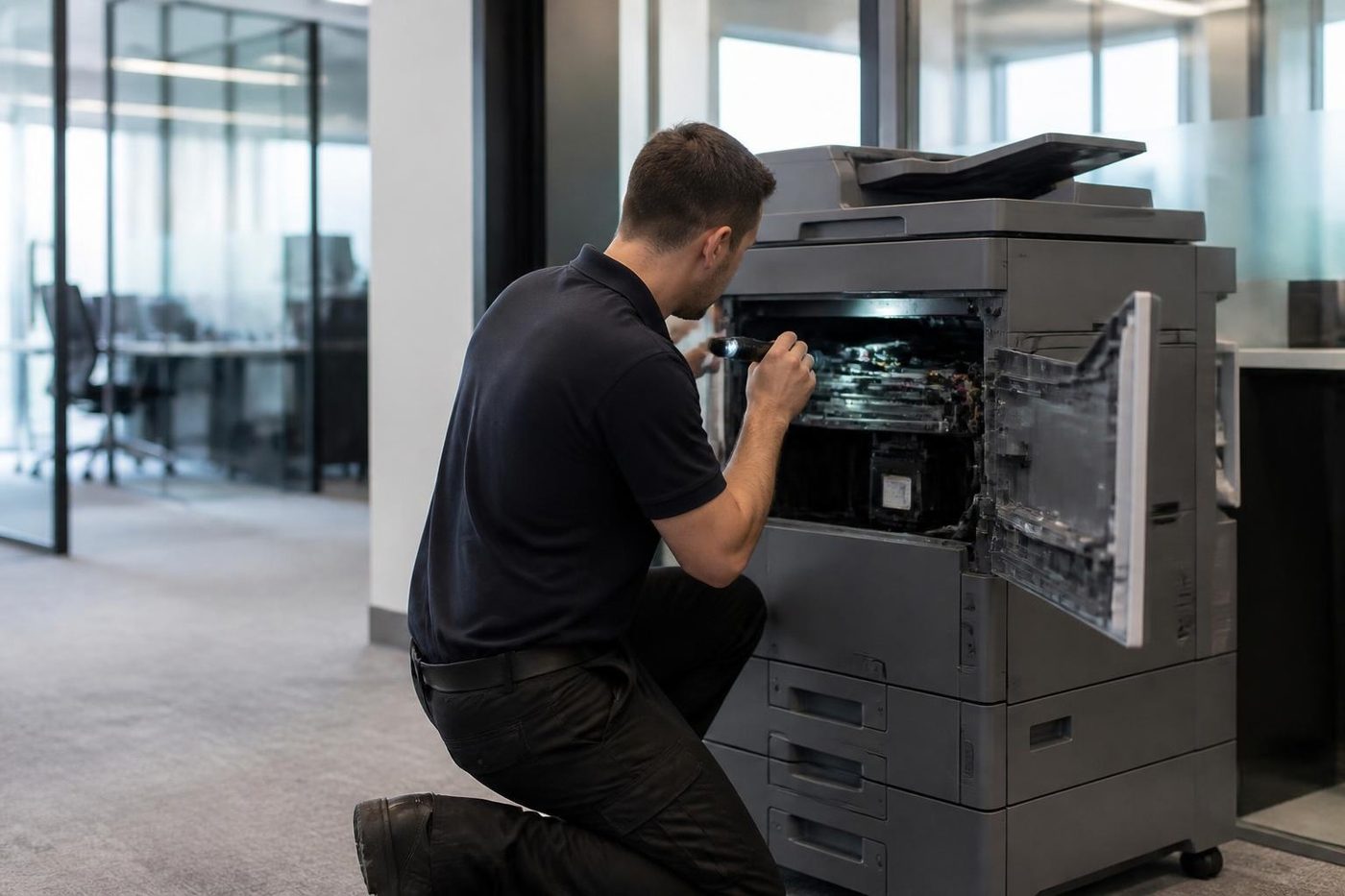
A plumber's office at Nerang and the printer that outlived two utes
The office is a converted garage with a desk, a filing cabinet and a Samsung mono laser that prints job sheets, invoices and the occasional compliance form. It was bought on a Saturday morning when the old inkjet died, and it has been running ever since. Nobody has serviced it. Nobody has thought about it.
Then the print goes faint down the left side. The owner swaps the toner, which makes no difference. He shakes the new cartridge, which helps for twenty pages. Then a message about the imaging unit arrives, and he assumes the printer is finished.
On the phone we ask for the model, the page count if the machine can print a report, and what the message says. The answer is usually modest: a cartridge that is not seated well, an imaging unit at the end of its counted life, a roller that wants cleaning. The printer is worth a visit, and it often runs another few years afterwards.
That is the kind of Samsung job we like. The machine is cheap, the office relies on it, and a small amount of attention buys a lot of life.
Paper empty when the tray is full
A false empty message nearly always comes from a sensor flag that is not moving freely or a tray that is not seated flat. Pull the tray out, check there is no scrap of paper under the flag, push it fully home and try again. A tray set at an angle after a quick refill is the most common culprit.
If the message persists, the pickup roller may be worn smooth and failing to grab, and the machine reports no paper because it never sees any arrive. That is a cheap part and a quick change.
Print quality and the cleaning routine
Many Samsung machines have a cleaning routine in the menu that runs paper through the fuser area and wipes loose toner from the path. It is worth running when pages show faint smudges or speckles, and harmless to try once.
Streaks that run down the page at the same position on every sheet point at the imaging unit, a roller or the cartridge itself. Rattling the cartridge gently from side to side can redistribute the toner and buy a few pages, but it is a temporary measure and not a repair.
A grey background across the page that gets worse over a week points at wear in the imaging area. A black page, or a page that is entirely blank, points at something more serious in the laser or the high voltage supply, and a technician is the answer.
Windows updates and the printer that stopped answering
A Samsung that printed fine on Friday and does nothing on Monday often has a computer problem and not a printer problem. A Windows update may have replaced the driver or changed how the computer finds the printer. The printer prints a configuration page from its own panel, which proves it is alive.
Removing the printer from the computer and adding it again with a fresh driver cures most cases. Finding that driver is the awkward part now that the support pages have moved, and it is one reason people ring us. Give us the exact model and we do the rest.
Is it worth the repair? A rough guide
We are asked this about every old printer, so here is how we think about it.
- If the repair is a roller or a cleaning job on a machine with a steady history, it is nearly always worth doing.
- If the repair is a fuser on a machine with a high page count, compare the cost to a replacement before deciding.
- If the repair costs more than about half of what a sensible replacement would, think hard.
- If the machine has had two different faults in six months, the next one is probably coming.
- If supplies are hard to find, a replacement may save more than it costs.
We tell you where your machine sits on that list before we start, and we are happy to say that a repair is not worth it. A Samsung A4 printer has little resale value, so it is worth keeping only as long as it is cheap to keep.
Wireless printing and Wi-Fi Direct
Samsung's wireless models can join the office network and some can also broadcast their own connection for phones, a feature often called Wi-Fi Direct. The second is convenient for a visitor, and it is a source of confusion when a laptop connects to the printer's network and loses the internet.
If a wireless Samsung is installed in an office that has changed its router or Wi-Fi name, the printer will not find its way back on its own. It must be reconnected from the panel or the web page. A few minutes at the machine with the Wi-Fi password to hand sets it right.
MultiXpress, the A3 Samsungs
A few offices still run MultiXpress A3 machines. They are larger and heavier than the A4 printers, with a feeder, trays that carry A3 and sometimes a finisher. They deserve the same attention as any copier: a clean of the paper path, a check of the feeder rollers and a look at the fuser.
Parts for the larger machines can be harder to find now, and we are open about it. If a repair needs a part that cannot be found, we say so before anyone is booked and talk about what else could do the job.
Samsung copier repairs Gold Coast offices ask about are almost always MultiXpress or SCX multifunction machines, and the planned side, Samsung copier service Gold Coast visits, is a clean of the paper path and a check of the feeder and fuser.
Where a Samsung still earns its keep
Sole traders and small practices keep Samsung printers longer than anyone else. Around Nerang, Pacific Pines and Mudgeeraba, home based consultancies and trade offices still print quotes and invoices on machines bought years ago. Small professional offices at Southport and Bundall, agencies at Burleigh and Robina, and allied health rooms at Varsity Lakes also run them.
Hospitality and tourism offices use them for quiet jobs: invoices, rosters, booking forms. At holiday time the volume rises and a tired fuser shows itself, so a look in November is worth it.
If you run a fleet of five or six, tell us. We can look at them together and say which are worth keeping and which are on borrowed time.
The printer on a bench beside the espresso machine
Small cafes, boutique offices and hospitality back rooms keep a Samsung beside a bench of other equipment. It prints orders, invoices and staff rosters, and shares space with steam, grease and coffee grounds. A laser printer wants clean, dry air, and kitchens do not provide it.
Moist or greasy air gets into paper and toner, and the print goes patchy or smudges. Dust from flour or ground coffee clogs vents and fans. A Samsung in that setting benefits from a clean, a drier shelf and a lid on the paper box.
If you run a food business, ring and say so. We will plan the visit around service times, and we bring a cloth and a small vacuum with us.
Replacing a Samsung with something else
When a Samsung reaches the end, the question is what comes next. We trade in machines, and we can talk about commercial A4 mono and colour laser machines that are cheap to run, with supplies that are easy to find and a maker still supporting them. We would sooner help you choose something that suits your volume than sell you something bigger.
Tell us how many pages the office prints in a month, if colour is needed, if the machine must scan and whether it needs to be shared by several people. Those four answers narrow the choice quickly.
Reading a configuration page
Almost every Samsung can print a report of its own settings and counts from the panel. It is a simple test: if the machine prints that page, its engine, its fuser and its paper path are alive. It also shows the network address, the firmware version and the page count.
Hold on to a copy. When something goes wrong, we ask for it. A fault that shows on a job but not on the report points at the computer or the driver. A fault that shows on the report as well points at the machine.
Fix it, or retire it
The honest answer depends on the machine. A good A4 printer with a steady history and a worn pickup roller is worth a visit. A failed fuser on a high page count may not be, and we say so before we start.
We trade in machines as well, so a replacement can be set beside the repair in plain figures. Ring first and hear the price. If the same fault returns after a repair, the extra visit is not billed. Our work is warranted, and a call that arrives during a busy spell is logged and returned.
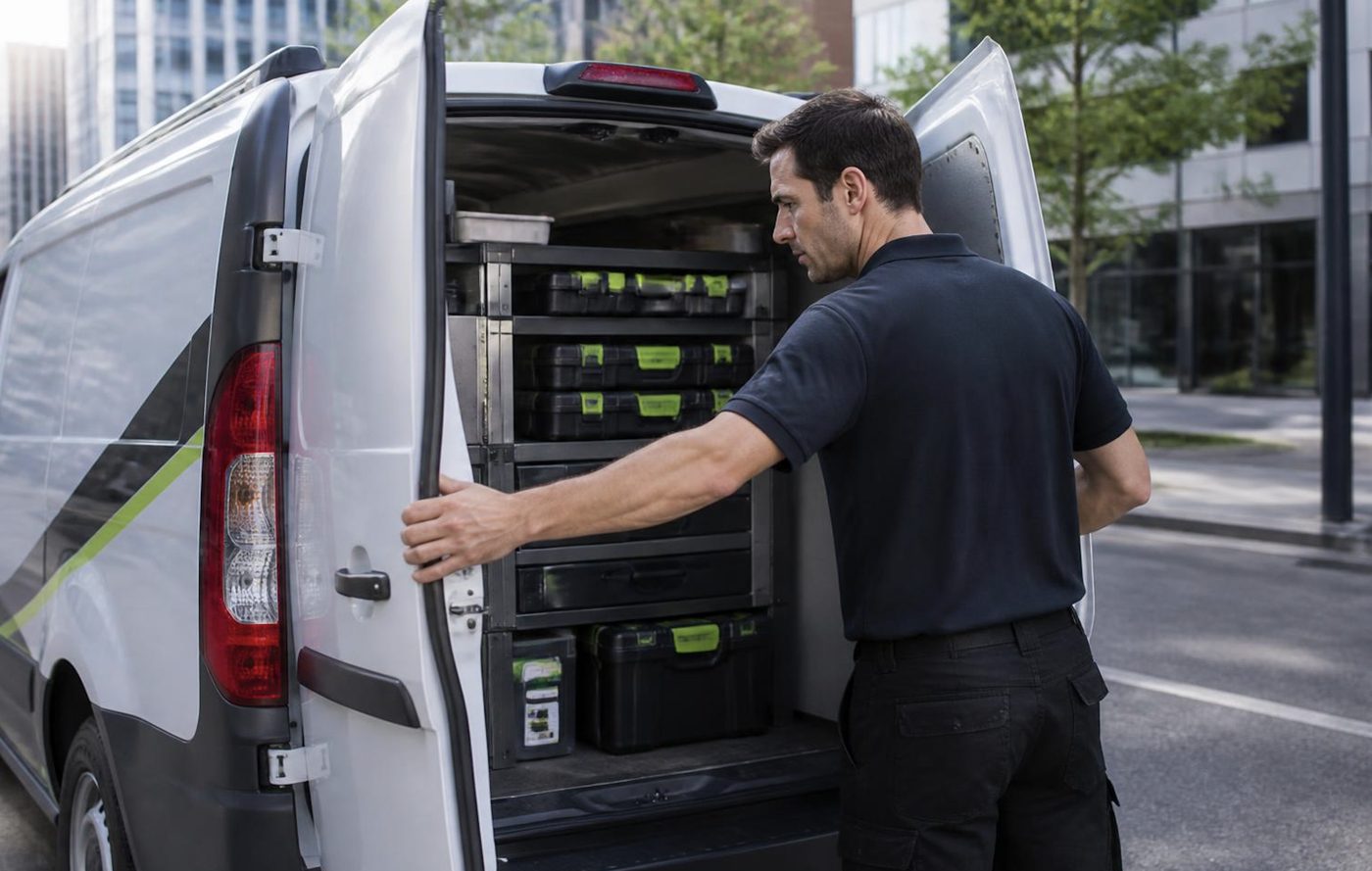
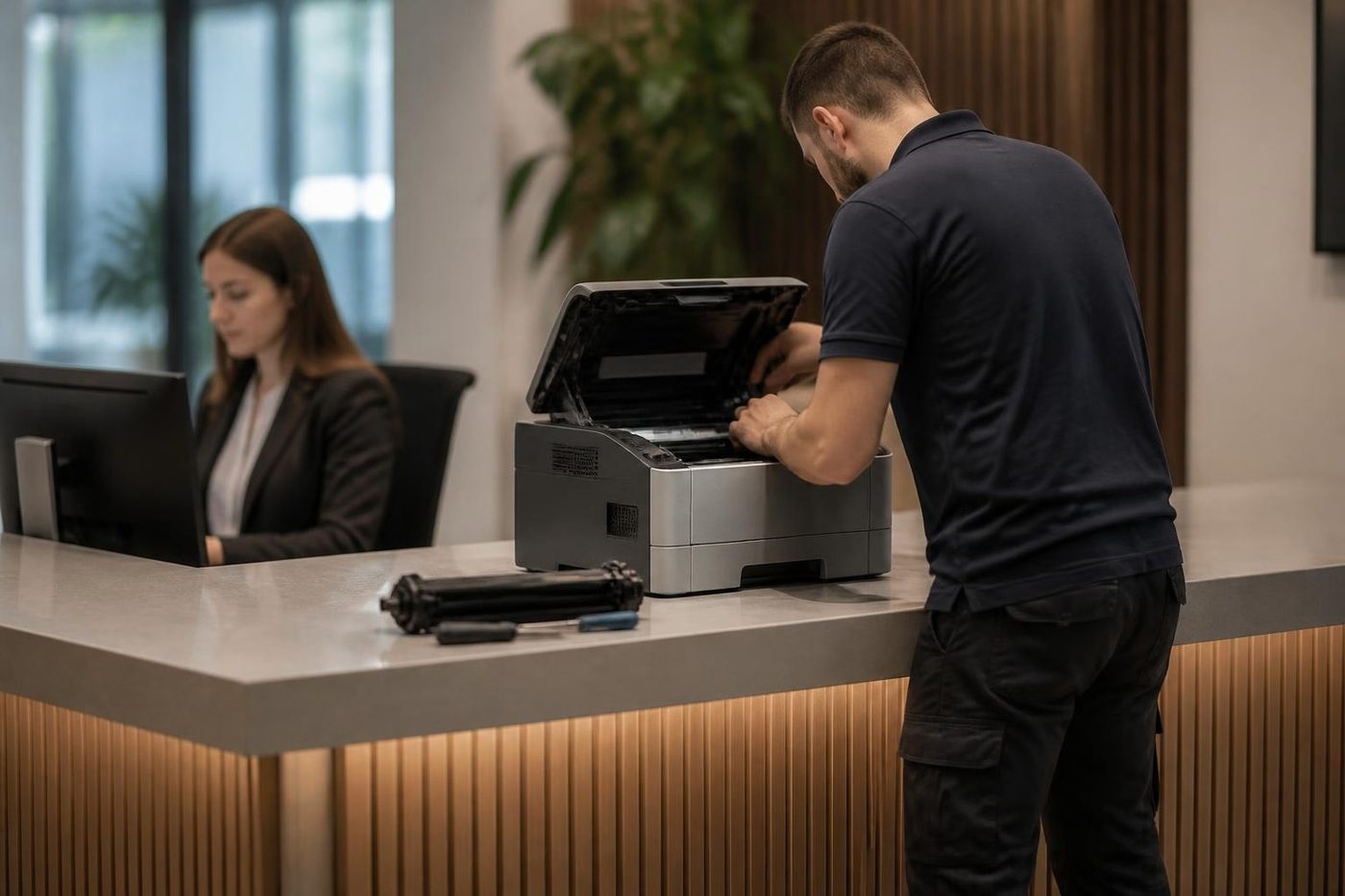
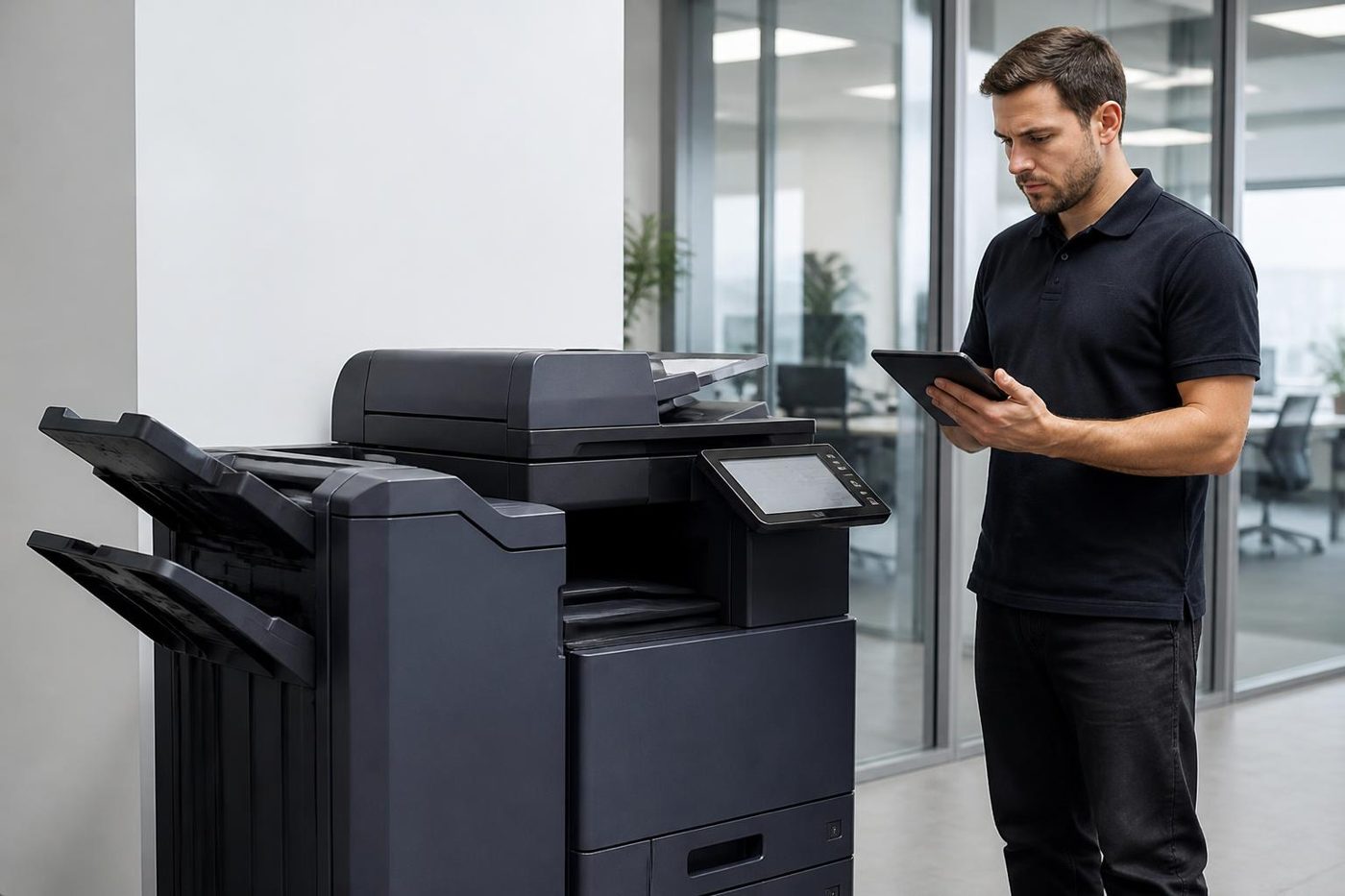
Four steps on a Samsung repair

Behind the side panel
Light is the enemy of a drum
The drum is the part nobody sees and the part that matters most. It is a coated cylinder that reacts to light, so a technician who props the panel open beside a bright window is quietly spoiling it. Gold Coast offices are mostly glass and sunshine, which makes covering the drum a habit worth having.
We send people who wrap it, work quickly and put it back as the maker intended. If a mark repeats down your pages at the same spacing, describe it on the phone. That spacing is a clue.
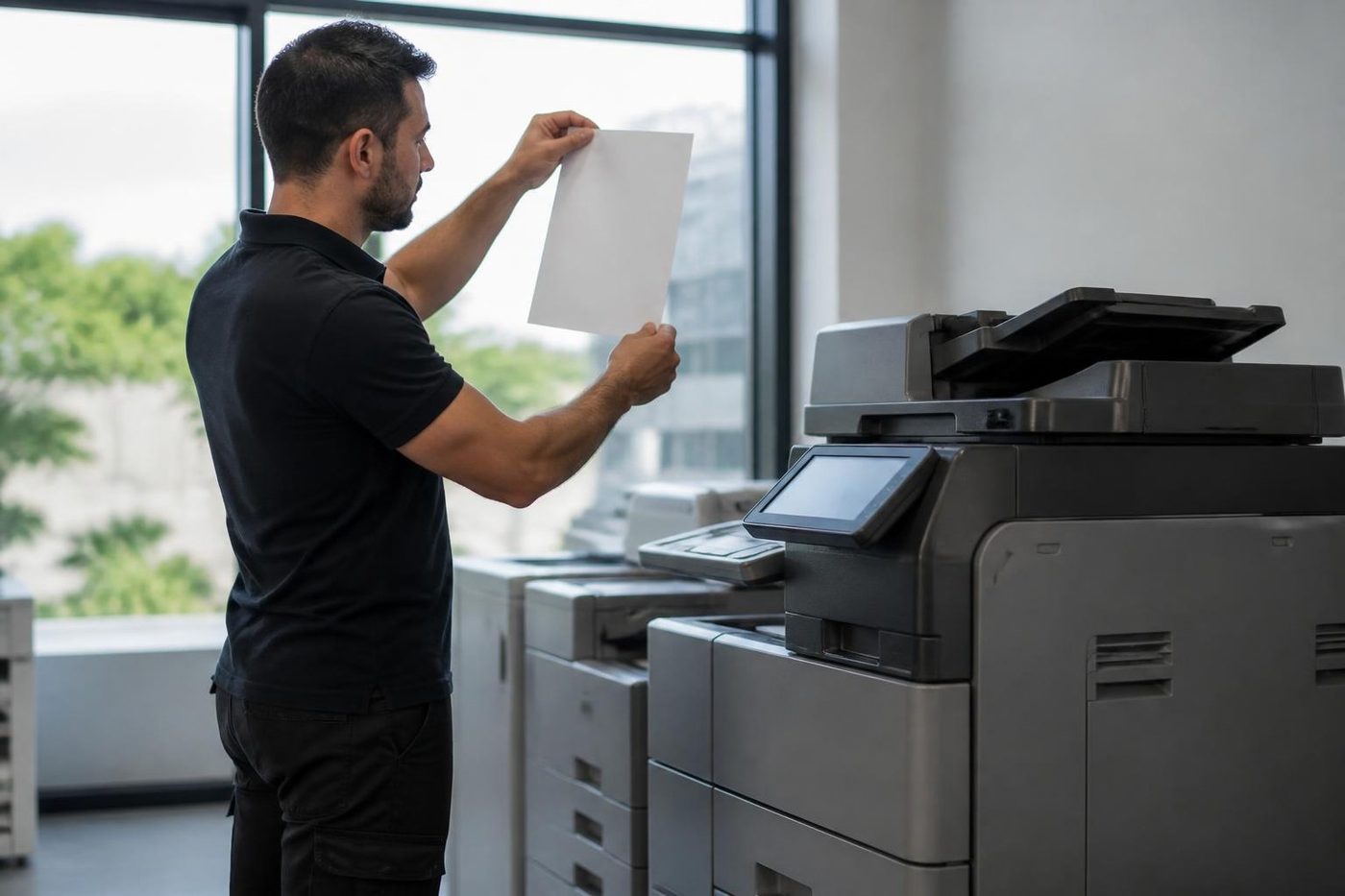
- Covered at all times. The drum goes in a light proof sleeve the moment it leaves the machine.
- Marks read properly. The distance between repeating marks points to the roller or drum at fault.
- No fingerprints. Gloves on, every time.
Keep reading
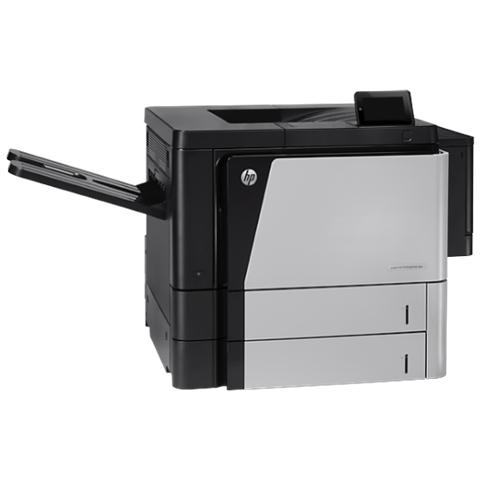 HP printer repairsLaserJet codes read like a sentence. We read them aloud.
 Commercial printer repairsWorkgroup lasers and fleets, repaired where they sit.
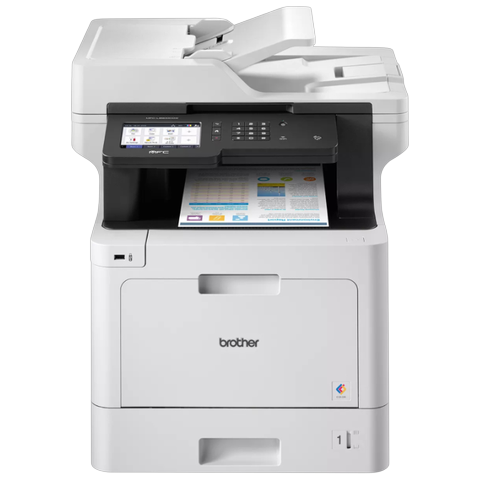 Brother repairsReplace Drum, Print Unable, TS-02: what each one means.
 Photocopier servicePlanned visits, one off calls and meter reads for office copiers from Coomera to Coolangatta.
 Scan to email not workingA scan that leaves the glass and never arrives.
 Printer offline and network faultsThe printer that vanished overnight.
Buy, sell and lease
Buy, sell and lease commercial copiers on the Gold Coast
We also sell new and refurbished commercial copiers and buy used ones. Same team, same technicians.

Around Southport, Burleigh and Robina
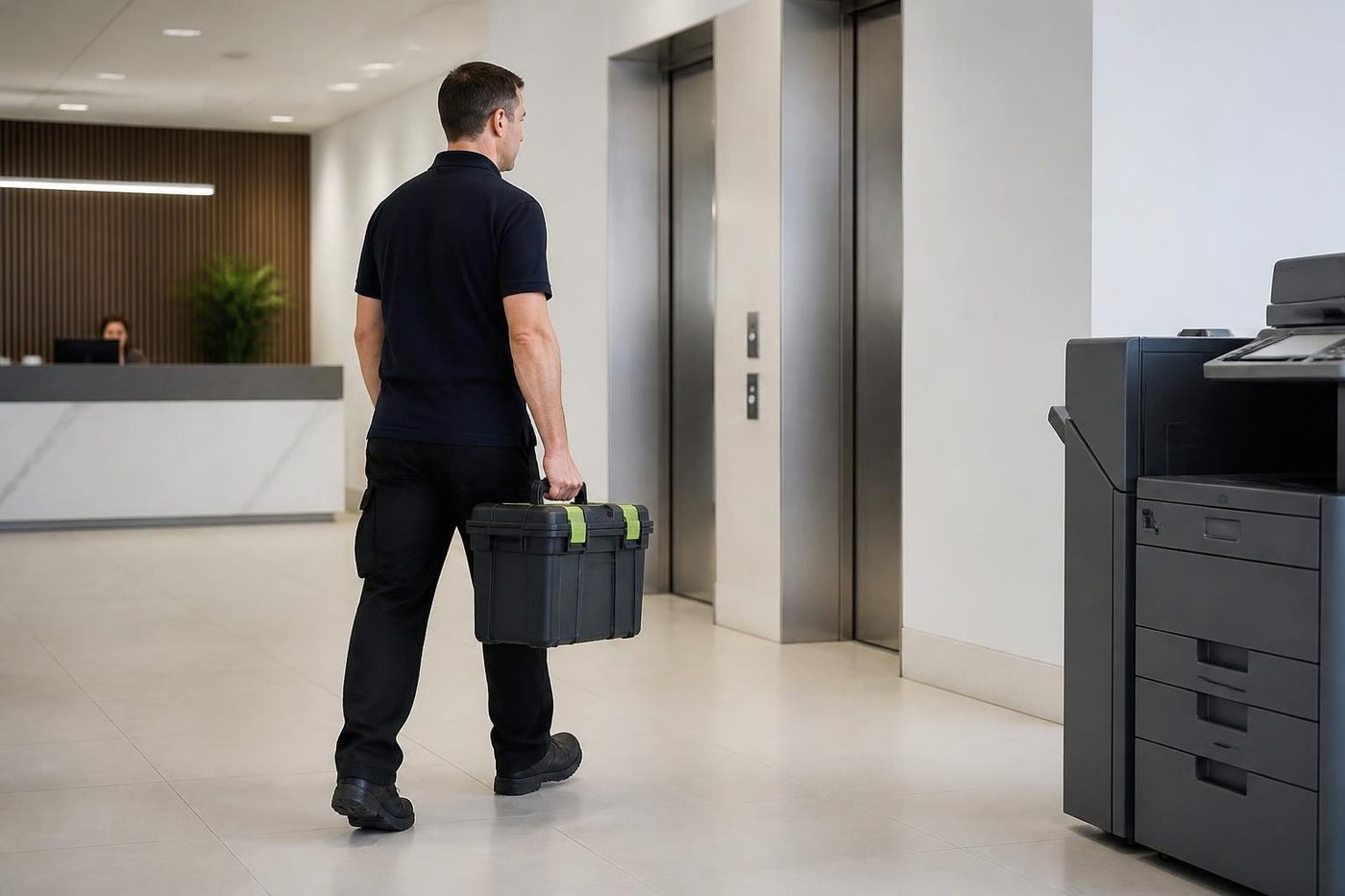
Common questions from Gold Coast offices
Who does Samsung printer repairs and Samsung printer service on the Gold Coast?
We do, at your premises, even though HP now looks after the brand. Fuser, pickup, imaging and scan faults are fixed on site.
Who supports Samsung printers now?
HP bought Samsung's printer business, announced in 2016 and completed in 2017, and support and driver pages moved with it. We repair the machines at your premises regardless.
My Samsung shows a fuser error. Is it the end?
Not necessarily. Switch off, wait a minute and try once. If it returns, ring us. A fuser can often be replaced on site, but we tell you when it is not worth it.
The printer wants a new imaging unit. Is it broken?
No. The machine counts pages and asks for a new unit. If the message stays after a replacement, the counter may need resetting.
Can you find a driver for my old Samsung?
Usually yes. Tell us the exact model and we find and install the right one.
What is SyncThru?
The built in web page on many Samsung multifunction machines where an administrator manages scanning and email.
Do you repair the A3 MultiXpress machines?
Yes, though parts for the larger machines can be harder to find.
Why does my Samsung take two sheets at once?
The pickup or separation roller has gone smooth, or the paper is damp. We check the paper first, then change the roller.
The status light is red but the screen says nothing odd. What now?
Check the doors and the trays first. If the light stays red, tell us whether it blinks or stays steady and what happened just before.
The scanner says it is locked. What does that mean?
The scanner carriage latch is engaged or stuck. Check the lock lever, often near the glass, is in the unlocked position.
Is an old Samsung worth repairing?
Sometimes. Age, page count and the cost of the repair decide, and we tell you plainly.

Season is busy, machine is down
We keep the call moving.
Tell us what stopped and we say what we can arrange. Same day service is available, and every call is logged.
Tell us the fault
Everything we look after on the Gold Coast
Copier and printer service
Fault guides
- Copier and printer faults Gold Coast
- Photocopier paper jams Gold Coast
- Copier black lines and streaks Gold Coast
- Copier error codes Gold Coast
- Copier not printing Gold Coast
- Scan to email not working Gold Coast
- Toner smearing and fuser faults Gold Coast
- Printer offline and network faults Gold Coast
- Copier noise, grinding and squealing Gold Coast
- Is my copier worth repairing Gold Coast
- Toshiba e-STUDIO error codes Gold Coast
- HP LaserJet error messages Gold Coast
- Kyocera TASKalfa error codes Gold Coast
Makes we repair
- Toshiba copier repairs Gold Coast
- HP printer repairs Gold Coast
- Kyocera copier repairs Gold Coast
- Fujifilm copier repairs Gold Coast
- Xerox copier repairs Gold Coast
- Canon copier repairs Gold Coast
- Ricoh copier repairs Gold Coast
- Lexmark printer repairs Gold Coast
- Brother printer repairs Gold Coast
- Epson printer repairs Gold Coast
- OKI printer repairs Gold Coast
- Zebra printer repairs Gold Coast
- Konica Minolta copier repairs Gold Coast
- Sharp copier repairs Gold Coast
- Fuji Xerox copier repairs Gold Coast
Suburbs we work in
- Printer service Southport
- Printer service Bundall
- Printer service Robina
- Printer service Varsity Lakes
- Printer service Nerang
- Printer service Burleigh Heads
- Printer service Helensvale and Coomera
- Printer service Surfers Paradise
- Printer service Broadbeach
- Printer service Coolangatta and Tweed Heads
- Printer service Labrador and Biggera Waters
- Printer service Mudgeeraba and Reedy Creek
- Printer service Molendinar, Ashmore and Carrara
- Printer service Currumbin, Palm Beach and Tallebudgera
- Printer service Byron Bay, Ballina and Lennox Head
- Printer service Lismore and the Northern Rivers
- Printer service Murwillumbah and the Tweed Valley
- Printer service Kingscliff, Tweed Heads South and Pottsville
- Printer service Arundel and Yatala
- Printer service Pacific Pines and Oxenford
- Printer service Tugun, Bilinga and the Gold Coast Airport side
- Printer service Miami, Mermaid Waters and Mermaid Beach
- Printer service Currumbin Waters and Elanora
- Printer service Paradise Point, Runaway Bay and Hope Island
- Printer service Mullumbimby, Brunswick Heads and Ocean Shores
- Every suburb we cover
Know the make and what it is doing? That is enough for a price.
Describe it and we will ring back
Fill this in and someone rings you back with a price, usually after a few questions about the machine. Or call (07) 3096 0331.