Sharp photocopier repairs Gold Coast offices ask for, MX first and BP second
Every Sharp model name opens with MX or BP. MX is the long running A3 multifunction range. A C in the number means colour and an M means black and white. BP is the newer family, written as BP plus digits and letters that again show colour or mono and give a speed.
At the machine the two feel the same. You copy, print, scan and send, mostly from a touch panel and often after a login. Inside, the same parts wear: pickup rollers, drum, developer, fuser, transfer parts and the document feeder.
We are not Sharp's dealer and they are not our principal. The person who turns up is a certified, experienced technician matched to your machine. You tell us the fault, we name a price over the phone, and no booking is made until you agree to it.
| The badge says | What you have | Where we look first |
|---|---|---|
| MX with a C | A3 colour multifunction, from several generations | Colour drift, fuser wear, transfer parts |
| MX with an M | A3 black and white multifunction | Feeder and tray faults, drum wear on busy machines |
| BP | The newer Sharp A3 and A4 range | Network and login settings, new consumables not seated |
| Smaller MX desk models | A4 and compact A3 | Pickup rollers and toner seating |

Reading a Sharp code: a letter, then a pair of numbers
A Sharp reports trouble as a letter followed by one number and then another. The letter names a family of faults and the numbers narrow it down. The maker's tables join the pair with a dash, while the screen shows it as a short string.
Read it as a hint, not a ruling. Several faults can throw the same code, and one fault may show a different code on another model. So we gather the code, the model and the story of what happened, and give you our opinion before anyone is booked.
One restart at the main switch, with a minute's wait, is reasonable. If that clears it, say so when you phone. If the code returns, leave it. Further restarts do nothing for a fuser or drive fault, and a machine opened by an untrained hand becomes a larger bill.
The feeder on top: RSPF, DSPF and why scans go wrong before they begin
The feeder names sound grander than the part. RSPF is a reversing single pass feeder that flips each sheet to read its back. DSPF is a dual scan feeder that reads both faces in one pass. Either way it is a small, busy paper path that takes originals at speed.
The complaints are well known. Two sheets pulled together. A sheet that skews and gets clipped. A thin dark line down every scanned page. A jam message over a path that looks empty. The dark line is nearly always a speck on the narrow glass strip beside the main glass. Wipe it with a dry soft cloth. Window cleaner strips the coating, so keep it out of reach.
Feeder rollers glaze over and begin to slip, and replacing them is a quick, inexpensive job. If your scans carry a grey bar or a crease in the same place each time, call us, because each pattern points to a different part inside.
Sharp printer repairs and Sharp printer service Gold Coast offices rely on
A Sharp need not be a floor standing copier. The A4 machines sit on reception desks and in trade offices, with the same wear parts in miniature. Paper pickup fails first, followed by the fuser and then the imaging parts.
The calls repeat: faint print, a streak down one edge, a tray that grabs two sheets, or a printer lost from the network after somebody swapped the router. Send us the model and the symptom and many of these are done in one visit.
Our work is mostly commercial. If the small Sharp turns out to be a household machine, ring anyway and we will tell you frankly whether a visit is worth it.
Put together, that covers Sharp copier repairs for Gold Coast offices, Sharp photocopier service visits on the big MX and BP machines, planned Sharp copier service calls, and Sharp printer repairs on the A4 units above.
Scanning, email and the web page behind a Sharp
Every Sharp hosts a web page of its own where an administrator keeps the address book, scan destinations and mail settings. When scanning or email fails, the cause is usually a change somewhere else: a password, a server name, a new mail policy.
We test at the panel, read what error comes up and hand your IT contact a short list. If the fault lives in the network and not in the copier, we say that and do not bill you for chasing something the machine does not have.
Some offices add extra applications to the touch panel through Sharp's open platform, called OSA, typically card login, print release or document routing. When one of those stops, the culprit is generally the software or the server behind it, and we tell you which side the problem is on.
Fusers, drums and the usual wearing parts
Toner that smudges, pages that crease and a warm plastic smell suggest the fuser, although we look at the paper and its type setting before blaming it. Marks that repeat, streaks and a grey background suggest the drum. Colour that stays pale or blotchy after fresh toner suggests the developer.
Cheap causes come first. A ream that took in damp during a humid week behaves like a tired fuser, and heavy stock run as plain paper will not fuse cleanly. Fusers cost real money, so we never fit one the machine does not need.
Here is a tip that helps: measure the spacing between repeating marks with a ruler. That number points the technician to the roller or drum responsible, and the correct part rides in the van.
Colour on an MX: registration, tint and the stripe in one colour
A colour Sharp lines up and balances its four colours with an automatic routine, and once parts wear the routine runs out of adjustment. Coloured fringes on black text mean registration has slipped. A wash of tint across the page means density has wandered. One stripe in a single colour implicates that colour's drum or developer.
Run the machine's own adjustment once. If the fault is back the next day, a part is the reason, and repeating the routine only burns toner. Print a test page, circle the fault in pencil and tell us the colour. A marked page is worth more than a paragraph of description.
Toner, waste toner and the message that will not clear
If a fresh cartridge goes unrecognised, it has probably not been pushed home. Seat it fully, check the little lever or shutter, and shut the door with some firmness. A message that stays after that can mean the wrong cartridge for the model. Sharp uses different cartridges in machines that look alike, so read the exact name.
Waste toner containers behave in the same way. A full message straight after a swap suggests the container is not seated, a sensor is misreading it, or toner is spilling into the paper path. Seals and the path are where we look.
Finishers and stapling on a bigger Sharp
A larger MX finisher staples and sometimes punches, and it gets blamed for a lot. Staple cartridges loaded crooked, a jam within the head and a full punch waste box account for most trouble, and a paper size setting that disagrees with the stack makes each of them worse.
Open the staple door, find the bent staple, take it out gently and refit the cartridge. If stapling still fails, or every staple lands skewed, the head needs a technician. Prising a jam out with a screwdriver converts a small fault into a large one.
Trays, the bypass and long or heavy paper
Sharp trays carry sensors that read the stack size, and the machine trusts its settings over its eyes. A drawer holding one size while the panel believes another will jam on page one. When a jam returns right after clearing, check the size the drawer is set to.
The side bypass takes envelopes, labels and card, and each wants a setting of its own. Label sheets run as plain paper can leave adhesive behind in the fuser, and envelopes sent down the wrong path crease and jam. Ten seconds at the panel can save a call out.
Where we find Sharps on the Gold Coast
Schools and training providers often run Sharps. So do professional offices in Southport and Bundall and agencies around Burleigh and Robina. Down at Coolangatta, Tugun and Currumbin, small firms serving the airport and tourism trade use them in modest suites close to the water, and that adds salt and damp to the mix.
Trade and distribution offices at Molendinar, Arundel and Yatala print dockets and plans on them. A Sharp in a dusty office needs a yearly clean. One beside a balcony door needs its paper kept in a dry cupboard.
If your Sharp arrived under an agreement and the service side has gone quiet, let us know. We inspect it, report what we find and quote you by phone.
Sharp in a beachside suite: salt, damp and slow decay
A Sharp a few streets from the sea ages in its own way. Salt settles on connectors and fan blades, and damp creeps into paper and electronics. The resulting faults are maddening ones: a tray that now and then fails to register, a code that shows on warm afternoons and vanishes overnight, a scanner that works once and then stops.
The remedy is patient. Clean and reseat the connectors, inspect the fans, watch for a pattern in when the fault shows up and write it down. A technician who works the coast meets this often and recognises it faster than a newcomer.
Prevention costs little. Keep the machine well back from open doors, leave paper in its wrapping until needed, and ask for the vents and contacts to be cleaned on every visit.
Three questions that make a Sharp call faster
Have these answers ready and we begin the call with a head start.
- What does the full model name say, including any C or M in the number?
- What is on the panel, exactly as written, the letter and both numbers?
- Did something change just before: a move, new paper, a storm, an IT job?
The rest we sort out together on the phone.
A monthly habit that helps
Once a month, jot down the total page count on the machine. It takes half a minute and builds a record. When a part starts failing, the technician can set the count against the wear, and an office manager can see which machine carries the load.
Three Sharps in one school office will rarely share the work evenly. The one by the staff room door has done twice the output of the one in the corner, and has twice the faults. The counts explain why and let you move the load around.
Monday morning at a school front office
Picture a Gold Coast primary school front office with a single Sharp that does everything. By eight it has printed the day's absence list, copied three forms for a parent at the counter, scanned a medical certificate and run thirty newsletters for a class. It is old enough that nobody remembers buying it.
On a morning like that the small things bite. A feeder skews the medical certificate. A drawer picks two sheets and wastes a newsletter. A smear on the glass lays a grey line over the absence list. None stops the school and all wear patience thin.
Schools notice faults well and report them badly. A teacher tells the office manager the copier is making a noise, the manager means to ring, and two weeks later it dies in the first week of term. If that sounds like your office, a ten minute chat when the noise starts beats a breakdown call.
Symptom to likely area: a rough guide for the front desk
Consider this a map, not a diagnosis. It is what we tell office managers who want to describe a fault in a way that helps us.
- Toner that rubs off under a thumb usually means the fuser, the paper type setting or damp stock. Tell us the paper type set on the tray and the weight of the stock.
- A line down every page at the same spot suggests the drum, a roller or something dirty in the path. Say whether it also appears on copies from the glass.
- A line on feeder scans only means dirt on the feeder glass strip. Tell us whether a copy from the main glass is clean.
- Marks that repeat down the page mean a roller or drum with a nick or dent. The distance between the marks is the useful number.
- Two sheets pulled at once suggests the pickup or separation roller, or damp paper. Name the tray and say whether a fresh ream helps.
- Slow waking and slow warm up suggest the fuser or power supply. Tell us when it began and whether a storm came first.
Sleep, warm up and the power point
A Sharp that ignores you on Monday is most often asleep or off at the wall. Press the power or energy saver key and give it a minute. If the panel stays dark, check the lead, the wall switch and the circuit breaker, since a weekend storm can trip one unnoticed.
If warm up takes longer than it used to, ring us. The fuser may be tiring or the power supply labouring, and both cost less to deal with before they give out. A plain surge board is cheap against a power supply board, and worth having on any machine in a storm prone suburb.
Network printing and the machine that vanished from the list
If a Sharp prints for some people and not for others, there is usually a network story. A router was replaced, the machine came back on a different address, and a few computers still look for the old one. Or an update replaced a driver and one computer now speaks the wrong dialect.
The fix is a fixed address, set once, plus a driver that suits the model. We set the address during the visit and leave it on a card for your IT contact. Mention any print server, because the queue lives on it.
Wireless adds another variable. A copier is heavy and never moves, so wherever a wall socket is close, a cable is the better choice.
Scan to USB and scan to cloud
Lots of offices now scan to a memory stick or straight into a cloud folder. USB scanning needs a stick with a single partition in a common format, and an administrator must have switched the feature on. Cloud destinations depend on an account and a sign in, and once the password changes the link breaks.
When a cloud destination quits, the copier is rarely the cause. The account is. We test the sign in at the panel and tell your IT contact what the machine reports.
Keeping the glass and cover clean
The main glass, the strip beside it and the white underside of the lid are unglamorous, yet they decide scan quality. One smudge on the glass reaches every copy. A grey stain on the lid becomes a shadow behind thin originals.
Use a soft dry cloth, or one barely damp with water. Window cleaner and harsh solvents attack the coating. Wipe the lid as well. A minute each week keeps scans sharp and spares you a lot of wild goose chases.
Off a lease and onto call by call
It is a common story. An office took a Sharp on a lease, the lease ended, the machine stayed and the service arrangement quietly lapsed with it. Nobody knows who to phone. For us that is an ordinary day. We examine the machine, read the counters, report what we found and give you a price over the phone.
If you are handing back a leased machine, ask what condition the lease expects. A clean, tested machine with its trays and finisher present avoids arguments. We can check it first and tell you what a collector might raise.
Keep a Sharp, or let it go
A Sharp with a steady history, especially an MX, is often good value to repair. A worn roller in an otherwise sound machine is an easy decision. A fuser, a drive and a scanner fault all in one year tells a different story.
Because we deal in machines too, weighing repair against replacement does not come with pressure. Ask for the cost first, by phone. If the identical fault returns, the second visit is free. Our work is warranted, and if the lines are busy we log your call and ring you back.
What happens on a Sharp job


A long strip of coast
Several offices, one steady standard
The Gold Coast is a long thin city. A practice at Southport, a branch at Burleigh and a depot at Molendinar can each own the same model of copier and each behave differently, because the room, the traffic and the air are different.
If your business has more than one site we are glad to keep the records for each machine together, so the second branch benefits from what we learned at the first.
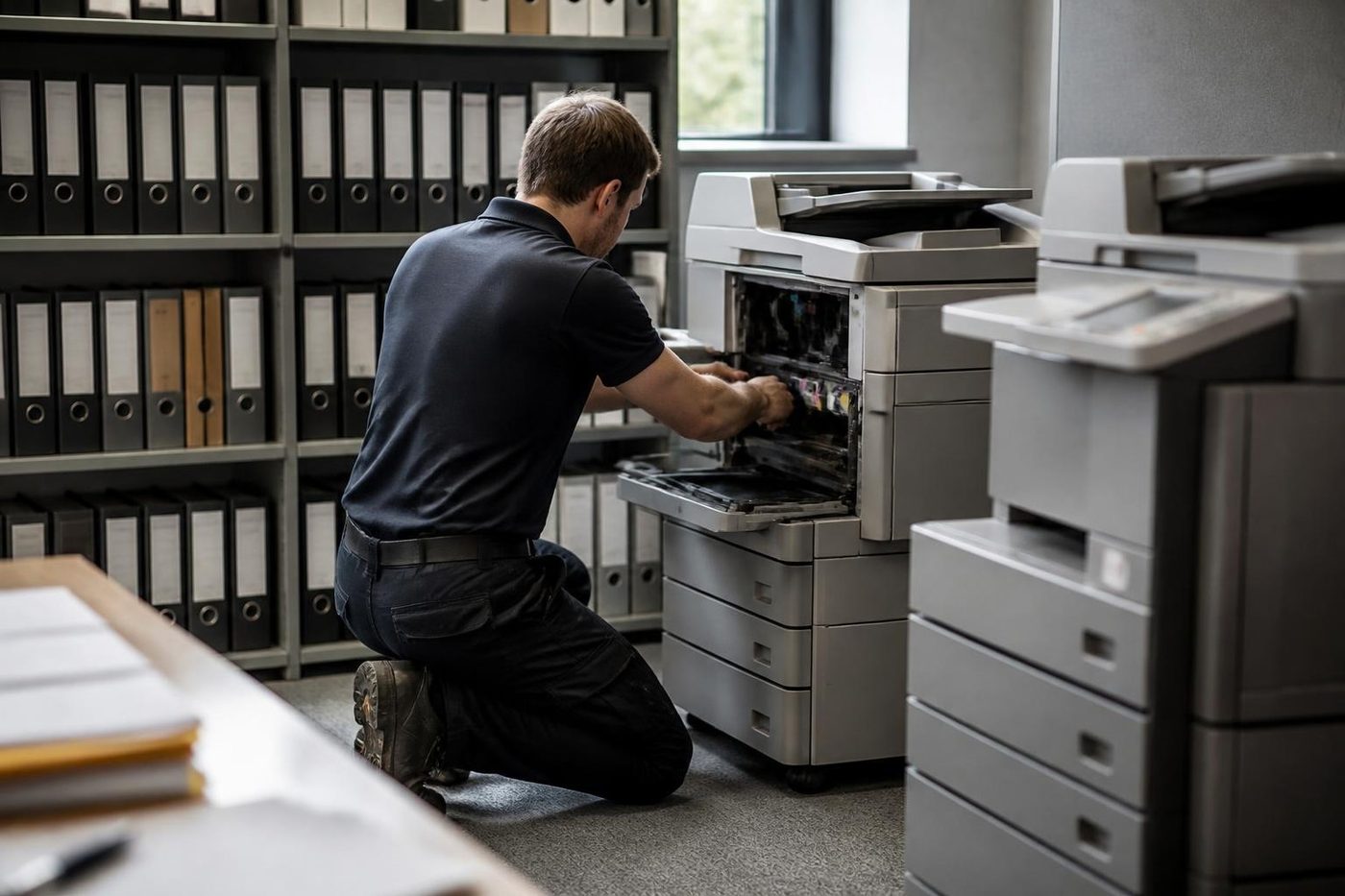
- Each machine on its own. Location and use shape what we look at.
- Sites kept together. One set of notes across your offices.
- Same standard everywhere. The same careful job whichever branch rings.
Keep reading
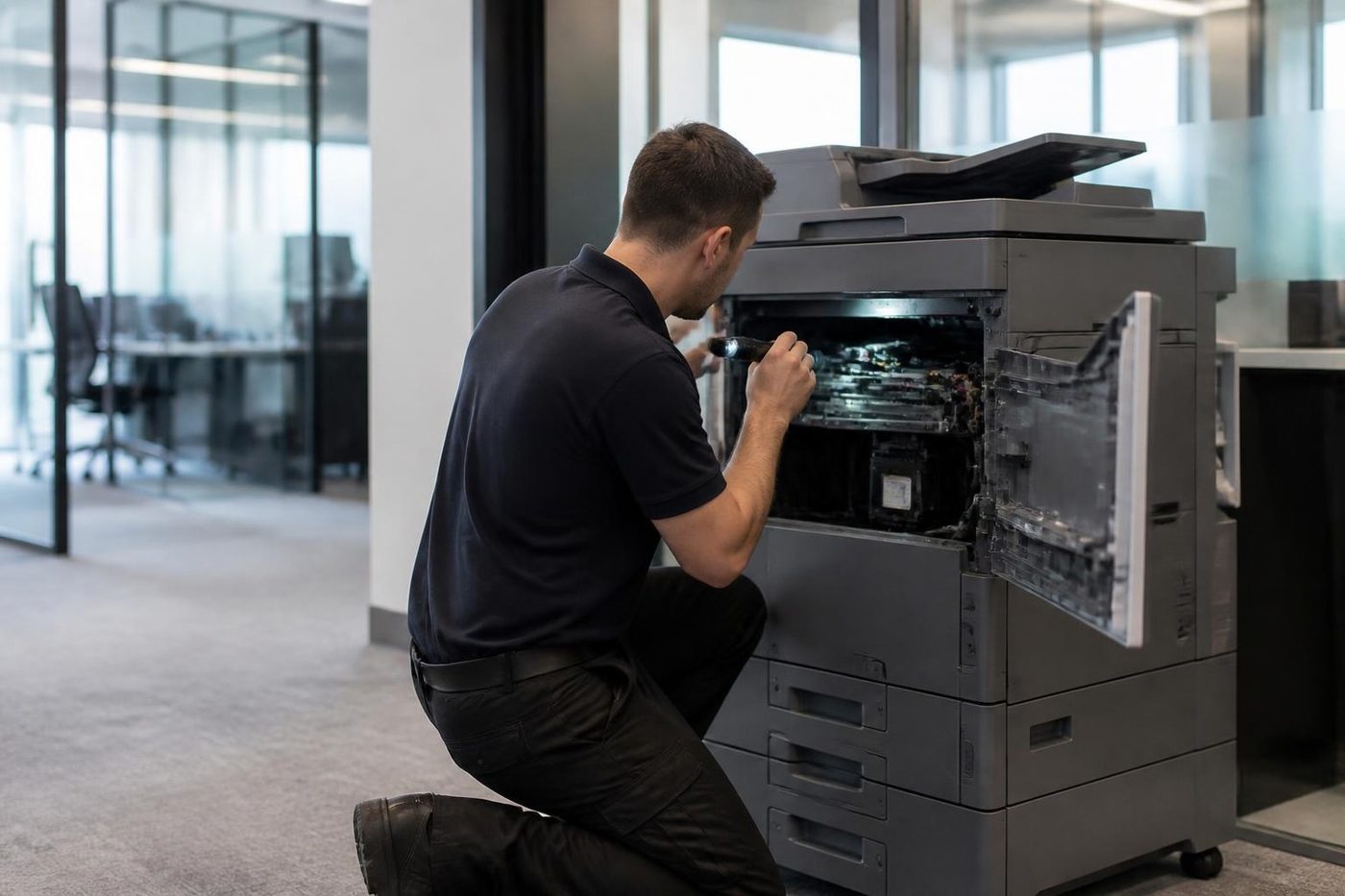 Photocopier repairsAny make of office copier, repaired where it stands.
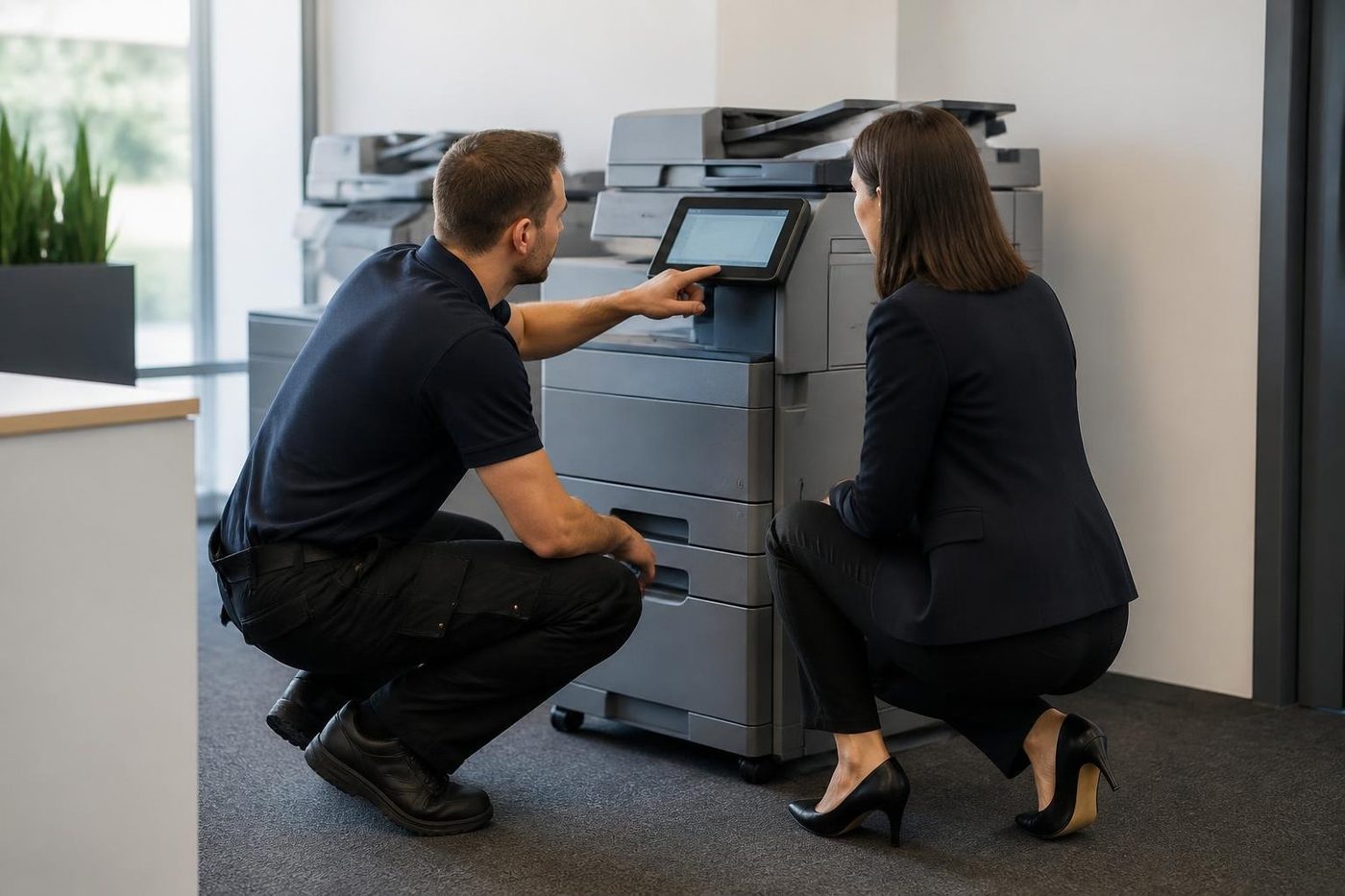 Photocopier servicePlanned visits, one off calls and meter reads for office copiers from Coomera to Coolangatta.Copier error codesReading a panel code, and what to note down.
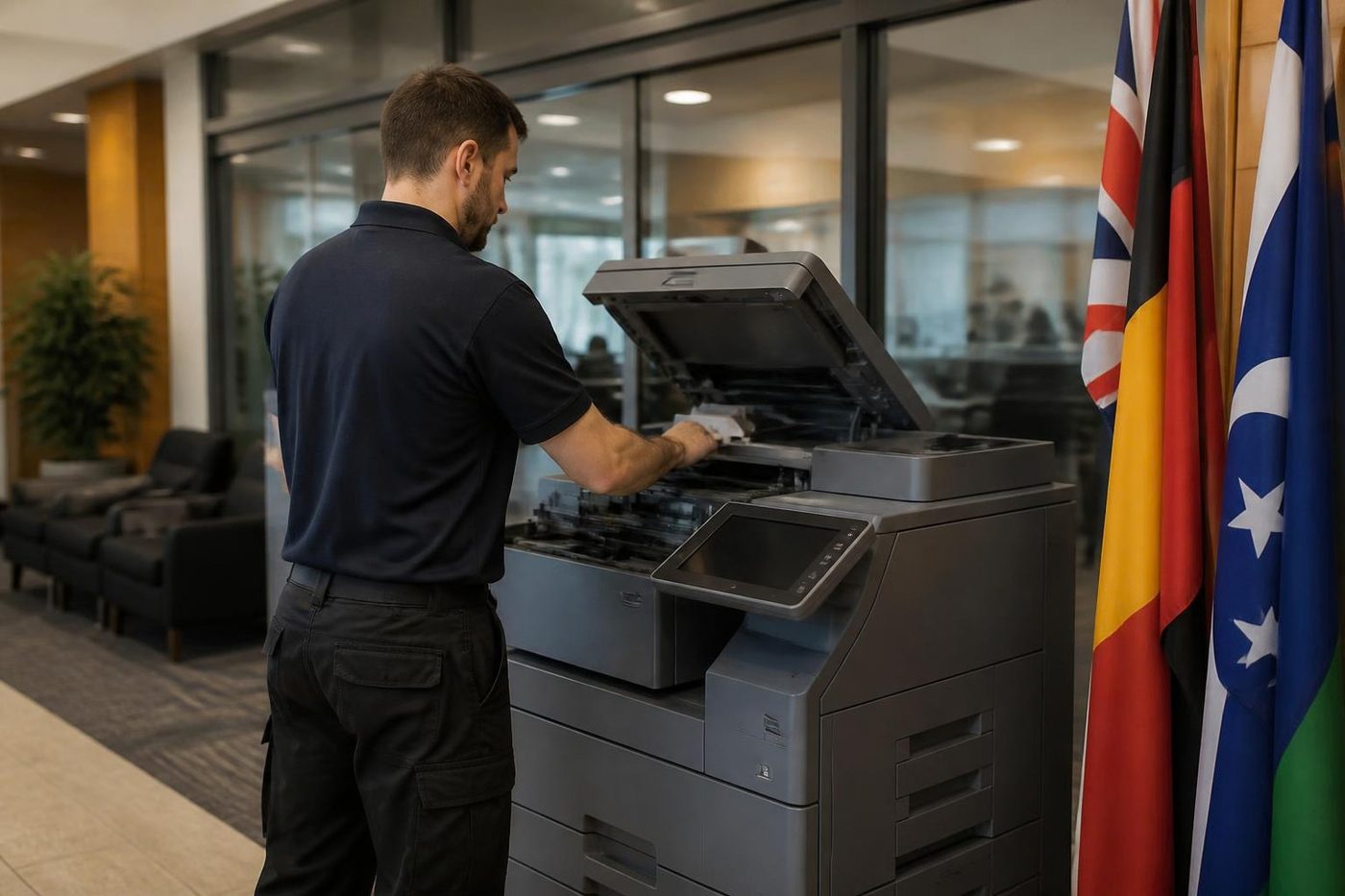 Scan to email not workingA scan that leaves the glass and never arrives.Commercial printer repairsWorkgroup lasers and fleets, repaired where they sit.
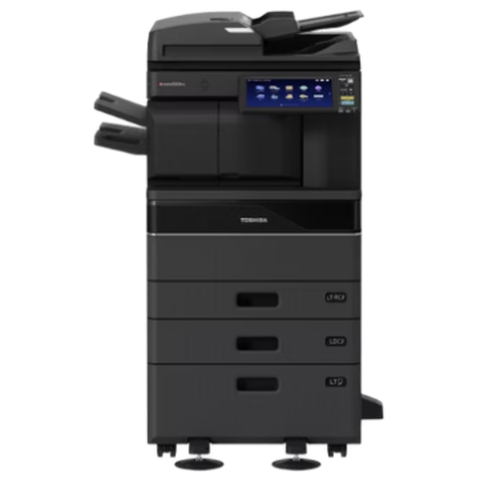 Toshiba repairse-STUDIO AC and A series, fixed where they stand.
Buy, sell and lease
Buy, sell and lease commercial copiers on the Gold Coast
We also sell new and refurbished commercial copiers and buy used ones. Same team, same technicians.


On site on the Gold Coast
Common questions from Gold Coast offices
Do you do Sharp photocopier repairs and Sharp printer service on the Gold Coast?
Yes. We repair and service MX and BP machines and the smaller Sharp printers at your premises, and routine Sharp copier service visits can be set for quiet times.
What separates MX from BP?
MX is the long running Sharp line and BP the newer one. Both are multifunction machines, and the badge shows which you own.
What do the letter and numbers in a Sharp code mean?
The letter points to a fault family and the numbers narrow it down. Send us the whole code and the model and we will tell you what it normally means.
What are RSPF and DSPF?
Two names for the document feeder on top. RSPF flips a sheet to read the back. DSPF reads both sides in one pass.
Every feeder scan has a dark line. Why?
Almost always a speck on the thin glass strip next to the main glass. Wipe it with a dry soft cloth, and ring us if the line stays.
Scan to email stopped. Is the Sharp broken?
More likely something changed behind it, such as a password, a server or a mail policy. We test at the panel and tell your IT contact what to check.
Do you fix the small Sharp machines?
Yes, A4 and desk models, at your premises.
The machine refuses a new toner cartridge. What now?
Push it in firmly and shut the door. If the message stays, read the exact cartridge name for your model, because lookalike machines take different ones.
Why does my Sharp jam on the first page after I clear it?
The tray may be set to a different size from the paper loaded. Look at the drawer setting on the panel.
Does a copier near a sliding door need extra care?
Yes. Keep its paper in a dry cupboard and have the contacts and vents cleaned on visits.
Is an older Sharp worth repairing?
Often, when its history is steady. When it is not, we tell you straight.