The slow wear behind a sudden stop
A commercial laser has a harder life than anyone credits it. It prints for the whole office before lunch, eats one jam on thick stock somebody loaded in a rush, and carries on. Two years in, the rollers have glazed, the fuser holds its heat less well, the trays have loosened and half the computers are using a driver that no longer matches. Then it quits on a Monday and everyone is surprised.
We read the model and the message with you on the phone, so the person who turns up already knows what they are walking into. A fault that returns is repaired again at no charge.
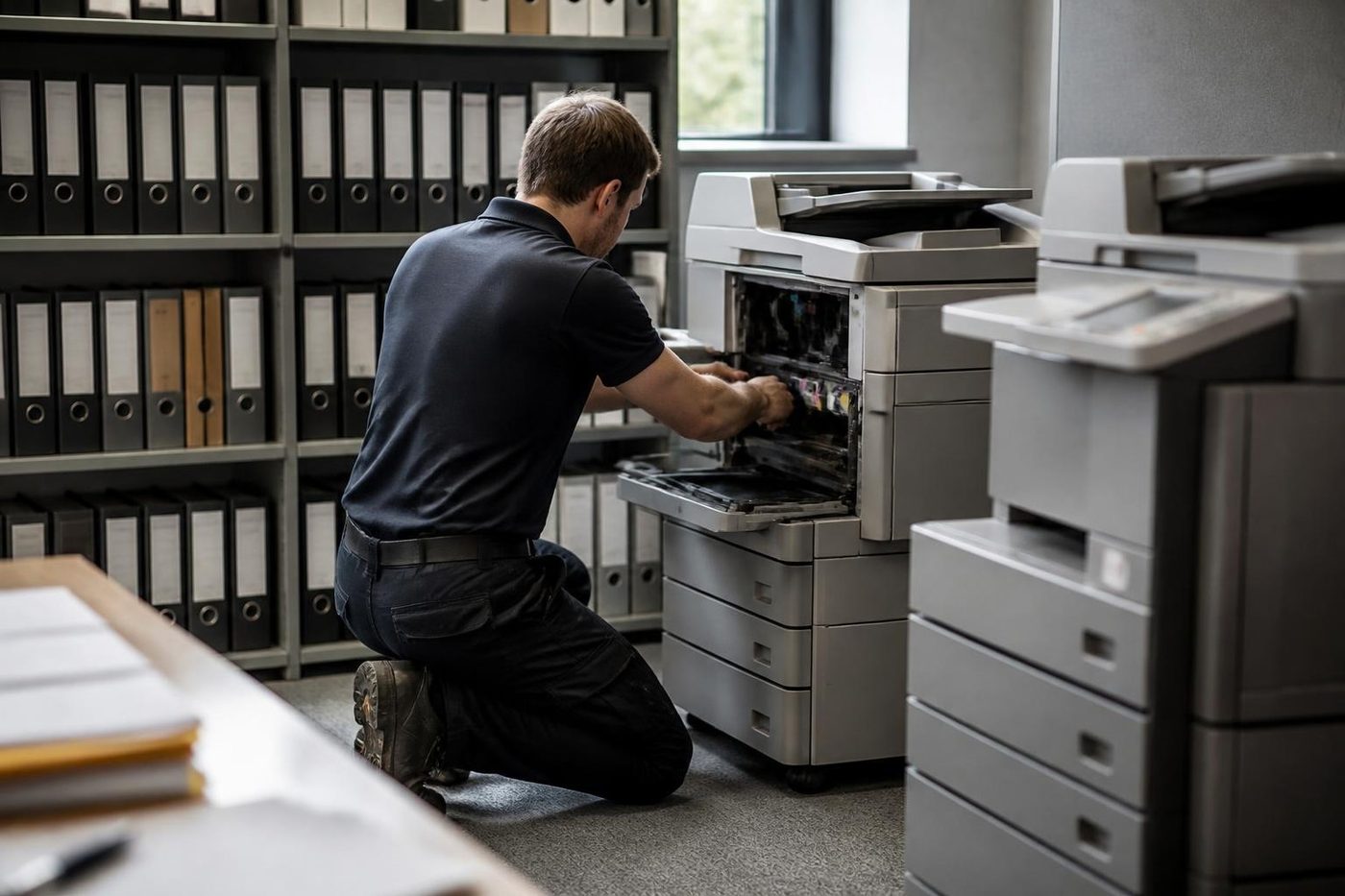
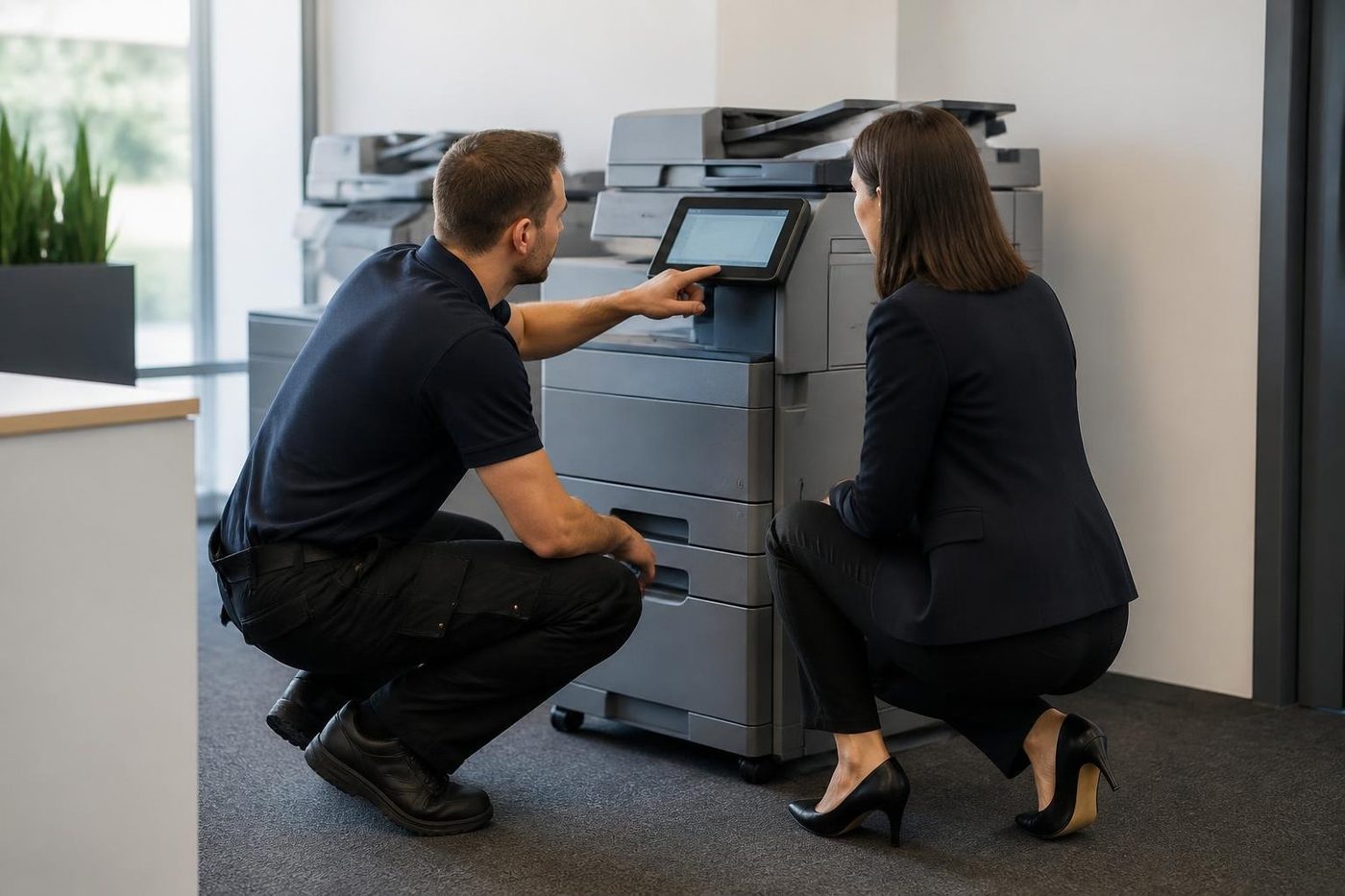
We do the work where the printer sits. One that is wired into your network, your print server and your card release setup is best mended in place, since the job is only done when a page comes out at the desk that needs it.

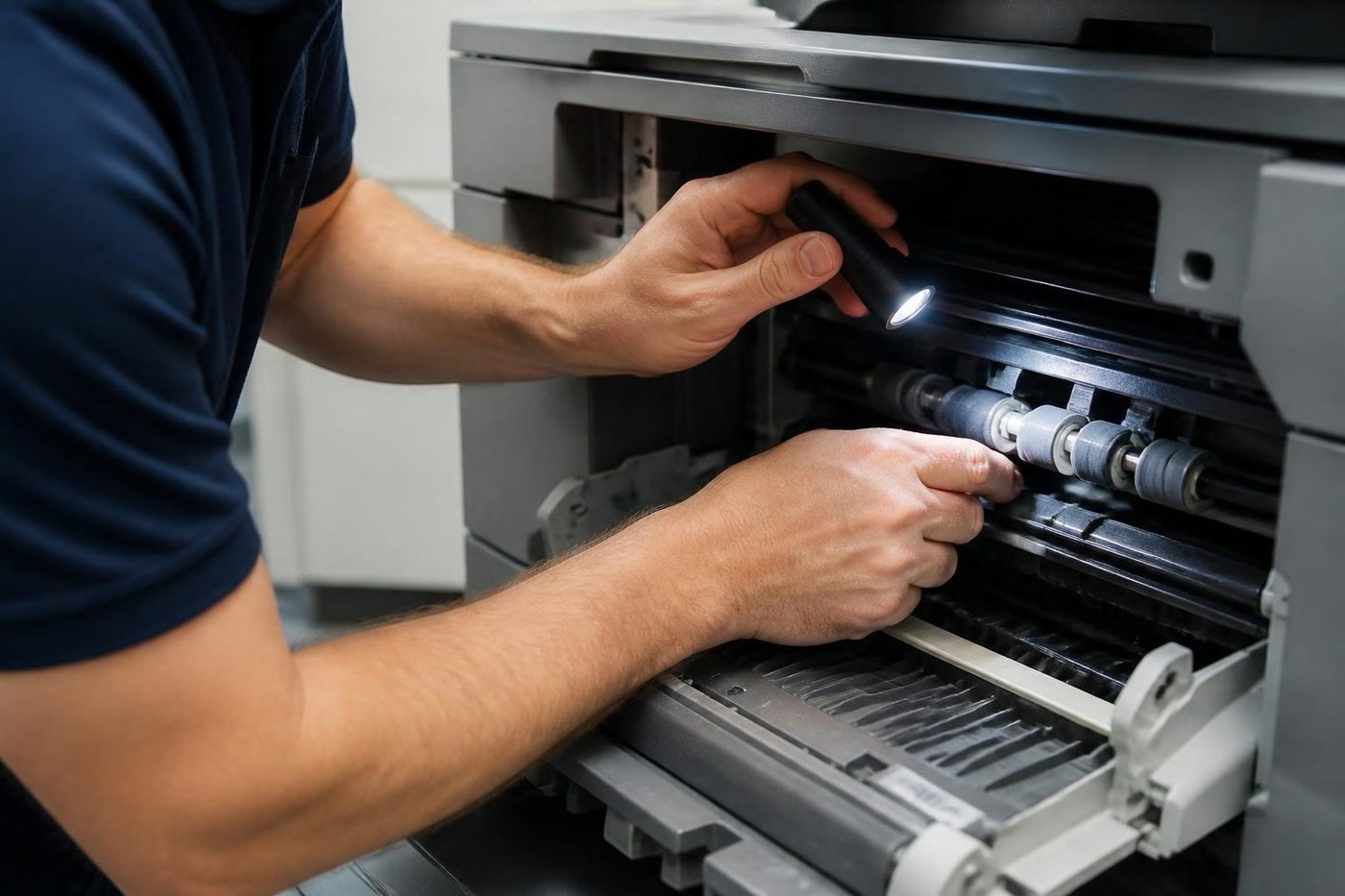
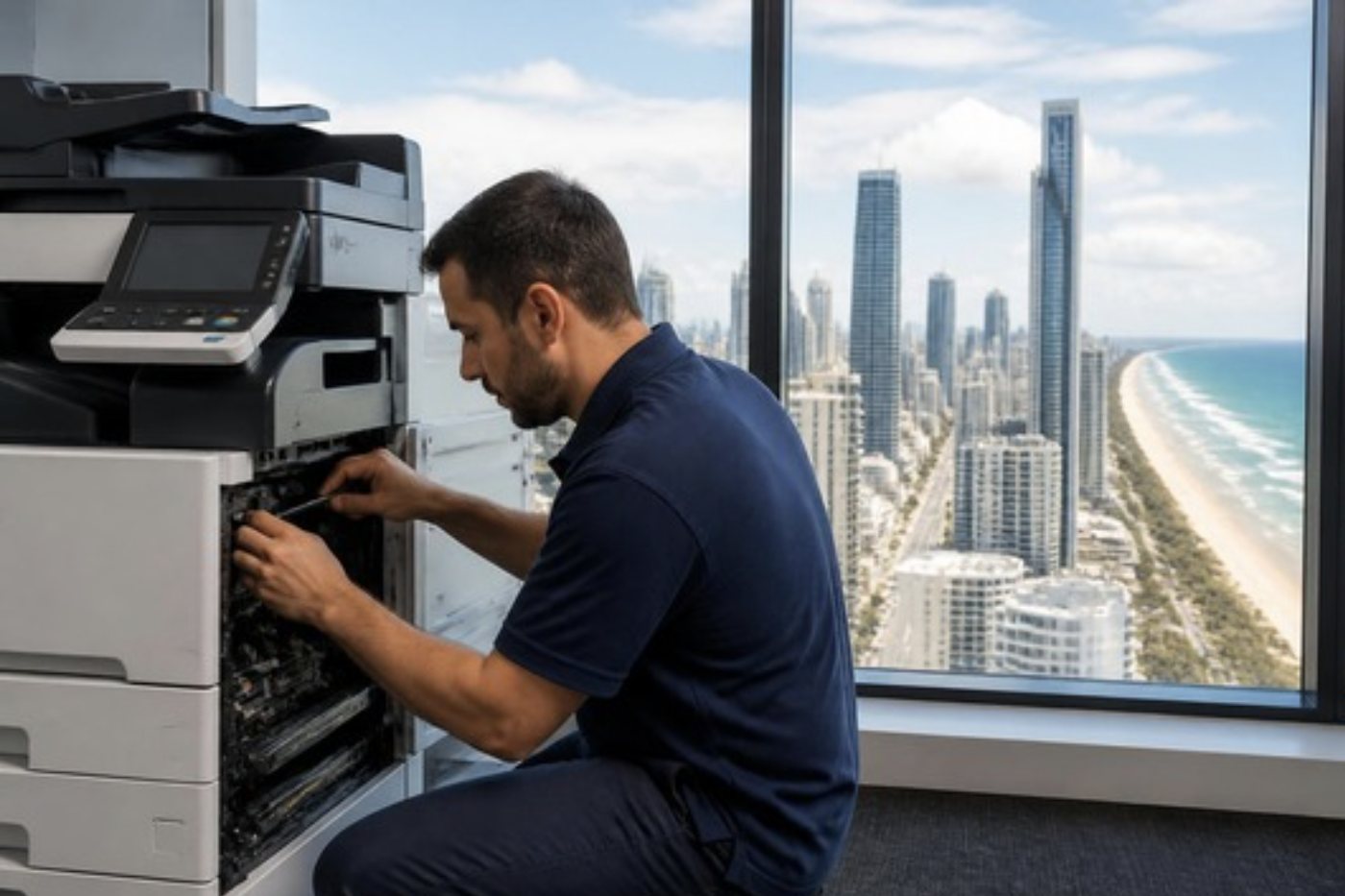
Where a printer wears, in the order it usually happens
- Pickup and separation. The first parts to tire on anything that runs all day. You see a jam from a full tray, a double feed, or a sheet dragged in crooked. A fresh roller set often cures it, unless the tray is overfilled or the paper is damp, in which case the new rollers will not last either.
- The fuser. Smudged toner, creased pages, a heat code at start up, a long wait to warm. We look at what killed it as well as the part itself.
- Imaging. Drums and developer units cause lines, specks and a grey background. A drum that sat in a bright window can show a mark repeating down the sheet, and only replacement removes it.
- Laser unit and controller. A laser assembly out of alignment can soften one edge of the page. A controller that hangs can pass for a driver fault, and a surge in a storm can be behind it.
Telling a controller fault from a driver fault takes a few minutes if you have seen both before. Without that, it takes a few invoices.
Who gets asked about most
HP leads the queue. LaserJet and Color LaserJet, Enterprise and Managed, with the numbered families the coast now knows: 13 for jams, 49 and 79 for firmware trouble, 50 for the fuser. After HP come Toshiba e-STUDIO, Kyocera ECOSYS and TASKalfa, Fujifilm Apeos and ApeosPort, Canon i-SENSYS and imageCLASS and Ricoh SP. Brother, Sharp, Xerox, Epson, Samsung and Konica Minolta turn up as well, along with Lexmark, OKI and Zebra.
Their quirks differ. Kyocera tends to run for years and then fail from dust in the paper feed. HP packs in features, and so it often falls over when firmware or network settings shift. Canon and Ricoh talk through panel codes. Knowing that tells us where to look first.
The printer is fine and the page still does not appear
A big share of printer calls end at a driver, a print server, a secure print rule or an address that moved. The test page prints from the panel and nothing arrives from the desk. A new laptop carries the wrong driver. A router swap gave the printer a new address, and half the office is still aiming at the old one.
For that reason we follow the whole path from screen to paper. In a firm with several printers we also check whether they share one driver and one set of settings, because that is where many repeat calls begin.
Tower floors, trade units, clinic benches
Not two premises on the coast are alike. A tower floor at Surfers Paradise or Broadbeach has air conditioning and a print room. A unit at Molendinar, Nerang or Yatala has an office up front, a counter in the middle and a roller door at the back. A suite in the Southport medical precinct prints letters and referrals that cannot wait. A school office feeds a hundred staff from one machine.
Dust and damp vary with each of them. Next to an open roller door the paper path collects grit. In a damp back room the paper curls. We ask where the printer lives, and if a small move would help, we say so.
Clinics usually run one workgroup machine behind reception. Schools run bigger volumes against a term timetable that rules out certain hours. Builders and trade offices print quotes and compliance forms between sites, from a corner of a demountable or a shed office where heat and dust come with the job. All three benefit from a short visit before anything fails: clean the paper path, look at the rollers and the fuser, say what is due.
Repair, or let it go
Often a commercial laser with one tired roller or a weak fuser is cheap to repair next to the cost of a replacement and its setup. Not always. A printer that needs a fuser, a drum and a controller within a year, or one nobody can supply parts for, belongs on the replace list. We tell you which list yours is on and we give you the number on the phone.
If the answer is replace, we also buy and sell commercial machines. The advice about the old one is the same whichever way you go.
What to read off the machine before you ring
The make and model. Whether it is shared or tied to one desk. What the display says. A photo of the message or a bad page is worth more than a paragraph. And tell us what happened before it stopped: an update, a move, a storm, a power cut. That points us to software or hardware quickly. If you cannot find the model, describe the front and the casing colour and we work it out between us.
How we arrive at a price
There is no list. The same message on two printers can be two different jobs. We consider the parts likely to be needed, the time, and any access issues on site. You hear the build up on the call and agree before anyone is booked. Nothing is locked in by the first call, and if the picture changes once the printer is open the technician stops and phones you. Our work is warranted.
Printer repair near me, and printer servicing near me
A printer repair near me call asks one thing: can somebody be there today? We plan by area and group calls by suburb, so a call from Southport or Bundall slots in beside others nearby. Coomera at the northern end and Coolangatta at the southern end are a long way apart, so we ask for the suburb first and shape the day around it. We would rather say so on the call than promise something the diary cannot deliver.
Printer repairing near me is the urgent version: it has stopped and somebody is waiting. Printer servicing near me is the quieter one, where it still works but the rollers and fuser are due a look. A printer service repair near me request or a repair printer near me search can be either, and we sort out which in the first minute. Offices with machines in several rooms often ask for printers service near me as one job, and a single visit with a list of machines tells you which are healthy and which are close to a wear point. If you want a printer technician near me, that is the person who comes.
The wording varies: printer repairs services near me, printer repairing services near me, or Gold Coast printer repairs. The question underneath never does. Who can fix this printer, and when? We treat it as printer service and repair for the whole office, which means the path from screen to paper gets checked along with the machine. If the lines are busy, the call is logged and returned.
Nine printers on one floor
Plenty of offices on the coast do not have a printer. They have a collection. One came with the lease, two were bought to fill a gap, one was inherited from the firm next door, and by now nobody can say which toner goes in which. A property management floor at Southport or a surveyors' suite at Bundall can have nine machines of four makes.
The sensible move is a single visit with a list. The technician looks at each machine in turn, notes the page count and the state of the rollers, the fuser and the imaging parts, and then tells you which are healthy, which will want attention within a few months and which are not worth another repair. You get a short ranking and not a pile of invoices.
It also shows up the quiet inconsistencies that cause repeat calls. Three machines with three different drivers on the same computers. A printer with a fixed address and another that has collected a new one every time the router restarts. A tray set to A4 on every machine but one. None of that is a hardware fault, and all of it generates phone calls.
Labels, envelopes and heavy card: what a laser does not like
The same few jobs cause a surprising share of the fuser damage we see. Sheets of sticky labels are the main one. A laser fuser runs hot, and a label sheet that is not made for lasers, or one that has been through the machine before and has gaps where labels came off, can leave adhesive on the fuser and the rollers. The next dozen pages come out with a mark.
Envelopes are the second. They crease on the way through and jam at the fuser exit, particularly the self seal kind with a long diagonal flap. A dedicated bypass tray with the right setting makes a big difference, and so does telling the printer what is in it.
Heavy card and stock that is far from the weight the tray expects is the third. If the panel is set to plain paper and the sheet is thick, the fuser is running too cool for it and toner rubs off. Change the paper type setting to match the stock before you blame the machine.
Secure print and release cards
A firm with confidential paperwork often holds jobs at the printer until the owner touches a card or types a PIN. When it works nobody notices. When it fails, people say the printer is dead, because their job disappeared into a queue and nothing came out.
The first things to separate are the printer and the release system. If the machine prints a test page from its own panel, it is probably healthy, and the problem is the card reader, the release server or the account the printer uses to talk to it. We check the printer side, the reader's connection and the settings it holds, and tell you plainly when the fault belongs to the release software and not to us. We would rather say so than fit a part to a machine that was never the problem.
Queues that jam while the printer waits
One stuck job can freeze a queue for a whole office. It might be a file too large for the printer's memory, a document using a font the printer does not hold, or a job sent to an address the printer no longer has. The printer sits idle with a ready light. Behind it, forty pages from forty people wait.
Clearing the queue and resending one job tells us a lot. If the next job prints, the machine is fine and the first job was the problem. If nothing prints, we look at the path: the address, the port, the driver, then the printer. It is a cheap way to avoid replacing a roller set that was never the issue.
After a storm, after a power cut
Summer storms are a regular part of Gold Coast life, and electronics notice. A printer that hangs on start up the morning after, shows a code it has never shown before, or loses its network settings may have taken a surge. Controllers and power supply boards are the usual casualties.
Plugging a printer straight into the wall, and not into a power board shared with a kettle and a heater, removes one cause. A surge protector helps against another. If a printer has been through a storm and behaves strangely, tell us when it started. That timing is one of the most useful clues we get.
What the counters and the history tell us
Most commercial printers keep a count of the pages they have made and a log of recent faults. Between them they say how hard the machine has worked, what the last few messages were and whether a fault is new or recurring. A fault that has appeared three times in a fortnight points to a part that is on its way out. A fault that appeared once, after a power cut, is different.
Reading that history is the first thing a technician does, before a cover is opened. It is also why we ask whether anything changed in the days before the failure. A moved machine, a new cartridge, a paper change or a network update will each leave a mark in the log, and each points to a different place to start.
When a printer is working harder than it was built to
Every commercial laser is designed for a range of monthly pages. Run one far above it and the rollers glaze early, the fuser wears faster and the toner supply is a constant chase. That is not a fault, and it is not a defect. It is a machine in the wrong job.
We say so when we see it, and we suggest a next step, which may be moving some of the work to a second machine, or replacing the printer with one rated for the load. Being honest about that saves more money than any repair.
Printer makes we look after
Your printer visit, from van to handover


Transfer belts
A crease in the belt shows on every page
A good technician slides it out flat, keeps it off the bench and never rests a tool on it. It takes two minutes longer. It also saves a belt.
If your colour copies show a faint stripe in one colour only, ring and describe it. Belts and drums leave different signatures, and the pattern usually tells us which one to bring.
- Handled by the edges. No finger pressure on the working surface.
- Colour faults decoded. One stripe in one colour narrows the search.
- Bench kept clear. Nothing is laid on the belt, ever.
Keep reading
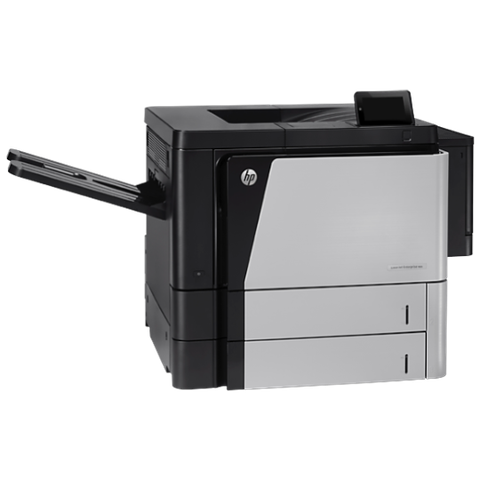 HP printer repairsLaserJet codes read like a sentence. We read them aloud.
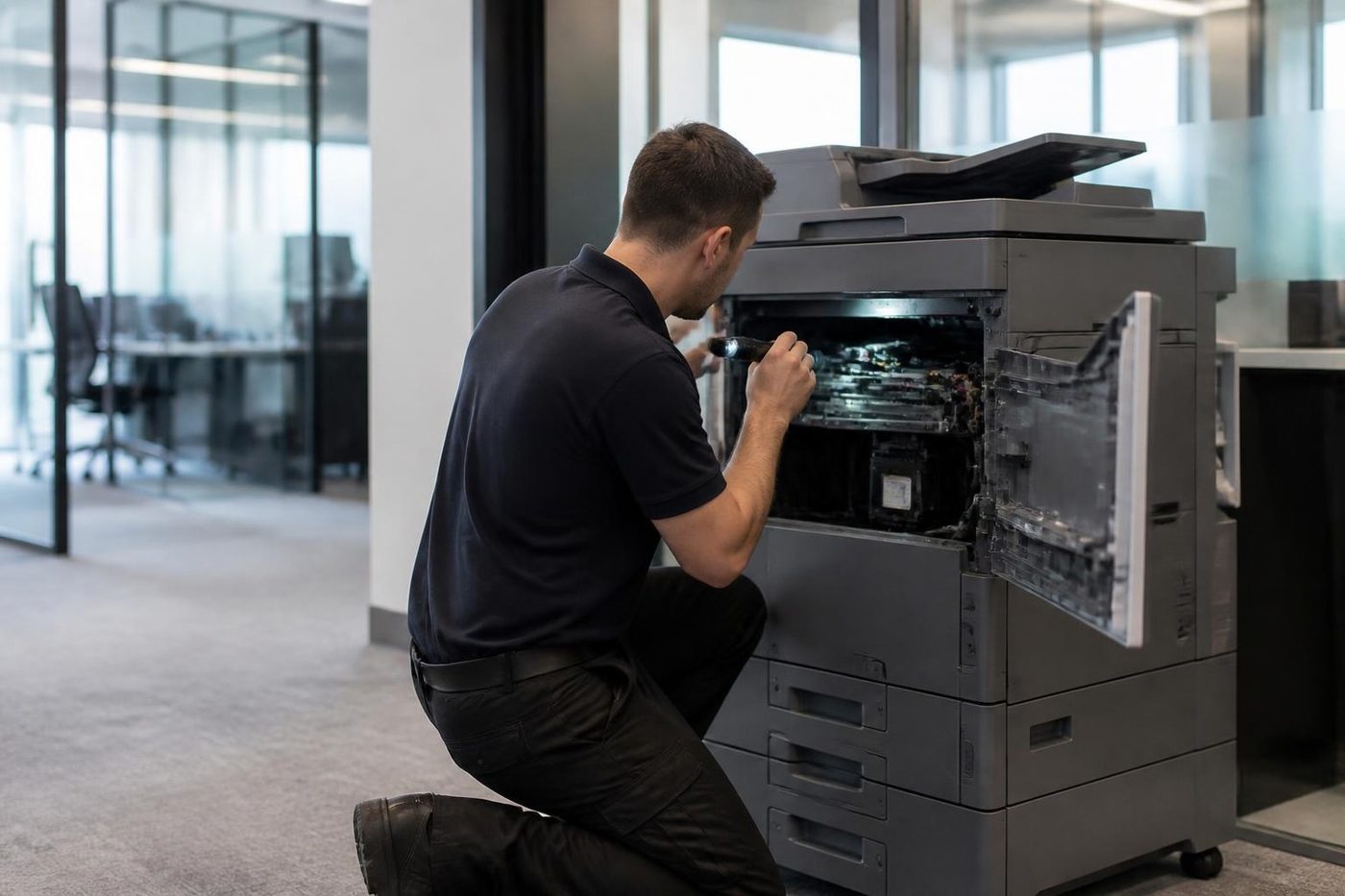 Photocopier repairsAny make of office copier, repaired where it stands.
 Brands we repairPick your make for models, codes and how we work.
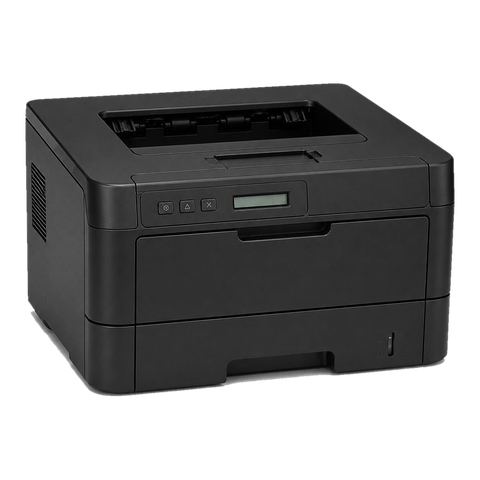 Lexmark repairsLexmark numbers decoded: 200 jams, 31 cartridges, 920 fusers.
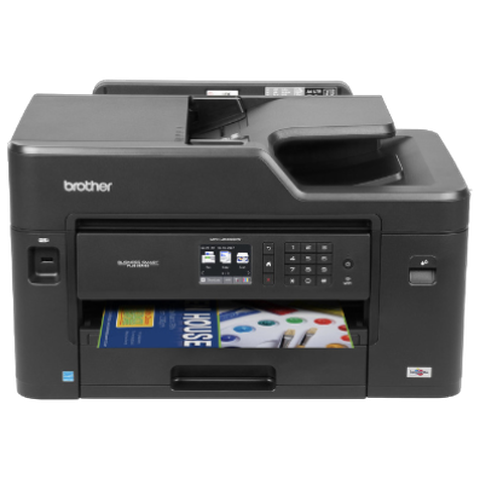 Brother repairsReplace Drum, Print Unable, TS-02: what each one means.
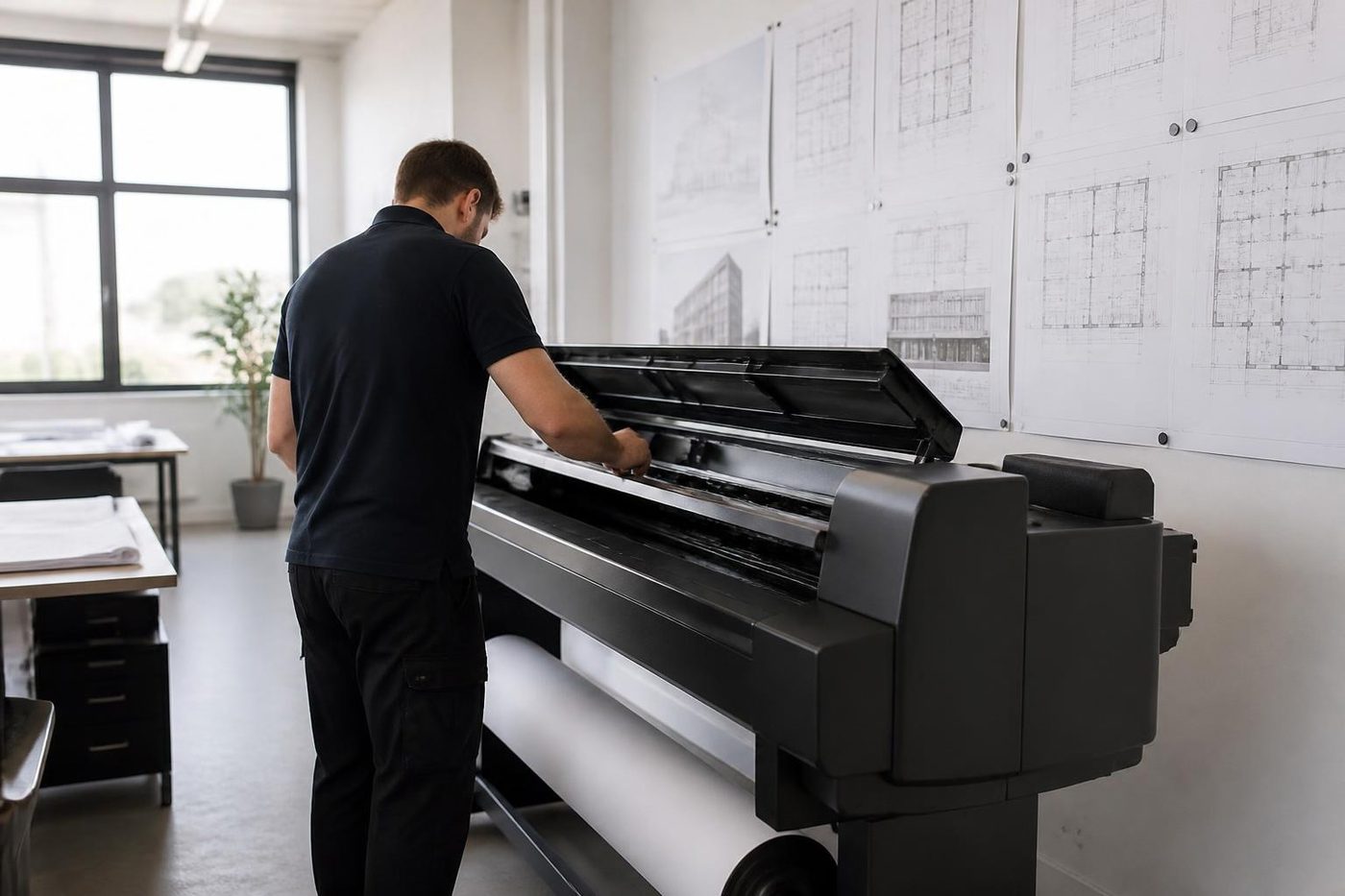 Plotter serviceBanding, skew and blocked heads on A1 and A0 plotters, fixed on site.
Buy, sell and lease
Buy, sell and lease commercial copiers on the Gold Coast
We also sell new and refurbished commercial copiers and buy used ones. Same team, same technicians.


Machines we have looked after


Common questions from Gold Coast offices
Can a commercial printer be repaired the same day?
Same day service is available. Ring with the suburb, the make and the message and we say what the diary can do.
The panel prints a test page but nothing from my computer. Is it broken?
Often not. A driver, a changed address or the print server is the usual cause, so we check the whole path.
How do I decide between repair and replacement?
If the fault is a wear part on an otherwise sound machine, repair. If a fuser, drum and controller are all due in one year, replace. We say which, with reasons.
What should I have ready when I ring?
Make and model, whether it is shared, the exact message, and what changed before it stopped.
Do you work around a medical practice's day?
Yes. Tell us when reception is quiet and we plan the visit for then.
Can one visit cover several printers?
Yes, and it is a good way to find out which ones are close to a wear point.
Which makes do you cover?
HP, Toshiba, Kyocera, Fujifilm, Canon, Ricoh, Brother, Sharp, Xerox, Epson, Samsung, Konica Minolta, Lexmark, OKI and Zebra.
Is the work warranted?
Our work is warranted, and if the same fault returns we repair it again at no charge.