What an OKI does when it goes wrong
A message numbered in the hundreds is one form. Print quality is another: a hairline down each sheet, a grey tint, or a mark repeating in the same place on every page. The third form is a machine printing one colour only, or nothing.
Ring with the model, the number and a description of the page. Often we can say straight away whether you face a consumable at the end of its life, a head needing a clean, a fuser or a belt, and you hear that before a visit is arranged.
We have no tie to OKI and we do not call ourselves authorised.
LED heads, and why they fail in a different way to a laser
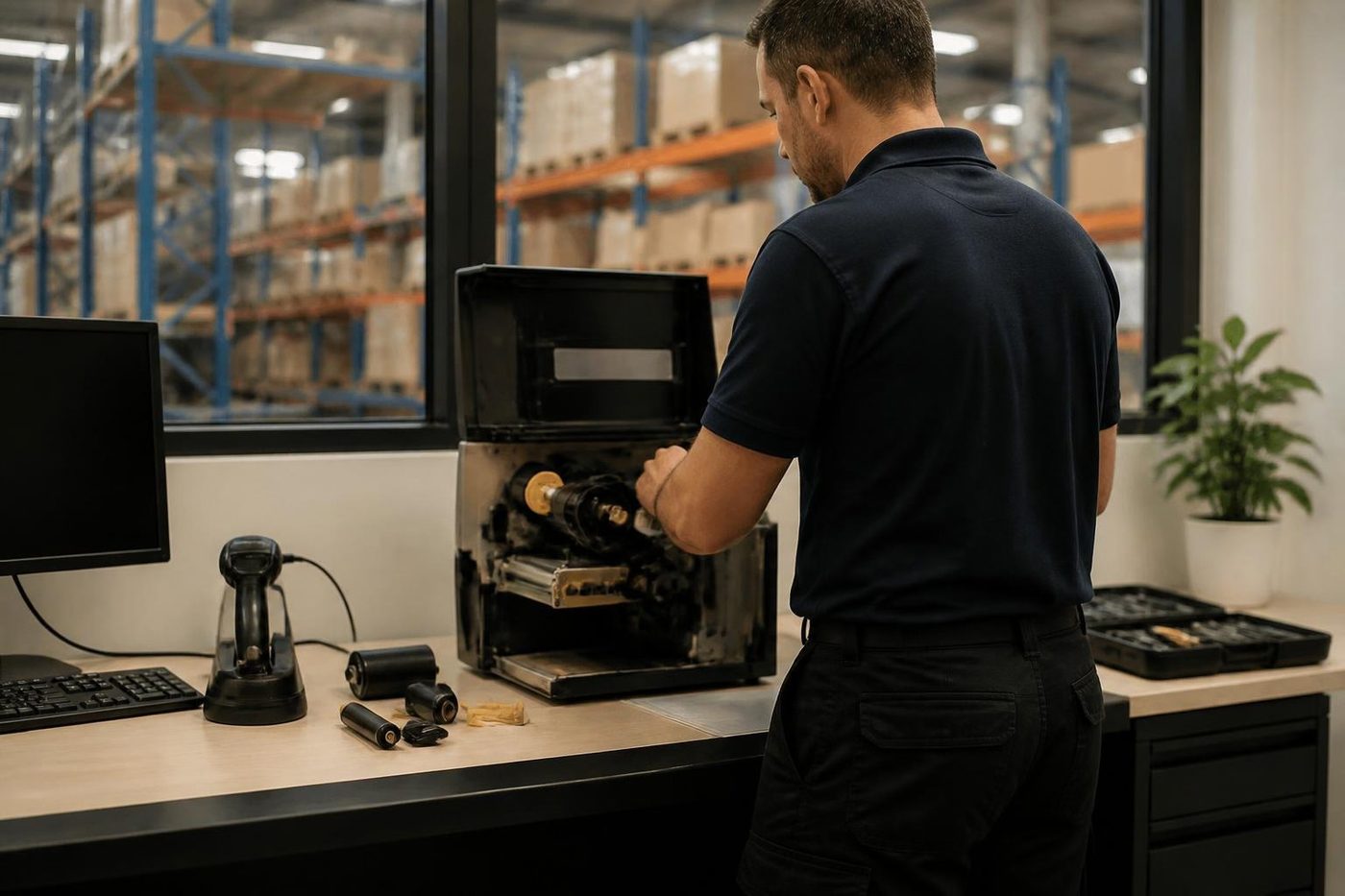
A laser printer sweeps a beam over the drum using a spinning mirror. An OKI holds a fixed strip of LEDs above each drum and lights a full line at once. OKI says that means fewer moving parts, and the bench bears it out: no mirror to stick and no polygon motor to wear out.
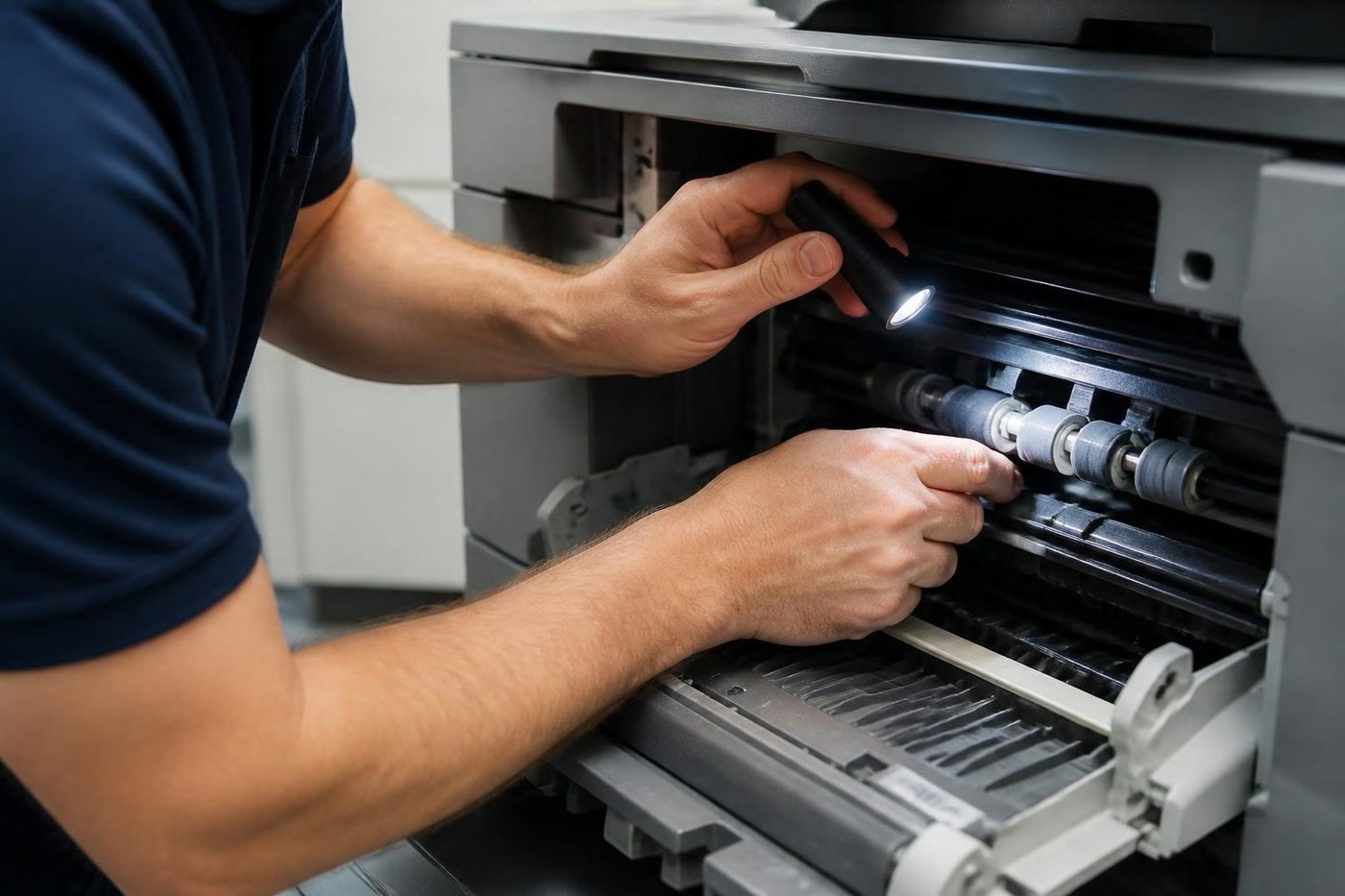
The drawback is that the strip sits near the drum, so toner dust settles on its lens. A white hairline, or a single colour, down every page from top to bottom gives it away, and a wipe of the lens is the first remedy. The OKI manual says soft tissue only. Methyl alcohol and thinner both harm the head, so keep them off it. If the line outlasts a clean, we suspect the drum or the head, and test both before replacing either.
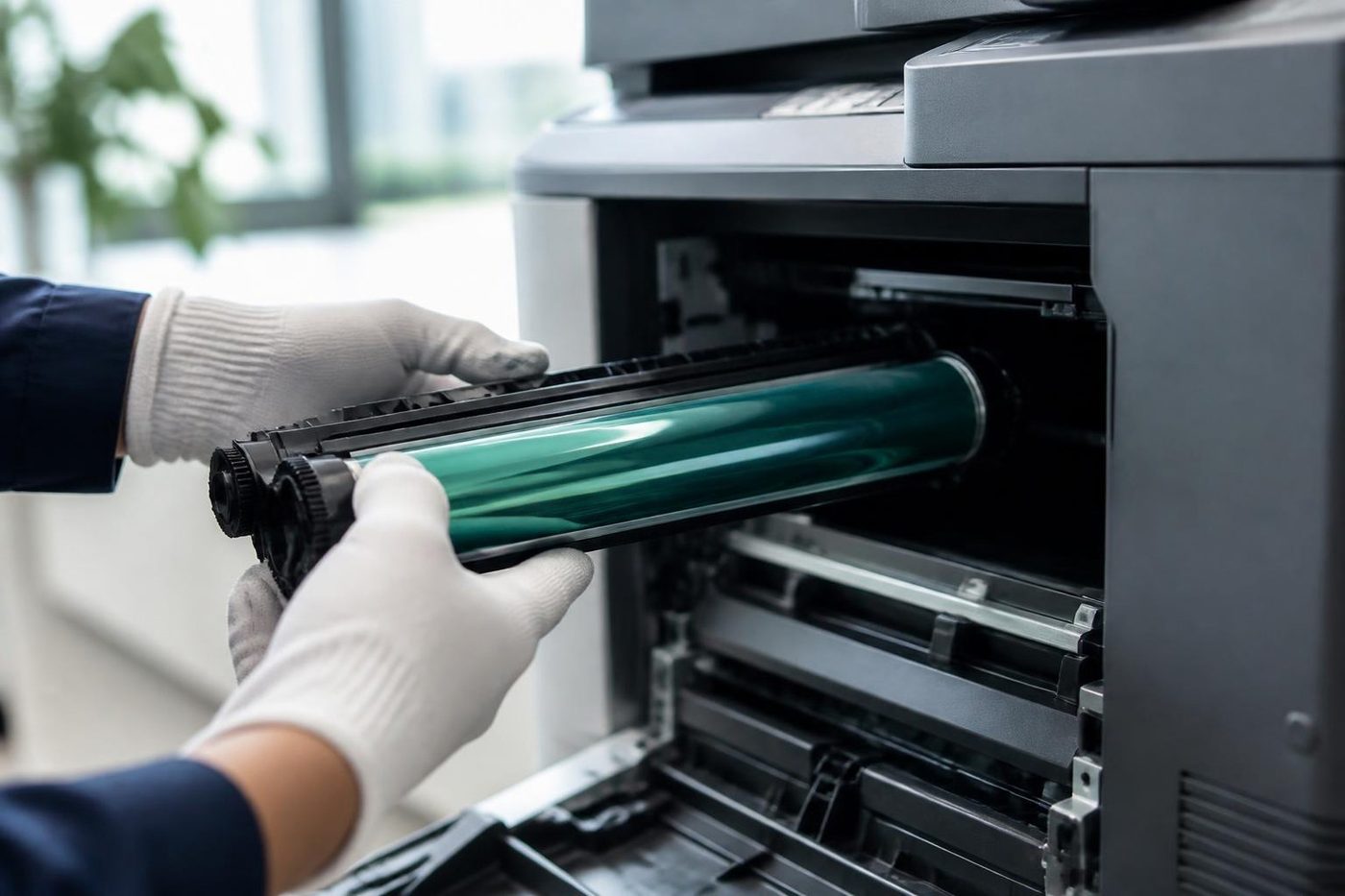
Drums come with a handling rule too. OKI's guidance is to keep an image drum covered and out of strong light, and to keep it outside the machine for under five minutes even in ordinary indoor lighting. A west facing Gold Coast office at four in the afternoon shows why.
Numbers on the display, grouped the way OKI groups them
OKI hands out message numbers in blocks. In the troubleshooting list published for its colour machines, the 300s cover lids and seating, such as a fuser or drum not pushed fully in. The 400s lean to paper size, feeding and memory. The 500s concern sensing of toner and drums, and the 600s concern drum life and consumables the machine will not accept. A caution: the list we read places toner empty among the 400s beside paper size, so treat the blocks as a rough guide.
A number from a block does not prove a part has died. A drum sitting a few millimetres off can read just like a dead one. We take the model first, then the code, then the machine itself.
- 310 means a cover is not fully shut. If closing it again changes nothing, we check the cover switch.
- The 380s mean paper stuck beneath the drum or fuser. OKI's instruction is to lift the output tray and take the sheet out, after which we follow the route under the drum and fuser to the roller that let it happen.
- A 400 complains about paper size, meaning the tray holds something other than what the setting says. The setting, the guides and the size sensor get checked.
- 410 to 413 mean toner empty. OKI says to replace the cartridge promptly, and we check the machine recognises the new one.
- 540 to 543 are sensor messages that the C834 manual ties to a toner or drum fitted wrongly, or a belt unit knob left turned sideways. We study how each drum and cartridge is seated, and the belt unit.
- Messages for the image drum, fuser or belt unit nearing the end of life each come separately, with a second set saying it is time to change the fuser or belt. We work out which part is truly worn and which is merely counting.
Where a display tells you to see Help, a HELP button on some OKI machines brings up a longer explanation. Please press it first and read us the words you get.
Ranges we repair
The letters in an OKI name sort the machines into families. They are listed on OKI's Australian site and are the ones that reach us most. The older ES9541 from the ES series also turns up. If yours is not named here, ring with whatever is printed on its label.
- C series machines such as the C650, C834 and C911 are colour LED printers in A4 and A3, used by office teams for proposals, quotes and brochures. We replace drums, belts, fusers and feed rollers.
- The Pro9542 in the Pro series is a production grade colour LED machine found in print rooms, sign shops and short run work. We replace drums, fuser, transfer parts and the special toner stations.
- The ES9541 is an A3 colour LED machine from the ES series, common in design departments and workgroups. Drums, belt, fuser and paper feed take the wear.
- The MC554 is a colour multifunction for small offices that want copy, scan and fax in a single box. Drums, fuser, feeder rollers and scanner glass need attention.
- The mono LED B series, such as the B433 and B513, prints dockets, invoices and reports on A4. Drum, fuser and feed rollers are the usual replacements.
- Microline dot matrix impact printers handle carbon forms, continuous stationery and receipts, and wear in the ribbon, pins, platen and tractor feed.
Which model names are current
Reading the model name: a leading C is colour, B is mono, MC marks a colour multifunction and Pro marks production work. We went through OKI Australia's product page on 3 October 2026. It showed four colour printers (C650dn, C834nw, C911dn, Pro9542dn), two mono (B433dn, B513dn) and one multifunction (MC554dnw), plus the Pro1050 label printer.
Rated speeds give a feel for the spread. Compact A4 colour comes in with the C650 at 35 pages a minute. Step up to the C834, compact A3 colour, at 36, and the C911dn, a larger A3 colour machine, reaches 50. For scanning, copying and faxing there is the MC554dn, an A4 unit rated 32 pages a minute.
Many machines in offices no longer appear on that page. Two that OKI Australia lists as discontinued from December 2025 are the MC853dn and the ES8473 MFP. The MC853dn is an A3 colour multifunction that manages 23 pages a minute on A4, starting at 300 sheets of paper and growing to 935. Its sibling the ES8473 is also A3 colour, can stand on a desk or a floor stand, prints 35 pages a minute on A4 and carries a 250 GB disk. Four LED heads in each leave no mirror to jam. Plenty of offices still run both, and we repair them and tell you frankly whether the money is well spent.
What we check first, and in what order
- Image drums, one for each colour on a colour machine, show wear as a grey cast, streaks and spots.
- The fuser bakes toner in with heat and pressure. Crumpled pages, smeared toner and any temperature message send us there first.
- On colour models the transfer belt carries the colour image over to the paper. Bands, shifted colour and repeating marks tend to start here.
- Feed and pick rollers either pass several sheets together or pass none.
- The lens on the LED strip is cleaned first. The strip itself is replaced only when cleaning has not worked.
Four LED strips and four drums sit inside a colour OKI, and each counts down its own life. That is useful, because a message normally names the part, though it can also mean two or three warnings arrive together. Parts are not fitted to satisfy warnings. We start from the printed page.
Microline: dot matrix is not dead on the Gold Coast
A Microline fires a column of pins into an inked ribbon, and the blow goes through the top sheet and the carbon copies below it. That is the reason pharmacies, trade counters and freight offices hold on to them. Each copy of a multipart form gets the same impression, and no laser can promise that.
Ribbon, head pins, platen and tractor feed are the four things that wear. When a pin sticks, half a letter goes missing or a row of dots has a gap. A tired platen prints dark on one side and pale on the other. Ribbon jams and a rattling carriage finish the usual list.
Several Microline models, among them the 1120, 1190, 3410 and 4410, appear on OKI's discontinued list with support ending over the next few years. We keep them going while they remain the right tool for the form, and we say when it is time to consider an alternative.
Docket desks at Molendinar, trade counters at Nerang, proposals at Bundall
OKI has a long history in places where print has to be practical, not decorative. A mono OKI often sits beside the dispatch desk in the trade and distribution belts at Molendinar, Arundel and Yatala, printing dockets and labels. Workshops and trade suppliers at Nerang and Burleigh Heads print quotes and job sheets on A4 colour units. In Southport and Bundall offices, a small team will typically have an OKI colour multifunction doing proposals and copying.
Summer heat is hard on every one of them. A Yatala warehouse in January, or a dispatch office with no air conditioning, bakes toner and dries out ribbons, while dust blowing through an open roller door lands on LED lenses and feed rollers. We allow for that during a check. For the towers at Southport, Surfers Paradise and Broadbeach, tell us about the lifts and loading dock and building management is sorted before we arrive.
Networks, drivers and scan to email
Because OKI colour printers handle PCL 6, PostScript 3 and PDF, a network fault is rarely the printer's own. It is more often an address, a driver or a port. Say a machine replied on 10.0.1.40 yesterday and says nothing now: the router has probably given it another address. One driver update on one PC is enough to strand a single desk.
An MC multifunction sends scans by email only if the mail server details are right and its login still works, and a Microsoft 365 change can break an older setup in a night. Our method is to watch what the machine does, not to guess. We do not offer firmware downloads.
OKI printer service Gold Coast: what a planned visit covers
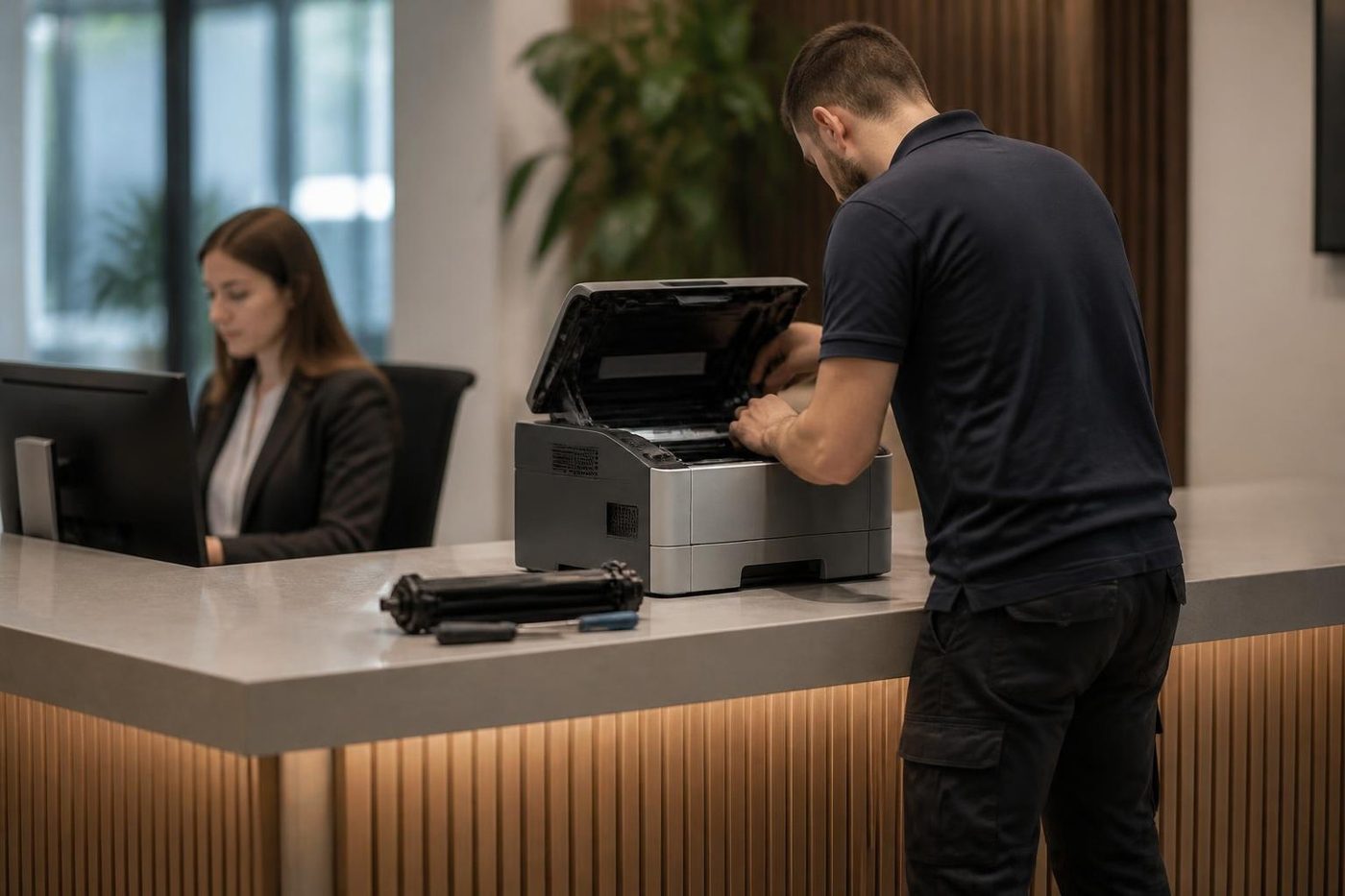
A planned OKI service covers LED heads, drums, fuser, belt and paper path, and clears toner dust. Describe the page and name the model, and the price is settled by phone ahead of any booking.
Streaks and white lines usually trace to a dirty or worn drum, sometimes the head, and the visit settles which. Colours sitting slightly off one another are normally cured by checking the belt and calibrating. Paper that curls or misfeeds, especially labels and heavy stock, points at the feed rollers or at the stock itself.
Most OKI jobs from Gold Coast businesses involve colour LED printers, label printers and Microline dot matrix machines. Common spares ride in the van. Repairs are warranted, and the phone call spells out what that means. Busy lines mean the call is logged and returned.
Across the border
Our OKI work stretches along the whole strip. In the north that means Helensvale and Coomera. Further down it takes in Southport and Surfers Paradise, then Broadbeach and Robina, with Burleigh Heads and Coolangatta at the southern end. Over the border we go to Tweed Heads, Kingscliff and Murwillumbah, and on to Byron Bay, Ballina and Lismore. Far trips get planned into a day, and we group machines into a single visit when possible. Give us the suburb, the model and the symptom, and we tell you what can be arranged.
Why a trade counter might still choose an OKI
In a workshop or depot, the appeal of an LED machine is that it needs no spinning mirror and no motor that has to stay true. At a counter printing job sheets from nine to five where the air is dirty, that counts. A colour A4 OKI on a bench at Nerang turns out a quote while the customer waits for the kettle.
OKIs tend to be bought for a reason and kept for years. The consumables are what to watch. An overdue drum, a belt starting to drift or a fuser due for replacement can all be dealt with before the day it matters.
Noise, heat and the room an OKI lives in
A colour OKI with four drums runs warm. Shut it in a cupboard without airflow and the heat shortens the life of everything inside. An LED head forgives more than some parts, but toner is heat sensitive too, and a printer baked all afternoon gives odd colour and poor adhesion.
Rooms like that are everywhere on the coast: the back office behind a shopfront, the mezzanine above a warehouse floor, the clinic corner with the only free power point. At the start of a visit we note where the machine stands and say if a small move would help.
Repair or replace on an OKI
The answer turns on how many consumables fall due together. A colour machine needing four drums, a belt and a fuser all at once costs real money, and it deserves comparing with the price of a new printer. A single part or a dirty lens is easy to justify.
You get a list of what is due, what is not, and what we would do in your place. A replacement is an easy conversation too, since commercial machines are something else we buy and sell, but the repair advice stays the same.
What happens on a OKI job

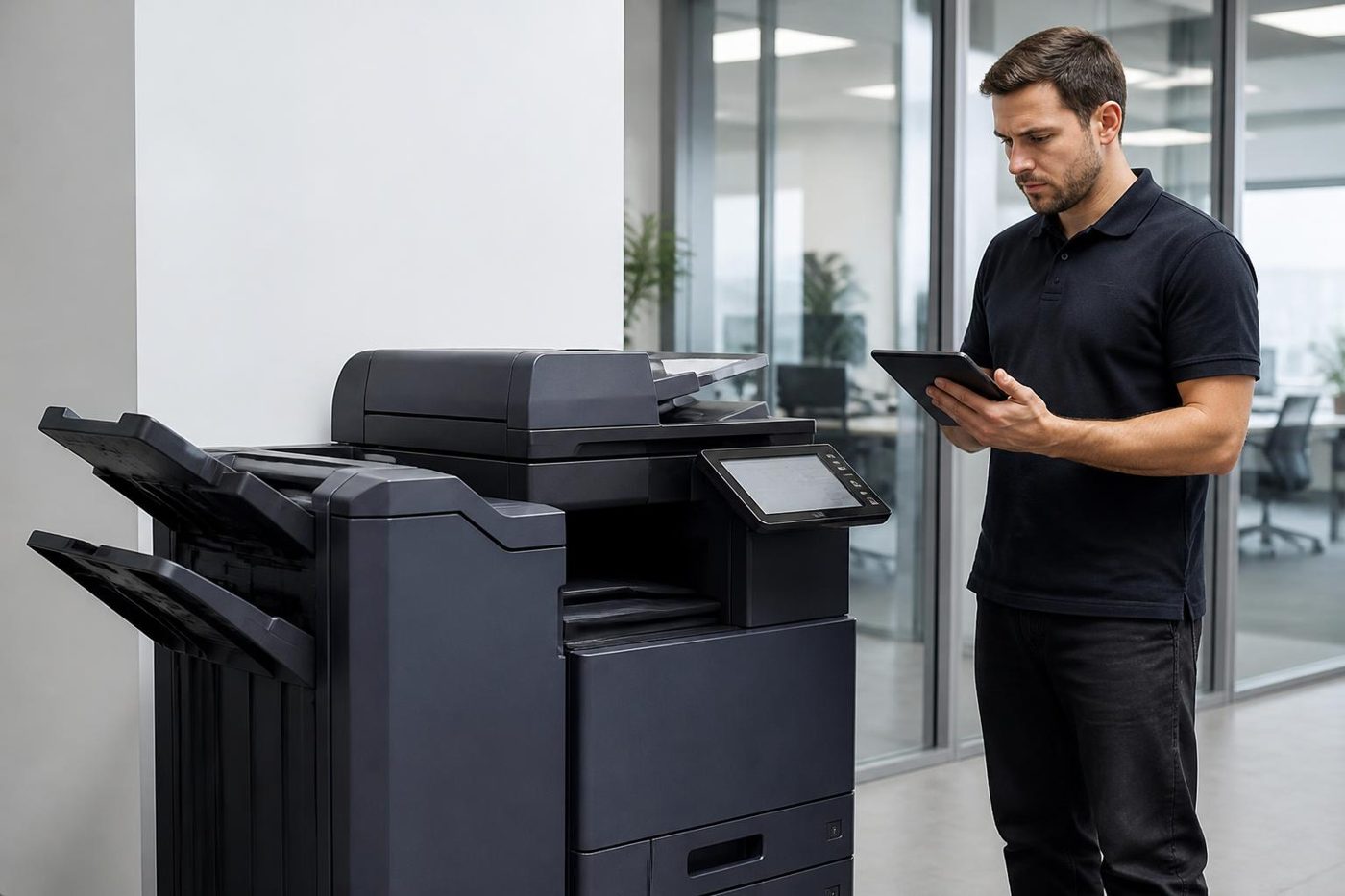

Settings as well as springs
Firmware and menus cause plenty of faults
Not every complaint is mechanical. A scan to email that has stopped, a tray that thinks it is empty, a login that sends people in circles: a lot of these live in firmware and in the settings menus, and a spanner is no use at all.
We also write down what we changed, so the next person is not guessing at a setting someone altered last year.
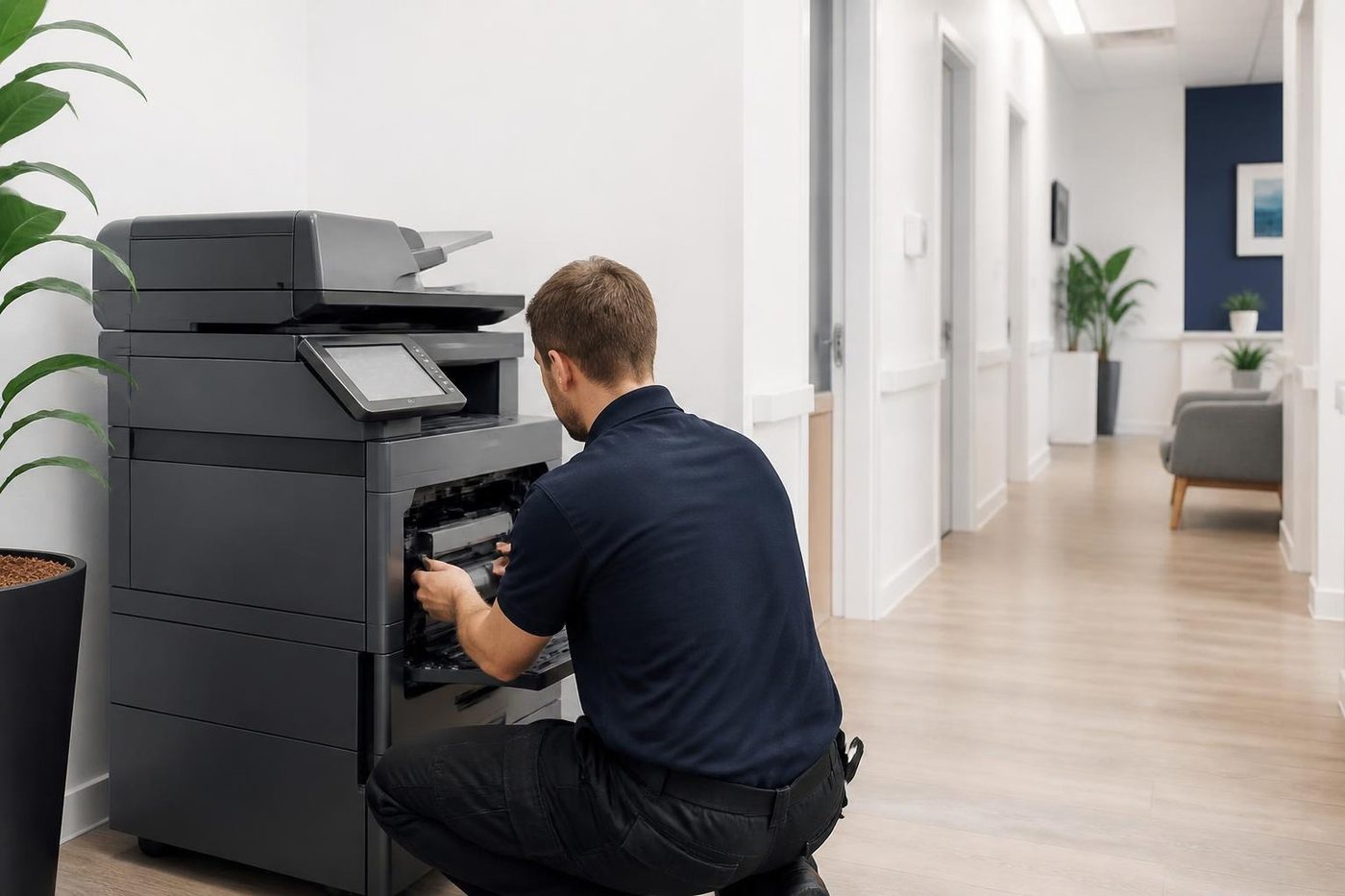
- Both sides of the machine. Mechanical and network faults get the same attention.
- Changes noted. Settings we touch are recorded for the next visit.
- Updates when needed. Firmware is updated for a reason, not on a whim.
Keep reading
Commercial printer repairsWorkgroup lasers and fleets, repaired where they sit. Brands we repairPick your make for models, codes and how we work.
 Lexmark repairsLexmark numbers decoded: 200 jams, 31 cartridges, 920 fusers.
 Zebra repairsLabel, barcode and wristband printers, repaired where they work.
 Photocopier repairsAny make of office copier, repaired where it stands.
 HP printer repairsLaserJet codes read like a sentence. We read them aloud.
Buy, sell and lease
Buy, sell and lease commercial copiers on the Gold Coast
We also sell new and refurbished commercial copiers and buy used ones. Same team, same technicians.

Jobs from around the Gold Coast



Common questions from Gold Coast offices
There is a thin white line down every page of our OKI. What is it?
Often it is toner dust on an LED head lens. A gentle wipe with soft tissue helps, but never use methyl alcohol or thinner. A line that survives the wipe means the drum or the head needs checking.
What do the OKI 400 range messages cover?
Mainly paper size, feeding and memory, though the list we read also puts toner empty there. Read us the exact number and the model.
Do you still repair Microline dot matrix printers?
We do. Ribbons, pins, platens and tractor feeds all fall inside the job, and a machine close to its end of support gets an honest word from us.
The display says to see Help. Where is it?
On certain OKI models a HELP button shows fuller detail. Press it and read us the text.
Why does the machine think a drum is missing when it is there?
Typically seating, a sensor or a lever, not a failed part. We rule that out before replacing anything.
Do you repair OKI MC multifunction machines?
Yes, scan to email faults after a mail system change included. The mail server settings and login are our first stop.
Is it safe to leave the drum out for a few minutes?
Not for long. OKI says to keep the drum covered and out of strong light, and under five minutes outside the machine even in normal indoor light.
The ES8473 is discontinued. Can you still repair it?
Yes, we still repair it and say frankly whether the repair pays.
Can you come the same day?
Often we can attend that day. Ring with the suburb, the model and the display number.