Read the jam before you clear it
Most people yank the sheet and press on. Do that once and you have lost the evidence. Look at what came out first.
A sheet crumpled like a concertina at the front edge stopped dead, often against a roller that did not grip or a gate that did not open. A sheet with a clean front edge and a torn tail was dragged by something. Two sheets stuck together point at a separation pad or damp stock. A page with a single corner folded over was probably skewed on the way in.
Take a photo on your phone before you pull. It costs ten seconds and tells the technician more than most descriptions do.


Gold Coast humidity and the ream in the cupboard
Paper is a sponge. In a wet February a ream stored in an open cupboard, or on a shelf near a bathroom wall, absorbs enough moisture to feed differently from the same brand bought in winter. The edges ripple, the sheets cling and the pickup roller starts slipping.
Fresh paper from a sealed wrapper is the simplest test there is. If the jams stop, the stock was the problem and the machine was fine. Keep spare reams wrapped until the moment they go into a tray, and keep them off the floor, which on the coast is damper than people think.
Hotels and serviced apartment offices have a second version of this. Housekeeping and front desk both print on the same machine, one on thin recycled stock and the other on heavy letterhead, and the tray guides are never reset.
Where in the machine it jams
| Where it stops | What that tends to mean | Yours or ours |
|---|---|---|
| Right at the tray, sheet barely moved | Worn pickup roller, damp paper, overfilled tray | Try fresh paper first, then ring |
| Two or more sheets come through together | Separation pad or roller wear, or static from dry stock | Ring if it repeats |
| Under the side door, mid machine | Registration area, a skewed sheet, a roller losing grip | Clear it gently, ring if it repeats |
| Near the exit, toner partly fused | Fuser area, curling stock | Ring, leave the fuser alone |
| Duplex path, second side only | Reversing area, paper weight, damp stock | Ring if it repeats |
| Document feeder on the glass | Feeder rollers, staples or clips in the originals | Check the originals, then ring |
| Bypass tray only | Wrong size or type set on the panel | Yours: set the size |
The tray settings nobody remembers
Modern copiers sense paper size in the cassette, but the bypass tray and sometimes the lower drawers depend on a setting. Load heavy stock into a tray set for plain paper and the machine will either jam or fuse badly. Load A4 into a tray the panel thinks holds A3 and you get a jam with a clean message.
Offices that print on letterhead from the bypass, receipts, labels or card, which is nearly every agency and clinic, should set the paper type each time. It takes a few taps.
Clearing a jam without making it worse
- Switch the machine off at its own power key if the panel says to, and wait for the display to settle.
- Open only the doors and drawers the panel names. Follow the arrows and the coloured levers, they are there on purpose.
- Pull the sheet the way it was heading, slowly, in one piece. A torn corner left behind is the cause of the next jam.
- Do not touch anything metal near the exit. The fuser stays hot long after the machine goes quiet.
- Close everything fully. A door that is not latched gives you a phantom jam message.
- Run two or three test pages through. If it jams at the same place again, stop.
When a jam is really a part
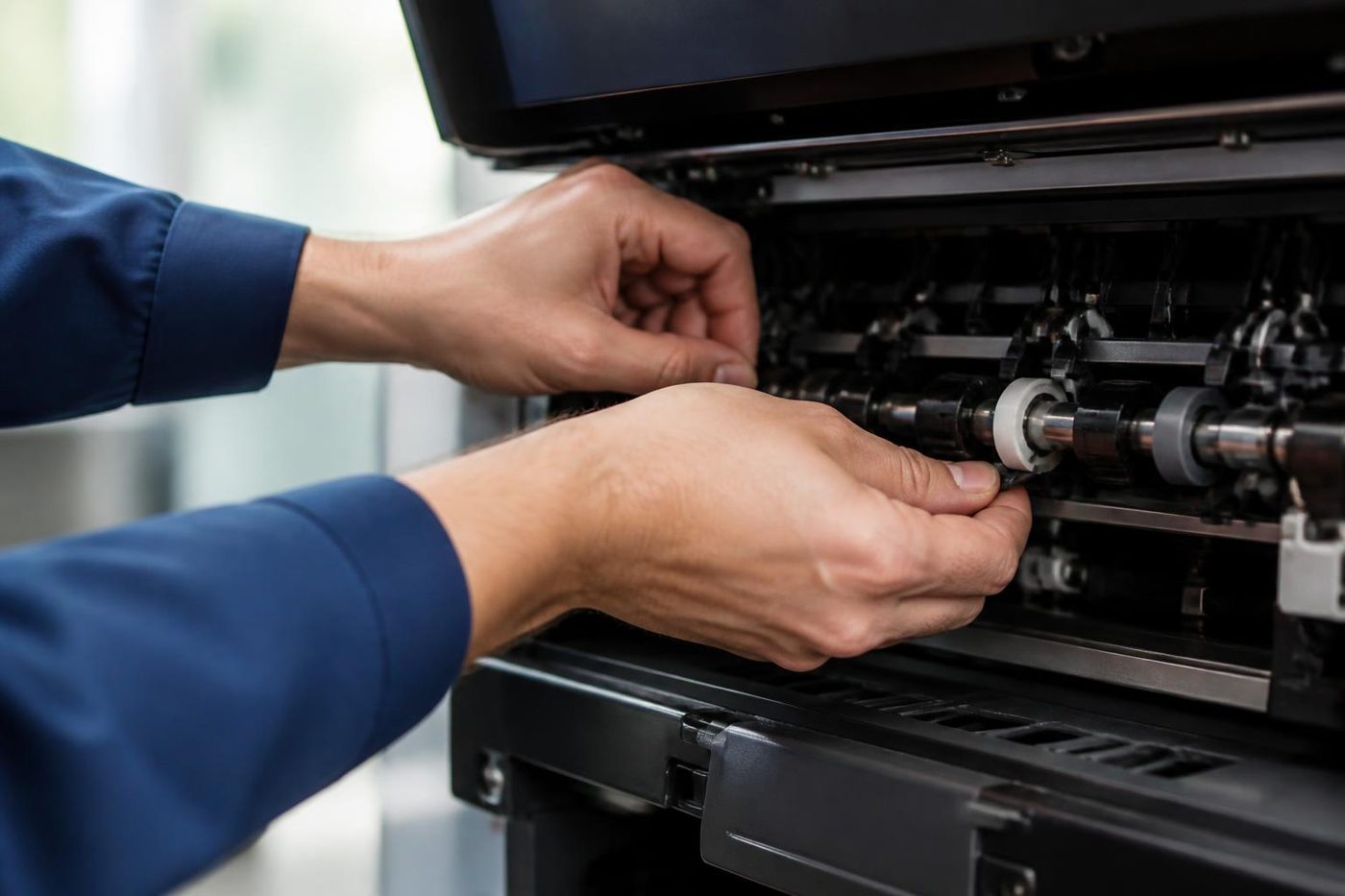
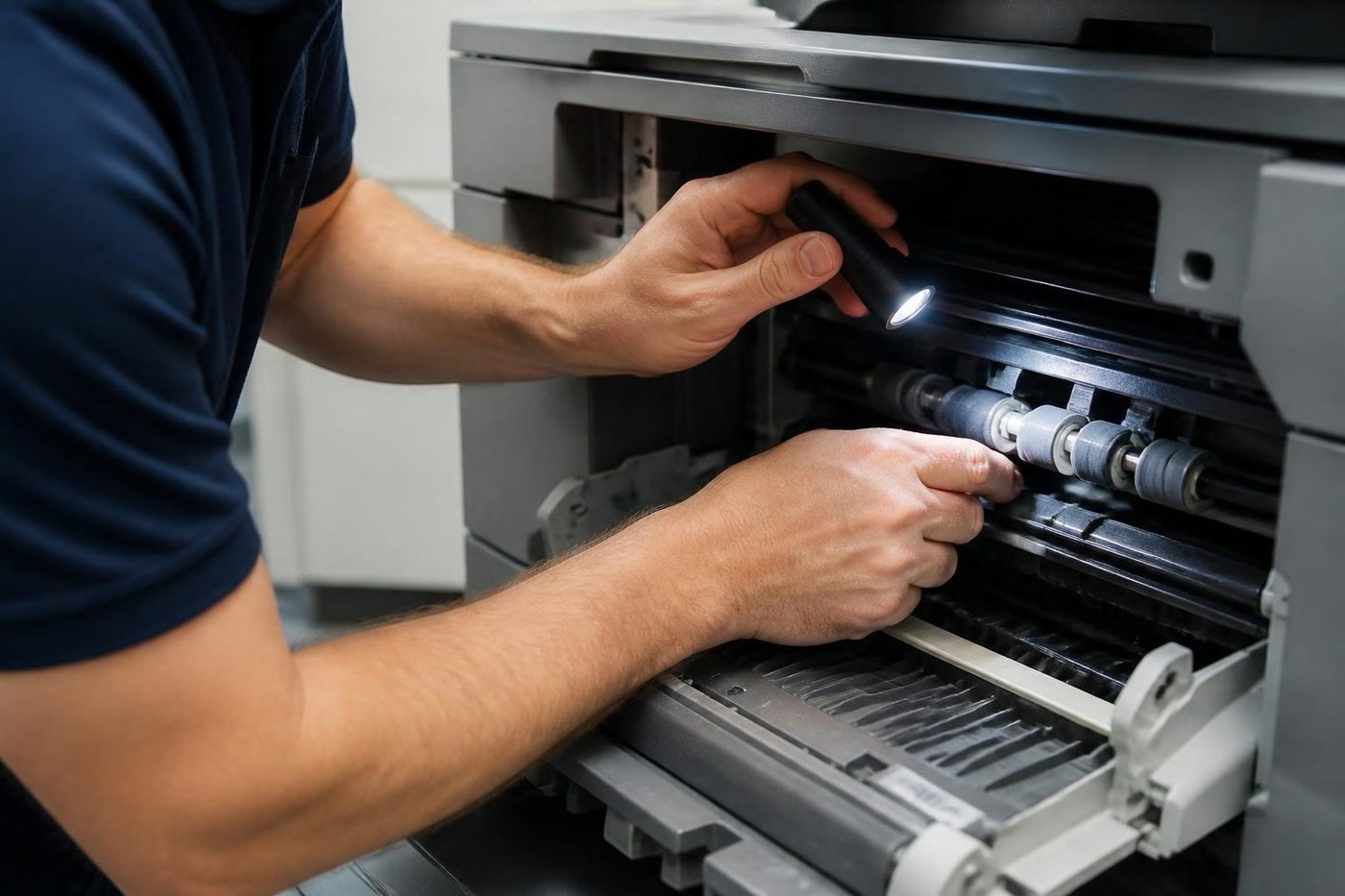
A machine that jams once a month is a machine with an unlucky ream. A machine that jams twice a day at the same point has a worn part, and no amount of paper fiddling will change that. Pickup rollers and separation pads wear down slowly, then fail fast. They are cheap compared with the time an office loses working around them.
Other causes we see: a sensor coated in paper dust, a bent guide from a previous clearing attempt, a gear that has lost a tooth, a registration roller with a flat spot. A scrap of torn paper hiding behind a panel is the classic, and the machine reports a jam with nothing visible in the path.
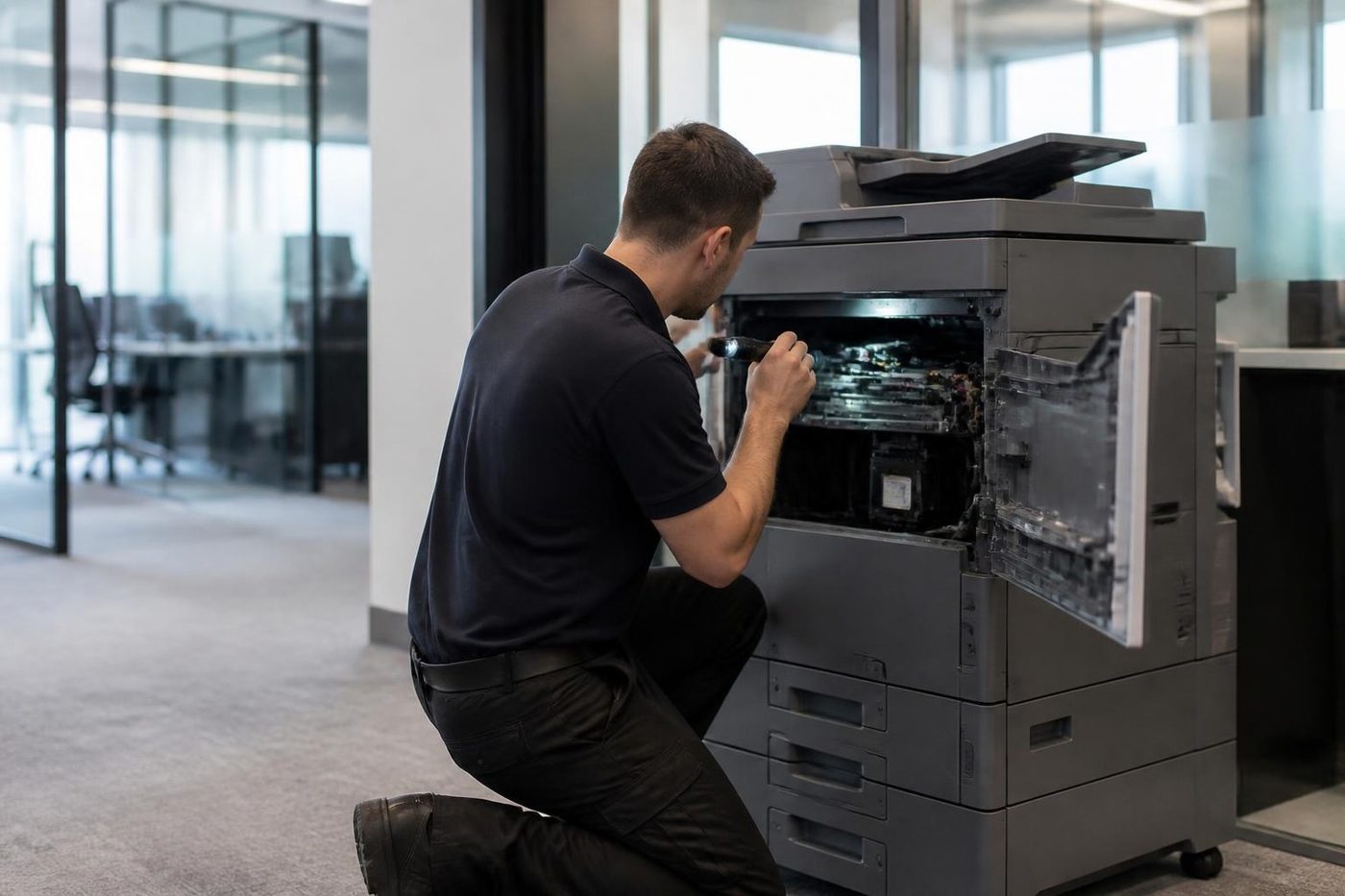
That is where the technician earns the visit. Parts are normally in the van for the common makes, which is how 98% of repairs are done on the first call.
The jam that only happens on one tray
When every jam comes from the same drawer, the drawer is the suspect. Look at the guides inside it. They should sit snug against the stack, not squeeze it, and not leave a gap you could slide a finger into. A guide set a few millimetres too wide lets the stack wander, and the sheets arrive at the rollers crooked. Squeezed too tight, the stack bows and two sheets lift together.
Look too at the stack height. Paper loaded above the line stamped inside the drawer rubs on the roller above it and drags the top sheet sideways. Paper loaded half a ream at a time, with a gap in the middle from someone's last handful, curls at the top and is a classic for mid job misfeeds.
Mixed reams in a single drawer cause grief too. One half is brand A, the other half brand B, and the stack carries two different thicknesses and coatings. The roller grips one and skates on the other.
Labels, envelopes and the bypass tray
Labels deserve a paragraph of their own. A sheet of adhesive labels that lifts a corner inside the fuser leaves glue on the roller, and that glue grabs every sheet that follows. If you print labels, use sheets rated for laser machines, feed them from the bypass and do not run a half used sheet through a second time.
Envelopes are fussy because of flap direction and the thickness at the seam. The panel offers an envelope setting for a reason. Use it, and print a single one before committing to the whole box of invitations.
Strata packs, medical forms and the big print job
Jams cluster around heavy jobs. A strata manager printing meeting packs at double sided, stapled, in forty copies is asking the paper path for everything at once. A clinic running a new patient form on card stock is asking it for something else. If your jams only happen on those jobs, the cause is usually paper weight and settings rather than a fault.
Tell us what the job was when you ring. It saves guessing.
Settings as well as springs
Firmware and menus cause plenty of faults
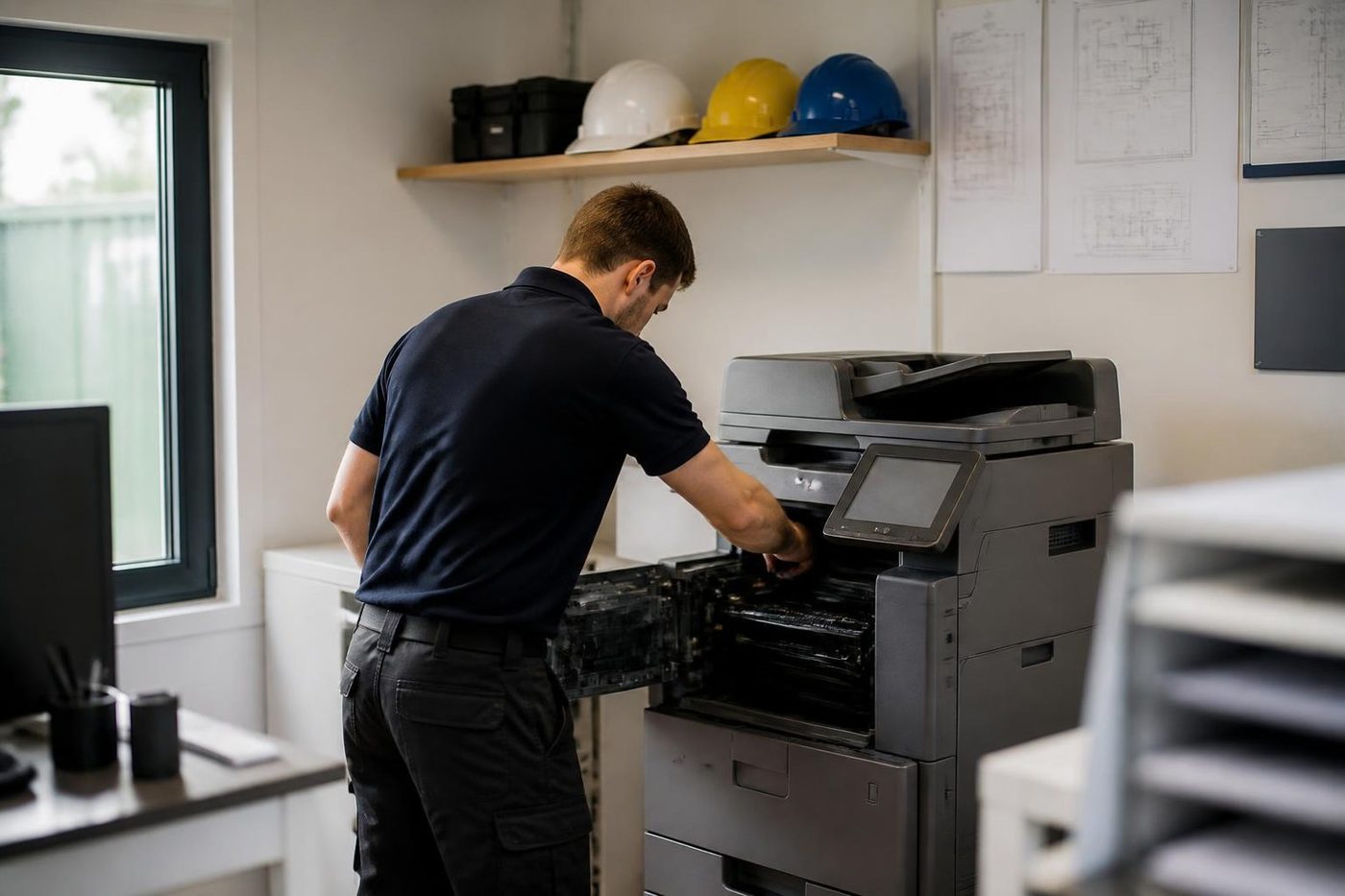
Technicians who only know the hardware miss them. Ours are comfortable on both sides, and will tell you which side your problem sits on before they start.
We also write down what we changed, so the next person is not guessing at a setting someone altered last year.
- Both sides of the machine. Mechanical and network faults get the same attention.
- Changes noted. Settings we touch are recorded for the next visit.
- Updates when needed. Firmware is updated for a reason, not on a whim.
Keep reading
 Copier and printer faultsPick the symptom, get the next step.Toner smearing and fuser faultsToner rubbing off, ghosting and heat faults.
 Copier noise, grinding and squealingWhat each new sound is trying to say.
 Photocopier repairsAny make of office copier, repaired where it stands.
 Is my copier worth repairing?Repair or replace, and how we decide.
Buy, sell and lease
Buy, sell and lease commercial copiers on the Gold Coast
We also sell new and refurbished commercial copiers and buy used ones. Same team, same technicians.

Work we have done on the Gold Coast


Common questions from Gold Coast offices
Why does my photocopier keep jamming on the Gold Coast?
Humidity is a common cause, because paper takes on moisture and feeds badly. After that, worn pickup rollers and separation pads are the usual suspects, then settings. A new sealed ream is the quick test.
Is it safe to pull the paper out myself?
Yes, if you open only what the panel points to and pull gently the way the paper was heading. Leave the fuser area alone. It stays hot and it is next to live parts.
It says jam but I cannot see any paper. What now?
A scrap may be hiding in a corner, or a sensor is dirty or a door is not fully latched. Open and firmly close each door once. If the message stays, ring us.
Does damp paper really matter that much?
More than most people expect. The same machine can jam all summer on stock stored in a humid cupboard and run cleanly on a fresh ream.
Can wrong paper damage the machine?
Over time, yes. Labels that peel inside, glossy stock and heavy card in a tray not set for it can foul rollers and the fuser.
How is a jam repair priced?
From the part and the time, discussed on the phone before anyone is booked.
What if it jams again after you fix it?
We come back and fix it again at no charge.
Do you service the document feeder as well?
Yes. Feeder rollers and pads wear in the same way and are done in the same visit.