Maintenance, plans and one off calls
Photocopier Service Gold Coast
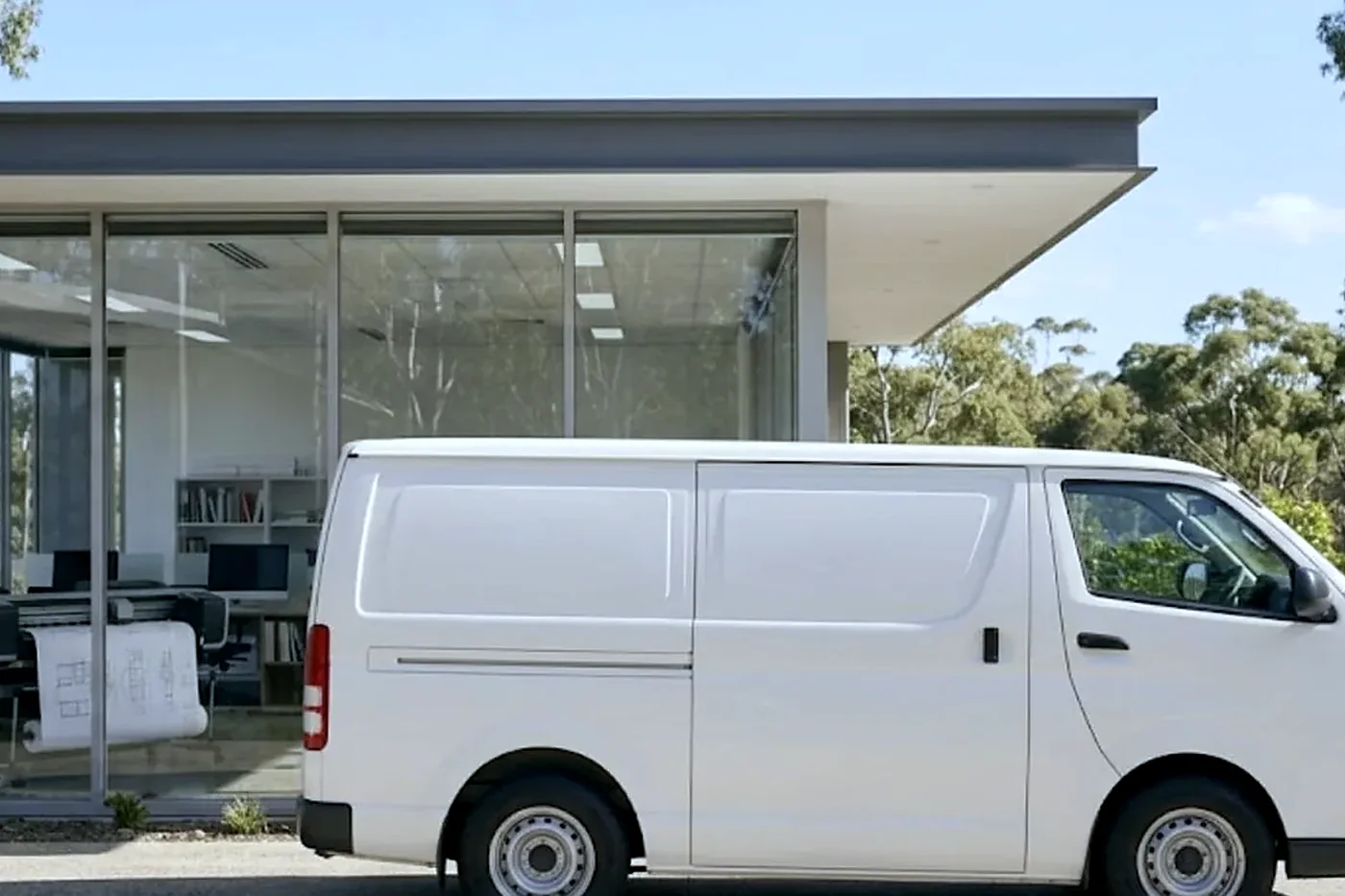
Salt in the air does not stop at the front door. By the time a copier on the Gold Coast is three years old, the paper in its drawers has soaked up the weather, the rollers have a faint glaze on them and the fuser has been switched on and off through a few hundred humid mornings. Photocopier service here is mostly about those slow things, caught before the machine stops in the middle of a busy afternoon. Same day service is available when it has already stopped.
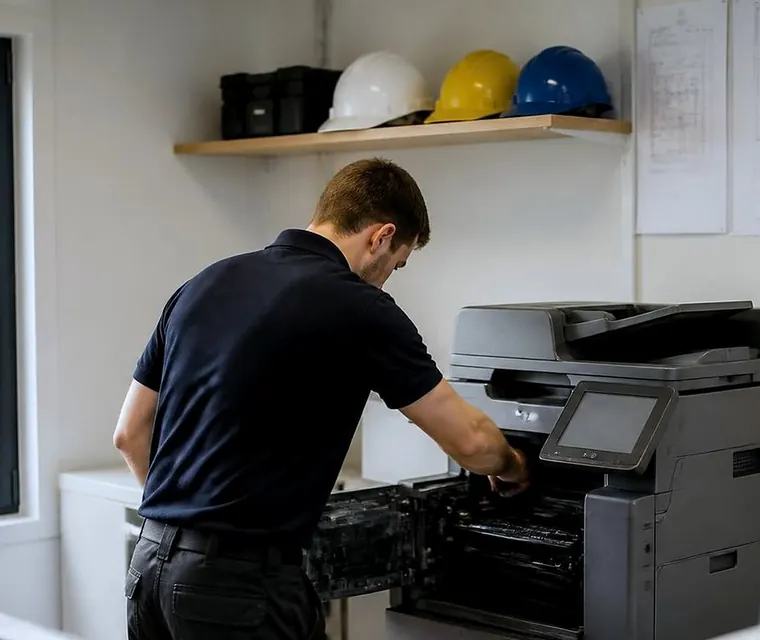
Photocopier service on the Gold Coast, done at your premises
What salt air and summer do to a copier
Paper is the first casualty. A ream that lives in a cupboard against an outside wall at Burleigh or Main Beach will take on moisture within weeks of a wet summer, and damp paper curls, sticks together and feeds two sheets at a time. People blame the rollers. Often the rollers are fine and the paper is the problem, which is a cheap thing to find out and an expensive thing to guess at.
Heat is the second. A demountable site office at Yatala in January can sit well over what the machine was designed for, and the fuser, which already runs hot by design, has less room to cool between jobs. Air conditioning that cycles off at six in the evening and on again at seven in the morning gives the machine a damp start every day.
Then the coast gets one more thing that inland offices do not: fine salt and dust that ride in on the air and settle on the optics and on the paper path. A scanner glass that looks clean from the front can carry a film that shows up as a pale stripe down every copy. We see all three of these on a good proportion of the machines we are asked to look at, and none of them announces itself with an error code.
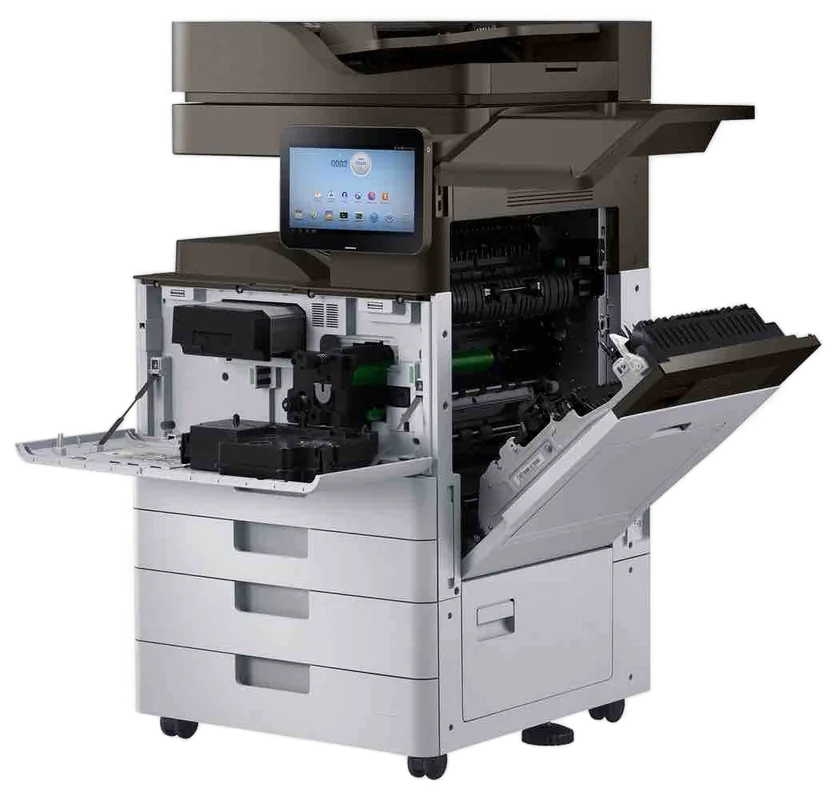
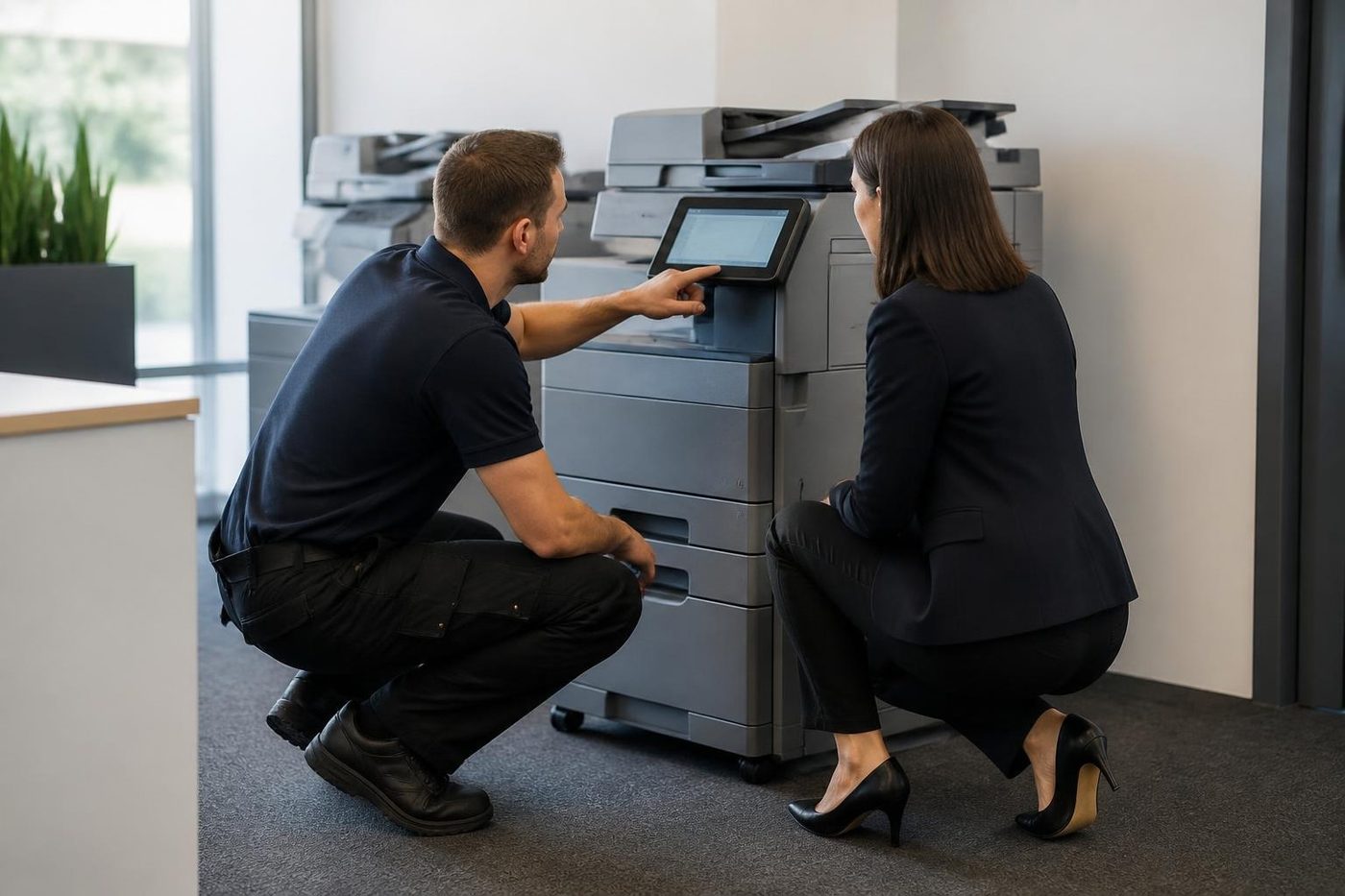
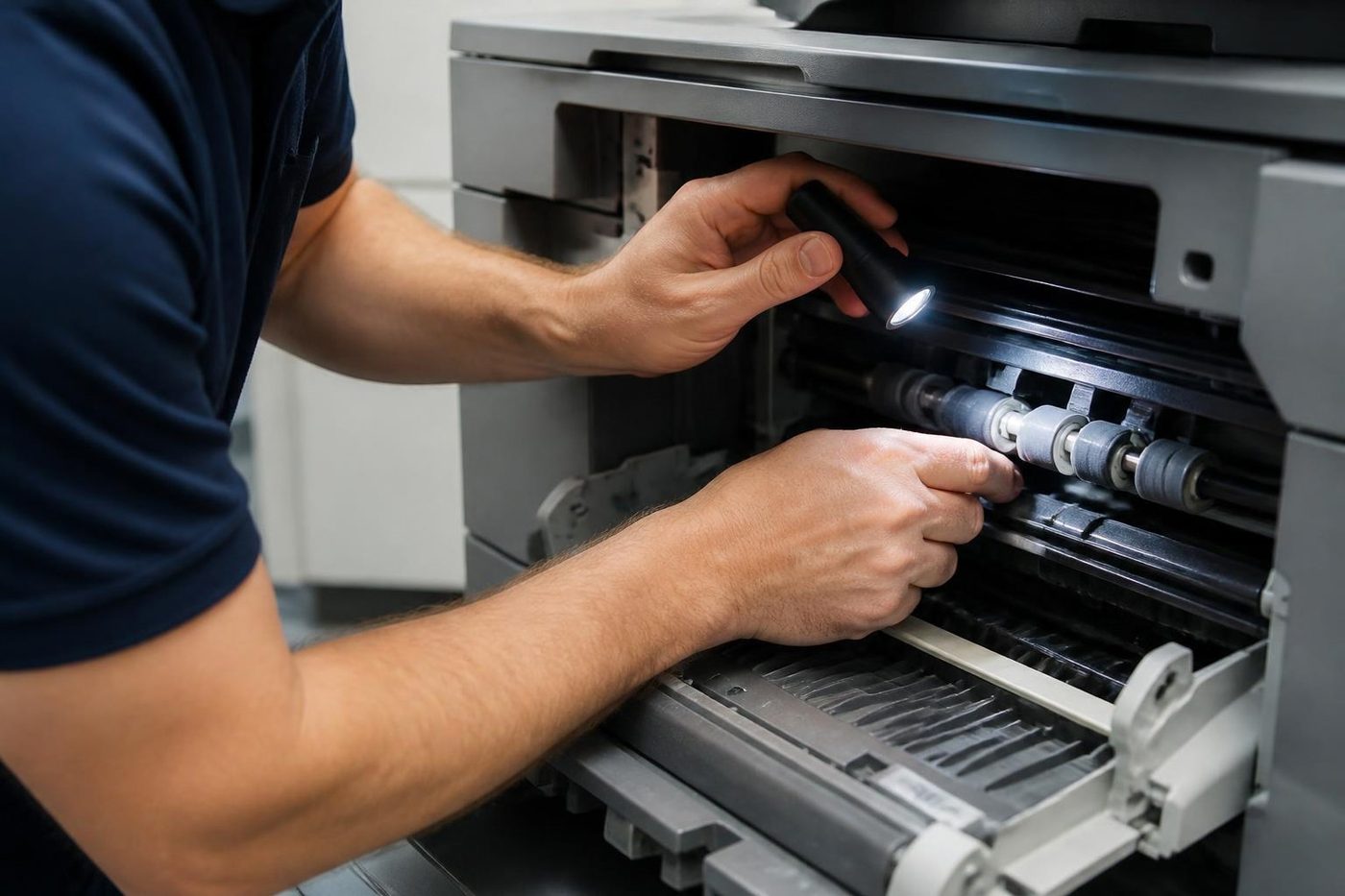
A price in three steps
- Tell us about the machineThe make, the model and what it keeps doing.
- We ring with a priceYou have it before any visit is booked.
- A certified technician comes to youSame day when the diary has room.
Who we look after
Mostly working offices. A medical centre in Southport that runs referrals and scripts through one machine from eight in the morning. A strata management firm in Surfers Paradise folding meeting packs for a dozen buildings. An accounting practice in Robina with a rush that starts in late June. A school office at Helensvale. A builder's yard office at Molendinar. A showroom at Burleigh. They have little in common except that somebody is waiting for a page.
We work on every major brand and lead with Toshiba, HP, Kyocera, Fujifilm, Canon and Ricoh, with Konica Minolta, Sharp, Brother, Epson and others behind them. We are an independent service business, not the maker and not a dealer for any of them, which means the advice on a service plan comes from what the machine needs and not from a parts catalogue we are obliged to push. Home and small desktop machines get looked at if somebody rings, but this page is written for commercial copiers.
How a visit runs, in the order it happens
People like to know what they are paying for before the technician arrives, so here is the sequence.
- The technician reports to reception and asks whoever uses the machine most what it has been doing lately. Which tray misfeeds on Mondays. Which setting someone changed last week. That conversation is the fastest diagnostic tool we have.
- The machine's own fault history and counters are read before anything is opened, so the page count can be compared with the age of each wear part.
- The paper path is opened and cleaned. Pickup and feed rollers are checked for glaze and flat spots, separation pads for wear, and the registration area for paper dust.
- The fuser area, the drum or imaging units and the cleaning parts are inspected with covers and light protection in place, because drums mark easily.
- The scanner glass, mirrors and document feeder are cleaned and checked, since those cause more complaints about copy quality than the print engine does.
- Anything near the end of its life is replaced from the van where the part is carried, or priced by phone before we order it.
- Test pages come out of every tray and the feeder, the staff who use the machine are shown anything that changed, and a short note of what was done and what is likely to need attention next is left with the office.
Plan, one off call or a managed fleet
The three arrangements suit different offices, and nothing is locked in on the first phone call. Here is how we think about them.
| Arrangement | Suits | What it looks like in practice |
|---|---|---|
| One off call | A machine that has stopped, or a quiet back office unit that rarely needs anything | You describe the fault, we agree the price on the phone, and a technician comes to the machine |
| Scheduled plan | A busy floor machine in a practice, a school office or a firm with predictable peaks | Visits on a cycle chosen from the page count, so wearing parts are replaced before they fail |
| Managed fleet | An office or group with several machines, across floors or sites | Meter reads recorded, usage reported, so you can see which machine does the work and which one sits idle |
What we check, part by part
A machine usually fails in a predictable order, and a good visit works through it in that order. This is what each part tells us.
| Part | What the technician looks at | The complaint it prevents |
|---|---|---|
| Pickup and feed rollers | Surface glaze, flat spots, wear against the page count | Double feeds, jams, sheets pulled in crooked |
| Separation pads | Wear on the grip surface | Two sheets at once from the same tray |
| Drum and imaging unit | Marks, wear, damage from light | Lines, spots, grey backgrounds, marks that repeat at the same spacing |
| Fuser | Heat behaviour, roller surface, cleaning parts | Smeared toner, creased pages, heat related fault codes |
| Transfer belt and unit | Wear, contamination, alignment | Faded patches, ghost images, colour that sits slightly off |
| Scanner glass and optics | Film, dust, scratches | Pale stripes down every copy that the print engine gets blamed for |
| Document feeder | Pickup, separation, glass strip | Streaks only on feeder copies, skewed scans |
Why colour machines get a longer look
A mono copier has one drum, one developer and one toner path. Most of what wears out is in the feed rollers, the fuser and the drum. A colour machine has four of each plus a transfer belt that every colour crosses, and it has to keep all four lined up to a fraction of a millimetre.
That is why a colour copier produces faults a mono machine never does. One colour fades. One shade sits a hair to the left, so the black text has a coloured edge. A thin stripe appears in magenta and nowhere else. Ask us to look at a colour machine and we plan more time for it. If most of your printing is colour, tell us on the phone.
Offices wear a copier differently
A clinic prints letters and forms steadily from the first patient to the last, so the feed rollers and the fuser age at an even rate. A school office idles for weeks then gets asked for hundreds of pages at once in the first days of term, and rollers that have sat flat over the holidays are not at their best when the rush comes. A builder or trade office, with the machine in a shed or a demountable, has dust, heat and damp reaching the paper path faster than any other kind of office we visit.
Strata managers have their own pattern: a very quiet month, then agenda season with every building in the portfolio needing a pack by the same Friday. Accountants peak at end of financial year and again around tax time for individuals. Tourism and hospitality administration, which on the coast is a lot of offices, run to the calendar of school holidays, Easter and the busy summer weeks.
We ask how the machine is used before suggesting a visit, because the right cycle for a school is not the right cycle for a surveyor. Machines that print a few hundred pages a month need very little. Those that print in the thousands are the ones a plan pays for.
Booking so the visit lands before the rush
The best time for a service visit is the week before the machine is about to be asked for more. Ring when you know the date of the peak, not when it arrives. We would rather fit the visit into a quiet Wednesday than be asked to rescue a machine on the Friday of a deadline.
When you phone, a few details make the call quicker. None of them has to be exact.
- The make and model printed on the front.
- Roughly how many pages it prints in a month.
- Whether it prints in colour, and how much.
- Which finisher or extra trays are fitted.
- Anything it has been doing lately: a squeal, a streak, a message on the panel.
- Whether it is owned or leased.
- Who will meet the technician, and where the machine sits.
Meter reads for offices with more than one machine
Once an office has three or four machines, nobody can say with confidence which of them does the most work. A set of meter reads taken on a regular basis answers that, and it tends to change decisions. The old copier on the second floor turns out to handle a third of the building's pages. The new one in the corner barely gets used. The colour printer everybody complains about is producing a tenth of the colour pages anyone assumed.
We can record the reads and report them back. Ask when you phone, and say how many machines are involved and where they sit.
A leased machine, someone else's contract
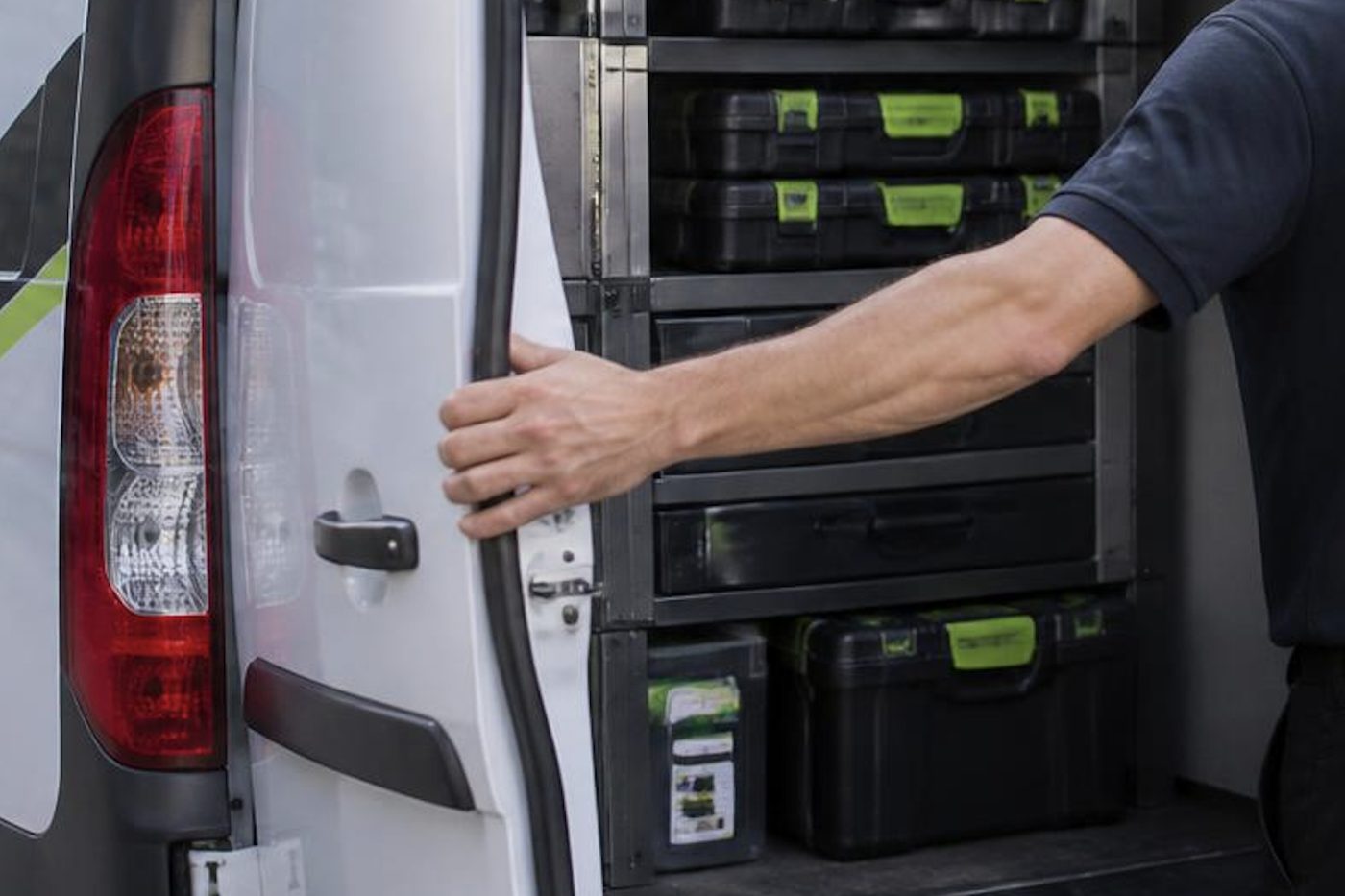
Plenty of machines on the coast are under a lease or a rental, and the paperwork often says who may open the machine and who must be told. Read it first. Tell us what the agreement says on the phone, and we say plainly what is ours to do and what the lessor expects to handle. If the machine is yours outright, there is nothing to check.
After a storm
Summer storm season on the coast is hard on office equipment. A power surge, a brownout that lasts a second, or a building that loses power for an hour and then brings everything back at once can leave a copier frozen on a panel message or half way through a job. Nine times in ten a clean restart from the wall socket sorts it.
The tenth time is a machine that now has a fault history it did not have before, usually a power supply or a board. If the same message returns after a restart, stop trying and phone, because repeated power cycling can make a settled fault worse. Tell us what was on the panel and what happened to the building's power, and we can often say what to expect before the technician arrives.
Printers on the same visit
Offices that call us for a copier often have two or three workgroup printers that nobody has looked at since they were installed. If we are on site anyway, we will check them: rollers, fuser, toner levels and the settings that decide which machine takes which job. It is usually a few minutes each, and it saves a separate call later. Mention them when you book.
Habits that spare you a call
Wrap the paper and keep it flat. Keep it off outside walls and out of cupboards that share a wall with a bathroom or a kitchenette. Leave a hand's width of air around the machine and keep it out of the afternoon sun through a west facing window, which on a glass fronted Surfers Paradise floor is a real problem.
Clean the platen glass with a soft dry cloth now and then. Plug the machine directly into a wall socket, not a cheap power board, and switch it off with its own power key rather than at the wall. After a storm, one restart straight from the wall socket is worth trying before you ring.
Do not stack things on top of the machine and do not feed originals with staples still in them. Those two alone cause more feeder visits than we would like.
Signs that a visit is due
Faint lines that were not there last month. Toner that rubs off with a thumb. A feeder that has started to take two sheets. A new squeal or rattle. A longer warm up. A maintenance message on the panel that has appeared twice in a fortnight. Each is the machine telling you something is wearing, and a visit while it still works costs less than a repair after it has failed, because a worn part damages the parts beside it.
Our fault guides cover what each symptom usually points to, and what is safe for office staff to check first.

Coomera to Coolangatta, and across the border
We service machines through Coomera, Helensvale, Nerang, Southport, Bundall, Surfers Paradise, Broadbeach, Robina, Varsity Lakes, Burleigh Heads and Coolangatta, and over the border at Tweed Heads, Kingscliff and Murwillumbah, with Byron Bay, Ballina and Lismore on longer runs. Each area has its own page describing what we find there. Longer jobs are planned into the day, and where we have several machines in one area we group them into one visit.
Repairs happen at your premises. Nothing is posted off, and the machine stays where your staff expect to find it. Our technicians are trained, experienced and certified, they carry the common spare parts, and 98% of repairs are fixed on the first visit. If the same fault comes back, we fix it again at no charge.
When a machine has had its day
Not every copier is worth another visit. One that is out of production, with several worn assemblies and a long fault history, is a poor bet, and we say so. We then lay out the options, which can include a refurbished machine, a new one, or hire. If you decide to replace it, we can also take the old one off your hands.
Ring (07) 3096 0331 or use the contact form to book a service. The price is agreed on the phone before anyone is booked. If the lines are busy the call is logged and returned.
Parts on the van
The right part, in the van, on the day
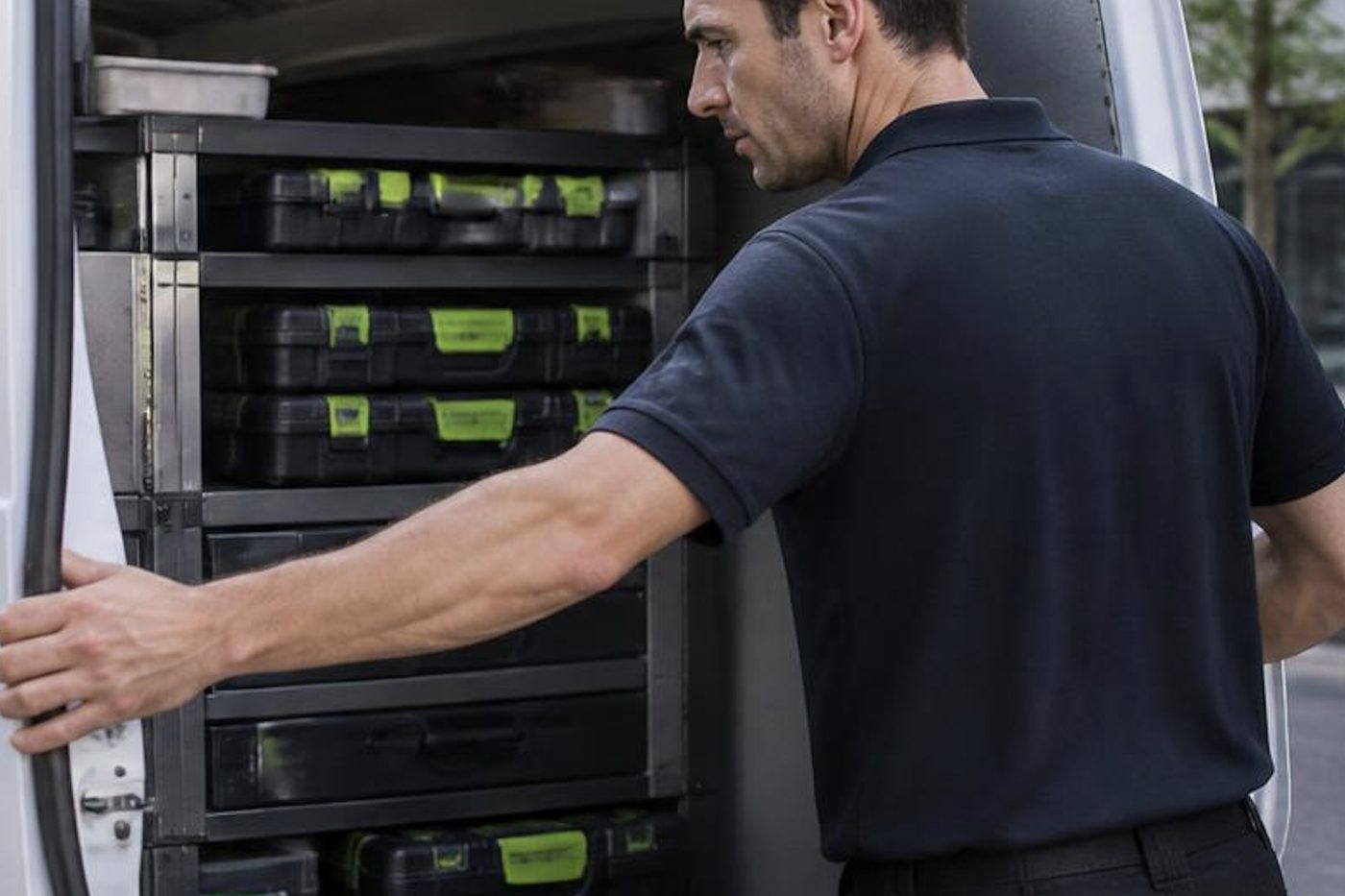
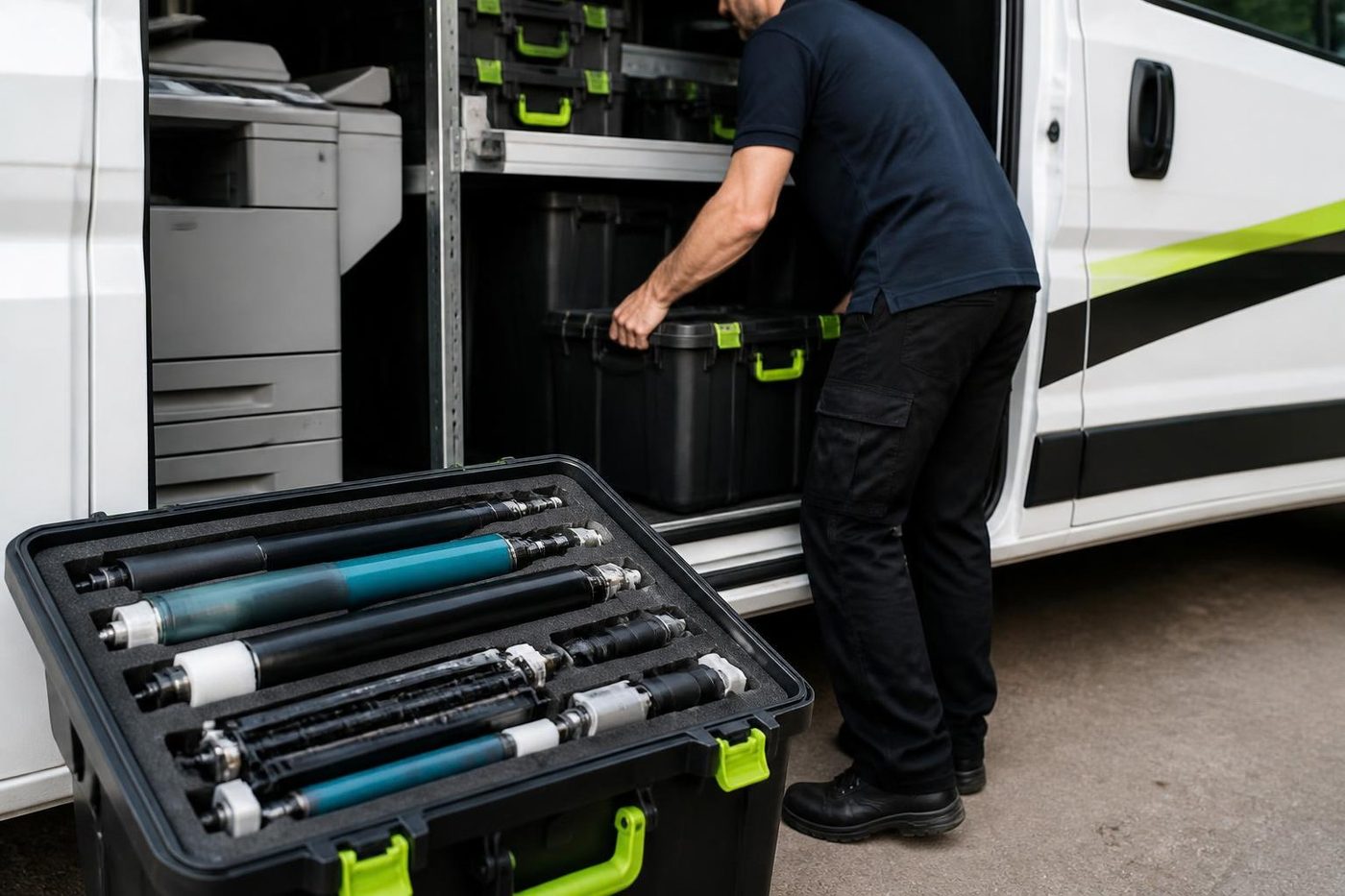
A technician who has to leave to chase a roller turns a short call into a long one, and your staff stand around wondering whether it will be done by lunch. We stock the common spares for the makes we see most, and we plan the load from what you told us on the phone.
No technician carries everything, and we will not pretend otherwise. What we do is arrive with a good chance of finishing, and 98% of our repairs are fixed on the first visit.
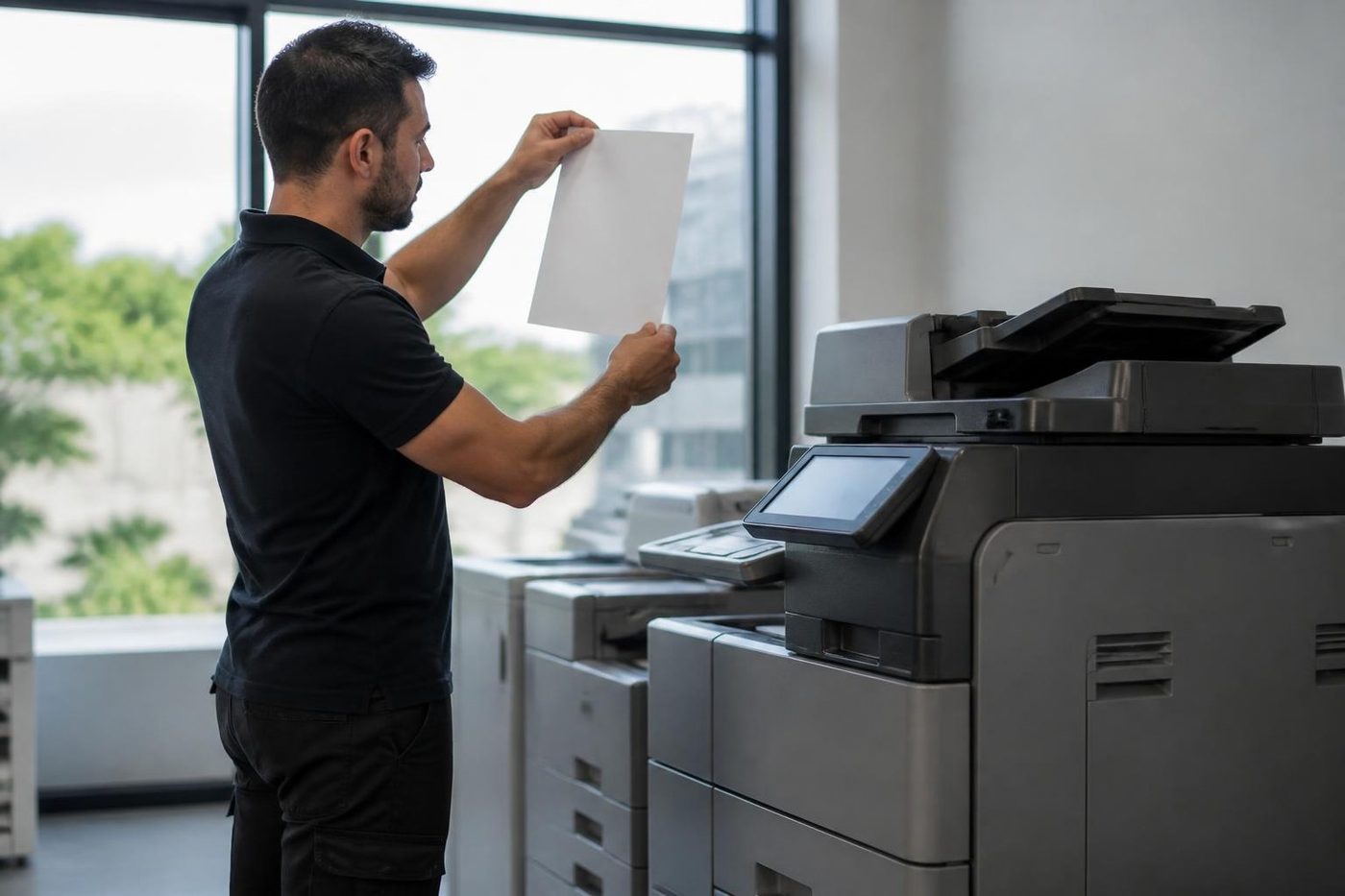
- Common spares carried. Drums, rollers, fusers and belts for the popular makes.
- Load planned. The call notes decide what goes in the van.
- Honest about gaps. If a part must be ordered we say so before we leave.
Keep reading
 Photocopier repairsAny make of office copier, repaired where it stands.
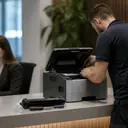 Commercial printer repairsWorkgroup lasers and fleets, repaired where they sit.
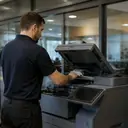 Brands we repairPick your make for models, codes and how we work.
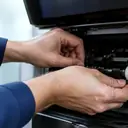 Is my copier worth repairing?Repair or replace, and how we decide.
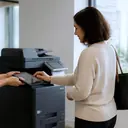 Copier and printer faultsPick the symptom, get the next step.Installation and setupPlaced, connected, set up for scanning and tested from the desks that will use it.Relocation and removalWe move copiers and office printers between suburbs and floors, reconnect them and test them, and remove the ones you no longer need.
Buy, sell and lease
Buy, sell and lease commercial copiers on the Gold Coast
We also sell new and refurbished commercial copiers and buy used ones. Same team, same technicians.

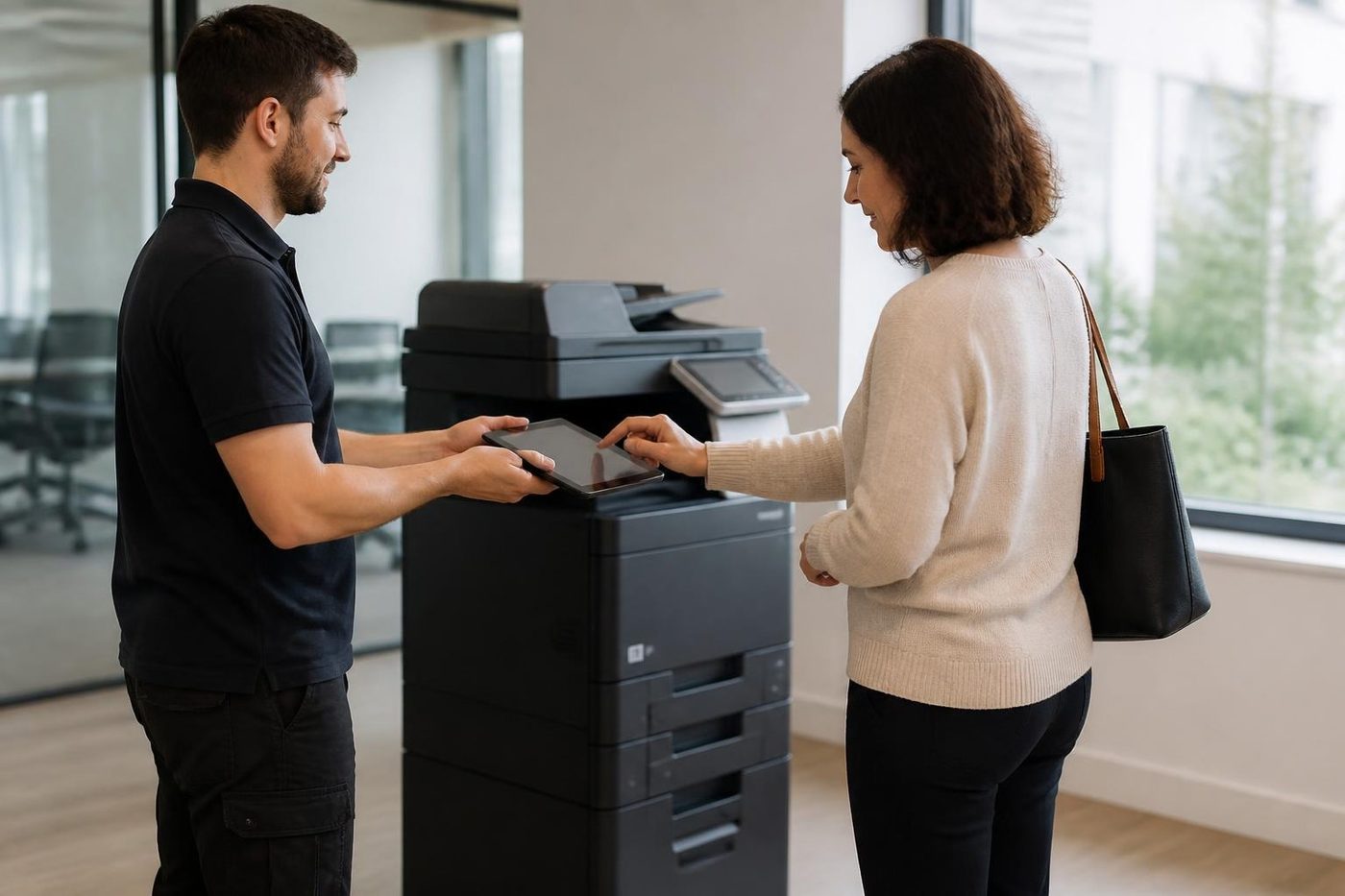
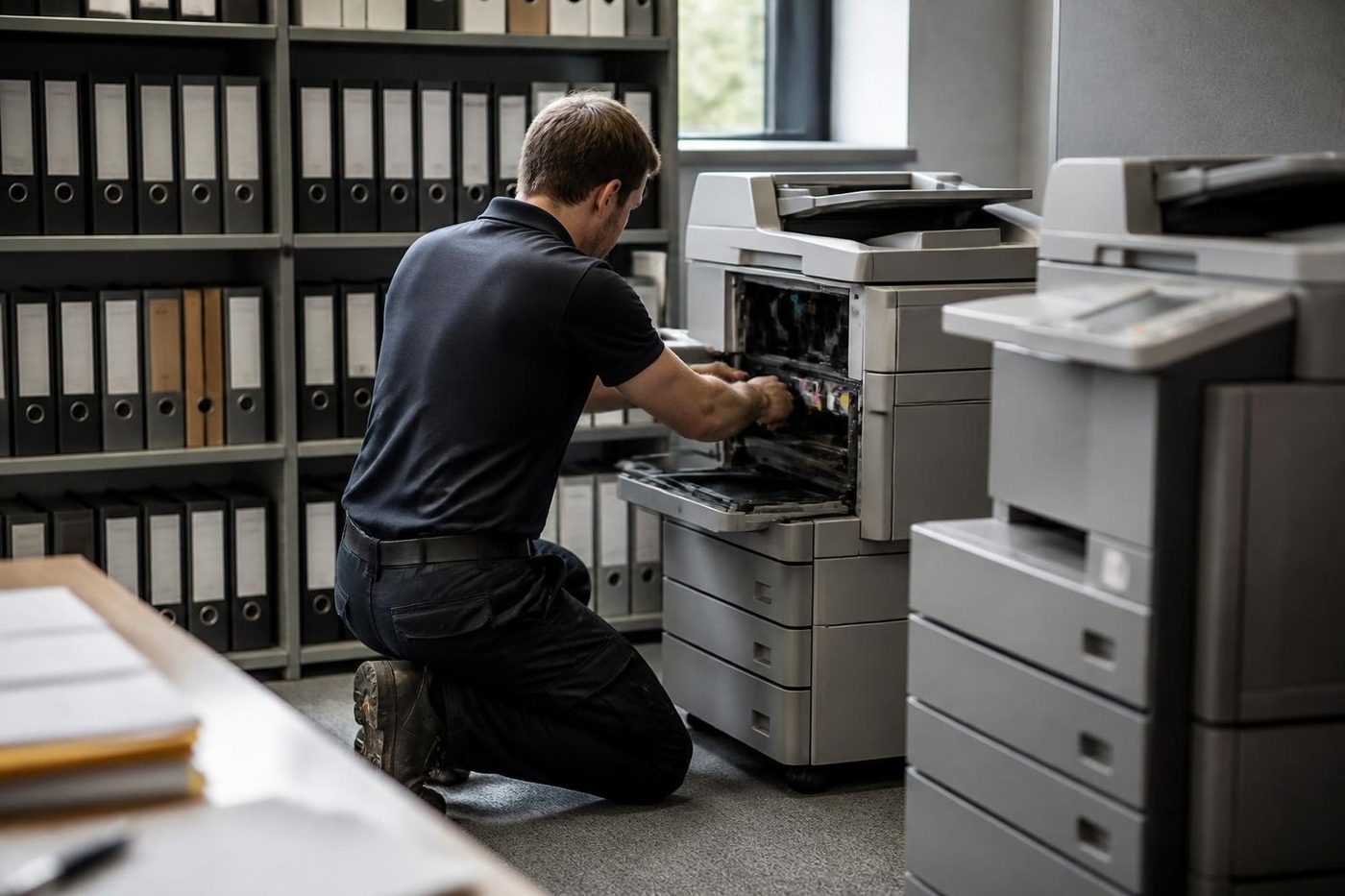
A few recent visits

Common questions from Gold Coast offices
How quickly can you service my photocopier?
Same day service is available. Phone with the make, the model and what it is doing, and we give you a realistic time before anyone is booked.
What is the difference between a service and a repair?
A repair fixes a fault that has already stopped or spoiled the work. A service is a planned visit that cleans, inspects and replaces wearing parts before they fail. Both can be booked for a time that suits the office.
How often should a busy office copier be serviced?
It depends on how many pages it prints and the room it sits in. A heavily used machine in a clinic or school office benefits from regular visits, and a quiet back office unit needs far fewer. We suggest a cycle on the phone once we know the page count.
Do you service colour copiers differently from mono machines?
Yes. A colour machine has four imaging paths and a transfer belt to check, so we plan more time and look at colour alignment as well as feed and fuser wear.
Can you service a copier that is leased from someone else?
Often, but read the lease first, because it may say who maintains the machine. Tell us what it says and we explain what is ours to do.
Do you do meter reads?
Yes, for offices with several machines and for managed accounts. We record the reads and report usage back, so you can see which machine does the work.
Why does my copier jam more in summer?
Humidity gets into the paper, and damp paper curls and sticks. Try a fresh ream from a sealed pack before blaming the machine. If the jams continue with dry paper, the rollers or separation pads are the next suspects.
Do you use genuine parts and toner?
We use genuine consumables and parts wherever we can, because print quality and the life of the imaging parts depend on them.
Do you service the Tweed Heads and northern rivers side?
Yes. We service over the border at Tweed Heads, Kingscliff and Murwillumbah, and on longer runs to Byron Bay, Ballina and Lismore. Phone with the suburb and the make.
Can you install a machine I bought somewhere else?
Yes. Delivery, network setup and testing are covered on our installation and setup page.
Tired of the paper jams
Tell us, and we will sort it.
Ring or send the details. We talk through the fault and give you a price, with nothing locked in.
Get a price
Everything we look after on the Gold Coast
Copier and printer service
Fault guides
- Copier and printer faults Gold Coast
- Photocopier paper jams Gold Coast
- Copier black lines and streaks Gold Coast
- Copier error codes Gold Coast
- Copier not printing Gold Coast
- Scan to email not working Gold Coast
- Toner smearing and fuser faults Gold Coast
- Printer offline and network faults Gold Coast
- Copier noise, grinding and squealing Gold Coast
- Is my copier worth repairing Gold Coast
- Toshiba e-STUDIO error codes Gold Coast
- HP LaserJet error messages Gold Coast
- Kyocera TASKalfa error codes Gold Coast
Makes we repair
- Toshiba copier repairs Gold Coast
- HP printer repairs Gold Coast
- Kyocera copier repairs Gold Coast
- Fujifilm copier repairs Gold Coast
- Xerox copier repairs Gold Coast
- Canon copier repairs Gold Coast
- Ricoh copier repairs Gold Coast
- Lexmark printer repairs Gold Coast
- Brother printer repairs Gold Coast
- Epson printer repairs Gold Coast
- OKI printer repairs Gold Coast
- Zebra printer repairs Gold Coast
- Konica Minolta copier repairs Gold Coast
- Sharp copier repairs Gold Coast
- Samsung printer repairs Gold Coast
- Fuji Xerox copier repairs Gold Coast
Suburbs we work in
- Printer service Southport
- Printer service Bundall
- Printer service Robina
- Printer service Varsity Lakes
- Printer service Nerang
- Printer service Burleigh Heads
- Printer service Helensvale and Coomera
- Printer service Surfers Paradise
- Printer service Broadbeach
- Printer service Coolangatta and Tweed Heads
- Printer service Labrador and Biggera Waters
- Printer service Mudgeeraba and Reedy Creek
- Printer service Molendinar, Ashmore and Carrara
- Printer service Currumbin, Palm Beach and Tallebudgera
- Printer service Byron Bay, Ballina and Lennox Head
- Printer service Lismore and the Northern Rivers
- Printer service Murwillumbah and the Tweed Valley
- Printer service Kingscliff, Tweed Heads South and Pottsville
- Printer service Arundel and Yatala
- Printer service Pacific Pines and Oxenford
- Printer service Tugun, Bilinga and the Gold Coast Airport side
- Printer service Miami, Mermaid Waters and Mermaid Beach
- Printer service Currumbin Waters and Elanora
- Printer service Paradise Point, Runaway Bay and Hope Island
- Printer service Mullumbimby, Brunswick Heads and Ocean Shores
- Every suburb we cover
Know the make and what it is doing? That is enough for a price.
Send us the fault and the make
Give us the make, the model and when it started playing up. We come back to you with a price before anyone is booked. (07) 3096 0331 if you prefer.