HP LaserJet errors on the Gold Coast: where 49, 50 and 79 come from
| On the display | Where it usually starts | Next step |
|---|---|---|
| 13.xx | Paper stuck where the message says | Yours to clear |
| 49 | Firmware, often set off by a single job, driver or network event | Clear the queue, then ring |
| 50.x | The fuser: element, sensor, supply, or a wrong fuser in the machine | Ring with the complete code |
| 59.x | One of the motors, with the later digits picking it out | Ring with the complete code |
| 79 | A service error that is mostly firmware but sometimes an accessory or the network | Try the steps below, then phone |
| Something else | Scanner, fans, trays or memory, depending on the model | Ring with the model |
Older machines show a short form like 50.2, while newer ones print a long string with letters in it. Every character matters. Searching on two digits alone leads to advice written for someone else's printer.

The model name is half the answer
HP files its meanings by model line, so one family number can hide different sub codes on a Color LaserJet Enterprise than on an older LaserJet. When you ring we will want the model and every character on the display. If we have not met a code on your model, we treat it as a pointer to an area and do not claim more.
The fifties: heat
A 50 on many LaserJets belongs to the fuser, and the digit after the point sharpens the picture. The reference we work from reads 50.1 as too cold, with a dead element or a sensor that sees no rise. Slow warm up is 50.2. Overheating is 50.3, where blocked fans, dirty filters and the wrong paper type chosen on the panel are named as causes. Poor mains voltage or a faulty fuser fits 50.4, and a wrong or badly seated fuser fits 50.5. Low voltage through an extension lead is a listed reason for slow warm up.
So the first test costs nothing. Plug into a wall socket and check the paper type setting. If the message survives that, the fuser needs a technician.
Forty nine and seventy nine: suspect what surrounds the printer
These are usually firmware errors, and the printer is often the victim of something else. A damaged job, a generic driver, a worn cable, a busy network or an accessory the model cannot handle can each trigger one. The office pattern is the clue. It stops after one particular person prints. Or it reboots whenever traffic is heavy.
Before opening anything we pull the job and the driver apart from the hardware. When a 79 returns with the network cable unplugged and an empty queue, the fault belongs to the printer itself, and attention moves to the formatter board and its memory.
What you can do without tools
- Copy the message in full, letters included, plus the model name.
- Switch off, wait half a minute, switch on. Once.
- If the printer hangs off a power board or surge unit, plug it into the wall.
- Turn it off, take out the network and USB cables, and start it again. A printer that reaches Ready points to a job, a driver or the network.
- Clear the queue on every computer that prints to it and remove any strange looking jobs.
- Think back over the last week: new driver, update, new device on the network?
- Do not touch the fuser or anything else inside.
- If a 50 or 59 comes back after a single restart, or you smell heat, stop there and ring us.
Color LaserJets and their extra parts
A Color LaserJet carries four cartridges, usually a drum each, and a transfer belt, so there is more to go wrong. For a message about one colour, start with that cartridge. Reseat it, confirm the plastic seal tape has been removed, and make sure it is the right cartridge for the model. Plenty of odd colour messages end right there.
Cartridges that fit the model badly are a known source of strange messages and streaks, and we say that without naming any brand. If the message began the day a new cartridge went in, tell us.
What the event log says
The panel menu or a printed page gives you the event log, which lists recent errors alongside page counts. The same message at similar counts means a worn part. A single message at the moment of a power dip means a one off. We read it first on arrival, and it helps if you print a copy before we get there.
Faults that dress up as HP faults
Occasionally the printer only carries the bad news. A Windows update swaps the driver and every job produces a 49. A failing switch in the comms cupboard makes the printer restart when traffic spikes. A power board on the floor under a desk loses contact each time the cleaner goes past. Such things are quicker to find if we know the symptoms arrived together, so mention anything else that was odd that week.
Reset tricks from the internet
Search results offer button sequences that push a printer past an error. A few wipe settings your IT provider put there deliberately. Some errors are there to stop a faulty fuser from wrecking itself. Skip them.
Messages that are just messages
Some messages are only ordinary prompts: tray empty, load paper, toner low, door open, replace cartridge. They go once you act. The ones to worry about are those that stay put. A jam message over a clear paper path, or a cartridge message after you fitted a fresh cartridge, may be a sensor or a connector. Phone us with the model and the wording as displayed.
LaserJets around the Coast
In this region they are the shared workhorses: real estate and professional firms in Southport and Surfers Paradise, accounts teams at Bundall, trade offices at Molendinar. When one stops, a floor loses its output.
Offices that use an outside IT provider see 49 and 79 more often after a driver or network change. A hot shed at Arundel or Yatala brings fuser trouble sooner, and a brownout during a storm can leave a fuser or formatter in a fault state by morning.
What we do on site
A firmware message sends us to the event log first, then to the job and driver behind it, the firmware and network settings, and a test with the printer standing alone. Well behaved alone means your IT contact receives a list of changes to make. Still faulty alone means the formatter and memory come next.
A fuser or motor message gets tests before any part is fitted, since the answer might be a fuser unit, a connector or a power supply. We then tell you what failed and whether the machine merits repair, and you hear the price over the phone ahead of any booking. The technicians are certified and experienced, and we operate independently of HP.
Heat inside the box
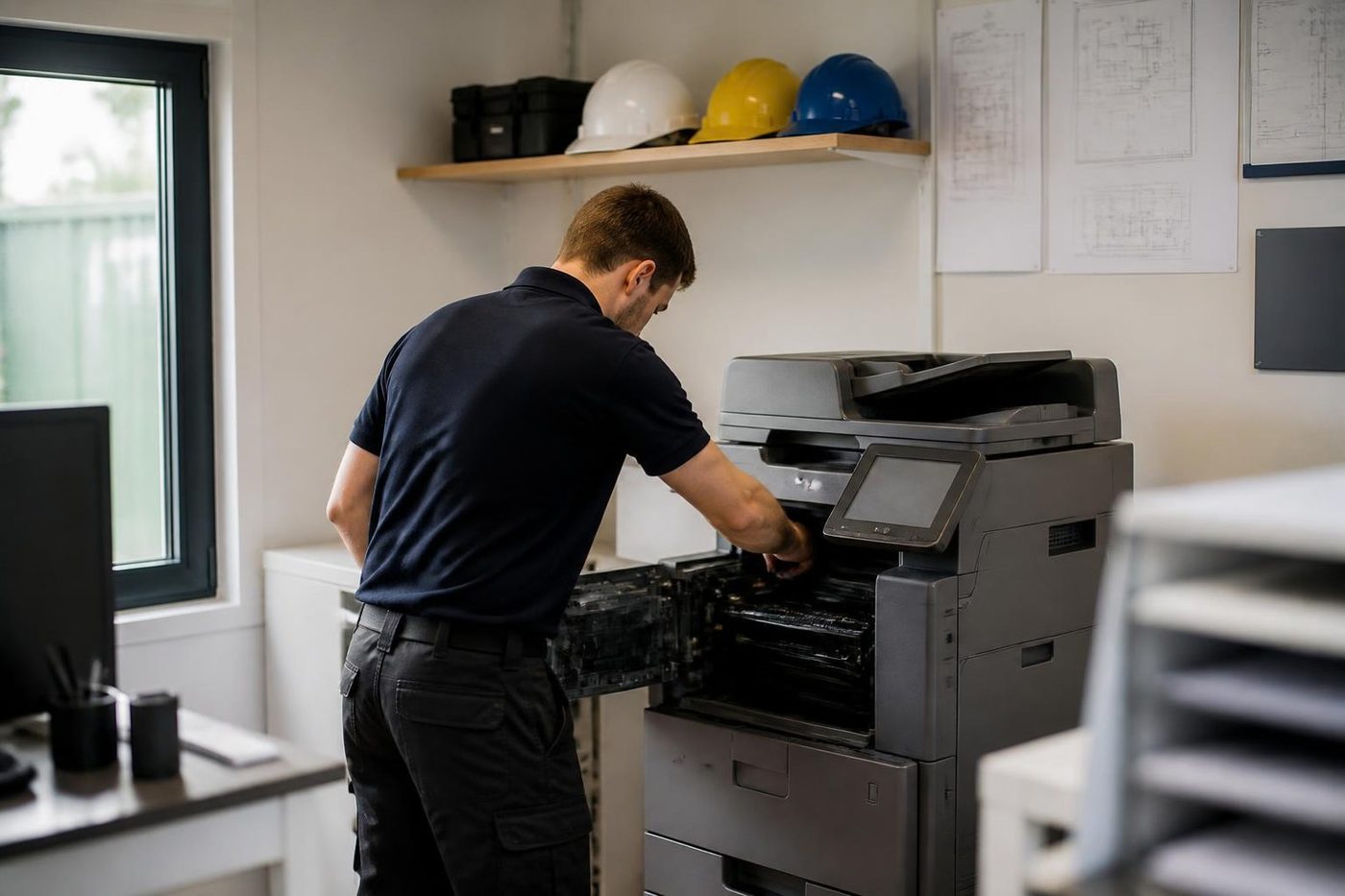
A fuser punishes a rushed hand
Smudged toner or paper that comes out curled does not always mean a new fuser. Often the fault is upstream, in damp stock or a tired transfer roller, and the fuser takes the blame.
We test before we replace, and we tell you what we found. Fusers are not cheap and we would rather not fit one you did not need.
- Cool before touched. We wait, because the fuser does not hurry.
- Stock checked first. Damp paper from a humid week is ruled in or out early.
- Parts earn their place. A new part goes in once the old one is proven faulty.
Keep reading
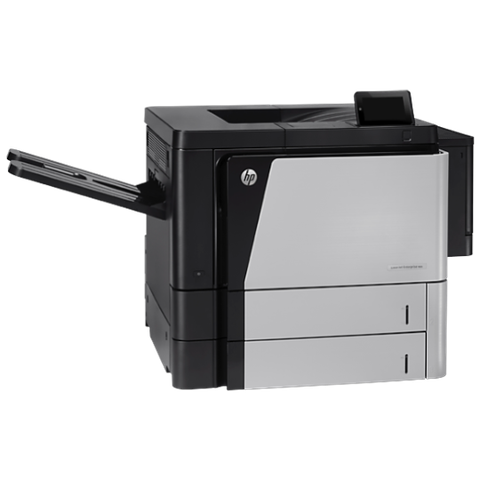 HP printer repairsLaserJet codes read like a sentence. We read them aloud.
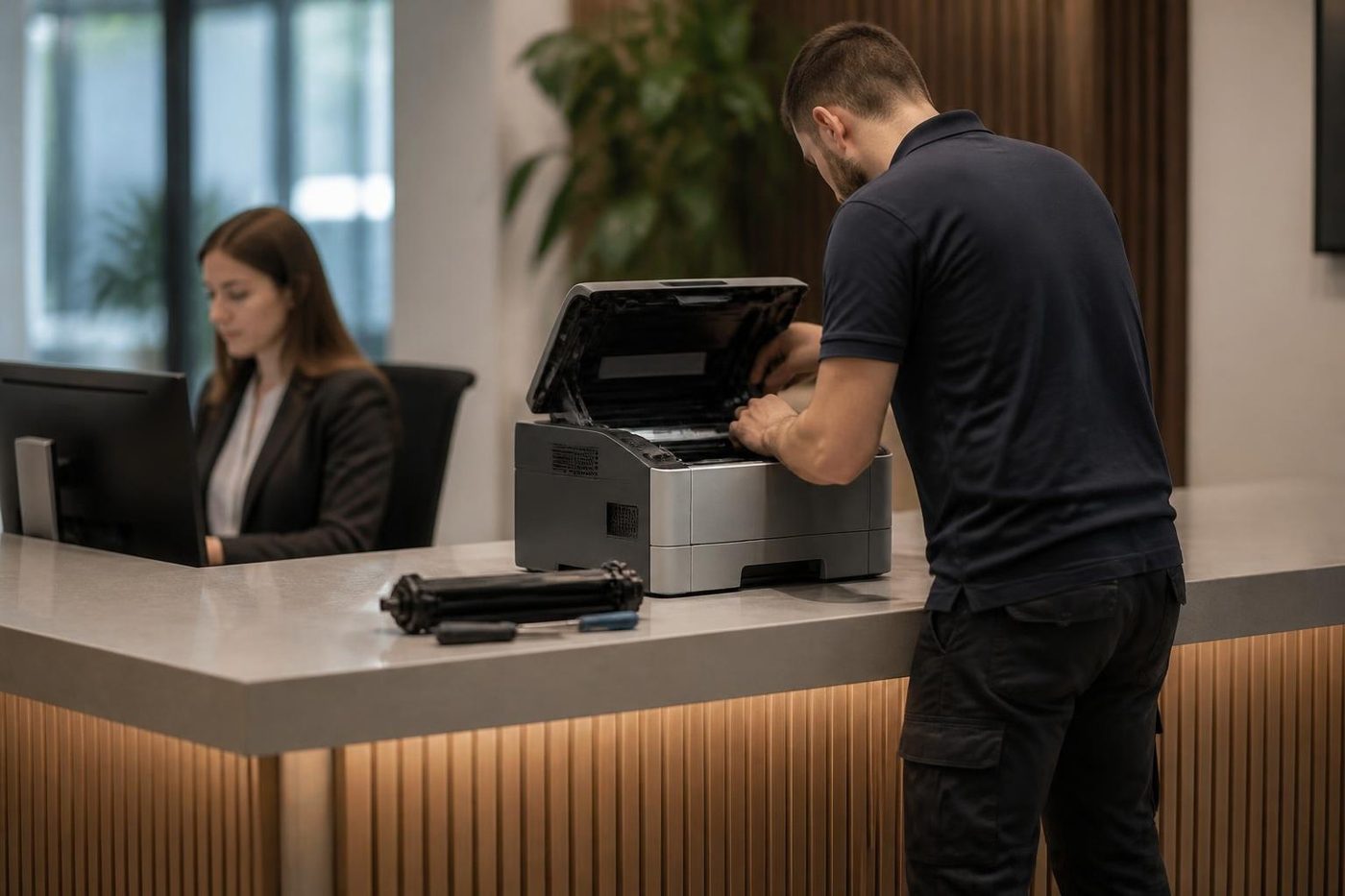 Commercial printer repairsWorkgroup lasers and fleets, repaired where they sit.
 Copier and printer faultsPick the symptom, get the next step.
 Printer offline and network faultsThe printer that vanished overnight.Toner smearing and fuser faultsToner rubbing off, ghosting and heat faults.
Buy, sell and lease
Buy, sell and lease commercial copiers on the Gold Coast
We also sell new and refurbished commercial copiers and buy used ones. Same team, same technicians.

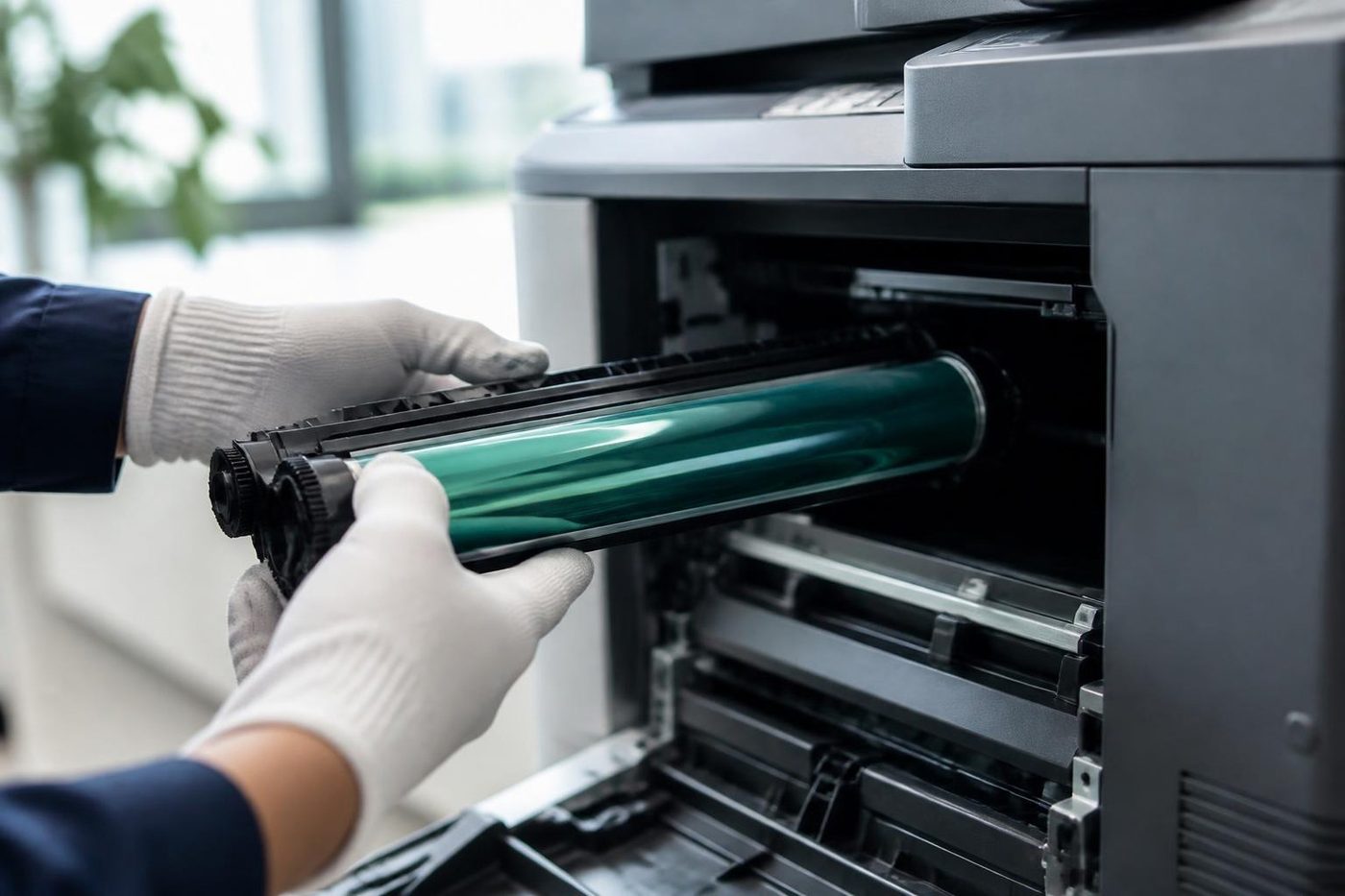
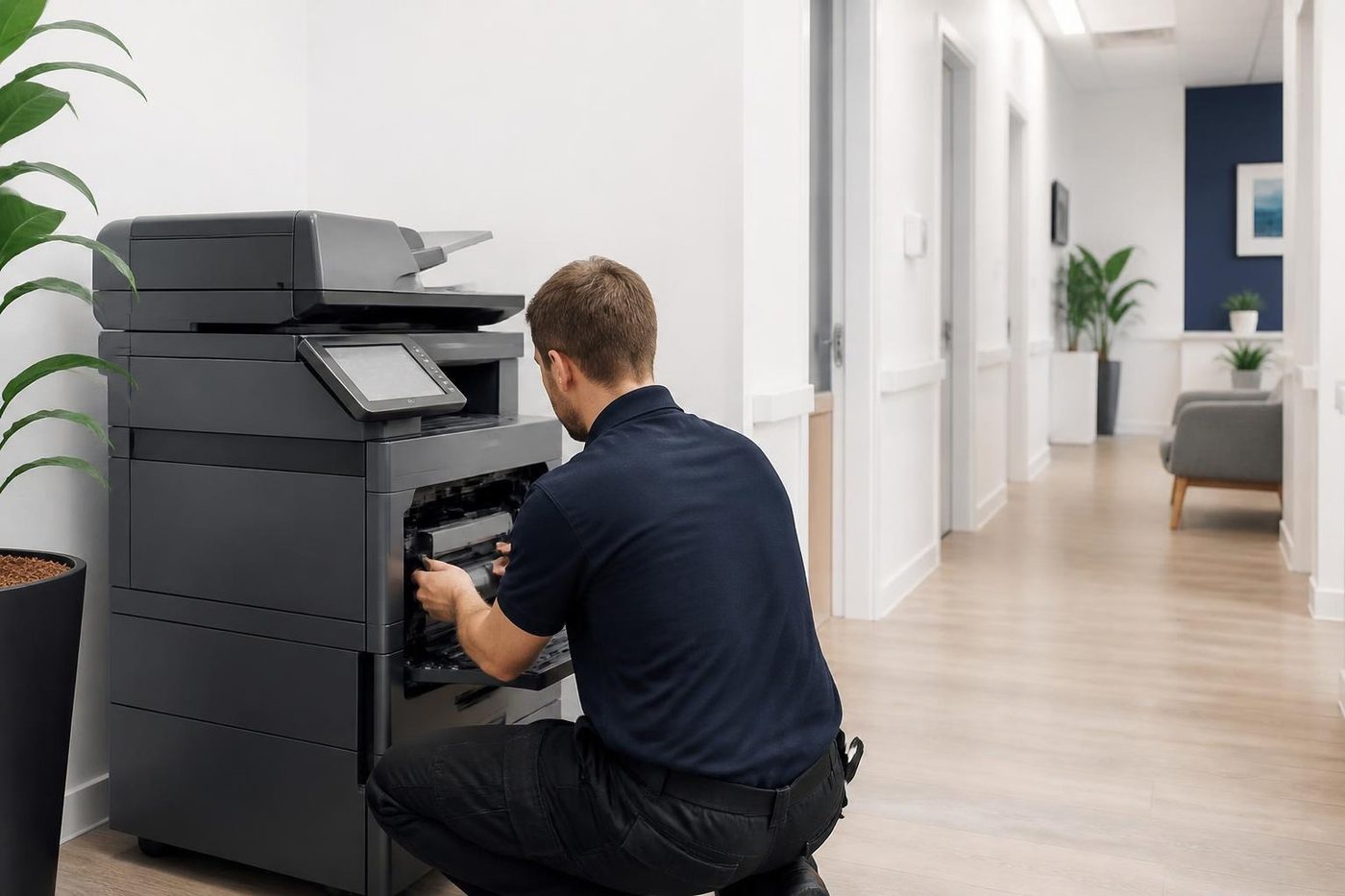
Real service calls, no staging

Common questions from Gold Coast offices
What does HP error 49 mean?
It is a firmware fault. Triggers include a damaged job, a driver, a cable, the network or an accessory. Clear the queue, run the printer with the network cable removed, and call us if it persists.
What does HP error 50 mean?
On many models the fifties concern the fuser. Restart once. If it comes back, give us the entire code.
What does error 79 mean?
A service error, most often firmware. Restart with the cables disconnected and the queues empty, and phone us if it remains.
What is a 59 error?
A motor fault, with the rest of the code naming the motor.
Is it safe to pull out the fuser?
No. It stays hot after use and sits beside live parts.
Do you repair Enterprise models too?
We do. We read the model label first.
Is it the printer or my network?
A message that returns with the cables out and nothing queued points at the printer. If it does not, look first at the job, the driver or the network.
How is the price worked out?
From parts and labour time, quoted to you over the phone before booking.