Copier black lines and streaks: the three page test
Before anything else, make three copies and treat them as evidence.
Print a page from the computer. Copy a blank sheet from the glass with the lid up. Copy a page through the document feeder. The place the line appears, and the place it does not, narrows the field faster than any amount of guessing.



What the results tell you
| Line shows up on | Does not show up on | Suspect |
|---|---|---|
| Copies from the glass only | Printed pages | Dirty glass, scan carriage, scanner lamp area |
| Copies through the feeder only | Glass copies, printed pages | The narrow feed strip of glass beside the main plate |
| Everything, including printed pages | Nothing | Drum, charge unit, developer or laser path |
| Printed pages in one colour only | The other colours | That colour's drum or developer |
| A line that moves between copies | Nothing steady | Loose toner, a sheared piece of paper, debris in the path |
That one table is most of the diagnosis. The glass and feeder cases are yours to fix, the rest belongs to a technician.
The strip of glass nobody cleans
Many office copiers have two scanning surfaces. The big plate under the lid, and a narrow strip to the left where documents slide past from the feeder. A speck of correction fluid, a smear of adhesive from a sticky note, or a thumbprint on that strip leaves a clean dark line down every feeder copy.
Wipe it with a soft lint free cloth, very slightly damp with water. Not spray cleaner directly onto the glass, which runs into the machine. Dry it before you test again.
Gold Coast offices have a particular version: sunscreen. Reception desks near the beach collect fingerprints with a layer of it, and it smears like grease.
When the line is on every page the machine prints
A mark on printed pages as well as copies takes the scanner out of the picture. The cause now lives in the printing path, and it is usually one of the following.
A scratched or worn drum leaves a line that follows the same path every page. A cracked or contaminated cleaning blade lets toner slip past and leaves a streak. A dirty charge wire or roller makes a faint grey band. A blocked developer unit or a leaking seal drops toner in a stripe. Debris caught on the laser window can shade a fine white line rather than a black one.
A technician can usually tell which by looking at where the mark sits, how sharp it is and whether it repeats at a regular spacing. That spacing is a clue worth passing on: measure it with a ruler and tell us.
Colour machines: which colour is it
On a colour copier a streak that is not black is probably a streak in one colour. Look closely. A cyan line, a magenta line, a yellow one that is hard to see on a coloured page. Each colour has its own drum and developer, so the colour names the part.
A line that shows up only on the transfer belt side, repeating across all four colours, points at the belt rather than any drum. Hold a printed page to the light and look for a fine mark repeated in every colour at the same spot.
Things worth trying yourself
Stop there. A drum, a developer unit and the area around the laser are not a place to learn on, and a drum fingered once will print the evidence for months.
- Clean the glass and the feed strip, then test again.
- Check the originals for staples, tape and correction fluid.
- Run a few blank pages to clear loose toner, especially after a toner cartridge change.
- Print a test page from the panel's own menu, if it has one, to separate scanner faults from printer faults.
The test page trick
Most commercial machines can print a test or configuration page from the panel's own menu. It uses no document from any computer, so any streak on it belongs to the machine. If the page is clean and your printed documents are not, the cause is in the file or the driver. It also gives you a clean sample to hand over when you ring.
Lines that are not black
White lines are a different family. A thin white streak down the page usually means something is blocking the light or the toner on its way: dust on the laser window, a dirty slot in the developer, a speck of paper lodged against the drum. Wide pale bands point at a toner supply that is running out or not distributing, and a repeat of faint horizontal stripes is often a roller with a flat spot.
Grey backgrounds and a general fog suggest the toner is not being held where it belongs, which can be age, humidity or a charge problem. In a wet fortnight on the Gold Coast we see more of those, particularly on machines that sit beside a window.
Tell us what colour the mark is, how wide, and whether it is dead straight. A wavy line behaves differently from a ruler straight one, and the phone call goes quicker.
A mark you can feel
Run a fingertip gently over the line on a copy. A line you can feel, a faint ridge or gloss, is a different animal from one you can only see. A raised, shiny line often belongs to the fuser or a roller with a nick in it. A flat, dull line is usually toner or glass.
Hold the page at an angle to a window as well. Under a raking light, a scratch on a drum or a roller shows up as a repeating mark, and that gives the technician a useful measurement.
The line that follows the feeder
Streaks only on feeder copies come up all the time in accountants and law offices at tax and conveyancing peaks, when stacks of paper with tape, flags and corrected figures are fed through all day. Check the originals before you blame the machine. A tiny staple fragment trapped at the feed strip will scratch the glass and leave a permanent mark.
Once the glass has been scratched, cleaning cannot remove it. The glass strip is replaceable, and it is an inexpensive part on most machines, but a technician has to fit it and then recalibrate the scan.
Where the line comes from in a busy office
A line that appears out of nowhere on a Monday is often a visitor to the weekend. Somebody ran a stapled bundle through the feeder, somebody put a photograph with tape on it on the glass, somebody refilled a tray with the bag still open. A line that has crept in over weeks is wear.
If the line came with a recent toner swap, tell us. Cartridges that are not seated properly or are a poor match for the machine are behind more streaks than people expect.
Behind the side panel
Light is the enemy of a drum
The drum is the part nobody sees and the part that matters most. It is a coated cylinder that reacts to light, so a technician who props the panel open beside a bright window is quietly spoiling it. Gold Coast offices are mostly glass and sunshine, which makes covering the drum a habit worth having.
We send people who wrap it, work quickly and put it back as the maker intended. If a mark repeats down your pages at the same spacing, describe it on the phone. That spacing is a clue.

- Covered at all times. The drum goes in a light proof sleeve the moment it leaves the machine.
- Marks read properly. The distance between repeating marks points to the roller or drum at fault.
- No fingerprints. Gloves on, every time.
Keep reading
 Copier and printer faultsPick the symptom, get the next step.Toner smearing and fuser faultsToner rubbing off, ghosting and heat faults.Copier not printingThe job goes in, nothing comes out.
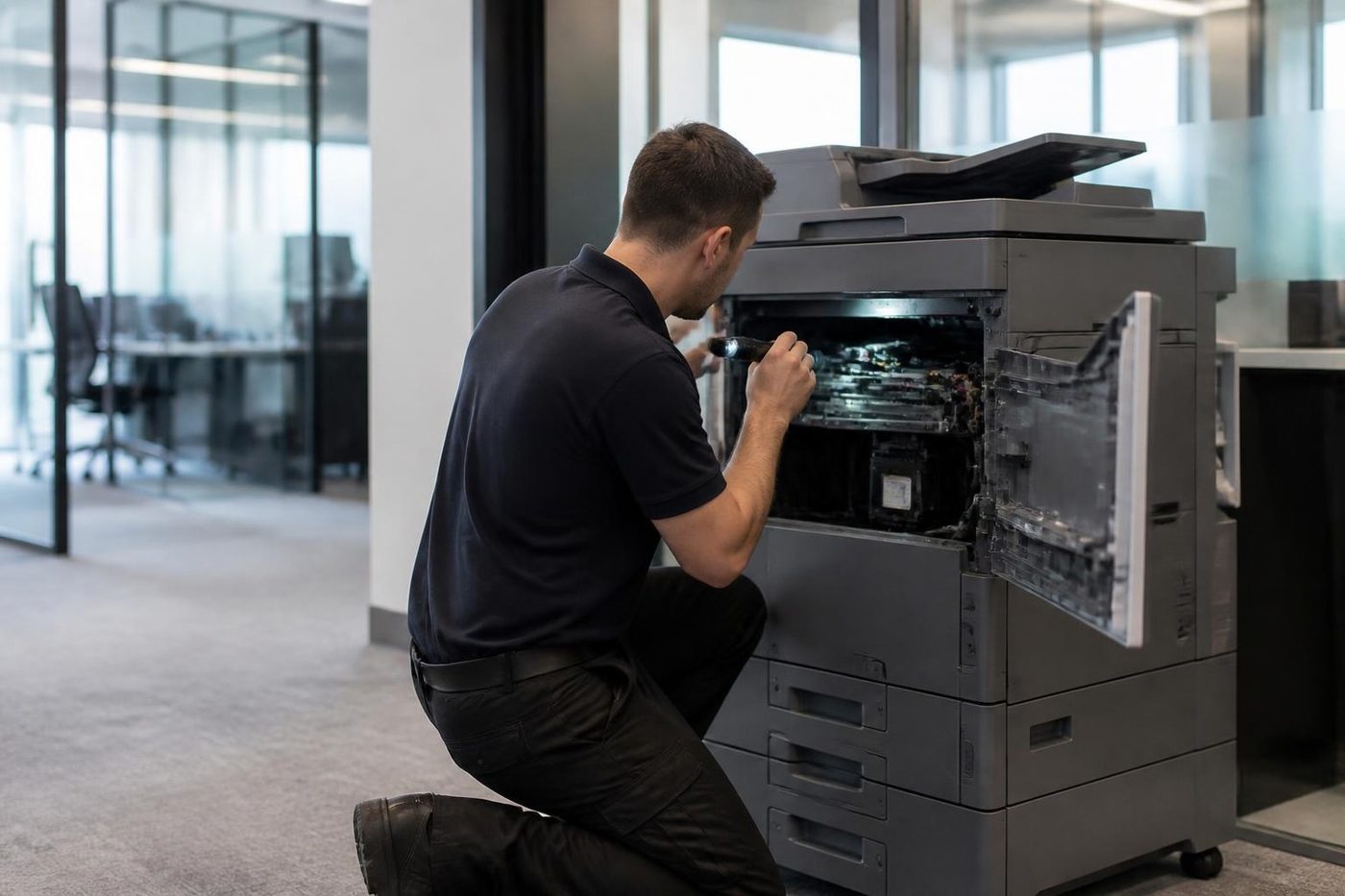 Photocopier repairsAny make of office copier, repaired where it stands.
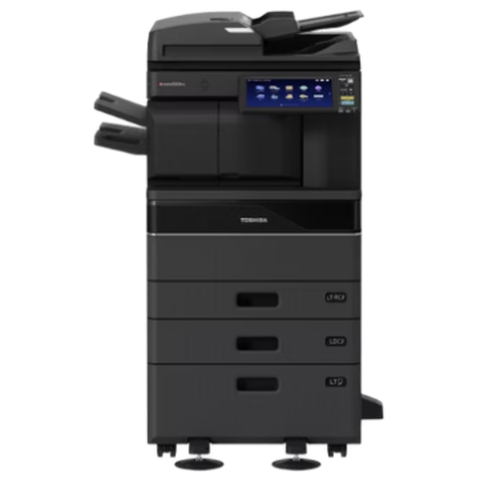 Toshiba repairse-STUDIO AC and A series, fixed where they stand.
Buy, sell and lease
Buy, sell and lease commercial copiers on the Gold Coast
We also sell new and refurbished commercial copiers and buy used ones. Same team, same technicians.

A few recent visits



Common questions from Gold Coast offices
Why is there a black line on every copy?
If it shows on copies but not on printed pages, it is usually dirt on the glass or the feeder strip. If it shows on both, the cause is in the printing path, most often a drum, blade or developer.
Can I clean the glass myself?
Yes. Use a soft lint free cloth with a tiny amount of water, never spray directly onto the glass. Wipe the narrow feeder strip as well as the main plate.
Does a streak always mean a new drum?
No. A dirty strip, a worn cleaning blade, a charge unit or the developer can all do it. The pattern and spacing of the mark tell a technician which.
The line is a different colour from black. Does that matter?
It does. On a colour machine, the colour of the line points at the drum or developer for that colour.
Should I keep using the machine until it is fixed?
For internal draft copies, usually fine. For client documents, stop. Streaks from a worn blade can also spread toner inside the machine.
Will a technician fix it on site?
Yes, at your premises, with the common parts carried on the van. The price is discussed on the phone first.
Do you repair mono and colour machines?
Both. Give us the make and model when you ring.
What if the line comes back after the repair?
We return and fix it again at no charge.