Look at where the streak sits on the page before you reach for a cloth. A line that runs down every copy in the same place has a fixed cause somewhere in the machine. A mark that moves around or only appears on some pages has a different cause, usually something on the originals themselves. Knowing which you have saves a lot of wiping.
Glass streaks and feeder streaks are different faults
A copier has two ways of reading a page. Put the original on the large glass and the scanning unit moves under it. Load the original in the feeder and the page is drawn past a narrow strip of glass while the scanner stays still. Because the feeder reads the page through that thin strip, a speck on the strip draws a line down the full length of every page that passes. The same speck would leave nothing at all on a copy made from the main glass.
That gives you a simple test.
- Streak only from the feeder. Look at the strip of glass at the left side of the main glass, and at the feeder rollers and the white backing under the lid.
- Streak only from the glass. Look at the main glass, especially in the area where originals usually rest.
- Streak on both. The cause may be after the scanner, in the printing side of the machine. A page printed from a computer, or an internal test page from the panel, shows whether the streak appears without any scanning at all.
If a streak shows up on a printed page that was never scanned, cleaning the glass will not help. Our page on black lines and streaks on copies covers the printing side.
How to clean the glass and the feeder strip safely
Switch the copier off at the panel first if the manual says to. Then work gently.
- Use a soft, lint free cloth. A paper towel can leave fibres and, if the glass is dirty, scratch it.
- Dampen the cloth slightly with water, or with the glass cleaner the manual names. Do not spray liquid straight onto the glass or into the machine, because it can run under the glass and into the scanner.
- Wipe the main glass, then the narrow feeder strip at the side, in one direction. Take care at the edges of the strip, where dirt tends to build up.
- Wipe the white backing sheet on the underside of the lid and the feeder guides. A dirty backing can add its own grey bands or shadows.
- Dry the glass with a clean part of the cloth, then make a test copy from each side.
Do not use abrasive pads, blades, or strong solvents on the glass. Scratches on the glass can themselves cause a streak that cleaning cannot remove, and some solvents damage coatings and plastic. If the manual for your model names a cleaner, use that one.
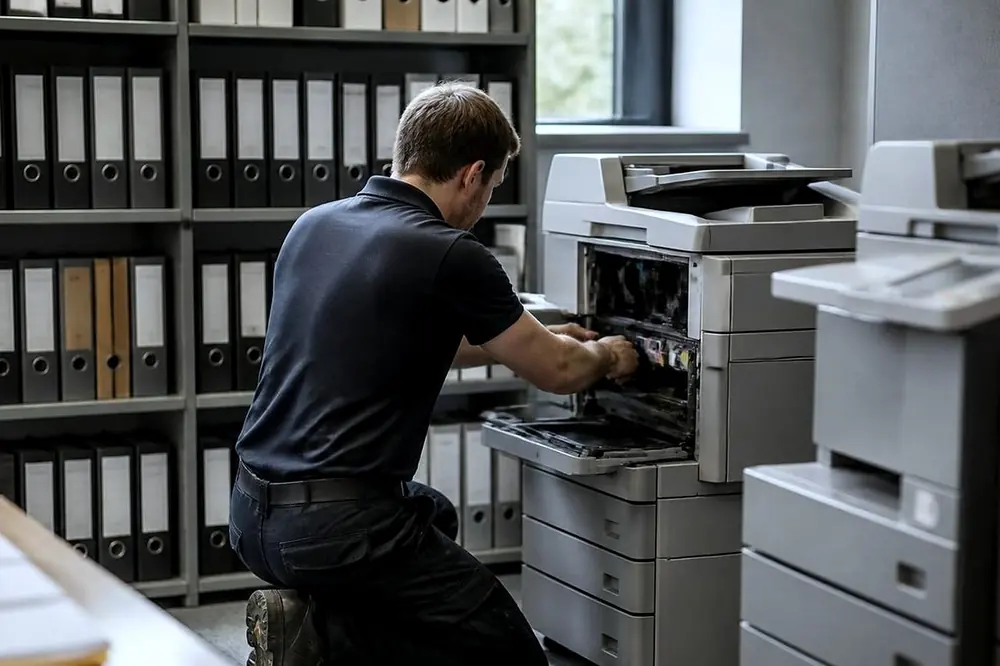
Correction fluid, labels and other things that stick
Some streaks that survive a clean are not dust. They are sticky or dried material on the glass or the strip. Offices that scan a lot of marked up paperwork can run into these.
- Correction fluid. Dried fluid on an original can flake off or smear onto the glass or the feeder strip. A sheet that is still damp should never go through the feeder.
- Labels and sticky notes. Adhesive from an original can transfer onto the strip or onto the feeder rollers, and the sticky patch can catch dust and keep drawing a line.
- Staples, clips and tape. Metal or hard edges can scratch the glass. Remove them before scanning, and hand feed a stapled set only after taking the staple out.
- Thick adhesive from folded or taped repairs. A page patched with tape is better placed on the main glass than sent through the feeder.
Dried correction fluid can sometimes be lifted by gentle wiping with a damp cloth. Scraping it with a fingernail or a blade is the point where a streak turns into a scratch, so stop and ask for help instead.
The feeder rollers and the marks on the edges
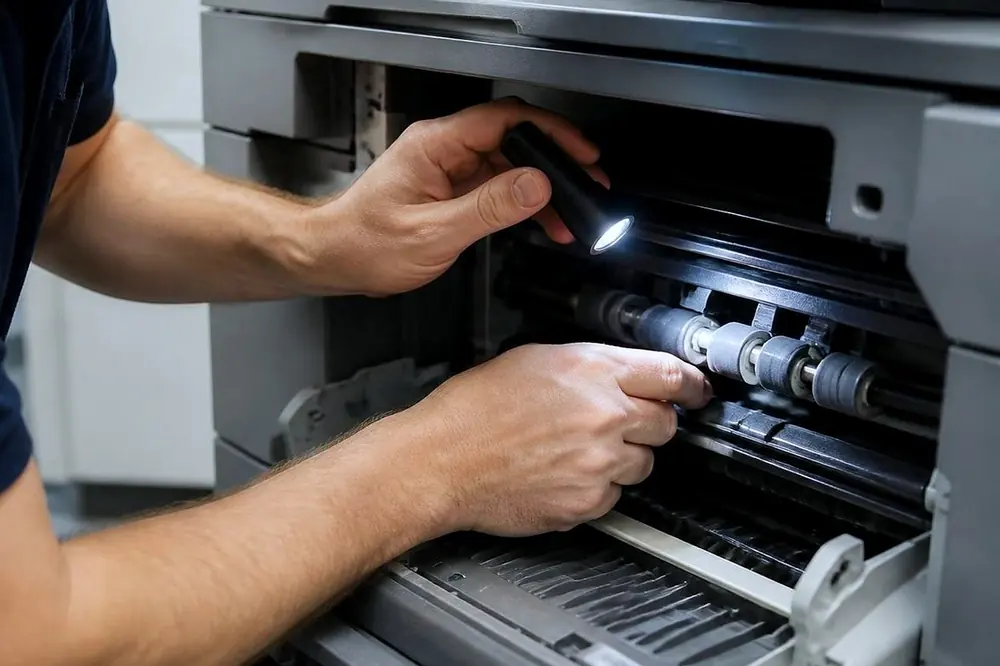
If the copies show dark marks along the edge of the page, or if the originals come out of the feeder with grey rubbing marks, the feeder rollers may be dirty. The rollers are the rubber parts that pull each original in. They pick up toner dust and paper dust. Cleaning them is covered in the manual for your model, and usually involves opening the feeder cover and wiping the rollers with a slightly damp lint free cloth while the machine is switched off.
Worn rollers also cause a different problem, with originals that skew or jam or drag two sheets at once. Cleaning does not cure that, and a technician can check the rollers against the wear rating for the model. The page on photocopier paper jams is the place for that symptom.
Offices that scan all day
A law office, a practice or a council counter that scans every day builds up dust and residue on the glass faster than an office that scans a few pages a week. Wiping the glass and the feeder strip at the start of the week is a cheap habit that can prevent a streak before anyone notices it. Laser can also arrange planned service visits, in which a technician cleans the paper path and the scanning parts and checks wear parts against their page ratings. The scope and the price are agreed on the phone.
If the streak affects scans sent by email or saved to a folder, check whether it shows on the scan as well as the copy. A streak that appears on every scanned file has the same cause as one on a copy. If a scan will not send at all, the scan to email page deals with that fault, which is a different problem from a mark on the page.
When to stop and ring
Stop cleaning when you have wiped the glass, the feeder strip and the backing sheet, tested from both sides, and the streak has not moved. At that point the cause may not be dirt on the surface. It may be dirt under the glass, a failed part in the scanning unit, or the printing side of the machine. Opening the scanner is a technician job.
Laser repairs copiers at the customer's premises across metropolitan Gold Coast, so a Southport or Robina office with a streak on every scan does not have to move the machine. See photocopier service in Southport, Robina, or the general page on photocopier repairs. The phone is (07) 3096 0331. The line can be busy, and when it is the call is logged and returned.
Phone (07) 3096 0331 with the make, the model and what it is doing. The price is agreed on the call, and same day depends on the fault and the diary. If the line is busy, the call is logged and returned.