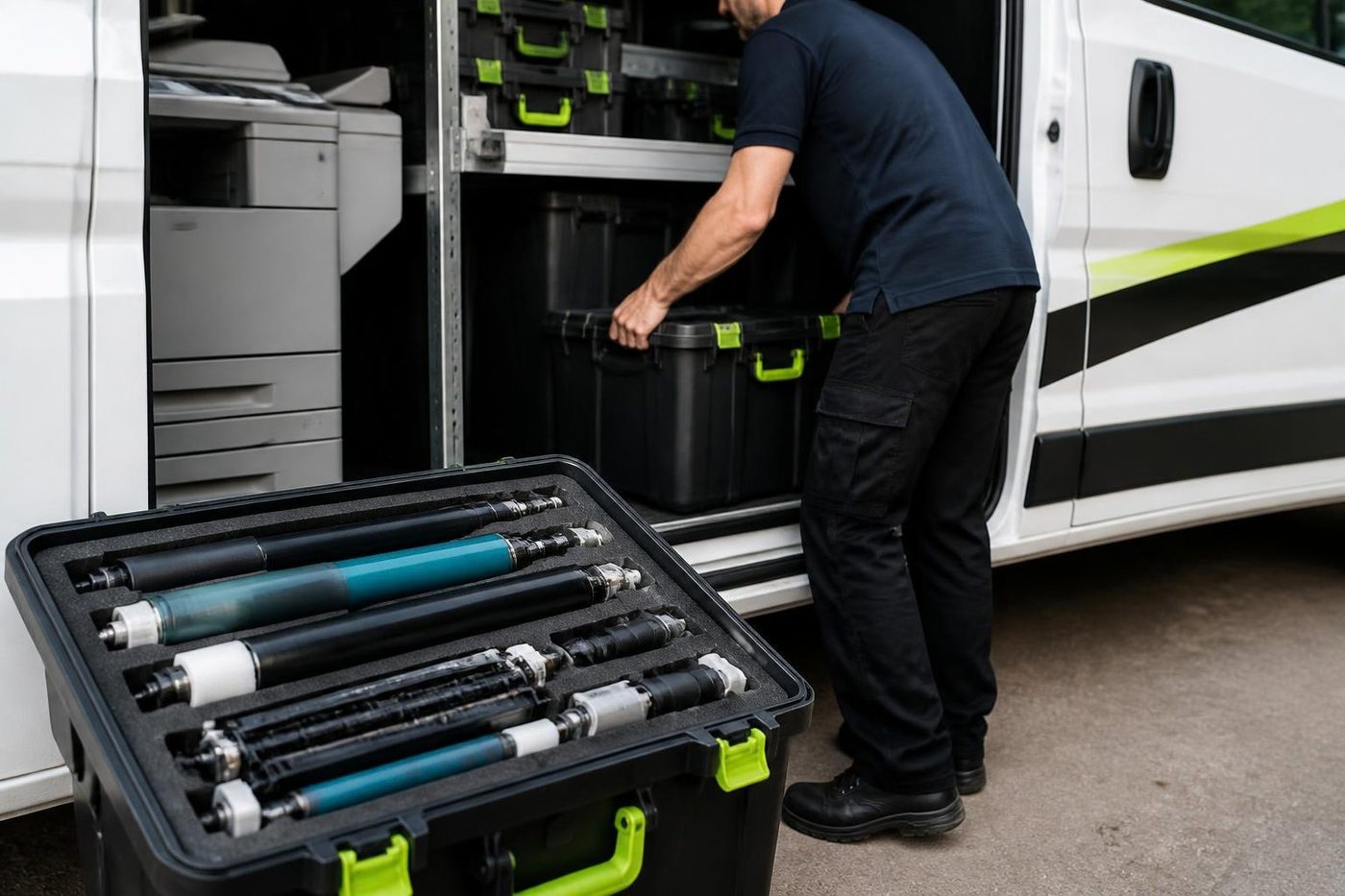
Why HP is a sensible machine to hire
Parts and toner for commercial HP lasers are easy to find, and technicians have worked on them for decades. That counts when the machine is on hire. If something fails, the repair is usually short, and when the hire ends the printer goes back without a fuss.
There is a second reason. HP's business range is wide enough that there is almost always a model for the job, from a counter printer to a floor standing multifunction. We do not push the brand though. If another make suits better, we say so.

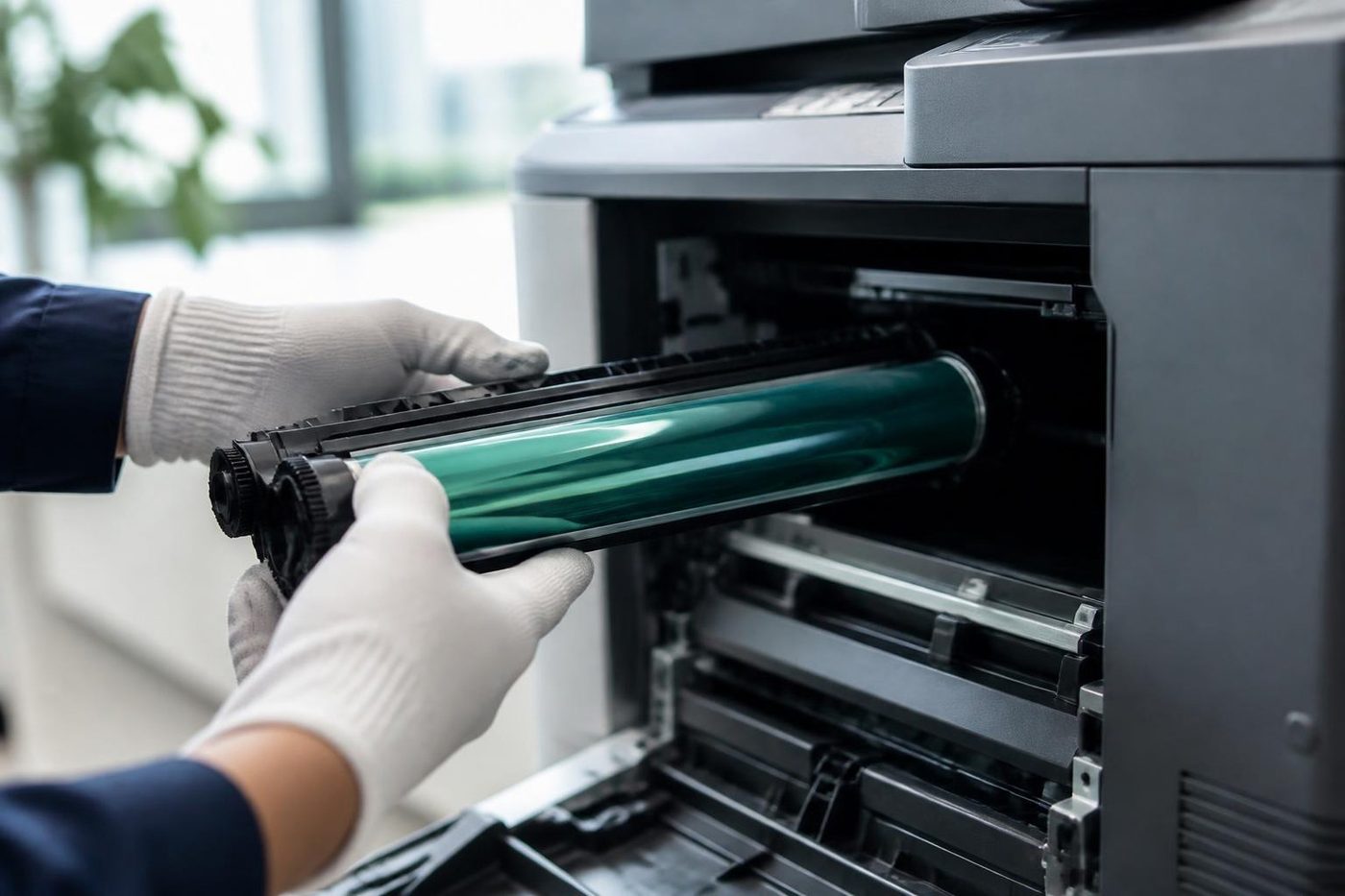

Who hires an HP printer
- A site office that needs a printer for the length of a project
- A clinic or practice that wants a spare while its own machine is being repaired
- A hospitality or property office facing a seasonal peak
- A business that wants to measure what it prints before it buys
- A start up that prefers a steady monthly cost to a lump of capital
LaserJet or managed multifunction
A LaserJet prints. It is quick, plain and cheap to feed, and it suits a counter, a front desk or a small team. A managed multifunction does more: copies, scans, usually logs in with a card or code and reports on usage. A larger office wants that. A two person office does not.
Hiring the wrong one is the usual mistake. A multifunction in a tiny office is wasted money, and a single function printer in a busy practice leaves staff queueing for the copier next door. We ask what the machine will do and how many people share it, then tell you which to take.
The HP lines on offer
HP's commercial range is organised in tiers. The LaserJet Pro machines suit small teams with modest volume. LaserJet Enterprise machines are built for heavier duty, larger trays and faster first page. The managed multifunction models add scanning, finishing options and fleet reporting, and A3 capable multifunction machines are there for plans and booklets. Colour LaserJet variants cover proofs, reports and branded forms.
Which tier fits depends on pages per month. A Pro class machine in an office that prints thousands will be in the repair queue by the end of the hire.
How a hire runs
One. You tell us how long you need the printer, how many pages you print and whether colour or scanning matters. Two. We say which HP model suits, or whether a different make would, and what can be arranged. Three. We deliver and set it up, with drivers on each computer, a fixed address if you want one, and a test from the desks that will use it. Four. If it stops, we repair it. Five. When the hire ends, we collect it.
Exactly what is included depends on the machine and the terms, and we say what on the phone before anything is agreed. Technicians are trained, experienced and certified, they carry the common spare parts, and 98% of repairs are fixed on the first visit. If the same fault comes back, we fix it again at no charge.
When a hired LaserJet shows a code
HP codes are numbers with a dot, and the first part points at an area. A 13 followed by dots is a paper jam message somewhere along the path. A 50 is a fuser error. A 59 usually relates to a motor or drive. A 49 is a firmware error, and a 79 is a service error. These are pointers and not a diagnosis, and the right response is the same for each one: write the code down, switch the machine off and on once, and if it returns, ring us.
Please do not keep restarting a machine that shows a fuser or drive error. Repeated attempts are hard on the part. On a hired printer you are not the one paying for a damaged component, but you are the one waiting, and a short call usually saves a long delay.
Cartridges, yield and the monthly bill
A printer hired for a month or two does not use a cartridge the way a permanent machine does, so how toner is counted matters. Some arrangements include a set number of pages and charge for the extra. Others bill toner separately, and some leave it to you. We say which applies before the machine goes out.
HP cartridges are rated by a page yield at a standard five percent coverage. A dense form, a colour proof or a page of solid black uses a lot more than that, so real yield on an office document run is often lower than the box says. We use the yield figure as a guide and not as a promise.
Security on a shared machine
A managed multifunction on a shared network holds scan data and print jobs for a short time. Clinics and professional offices should switch on features such as secure print release and, where the machine has a drive, make sure it is cleared when the hire ends. We wipe the drive on return, and we can set up login by card or code if you want to know who printed what.
Network, drivers and scanning
A hired printer is only useful if it works from your computers. A printer that works from the box but not from the front desk is no use to anyone. We connect it, install the drivers and test printing from each seat. Where the machine scans, we set up scan to email and scan to folder.
Offices with a shared drive, a cloud service or a locked down network sometimes need a quiet word with whoever looks after the IT. We can speak to them directly if that helps. See installation and setup.
Sizing a hire by pages
A rough sense of volume goes a long way. Count the reams the office uses in a month, and remember that each ream is five hundred sheets and that a duplex page counts as two sides but one sheet. A team that goes through two reams a month is in light territory. Ten reams is a busy office. Thirty is a machine that needs to be properly built for it.
Then think about the busiest week. A printer that survives the average month and fails in the busy one is the wrong printer, whatever the sticker says.
What a good hire machine looks like on arrival
Clean glass. Paper trays that slide in and out without a fight. A counter that matches the paperwork. A test page that is sharp edge to edge and even in colour, if it is a colour machine. We check all of it before the machine leaves our hands, and we ask you to check it again when it is on your floor.
Colour on a hired LaserJet
Colour LaserJets are popular for proofs and branded forms, and they have a habit of surprising offices with the toner bill. Four cartridges instead of one, and the cyan, magenta and yellow wear at different rates. If the office only needs colour for the odd document, a colour machine set to print mono by default is a sensible trade. If colour is the daily work, a managed multifunction with colour usage reporting is the better hire, because it shows who is printing what.
Hire, rental, lease or buy
For a printer the choice runs from a few weeks on hire through a rolling rental to a lease with an end date, or an outright purchase. We put each beside your own figures, and the first call commits you to nothing. See photocopier hire and rental, printer sales and lease and the guide to lease, buy or refurbished.
If your own HP is the problem
Hiring another machine is not always the answer. A printer with a worn pickup roller or a tired fuser may cost less to repair than to replace. See HP printer repairs on the Gold Coast, and we give you an honest view on repair against replace.
A busy season and a short job
HP printer hire on the Gold Coast is often for a project or a busy spell. Property offices at quarter end. Hospitality offices in school holidays. A fit out. For a longer need a lease or a purchase may suit better, and we say so.
Phone (07) 3096 0331 or use the contact form with the dates, the pages and whether you need colour or scanning. We agree the terms on the phone with nothing locked in.
Behind the side panel
Light is the enemy of a drum
The drum is the part nobody sees and the part that matters most. It is a coated cylinder that reacts to light, so a technician who props the panel open beside a bright window is quietly spoiling it. Gold Coast offices are mostly glass and sunshine, which makes covering the drum a habit worth having.
We send people who wrap it, work quickly and put it back as the maker intended. If a mark repeats down your pages at the same spacing, describe it on the phone. That spacing is a clue.
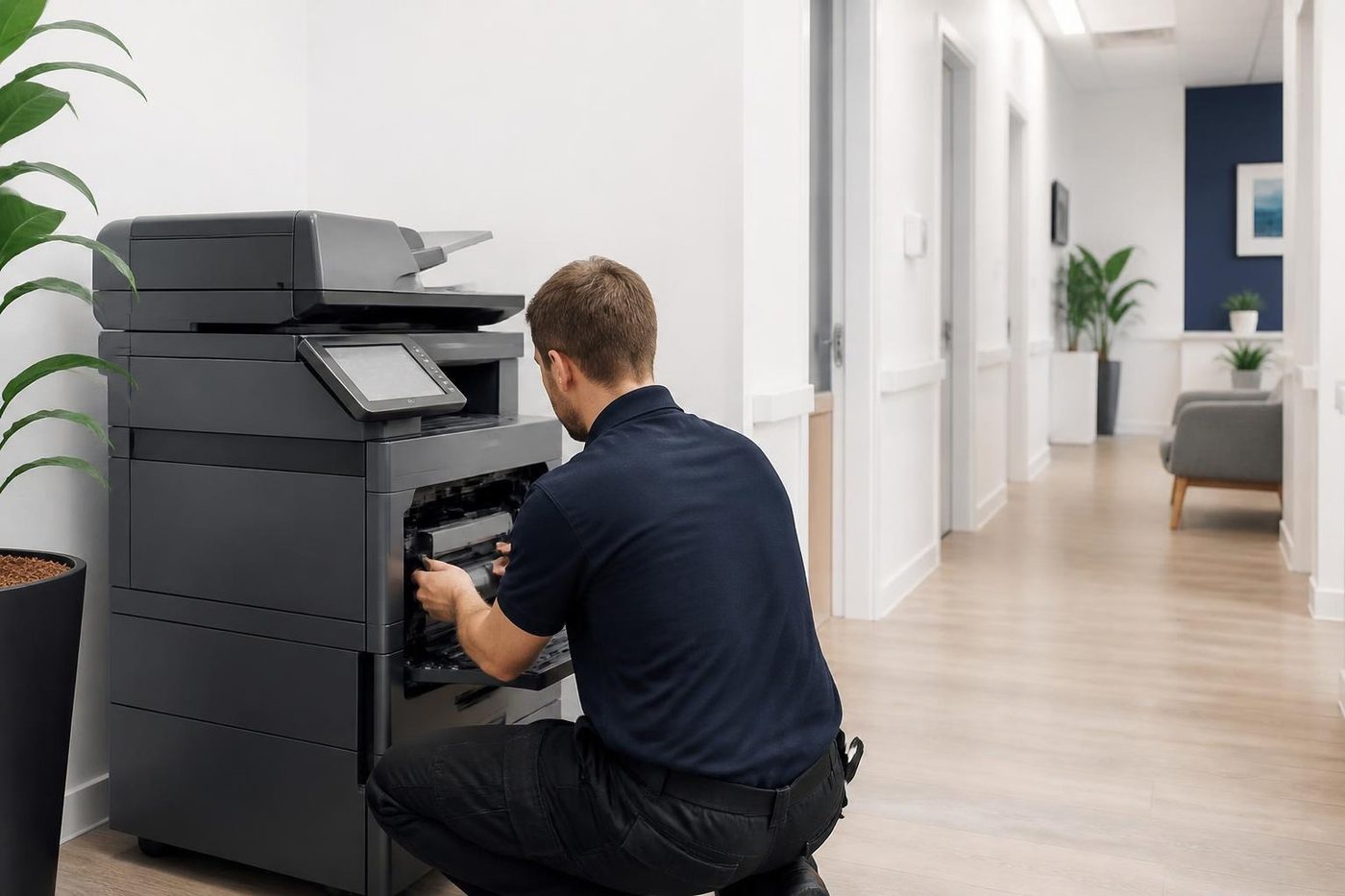
- Covered at all times. The drum goes in a light proof sleeve the moment it leaves the machine.
- Marks read properly. The distance between repeating marks points to the roller or drum at fault.
- No fingerprints. Gloves on, every time.
Keep reading
Photocopier hire and rentalCommercial copiers on hire or rental. Printer sales and leaseCommercial printers, multifunctions, A3 copiers and plotters, bought, rented, leased or financed.
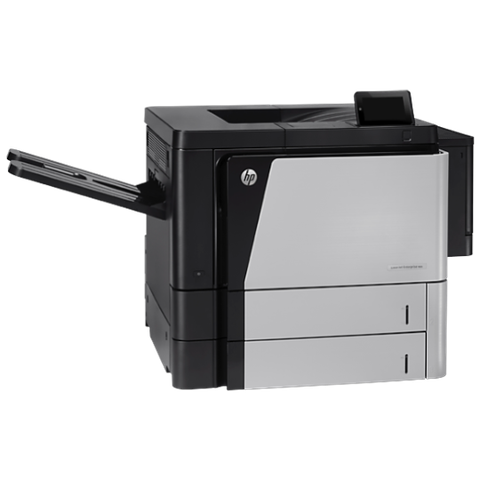 HP printer repairsLaserJet codes read like a sentence. We read them aloud.Canon printer lease and rentLease, rent or hire a commercial Canon printer.
 Office printers for saleCommercial laser and multifunction printers, new and second hand.Lease, buy or refurbishedHow leasing, buying new, finance and a refurbished machine compare for a Gold Coast office.
Buy, sell and lease
Buy, sell and lease commercial copiers on the Gold Coast
We also sell new and refurbished commercial copiers and buy used ones. Same team, same technicians.

A few recent visits
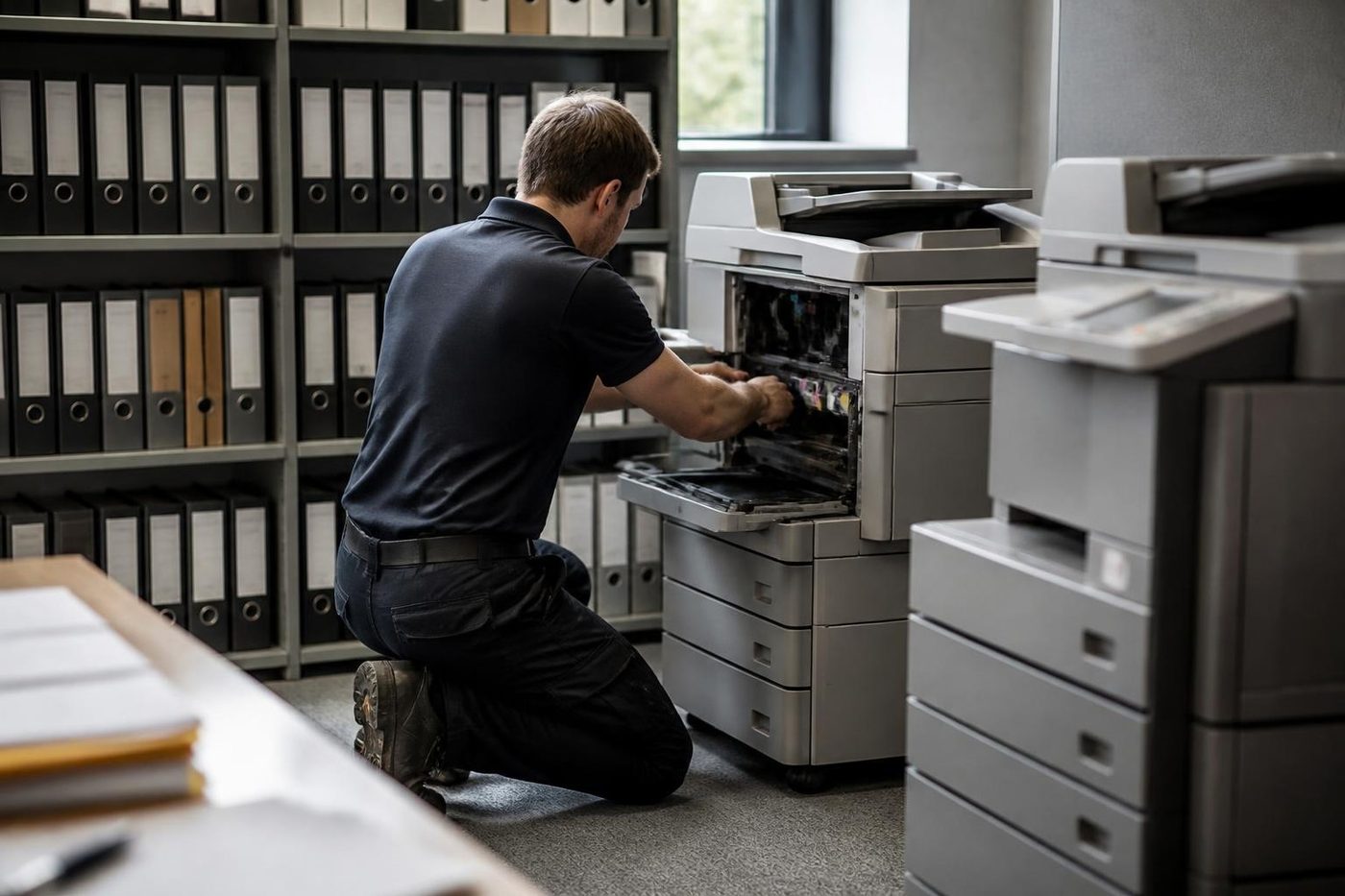
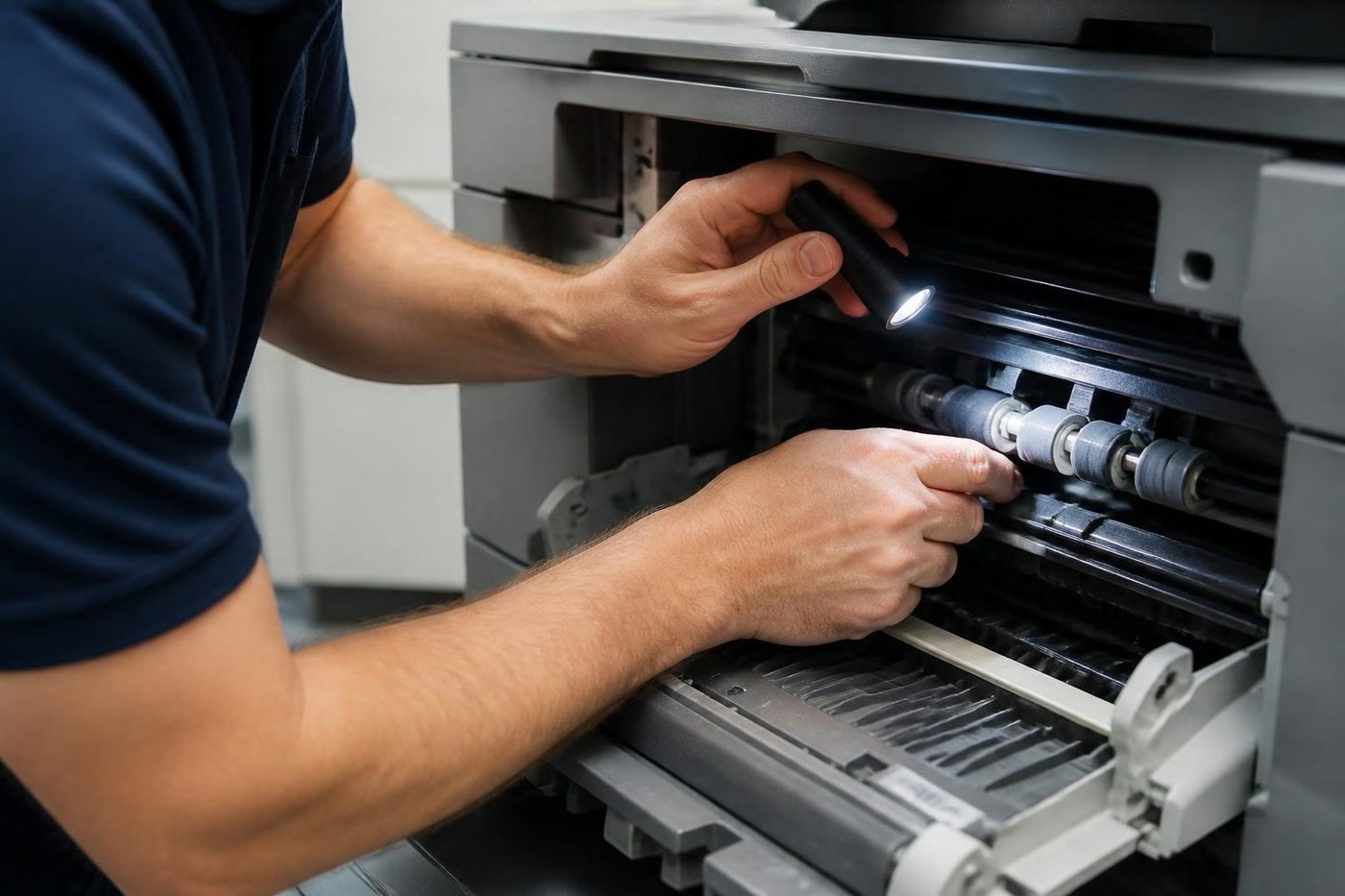

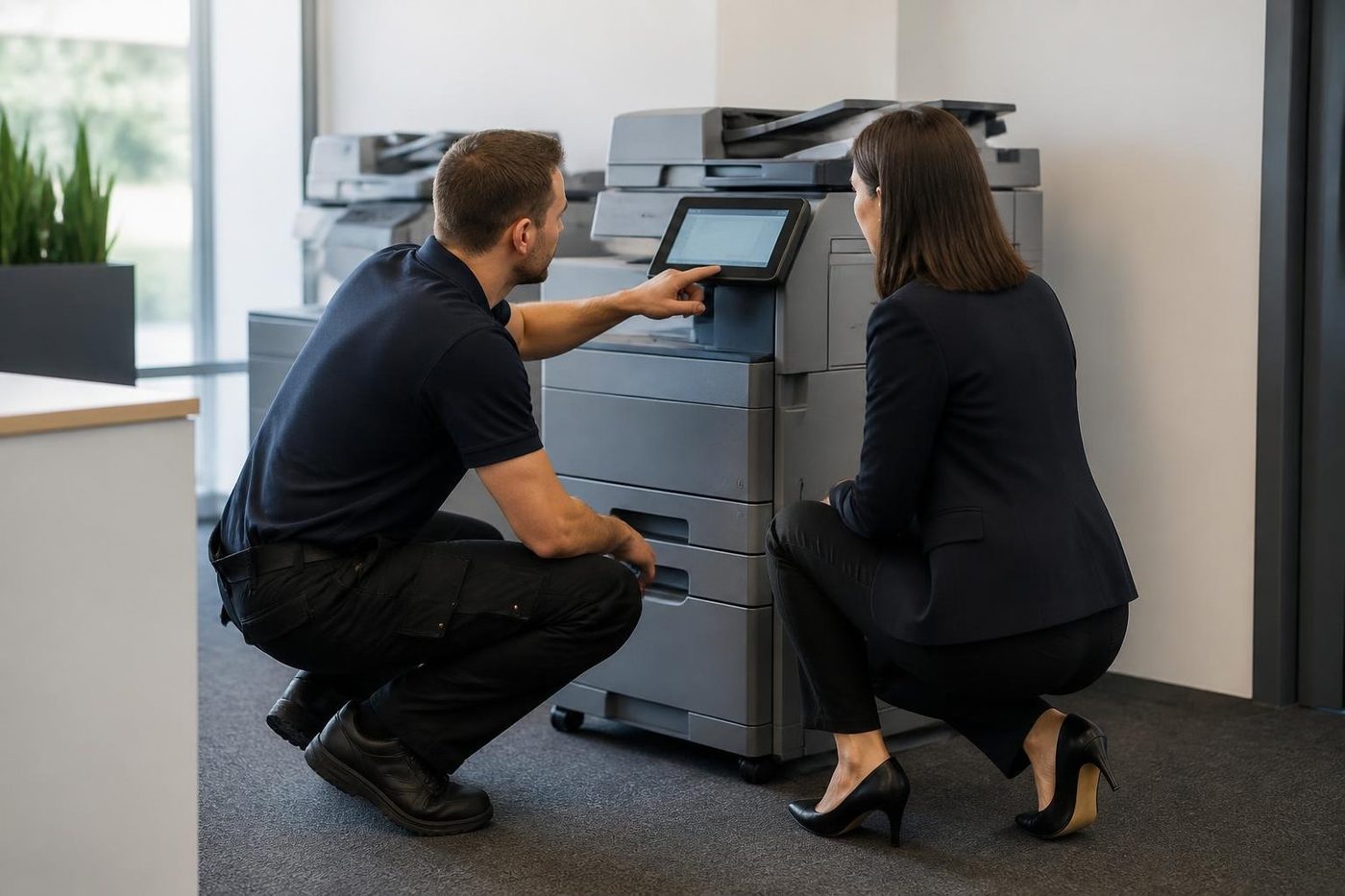
Common questions from Gold Coast offices
Can I hire an HP printer on the Gold Coast?
Yes. Commercial LaserJet and managed multifunction machines are available. Phone with what you need and we say which model suits.
Is hire only for short periods?
No. Hire is usually short, but rental carries on by the period and a lease runs over a set term. We explain each.
Do you install and service a hired printer?
Yes. We connect it to your network, install drivers and test it, and our technicians repair it if it stops.
Do you hire home printers?
No, we work with commercial machines. We do not deal in home inkjets.
Can I buy the printer I hire?
Often yes. We say on the phone whether the model you tried is the right one to buy.
Which HP tier should I hire?
It depends on pages per month. Small teams with modest volume suit a Pro class machine. Heavier use suits Enterprise or a managed multifunction.
Can I get a spare while my own HP is repaired?
Yes, that is a common reason to hire. Tell us how long you expect to need it.