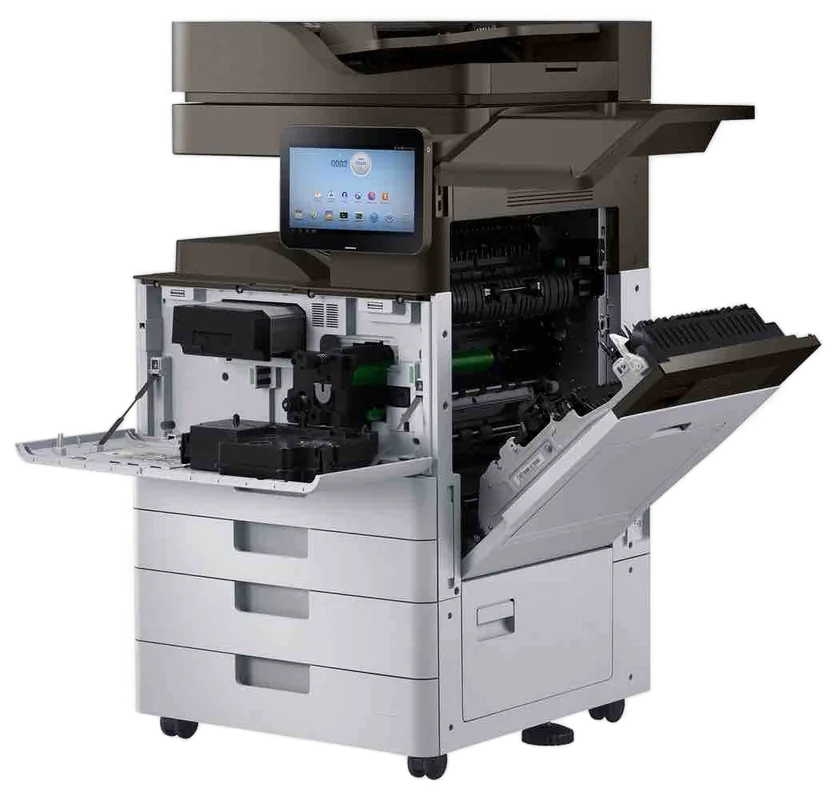
Kyocera service Gold Coast
Kyocera Photocopier Repairs and Service Gold Coast: TASKalfa and ECOSYS
A Kyocera is the machine people forget is a machine. The drum lasts for years, the toner container is the only thing anyone touches, and then one Tuesday the panel says it wants a maintenance kit and the whole office looks at it with suspicion. We do Kyocera photocopier repairs and Kyocera copier service across the Gold Coast, at your premises, and same day service is available.
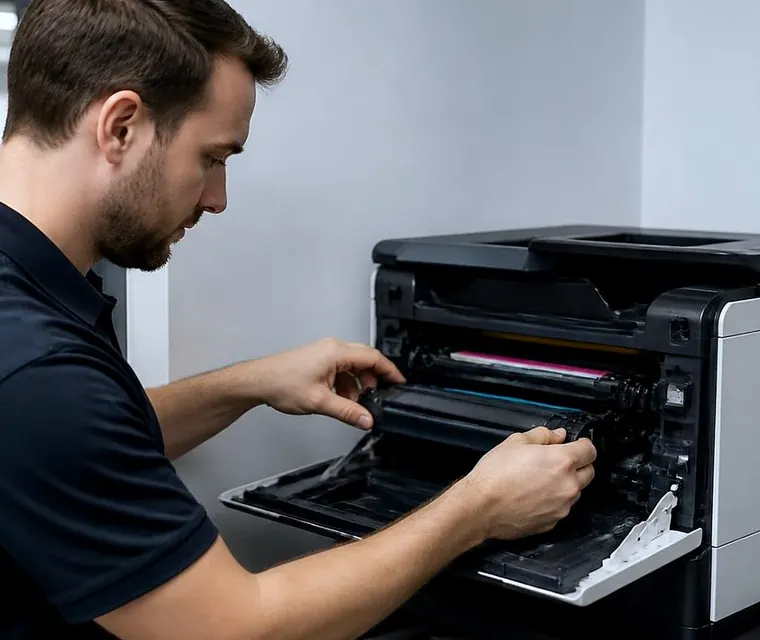
Printer service, copier repairs and machine sales on the Gold Coast
Kyocera photocopier repairs Gold Coast offices need, and why these machines are different
Kyocera built its name on long life parts. For a long time the pitch was simple: change the toner, leave the rest alone. A drum made to outlast many toner changes and a fuser that keeps its temperature meant a machine could run for years without anybody opening it. That reputation is mostly earned, and it creates a particular kind of service call.
By the time we are rung, the machine has usually run quietly for a long time and the fault is the first one the office has seen. Nobody has a routine for it. Nobody remembers who installed it. The manual is somewhere in a drawer, or was never opened.
So the call starts with a few plain questions. What is the name on the front, a TASKalfa with digits and a letter or two, or an ECOSYS with a P or an M? What does the screen say? What was it doing? From there we can say what that model tends to do and what the repair will cost, and you decide before anyone is booked.
Nobody here belongs to Kyocera, and we are not a Kyocera dealer. The person we send is a trained, experienced and certified technician for whom a Kyocera on a Gold Coast front desk is a normal Tuesday.
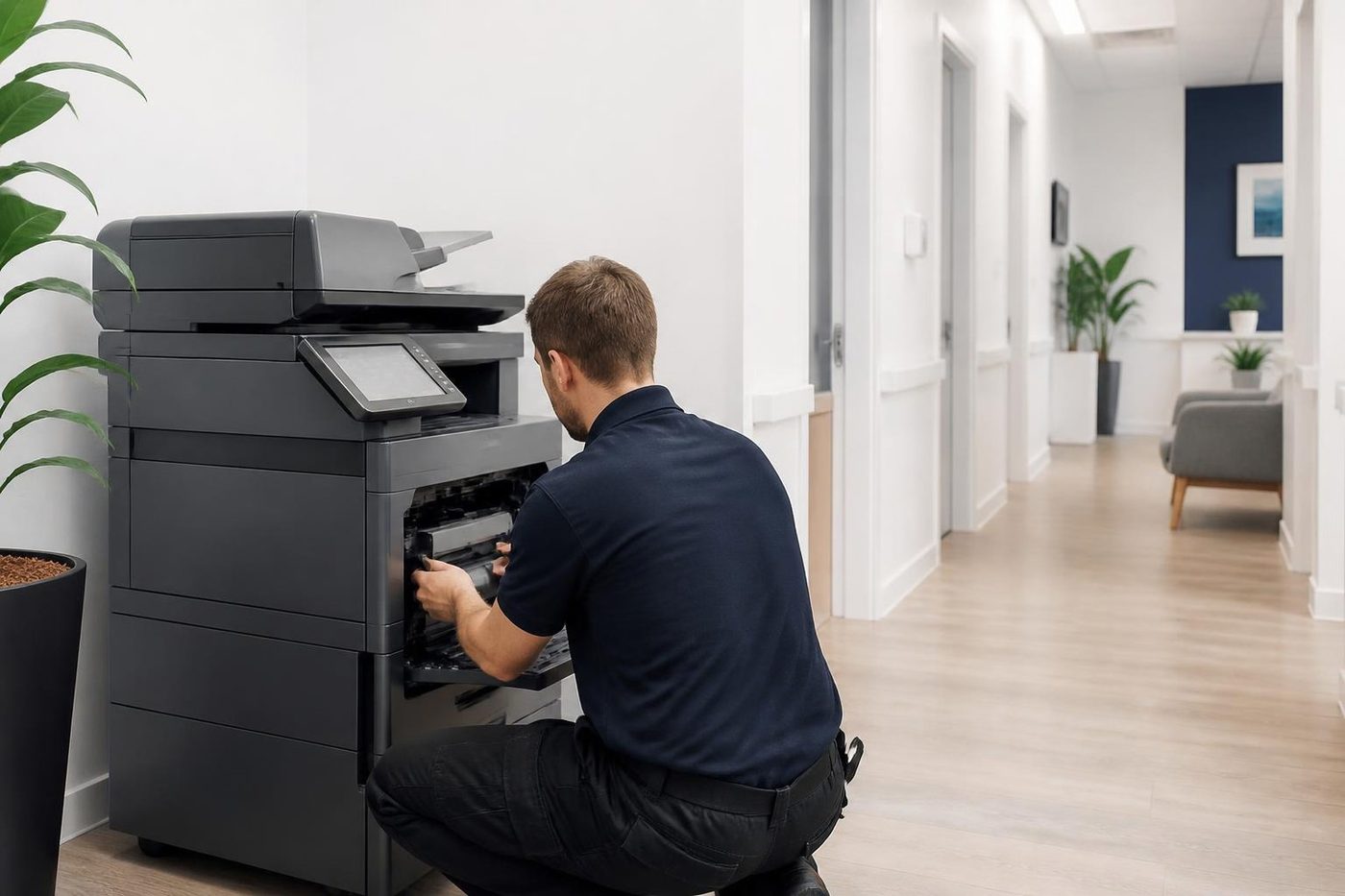
A price in three steps
- Tell us about the machineThe make, the model and what it keeps doing.
- We ring with a priceYou have it before any visit is booked.
- A certified technician comes to youSame day when the diary has room.
TASKalfa, ECOSYS and the names on the front
Kyocera uses two families in offices, and the badge tells you which. TASKalfa is the copier and multifunction range, A3 machines from desk height to floor standing, colour with a ci at the end and black and white with an i. ECOSYS is the printer and A4 multifunction range, with P for printers and M for multifunction machines.
| On the badge | What it is | Where we find it |
|---|---|---|
| TASKalfa, ci ending | A3 colour multifunction copier | Agency offices, schools, council counters, the main machine in a practice |
| TASKalfa, i ending | A3 black and white multifunction copier | Body corporate managers, print rooms, accounts and legal offices |
| ECOSYS M series | A4 multifunction, usually colour or mono laser | Clinic reception desks, small trade offices, a manager's room |
| ECOSYS P series | A4 printer, no scanning | Workgroup printing, a shared corner printer in a building office |
| Older TASKalfa, KM and FS machines | Earlier Kyocera Mita machines, still going | Offices that bought one machine years ago and never changed it |
The suffix letters change with each generation, and Kyocera has reused digits, so we ask for the full name and the serial number if you can read it. A TASKalfa 3253ci and a TASKalfa 3554ci sound close and are different machines inside. That is the reason a good diagnosis starts with the badge.
The maintenance kit message, explained
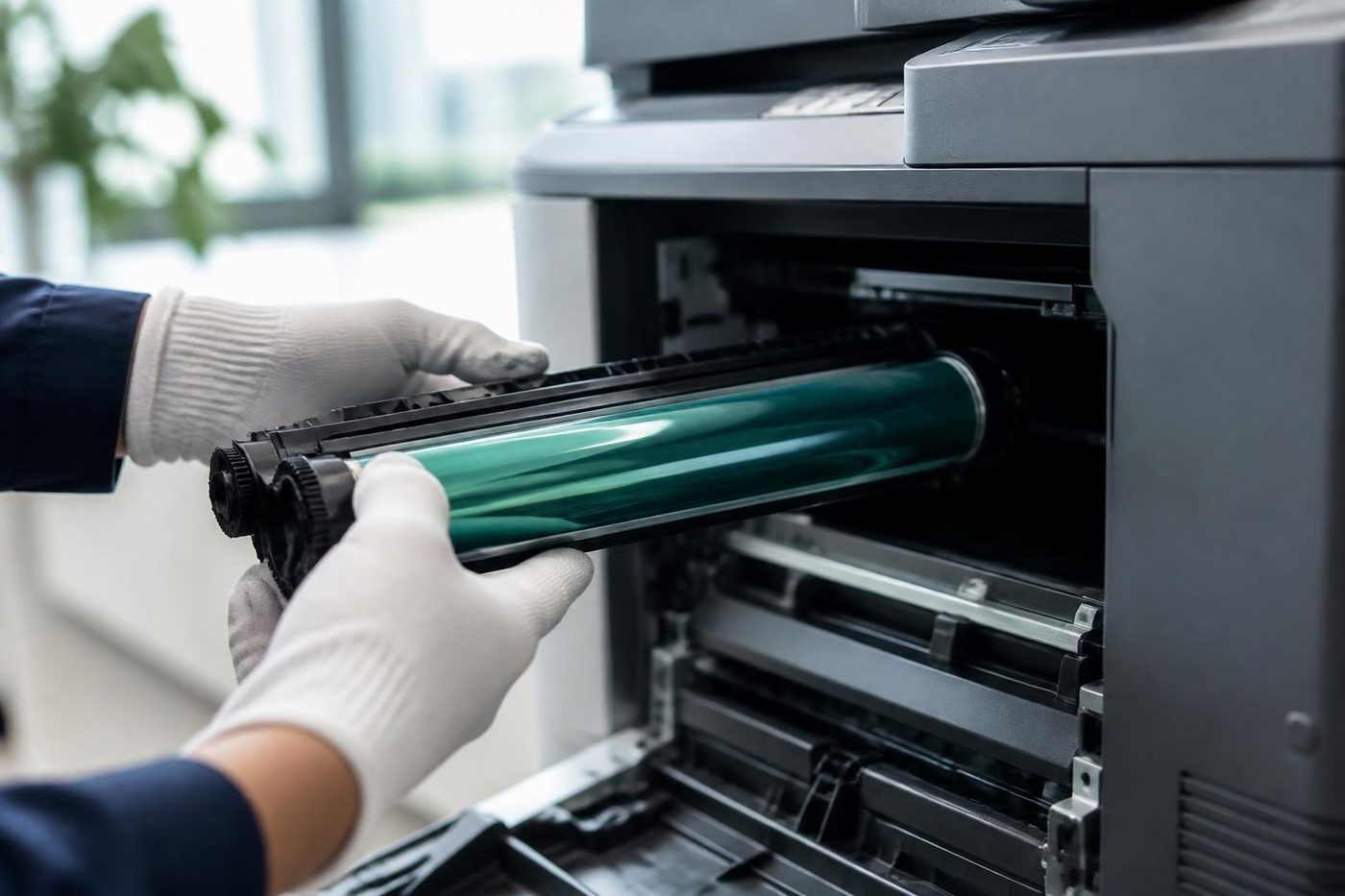
Every Kyocera owner meets this one eventually. The panel says that maintenance is required, or that a maintenance kit needs replacing. It is not a fault. The machine counts its own pages, and at a set count, which varies by model, it asks for the parts that wear in a long run: usually the drum or parts of the drum area, the developer, the fuser or its rollers, and the transfer parts, depending on the machine.
The message is often ignored for a while, because the machine keeps working. That is a mistake in one direction and a worry about nothing in the other. Ignoring it for weeks on a busy machine risks the parts failing under load, which can turn a planned kit into a repair. But the message is not an emergency, and a kit is not a bill that needs paying the same day.
What we do is read the counters, say how far past the mark the machine has gone, inspect the parts that matter and tell you what is worn and what is not. A kit is replaced as a kit when the history says it should be, and not before. If one part is plainly fine, we say so and we do not push the lot.
After the visit the counter has to be reset, and that is a technician's job. If a kit has been replaced by someone else and the message has not cleared, ring and tell us. It is usually a counter that was never reset and not a faulty kit.
Kyocera copier service: when a C code appears
Kyocera machines show Call Service with a code made of the letter C and four digits. A code is a pointer and not a diagnosis. On many Kyocera models, codes in the C6000 range sit around the fuser and its temperature sensing, others point to the scanner, the paper feed, a drive or the engine controller. Different models use the same numbers for different things, so we do not give a firm answer until we have the model.
What you can safely do: write down the code, switch off at the front, wait a minute and start it again once. If the code returns, stop. Switching a machine on and off repeatedly against a fuser fault can stress the heater, and against a drive fault it can wear a gear further.
A few clues help the technician more than the code. Was there a noise first? A smell? A jam that was cleared in a rush? Did the machine fail while warming up, or in the middle of a long job? A fuser fault at start up and a fuser fault at page two hundred are different stories.
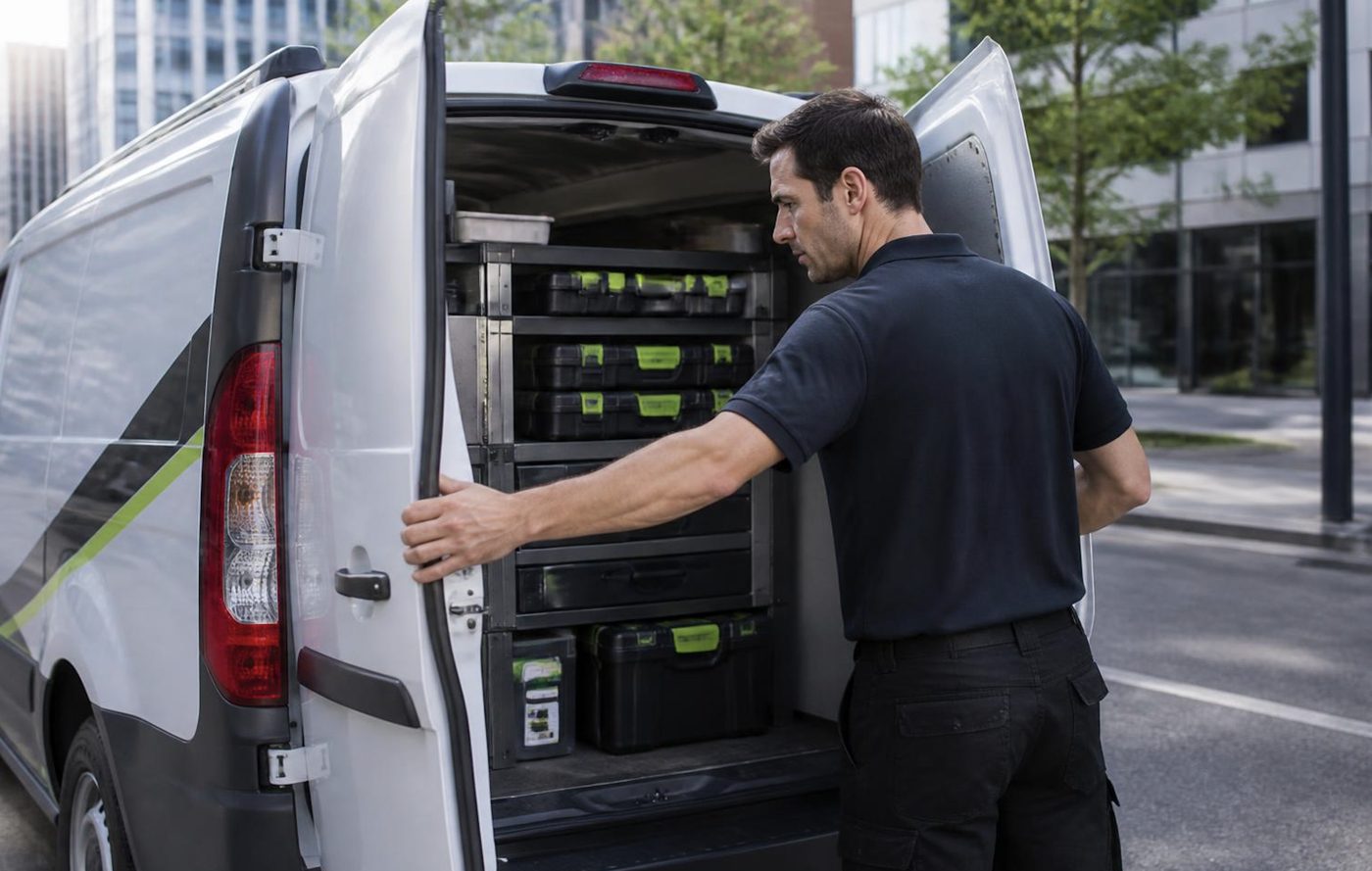
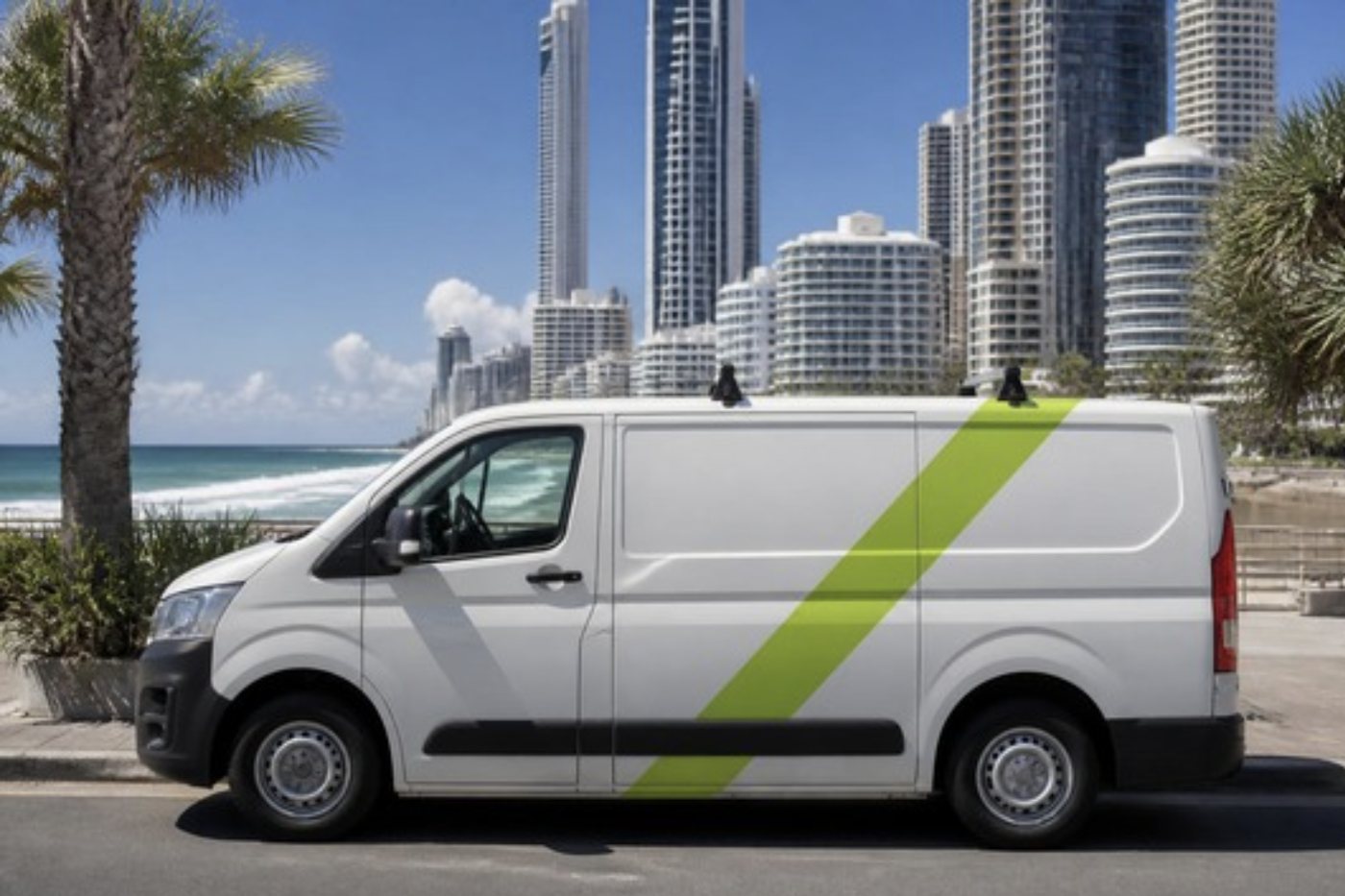
The common Kyocera spares ride in the van, and what you tell us on the phone decides what else goes in. Across our repairs 98% are fixed on the first visit, and a repeat of the same fault gets another visit without a bill.
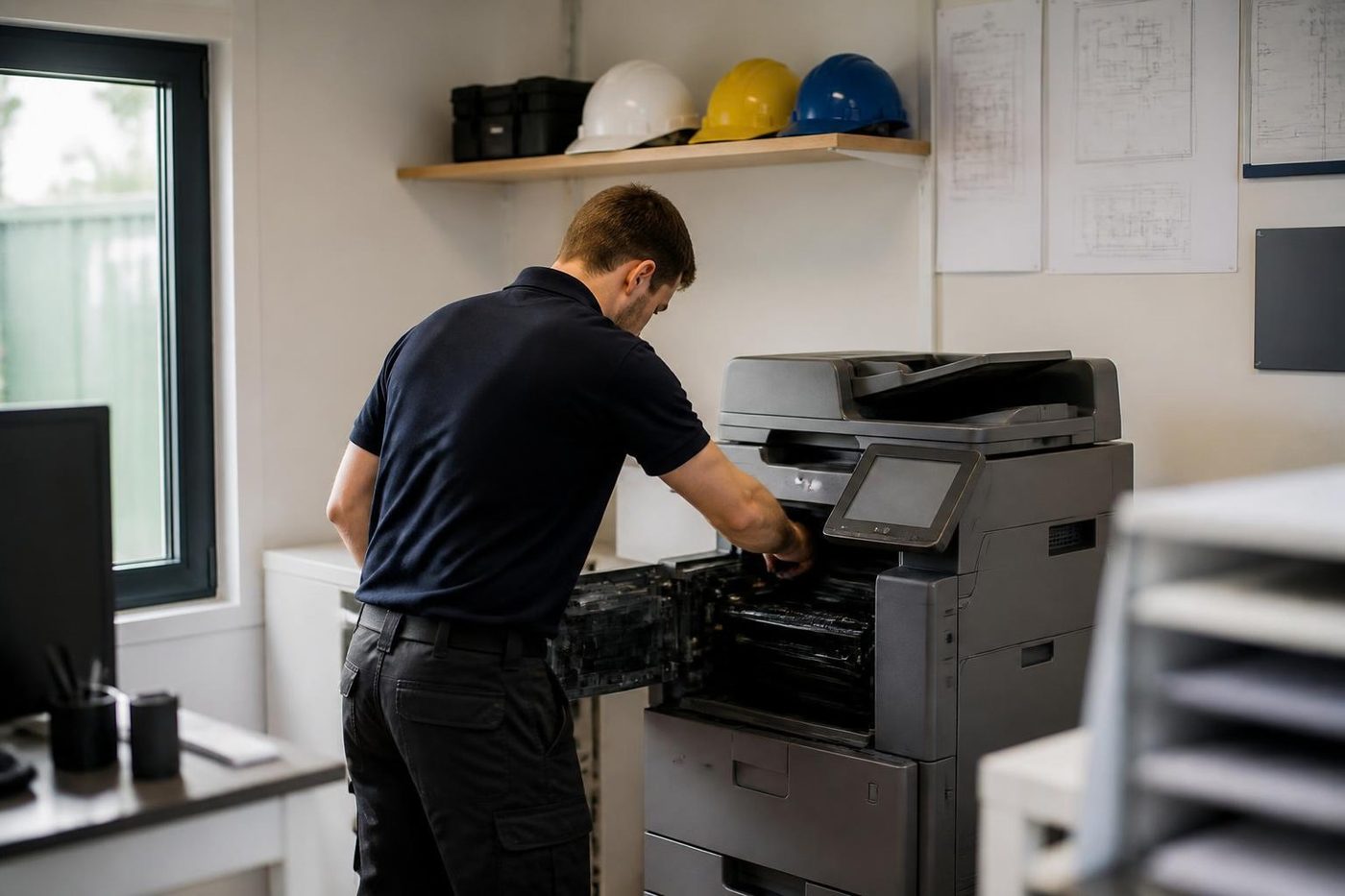
Kyocera printer repairs and Kyocera printer service Gold Coast clinics rely on
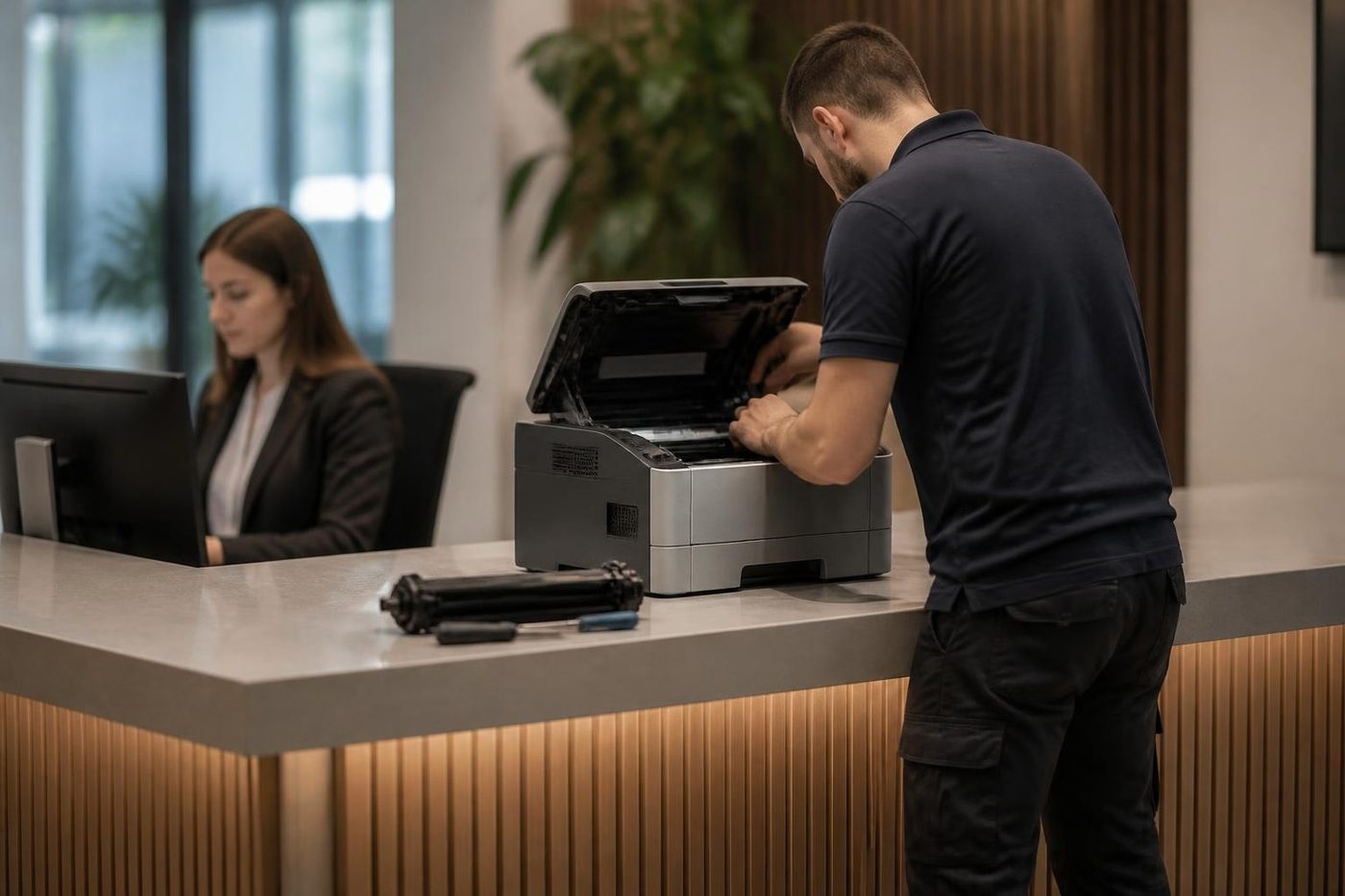
The ECOSYS M machine on a clinic reception desk has a hard life. It prints appointment lists, receipts and referral letters, and scans every form that comes through the door. It sits beside a window with afternoon sun and a plant that gets watered over it. Nobody is in charge of it.
The faults we see most are paper pick up problems after a humid week, black or grey marks down one edge, a tray that thinks it is empty, and the quiet kind where scan to email stops because the clinic's mail setup changed. Kyocera printer repairs on these machines are quick when the technician has the model and the symptom, and most are finished on one visit.
Because a Kyocera is cheap to run, offices tend to hold on to ECOSYS printers for a very long time. That is sensible, and we service them. What we do not do is chase home printers. If you have a small Kyocera at home, ring us and we will talk it through, but our work is aimed at commercial offices.
Kyocera copier repairs Gold Coast offices ask for are mostly TASKalfa jobs, while Kyocera printer repairs Gold Coast wide mean ECOSYS machines. Kyocera photocopier service Gold Coast visits and Kyocera copier service Gold Coast calls are the planned kit and cleaning visits described below.
Command Center RX, scan settings and why a Kyocera stops talking to the network
Kyocera machines carry a built in web page called Command Center RX. You type the machine's address into a browser and it opens: address books, scan destinations, email settings, device information. Most scan faults live there.
A scan to folder that worked last month and now fails nearly always means the destination changed. A password expired on the account the machine signs in with, a server was renamed, a share was moved, or the folder permission was tightened by whoever manages IT. Scan to email fails when the mail server's settings or authentication changed, and it fails in a particular way when an attachment is above the server's size limit.
We test from the machine, read the error the machine reports and tell your IT contact what to look at. If the fault sits in the network, we say so and we do not charge you to look for a fault the copier does not have.
Some offices run extra applications on the touch panel through Kyocera's HyPAS platform, such as card login, print release or document routing. When one of those stops working, the cause is usually the software or the server behind it, not the copier. We will tell you which side the trouble is on.
Paper, curl and the damp week
A large share of Kyocera jams on the Gold Coast are paper jams in the plain sense: paper that has soaked up humid air, curled and clung to its neighbour. A ream left unwrapped on the top of the machine for a month will do it. The tray picks two sheets, or none, or the sheet arrives skewed and stops at the fuser entrance.
Try these before ringing, because they cost nothing: fan the stack, flip it over, load a fresh ream from the wrapper and check the guides sit firmly against the paper. If the jam goes away, the paper was the cause. If it returns on a fresh ream, the pickup roller is likely tired and the technician can change it in a few minutes.
The multipurpose tray on the side deserves a mention. Envelopes, labels and heavy stock go through it, and every one of them needs the paper type set to match. A label sheet fed as plain paper can leave adhesive in the fuser, and that is a repair nobody wants.
Toner containers, waste toner and the leak that is not the container's fault
Kyocera toner is supplied in a container that fits into the machine, with a separate waste toner bottle on most models. Fit the right one, push it fully home and close the cover firmly. A container that is not seated is the most common reason a new toner is not recognised.
Toner dust on the inside of the front cover, spots on the page that repeat or a trail of toner at the bottom of the machine point to something upstream of the container: a seal at the developer, a cracked waste hose or a drum cleaning blade that has worn. Replacing the toner again does not touch any of those. We find the leak and fix that.
Third party toner is not off limits in our book, but it is a variable. If a machine starts to smudge or show new marks after a change of supplier, tell us. It is a quick thing to rule in or out.
How Gold Coast workplaces use their Kyoceras
Body corporate managers and strata offices run TASKalfa i machines at high volume, mostly black and white, mostly duplex. Notices, levy statements, meeting packs. The pattern is bursts of a few thousand pages around quarter end with a quiet period between. These machines tend to be well maintained until the day the kit is due.
Schools around the Robina and Varsity Lakes belt use TASKalfa machines in staff rooms and ECOSYS printers in classrooms and the front office. Teachers print worksheets in huge numbers on a Sunday night and a Monday morning. The busiest week is the first week of term.
Council counters and community centres rely on a mix: one TASKalfa at the back for bulk work, ECOSYS printers at the front. Accessibility matters. A machine in a public space gets pushed, banged and fed with all sorts of paper.
Trade and building offices at Molendinar, Arundel and Yatala print plans and variations, so A3 matters. Dust matters too. We suggest a cleaning visit once a year for any Kyocera that lives near a roller door.
Hospitality offices run Kyoceras on rosters and invoices, and their volume follows the holidays. A machine that is fine in June is a different story in January. We would sooner see it in November.
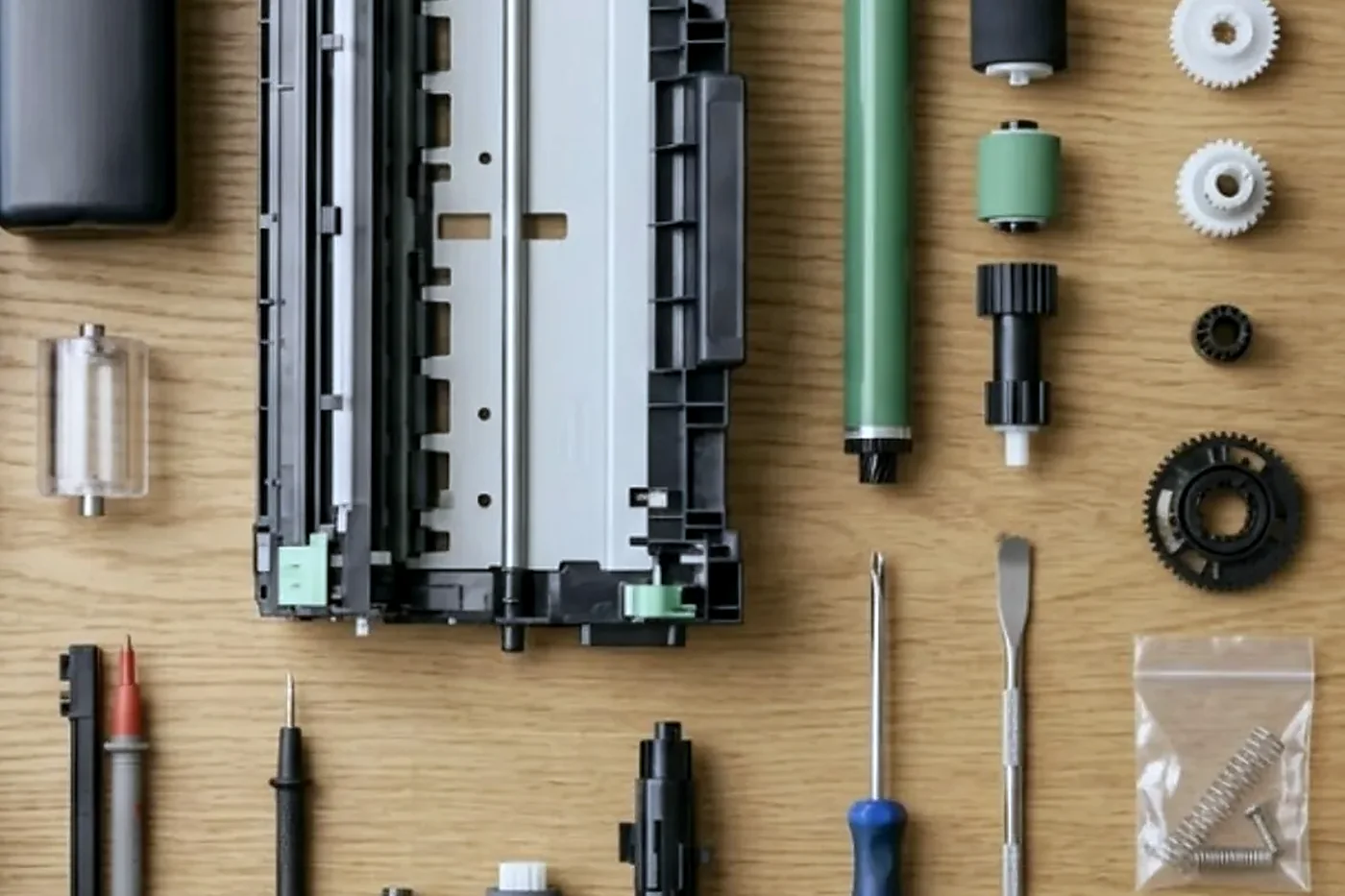
Colour on a TASKalfa ci: stripes, shifts and the pink tint
Colour machines look after themselves for most of their lives. They run an automatic adjustment that lines the four colours up and balances their density, and as long as the parts are healthy you never notice. When a part is wearing, the adjustment cannot hide it any longer, and the symptoms show.
A stripe in one colour only, running down the page, points at that colour's drum or developer. A coloured edge on text, where the red seems to slide off the black, points at registration, the way the four colours line up. A pink or magenta tint across a whole page, most obvious in the white margins, usually means the machine is losing control of one colour's density, and the cause may be a sensor, the developer or the drum.
Running the machine's own calibration can help, and an office manager can find it in the menus. It is a harmless thing to try once. If the problem returns within a day, calibration is not the answer, and a technician is. Please do not run it five times in a row hoping for a different result. It uses toner each time and teaches us nothing.
Print a test page and hold it up to a window. Mark where the fault is, whether it is at the same place on every page, and which colour it seems to be. Those three notes save the technician twenty minutes. Colour faults in a Kyocera are rarely mysterious once the pattern is known.
Finishers, hole punch units and the document feeder
Large TASKalfa machines carry a document finisher on the side. It staples, punches and sometimes folds, and it is the part of the machine that attracts the worst faults on the worst days. Common problems are a staple cartridge fitted at a slight angle, a jam inside the stapler head that left a bent staple behind, a punch waste tray that has filled up and a paper size setting that does not match the stack in the tray.
The first check is the easy one: open the staple cartridge door and look. A bent staple shows plainly. Remove it carefully and refit the cartridge firmly. If the stapler still refuses, or staples at an angle every time, the head needs a technician. Pushing a jam clear with a screwdriver tends to make a small problem big.
The document feeder on top scans originals as they pass through. Kyocera feeders are generally sturdy, but a feeder that takes two sheets together, or none, needs its rollers looked at. A thin dark line down every scanned page, with a clean copy from the glass, is dirt on the narrow glass strip, and cleaning it with a soft cloth fixes it. Skip the window cleaner. It strips the coating.
Codes, departments and logins: Kyocera fleets in schools and councils
Plenty of Kyocera fleets are set up with job accounting. Every user has a code or a card, and the machine counts what each department prints. Schools use it to bill departments and councils use it to control cost centres.
That setup creates a particular kind of fault: not the machine, but the way people get in. A forgotten code, a card reader that stops reading, a user list that was exported and not imported again after a change. We can often tell from the symptom, because the machine prints for some people and not others.
When a copier is replaced or moved, the accounting settings have to be carried across. We have seen offices lose a month of departmental totals because nobody copied the user list before a swap. If a machine is going to be changed over, mention it when you ring, and we will make sure the settings are saved first.
ECOSYS on wireless, on the cloud and on a phone
Newer ECOSYS machines come with wireless and mobile printing, and people are naturally keen to use them. A printer that vanishes from the list on one person's phone is often a network change: a new router, a new Wi-Fi name, a guest network that is isolated from the office one. The printer itself is fine.
We are practical about it. If the problem is in the machine's network settings, we sort it out on the visit. If it is in the router or the office's IT arrangements, we tell your IT contact exactly what to look at, with the machine's address and the symptom written down. That saves everyone an hour of finger pointing.
One more thing worth knowing: a machine that has lost its network address after a power outage, a common event on the Gold Coast after a summer storm, may come back on a different address. Anyone who printed to the old address will see it as offline. A fixed address, set when the machine is installed, cures that for good.
Storms, surges and the Kyocera that will not turn on
The Gold Coast gets proper summer storms. A lightning strike or a brownout can take out the power supply board in a copier, and the symptom is a machine that will not start, or starts and shuts down at once. Before we assume the worst, we check the lead, the power point, the surge board and the circuit breaker. A tripped breaker on a shared circuit is more common than a dead machine.
If the board is damaged, we say so and give a price before anyone is booked. For the offices that rely on a copier, a surge protector costs little against the price of a power supply board. We suggest one on every visit to an office that has lost a machine in a storm.
Switch the machine off at the wall during a severe storm and during an extended outage when it is safe to do so. It is not superstition. Power coming back on is the dangerous bit.
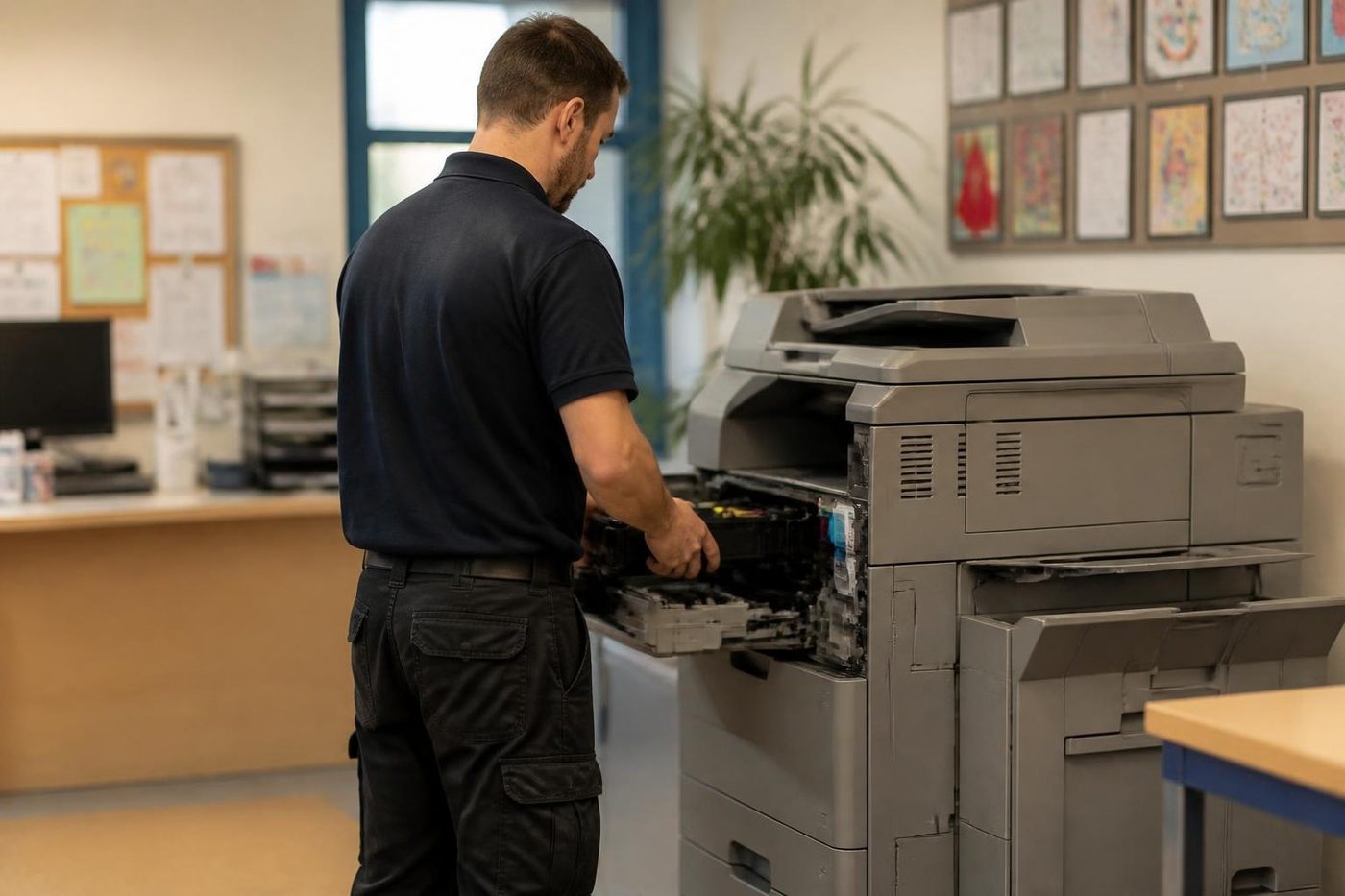
A Kyocera in a body corporate tower: how the visit is run
Plenty of Gold Coast managing agents and body corporate offices sit in tower buildings at Surfers Paradise, Broadbeach and Southport, and the copier is on a floor with a lift, a concierge and a loading dock that has to be booked. We ask about all three on the phone. It is not fussiness. A technician who turns up with a case of parts and no lift booking waits in the lobby, and the office waits with them.
We give a name to the front desk and note the registration of the vehicle if the building wants it. Parking in a tower basement is a puzzle of its own, so tell us where visitors are expected to go.
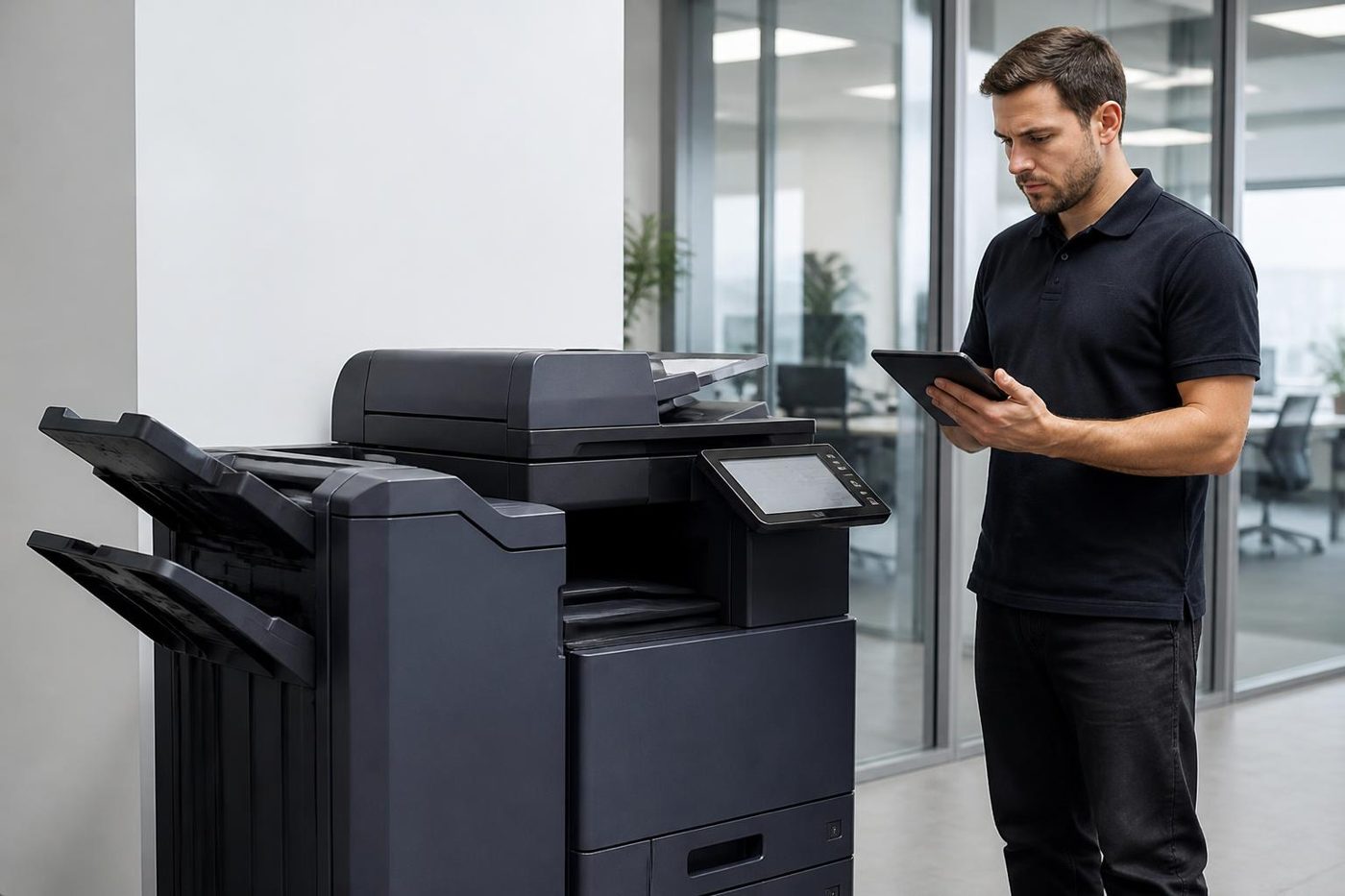
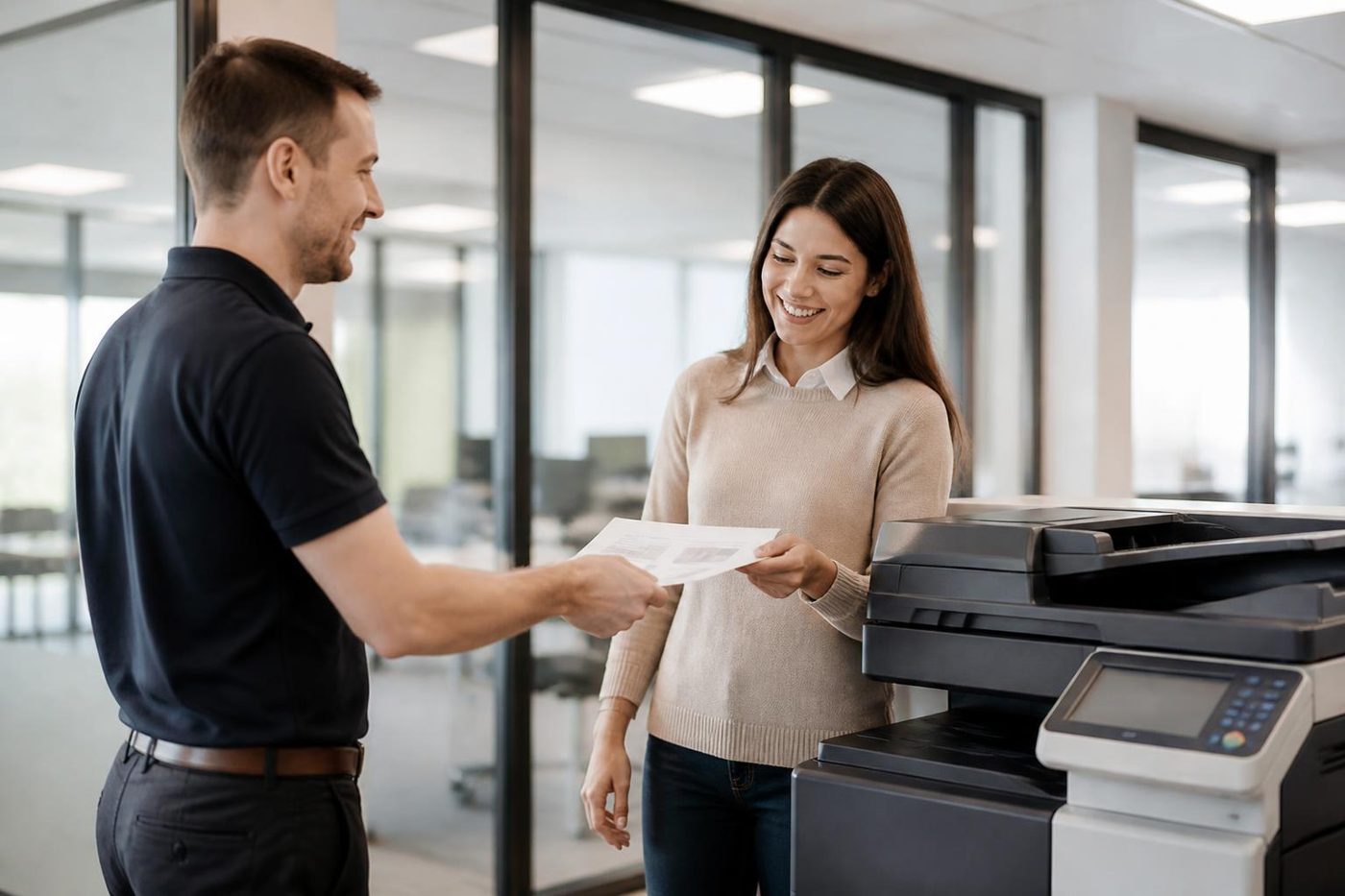
Once upstairs, the work is ordinary. The technician reads the history, looks at the paper path, runs test pages and tests scanning from the panel to the destination the office actually uses. At the end the machine is run through a proper job, not a single test sheet, and the technician tells whoever is at the desk what was wrong and what to watch for.
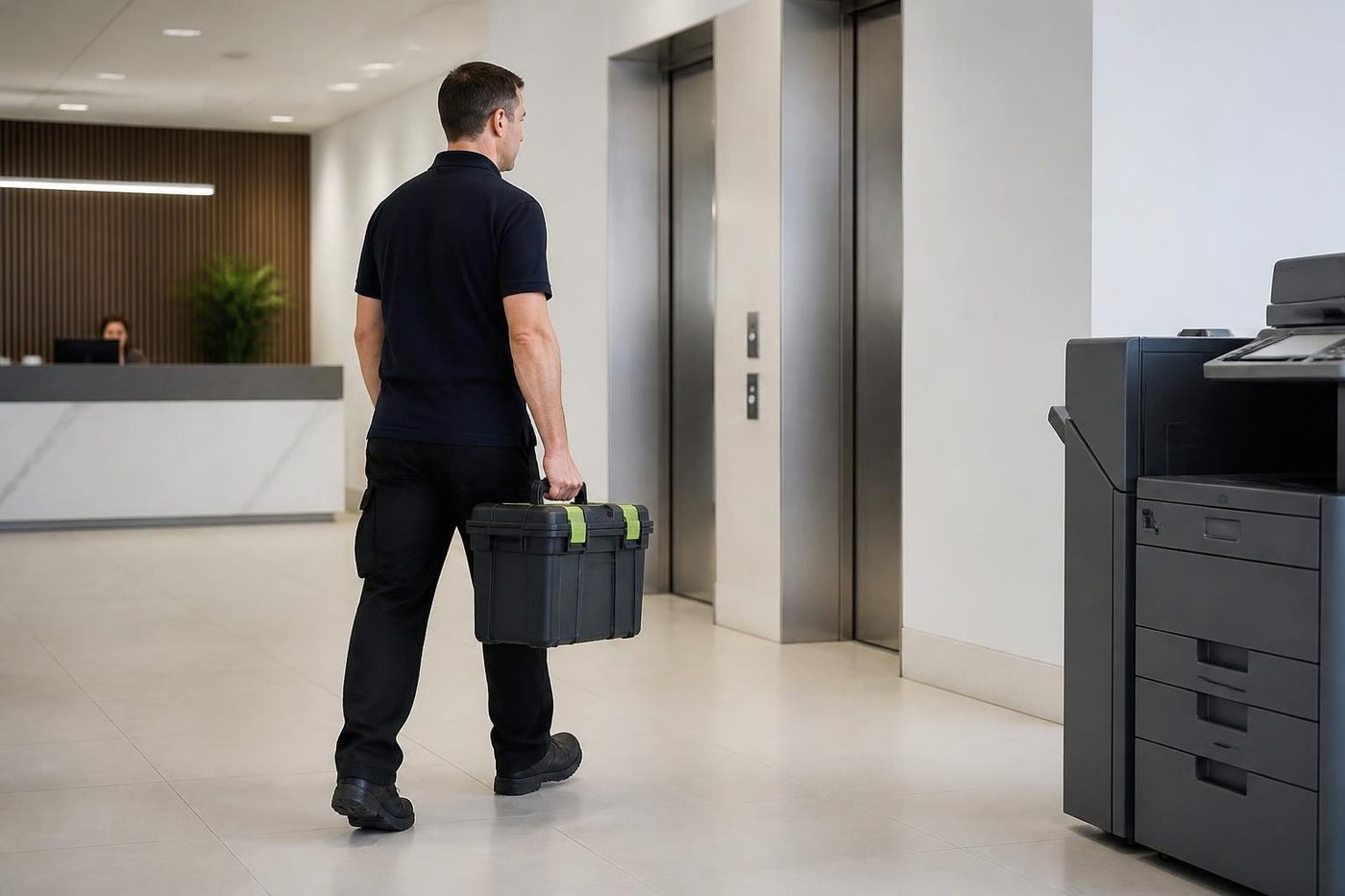
Heavy parts, such as a replacement fuser or a finisher, are carried through the lobby on a trolley. Buildings are sensible about that when they are warned, and unhelpful when they are not.
Keeping a Kyocera clean between visits
Not much is asked of an office, which is part of the appeal of the make. Keep the paper in its wrapper in a dry cupboard. Wipe the outside with a dry cloth. Leave a small gap around the vents, because a copier jammed against a wall breathes badly. Do not put a drink, a plant or a stack of files on top.
Open the door and look inside once in a while when the machine is idle. If you see torn corners or a scrap of label, take it out and tell us. Any scrap left in the path is a problem waiting to happen. Do not use compressed air in a toner area. It sends the dust deeper.
For the machines that live in dusty trade offices, we add a cleaning visit once a year. It costs less than a repair and it extends the working life of the rollers and the drum area. We agree the price on the phone, as with everything else.
The week a Kyocera kit falls due
A kit does not announce itself politely. It tends to ask for attention in the busiest week of the quarter, because the busiest week is when the page count crosses the line. We would rather the office knew it was coming, and we are happy to look at the counters on any visit and say how far off the next kit is.
With that warning, an office can book the kit for a quiet morning, order what is needed and spread the cost. Without it, the machine asks for the work on a Thursday, the office decides to carry on, and on Friday something wears through. We have seen both. We prefer the first.
A few offices keep a simple note on the machine: the date of the last kit and the count at that time. It costs nothing and answers a question that otherwise sets off an argument.
Five questions we ask on the phone about a Kyocera
If you can answer these before you ring, the visit goes faster.
- What is the full name on the front, and what does the serial number plate say?
- What is the exact message, and is there a code beginning with C?
- What are the page counters showing, and when was the last kit replaced?
- What has changed lately: toner, paper, a move, a network change, a storm?
- Who needs to be told when the technician arrives, and where do they park?
The price is worked out on the phone and nobody is booked until you say so. A busy line just means the call is logged and returned.
Repair, kit or replace: what we tell people about older Kyoceras
Kyoceras last. That is what makes the question awkward. A ten year old TASKalfa with a steady page count and a clean history is worth looking after, and a maintenance kit on it is often a sensible spend. A machine that has had a fuser, a drive and a scanner fault inside twelve months is telling you something.
We sell and buy machines on the Gold Coast, so we can talk about the alternative with some knowledge. If you are weighing a kit against a newer or reconditioned machine, ring us and we will lay out both. Our work is warranted, and so are the machines we sell.
Your Kyocera visit, from van to handover
Transfer belts
A crease in the belt shows on every page
The transfer belt is thin, delicate and expensive, and it is the part a careless hand damages most easily. One crease from a clumsy lift, or a smear of skin oil, and every page carries the evidence.
If your colour copies show a faint stripe in one colour only, ring and describe it. Belts and drums leave different signatures, and the pattern usually tells us which one to bring.
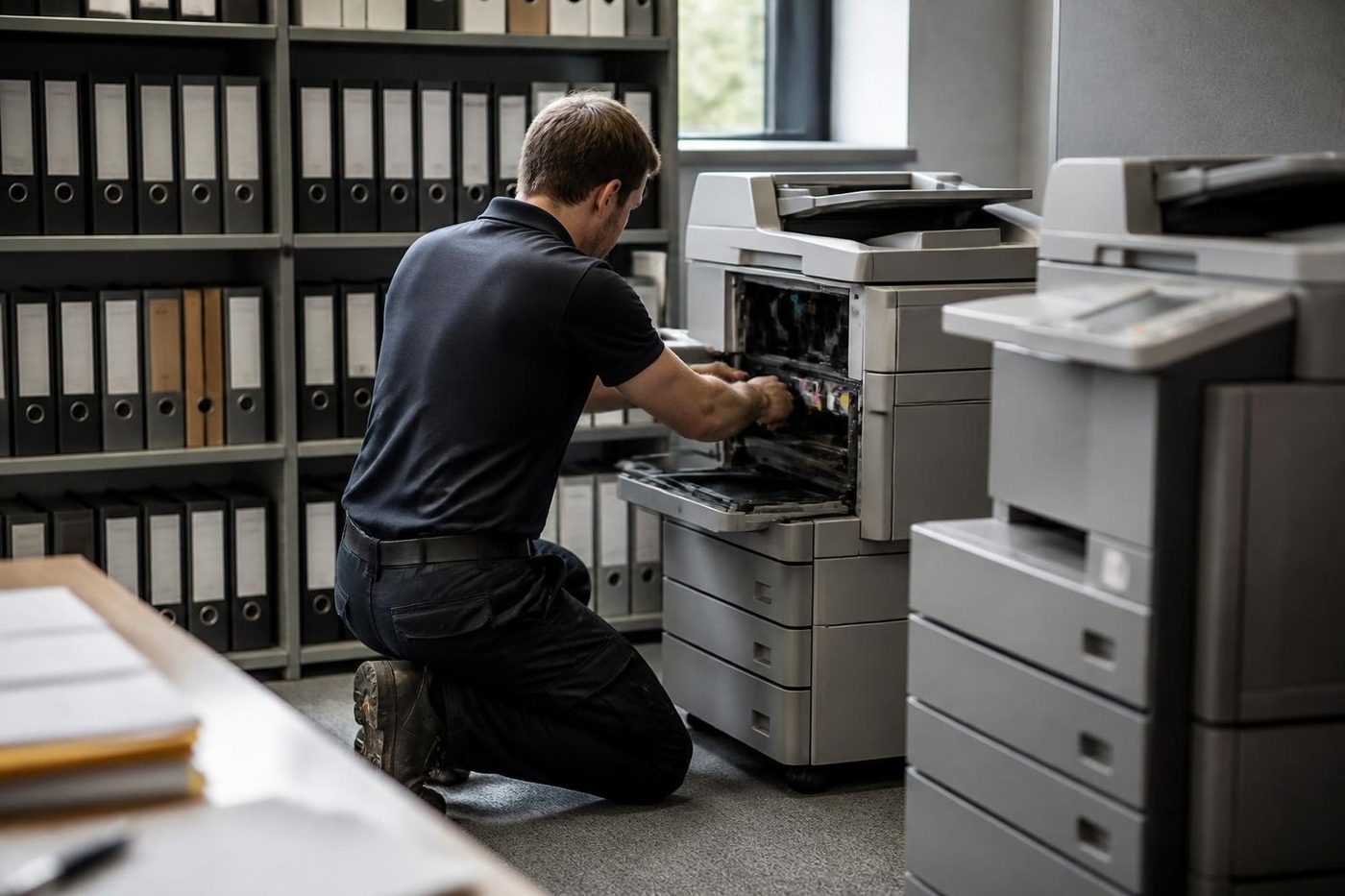
- Handled by the edges. No finger pressure on the working surface.
- Colour faults decoded. One stripe in one colour narrows the search.
- Bench kept clear. Nothing is laid on the belt, ever.
Keep reading
 Photocopier repairsAny make of office copier, repaired where it stands.
 Kyocera TASKalfa error codesCall service, C6000 and what to do about it.
 Photocopier paper jamsWhy sheets stop, crease or double feed.Scan to email not workingA scan that leaves the glass and never arrives.
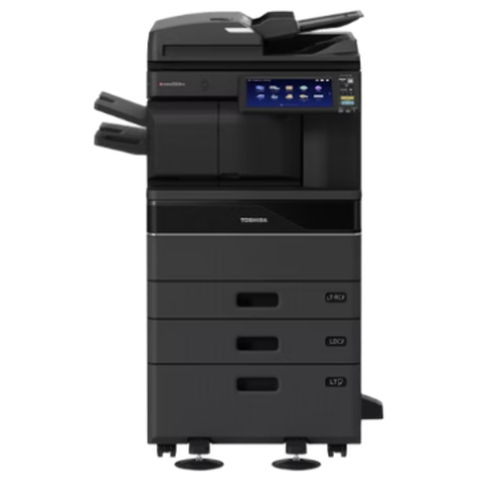 Toshiba repairse-STUDIO AC and A series, fixed where they stand.
 Commercial printer repairsWorkgroup lasers and fleets, repaired where they sit.
Buy, sell and lease
Buy, sell and lease commercial copiers on the Gold Coast
We also sell new and refurbished commercial copiers and buy used ones. Same team, same technicians.
On site on the Gold Coast
Common questions from Gold Coast offices
Can I get Kyocera printer service and Kyocera copier repairs on the Gold Coast without a contract?
Yes. Each job is priced on the phone, nothing is locked in, and a visit can be a single repair or a planned kit and clean.
The panel keeps asking for a maintenance kit. Can we ignore it?
For a while, yes, because it is the machine counting pages and not a fault. On a busy machine, though, leaving it for months risks worn parts failing under load. Ring and we will look at the counters and the parts before deciding what is due.
Someone fitted a new kit and the message is still there. Why?
Almost always the counter was never reset. A technician resets it as part of the job. Tell us who did the work and we will sort it out.
What separates a TASKalfa from an ECOSYS?
TASKalfa is the copier and multifunction family, mostly A3. ECOSYS covers the printers and A4 multifunction machines, with P for printers and M for multifunction.
A C code is showing on a TASKalfa and it will not copy. What should we do?
Note the code, switch off, wait a minute and try once. If it comes back, ring with the code and the full model name. Codes belong to an area of the machine and not to one single fault.
Our Kyocera picks up two sheets, or none, on the first page of the morning. Why?
Paper that took on humidity overnight is the usual cause. Fan the stack, flip it, try a fresh ream. If it still happens, the pickup roller is likely worn and we change it on site.
Scan to folder worked last month. What changed?
Nearly always the destination: a password, a server name or a permission. We test from the machine and give your IT contact the exact error.
What do I type into the browser to reach Command Center RX?
The machine's network address. It is shown on a status page you can print from the panel. From there an administrator can reach address books, scan destinations and email settings.
Do you look after ECOSYS printers too?
Yes, P and M series alike, with the same method as the larger copiers.
We are a school with department codes on the copier. Will a repair wipe them?
It should not, and we save the settings before any work that could touch them. Mention the codes when you ring so we plan for it.
How is the price for a Kyocera repair decided?
From the part, the time and the building access. We talk it through on the phone and nothing is booked until you agree.
Is a decade old TASKalfa still worth the money?
Frequently, since Kyocera builds for long life. If the history says otherwise we tell you, and we can talk about a reconditioned replacement.

Machine stuck mid job
Ring (07) 3096 0331 and say what it is doing.
You get a price on the call and a trained technician lined up. If the lines are busy, the call is logged and returned.
Get a price
Everything we look after on the Gold Coast
Copier and printer service
Fault guides
- Copier and printer faults Gold Coast
- Photocopier paper jams Gold Coast
- Copier black lines and streaks Gold Coast
- Copier error codes Gold Coast
- Copier not printing Gold Coast
- Scan to email not working Gold Coast
- Toner smearing and fuser faults Gold Coast
- Printer offline and network faults Gold Coast
- Copier noise, grinding and squealing Gold Coast
- Is my copier worth repairing Gold Coast
- Toshiba e-STUDIO error codes Gold Coast
- HP LaserJet error messages Gold Coast
- Kyocera TASKalfa error codes Gold Coast
Makes we repair
- Toshiba copier repairs Gold Coast
- HP printer repairs Gold Coast
- Fujifilm copier repairs Gold Coast
- Xerox copier repairs Gold Coast
- Canon copier repairs Gold Coast
- Ricoh copier repairs Gold Coast
- Lexmark printer repairs Gold Coast
- Brother printer repairs Gold Coast
- Epson printer repairs Gold Coast
- OKI printer repairs Gold Coast
- Zebra printer repairs Gold Coast
- Konica Minolta copier repairs Gold Coast
- Sharp copier repairs Gold Coast
- Samsung printer repairs Gold Coast
- Fuji Xerox copier repairs Gold Coast
Suburbs we work in
- Printer service Southport
- Printer service Bundall
- Printer service Robina
- Printer service Varsity Lakes
- Printer service Nerang
- Printer service Burleigh Heads
- Printer service Helensvale and Coomera
- Printer service Surfers Paradise
- Printer service Broadbeach
- Printer service Coolangatta and Tweed Heads
- Printer service Labrador and Biggera Waters
- Printer service Mudgeeraba and Reedy Creek
- Printer service Molendinar, Ashmore and Carrara
- Printer service Currumbin, Palm Beach and Tallebudgera
- Printer service Byron Bay, Ballina and Lennox Head
- Printer service Lismore and the Northern Rivers
- Printer service Murwillumbah and the Tweed Valley
- Printer service Kingscliff, Tweed Heads South and Pottsville
- Printer service Arundel and Yatala
- Printer service Pacific Pines and Oxenford
- Printer service Tugun, Bilinga and the Gold Coast Airport side
- Printer service Miami, Mermaid Waters and Mermaid Beach
- Printer service Currumbin Waters and Elanora
- Printer service Paradise Point, Runaway Bay and Hope Island
- Printer service Mullumbimby, Brunswick Heads and Ocean Shores
- Every suburb we cover
Know the make and what it is doing? That is enough for a price.
Need a copier fixed on the Gold Coast?
Two minutes on the form, then we phone. If the lines are busy, the call is logged and returned. Or ring (07) 3096 0331 straight away.