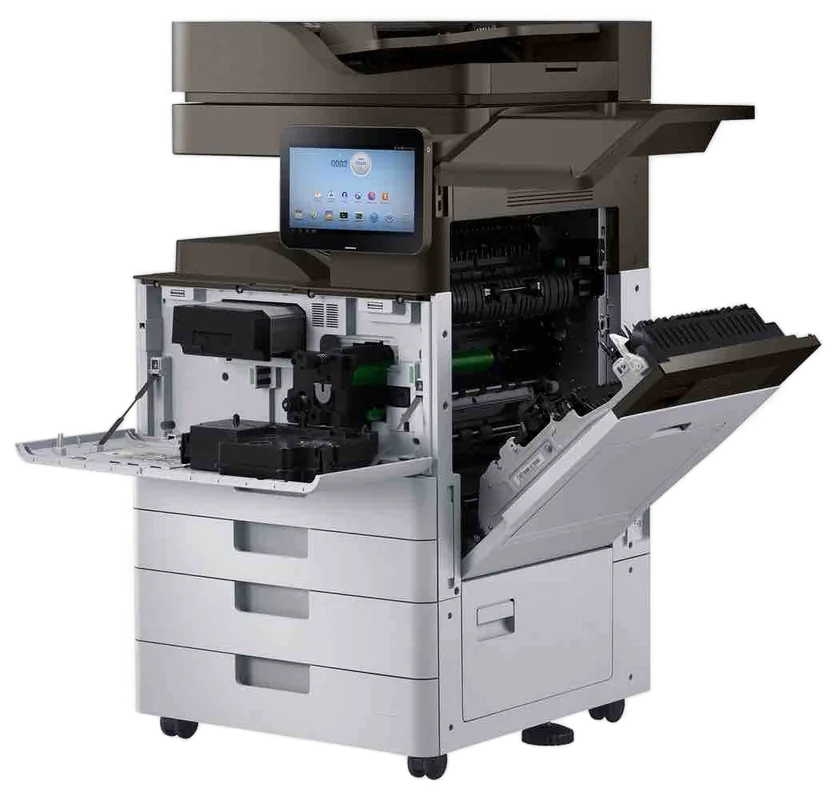
HP service Gold Coast
HP Photocopier and Printer Repairs Gold Coast: HP Printer Repairs, LaserJet Service
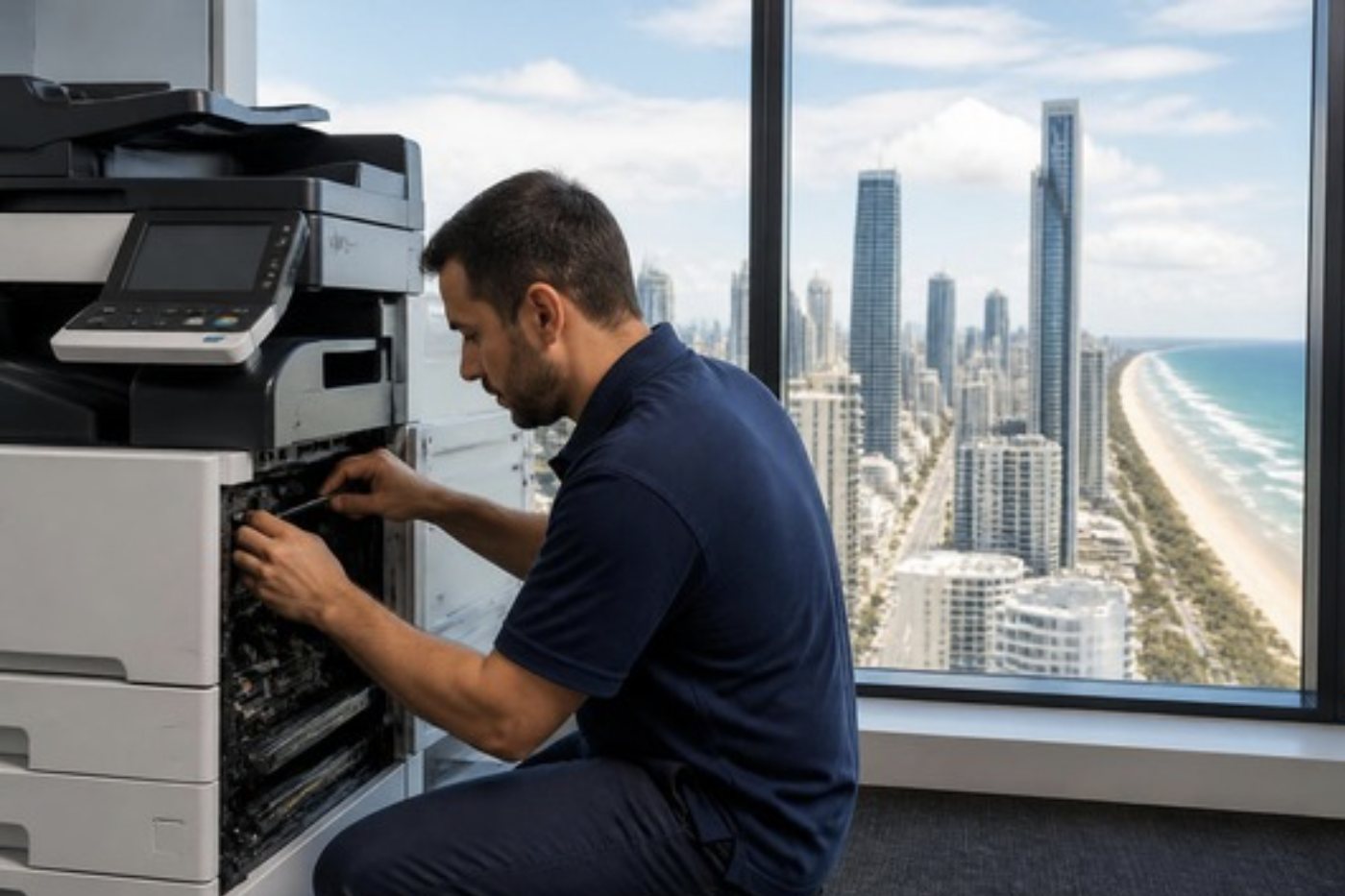
On the panel, 13.B2.D2 looks like noise. It is really a short sentence naming a family, a place inside the machine and a reason. So HP printer repairs on the Gold Coast tend to begin with you reading us the exact digits. We repair LaserJet and Color LaserJet machines where they sit, same day service is available, and the price is settled by phone before anyone is booked.
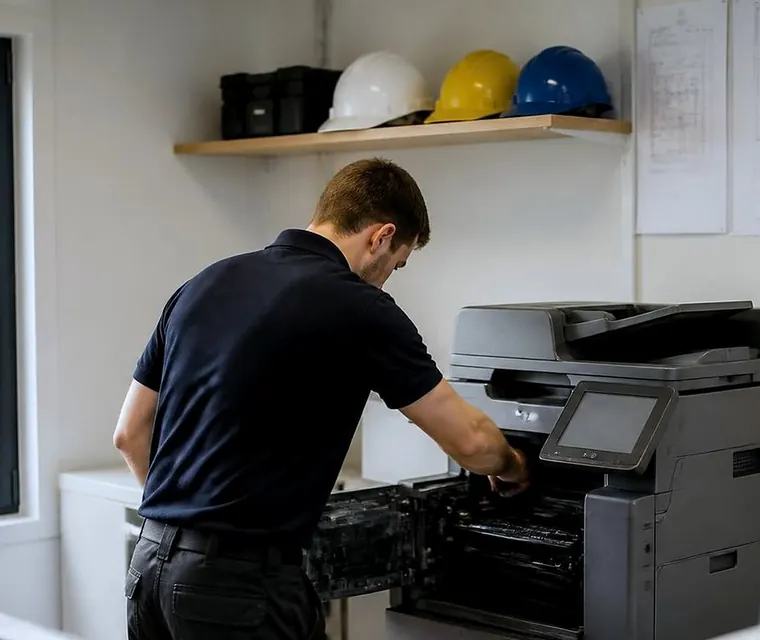
Printer service, copier repairs and machine sales on the Gold Coast
HP printer repairs Gold Coast offices phone about, and the code that comes with them
Enterprise machines on FutureSmart firmware show an error as three pairs of characters. The first pair names the family, and the later pairs give the location and cause. In HP's documents the letters W, X, Y and Z stand in for values that differ between machines. Older LaserJets use short forms such as 50.2 or 49.4C02, and the shape of a code gives us a rough idea of the machine's age.
We take a code as a pointer and not a verdict. One family can sit on different engines and mean a different corner of the machine, so we ask for the model before the number.
These are the families Gold Coast offices read out to us most often.
- 13.xx is a paper jam, and the sub code names a sensor or a tray. We look for scraps left from an earlier jam, then the pickup rollers for that tray.
- 41.xx is the print engine, which includes an unexpected paper size or type in a tray. We check whether the guides and the tray setting agree with what is loaded.
- 49.xx is a firmware error. The job in the queue, the cable and network settings, and any accessory the machine dislikes come under suspicion.
- 50.xx concerns fuser temperature or its drive circuit. We ask whether the fuser was knocked when the printer was moved, then examine the fuser.
- 51.xx and 52.xx implicate the laser scanner. The connections to the scanner unit get checked before any part is condemned.
- 57.xx and 59.xx are fans and motors, so dust build up and the feed or drum drives come first.
- 60.xx means a tray lift did not reach its paper sensor in time. The lift mechanism and the sensor flag in the cassette are the places to look.
- 66.xx belongs to an output accessory such as a finisher or mailbox. We examine the connection and the accessory's own drives.
- 79 is a service error that HP generally describes as firmware related. Power from the wall, cartridges out, then firmware.
If your code is not listed, read it out anyway. HP has hundreds, and we would sooner check the model than guess.
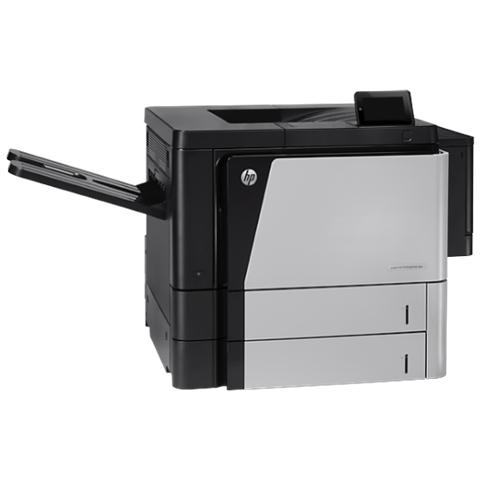
A price in three steps
- Tell us about the machineThe make, the model and what it keeps doing.
- We ring with a priceYou have it before any visit is booked.
- A certified technician comes to youSame day when the diary has room.
Where an HP printer wears, one part at a time
A printer working a full day for a front office wears in a predictable order. The same few parts come up again and again, and the symptom at the desk usually tells us which before a cover is lifted.
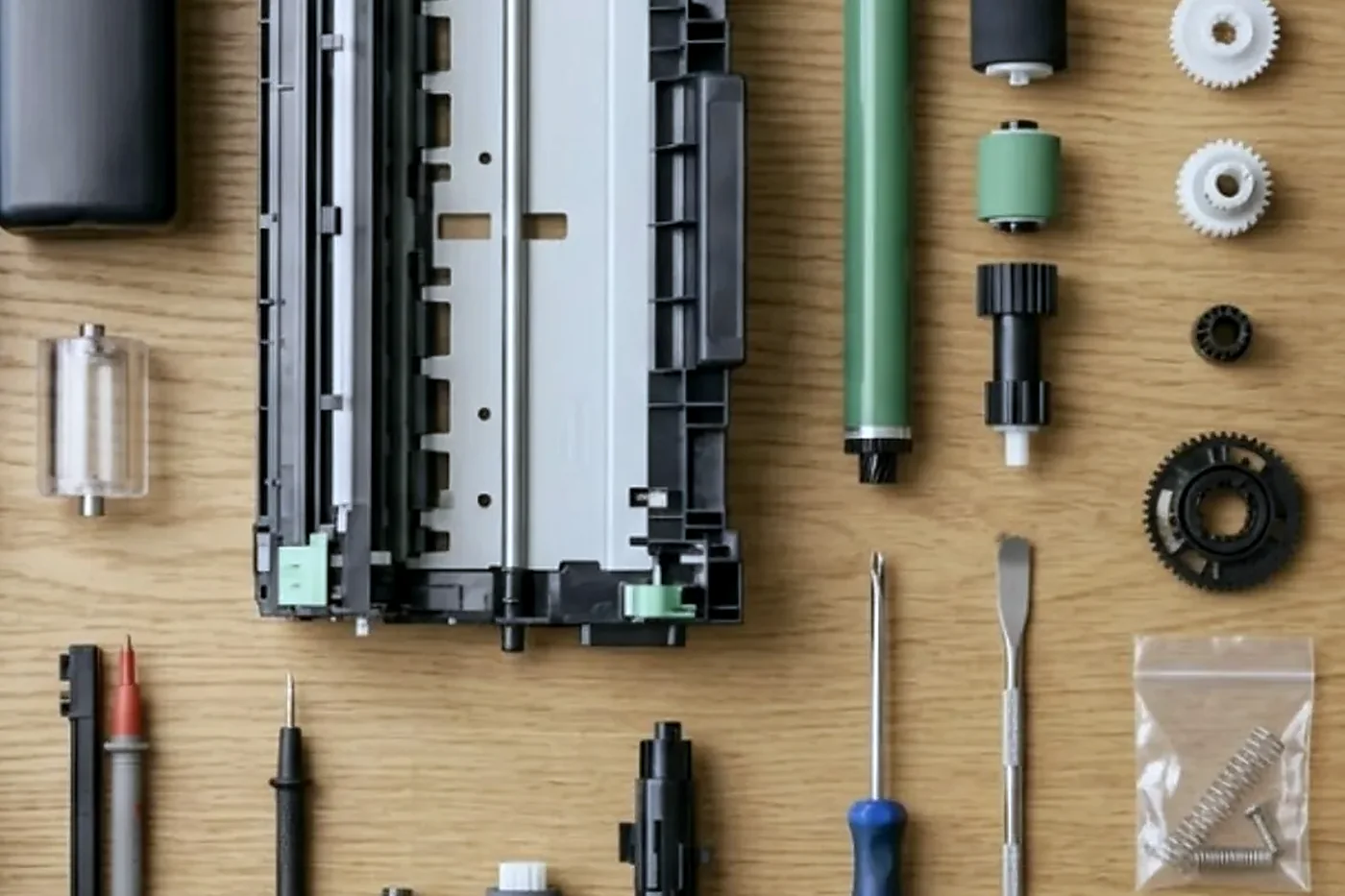
- Pickup and separation rollers. The tray is full yet the screen says empty, or two sheets arrive together. Rollers go smooth with use, and paper dust speeds it up.
- The route between tray and drum. Jams halfway through the machine, or only on two sided jobs, point to a scrap of paper, a sticky sensor flag or debris in the duplex path.
- The fuser. Slow warm up, creased pages, toner that rubs off under a thumb, or a 50 series message.
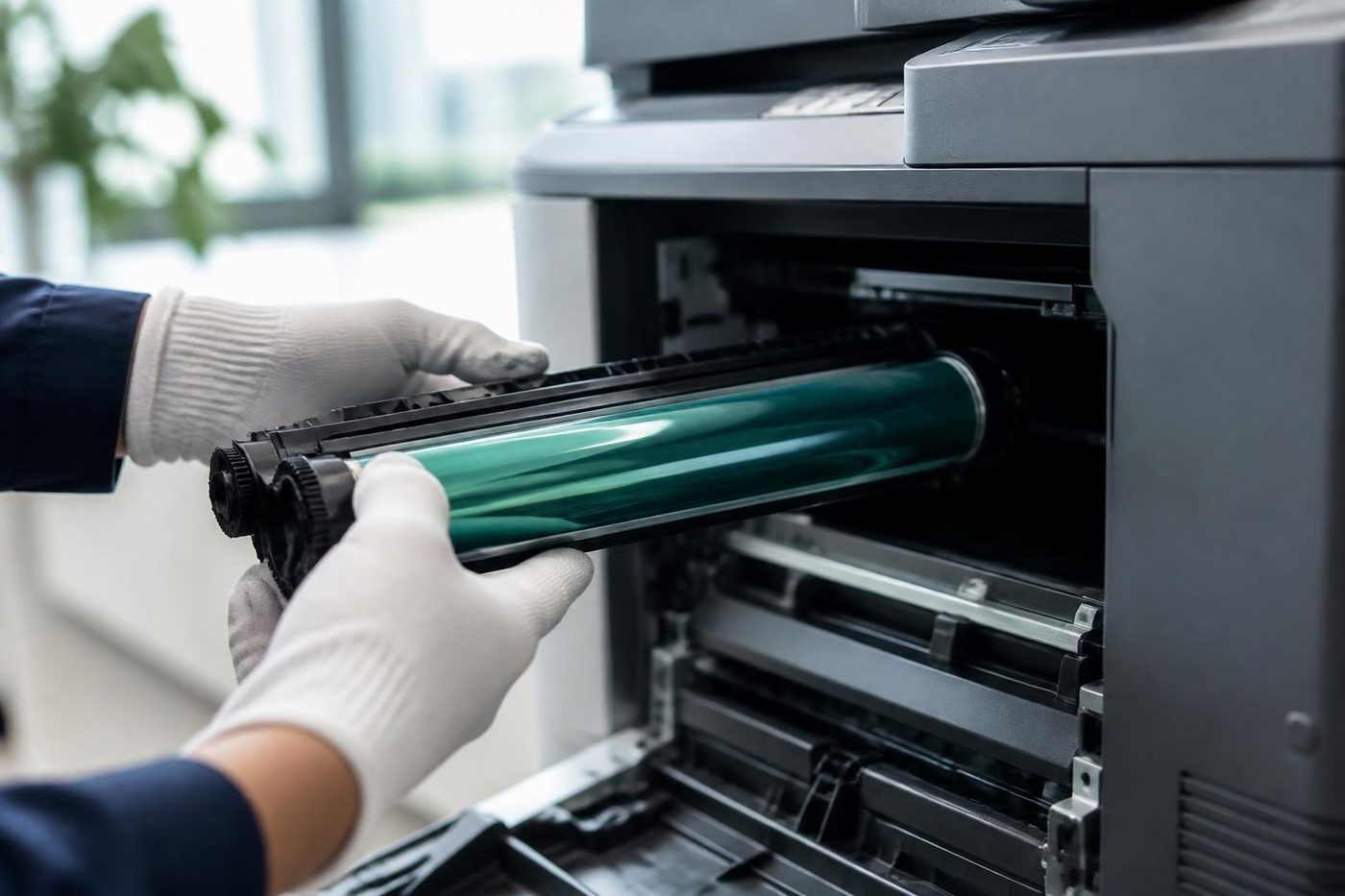
- Imaging parts and toner. Streaks, marks repeating at an even spacing, colour shift on colour machines, and supply messages that outlast a cartridge change.
- The document feeder. Double picks, skewed scans and a dark line on every copy come from worn feeder rollers or a dirty calibration strip under the feeder glass.
- Formatter and storage. A machine that boots into a service error or forgets its settings after a firmware change.
- Finishers. Staple jams, and an output accessory that reports an over current fault.
On many models HP bundles the fuser, the transfer roller and a set of rollers into a maintenance kit, and the label on your printer says which kit fits. Lives depend on the model and the workload, so we quote no figures and look at the real parts.
HP series we see on the coast
Small practices, reception counters and manager's offices run the LaserJet Pro and Color LaserJet Pro line, such as the LaserJet Pro M501dn, the Color LaserJet Pro MFP M283fdw and the Color LaserJet Pro MFP 4301.
The shared printer in an agency or accounts office is often an Enterprise mono M506 or M507, or the Managed E50145. Offices that scan to email and folders all day prefer the mono Enterprise MFPs, the M527, the M528 and the Managed MFP E52645.
Print rooms and larger workgroups use the high volume Enterprise range: M607, M608, M609, M611 and M612. Departments and contract fleets that never stop run the high volume MFPs from the M631 up to the M636.
Colour work for marketing, design and departments sits on the A3 Color LaserJet Enterprise machines: M751, M856, the MFP M776, and the Managed E75245 and E85055. Offices wanting inkjet colour behind a familiar panel choose the PageWide Enterprise Color MFP 586 or Color 556.
Drawing offices have the DesignJet T850, T870, T950, T1700 and XL 3600, and they also have a plotter page of their own.
Home and small office HP machines still get serviced if someone rings. They are not what this page is about, and a Pro series fault can cost more to chase than the machine is worth. We tell you that before the visit and not after it.
Laser printer repairs on any badge, and why we still ask about the HP
Plenty of people search for laser printer repairs without a make in mind, and they get the same service. A commercial laser printer is repaired where it sits and priced by phone, whether the front says HP, Kyocera or something else.
The badge matters for the likely faults. HP machines are rich in features, and the typical HP trouble comes from that: firmware changes, supply handshakes, network and scan settings that stop agreeing with one another. Kyocera machines tend to fail from dust and wear, while HP fails as often from configuration as from hardware. A technician who knows that opens the settings page before reaching for a spanner.
Southport, Surfers and the printers nobody owns
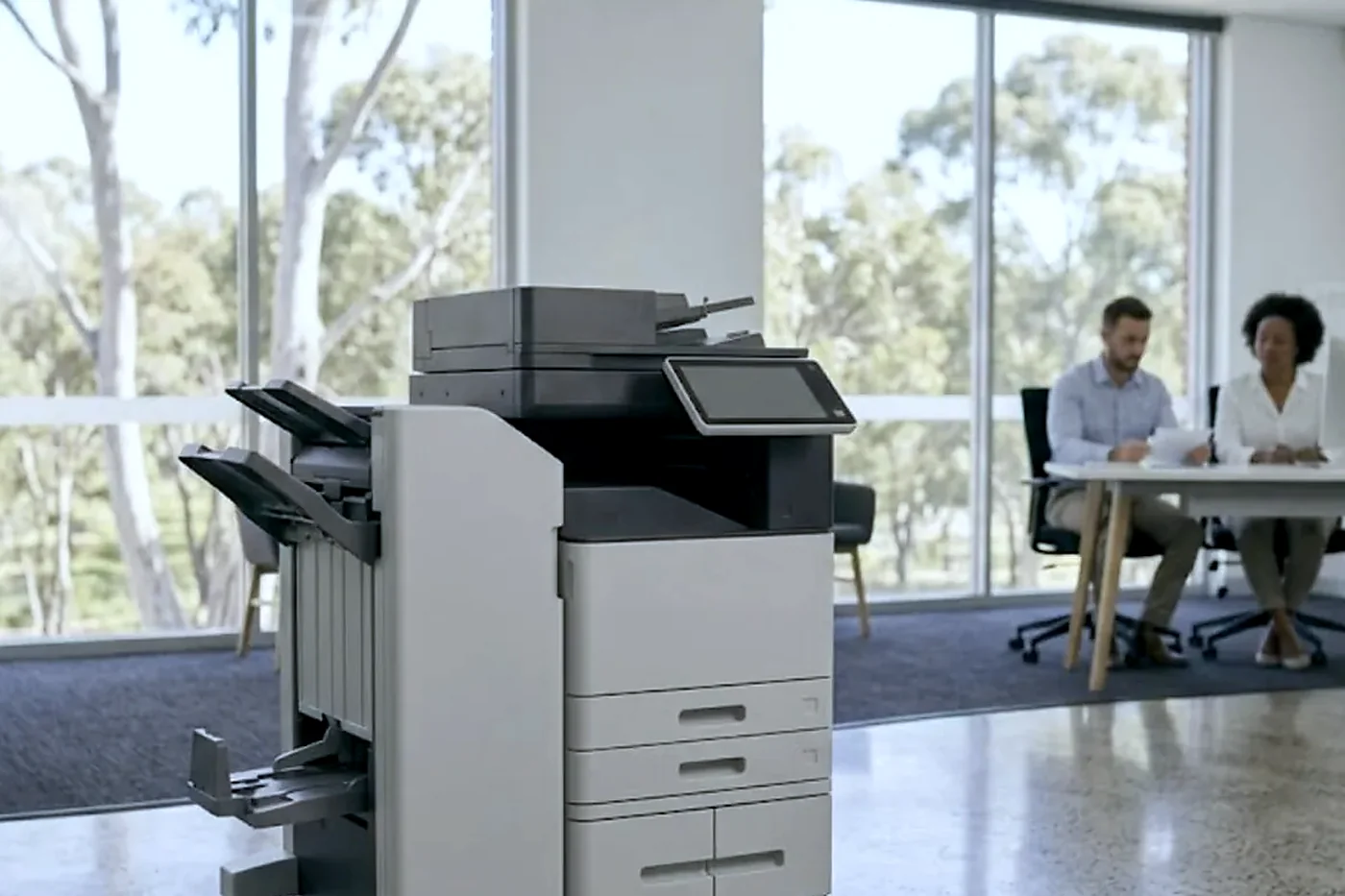
A body corporate manager in Southport has a front counter printer that three people use and nobody ordered. A holiday letting agent at Surfers Paradise has a Color LaserJet that prints key receipts and guest registration forms every changeover Saturday. A medical suite near the Southport hospital precinct has a mono Enterprise behind reception for referrals, and a Robina practice has a row of desk units, one for each consulting room.
Each is hammered at a different time and we plan around it. The agent needs a working machine on Friday afternoon and not Monday. The clinic cannot lose reception for an hour at nine. Tell us when the printer is busiest and we will say what we can arrange.
Salt air near the beach slowly eats connectors, and warm back rooms are hard on fans. Tower floors are kinder to the machine and harder on the visit, thanks to lift bookings and loading dock windows. We ask about all of that on the call.
Managed models and what the E in the name changes
An E in the model name, as in E50145 or E75245, marks the Managed version of a family. The hardware is close to its Enterprise sibling. What differs is how it is set up to work with a supply contract, and that changes how it treats cartridges and firmware.
Supply messages are the usual grievance. The 10 family concerns the supply chip. 10.00.00 and 10.00.10 mean the machine cannot read a chip or finds none. 10.XX.41 and 10.YY.35 mean it judges a supply unsupported or incompatible. 10.XX.70 means it is printing past very low. If a fresh cartridge still earns a 10 message, confirm it is the right cartridge for that exact model and the chip contacts are clean. If it is, ring us.
We repair the machine. We do not sell cartridges and we do not touch the arrangement between you and whoever manages your fleet.
Scan to email, network folders and the settings that rot
On FutureSmart machines, scan setup sits in the Embedded Web Server under the scan and digital send tab. The outgoing mail server, sign in details, the From address and the Quick Sets that become buttons on the home screen are all kept there. A wizard covers scan to a network folder and to a cloud document library, and an administrator can lock the From, To and copy fields or make people choose from an address book.
Most scan calls turn out to be a changed password or a changed server. HP's help suggests port 587 when SMTP SSL is on. Microsoft has been retiring basic authentication for SMTP sending, and one vendor notice gave 30 April 2026 as the date it would be switched off for good. Tenants differ, so we confirm the present state with your IT contact before changing anything. Where OAuth 2.0 is required, the printer connects to smtp.office365.com on port 587 with TLS and someone completes a device sign in code.
Head office IT in another city can alter a mail setting overnight, and the Gold Coast branch learns of it when a scan button dies on Tuesday. If you can tell us when scanning last worked, we find the cause much sooner.
That same page holds the administrator password, certificates and firmware updates. HP lists protections such as Sure Start, whitelisting, run time intrusion detection and encrypted hard disks, and we confirm they are on while we are in there. DesignJet plotters carry their own set, with secure boot, SNMPv3 and 802.1x.
What happens at the machine once the technician arrives
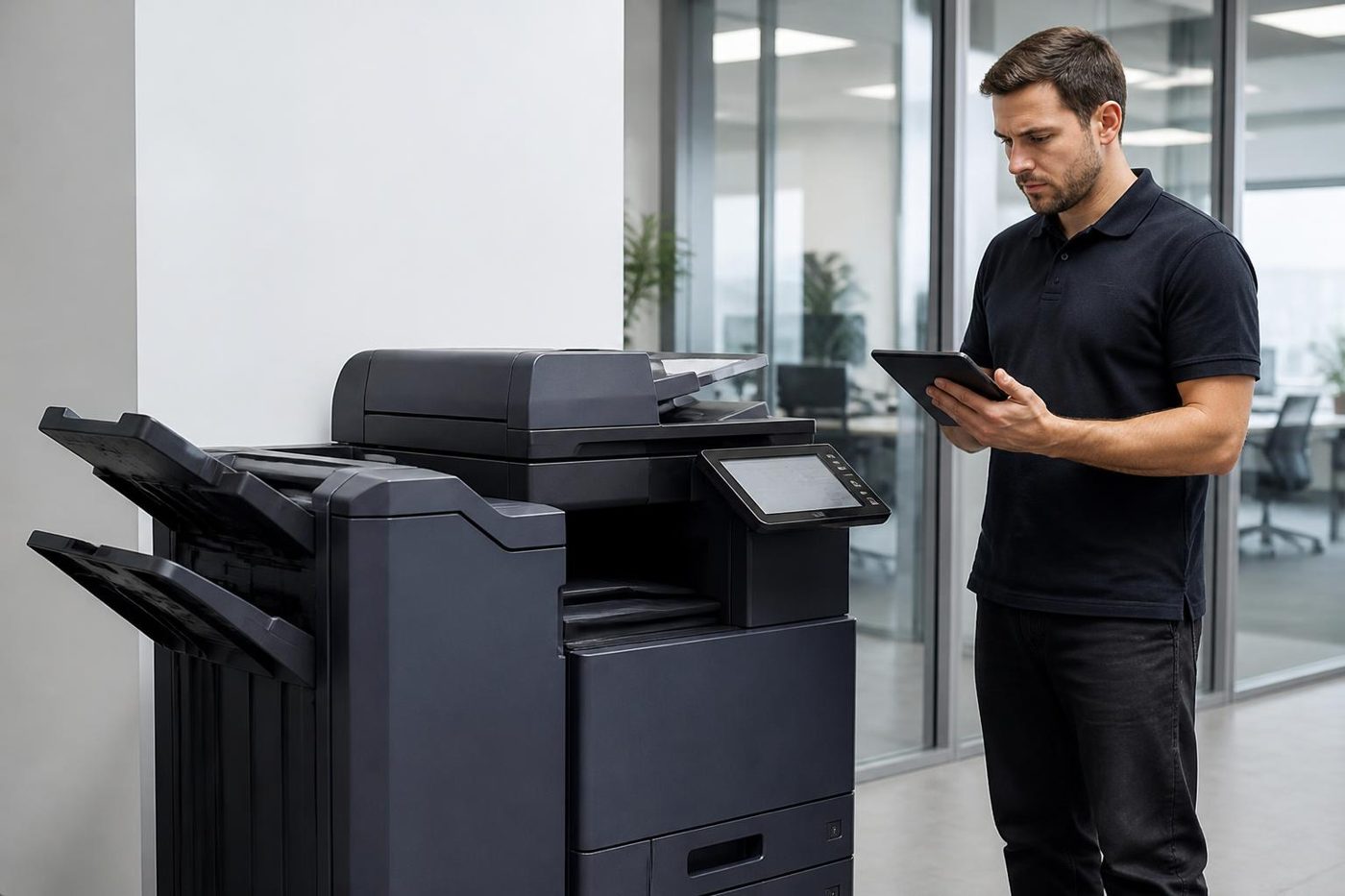
The sequence is almost identical on every HP, from a desk Pro to a floor standing high volume unit. First, before anything is opened, the technician reads the event log, since repeat codes say more than the last one displayed. A fault seen once last month and twice this week is a different beast from one that showed today.
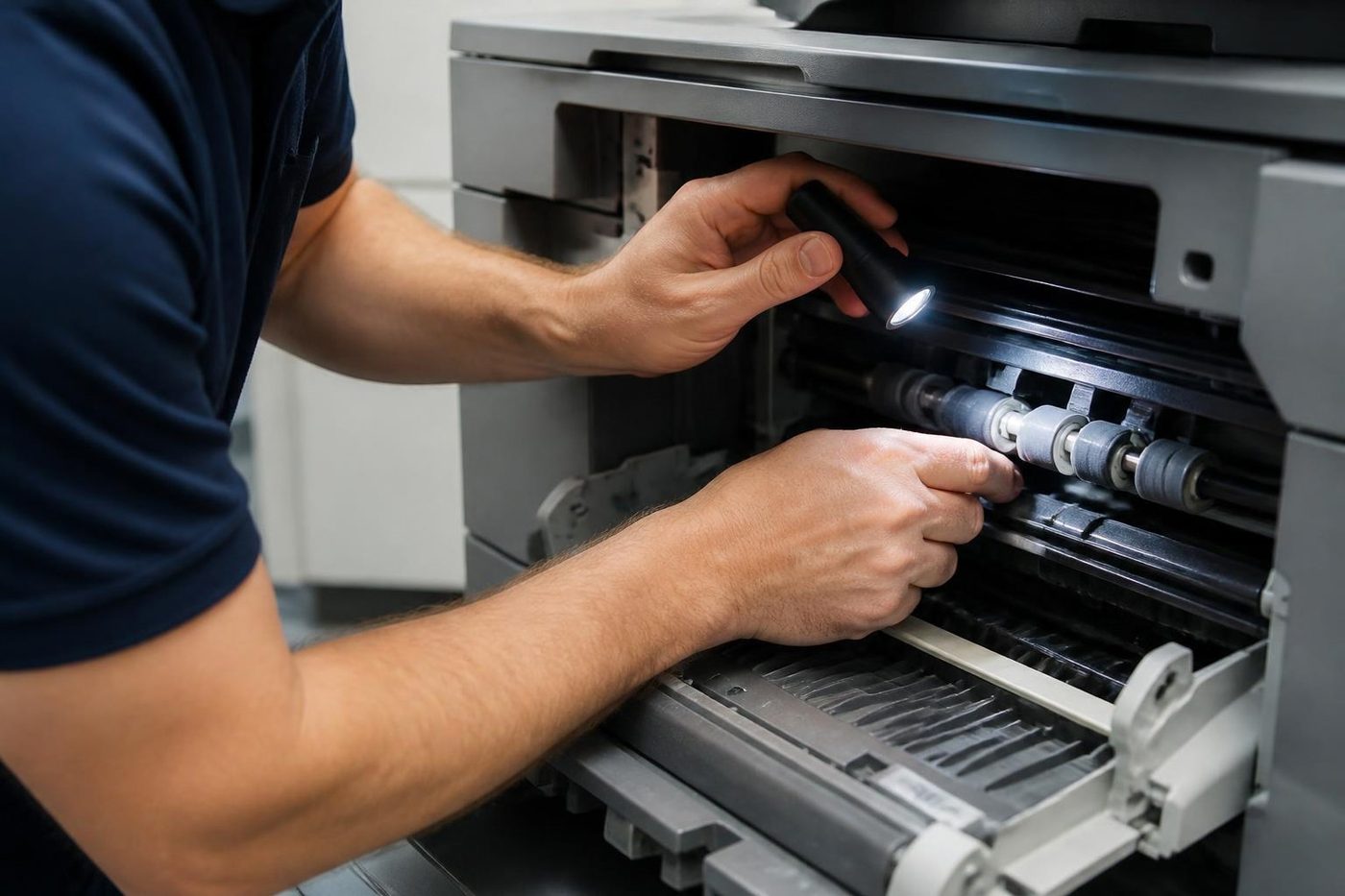
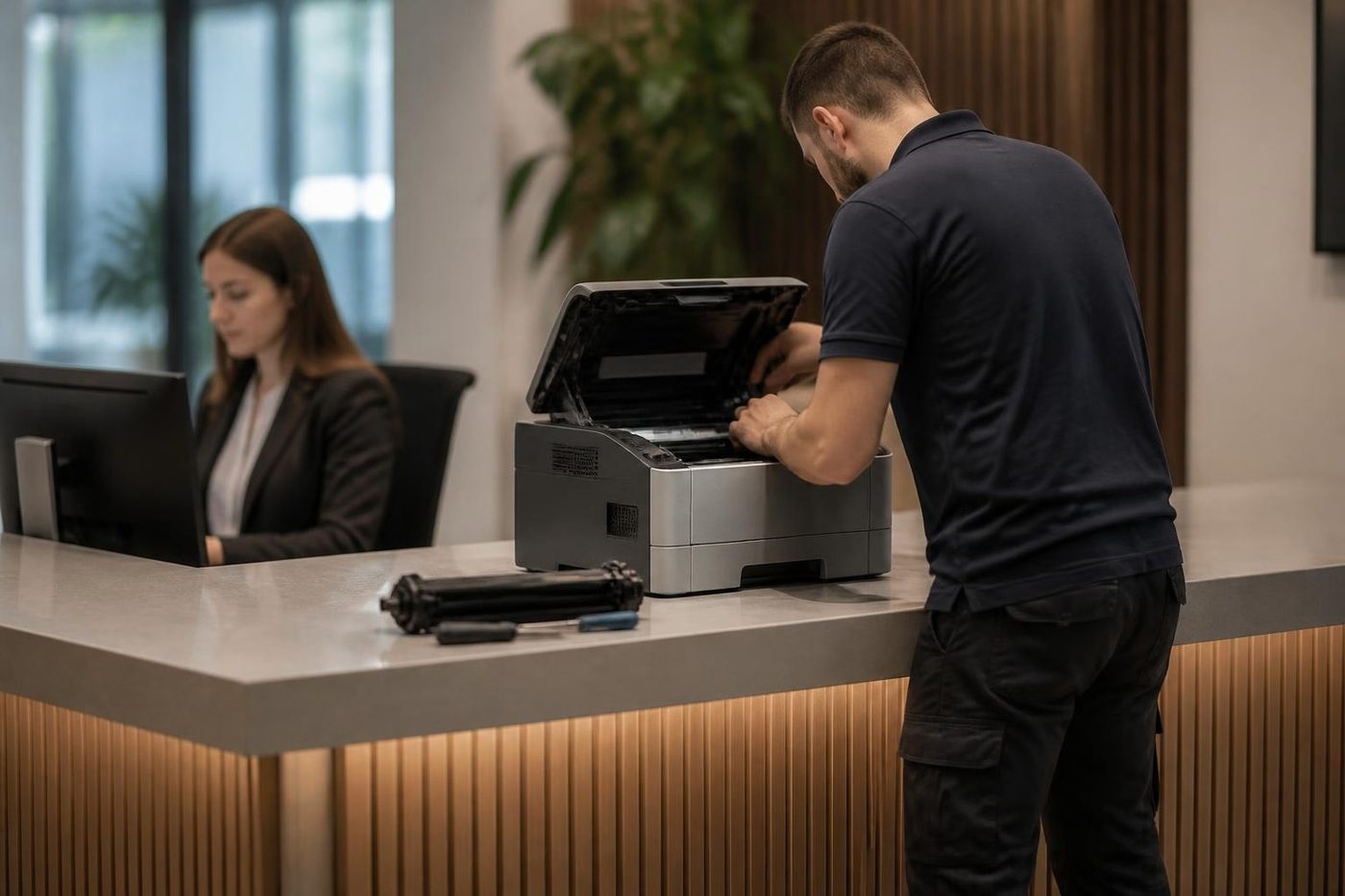
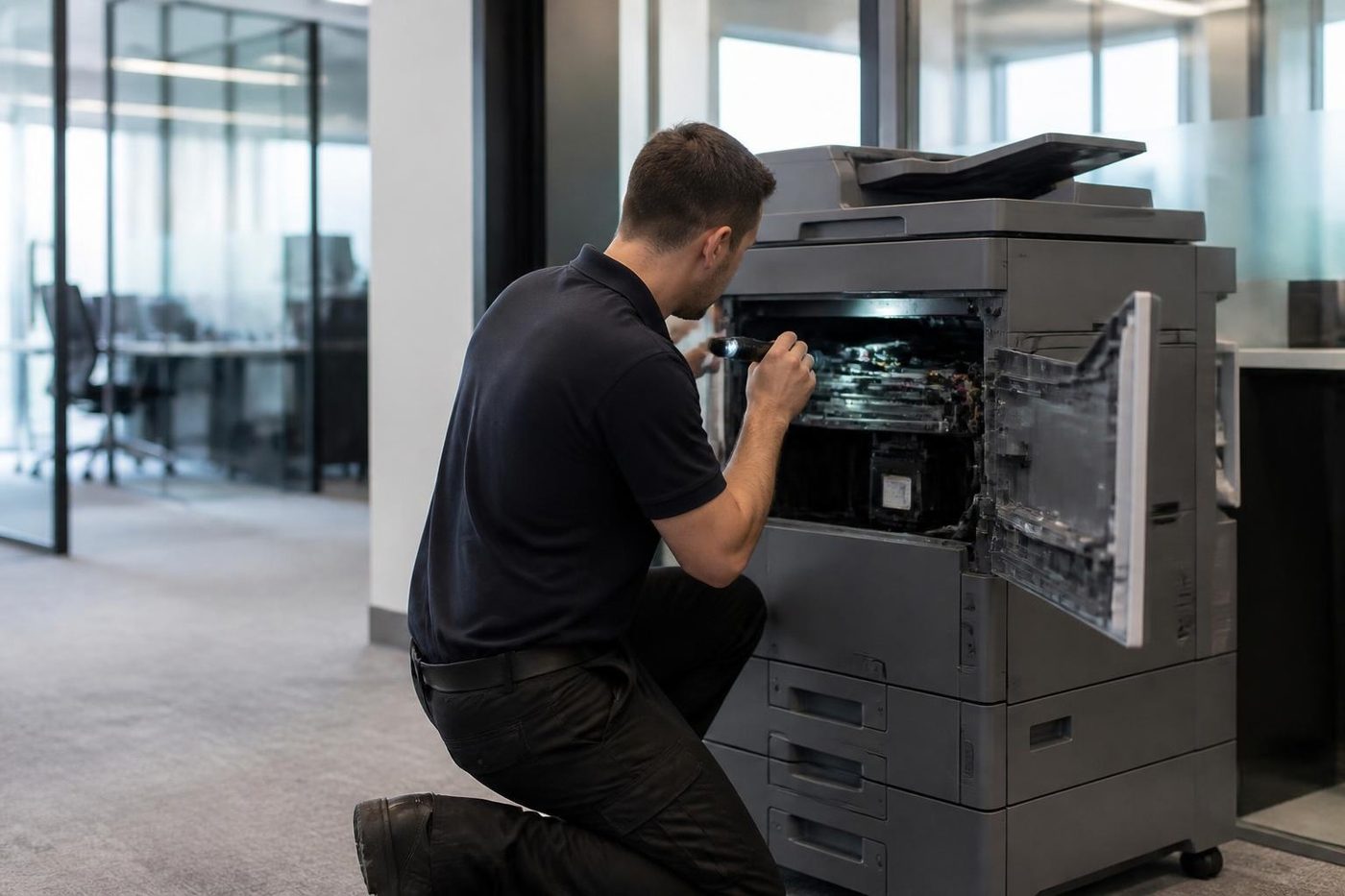
Then comes the paper path from each tray in turn. Pickup, separation, registration and exit are checked with a torch and test pages, using the tray your office really prints from. After that the fuser is inspected, the rollers are checked for glazing, the feeder and glass are examined, and the firmware level is compared with what the model should run.
Where a diagnostic test is needed to separate a sensor from a motor, we run it and explain the result in words and not a part number. A part that needs replacing is named and priced by phone if the picture changes. Nothing goes ahead until you say so.
Colour LaserJets: more parts, more places for a fault to hide
A colour machine carries four toners plus the imaging parts and transfer stage that assemble them on the page. That gives the A3 Color LaserJet Enterprise range more ways to fail than a mono machine, with more specific symptoms. One missing colour across the page points at that colour's supply or drum. A coloured fringe on text points at registration. A faint tint all over can be a drum or transfer problem, or just a machine due for its calibration run.
The toner collection unit is easy to forget. It fills as the machine works, and when it is full or unseated the machine stops with a message people take for a major failure. A technician opens the door, finds an unseated unit, and the visit lasts ten minutes.
Marketing and design teams are the harshest judges of colour. If the machine produces proofs somebody signs off, say so when you ring. We aim for a print that matches what the person at the desk expects, with a test page produced and checked before we leave.
Firmware, and why Monday is when you notice
HP firmware updates are mostly harmless. Some move menus. Some alter security defaults. A few disable a scan setting that used to work. If an IT provider updates the fleet overnight and three printers will not scan to folder on Monday morning, the update is a fair first suspect.
We read the firmware level at every visit and compare it with the model. When an update broke the scan, the cure usually lies in a setting and not in hardware, and we say so instead of selling a part. A machine that stalled halfway through an update is a separate job and we treat it as one.
Double sided jobs, tray settings and other things that are not broken
A surprising share of calls are about a printer doing exactly what it was told. Pages that come out upside down on the back are a duplex setting in the driver. A job that waits forever is queued for a tray set to a paper size nobody loaded. A 41 message about an unexpected size or type is the machine reporting that the tray holds something other than what the tray says.
These cost little to fix and a lot to chase. We prefer to solve them by phone, and often do. If a one minute change at the tray guides clears the message, nobody needs to book anything.
Clinics and privacy: where the pages go
A practice prints patient letters and referrals, and the machine that does it keeps more than people realise. HP Enterprise machines can carry an encrypted hard disk, and the feeder glass sees every page that is copied. When a machine leaves a clinic, the disk matters as much as the case.
We raise this when a machine is being replaced and not merely repaired, and ask who will deal with the old unit. It is a short conversation.
Ring prepared: six things worth reading off the machine
None needs tools, and each one shortens the call.
- The model, from the label on the front or inside the top cover.
- The complete code, digits and letters, as displayed.
- Which tray or function was in use when it stopped.
- Whether it is one person's job or everybody's.
- What changed in the past day: a new cartridge, a move, an IT update, a power cut or a storm.
- Your floor, and how a technician gets to the machine.
A photo of the panel beats a description. Phone with those details and we talk through what that model usually does in such a case and what a visit involves. If the lines are busy your call is logged and returned.
Trays, finishers and what we confirm before touching them
HP sells extra 550 sheet trays on stands, envelope feeders, and stapler and stacker finishers, including the inline stapler and stacker on the M776zs. There are mailbox and three bin finishers too, and on Flow style multifunction machines a document feeder, fax accessory and encrypted hard disk. What fits depends on the printer.
Before planning work on any option we confirm which ones suit your model, since a finisher that looks identical can belong to another family.
HP printer service Gold Coast, HP printer repair near me, and repair or replace
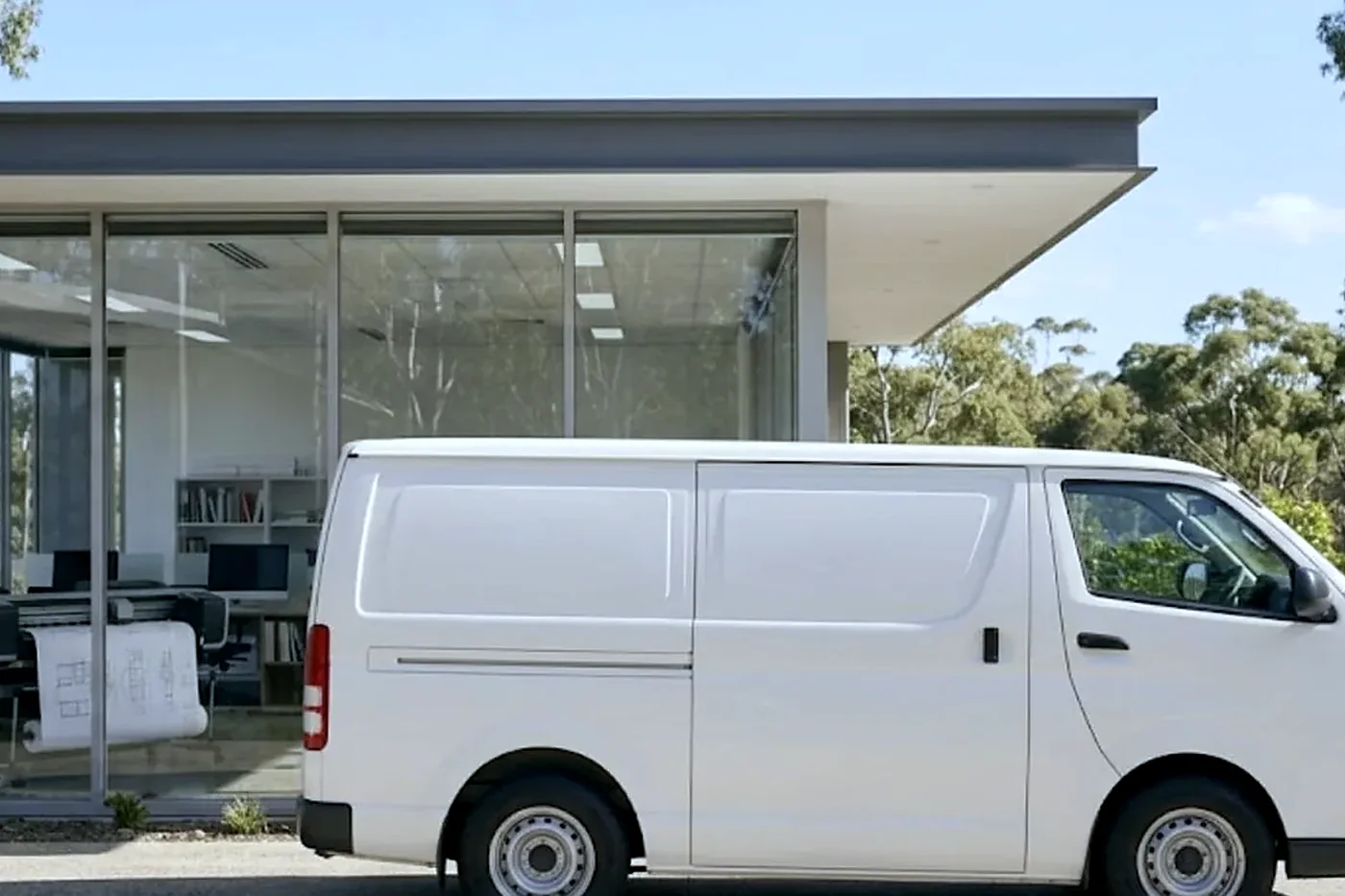
A call for HP printer service on the Gold Coast and a search for an HP printer repair near me mean one job to us: a LaserJet that has stopped or soon will, and somebody who wants to know when it can be sorted.
A machine that needs a fuser and nothing else, and is sound otherwise, is nearly always worth repairing. One wanting a fuser, a drum and a formatter inside a year is another matter, as is a model whose parts the maker no longer supplies. We tell you which side yours is on, with our reasons.
We are an independent service business. We are not HP and not an authorised HP agent, and we do not pretend otherwise. If you decide to replace the machine we also buy and sell, and the sales pages on this site cover the options. The repair advice is identical either way, and our work is warranted.
The HP in a holiday letting office
A Gold Coast letting agent works to a rhythm. Changeover days bring registration forms, key receipts and statements. A Color LaserJet or mono Enterprise that behaves all week and stops on a Saturday morning is a very particular problem. If your busiest day is the weekend, tell us. We would sooner book a look on a quiet Wednesday than hear from you on the day it counts.
The same goes for body corporate managers at the Southport and Surfers Paradise end of the coast, who print notices and meeting packs in a cycle, and for accountants on either side of the end of the financial year. A printer carrying a seasonal rush merits a short visit beforehand, with the rollers and fuser checked.
Here is how your HP gets fixed

The second callout
The cheap visit is the one that fixes it
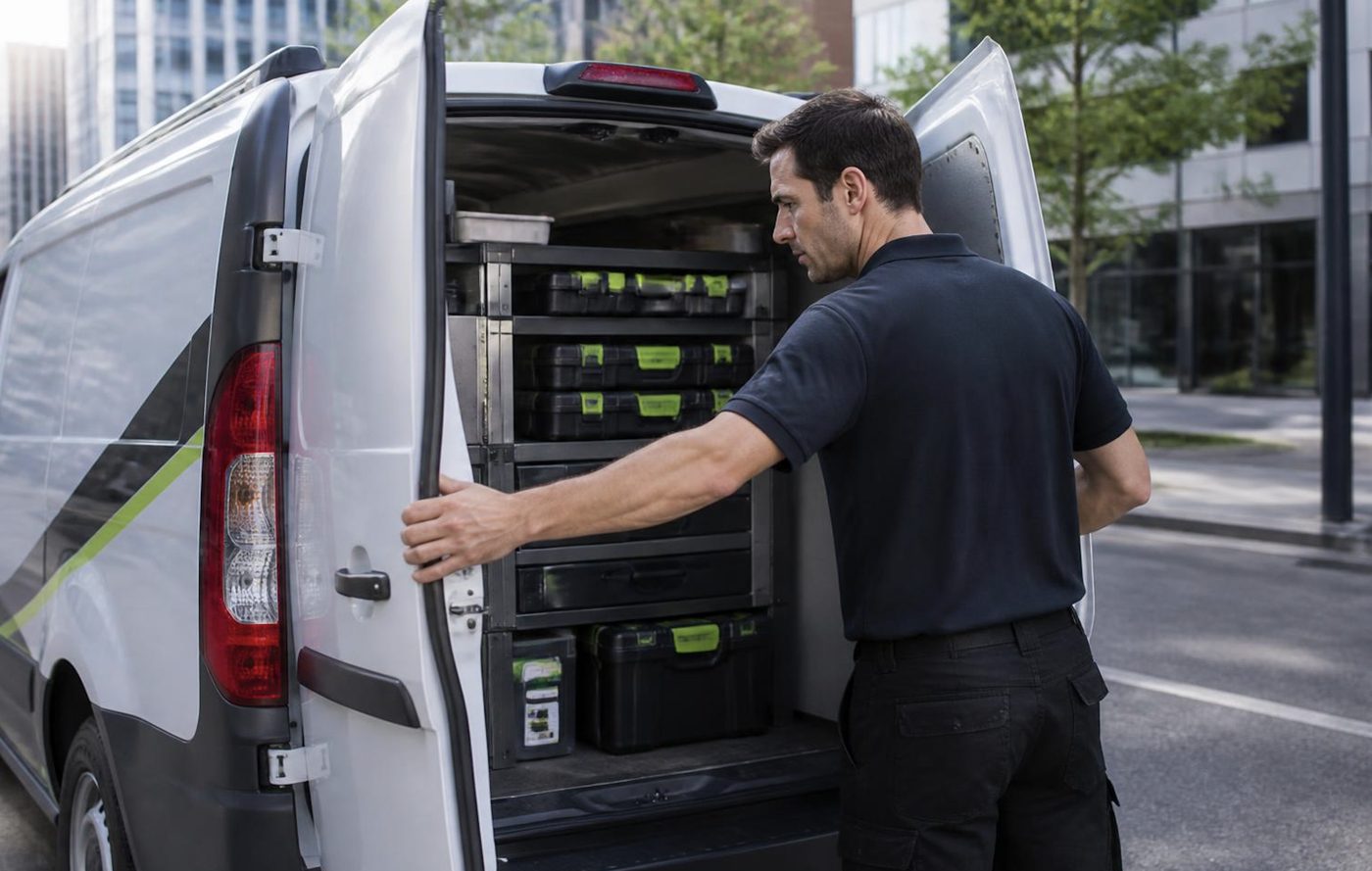
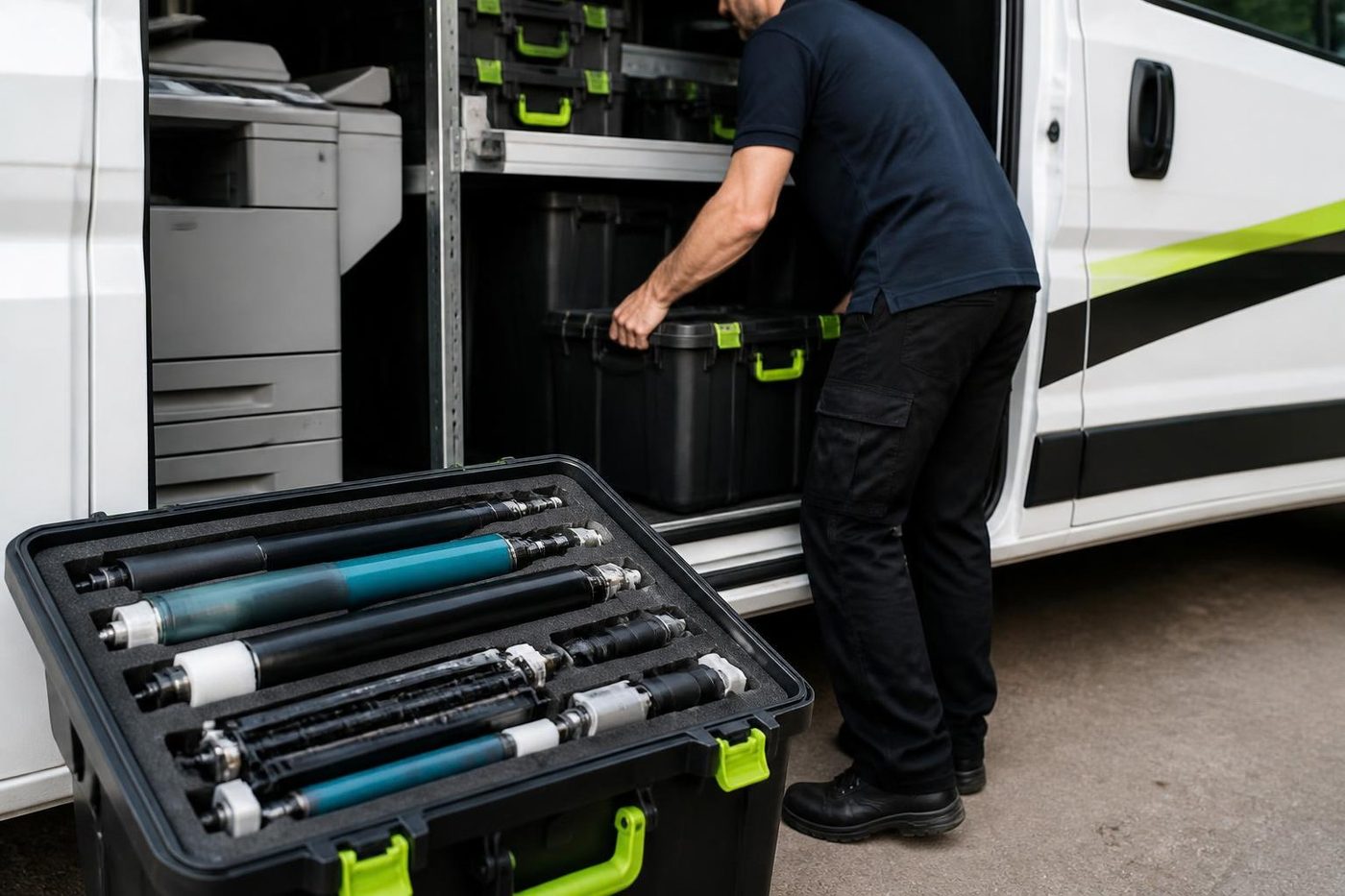
So we try to make the first visit the only one. The technician reads the history, brings the likely parts and tests the finished job properly. If the same fault does return, we fix it at no charge.
It is plain arithmetic. One visit done well costs less than two done quickly, and nobody has to explain the delay to a board.
- History read first. Past faults on the machine shape what gets packed in the van.
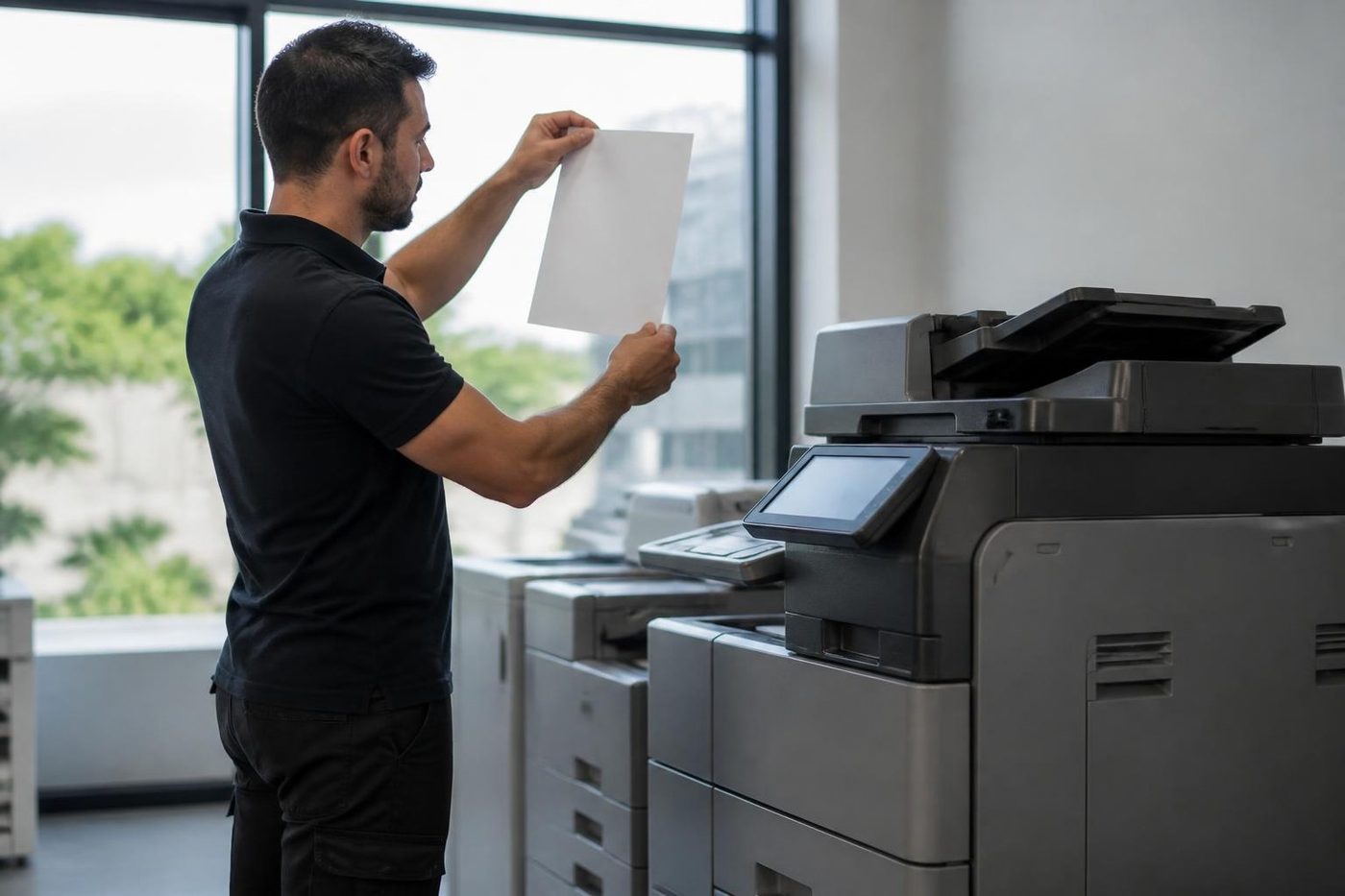
- Finished means tested. Every tray, the scanner and the finisher get a run.
- Repeat fault, no bill. If it returns, so do we.
Keep reading
 Photocopier repairsAny make of office copier, repaired where it stands.
 Commercial printer repairsWorkgroup lasers and fleets, repaired where they sit.
 Plotter serviceBanding, skew and blocked heads on A1 and A0 plotters, fixed on site.
 Brands we repairPick your make for models, codes and how we work.
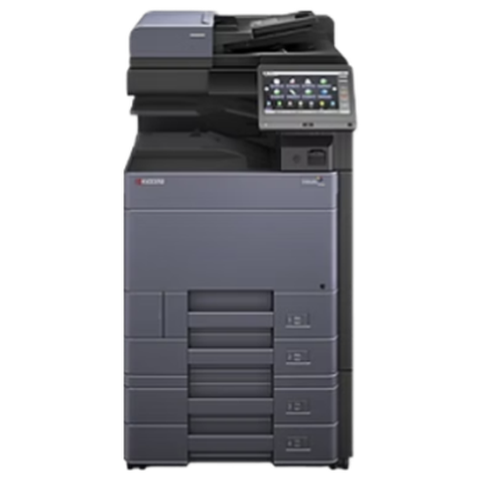 Kyocera repairsTASKalfa copiers and ECOSYS printers, serviced on site.
 Brother repairsReplace Drum, Print Unable, TS-02: what each one means.
Buy, sell and lease
Buy, sell and lease commercial copiers on the Gold Coast
We also sell new and refurbished commercial copiers and buy used ones. Same team, same technicians.
A few recent visits
Common questions from Gold Coast offices
What does a code like 49.4C02 on an HP mean?
A firmware error. HP lists corrupted jobs, generic drivers, poor cables, bad network settings and unsupported accessories as causes. Clear the queue, try one job from one computer, and give us the exact digits if it comes back.
My HP claims it is out of paper with a full tray. Is it a sensor?
More often a worn pickup roller or separation pad, with a sensor flag or feed motor next in line. Check the guides, then ring.
Do you handle only HP LaserJets, or any laser printer repairs?
Any commercial laser printer, at your premises, with the price settled on the call. HP is among the brands we are asked about most.
Toner rubs off under my thumb. Is the toner bad?
Seldom. The fuser melts toner on to the page, so a weak fuser, damp paper or the wrong paper type setting is the usual cause. We check the setting and the stock before blaming the part.
What are the 13 series codes?
Paper jams. The rest of the number names the sensor or tray where paper arrived late or not at all. 13.A1.FF and 13.D1.FF mean residual paper was found, so look for a scrap.
Can you set up scan to email on a Microsoft 365 account?
Yes, once we know how your tenant is configured. We check with your IT contact first, since the sign in method decides what the printer needs.
The panel shows a 79 Service Error. Can we deal with it ourselves?
HP describes it as typically a firmware fault. Unplug, take the cartridges out and plug into the wall socket, not a power board. If it returns, a technician needs to examine the firmware and whatever is plugged in.
Do you repair HP DesignJet plotters too?
Yes. Wide format work has its own page, and the call is the same: model, roll width and a description of the bad plot.
Is a ten year old LaserJet worth repairing?
Often, if parts are still supplied and the job is a single wear part. If the bill climbs, we say so and talk through replacement.
How soon can someone come?
Same day service is available. Give us the suburb and what has stopped and we will say what the diary can actually do.
Tired of the paper jams
Tell us, and we will sort it.
Ring or send the details. We talk through the fault and give you a price, with nothing locked in.
Get a price
Everything we look after on the Gold Coast
Copier and printer service
Fault guides
- Copier and printer faults Gold Coast
- Photocopier paper jams Gold Coast
- Copier black lines and streaks Gold Coast
- Copier error codes Gold Coast
- Copier not printing Gold Coast
- Scan to email not working Gold Coast
- Toner smearing and fuser faults Gold Coast
- Printer offline and network faults Gold Coast
- Copier noise, grinding and squealing Gold Coast
- Is my copier worth repairing Gold Coast
- Toshiba e-STUDIO error codes Gold Coast
- HP LaserJet error messages Gold Coast
- Kyocera TASKalfa error codes Gold Coast
Makes we repair
- Toshiba copier repairs Gold Coast
- Kyocera copier repairs Gold Coast
- Fujifilm copier repairs Gold Coast
- Xerox copier repairs Gold Coast
- Canon copier repairs Gold Coast
- Ricoh copier repairs Gold Coast
- Lexmark printer repairs Gold Coast
- Brother printer repairs Gold Coast
- Epson printer repairs Gold Coast
- OKI printer repairs Gold Coast
- Zebra printer repairs Gold Coast
- Konica Minolta copier repairs Gold Coast
- Sharp copier repairs Gold Coast
- Samsung printer repairs Gold Coast
- Fuji Xerox copier repairs Gold Coast
Suburbs we work in
- Printer service Southport
- Printer service Bundall
- Printer service Robina
- Printer service Varsity Lakes
- Printer service Nerang
- Printer service Burleigh Heads
- Printer service Helensvale and Coomera
- Printer service Surfers Paradise
- Printer service Broadbeach
- Printer service Coolangatta and Tweed Heads
- Printer service Labrador and Biggera Waters
- Printer service Mudgeeraba and Reedy Creek
- Printer service Molendinar, Ashmore and Carrara
- Printer service Currumbin, Palm Beach and Tallebudgera
- Printer service Byron Bay, Ballina and Lennox Head
- Printer service Lismore and the Northern Rivers
- Printer service Murwillumbah and the Tweed Valley
- Printer service Kingscliff, Tweed Heads South and Pottsville
- Printer service Arundel and Yatala
- Printer service Pacific Pines and Oxenford
- Printer service Tugun, Bilinga and the Gold Coast Airport side
- Printer service Miami, Mermaid Waters and Mermaid Beach
- Printer service Currumbin Waters and Elanora
- Printer service Paradise Point, Runaway Bay and Hope Island
- Printer service Mullumbimby, Brunswick Heads and Ocean Shores
- Every suburb we cover
Know the make and what it is doing? That is enough for a price.
Send us the fault and the make
Give us the make, the model and when it started playing up. We come back to you with a price before anyone is booked. (07) 3096 0331 if you prefer.