Gold Coast Toshiba e-STUDIO error codes: the two kinds of message
Most panel messages are housekeeping. Paper has run out. Toner is low. The waste box is full. A front cover is not shut properly. Staples are nearly gone. Each carries a plain instruction and vanishes when you do as it says.
The other kind stops the machine dead. The controller has found a fault it refuses to work around, noted where it is, and wants a technician. That is not fussiness. In some areas, the heating group among them, running on can wreck the parts around the failure.


A code is a place on a map
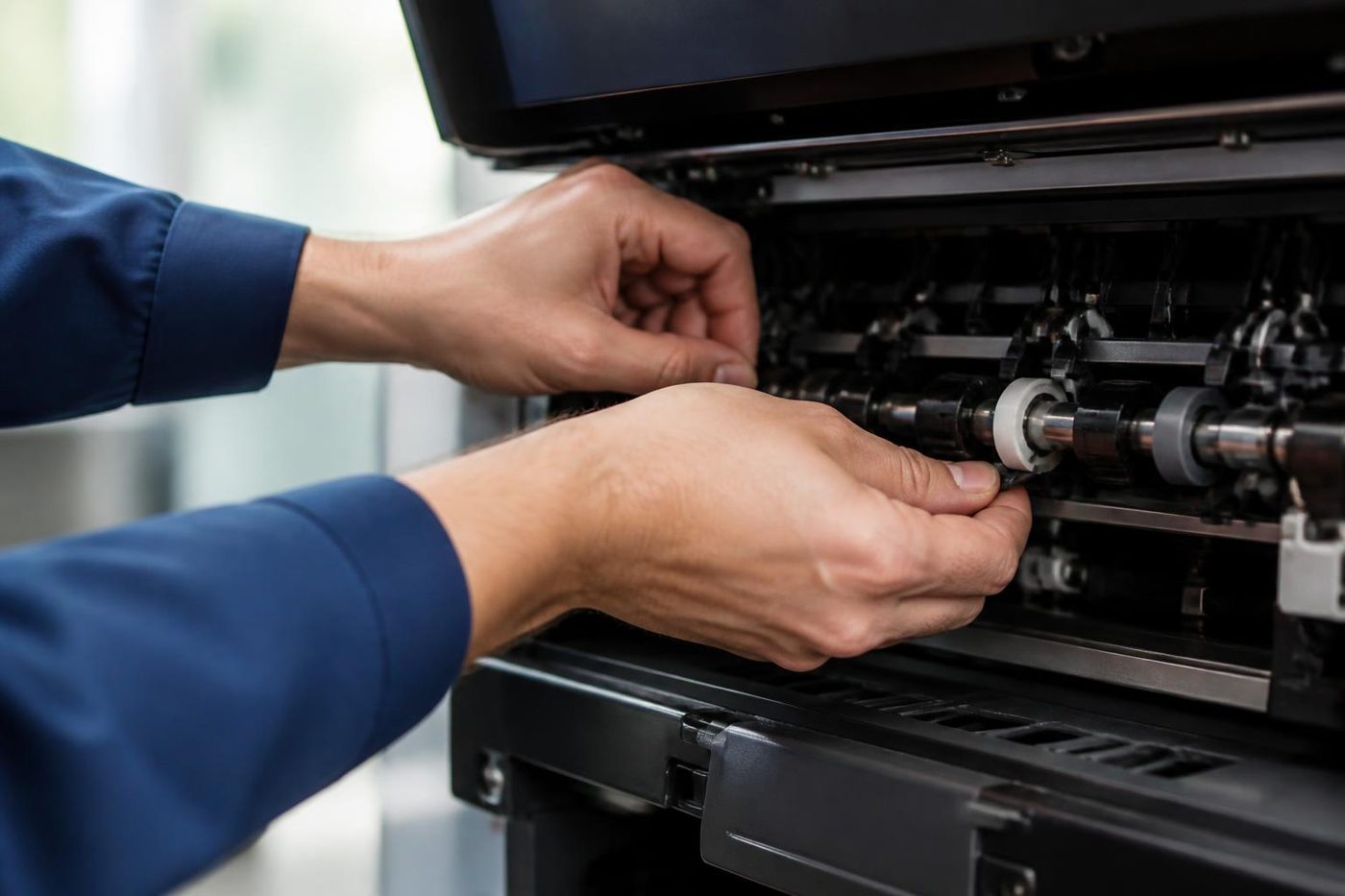
Toshiba groups its codes by area of the machine, and the grouping shifts from one generation to the next. Take the e-STUDIO477S service manual. It lists C41A, C41B, C41C, C41D, C446, C449, C466 and C468 together as fuser unit errors. Then it leans on timing. A code that arrives the moment you press the power key suggests a thermistor problem or a fuser not seated. One that lands about a minute into warm up suggests the temperature will not climb, a sensor is out of position, or the supply to the halogen lamp is at fault.
The lesson is in the method. The number names the district and the timing narrows it down to a street. Another e-STUDIO has another map, so read what applies to the 477S as a hint for yours, not a promise. We compare with your own model before fitting anything.
Who handles what
Use this as a quick sort of what is yours to do and what needs a call.
- For C41A to C41D, C446, C449, C466 and C468 (477S manual), the manual says fuser unit. Phone with the code and model.
- For the C41, C43, C44 and C45 series on older machines, the trouble is on the thermistor or heater side of the fuser. Phone.
- Any other C code depends on the model. Phone with the model name.
- Replace toner and waste toner full are routine prompts, and they are yours to deal with.
- Staples low or a finisher message means a cartridge, a cover or a stray staple. Check, then phone if it persists.
- A jam with a picture means paper stuck where it shows. Yours first.
- Service due is a scheduled maintenance note. Phone when it suits.
Why the heating group gets so many codes
Ask any technician which part stops the most copiers and the answer is always the same. The fuser works at high temperature all day and never really cools. It holds a heat source, sensors and a safety cut out, so a code from that group may mean a dead heater, a sensor misreading, a thermostat that tripped, a connector shaken loose, or the board driving the lamp.
The 477S manual's repair advice includes replacing the fuser unit, or else a power supply or a board, according to what the tests show. Those last words matter. Swap a fuser on a hunch and you have paid a lot to leave the fault where it was.
What is safe to do at the machine
Copy the whole code on to scrap paper, together with the model name from the front. Note whether it showed on power up or a while into the warm up. Press the power key to turn it off, count out a full minute, then turn it back on one time.
If it comes back, stop. Take the plug out of any board or surge protector and put it directly in a wall socket, since a weak supply upsets fuser timing. Keep the fuser area shut. Toshiba's own guidance for service codes is to hand the code to a service representative, and we say the same.
Prompts that turn out not to be prompts
A routine message that will not clear is a fault in disguise. A drawer message that returns once the tray is pushed home. A finisher message that survives a fresh box of staples. A cover message when every cover is shut. Behind each there is usually a sensor flag or a little switch.
Machines on a service plan sometimes show that a visit is due. That is a nudge, not an emergency. If it has sat on the screen for months, tell us, because an overdue visit has a way of turning into a repair.
Reading the name on the badge
The badge shows e-STUDIO, some digits, and often a letter or two after them. AC means colour and a lone A means black and white. This alters the story behind a code, since a colour machine has four toner stations and a transfer stage, so a fault can show in one colour only.
Please read the whole name out to us. Toshiba has used a great many model numbers over the years and we would sooner check twice than guess once. The older ranges still work in plenty of offices, and where parts stand for them is part of the repair or replace discussion.
What to write on the job sheet before the technician arrives
When one person looks after the machine, a few lines shorten the visit: the code, when it first showed, how often it has come back, whether anything was moved or replaced that week, and who can let the technician in. A building with a lift booking or a patient list should name a time that suits it, because we would rather plan around that than turn up in the middle of it.
Where the e-STUDIOs live on the Coast
Body corporate offices in Southport, physio and dental rooms at Robina, surveyors and accountants at Bundall, schools, and trade businesses out at Molendinar and Arundel all have them. Many run for years on a service routine no one thinks about. In a Surfers Paradise tower one machine often serves a whole floor, so one service code halts many people together.
In the industrial pockets, dust and summer heat load the fans and the paper path. Near the beach, salt works slowly on connectors. The Toshiba repair page covers the ranges we service. This page is for the moment a code appears.
Waste toner, belts and other things that stop a Toshiba
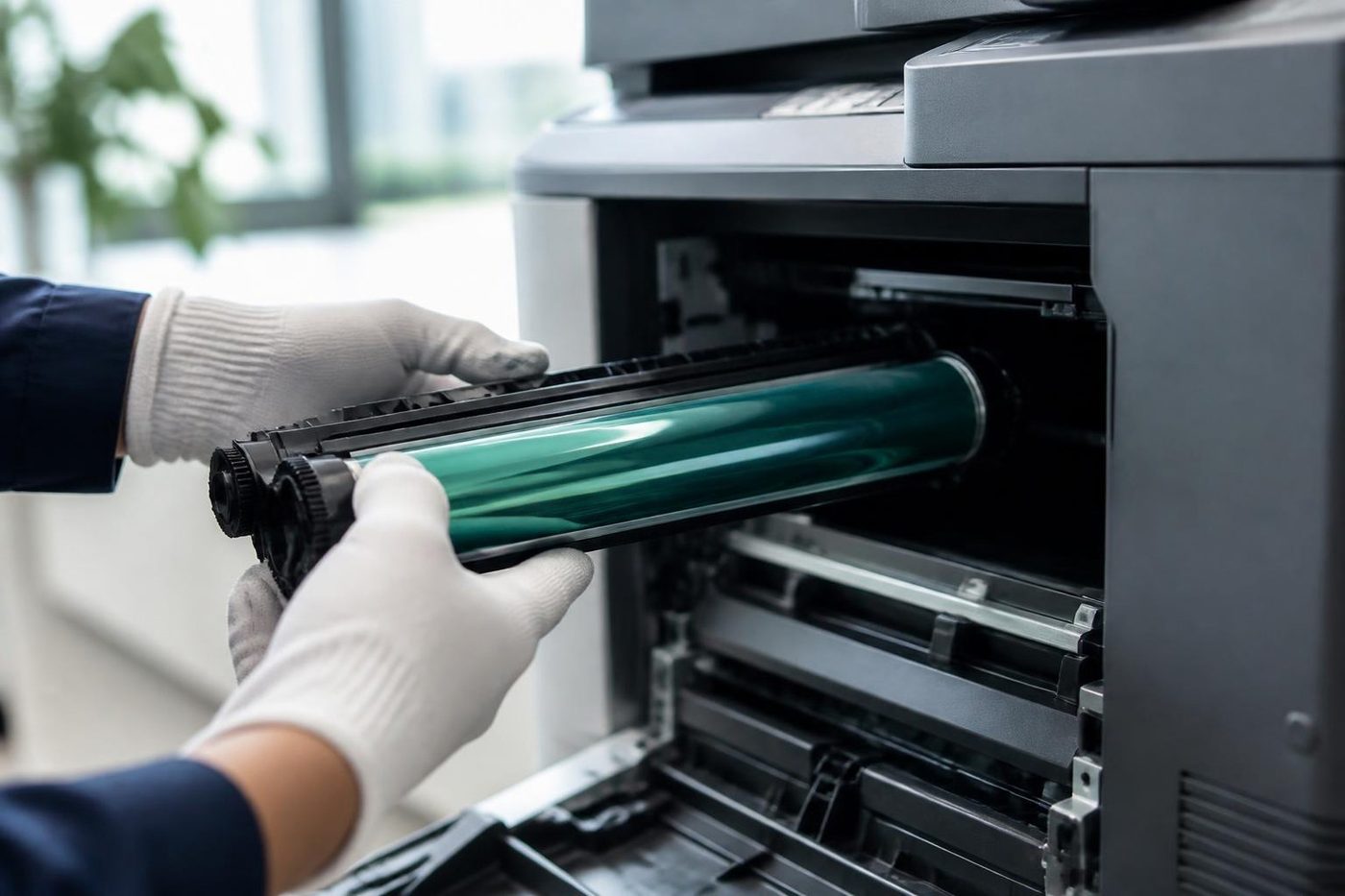
Heat is not the only cause of a stoppage. A full waste toner box halts a colour machine, and a transfer belt or drum near its end announces itself with its own message. If the panel names a part, arrange it instead of waiting. Counters for those parts must be reset when the new one goes in, and we do that during the visit.
The visit
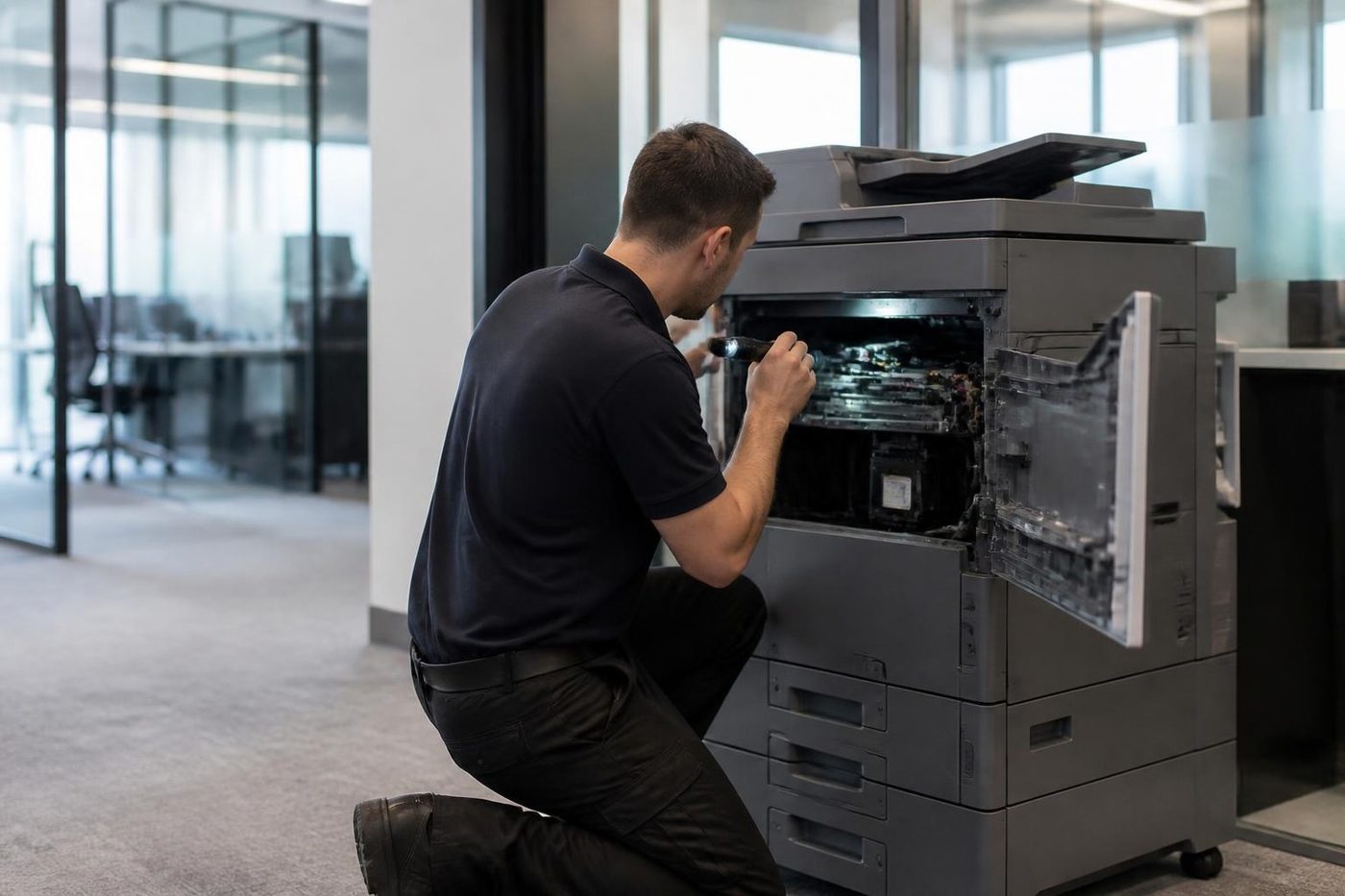
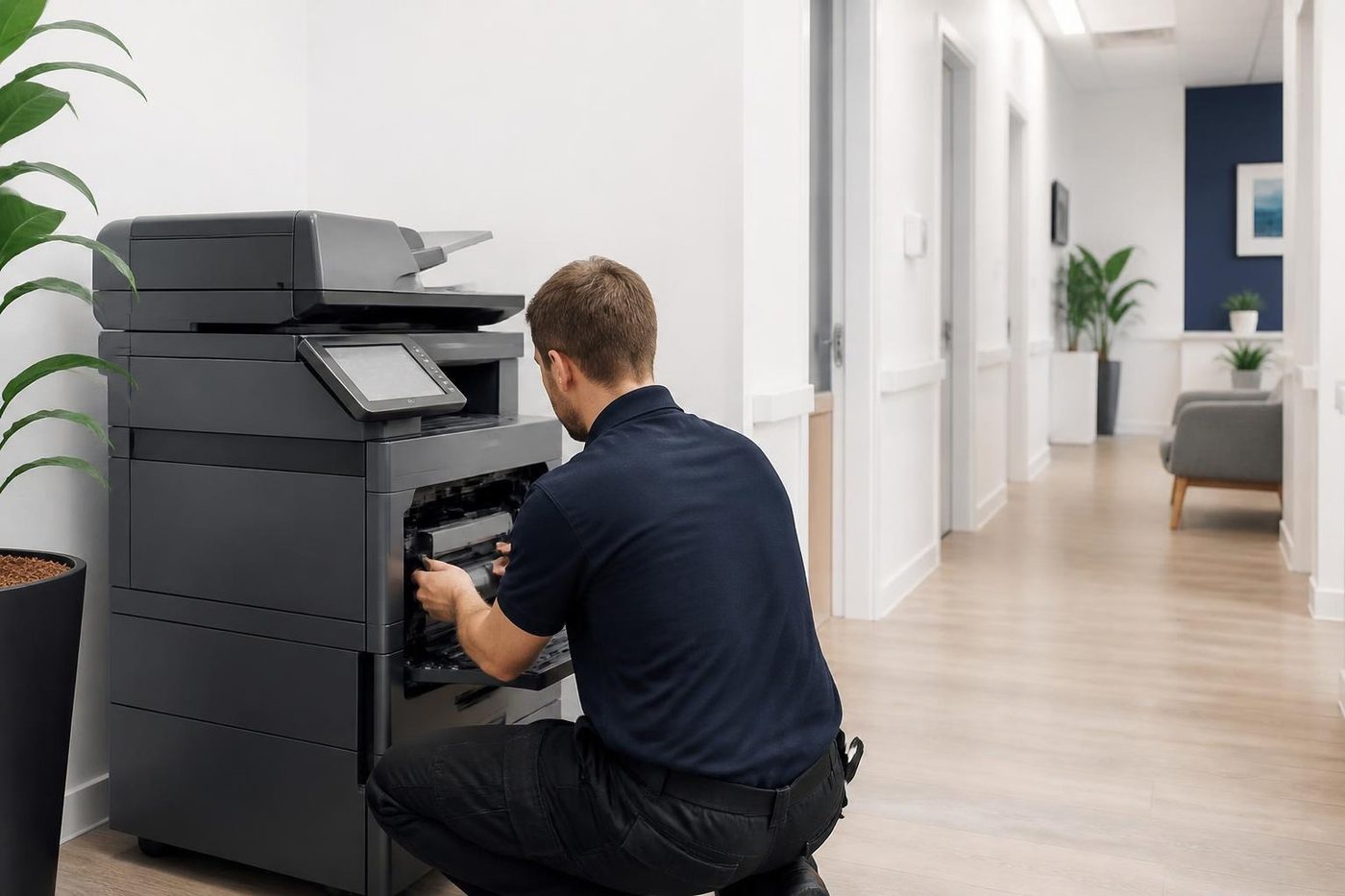
Our technician starts by reading the machine's stored history, to learn if this is the first time or the fifth. Then comes the area the code names. For a fuser code, the thermistor, heater, thermostat and connectors are tested first, and no part is fitted until they are. Counters on replaced wear parts are reset, then test copies, prints and scans follow, along with the finisher when there is one, because curing one fault can expose the next.
Our technicians are trained, experienced and certified, and around 98% of repairs finish in a single visit. A fault that returns is repaired again free. We are independent, with no link to Toshiba and no authorisation from them.
If the lines are busy the call is logged and returned. You can leave the code and model on the contact form, and a photo of the panel helps. We can often attend the same day, and the price is talked through before a booking is made.
The people at the keyboard
The front desk usually knows first
So we ask before we open anything. Ten honest minutes of what the machine has been doing saves an hour of poking around.
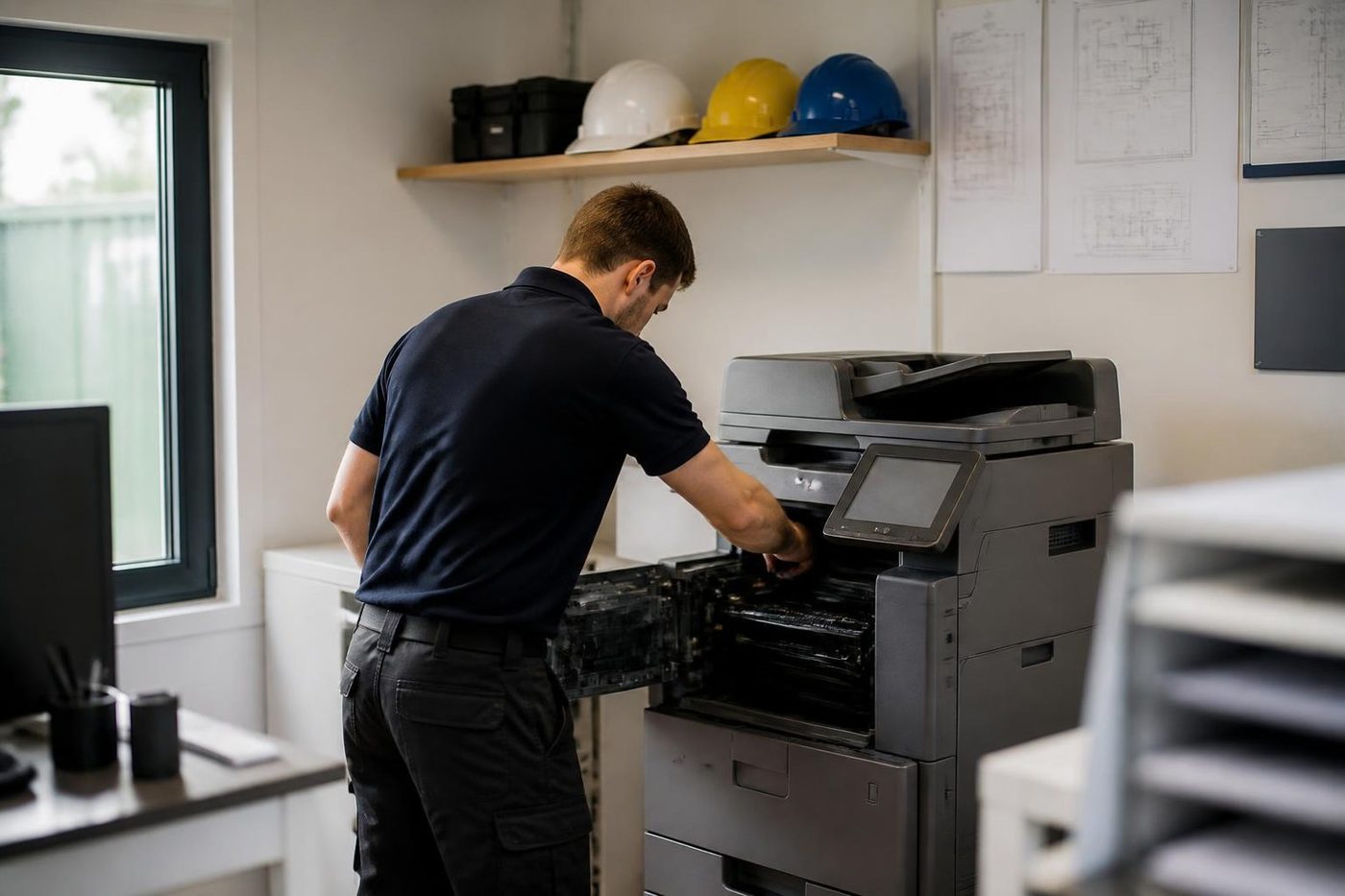
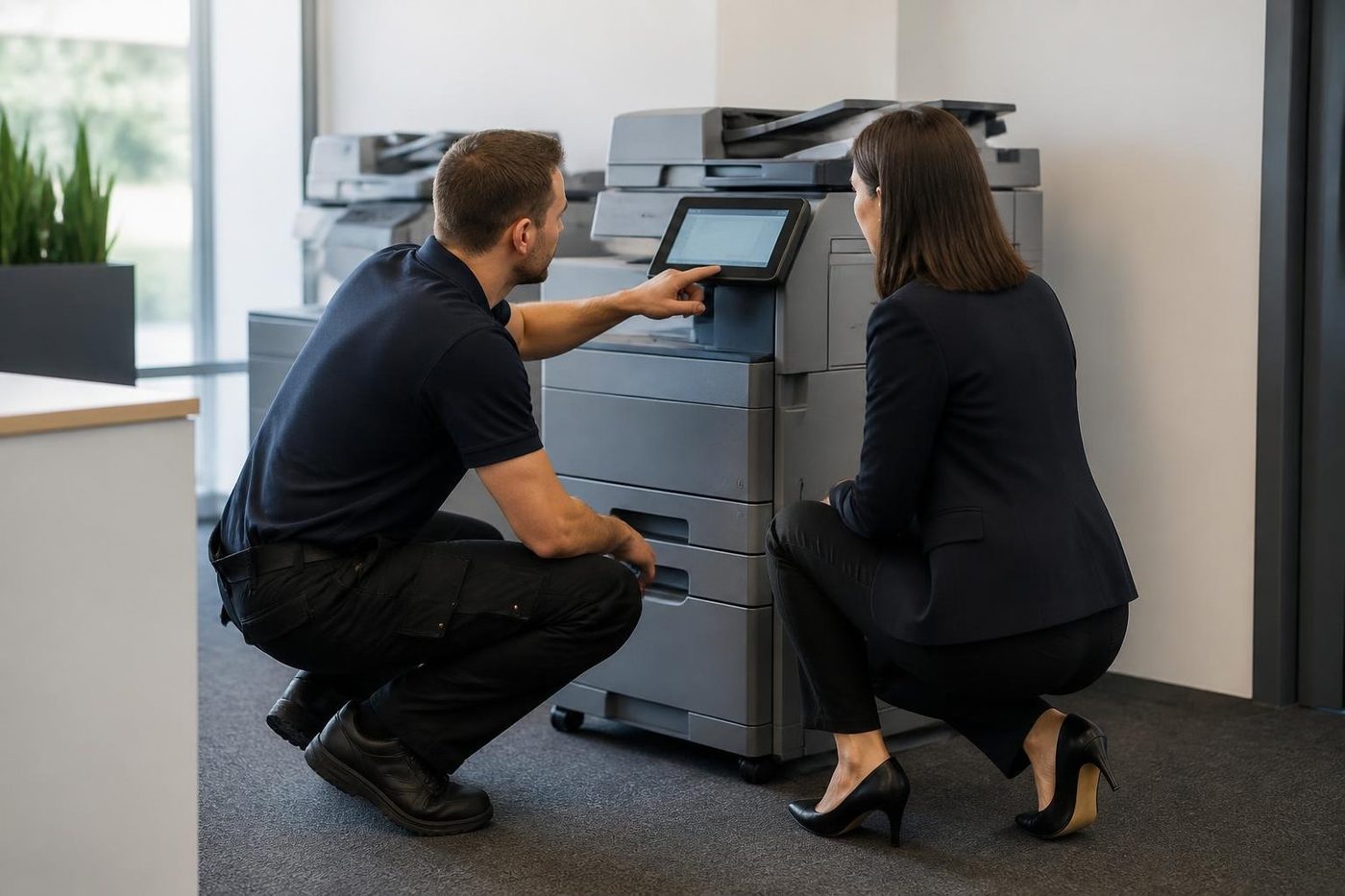
Our technicians are trained, experienced and certified, and they are also expected to listen. The best diagnosis tool in the building is the person who prints from it every day.
- Ask first. The people who use it supply the best clues.
- Notes from the call. What you told us on the phone goes with the technician.
- Plain words back. You hear what we found without a lecture.
Keep reading
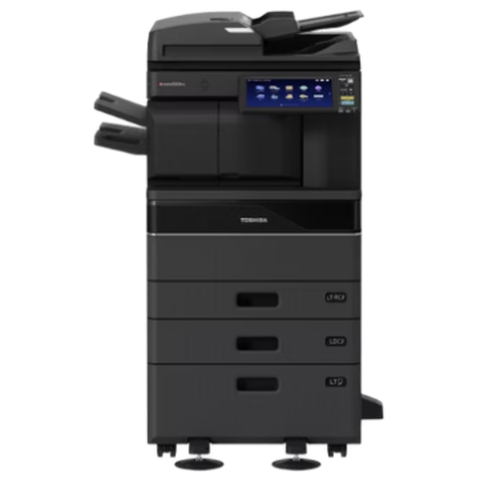 Toshiba repairse-STUDIO AC and A series, fixed where they stand.
 Photocopier repairsAny make of office copier, repaired where it stands.Copier and printer faultsPick the symptom, get the next step.
 Copier error codesReading a panel code, and what to note down.
 Toner smearing and fuser faultsToner rubbing off, ghosting and heat faults.
Buy, sell and lease
Buy, sell and lease commercial copiers on the Gold Coast
We also sell new and refurbished commercial copiers and buy used ones. Same team, same technicians.

Work we have done on the Gold Coast

Common questions from Gold Coast offices
What does Call for Service mean on a Toshiba?
It has met a fault it will not work around and has halted. The C code tells the technician where to start.
What does C41A mean?
The e-STUDIO477S service manual lists it as a fuser unit error. Meanings vary with the model, so ring with yours.
Can I clear a service code by restarting?
One restart is fair. A code that returns still has its cause present, and a technician has to find it.
Are the codes the same on every e-STUDIO?
No. Every model generation has its own tables.
The code appears the moment I switch on. Does that matter?
It can. Timing helps, since an error at power up and one a minute later often point at different parts.
Do you repair finishers?
Yes. Finisher and staple faults are among the ones we see often.
Do you work on colour and mono e-STUDIOs?
Both. Give us the model and the code.
How is the repair priced?
By the parts and the time, which we go through with you on the phone first.