Burleigh Heads colour service
Photocopier Service and Repairs Burleigh Heads
Colour is the point of most printing around Burleigh Heads, and a colour that has gone wrong is visible to everyone. The studios, architects, agents and practices here print to be looked at. We do photocopier service Burleigh Heads firms rely on, including Xerox printer repairs Gold Coast studios ask for, because WorkCentre and VersaLink machines are common in creative offices along this stretch. Same day service is available, the repair is done at your premises, and we agree the price before booking.
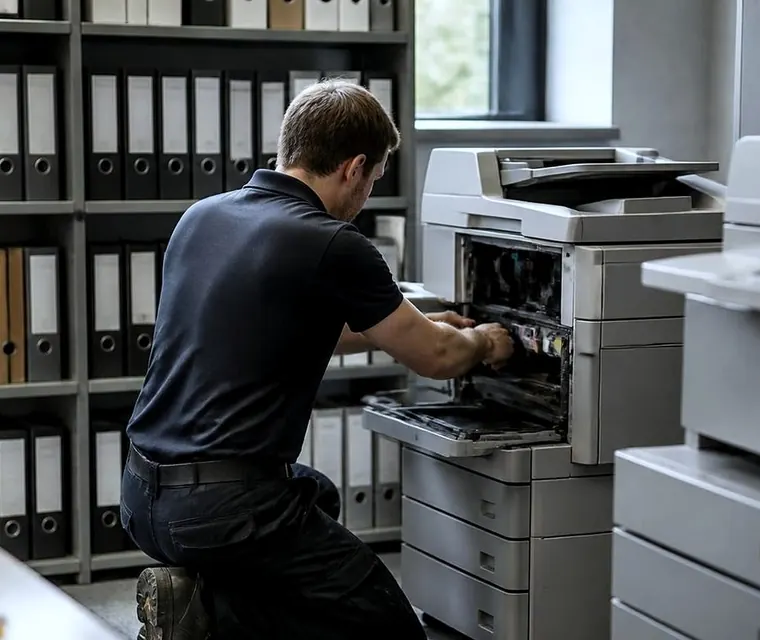
Photocopier service and repairs for Burleigh Heads
Colour that has to be right
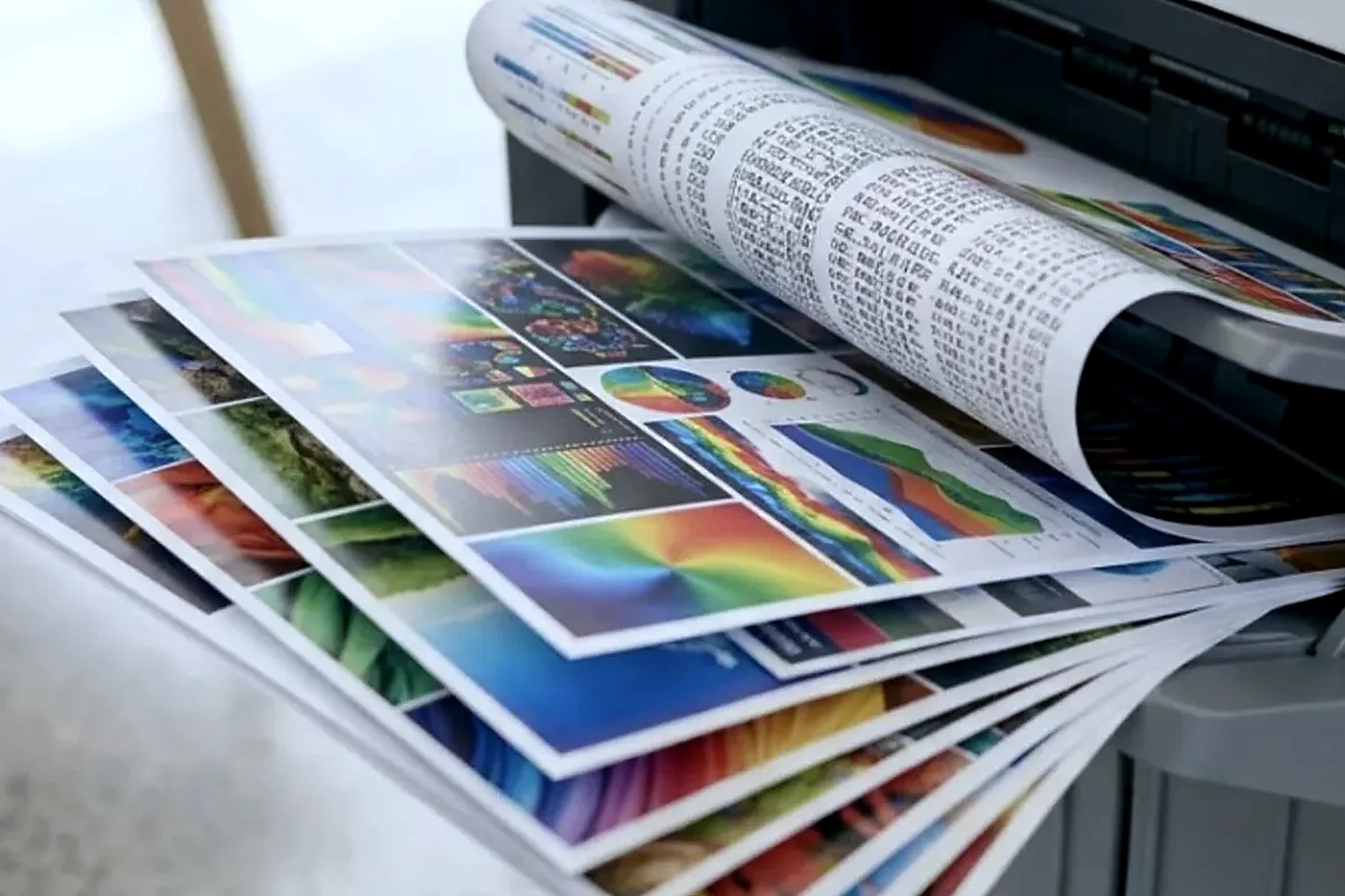
An architect printing a presentation board does not care that the copier is technically working. A brand designer proofing a brochure notices a magenta that drifted. A real estate agent printing a listing flyer wants the sky to look like the sky. So the faults we are asked about in Burleigh lean towards image quality, and the person on the phone usually has a printout in their hand.
Describe what you can see. A colour that is too weak points one way. A colour that is too strong points another. A uniform tint across the page points somewhere else again. Fine bands at regular spacing point at a roller or a drum in one colour station. If you can tell us which colour, that single detail halves the time we spend working it out.
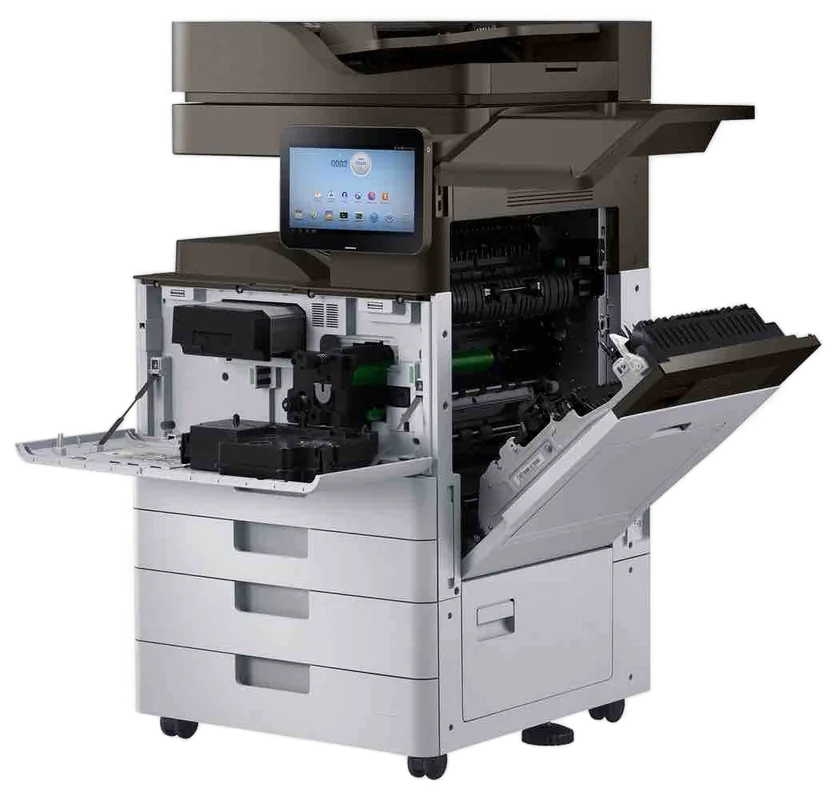
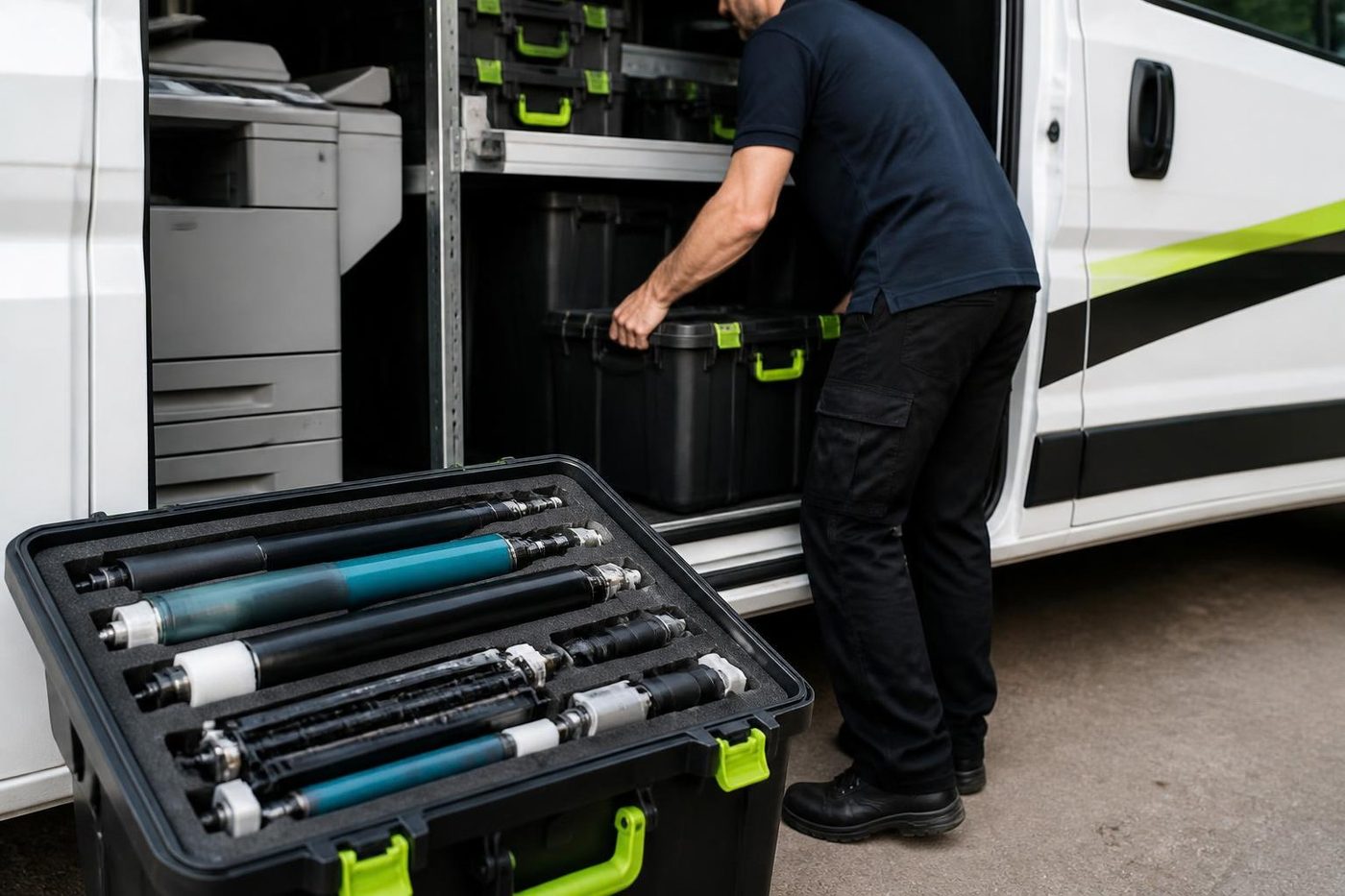

A price in three steps
- Tell us about the machineThe make, the model and what it keeps doing.
- We ring with a priceYou have it before any visit is booked.
- A certified technician comes to youSame day when the diary has room.
Xerox printer repairs Gold Coast studios ask about
Creative and professional offices in Burleigh often run Xerox. The common ones are the WorkCentre 7800 series colour copiers, the 5900 and 6500 families, and the newer VersaLink and AltaLink multifunction machines, with a handful of PrimeLink production units in print rooms. Behind some of them sits an older ApeosPort or DocuCentre that carries the Fuji Xerox name. Same engines, different badges, and the names changed over the years.
We are an independent service business, with no tie to Xerox or to Fujifilm, so we say what we find rather than what a brand would like said. We repair the machines where they stand.
| Machine family | Where you tend to find it | What we watch |
|---|---|---|
| WorkCentre 7800 series | Studios and design offices wanting A3 colour | Colour balance, transfer belt, fuser life |
| WorkCentre 5900 and 6500 families | Busy practices, mid size offices | Feed rollers, scan feeder, finisher jams |
| VersaLink B and C series | Smaller teams, newer offices | Network setup, user codes, paper path |
| AltaLink series | Offices with locked down document workflows | Scan destinations, security settings, drum and toner stations |
| ApeosPort and DocuCentre | Older fleets carrying the Fuji Xerox name | Parts availability, page count, fuser wear |
If yours is not on that list, tell us the name on the front and we will check.
The salt, the damp and the sea breeze
Burleigh sits against the sea and a lot of its offices are a street back from the beach. Salt carried on the wind settles on glass and metal, and coastal damp swells paper. The effect on a copier is gradual. Contacts corrode in the end, fans collect a film, and paper jams creep up in the humid months.
There is little to do about the weather. Keep the paper sealed. Keep the machine out of the line of an open window facing the water. And do not wipe the scanner glass with a wet cloth and leave it, because moisture trapped behind the glass fogs scans. A dry lint free cloth is better.
Paper choice matters more in colour
A good colour machine is very sensitive to the paper in the drawer. Coated gloss stock behaves differently from uncoated, and a heavy card stock needs the right setting or the toner will not fuse. Studios that move between thin proofs and heavy covers often leave the drawer set to the wrong type, and the print comes out smudged or with a gloss that rubs off.
Check the paper type setting against what is loaded. It takes a minute and it is behind a surprising share of the quality calls we receive. If the type is right and the print still rubs, the fuser is the next suspect, and that is a technician job.
James Street and the village
Part of the Burleigh business scene is the village strip. Boutiques, cafes, small agencies and professional rooms sit near James Street and the Gold Coast Highway, with the national park and the headland close by. They want service that is quiet, quick and does not block a doorway.
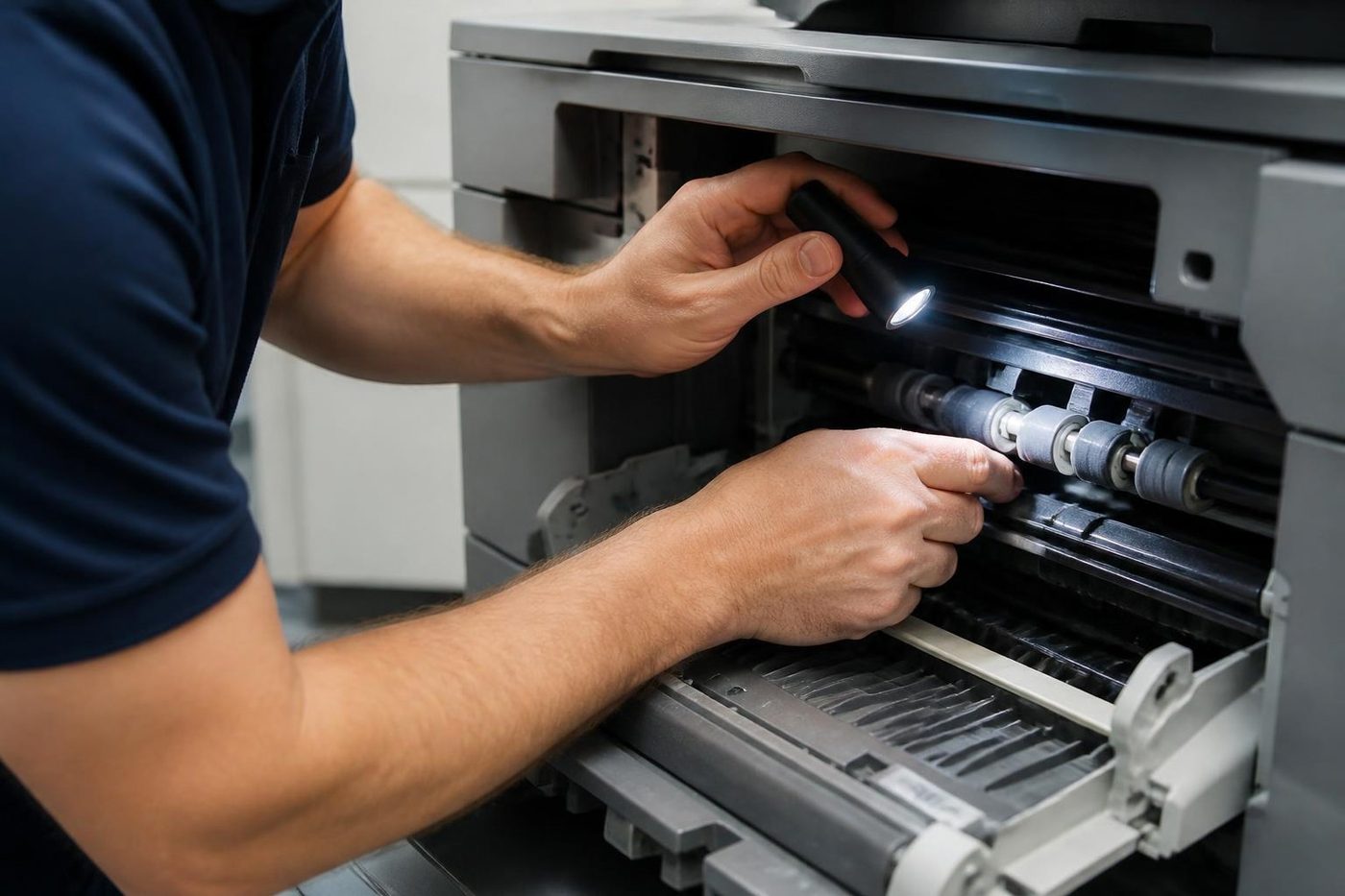
A technician can be in and out with a small kit and a bag of the common parts. We ask for a time to suit the shop, and we do not park across the entrance. If parking is hard, tell us where the loading zone or side street is.
Out toward Burleigh Waters and West Burleigh
Back from the beach, the business side of Burleigh spreads west. Light industrial units, trade suppliers, builders and some service businesses sit toward the motorway and Christine Avenue. These offices run a different mix: more A3, more plans and quotes, more dust. A creative studio on the coast and a cabinet maker inland are very different customers for the same service, and we plan for each differently.
What the technician does with a colour complaint
People expect a colour fault to be solved with a calibration button, and sometimes it is. Most machines have a routine that rebalances the colours against an internal reference. It is worth running once if the drift is mild and the machine has not had a recent service. If the print is still off afterwards, the cause is physical.
Then we work through the path. The toner in that colour, how much is left and whether it is the right type. The developer, which wears with use and loses the ability to charge toner evenly. The drum, which collects scratches and wear marks. The transfer belt, which carries the image across and picks up grime. The fuser, which bonds the toner to the sheet and shows as a gloss or a rub off.
Faint horizontal banding that repeats every few centimetres usually points to a roller or drum of that circumference. A smear on one edge of the page points at the fuser or the paper path. We write down what we saw and what we replaced, so the next visit starts from a known place.
Never open a panel and touch the drum yourself. A drum exposed to room light for a short time can pick up a mark that prints on every page after.
Proofs, test pages and a habit worth keeping
Studios that print for clients should keep one reference page: a swatch sheet or a print the office agrees looks right. Run it monthly. When the colour of a logo starts to look different on the same page, the swatch shows the shift before a client does. It also gives us something to compare against when we arrive.
Keep it flat and out of the light. A reference page left on a sunny desk fades, and then it proves nothing.
Mixed fleets and why we bring the right parts
A typical studio has a colour multifunction, a desktop colour printer, perhaps a wide format plotter, and a black and white laser for the front desk. We ask for all of the models if there is more than one fault, so we can bring the parts for each.
Training and certification sit behind every visit, and 98% of repairs need no second visit. When the original fault returns, fixing it a second time is on us.
Offices with a view
Some of the best offices in Burleigh face the water, with big windows and sun. A copier near a window in direct sun gets hot, and heat is hard on toner and paper. If you can move it a metre or two into shade, do. Blinds help. A machine that sits in sun all afternoon will curl paper and show faint toner marks that disappear in the evening.
Honest advice on old colour machines
Colour machines age harder than black and white ones. Four toner stations, a belt and a heavier fuser mean more to replace. When a repair would cost a large share of the machine's value, or when parts are hard to find, we say so. We buy and sell machines on the Gold Coast, but the first thing we will tell you is whether the repair is worth it.
Settings as well as springs
Firmware and menus cause plenty of faults
Not every complaint is mechanical. A scan to email that has stopped, a tray that thinks it is empty, a login that sends people in circles: a lot of these live in firmware and in the settings menus, and a spanner is no use at all.
We also write down what we changed, so the next person is not guessing at a setting someone altered last year.
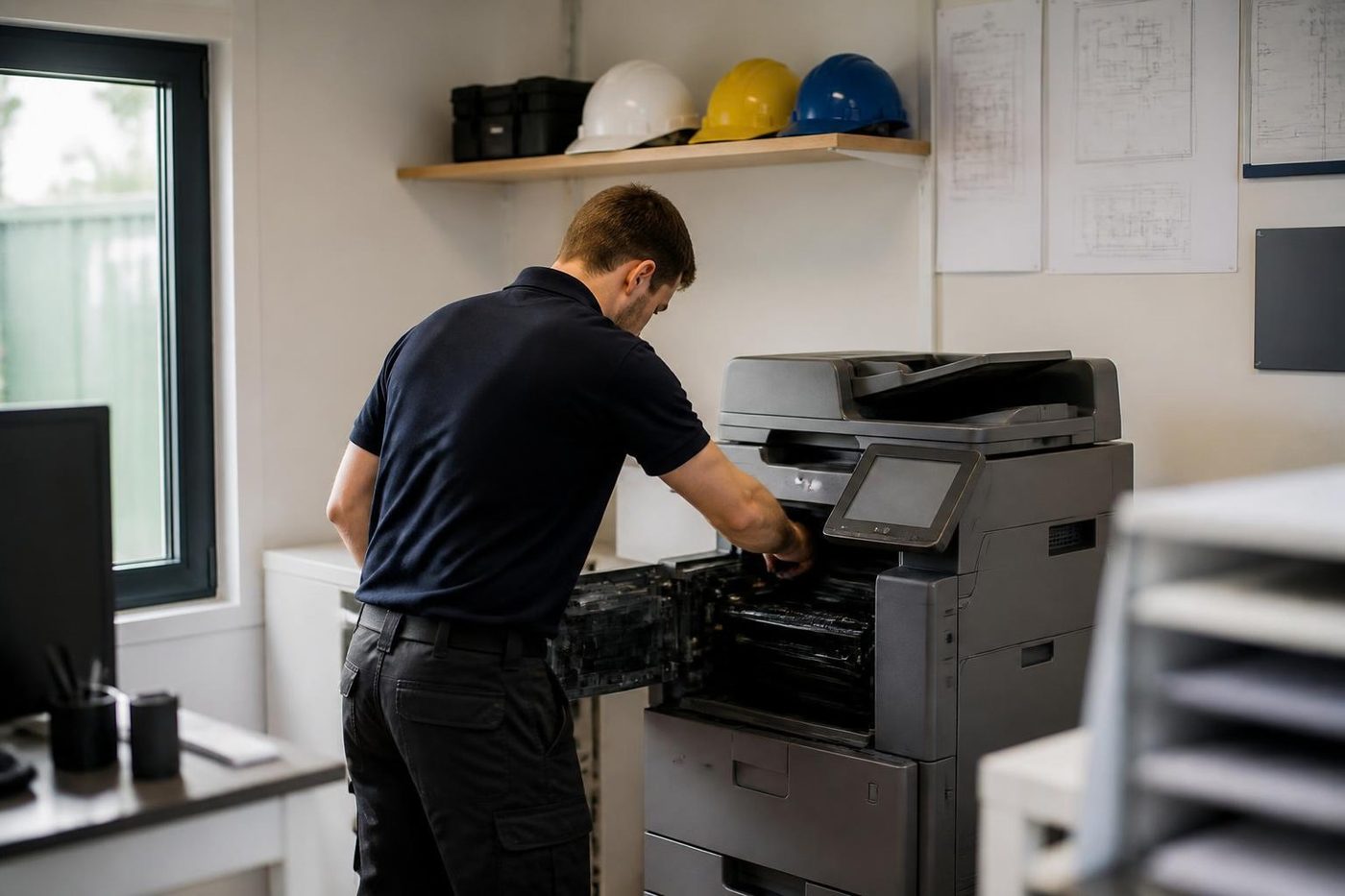
- Both sides of the machine. Mechanical and network faults get the same attention.
- Changes noted. Settings we touch are recorded for the next visit.
- Updates when needed. Firmware is updated for a reason, not on a whim.
Keep reading
 Photocopier repairsAny make of office copier, repaired where it stands.
 Commercial printer repairsWorkgroup lasers and fleets, repaired where they sit.
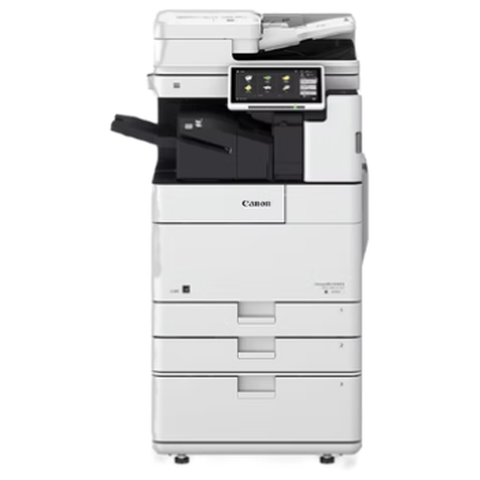 Canon repairsimageRUNNER ADVANCE, DX and i-SENSYS, repaired on site.
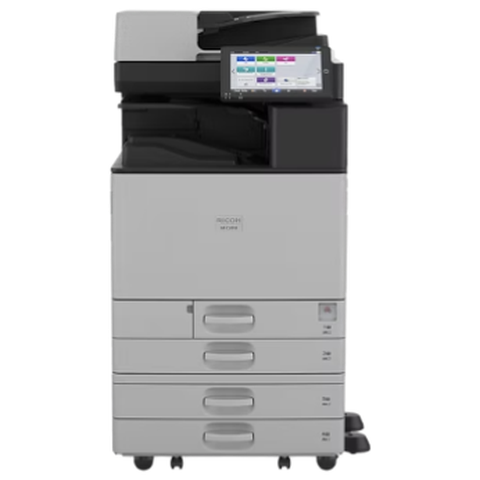 Ricoh repairsIM C, IM and MP series, plus Lanier and Savin badged machines.
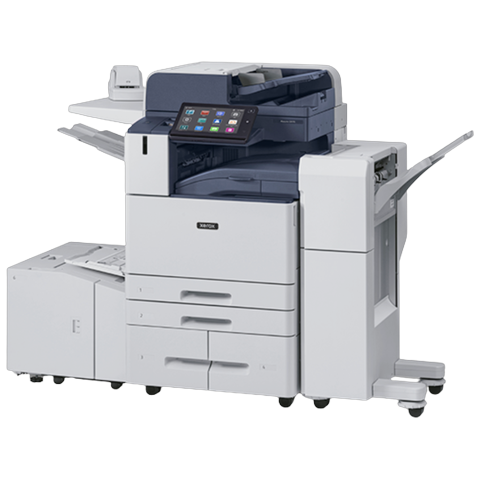 Xerox repairsWorkCentre, VersaLink, AltaLink and PrimeLink machines.
 Currumbin, Palm Beach and TallebudgeraPalm Beach, Currumbin and Tallebudgera: school offices, small practices, visitor businesses and valley farms.
 Varsity LakesGrowing professional and service offices at the southern end of the rail lineBroadbeachConference, hospitality, retail and professional offices around The Star and OasisMiami and Mermaid WatersMiami, Mermaid Beach, Nobby Beach and Mermaid Waters: agents, clinics, studios, strata managers and hospitality offices.Currumbin Waters and ElanoraCurrumbin Waters, Elanora and the Currumbin Valley: trade units, schools, childcare centres and home studios.
Buy, sell and lease
Buy, sell and lease commercial copiers on the Gold Coast
We also sell new and refurbished commercial copiers and buy used ones. Same team, same technicians.
Work we have done on the Gold Coast
Common questions from Gold Coast offices
Do you handle Xerox printer repairs Gold Coast offices need in Burleigh Heads?
Yes. WorkCentre, VersaLink and AltaLink machines, and the ApeosPort and DocuCentre machines that carry the older Fuji Xerox name, repaired at your premises.
One colour looks weak on our copier. What does that mean?
It usually points to the toner station, developer or drum for that colour, not the whole machine. Tell us which colour and we say what to expect.
Does the sea air really damage copiers?
Slowly. Salt and damp affect contacts, fans and paper. Keep paper sealed, keep the machine back from open windows, and clean glass with a dry cloth.
Can you attend a boutique on James Street without blocking the entrance?
Yes. Tell us the best loading spot or side street and we plan the visit around opening hours.
Prints smear on heavy stock. Is the machine broken?
Check the paper type setting first. If it is correct, the fuser is the next suspect and a technician should look.
Do you also repair desktop colour printers and plotters?
Yes. Mention every machine on the call so we bring the right parts.
Is a same day visit possible for Burleigh Heads?
Same day service is available. Tell us the street, the make and model and what you see on the page.
Xerox and Fuji Xerox, are they the same?
Related but separate. Fuji Xerox was a joint venture that later became Fujifilm Business Innovation, while Xerox is a different American company. We service machines under both names.

Strata office or clinic
Call (07) 3096 0331 and we will line someone up.
Technicians are trained, experienced and certified, and picked for your machine. The call is logged and returned if we are busy.
Book a call back
Everything we look after on the Gold Coast
Copier and printer service
Fault guides
- Copier and printer faults Gold Coast
- Photocopier paper jams Gold Coast
- Copier black lines and streaks Gold Coast
- Copier error codes Gold Coast
- Copier not printing Gold Coast
- Scan to email not working Gold Coast
- Toner smearing and fuser faults Gold Coast
- Printer offline and network faults Gold Coast
- Copier noise, grinding and squealing Gold Coast
- Is my copier worth repairing Gold Coast
- Toshiba e-STUDIO error codes Gold Coast
- HP LaserJet error messages Gold Coast
- Kyocera TASKalfa error codes Gold Coast
Makes we repair
- Toshiba copier repairs Gold Coast
- HP printer repairs Gold Coast
- Kyocera copier repairs Gold Coast
- Fujifilm copier repairs Gold Coast
- Xerox copier repairs Gold Coast
- Canon copier repairs Gold Coast
- Ricoh copier repairs Gold Coast
- Lexmark printer repairs Gold Coast
- Brother printer repairs Gold Coast
- Epson printer repairs Gold Coast
- OKI printer repairs Gold Coast
- Zebra printer repairs Gold Coast
- Konica Minolta copier repairs Gold Coast
- Sharp copier repairs Gold Coast
- Samsung printer repairs Gold Coast
- Fuji Xerox copier repairs Gold Coast
Suburbs we work in
- Printer service Southport
- Printer service Bundall
- Printer service Robina
- Printer service Varsity Lakes
- Printer service Nerang
- Printer service Helensvale and Coomera
- Printer service Surfers Paradise
- Printer service Broadbeach
- Printer service Coolangatta and Tweed Heads
- Printer service Labrador and Biggera Waters
- Printer service Mudgeeraba and Reedy Creek
- Printer service Molendinar, Ashmore and Carrara
- Printer service Currumbin, Palm Beach and Tallebudgera
- Printer service Byron Bay, Ballina and Lennox Head
- Printer service Lismore and the Northern Rivers
- Printer service Murwillumbah and the Tweed Valley
- Printer service Kingscliff, Tweed Heads South and Pottsville
- Printer service Arundel and Yatala
- Printer service Pacific Pines and Oxenford
- Printer service Tugun, Bilinga and the Gold Coast Airport side
- Printer service Miami, Mermaid Waters and Mermaid Beach
- Printer service Currumbin Waters and Elanora
- Printer service Paradise Point, Runaway Bay and Hope Island
- Printer service Mullumbimby, Brunswick Heads and Ocean Shores
- Every suburb we cover
Know the make and what it is doing? That is enough for a price.
Ask for a printer service price on the Gold Coast
No obligation. We read each request, work out who should look at it and ring you with a price. You can also ring (07) 3096 0331.