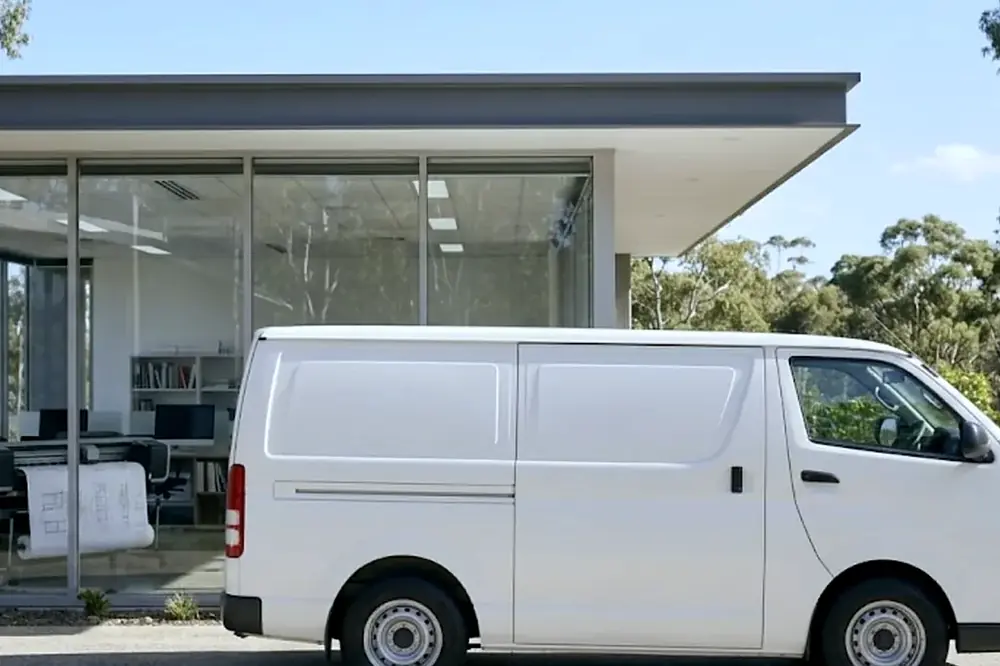
If you typed printer repair near me because a machine has just stopped, this page is written for that moment. It explains what near should mean for an office, which faults and makes we handle, how a visit runs, what to have ready and where on the Gold Coast we attend.
What printer repair near me should mean for an office
A search for near me is answered by your location, so it tends to return shops. That suits a small desktop printer you can carry to a counter. It does not suit a floor standing copier, a network laser printer cabled into your switch, a label printer on a warehouse bench or a plotter in a studio. For those, the repair happens where the machine stands.
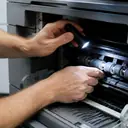
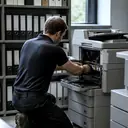
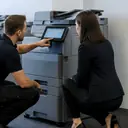
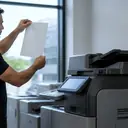
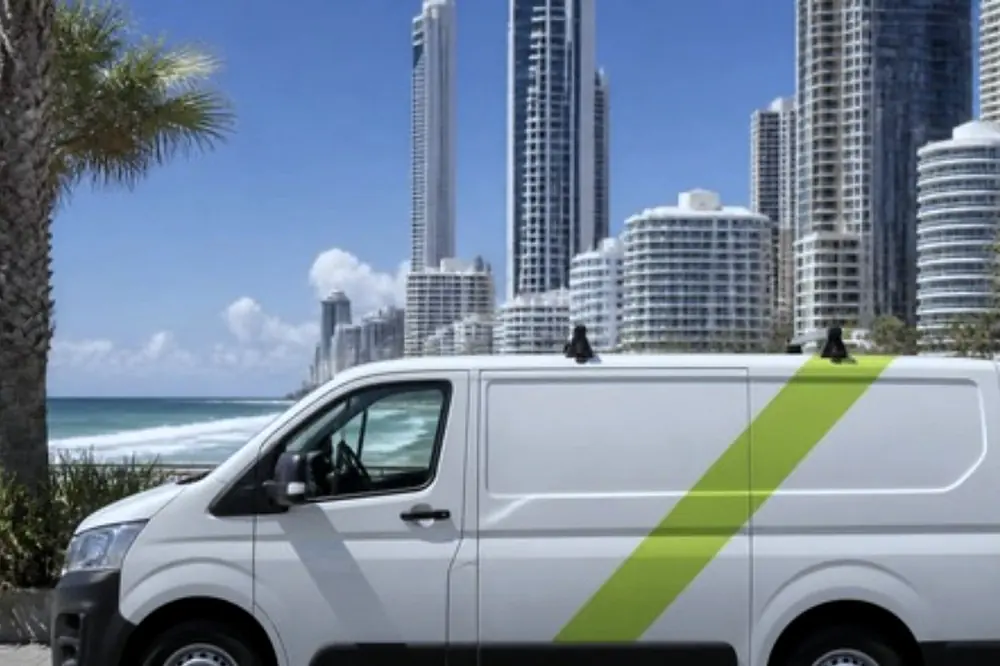
For a business, near means two things. The company covers your suburb, and a certified technician comes to your premises. We repair business printers and photocopiers at the customer premises across metropolitan Gold Coast, for commercial clients such as offices, practices, schools, councils, warehouses and strata. Nothing is carried in and nothing is packed up, and your staff keep working around the machine while it is looked at.
Faults we repair
Most calls start with a symptom, not a diagnosis. The table lists common symptoms and what each can point to. It is a guide to help you describe the problem on the phone, not a replacement for a technician looking at the machine.
| What you see | What it can point to |
|---|---|
| Paper jams, or sheets taken in crooked | Worn pickup parts, a dirty paper path or a tray that is not seated. See paper jams. |
| Streaks, lines or marks on every page | Drum, toner unit, transfer or fuser wear. See black lines and streaks. |
| Toner rubs off the page | A fuser fault. See toner smearing. |
| An error code or service message | Many things, so write the exact code down. See error codes and HP LaserJet messages. |
| Shows offline, or jobs sit in the queue | Often a network or driver matter rather than a hardware fault. See offline and network faults. |
| Grinding or squealing | A worn gear, roller or motor part. See noise faults. |
If your fault is not on the list, ring anyway. The page on copier and printer faults covers more of what we see, and the technician can work from what you describe.
The makes we repair
A business printer repair is only useful if the person who arrives knows the make on your floor. We repair copiers from Toshiba, Kyocera, Fujifilm, Xerox, Fuji Xerox, Canon, Ricoh, Konica Minolta and Sharp, and printers from HP, Lexmark, Brother, Epson, OKI and Zebra. Plotters and wide format machines are covered too.
| Type | Where to read more |
|---|---|
| Workgroup laser printers | HP, Lexmark, Brother, OKI, Samsung |
| Business inkjets | Epson |
| Label printers | Zebra |
| Copiers and multifunction machines | Toshiba, Kyocera, Fujifilm, Canon, Ricoh |
| All business printers together | Commercial printer repairs |
Several offices run a mix of brands that grew over time. That is normal. Ask on the call whether your mix can be handled in one visit. The post on a mixed fleet of brands on one service call explains how to describe it.
Before you ring: what to have ready
A few details make the call shorter and the first visit more likely to finish the job.
- Make and model. It is on a label on the machine, often at the front or inside a door.
- The exact message. Copy any code or wording from the display, or photograph it.
- What changed. A new tray, a move, a software update or a storm can all be relevant.
- Whether the fault is constant. Say if it affects every page or only some, and whether it affects one user or everyone.
- Where it is. Give the street address and the floor, plus anything about parking or building access.
One safe check is worth doing. Switch the machine off at the power button and on again once, then see whether the message returns. Do not keep cycling it. If you see smoke, flame or smell burning, do not use it. Follow the building fire procedure, ring 000, and unplug the machine only if that is safe.
From the first call to a working machine
Every business runs a visit a little differently, so ask on the call anything that matters to you. The sequence below is what a good repair visit looks like.
- You ring and describe the fault. Give the make, model, message and address. When the line is busy, the call is logged and returned.
- The price is agreed on the phone. You know the figure before anyone is booked.
- A certified technician attends at your premises. Same day service is available. It depends on the fault and the diary that day, so it is never promised before we have heard what is wrong.
- The technician finds the cause. This usually starts with the paper path, the consumable parts and the error history, followed by the repair.
- The machine is tested. A test print or copy confirms the output is right, and the technician can show you the result before leaving.
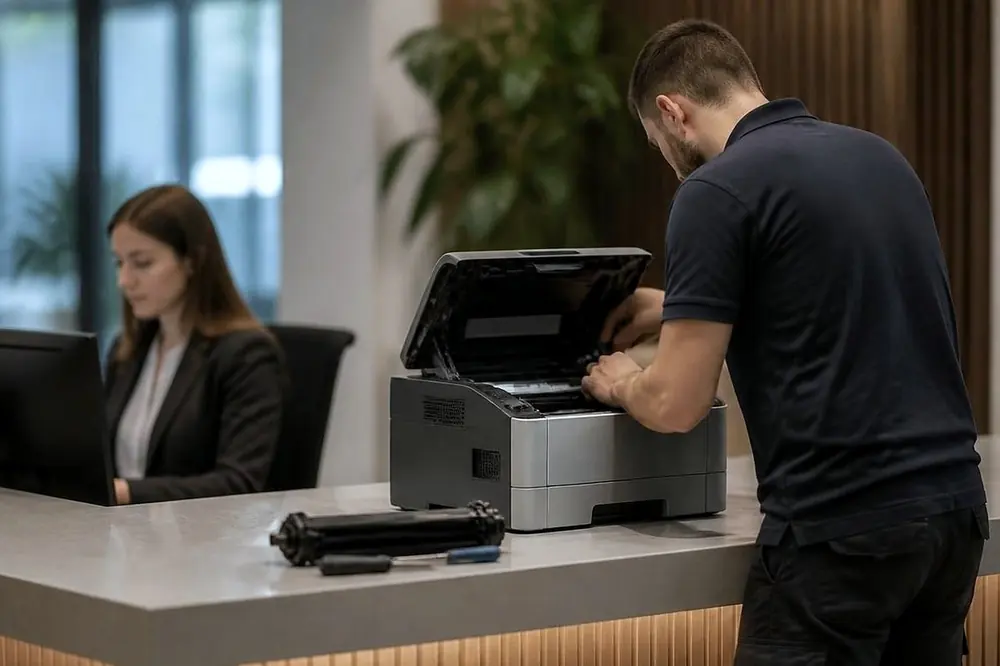
The aim is a repair finished in one visit. If a part has to be ordered, the technician says so before leaving.
Same day, and what decides it
Same day service is available, but it depends on the fault and the diary. A jammed tray or a stuck job often needs a short visit. A part that must be ordered, or a fault that is hard to find, needs more care. A good company says this on the call instead of promising a time it cannot keep.
If you ring and the line is busy, the call is logged and returned. Do not assume nobody has noticed. Say clearly if a deadline sits behind the fault, such as a tender, a payroll run or an end of financial year deadline, so the diary can be arranged around it.
Printer repair near me in your part of the Gold Coast
The Gold Coast is a long coastal city, and a repair in Coolangatta is a different trip from one in Coomera. The pages below cover each part of the city. Each one names the districts and the kinds of premises we see there.
Northern suburbs. Offices, schools and trade premises. See Helensvale and Coomera, Pacific Pines and Oxenford and the industrial strip at Arundel and Yatala.
Broadwater and the waterways. A mix of offices, practices and strata buildings. See Southport, Bundall, Labrador and Biggera Waters, Paradise Point, Runaway Bay and Hope Island and Molendinar, Ashmore and Carrara.
The central beachfront. Tourism and hospitality businesses with busy front desks. See Surfers Paradise, Broadbeach and Miami and Mermaid Waters.
Inland and southern centres. Health, education and business parks. See Robina, Varsity Lakes, Nerang and Mudgeeraba and Reedy Creek.
The southern coast. Small offices and clinics beside salt air. See Burleigh Heads, Currumbin, Palm Beach and Tallebudgera, Currumbin Waters and Elanora, Tugun, Bilinga and the airport and Coolangatta and Tweed Heads.
Across the border in New South Wales. Tweed Heads and the Northern Rivers keep daylight saving, which Queensland does not, so give the time you mean when you book. See Kingscliff and Pottsville, Murwillumbah and the Tweed Valley, Byron Bay, Ballina and Lennox Head, Mullumbimby and Brunswick Heads and Lismore and the Northern Rivers.
The wider photocopier service page for the Gold Coast and the full list of areas cover the city as a whole. If your street is not named, ring and ask. Pages list districts, not individual streets.
When a shop is the better answer
It is fair to say so. A small desktop printer used by one person, with a repair cost close to the value of a replacement, does not need a technician at your door. A shop counter may be quicker. Our work is the machine that does the job of a department, such as a copier, a network printer, a label printer or a plotter, where moving it costs time and where the fault may sit in the network or the settings as much as in the machine. If you are unsure whether a machine is worth repairing, the page on whether a copier is worth repairing sets out how to judge it.
If the fault returns
A fault that returns is fixed again at no charge. That matters most with intermittent faults, such as a jam that comes and goes or an error that appears after an hour of use. When it comes back, ring again and say it is a return. Note the day, the time and what was being printed, because that detail helps the technician see what the first visit missed.
Some faults that look like a printer problem are not. Printing from one computer and not another, or a machine that works until it loses its wifi, points to the network. The posts on a printer that will not join the office wifi and blank pages from an office printer help you sort one from the other before you ring.
A simple rule for the call
If the machine is in the way of work today, ring now with the make, the message and the address, and ask for same day service. If it can wait, describe it and let the diary suit you. Either way the price is agreed on the phone, before anyone is booked. Ring, or use the contact page to send the details.