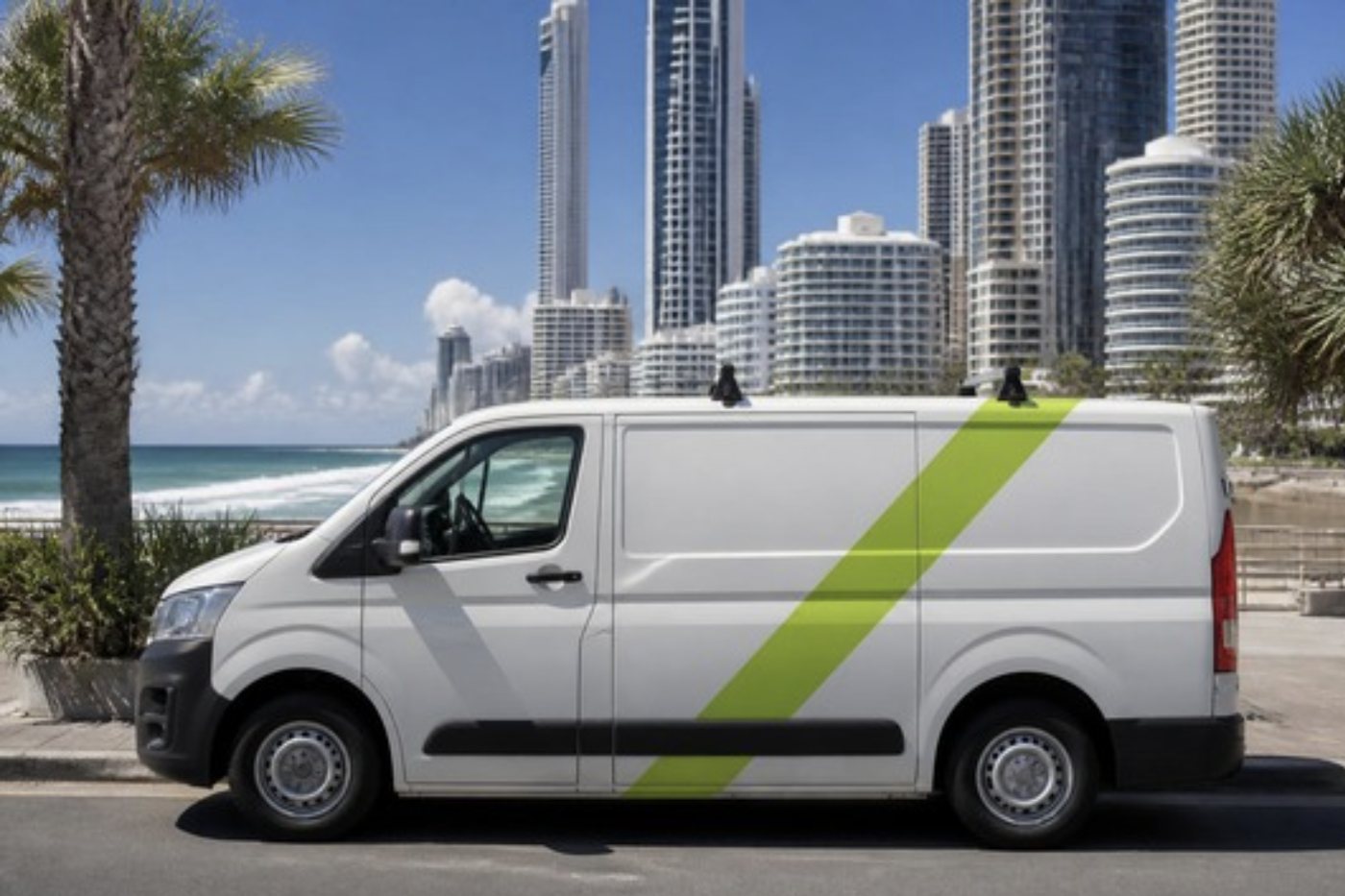
Photocopier installation Gold Coast: a day in order
Every install differs, but the sequence rarely does. Here is how a normal one runs.
| Stage | What happens |
|---|---|
| Before | We confirm the make, model, floor, room and access, and who looks after your network. |
| Delivery | The machine goes to the right room. Lift, doorways and building rules are planned in advance. |
| Placing | Unpacked, levelled, transport locks removed, clear space left around it for paper and for service. |
| Loading | Paper, toner and any finisher or extra trays fitted. |
| Connecting | Power and network, with a fixed address if the network needs one. |
| Software | Drivers on computers and servers, scan to email, scan to folder and any cloud storage you use. |
| Controls | User codes, secure print and the address book if wanted. |
| Testing | Prints, copies and scans from the desks that will use it. |
A machine that prints from one computer and cannot scan to email is half installed. We stay until each function you asked for works.

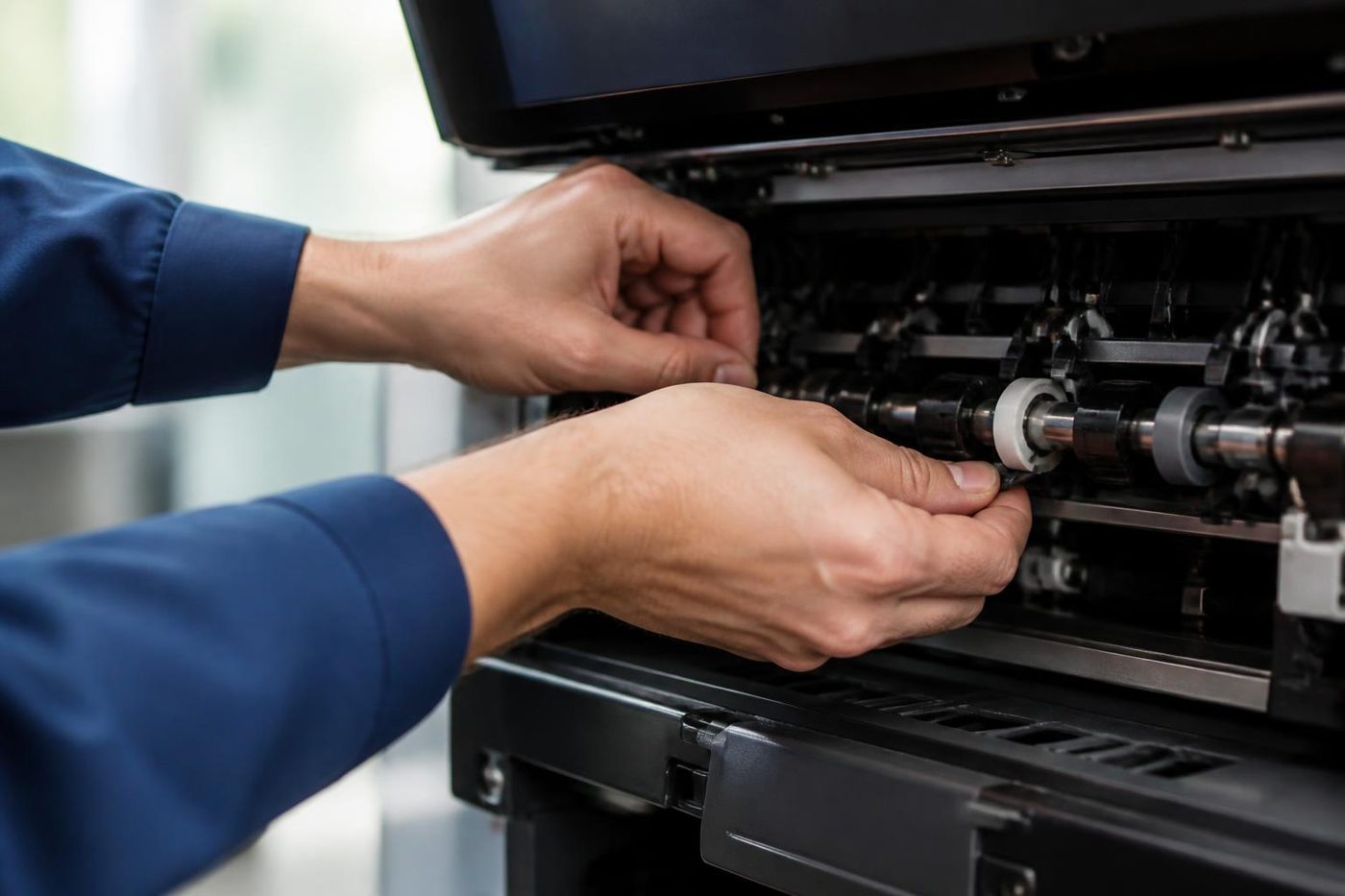

Photocopier setup for a new office
A fit out week is the busiest time for a copier and the worst time to think about one. The cabling is new, the network is half finished and staff arrive on Monday expecting a working machine. Ring as soon as you have a date, and give us the floor, the room and how the machine will get up there.
Your IT provider should have the network ready, and we work with them on addresses and settings. Plenty of offices need print and scan to email working before the first morning, so we plan back from that day.
Where scan setup goes wrong
Scanning is the part of copier setup that fails most often, and usually not because of the copier. A mail server wants a particular port and a sign in that the device cannot supply. A shared folder has permissions that lock the machine out. A firewall blocks the path. A service account expires because of a password policy nobody told the copier about.
We ask what you use, set it up, test it and write the settings down so the next change is easier. Mail systems change what they will accept from a device from time to time, and a setup that ignores that will break within a year.
Security on a machine that remembers
A modern multifunction keeps job data on a drive and can hold prints until someone enters a code or taps a card at the machine. We set up what the office wants and say what the options are. For a clinic or a law firm, secure print is usually worth the extra minute at the machine. When an old machine is replaced, we wipe its drive before it leaves.
Gold Coast buildings and the delivery problem
Towers along the Surfers Paradise and Broadbeach strip often run one goods lift for every tenant, with booking times and a protected floor. Older low rise buildings can mean stairs and narrow corridors, and newer business parks may have ground level loading but still want notice for a shared dock. Workshop offices in Molendinar, Arundel and Nerang come with their own quirks, such as a step at the door or a dock built for a different kind of freight.
Tell us the building and what you know of the access, and we plan the route. We do not guess at building rules. If you do not know them, the building manager can tell you, and we ask the questions with you if needed.
Fleets and more than one machine
A medical group opening a new site, a school replacing the machines in each block, a law firm fitting out a second floor. When there are several machines, the install is planned as a project. We agree the order, the address plan, the user code scheme and who is on site on the day. Every machine gets the same settings so staff move between them without relearning.
The advantage is a single record. We note each machine's address, name, location and settings, and that list becomes the reference for whoever manages the network later.
After hours and weekends
Installs in a working office are better done when people are not there. We can plan a visit around your hours, including early starts or an evening, and the price is agreed on the phone first. A change over on a weekend with the machine ready for Monday is common enough that we plan for it as a normal job.
A copier you already own
Machines bought elsewhere, machines coming off a lease and machines moving between floors are installed the same way. Ring with the make, model and what it needs to do. If something on the machine, such as a worn part, should be sorted before it goes into service, we say so first.
If the machine is moving between premises, photocopier relocation and removal covers the move. If you are replacing it altogether, photocopier sales has the options.
What to have ready
Missing items are not a problem. We tell you what we need and work out the rest with your IT contact.
- The room, the power outlet and the network socket marked.
- The email settings for scan to email, or the person who knows them.
- The shared folder path and an account the copier can use.
- A list of staff who need user codes or secure print.
- A contact on site and the building rules for deliveries.
Things we see in service calls and avoid on install
A machine placed where its door cannot open fully. A network cable laid across a walkway. A copier on a slope, which gives uneven paper feed. One beside an air conditioning vent, which curls the paper. A unit by an open door near the water, which collects salt. Scan to email that stops because a password expired. Each of these turns up in our repair calls, which is why we look for them on the first visit.
Showing staff what the machine does
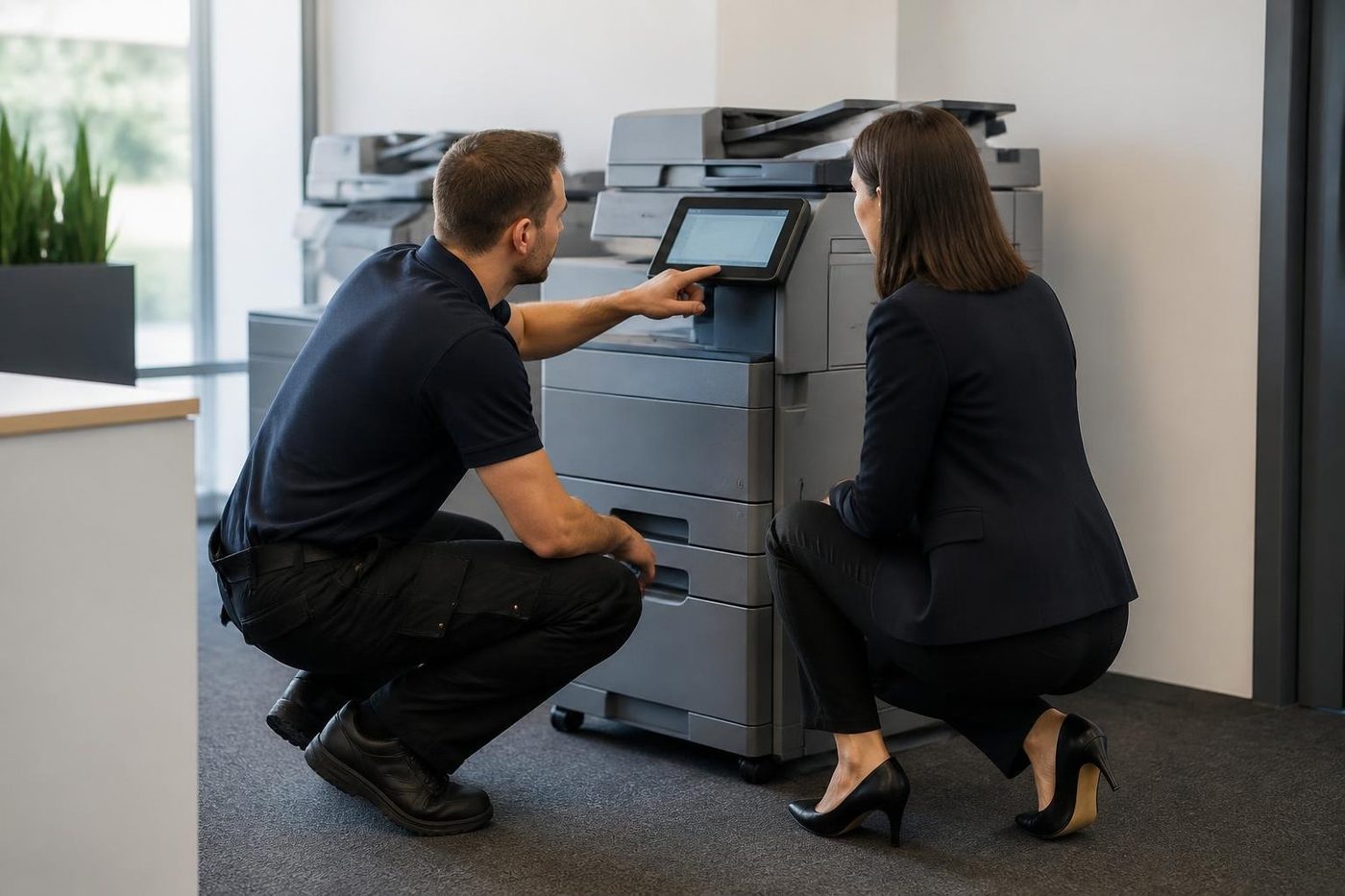
A machine people do not understand gets blamed for faults it does not have. We show the people who will use it how to load paper, clear a jam, scan to email and use secure print, and we leave the number to ring. It is short, and it saves the first dozen calls.
Afterwards
Service is by the same team. Technicians are trained, experienced and certified, they carry the common spare parts, and 98% of repairs are fixed on the first visit. If the same fault returns we fix it again at no charge. See photocopier service for how plans and single visits work. If you still need the machine itself, photocopier sales is the page to read.
The people at the keyboard
The front desk usually knows first
So we ask before we open anything. Ten honest minutes of what the machine has been doing saves an hour of poking around.
Our technicians are trained, experienced and certified, and they are also expected to listen. The best diagnosis tool in the building is the person who prints from it every day.
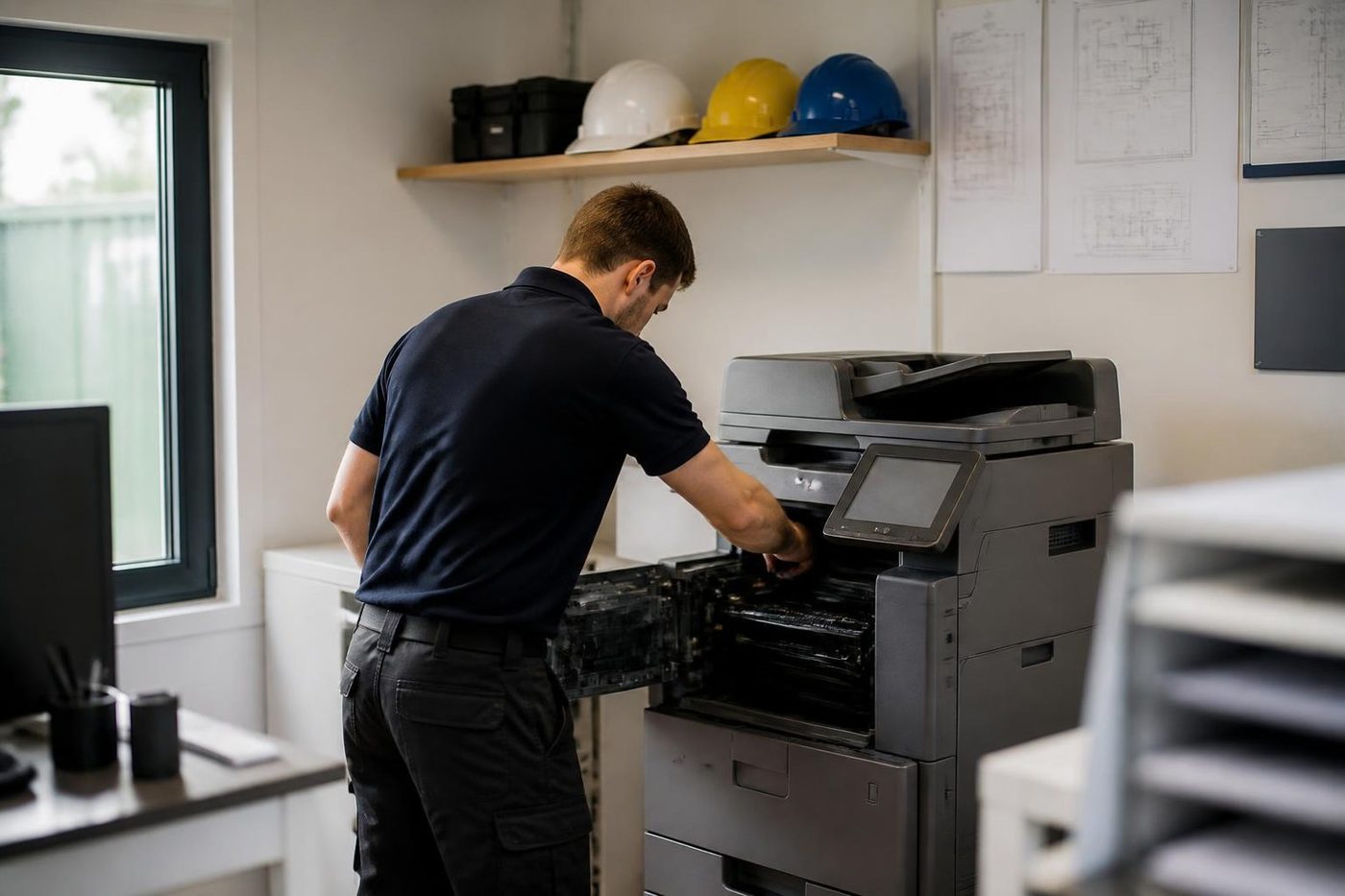
- Ask first. The people who use it supply the best clues.
- Notes from the call. What you told us on the phone goes with the technician.
- Plain words back. You hear what we found without a lecture.
Keep reading
Photocopier salesNew, rebuilt, ex demo and second hand commercial copiers, chosen around the work. Relocation and removalWe move copiers and office printers between suburbs and floors, reconnect them and test them, and remove the ones you no longer need.
 Photocopier servicePlanned visits, one off calls and meter reads for office copiers from Coomera to Coolangatta.New photocopiersCurrent multifunction copiers, bought or leased, installed and serviced by one local team.Scan to email not workingA scan that leaves the glass and never arrives.
 Printer offline and network faultsThe printer that vanished overnight.
Buy, sell and lease
Buy, sell and lease commercial copiers on the Gold Coast
We also sell new and refurbished commercial copiers and buy used ones. Same team, same technicians.
Real service calls, no staging

Common questions from Gold Coast offices
How long does a copier installation take?
A straightforward machine with scan to email can be done in a visit. A fleet or a complicated network takes planning, and we talk it through before booking.
Can you set up a copier bought elsewhere?
Yes. Ring with the make and model and what it needs to do.
What if our IT provider handles the network?
Good. We work with them on addresses, accounts and settings, and leave the details written down for them.
Do you remove the old machine?
Yes. We can take it, wipe its drive and carry it away.
How much notice do you need for a new office?
The more the better. Ring as soon as you have a date and we plan around it.
Will the copier print from our servers as well as desktops?
We install drivers on the computers and servers you tell us about and test from the desks that will use it.
Do you train our staff?
Yes, a short session on loading paper, clearing a jam, scanning and secure print.
What if the lift is too small?
Tell us before the machine is ordered. We can check the dimensions and plan the route, or suggest a different model.