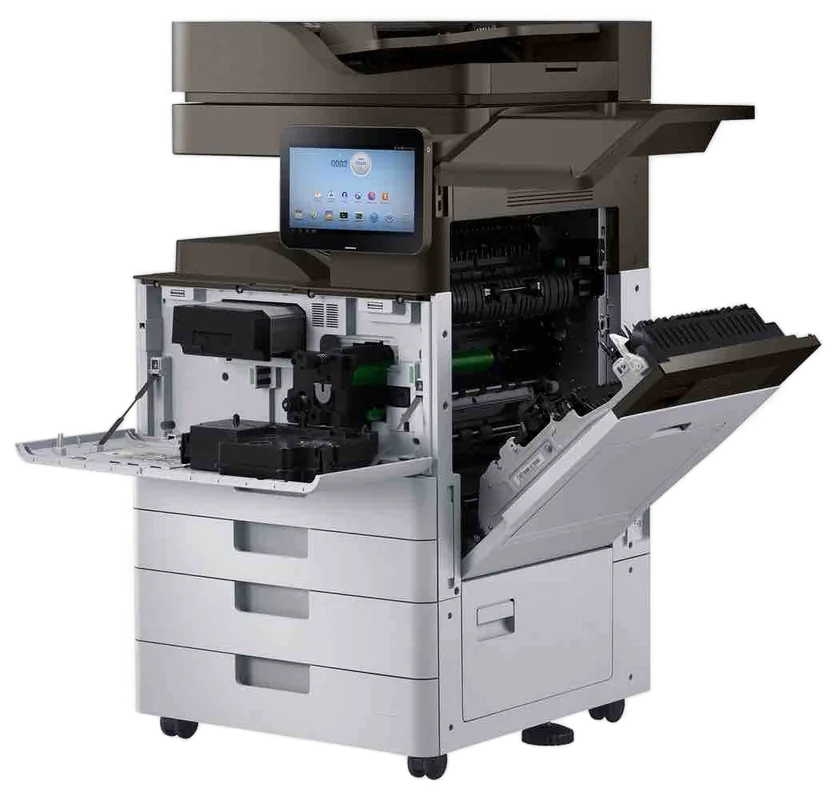
Canon service Gold Coast
Canon Photocopier Repairs and Service Gold Coast: imageRUNNER ADVANCE and DX
Canon error codes begin with the letter E, and that single letter has sent more Gold Coast office managers to the phone than any other. Ring with the code, the model and what the machine was doing, and we will say what it usually points to. We do Canon photocopier repairs and Canon copier service across the Gold Coast, at your premises, and same day service is available.
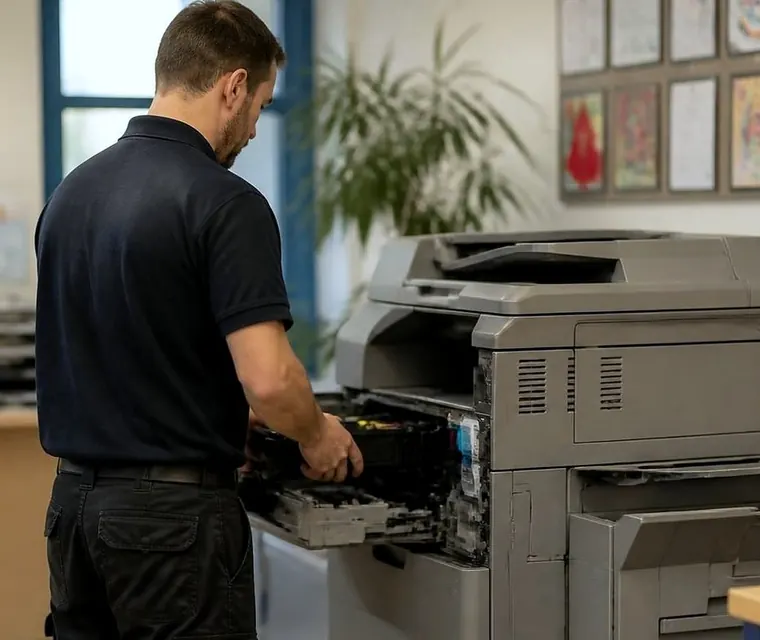
Printer service, copier repairs and machine sales on the Gold Coast
Canon copier repairs Gold Coast offices need: ADVANCE, DX and what the names mean
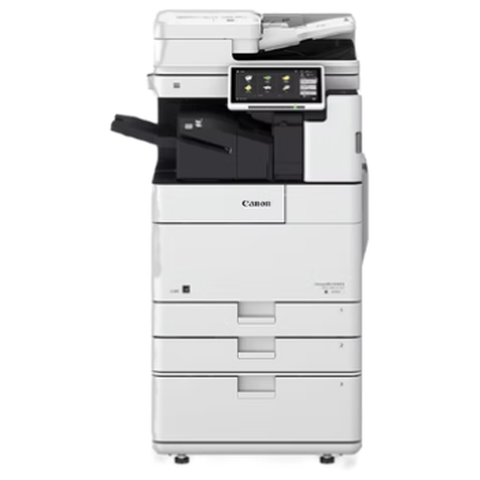
Most Canons we meet in commercial offices are imageRUNNER ADVANCE machines, or the newer imageRUNNER ADVANCE DX. They are A3 multifunction machines that print, copy, scan and send, usually behind a login with a department code or a card. They have been sold in huge numbers, which is a reason to be confident about parts and a reason the faults are well known.
The ADVANCE name arrived with a model range that had a colour touch panel and a software platform called MEAP, which lets extra applications run on the machine. DX is the later generation, with a bigger and brighter panel, new software and a refreshed engine. A machine that looks similar from across the room can be one or the other, and the badge tells us which.
Canon has no hand in what we do and we are not a Canon dealer. The offer is simpler than that: a trained, experienced and certified technician who has opened these machines before, a price you hear on the phone, and a repair done where the machine stands.
| Badge | Usually | What we watch for |
|---|---|---|
| imageRUNNER ADVANCE C series | A3 colour multifunction | Colour drift, fixing wear, transfer belt marks |
| imageRUNNER ADVANCE, number with i | A3 black and white multifunction | Feeder wear, finisher faults, drum life on busy machines |
| imageRUNNER ADVANCE DX | Newer A3 colour and mono machines | Login and network settings, scan to email changes |
| imagePRESS | Production class colour | Image alignment, paper curl, heavy stock handling |
| i-SENSYS | A4 laser printers and multifunction machines | Pickup rollers, fixing film, toner cartridge seating |
A price in three steps
- Tell us about the machineThe make, the model and what it keeps doing.
- We ring with a priceYou have it before any visit is booked.
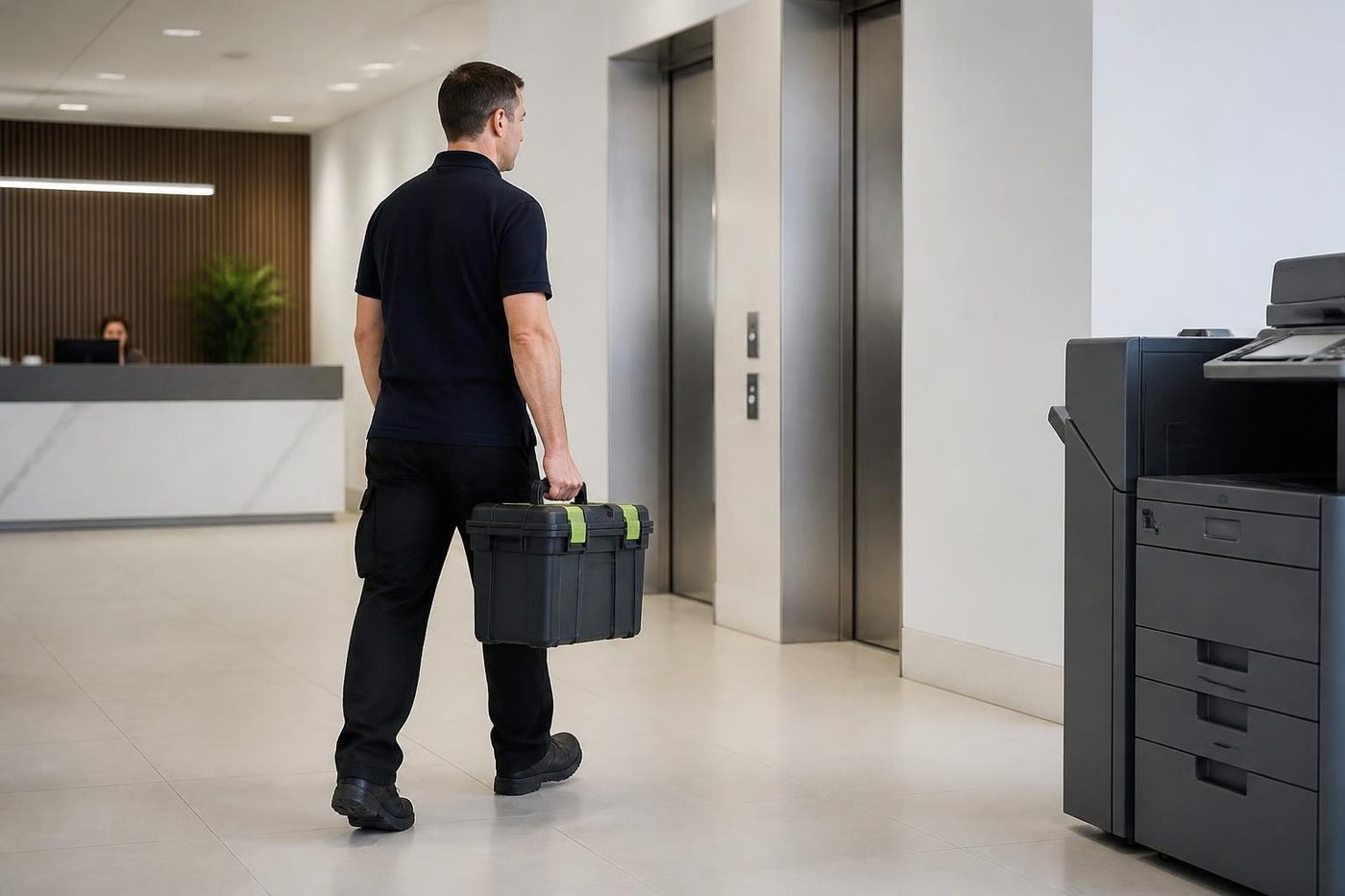
- A certified technician comes to youSame day when the diary has room.
E codes: what they are and what to do with one
A Canon code is the letter E followed by digits, sometimes with a dash and more digits after it. The first digits point at an area. On many imageRUNNER machines the E000 range sits around the fixing assembly, the part that melts toner onto the page, E100 around the laser and scanning unit, E202 around the scanner, and E240 around a communication fault between the machine and a unit such as a finisher or the main controller. Those are habits and not rules. The family and the generation decide, so we match the code to your model.
A code is a pointer, not a diagnosis. We have been called to machines with a fixing error where the fixing assembly was perfectly healthy and a sensor connector had worked loose. We have also seen the opposite. The only safe way is to look.
While you wait, write down the whole code, switch the machine off with the main power switch, wait a minute and switch it on once. If it returns, stop. A fixing fault is hard on the heater when the machine is restarted repeatedly, and a drive fault grinds further.
Tell us what the machine was doing when it failed, whether there was a noise or a smell and whether a jam had just been cleared. Canon machines are good at keeping an error history, and we read it, which saves guessing.
The fixing assembly: why Canon pages smear, curl or come out shiny
Canon calls the fuser the fixing assembly, and when it is unhappy the page tells you. Toner that rubs off under a thumbnail, a glossy streak, pages that curl hard on exit and a smell like hot plastic are the usual signs. A noisy warm up is another.
Before we blame the part, we check the paper type setting, because a heavy stock fed as plain paper will not fuse properly, and a ream that has soaked up a humid week will curl whatever the fuser does. Fixing parts are not cheap and we do not fit one that is not needed.
On the Gold Coast, a machine in a hot corridor in January lives closer to its limits than the same machine in a cool room. If your copier sits near a window or a door that opens on to a balcony, tell us. A little shade and a dry cupboard for the paper save a lot of grief.
Canon printer repairs and Canon printer service on the Gold Coast
Some of the Canons that come to us are not copiers at all. The A4 i-SENSYS laser printers and multifunction machines at a clinic front desk or a trade office do a day's work every day and nobody owns them. They have a fixing film that wears, pickup rollers that go smooth and cartridges that must be fully seated.
A Canon printer that suddenly prints faint, or with a streak down one side, is usually a cartridge or a fixing film problem. A printer that drops off the network after a router swap is a settings problem. We tell the two apart on the phone about as often as not, and when we cannot, the technician does it in the first ten minutes.
If you ring about a small Canon, say honestly whether the machine is business owned and doing real work. We repair commercial machines in preference to household ones, and we are plain about when a small printer is not worth a visit.
Canon printer repairs Gold Coast offices book and Canon printer service Gold Coast visits cover the A4 machines. Canon photocopier repairs Gold Coast wide, along with Canon photocopier service Gold Coast and Canon copier service Gold Coast calls, cover the A3 imageRUNNER fleet.
Send, scan to email and the Remote UI
Canon machines have a web page called the Remote UI, where an administrator can see the machine's status and manage the address book. Scan to email and scan to folder settings live in the machine itself, in a menu under settings and registration, and in the Remote UI.
The usual story is the same on every make. Something changed somewhere else, a password, a server, a mailbox policy. The machine reports it could not send, and the office blames the machine. We test from the panel, read the error message, check the sign in details and give your IT contact a short list.
Machines on the DX platform use a different style of authentication in places, and a mail service that tightens its rules can stop a machine that has worked for years. Nothing is broken. The machine has to be told how to sign in the new way, and we help with that.
Offices with a card reader or department codes add one more layer. A reader that stops responding, a code list that was cleared or a server that holds user data are all separate faults, and we tell you which one you have.
Document feeders and the lines that follow every scan
Anyone who scans a lot on a Canon knows the dark line. A thin black or grey line down every page that came through the feeder, but not on pages copied from the glass, means something is sitting on the little glass strip the feeder reads across. A fleck of correction fluid or a thumbprint will do it. Dry soft cloth, and then try the cleaning routine for the feeder rollers in the maintenance menu.
Two sheets taken together or none at all means the separation and pickup rollers in the feeder have gone glossy. They are a cheap part and a quick change, and worth doing before a big job.
Skewed scans and torn corners suggest the guides are set wrongly or the originals are crumpled. A feeder is built for flat paper. Stapled corners, sticky notes and folded edges cause most of the damage. Tell staff to remove staples first, and the feeder will last years longer.
Finishers, booklets and the stapler that quit
The finisher on the side of a bigger imageRUNNER is where office stress shows. Meeting packs, contracts, newsletters and board papers all pass through it, and staples are fed to it from a cartridge that is easily fitted a little crooked.
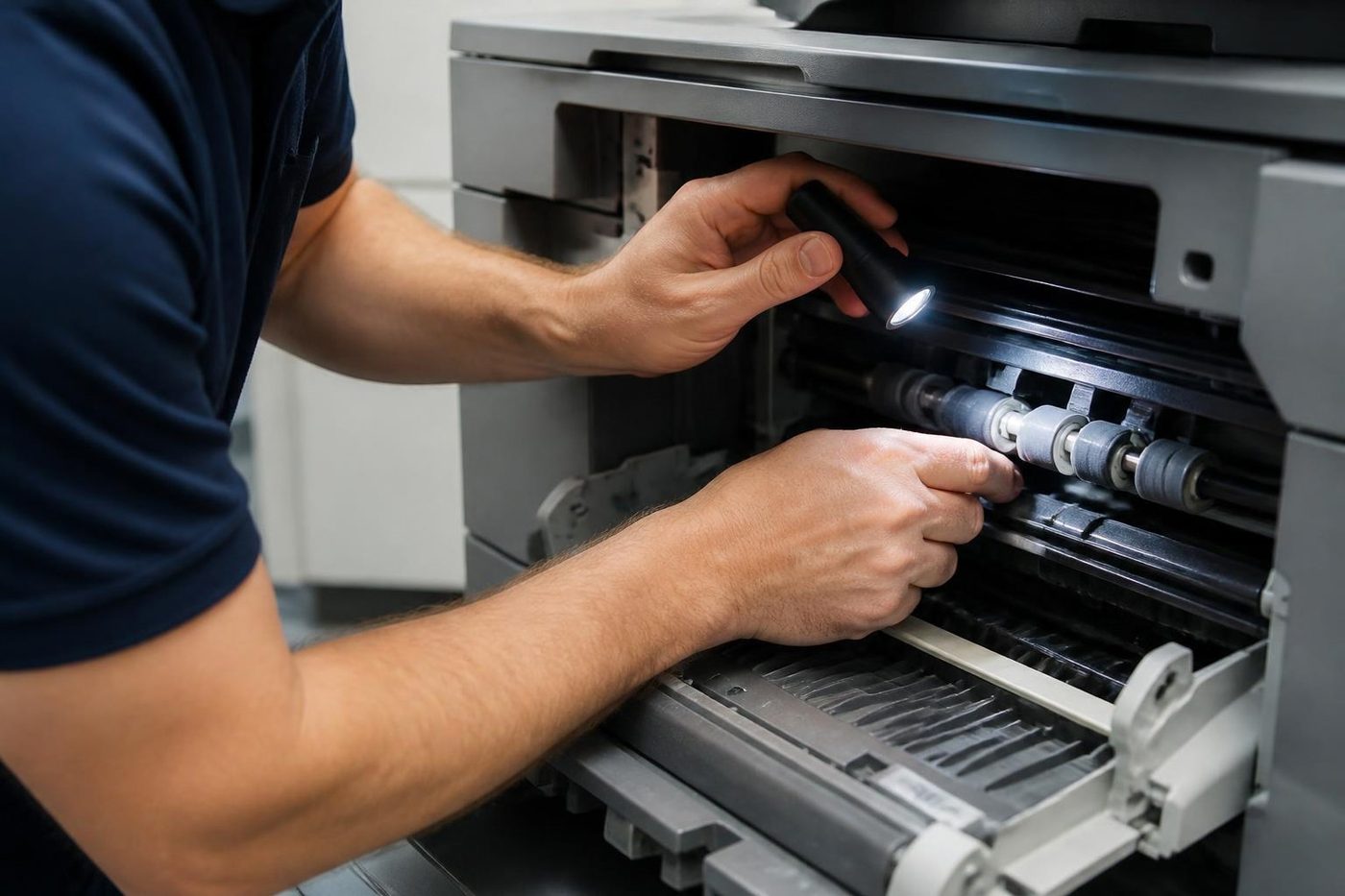
Common problems are a bent staple stuck in the head, a punch waste box that is full, a paper size setting that does not match the stack and a connection fault that makes the machine believe the finisher is not there. The connection fault, an E code in the communication family, is not often a dead finisher. It tends to be a connector or a seating problem, and we check that first.
Booklet makers fold off centre when the paper has curled in humid air. If your office makes booklets, keep the paper in its wrapper and use a fresh ream for the run.
Canon in the offices of the Gold Coast
Real estate agencies and property managers lean on imageRUNNER machines for contracts, disclosure documents and the ceaseless printing of inspection forms. Volume comes in waves, with the busiest days at the start and end of the month. A Canon in a Southport or Burleigh agency has to cope with ten people sending jobs at once.
Medical and allied health practices run mixed fleets: an ADVANCE in the back for bulk work, an i-SENSYS at each front desk. Patient privacy shapes how they are set up, with secure print release and restricted scan destinations. When a login stops working it is not an inconvenience, it is a clinic list that cannot be printed.
Schools around Robina and Varsity Lakes use Canon for staff printing with department codes, and the first week of term is the heaviest. Councils and community groups often use a Canon for everything, from front counter copying to large print jobs.
At Molendinar, Arundel and Yatala, trade and distribution offices keep a Canon next to a stack of dockets and delivery notes. Dust is a slow enemy. Keep the vents clear and book a cleaning visit once a year.
The DX panel, logins and why people get locked out
The newer DX machines greet you with a login screen. Some offices use a department code, some a card, some a username and password tied to the network. Each approach has a failure of its own.
A code list that was cleared during a settings change, a card reader that stopped responding after a firmware update, a user whose network password changed while the copier still holds the old one. In each case the machine works and nobody can use it, and the office rings us convinced the Canon is broken.
We separate the cases on the visit. Does the panel respond? Does the reader light up? Can a test user sign in from the web page? The answers tell us whether the fault is in the machine, the reader or the server that checks the logins.
One tip for office managers: keep a spare administrator account with a password written somewhere safe. A locked out administrator on a machine with no spare has turned many quick jobs into long ones.
What a Canon test page tells a technician
When a copier is brought back from a fault, a technician prints a handful of pages and reads them like a doctor reads a chart. A flat tint in each colour shows streaks and density problems. A block of solid black shows whether the fixing is complete and the laser even. A page of small text shows focus and registration.
If you can print the same pages before we arrive, with the paper the office normally uses, we start with a clearer picture. Hold them to a window and mark any fault with a pencil. Note which tray the paper came from.
Banding, which is regular light and dark stripes across the page, points at something that turns unevenly. Streaks along the page point at something that touches the page continuously. Marks that repeat at an even spacing give the size of the roller or drum responsible, and we work out the part from the measurement.
Heavy stock, labels and the paper type setting
Canon machines handle a wide range of paper, but only if they are told what they are loading. The paper type and weight settings tell the fixing assembly how hot to run and how fast to feed. A sheet of heavy card sent through as plain paper comes out smeared, and a label sheet fed as plain paper can leave adhesive behind.
Offices that print letterhead, certificates, name badges or labels should set the type each time and return it afterwards. The setting is quick, and the repairs it prevents are not.
Envelopes deserve special mention. Use the multipurpose tray, load them as the machine's label shows, and set the type to envelope. A creased envelope inside a fixing assembly is a visit nobody wants.
Heat and salt around Burleigh, Palm Beach and the beachside suburbs
Offices within a few streets of the sea live in a different climate from the ones inland. Salt in the air settles on connectors and fan blades. A copier that has lived in a beachside suite for eight years can have fine corrosion on contacts that cause intermittent, hard to catch faults: a drawer that sometimes does not register, a code that comes and goes.
The fix is slow and careful. We clean and reseat connectors, check the fans and look for a pattern in when the fault appears. It is the sort of job where a technician who has worked the Gold Coast has an advantage over someone who has not.
Salt is also the reason we suggest keeping the machine clear of open windows and doors. A copier near a sliding door that is open all summer collects salt, dust and damp in one go.
Secure print and the job that never came out
Clinics, accountants and agencies often hold print jobs at the machine until the owner taps a card or types a code. It stops patient letters and tax papers lying in the tray, and it brings a set of complaints that are not really about the copier.
The job was sent to the wrong queue. It was held, then expired after a set time. The user logged in under a different name from the one that sent it. Some offices run print release software, such as Canon's uniFLOW, which sits on a server and decides where jobs wait. When the server stops, nothing prints from anywhere.
We prove the copier is healthy by printing and copying locally, then point your IT contact at the server or the queue. It is a ten minute job that spares everyone a wasted afternoon.
What to photograph before you ring about a Canon
A phone camera is the best diagnostic tool an office has. Photograph the error screen with the whole code. Photograph the badge on the front and the serial number plate. If a print is faulty, photograph it beside a good one. If a mark repeats, lay a ruler on the page and photograph that too.
The counters screen is worth a picture, and so is the paper settings screen for the tray in question. None of it needs to be tidy. We would sooner receive six rough pictures than a long description.
Blank pages, double pages and the duplex path
A Canon that spits out blank pages between jobs, or prints the first side and then a blank second side, is often telling you about a setting and not a part. A separator page switched on, a duplex option set wrongly in the driver or a job that contains blank pages from a spreadsheet are all common.
Print a configuration page from the panel. If that prints correctly on both sides, the machine's duplex path is healthy and the trouble is in the job or the driver. If the second side smudges or jams, look at the duplex rollers and the paper.
Scan quality, file size and the PDF that is too big
Scanning a long document in colour at high resolution produces a file that no mail server will accept. Canon machines offer compact PDF options and choices of resolution that shrink the file a great deal with little visible loss. If the office scans mostly black and white text, set the default to a lower resolution and black and white, and keep colour for the pages that need it.
Searchable text, which comes from optical character recognition, is available on many models and is worth switching on for contracts and invoices. It slows the scan slightly and saves hours when someone needs to find a clause.
imagePRESS and the production machines
A few Gold Coast businesses run imagePRESS machines: print rooms in larger organisations, signage and design firms, a handful of short run printers. These do not behave like office copiers. They are built for coated stock, heavy paper and tight colour control.
Faults tend to be about image quality drifting after a long run, front to back alignment and paper that curls or sticks in the dry or the damp. We have a technician who works on the production class, and we are honest about when a part has to be ordered.
Canon on a lease, Canon on its last legs, Canon you own
The first question about any Canon is who owns it. A leased fleet may have a maintenance arrangement attached, and we would rather know than tread on it. If the lease has ended or the service has gone quiet, we are glad to look after the machines call by call.
A Canon you own outright, with a steady record, is usually worth repairing. Canons hold their value on the second hand market for a reason. One with a long fault list and a dwindling parts supply is not.
Because we trade in machines, we can put a repair next to a replacement in plain terms. Ask for same day when you ring. It is available, we tell you on the call whether today works, and the price is agreed before anyone is booked. Our work is warranted, and a call that arrives while the lines are busy is logged and returned.
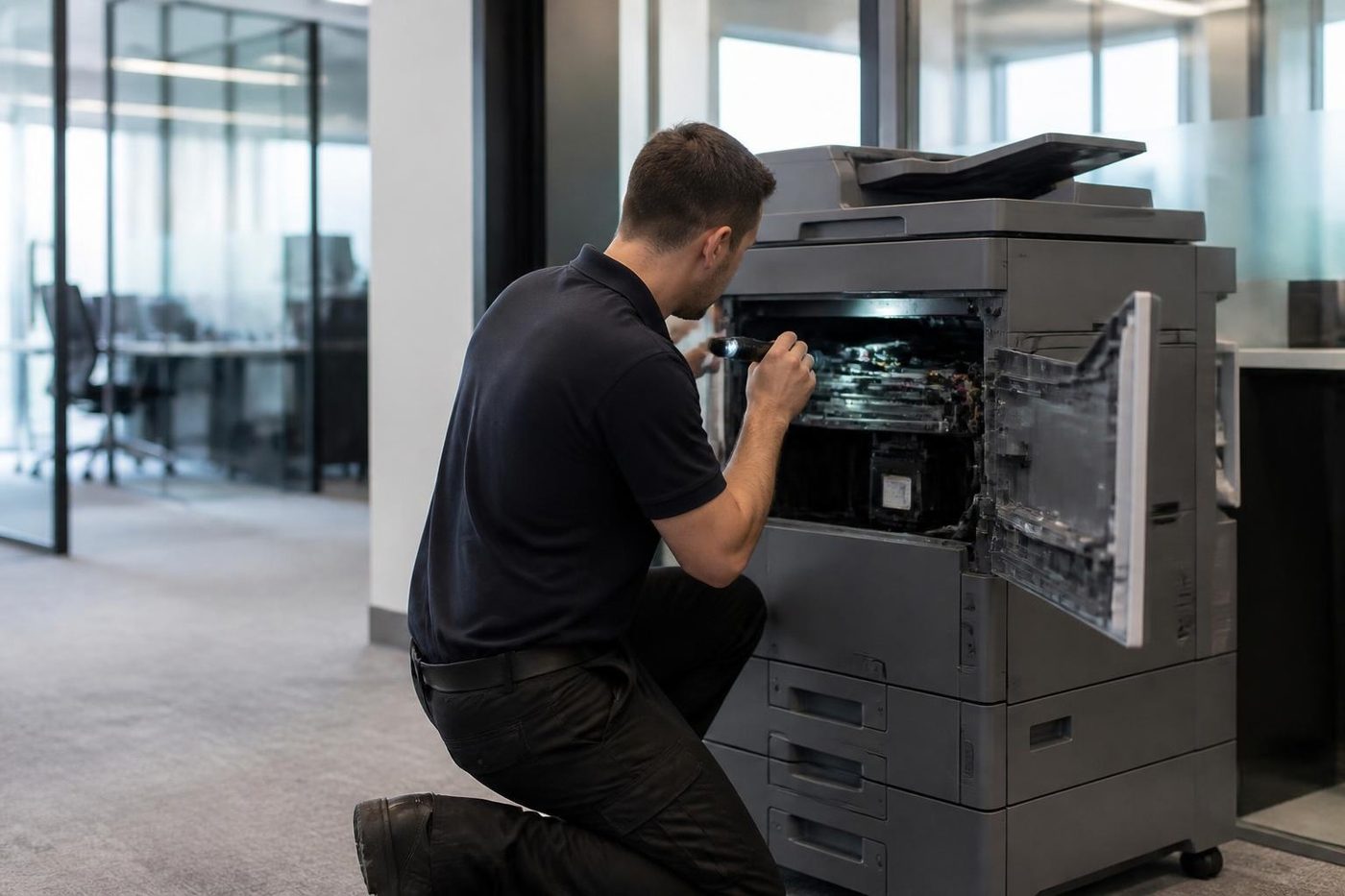
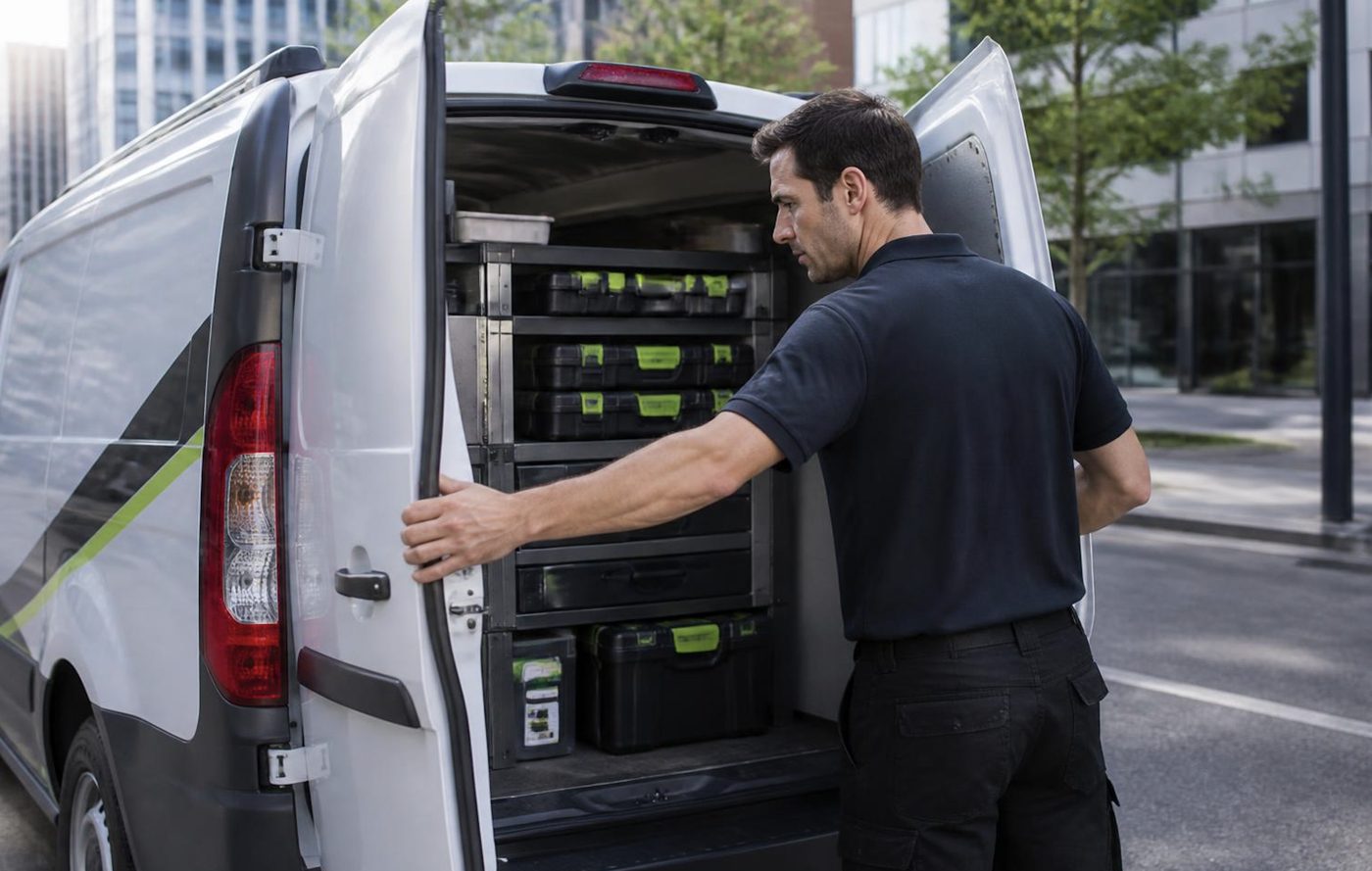
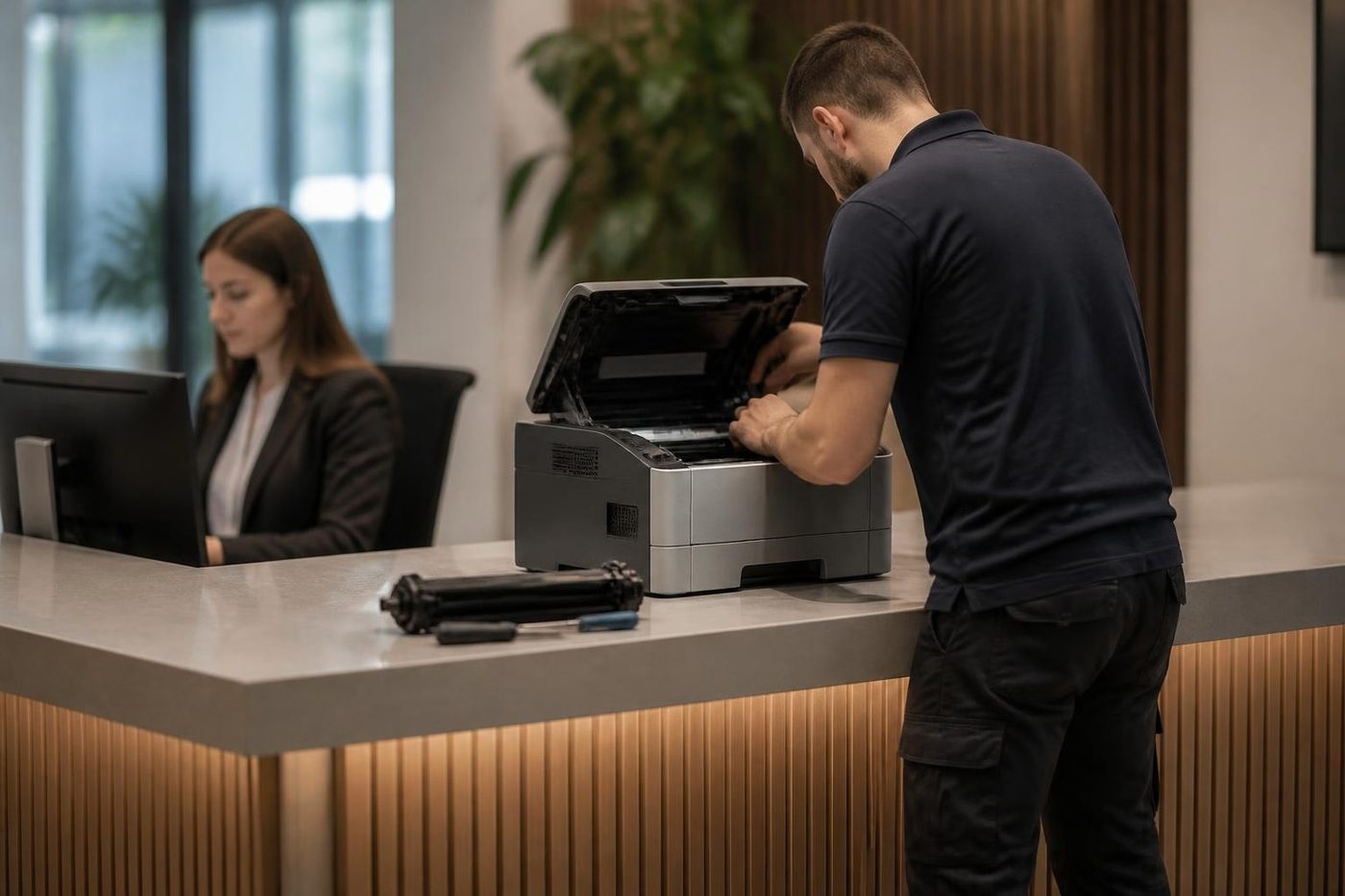
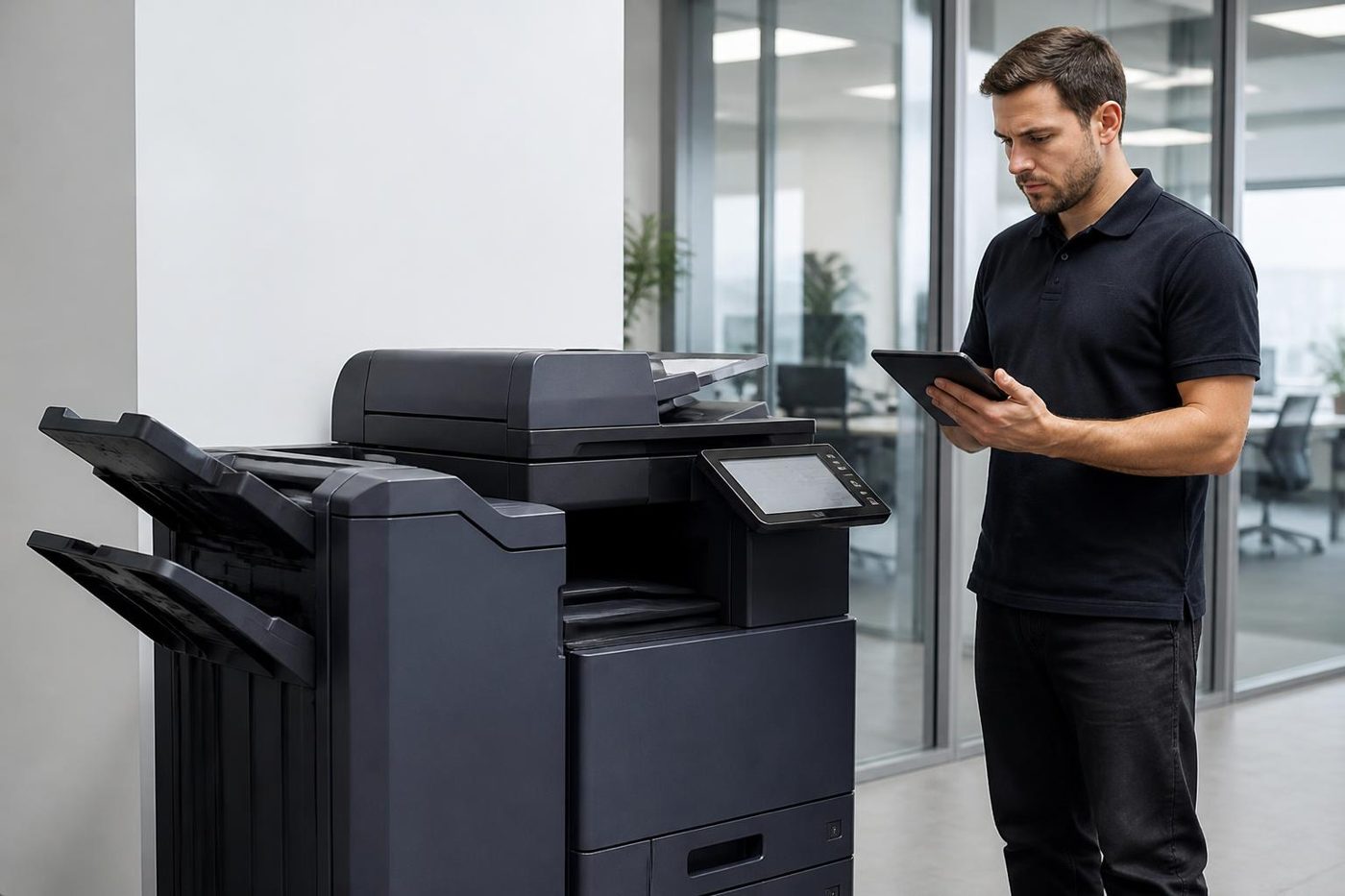
Four steps on a Canon repair

The people at the keyboard
The front desk usually knows first
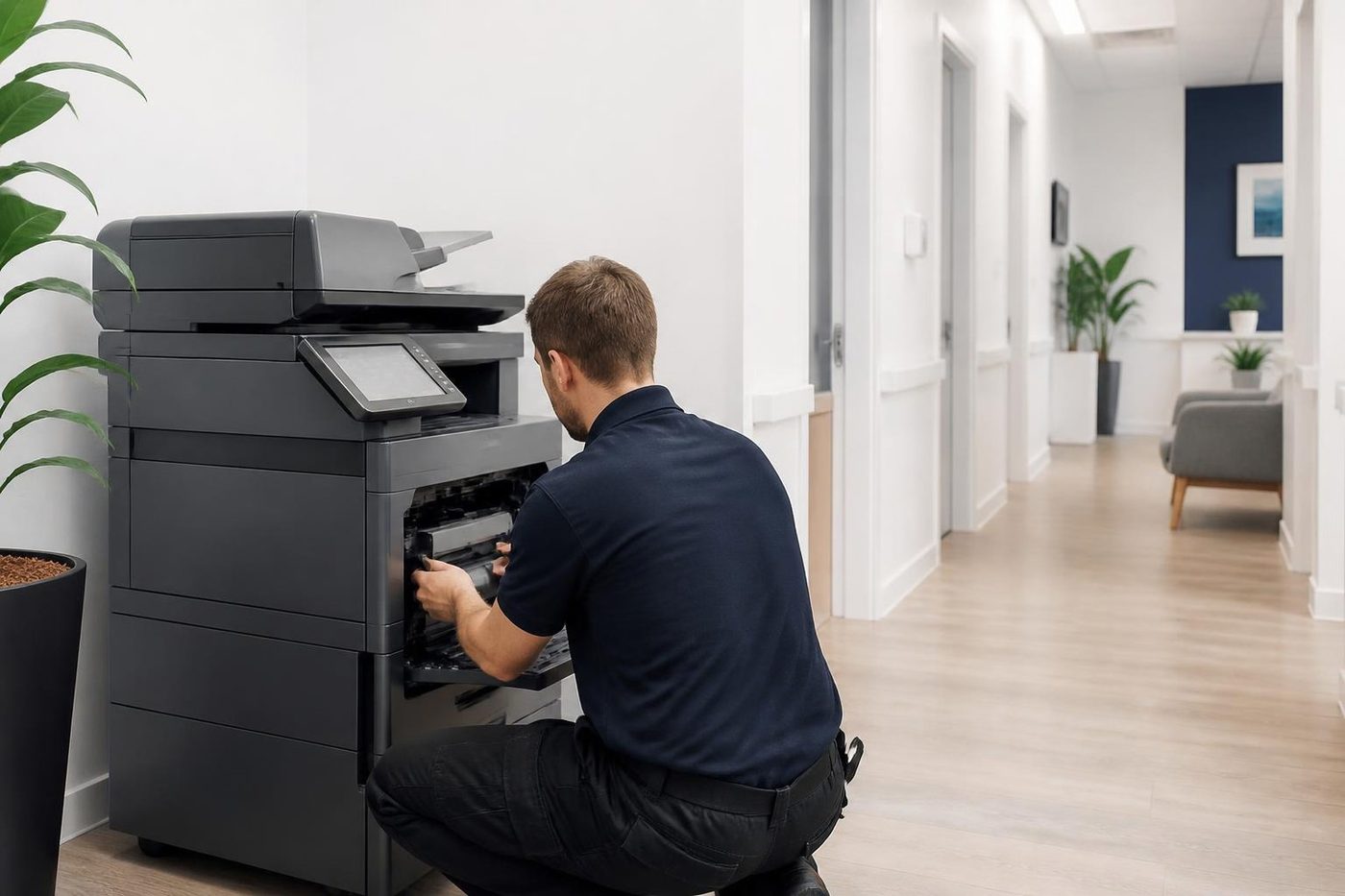
Reception staff and office managers notice a copier going wrong long before it stops. The rattle on Tuesday, the sheet that came out grey, the tray that needed a thump. In hospitality and clinic offices those small clues are gold.
Our technicians are trained, experienced and certified, and they are also expected to listen. The best diagnosis tool in the building is the person who prints from it every day.
- Ask first. The people who use it supply the best clues.
- Notes from the call. What you told us on the phone goes with the technician.
- Plain words back. You hear what we found without a lecture.
Keep reading
 Photocopier repairsAny make of office copier, repaired where it stands.
 Canon printer lease and rentLease, rent or hire a commercial Canon printer.
 Photocopier servicePlanned visits, one off calls and meter reads for office copiers from Coomera to Coolangatta.Copier error codesReading a panel code, and what to note down.
 Scan to email not workingA scan that leaves the glass and never arrives.
 Commercial printer repairsWorkgroup lasers and fleets, repaired where they sit.
Buy, sell and lease
Buy, sell and lease commercial copiers on the Gold Coast
We also sell new and refurbished commercial copiers and buy used ones. Same team, same technicians.
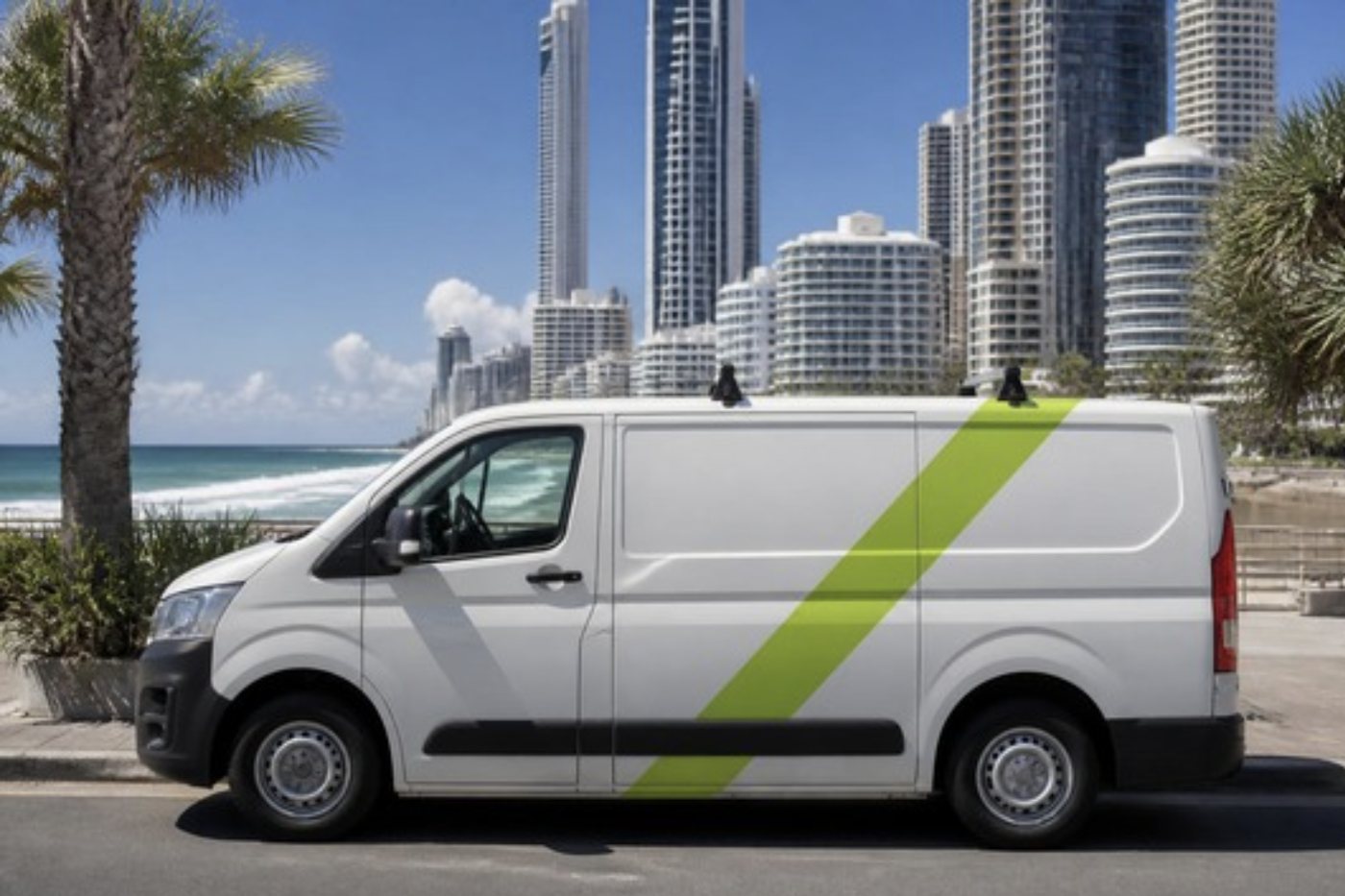
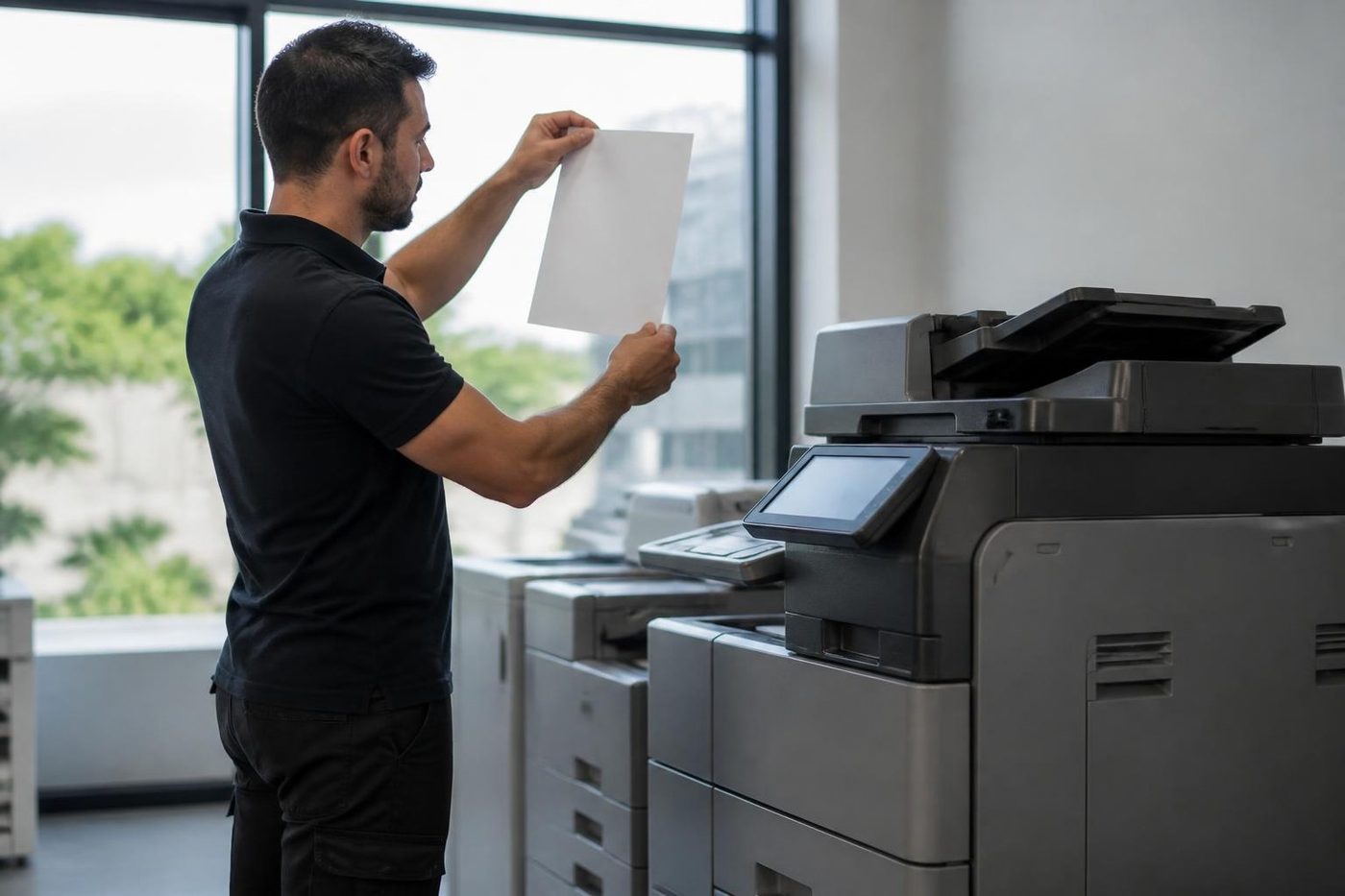
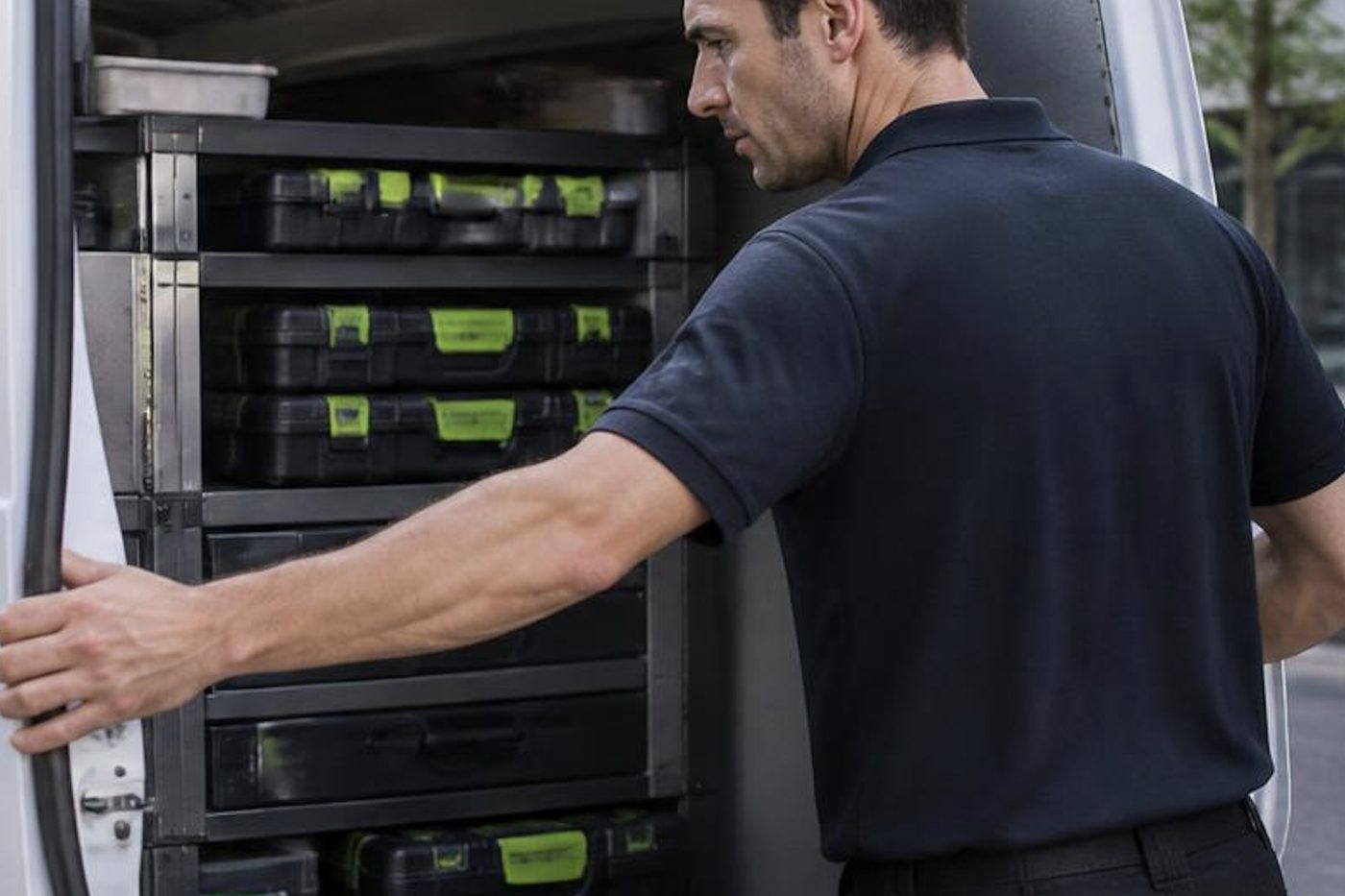
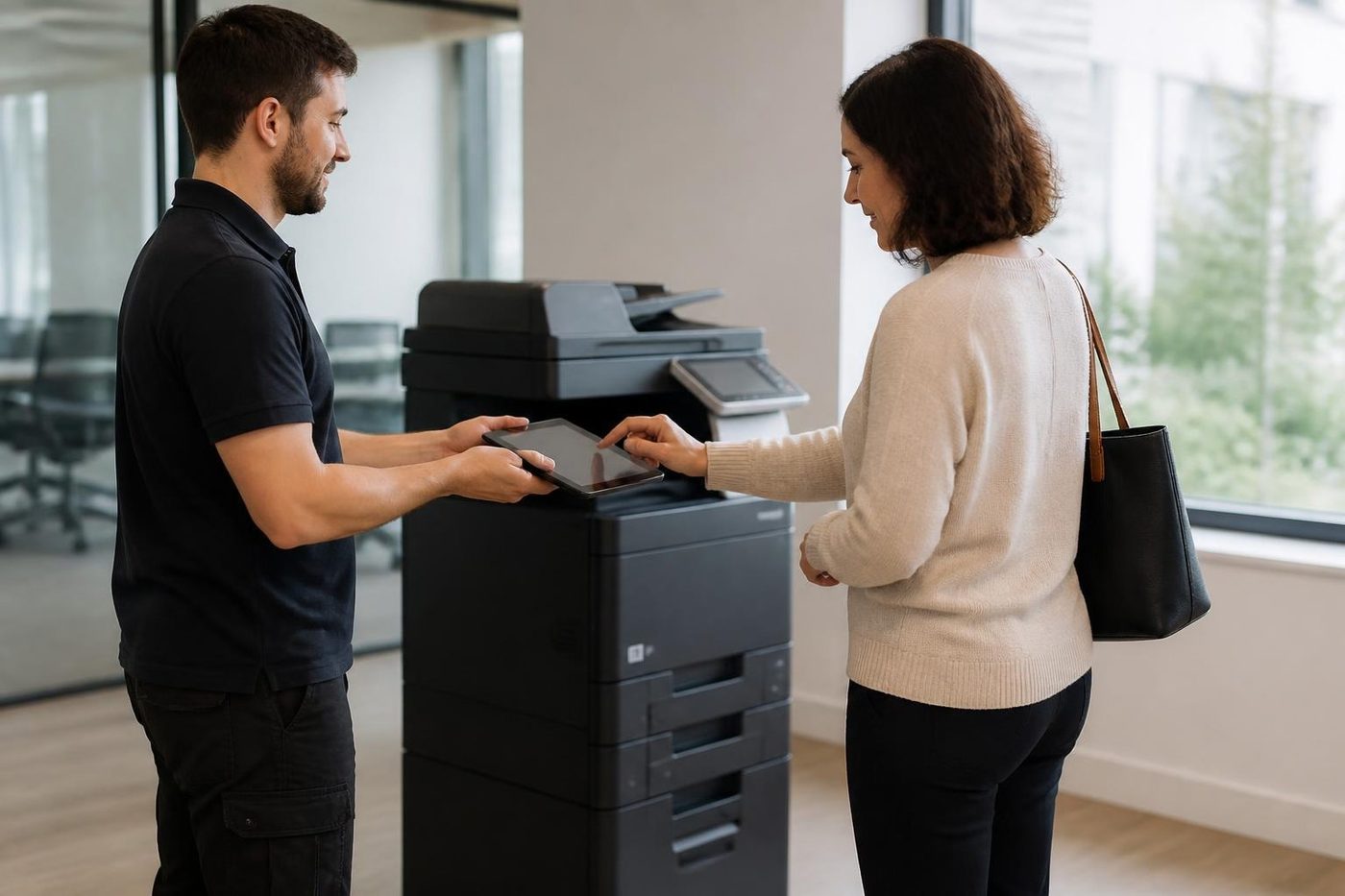
Pictures from the job
Common questions from Gold Coast offices
Do you do Canon printer service and Canon copier repairs on the Gold Coast?
Yes. imageRUNNER ADVANCE and DX copiers and the smaller i-SENSYS machines are repaired at your premises, and Canon photocopier service visits can be planned ahead.
The Canon says E000 something. Is that the fuser?
On many imageRUNNER machines codes in that range sit around the fixing assembly, which is Canon's name for the fuser. The family and generation decide, so give us the full code and the model before drawing conclusions.
Can I keep restarting a Canon that shows an E code?
Once is fine. If the code returns, stop. Repeated restarts do nothing for a fixing or drive fault and can make it worse.
How do I tell ADVANCE from ADVANCE DX?
DX is the later generation, with a newer panel and software. They can look alike from across a room, but the badge says which.
Pages come out smeared on one tray only. Why?
The paper type setting for that tray probably does not match what is loaded, or the stock in that tray is damp. We check both before looking at the fixing assembly.
Do you look after i-SENSYS printers?
Yes, in commercial offices. We are honest when a small printer is not worth a visit.
There is a dark line on every scan from the feeder. What causes it?
Usually dirt on the narrow glass strip that the feeder scans over. A soft dry cloth cleans it, and if the line stays, ring us.
Nobody can log in to the Canon since Monday. Is it broken?
Usually the login method rather than the machine: a cleared code list, a card reader that stopped, or a changed network password. We work out which.
We have a Canon on lease. Can you still service it?
Yes, as long as you tell us who has the maintenance arrangement, so we do not tread on it.
Our machine sits near a beachside window. Does that matter?
Yes. Salt and damp get into connectors and paper. We clean contacts on visits and suggest a drier spot for the paper.
Is an older Canon worth fixing?
Often, since parts are common and the machines hold up. We say plainly when it is not.

Salt air, sticky paper, odd noises
Ring (07) 3096 0331. We have seen it before.
Most coastal copier trouble has a simple cause. We find it, tell you plainly and agree the price first.
Get a price
Everything we look after on the Gold Coast
Copier and printer service
Fault guides
- Copier and printer faults Gold Coast
- Photocopier paper jams Gold Coast
- Copier black lines and streaks Gold Coast
- Copier error codes Gold Coast
- Copier not printing Gold Coast
- Scan to email not working Gold Coast
- Toner smearing and fuser faults Gold Coast
- Printer offline and network faults Gold Coast
- Copier noise, grinding and squealing Gold Coast
- Is my copier worth repairing Gold Coast
- Toshiba e-STUDIO error codes Gold Coast
- HP LaserJet error messages Gold Coast
- Kyocera TASKalfa error codes Gold Coast
Makes we repair
- Toshiba copier repairs Gold Coast
- HP printer repairs Gold Coast
- Kyocera copier repairs Gold Coast
- Fujifilm copier repairs Gold Coast
- Xerox copier repairs Gold Coast
- Ricoh copier repairs Gold Coast
- Lexmark printer repairs Gold Coast
- Brother printer repairs Gold Coast
- Epson printer repairs Gold Coast
- OKI printer repairs Gold Coast
- Zebra printer repairs Gold Coast
- Konica Minolta copier repairs Gold Coast
- Sharp copier repairs Gold Coast
- Samsung printer repairs Gold Coast
- Fuji Xerox copier repairs Gold Coast
Suburbs we work in
- Printer service Southport
- Printer service Bundall
- Printer service Robina
- Printer service Varsity Lakes
- Printer service Nerang
- Printer service Burleigh Heads
- Printer service Helensvale and Coomera
- Printer service Surfers Paradise
- Printer service Broadbeach
- Printer service Coolangatta and Tweed Heads
- Printer service Labrador and Biggera Waters
- Printer service Mudgeeraba and Reedy Creek
- Printer service Molendinar, Ashmore and Carrara
- Printer service Currumbin, Palm Beach and Tallebudgera
- Printer service Byron Bay, Ballina and Lennox Head
- Printer service Lismore and the Northern Rivers
- Printer service Murwillumbah and the Tweed Valley
- Printer service Kingscliff, Tweed Heads South and Pottsville
- Printer service Arundel and Yatala
- Printer service Pacific Pines and Oxenford
- Printer service Tugun, Bilinga and the Gold Coast Airport side
- Printer service Miami, Mermaid Waters and Mermaid Beach
- Printer service Currumbin Waters and Elanora
- Printer service Paradise Point, Runaway Bay and Hope Island
- Printer service Mullumbimby, Brunswick Heads and Ocean Shores
- Every suburb we cover
Know the make and what it is doing? That is enough for a price.
Get the fault in front of us
A photo of the panel helps if you have one. Send the details and we phone back. The office line is (07) 3096 0331.