Kyocera ECOSYS, Gold Coast
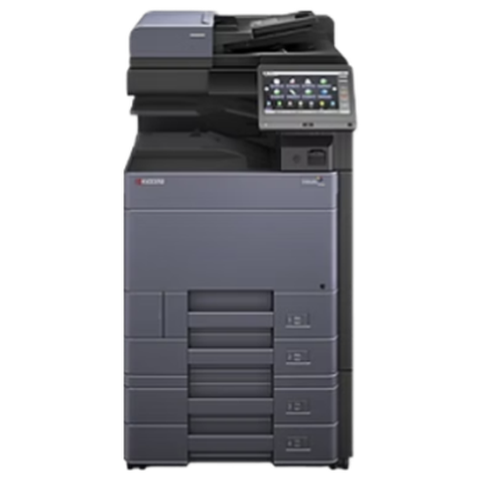
Kyocera M8130cidn service on the Gold Coast
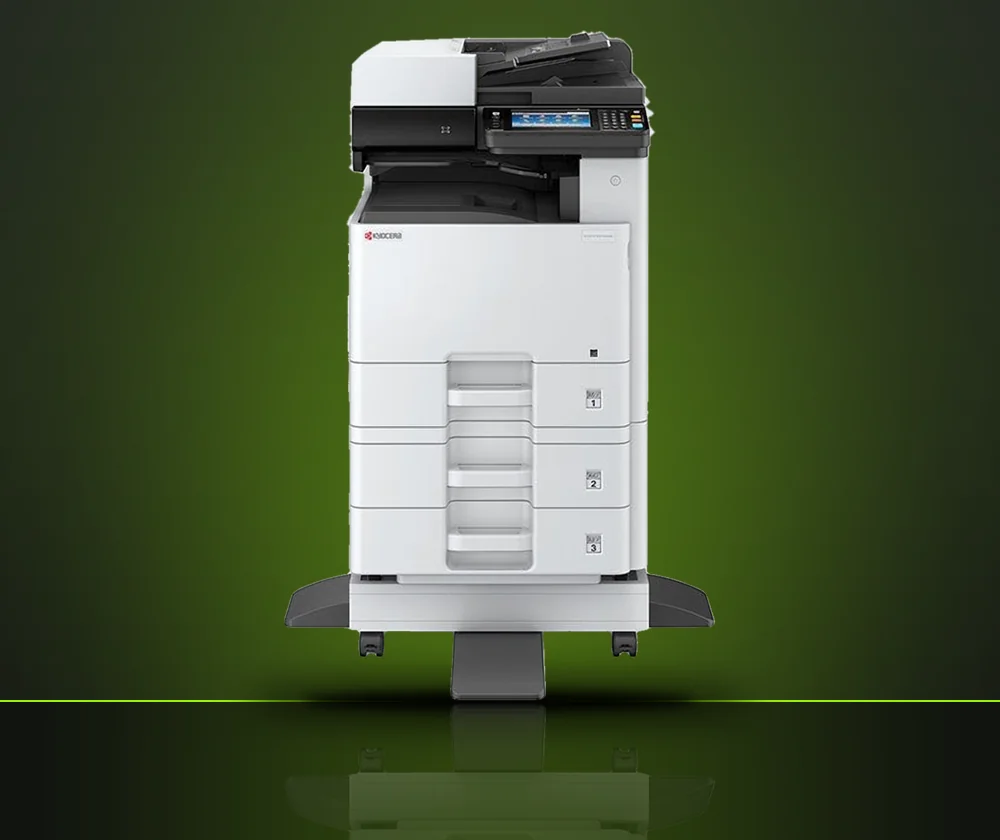
From the first phone call to the last test page, this is what a service visit on a Kyocera ECOSYS M8130cidn looks like, and what the codes people read out to us actually mean. Most people know it as the Kyocera 8130.
 1Codes and counters2Feeder and scanner checked3Drawers and rollers4Test print before we leave
Printer service, copier repairs and machine sales on the Gold Coast
A service visit on an M8130cidn, start to finish
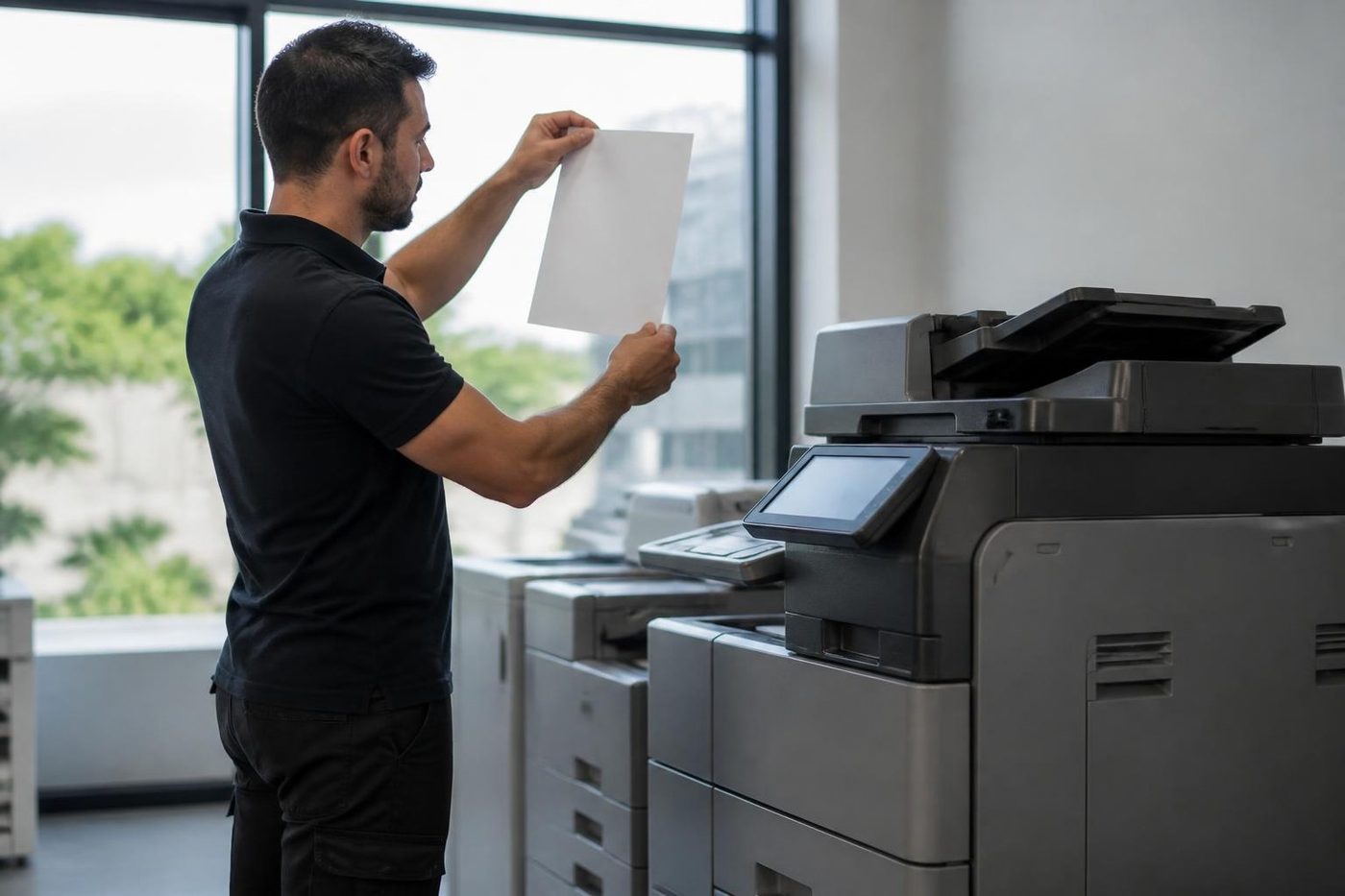
Offices from Coolangatta to Coomera ask the same question before they book: what actually happens when the technician turns up? For the Kyocera ECOSYS M8130cidn, the 30 page A3 colour multifunction, this is the whole visit, in the order we do it.
Ring (07) 3096 0331 with the code on the screen and the counter total and we can price it on the phone.
A price in three steps
- Tell us about the machineThe make, the model and what it keeps doing.
- We ring with a priceYou have it before any visit is booked.
- A certified technician comes to youSame day when the diary has room.
Before we arrive
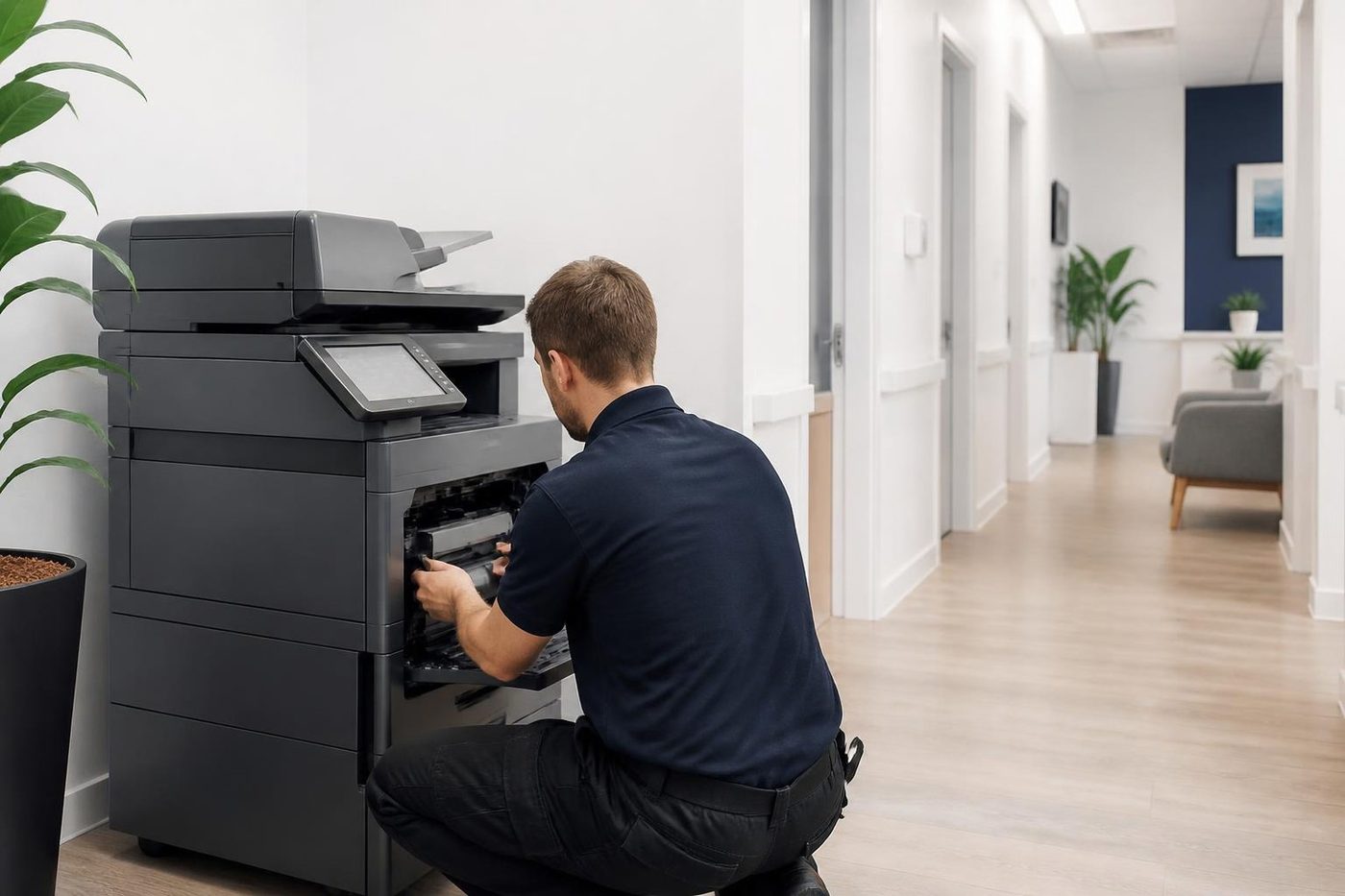
On the phone we ask four things: the full code, the counter total (System Menu, then Counter), whether the fault shows on copies, prints or both, and where the machine sits. A ground floor office in Southport and a fourth floor suite in Surfers Paradise with a loading dock booking are different mornings. The code and the count decide which parts travel with the technician.
The first ten minutes
The M8130cidn keeps a record of its recent service codes and paper jams. We print it before touching anything, because the code on the screen is the last thing that went wrong, not always the first. A machine that shows C6000 today and logged three jams in the fuser area last week tells a different story from one that has never complained.
Finding the fault
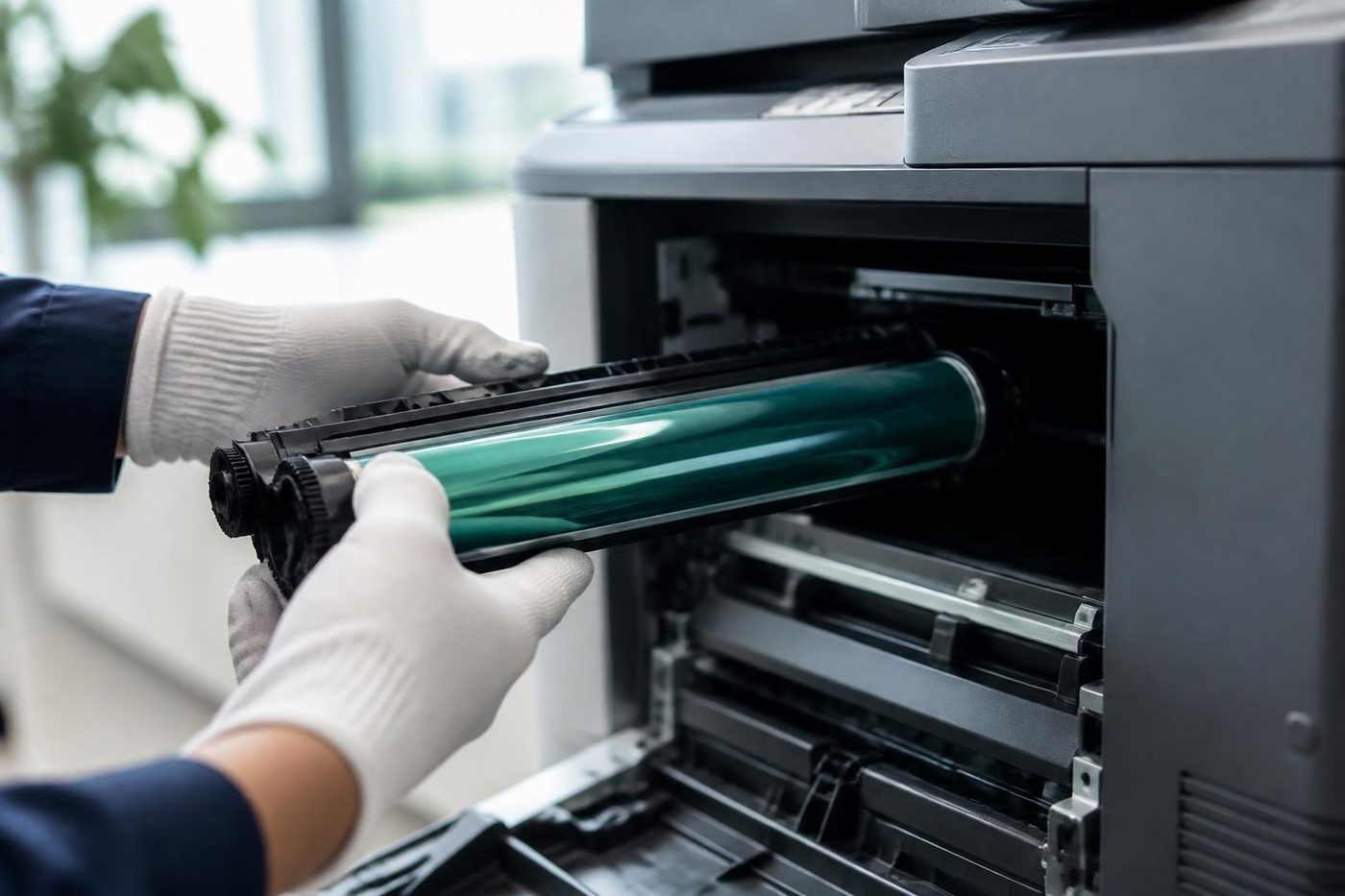
Kyocera's own fault steps for this model start with the firmware on many codes, so we check that first. Then the area the code names. For a fuser code: the fuser seating and its connector, anything caught between the fuser and the induction heater, then the fuser itself. For a colour code: the patch sensors, then the drum and developer of that colour. For a laser code: the laser unit and its wiring.
The wear parts
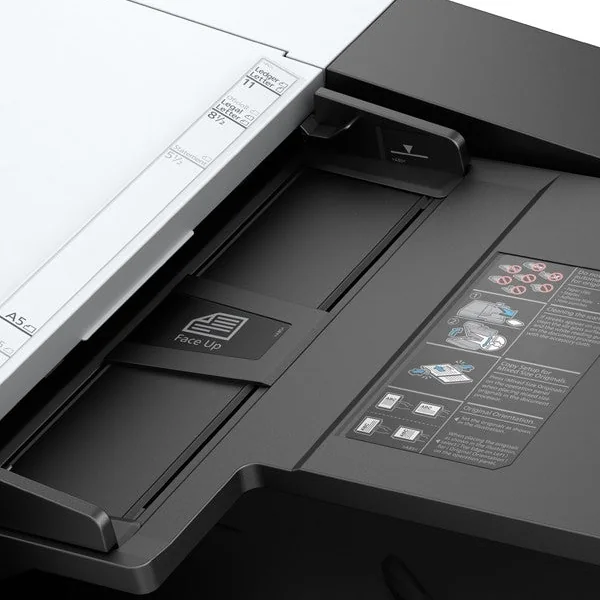
While the covers are off we check the counter against Kyocera's two 200,000 image kits and the 300,000 kit for the document feeder. If a kit is close, we tell you then and there, so a second visit for it can be avoided.
Before we leave
- Clear the code and reset the counter for anything replaced.
- Copy, print and scan a test page, including colour.
- Send a test scan to email and to the shared folder.
- Tell you what is likely to be due next, and roughly when.
Gold Coast and Tweed
Same fault again? Same technician, no new bill
If the fault we fixed comes back, the return visit for it costs nothing.
We keep notes on every M8130cidn we attend, so the next visit starts where the last one finished.
- Notes kept. Every visit is recorded against the machine.
- Parts on board. The common wear parts travel with us.
- Price first. Agreed on the phone before booking.
Buy, sell and lease
Buy, sell and lease commercial copiers on the Gold Coast
We also sell new and refurbished commercial copiers and buy used ones. Same team, same technicians.
Around Southport, Burleigh and Robina
M8130cidn codes people read out to us
My M8130cidn says C6000. What now?
The fuser did not heat up in time. Switch off, wait a minute and switch on once. If C6000 comes back, leave the machine off and ring us: that is a fuser visit.
It stopped on C7102. Is it out of toner?
No. C7101 to C7104 come from the sensor inside a developer that measures its toner mix, and the last digit is the colour: 2 is cyan. The developer is reseated or replaced.
What is C4600?
A small motor wipes the four laser windows clean. C4600 means it has stopped turning. Until it is fixed, streaks tend to follow.
The colours look wrong and calibration ends in C7613.
The magenta test patch read out of range. Sometimes cleaning the patch sensors fixes it; sometimes the magenta drum or developer is worn.
Do you come to Tweed Heads?
Yes. Tweed Heads and Banora Point are booked exactly like the rest of the Gold Coast.
Will you tell us the price before you come?
Yes. We ring back with a price, and nothing is booked until you say yes.
Season is busy, machine is down
We keep the call moving.
Tell us what stopped and we say what we can arrange. Same day service is available, and every call is logged.
Tell us the fault
Everything we look after on the Gold Coast
Copier and printer service
Fault guides
- Copier and printer faults Gold Coast
- Photocopier paper jams Gold Coast
- Copier black lines and streaks Gold Coast
- Copier error codes Gold Coast
- Copier not printing Gold Coast
- Scan to email not working Gold Coast
- Toner smearing and fuser faults Gold Coast
- Printer offline and network faults Gold Coast
- Copier noise, grinding and squealing Gold Coast
- Is my copier worth repairing Gold Coast
- Toshiba e-STUDIO error codes Gold Coast
- HP LaserJet error messages Gold Coast
- Kyocera M8130cidn service Gold Coast
- Kyocera M8124cidn repairs Gold Coast
Makes we repair
- Toshiba copier repairs Gold Coast
- HP printer repairs Gold Coast
- Kyocera copier repairs Gold Coast
- Fujifilm copier repairs Gold Coast
- Xerox copier repairs Gold Coast
- Canon copier repairs Gold Coast
- Ricoh copier repairs Gold Coast
- Lexmark printer repairs Gold Coast
- Brother printer repairs Gold Coast
- Epson printer repairs Gold Coast
- OKI printer repairs Gold Coast
- Zebra printer repairs Gold Coast
- Konica Minolta copier repairs Gold Coast
- Sharp copier repairs Gold Coast
- Samsung printer repairs Gold Coast
- Fuji Xerox copier repairs Gold Coast
Suburbs we work in
- Printer service Southport
- Printer service Bundall
- Printer service Robina
- Printer service Varsity Lakes
- Printer service Nerang
- Printer service Burleigh Heads
- Printer service Helensvale and Coomera
- Printer service Surfers Paradise
- Printer service Broadbeach
- Printer service Coolangatta and Tweed Heads
- Printer service Labrador and Biggera Waters
- Printer service Mudgeeraba and Reedy Creek
- Printer service Molendinar, Ashmore and Carrara
- Printer service Currumbin, Palm Beach and Tallebudgera
- Printer service Byron Bay, Ballina and Lennox Head
- Printer service Lismore and the Northern Rivers
- Printer service Murwillumbah and the Tweed Valley
- Printer service Kingscliff, Tweed Heads South and Pottsville
- Printer service Arundel and Yatala
- Printer service Pacific Pines and Oxenford
- Printer service Tugun, Bilinga and the Gold Coast Airport side
- Printer service Miami, Mermaid Waters and Mermaid Beach
- Printer service Currumbin Waters and Elanora
- Printer service Paradise Point, Runaway Bay and Hope Island
- Printer service Mullumbimby, Brunswick Heads and Ocean Shores
- Every suburb we cover
Know the make and what it is doing? That is enough for a price.
Describe it and we will ring back
Fill this in and someone rings you back with a price, usually after a few questions about the machine. Or call (07) 3096 0331.